PLJWS2635Weather Station Receiver
Mandolyn Electronic Technology Inc.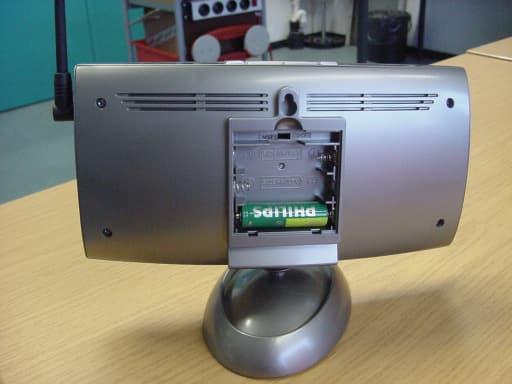
Click to zoom
Application Details
- Equipment Class
- CRR - Superregenerative Receiver
- Date of Grant
- Mar 13, 2007
- Application Purpose
- Original Equipment
- Date of Application
- Mar 13, 2007
- Equipment Note
- Weather Station Receiver
- Frequency Range
- 433.92000000 - 433.92000000
- Country
- Canada
Documents & Files
Document Text
Text extracted from the exhibit documents filed with the FCC. Open a document above to read the original.
Users Manual
P.14 P.9P.13 P.15 P.12 P.10 P.11 RAINFALL & ANEMOMETER DISPLAY WEATHER FORECAST & DISPLAY PRESSURE HISTORICAL BAR GRAPH FCC STATEMENT MOON PHASES TEMPERATURE & HUMIDITY DISPLAY TEMPERATURE & HUMIDITY TREND TEMPERATURE ALARM Throughout the 28 days of the lunar month, the aspect of the moon changes. Indeed, the moon, being spherical, is always half lightened up by the sun. As the moon rotates around the Earth, the appearance of its lightened side changes continuously. This phenomenon creates moon phases. The moon phase on your MeteoClock is automatically updated according to the year/ month/day. 1. New Moon 2. Young Crescent 3. First Quarter 4. Waxing Gibbous 5. Full Moon 6. Waning Gibbous 7. Last Quarter 8. Old Crescen Check Inside Temperature and humidity After inserting the batteries, the local temperature and humidity will be displayed [*]. Check Outside Temperature & Humidity1. Press CHN [4] to toggle between the data of your various remote sensors: Outside 1 (channel 1), Outside 2 (channel 2) and Outside 3 (channel 3). Temperature and humidity readings will alternate on the receiver.Note: if you do not have any additional sensors, please disregard this function. °C or °F Temperature Display2. Toggle between °C and °F by pressing Snooze [5] in Clock 2 mode. Min and Max Temperature & Humidity 3. Press MINUTE/- [3] in Clock 1 mode to display minimum temperature and humidity records. 4. Press HOUR/+ [2] in Clock 1 mode to display maximum temperature and humidity records. Display HI & LO"Hi" and "Lo" displayed onscreen mean that the temper ature or humidity is outside the range of specification. Inside/ Outside Temperature Humidity Display Inside > +55°C > 95% HI Inside < - 20°C < 15% LO Outside > +70°C > 95% HI Outside < - 30°C < 15% LO The trend indicator shows the trend of temperature & humidity determined by the particular sensor in the past half hour interval. You can set high temperature or low temperature alarms for one local channel and for one remote channel.Local temperature alarm1. Scroll to temperature alarm mode by using MODE (Inside). 2. The default value 14°C or existing preset will flash.3. Press Hour/+[2] or Minute/– [3] keys to set the temperature limit value. 4. Press Snooze [5] key continuously to scroll and select the high temperature alarm , low temperature alarm ( ) or disable the alarm ( ) function (blank).5. Press mode [1] to save your settings. Outdoor temperature alarm1. Scroll to remote channel temperature alarm mode by using mode [1] . 2. Press CHN [4] to select the channel of the desired transmitter. 3. The default value 14°C or existing preset will flash.4. Press Hour/+[2] or Minute/– [3] keys to set the temperature limit value. 5. Press Snooze [5] key continuously to scroll and select the high temperature alarm ( ) , low temperature alarm ( ) or disable the alarm function (blank).6. Press mode [1] to save your settings. When the temperature alarm soundsThe icon signals that the temperature has exceeded the preset temperature limit.a. Press any key to stop temperature alarm.b. If no key is pressed, the temperature alarm will automatically stop itself after one minute.c. Once triggered, temperature alarm comes on as a distinctive sound, different to that of Alarm1 and Alarm2. RainfallThe rainfall can be displayed in mm or in, moreover it can show the rainfall record in total, at last hour, today & yesterday. Change the display unitPress the Min key at clock 1 can change the display unit of rainfall and wind speed.Display the rainfall recordTo display the last hour, today &yesterday’s rainfall Press the Hour key at clock 1 to change the rainfall recordWind speedThe wind speed can be displayed in km/h, mph. Change the display unitPress the Min key at clock 1 can change the display unit of rainfall and wind speed. Animated weather forecast symbolsThis weather station is capable of detecting barometric pressure changes, and based on the data collected, can predict the weather for the next 12 to 24 hours. The effective range covers an area of 30 – 50km. Storm Alert* The storm symbol will flash to warn of a thunderstorm.* It is activated when pressure falls/rises and temperature plunges.About Snow and Freeze Warning* The snow symbol will flash to warn that it might snow.* Activated when the temperature of Channel 1 is between -1.9 °C & +2.9 °C.* The snow symbol will appear solid when the temperature of channel 1 falls below - 1.9 °C, and it is freezing.Note:* The remote sensor set at channel 1 displays the weather forecast icons (as well as the trend indication). Please place it outdoors. REMARKS: After having completed the settings of your weather station, please discard the readings of the weather forecast for the next 12-24 hours. This will allow sufficient time for the Weather Station to operate at a constant altitude and therefore result in a more accurate forecast.Absolute accuracy cannot be guaranteed regarding weather forecasting.The weather forecasting feature is estimated to have an accuracy level of about 75% due to the varying areas the Weather Station has been designed to be used in. If the Weather Station is moved to another location significantly higher or lower than its initial standing point (e.g. from ground floor to 1st floor of a house), remove the batteries and reinsert them after about 30 seconds. By doing this, the Weather Station will mistakenly consider the new location as a possible change in air pressure. Again, discard the weather forecasts for the next 12-24 hours as to allow time for operation at a constant altitude. Pressure trend The trend pointer displayed at indicates the trend of the barometric pressure. Indicates that the barometric pressure trend is increasing. Indicates that the barometric pressure trend is steady.Indicates the barometric pressure trend is decreasing. Altitude settingThe altitude setting can calibrate the pressure reading of main unit to it’s position. It is because the exact pressure reading will be affected w…
Text truncated - open the document above for the full version.
External Photos
CETECOM ICT Services GmbH Untertürkheimer Str. 6-10, 66117 Saarbruecken Phone: +49 (0) 681 598-0 Fax: -9075 RSC-Laboratory Phone: +49 (0) 681 598-0 Fax: -9075 Test report no.: 4-2437-01-04/07 Date: 2007-02-15 Page 16 of 20 7 Annex C: Photographs of EUT EUT: WS2635 Photo 1 Photo 2
ID Label/Location Info
FCCLABELOF WEATHERST ATION,MODELWS2635 MODEL:WS2635 MODELWS2635 : FCCID:PLJWS2635/IC:3981A-WS2635 FCCID:PLJWS2635/ IC:3981A-WS2635 MadeinChina MadeinChina ThisdevicecomplieswithPart15oftheFCCRules andwithRSS-210ofIndustryCanada.Operationis subjecttothefollowingtwoconditions:(1)thisdevice maynotcauseharmfulinterference,and(2)this devicemustacceptanyinterferencereceived, includinginterferencethatmaycauseundesired operation. SerialNo.: ThisdevicecomplieswithPart15oftheFCCRules andwithRSS-210ofIndustryCanada.Operationis subjecttothefollowingtwoconditions:(1)thisdevice maynotcauseharmfulinterference,and(2)this devicemustacceptanyinterferencereceived, includinginterferencethatmaycauseundesired operation. SerialNo.: Label location
Internal Photos
CETECOM ICT Services GmbH Untertürkheimer Str. 6-10, 66117 Saarbruecken Phone: +49 (0) 681 598-0 Fax: -9075 RSC-Laboratory Phone: +49 (0) 681 598-0 Fax: -9075 Test report no.: 4-2437-01-04/07 Date: 2007-02-15 Page 17 of 20 EUT: WS2635 Photo 3 Photo 4 CETECOM ICT Services GmbH Untertürkheimer Str. 6-10, 66117 Saarbruecken Phone: +49 (0) 681 598-0 Fax: -9075 RSC-Laboratory Phone: +49 (0) 681 598-0 Fax: -9075 Test report no.: 4-2437-01-04/07 Date: 2007-02-15 Page 18 of 20 EUT: WS2635 Photo 5 Photo 6 CETECOM ICT Services GmbH Untertürkheimer Str. 6-10, 66117 Saarbruecken Phone: +49 (0) 681 598-0 Fax: -9075 RSC-Laboratory Phone: +49 (0) 681 598-0 Fax: -9075 Test report no.: 4-2437-01-04/07 Date: 2007-02-15 Page 19 of 20 EUT: WS2635 Photo 7 Photo 8 CETECOM ICT Services GmbH Untertürkheimer Str. 6-10, 66117 Saarbruecken Phone: +49 (0) 681 598-0 Fax: -9075 RSC-Laboratory Phone: +49 (0) 681 598-0 Fax: -9075 Test report no.: 4-2437-01-04/07 Date: 2007-02-15 Page 20 of 20 EUT: WS2635 Photo 9
Test Report
CETECOM ICT Services GmbH Untertürkheimer Str. 6-10, 66117 Saarbruecken Phone: +49 (0) 681 598-0 Fax: -9075 RSC-Laboratory Phone: +49 (0) 681 598-0 Fax: -9075 Test report no.: 4-2437-01-04/07 Date: 2007-02-15 Page 1 of 20 Recognized by the Federal Communications Commission Anechoic chamber registration no.: 90462 (FCC) Anechoic chamber registration no.: 3463A-1 (IC) TCB ID: DE 0001 Accredited by the German Accreditation Council DAR–Registration Number DAT-P-176/94-D1 Independent ETSI compliance test house ETSI Accredited Bluetooth ® Test Facility (BQTF) Test report no. : 4-2437-01-04/07 Applicant : W.H. Mandolyn International ltd. Type : WS2635 Test Standard : FCC Part 15 / RSS210 Issue 6 FCC ID : PJLWS2635 Certification No. IC : 3981A-WS2635 The Bluetooth word mark and logos are owned by the Bluetooth SIG, Inc. and any use of such marks by Cetecom ICT is under license CETECOM ICT Services GmbH Untertürkheimer Str. 6-10, 66117 Saarbruecken Phone: +49 (0) 681 598-0 Fax: -9075 RSC-Laboratory Phone: +49 (0) 681 598-0 Fax: -9075 Test report no.: 4-2437-01-04/07 Date: 2007-02-15 Page 2 of 20 Table of contents 1 GENERAL INFORMATION ................................................................................................................................... 3 1.1. ADMINISTRATIVE DATA OF THE TEST FACILITY..................................................................................................... 3 1.1.1 Identification of the testing laboratory ......................................................................................................... 3 1.2. NOTES................................................................................................................................................................... 3 1.3 DETAILS OF APPLICANT......................................................................................................................................... 4 1.4 APPLICATION DETAILS.......................................................................................................................................... 4 1.5 TEST ITEM............................................................................................................................................................. 5 1.6 TEST SETUP........................................................................................................................................................... 6 1.7 TEST SPECIFICATIONS............................................................................................................................................ 6 2 STATEMENT OF COMPLIANCE .......................................................................................................................... 6 2.1 SUMMARY OF MEASUREMENT RESULTS................................................................................................................ 6 2.1.1 CFR 47 Part 15 Radio frequency devices ..................................................................................................... 6 3 MEASUREMENTS AND RESULTS ....................................................................................................................... 7 4 FCC PART 15 SUBPART B ...................................................................................................................................... 8 4.1 RECEIVER SPURIOUS EMISSION (RADIATED) .......................................................................................................... 8 4.1.1 Plots of spurious emissions ........................................................................................................................... 8 5 USED TESTEQUIPMENT ...................................................................................................................................... 10 6 ANNEX B: PHOTOGRAPHS OF TEST SITE ..................................................................................................... 14 7 ANNEX C: PHOTOGRAPHS OF EUT ................................................................................................................ 16 CETECOM ICT Services GmbH Untertürkheimer Str. 6-10, 66117 Saarbruecken Phone: +49 (0) 681 598-0 Fax: -9075 RSC-Laboratory Phone: +49 (0) 681 598-0 Fax: -9075 Test report no.: 4-2437-01-04/07 Date: 2007-02-15 Page 3 of 20 1 General information 1.1. Administrative data of the test facility 1.1.1 Identification of the testing laboratory Company name: Cetecom ICT Services GmbH Address: Untertürkheimerstr. 6-10 D-66117 Saarbruecken Germany Laboratory accreditation: DAR-Registration No. DAT-P-176/94-D1 Bluetooth Qualification Test Facility (BQTF) Federal Communications Commission (FCC) Identification/Registration No : 90462 Responsible for testing laboratory: Michael Berg Phone: +49 681 598 0 Fax: +49 681 598 9075 email: [email protected] 1.2. Notes The test results of this test report relate exclusively to the test item specified in 1.5. The CETECOM ICT Services GmbH does not assume responsibility for any conclusions and generalizations drawn from the test results with regard to other specimens or samples of the type of the equipment represented by the test item. The test report may only be reproduced or published in full. Reproduction or publication of extracts from the report requires the prior written approval of the CETECOM ICT Services GmbH. .................................................................................. Responsible for testing (D. Gillmann) .................................................................................. Responsible for laboratory (Haro Ames) CETECOM ICT Services GmbH Untertürkheimer Str. 6-10, 66117 Saarbruecken Phone: +49 (0) 681 598-0 Fax: -9075 RSC-Laboratory Phone: +49 (0) 681 598-0 Fax: -9075 Test report no.: 4-2437-01-04/07 Date: 2007-02-15 Page 4 of 20 1.3 Details of Applicant Name : W.H. Mandolyn International ltd. Adress : Unit 1003-8, Landmark North, Lung Sum Avenue City : Sheung Shul, N.T. Country : Hon…
Text truncated - open the document above for the full version.
Test Setup Photos
CETECOM ICT Services GmbH Untertürkheimer Str. 6-10, 66117 Saarbruecken Phone: +49 (0) 681 598-0 Fax: -9075 RSC-Laboratory Phone: +49 (0) 681 598-0 Fax: -9075 Test report no.: 4-2437-01-04/07 Date: 2007-02-15 Page 14 of 20 6 Annex B: Photographs of Test site Photo 1 (Radiated Emissions): Photo 2 (Radiated Emissions):
Contact Information
Applicant
C.M. Yip(Engineering Manager)
Test Firm
cetecom advanced GmbHGerald Schmidt
Technical Specifications
| # | Rule Parts | Frequency Range | Power Output |
|---|---|---|---|
| 1 | 15B | 433.92 MHz - 433.92 MHz | - |
Other Applications from Mandolyn Electronic Technology Inc.
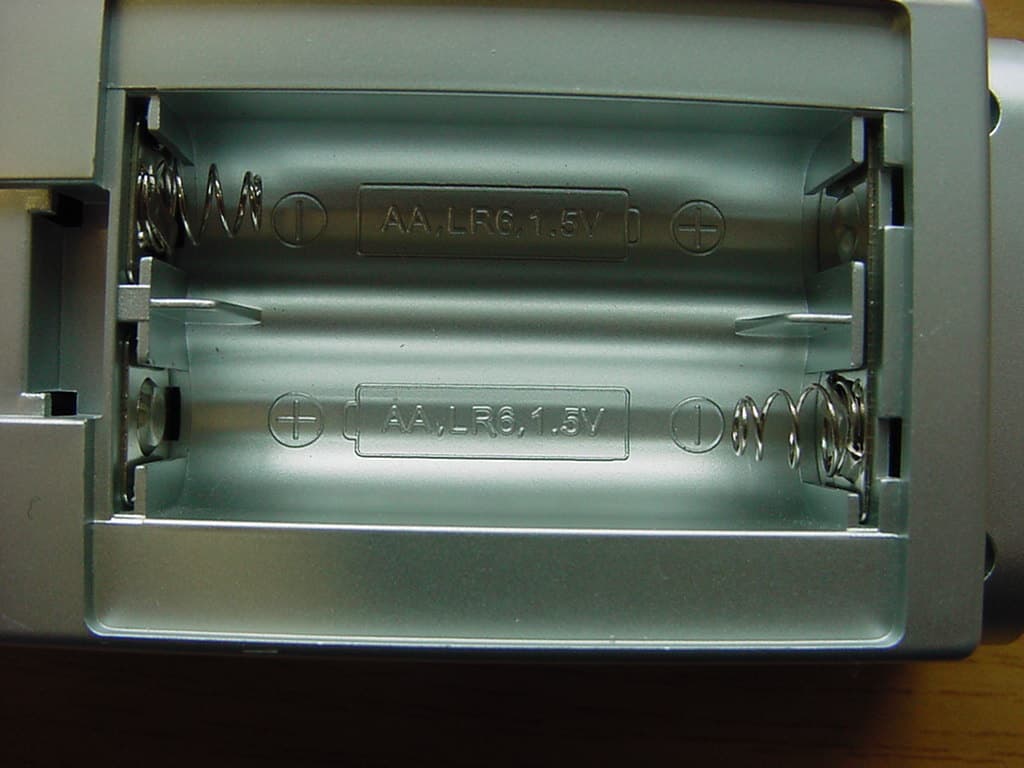
PLJDB910
Jul 03, 2007Wireless Doorbell
Equipment Class
CYY - Communications Receiver used w/Pt 15 Transmitter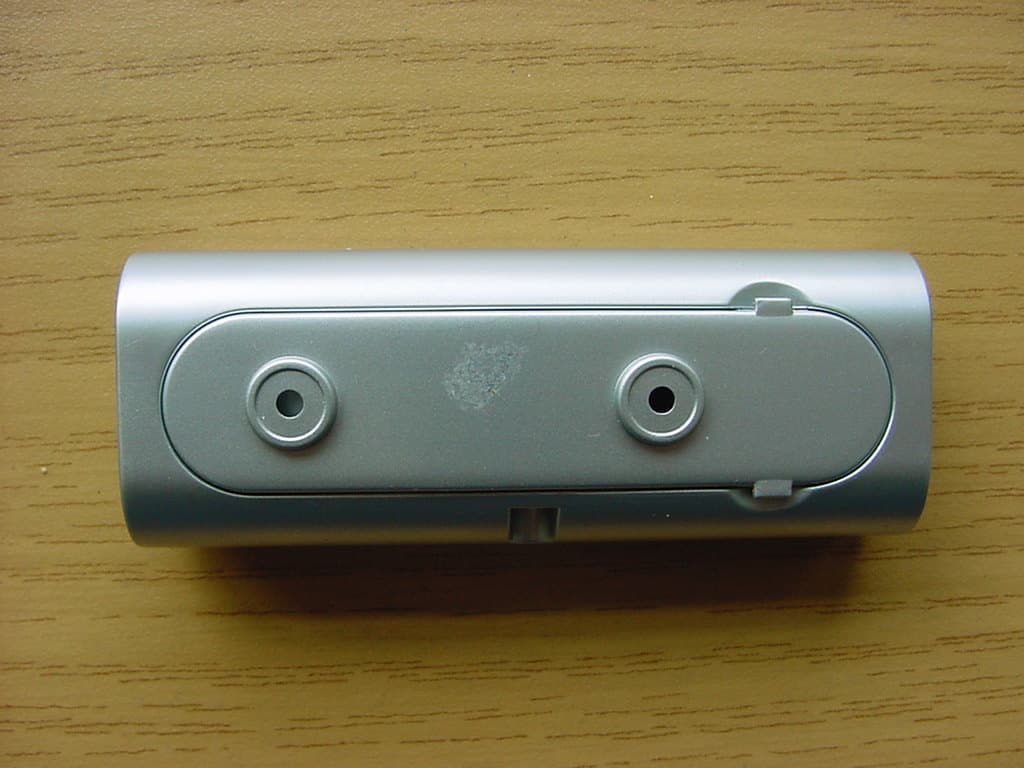
PLJDBT701
Jul 03, 2007Wireless Doorbell
Equipment Class
DSC - Part 15 Security/Remote Control Transmitter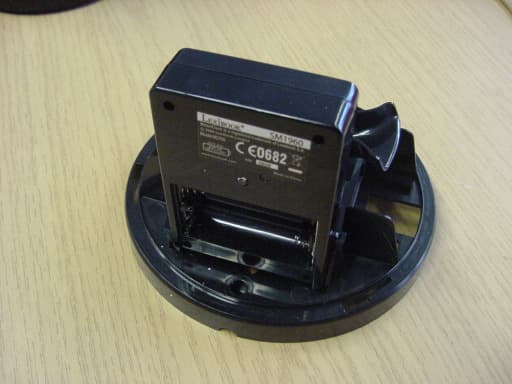
PLJWDS500
Mar 13, 2007Weather Station Transmitter
Equipment Class
DSC - Part 15 Security/Remote Control Transmitter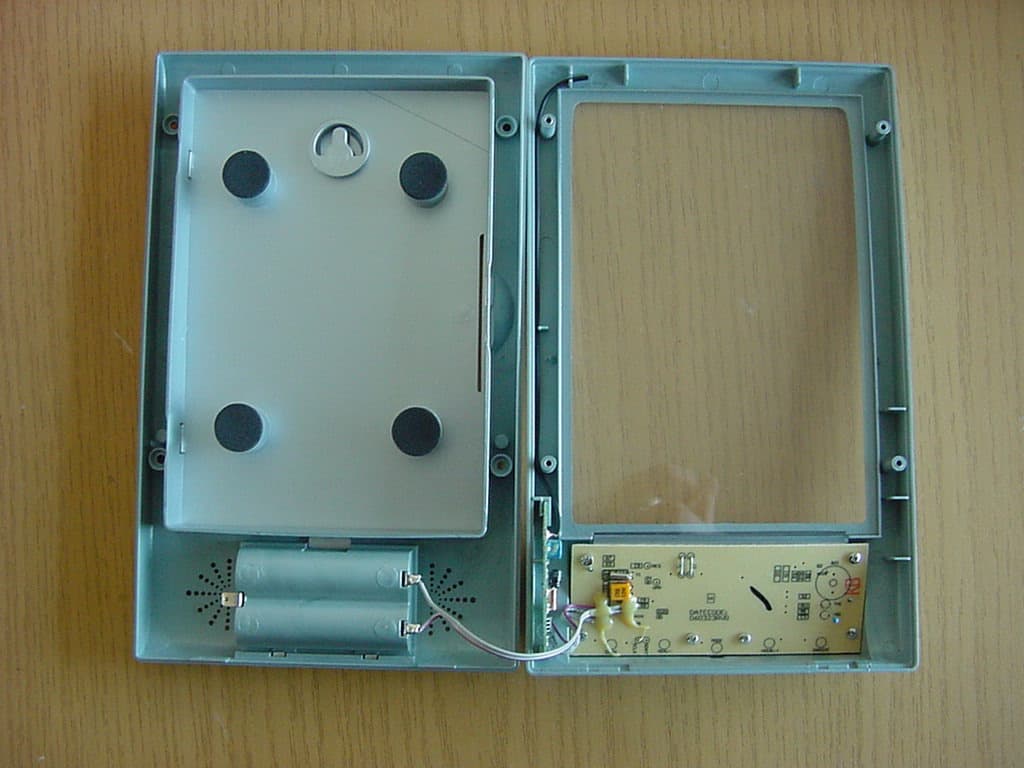
PLJWS1200
Mar 13, 2007Weather Station Receiver
Equipment Class
CRR - Superregenerative Receiver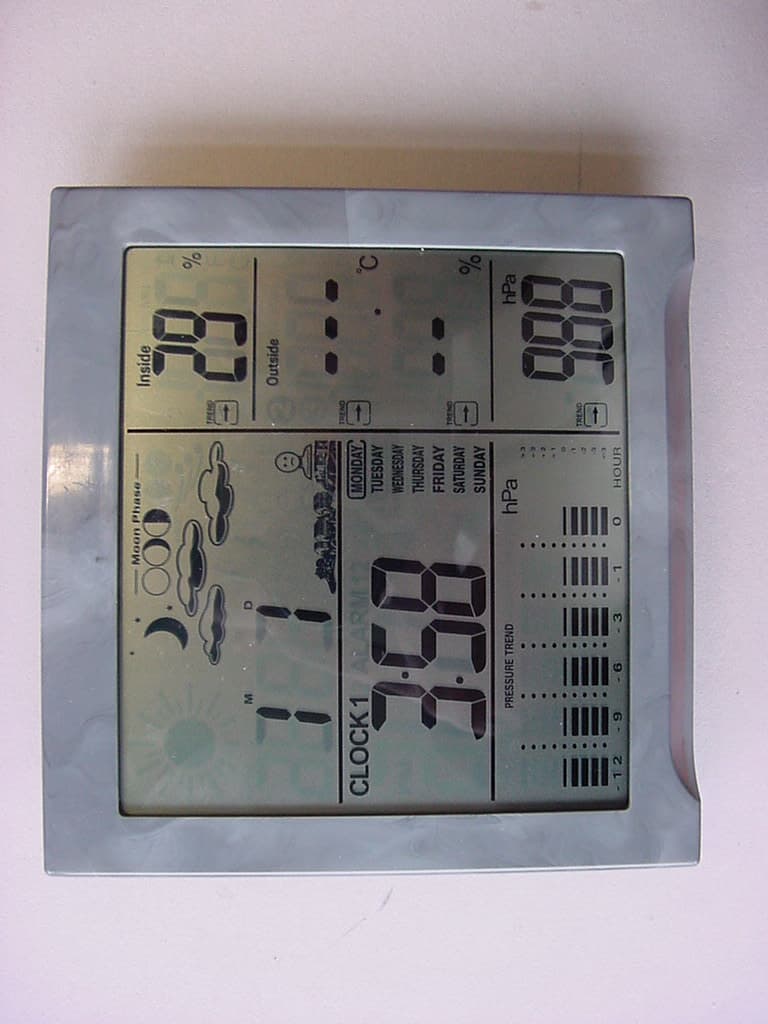
PLJWS928
Jan 29, 2006Weather Station Receiver
Equipment Class
CYY - Communications Receiver used w/Pt 15 Transmitter