PO9-HTK3001Wireless Keyboard
Horng Technical Enterprise Co., Ltd.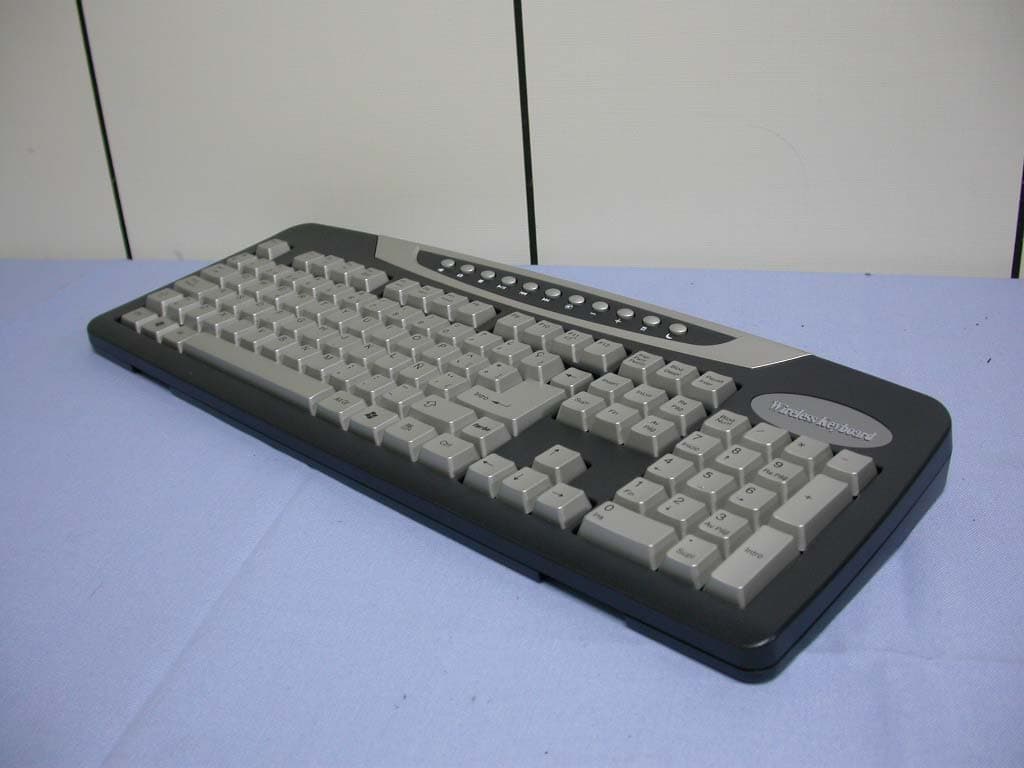
Click to zoom
Application Details
- Equipment Class
- DXX - Part 15 Low Power Communication Device Transmitter
- Date of Grant
- Feb 12, 2004
- Application Purpose
- Original Equipment
- Date of Application
- Feb 12, 2004
- Equipment Note
- Wireless Keyboard
- Frequency Range
- 27.10000000 - 27.10000000
- Country
- Taiwan
Documents & Files
Document Text
Text extracted from the exhibit documents filed with the FCC. Open a document above to read the original.
Users Manual
Wireless Keyboard Model Name: HTK-3001 Users Manual Yahoo! and all related marks, designs and indicia are trademarks of Yahoo! Inc., 2003 Yahoo! Inc, 701 First Avenue, Sunnyvale, CA 94089. All rights reserved. All other trademarks are the property of their respective owners. SETTING UP YOUR KEYBOARD Connecting your Keyboard: You can easily set up your keyboard by fo llowing the instructions in this section. 1. Make sure the computer is turned off. Caution: Plugging or unplugging cables to the computer's PS/2 port while the computer is running can damage the computer. 2. Connect the receiver's cable to the computer's PS/2 port. ADJUSTING THE KEYBOARD LEGS The keyboard legs provided are designed to accommodate various body size, chairs, and desks while using this keyboard. To adjust the keyboard legs, see the instructions on the underside of the keyboard. Choose the option that promotes the least bending of the wrists while typing. INSTALLATION OF THE DRIVER: Step 1: Remove any keyboard drivers prior to installing your new keyboard driver. Step 2: Insert the device driver diskette into your floppy disk drive, and then start the SETUP. Step3: Follow the directions in the installation program step by step. Step4: Restart your computer. ● After restarting, there will be a figure of keyboard on the right bottom corner of your screen, which indicates the installation has been completed successfully. ADDITIONAL KEYS: The keyboard includes additional keys that en able you to use Microsoft operating systems and applications more efficiently. ADDITIONAL INTERNET & MULTIMEDIA KEYS: Your iConcepts keyboard includes 18 multimedia & Internet functions. Before access these hot keys, please press enable Multi-media function: After enabling multimedia, you can use the After disabling multimedia, the keyboard media and internet functions works under normal mode. MULTIMEDIA & INTERNET Sleep Mute Browser Volume d own E-Mail Volume up Previous track Stop Play/Pause Next track Calculator Installing the Batteries 1. Remove the battery cover. 2. Insert two AAA alkaline batteri es. Follow the diagram inside the battery compartment for correct battery orientation. 3. Replace cover. 4. When you are not using the mouse for long periods of time, remove the batteries. Connect the Radio Receiver 1. Make sure the computer is turned off. Cautio n: Plugging or unplugging cables to the computer's PS/2 port while the computer is running can damage the computer. 2. Connect the receiver's cable to the computer's PS/2 port. Installing "4D-mouse" Software 1. Start Windows 95/98/2000/N T4.0 and insert software di skette into drive A or B. 2. Click Start on the Taskbar and select Run. 3. From the Run dialog box, select (or type) A:\SETUP or B:\SETUP and click OK. Follow the on-screen instructions. 4. The "4D-mouse" software must be installed to use all the features of your 4D-mouse. General Function Setting: * Press middle or right button to set the functions below. * Press middle or right button once to practice the functions. * To stop the function just press middle button. Wheel Function Setting: • Choose wheel 4D and press the task button to • view the window below. On computers with a power management program, the " Sleep" Hot key enables you to: Start your screen saver / Log off Windows / Shut down Windows. Toggle the sound mute or not mute. Launch the default Internet Browser. Decrease the main volume of the sound. Launch the default mail application. Increase the main volume of the sound. Skip to the beginning position of the previous track. Stop playing and return to the beginning position of the track. Start to play a CD title, continue playing the title, or Pause the current play status. Skip to the beginning position of the next track. Launch the Windows Calculator application. Choose Wheel Mode/Parameters: Enable Background wheel Set window Active Wheel Page Scroll Wheel Scroll lines • Choose wheel To Scroll and press the task button to set the speed Troubleshooting When your wireless mouse does not work after installation • Make sure you have connected the receiver correctly. The receiver cable goes into the computer's PS/2 mouse port. For optimal performance, place the receiver at least 8 inches or 20 centimeters away from other electrical devices, such as the computer, the computer monitor, or external storages drives. • Make sure that the batteries you use are new and fresh (not outdated). If you are not getting a response from the mouse or keyboard, please replace the batteries. TECHNICAL SUPPORT The quickest way to have your questions answered is to visit our tech support web site at www.sakarhelp.com . There you will find most frequently asked questions and answers about your product. If you cannot find a solution you may email us at [email protected] or call 877-397-8200. Email and web inquiries are the FASTEST way to get your problems resolved. Yahoo! Limited Two Year Warranty This Warranty covers for the original consumer purchaser only and is not transferable. Products that fail to function properly UNDER NORMAL USAGE , due to defects in material or workmanship. Your product will be repaired at no charge for parts or labor for two years. What Is Not Covered by Warranty Damages or malfunctions not resulting from defects in material or workmanship and damages or malfunctions from other than normal use, including but not limited to, repair by unauthorized parties, tampering, modification or accident. What To Do When Service Required When returning your defective product (postage pre-paid) for service, your package should include: 1. Copy of the original bill of sale. 2. A detailed written description of the problem. 3. Your return address and telephone number. (Daytime) 4. A check or money order for USD $9.00 payable to iConcepts to cover shipping, handling and insurance. (Other fees may apply for shipments outside the US, pleas email, write or call for exact shipping charges. ) MAIL TO ADDRESS BELOW: Yahoo! /…
Text truncated - open the document above for the full version.
Cover Letter(s)
Mike Kuo From: [email protected] Sent: February09 2004 Monday 11:01 PM To: Mike Kuo Cc: [email protected]; [email protected] Subject: FW: Horng Technical Enterprise Co., Ltd., FCC ID:PO9-HTK3001, AN0 4T3642 2/13/2004 Hi Mike, Here are our responses to the issues. Question #1: This device is wireless keyboard with fundamental frequency of 27MHz. This wireless keyboard is powered with 2 AA batteries. With this understanding, in the test report, AC line conducted emission test was performed with emission plots. In addition, in the AC line conducted measurement procedure mentioned Bluetooth device . Please explain how this wireless keyboard will be connected to AC main. What is the Bluetooth function related to this device? Our Response #1: We revise the test report (as attached). Please refer to it. Question #2: In the test setup photo, photo 3 and 4 are labeled as AC line conducted setup photo. Please explain. Our Response #2: We revise the test report (as attached). Please refer to it. Question #3: What is the detector function used to measure the fundamental frequency ? Our Response #3: "Peak detector" is used. Question #4: Please confirm that loop antenna was used to measure radiated emission below 30MHz. Our Response #4: Yes, we used the loop antenna. I hope the above response would conclude this case and receive your grant soon. Thank you. Best Rgds, WK Mike Kuo <[email protected]> 2004/02/07 03:27 AM "'[email protected]'" <[email protected]> "Lai, Harris (E-mail)" <[email protected]> -----Original Message----- From: CERTADM Sent: Friday, February 06, 2004 11:26 AM To: Mike Kuo Subject: Horng Technical Enterprise Co., Ltd., FCC ID:PO9-HTK3001, AN04T3642 Notice_content ------------- Question #1: This device is wireless keyboard with fundamental frequency of 27MHz. This wireless keyboard is powered with 2 AA batteries. With this understanding, in the test report, AC line conducted emission test was performed with emission plots. In addition, in the AC line conducted measurement procedure mentioned Bluetooth device . Please explain how this wireless keyboard will be connected to AC main. What is the Bluetooth function related to this device ? Question #2: In the test setup photo, photo 3 and 4 are labeled as AC line conducted setup photo. Please explain . Question #3: What is the detector function used to measure the fundamental frequency ? Question #4: Please confirm that loop antenna was used to measure radiated emission below 30MHz. Best Re gards Mike Kuo The items indicated above must be submitted before processing can continue on the above referenced application. Failure to provide the requested information within 30 days of the original e-mail date may result in application dismissal and forfeiture of the filing fee. Also, please note that partial responses increase processing time and should not be submitted. Any questions about the content of this correspondence should be directed to the e-mail address listed below the name of the sender. 2/13/2004
External Photos
Compliance Certification Services Inc. Report No: B31223206 Date of Issue: January 7, 2004 Page 1 of 2 EXTERNAL PHOTOGRPHS OF EUT
Internal Photos
Compliance Certification Services Inc. Report No: B31223206 Date of Issue: January 29, 2004 Page 2 INTERNAL PHOTOGRPHS OF EUT
Test Report
Compliance Certification Services Inc. Report No: B31223206-RP FCC ID: PO9-HTK3001 Date of Issue: January 7, 2004 Note: This report shall not be reproduced except in full, without the written approval of Compliance Certification Services Inc. This document may be altered or revised by Compliance Certification Services Inc. personnel only, and shall be noted in the revision section of the document. Page 1 of 17 FCC 47 CFR PART 15 SUBPART C TEST REPORT For HORNG TECHNICAL ENTERPRISE CO., LTD Wireless keyboard Model: HTK-3001 Trade Name: HORNGTECH Prepared for HORNG TECHNICAL ENTERPRISE CO., LTD No. 1-5 Hsin-Pi, Chiu-Pi Li, Tai-Bao City, Cha-Yi Hsien, Taiwan, R. O. C. Prepared by Compliance Certification Services Inc. No. 81-1, Lane 210, Bade Rd. 2, Luchu Hsiang, Taoyuan Hsien, (338) Taiwan, R.O.C. TEL: 886-3-324-0332 FAX: 886-3-324-5235 Compliance Certification Services Inc. Report No: B31223206-RP FCC ID: PO9-HTK3001 Date of Issue: January 7, 2004 Page 2 TABLE OF CONTENTS 1. TEST RESULT CERTIFICATION....................................................................................................3 2. EUT DESCRIPTION ...........................................................................................................................4 3. TEST METHODOLOGY ....................................................................................................................5 3.1 EUT CONFIGURATION........................................................................................................................5 3.2 EUT EXERCISE...................................................................................................................................5 3.3 GENERAL TEST PROCEDURES............................................................................................................5 3.4 FCC PART 15.205 RESTRICTED BANDS OF OPERATIONS .......................................................6 3.5 DESCRIPTION OF TEST MODES...........................................................................................................6 4. INSTRUMENT CALIBRATION........................................................................................................7 5. FACILITIES AND ACCREDITATIONS ..........................................................................................8 5.1 FACILITIES........................................................................................................................................8 5.2 EQUIPMENT.......................................................................................................................................8 5.3 LABORATORY ACCREDITATIONS AND LISTING.................................................................................8 5.4 TABLE OF ACCREDITATIONS AND LISTINGS......................................................................................9 6. SETUP OF EQUIPMENT UNDER TEST .......................................................................................10 6.1 SUPPORT EQUIPMENT......................................................................................................................10 7. FCC PART 15.227 REQUIREMENTS.............................................................................................11 7.1 RADIATED EMISSIONS.....................................................................................................................11 7.2 POWERLINE CONDUCTED EMISSIONS..............................................................................................15 Compliance Certification Services Inc. Report No: B31223206-RP FCC ID: PO9-HTK3001 Date of Issue: January 7, 2004 Page 3 1. TEST RESULT CERTIFICATION Applicant: HORNG TECHNICAL ENTERPRISE CO., LTD No. 1-5 Hsin-Pi, Chiu-Pi Li, Tai-Bao City, Cha-Yi Hsien, Taiwan, R. O. C. Equipment Under Test: Wireless keyboard Trade Name: HORNGTECH Model: HTK-3001 Model Difference N/A Report Number: B31223206-RP Date of Test: December 23, 2003 ~ January 7, 2004 APPLICABLE STANDARDS STANDARD TEST RESULT FCC Part 15 Subpart C No non-compliance noted We hereby certify that: The above equipment was tested by Compliance Certification Services Inc. The test data, data evaluation, test procedures, and equipment configurations shown in this report were made in accordance with the procedures given in ANSI C63.4 (2001) and the energy emitted by the sample EUT tested as described in this report is in compliance with conducted and radiated emission limits of FCC Rules Part 15.227. The test results of this report relate only to the tested sample identified in this report. Approved by: Reviewed by: Harris W.Lai Miro Chueh Executive Vice President Section Manager Compliance Certification Services Inc. Compliance Certification Services Inc. Compliance Certification Services Inc. Report No: B31223206-RP FCC ID: PO9-HTK3001 Date of Issue: January 7, 2004 Page 4 2. EUT DESCRIPTION Product Wireless keyboard Trade Name HORNGTECH Model Number HTK-3001 Power Supply Powered by AA batteries (Rating: 2 × 1.5Vdc) Frequency Range 27 MHz Modulation Technique Pulse Modulation Antenna Gain -10dBi (Max) Antenna Designation Helical Antenna Note: This submittal(s) (test report) is intended for FCC ID: PO9-HTK3001 filing to comply with Section 15.227 of the FCC Part 15, Subpart C Rules. Compliance Certification Services Inc. Report No: B31223206-RP FCC ID: PO9-HTK3001 Date of Issue: January 7, 2004 Page 5 3. TEST METHODOLOGY The tests documented in this report were performed in accordance with ANSI C63.4 and FCC CFR 47 2.1046, 2.1047, 2.1049, 2.1051, 2.1053, 2.1055, 2.1057, and 15.227. 3.1 EUT CONFIGURATION The EUT configuration for testing is installed on RF field strength measurement to meet the Commissions requirement and operating in a manner that intends to maximize its emission characteristics in a continuous normal application. 3.2 EUT EXERCISE The EUT (Wireless keyboard) was operated in the engineering mode to fix the TX frequency that was for the purpos…
Text truncated - open the document above for the full version.
Test Setup Photos
Compliance Certification Services Inc. Report No: B31223206-RP FCC ID: PO9-HTK3001 Date of Issue: January 7, 2004 Page 17 APPENDIX 1 PHOTOGRPHS OF TEST SETUP Radiated Emission Set up Photos
Contact Information
Applicant
Eric Xiao(Engineer)
Test Firm
Compliance Certification Services Inc.Kurt Chen
Technical Specifications
| # | Rule Parts | Frequency Range | Power Output |
|---|---|---|---|
| 1 | 15C | 27.1 MHz - 27.1 MHz | - |
Other Applications from Horng Technical Enterprise Co., Ltd.
PO9-HTC-0331H
Oct 26, 2004Bluetooth Wireless Headset
Equipment Class
DSS - Part 15 Spread Spectrum Transmitter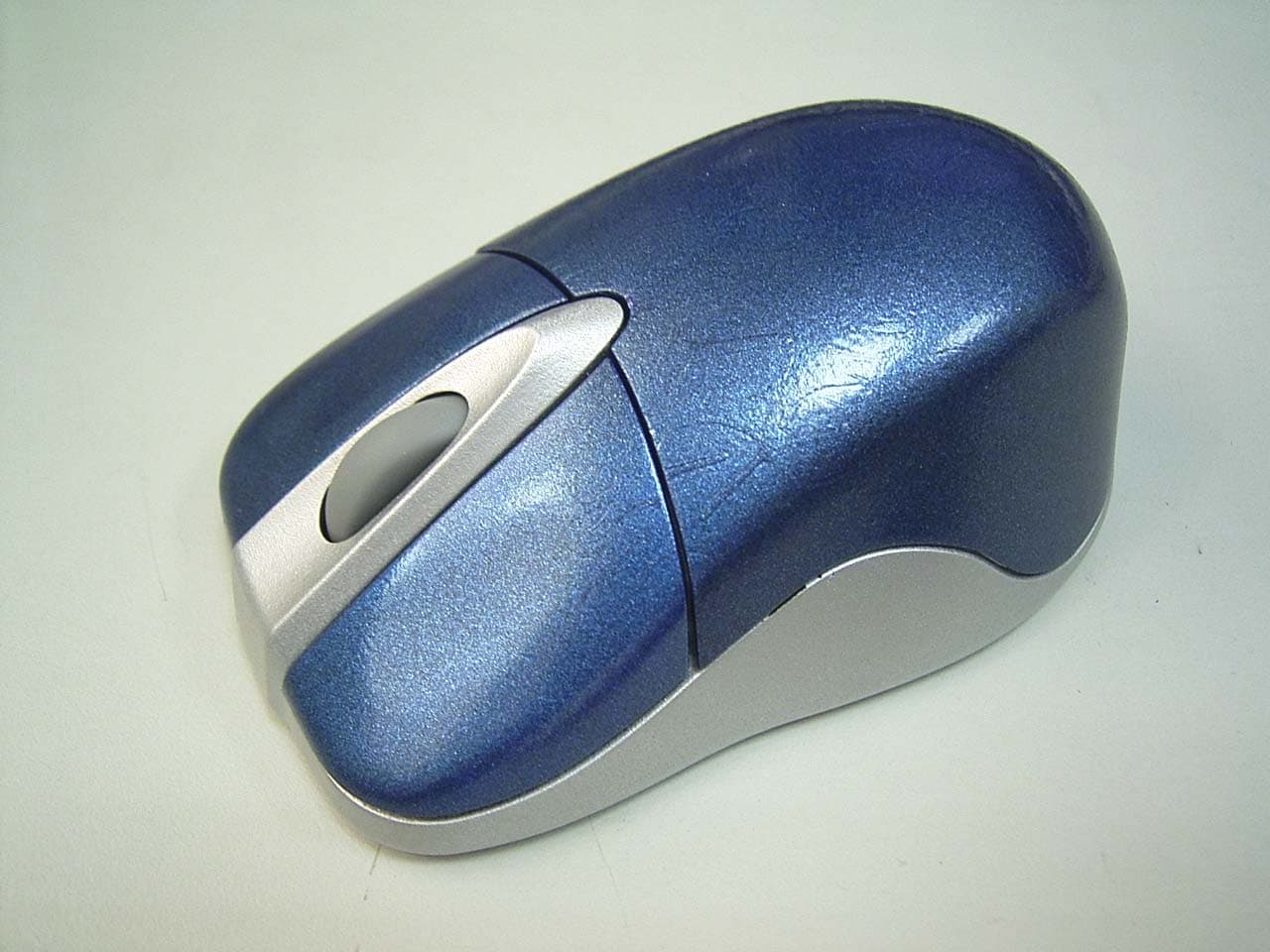
PO9-HTM69WRT
Mar 10, 2004Wireless Optical Mouse
Equipment Class
DXX - Part 15 Low Power Communication Device Transmitter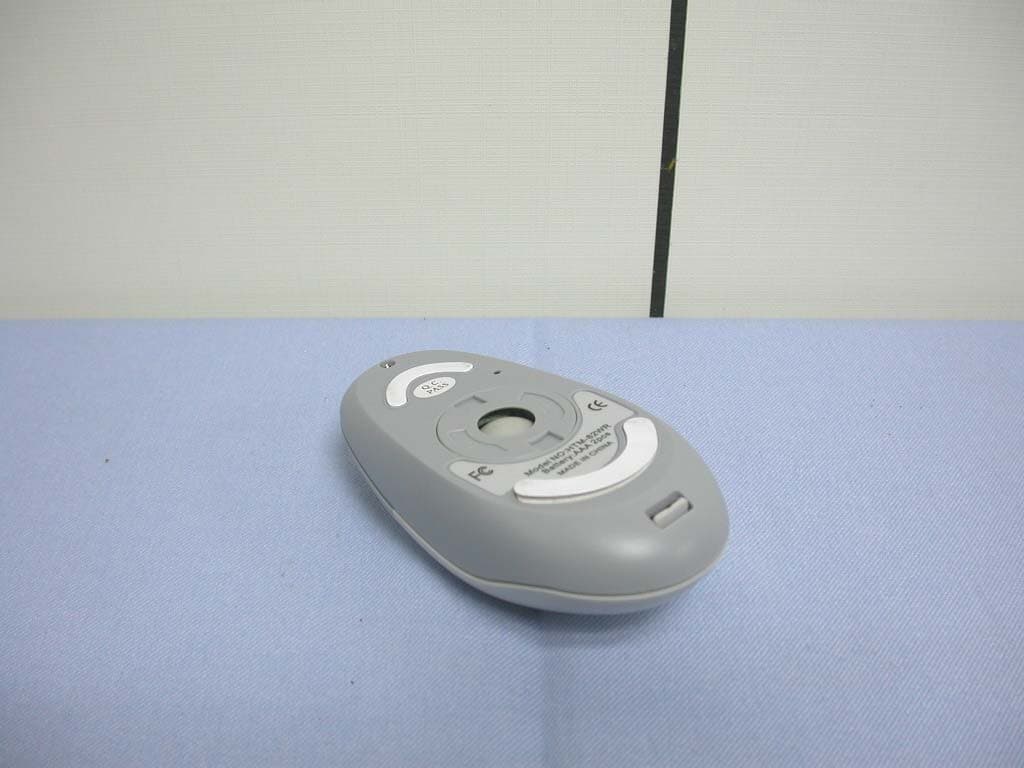
PO9-HTM82WR
Feb 12, 2004Wireless Mouse
Equipment Class
DXX - Part 15 Low Power Communication Device Transmitter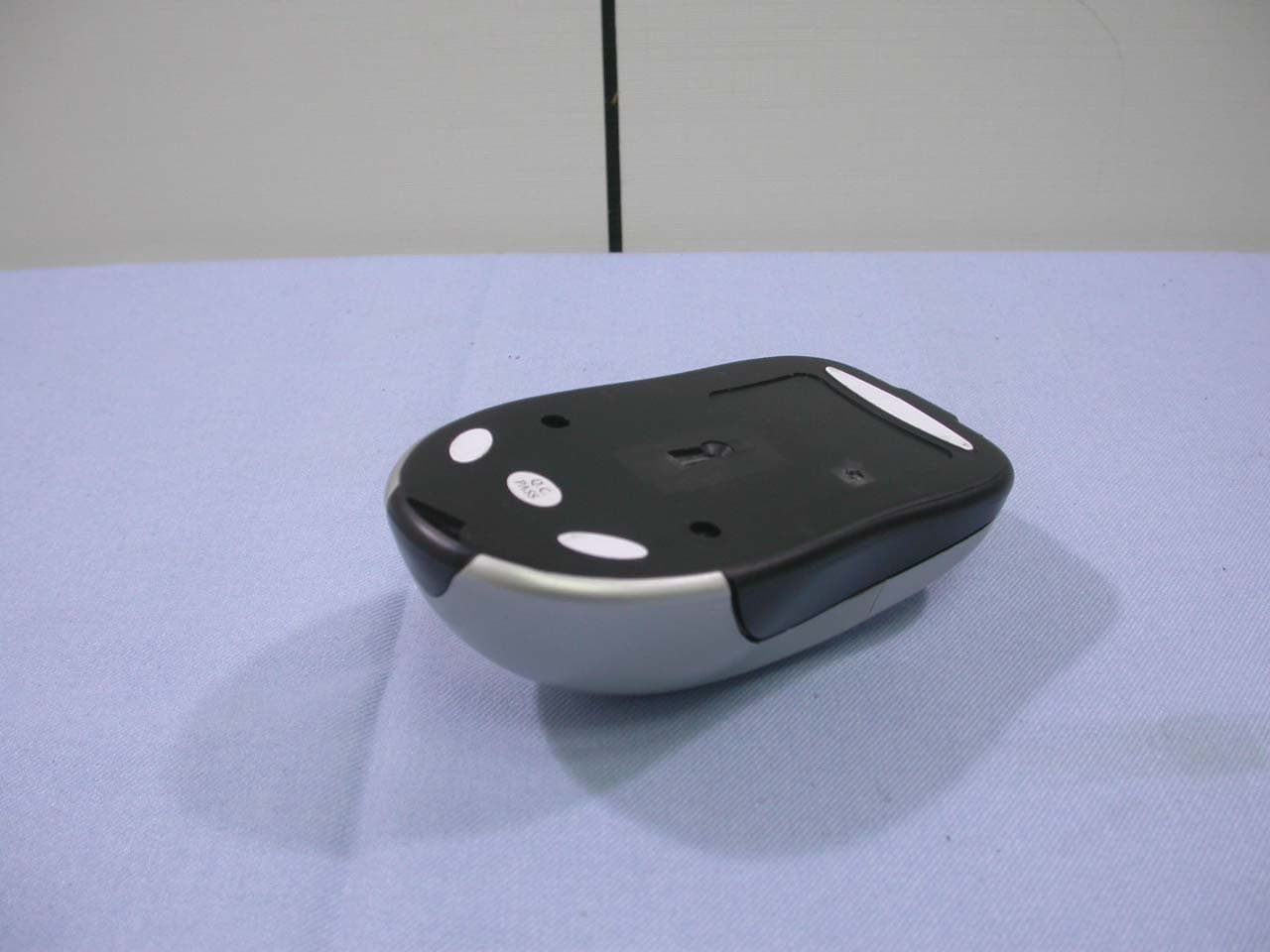
PO9-HTM65WRT
Feb 12, 2004Wireless Optical Mouse
Equipment Class
DXX - Part 15 Low Power Communication Device Transmitter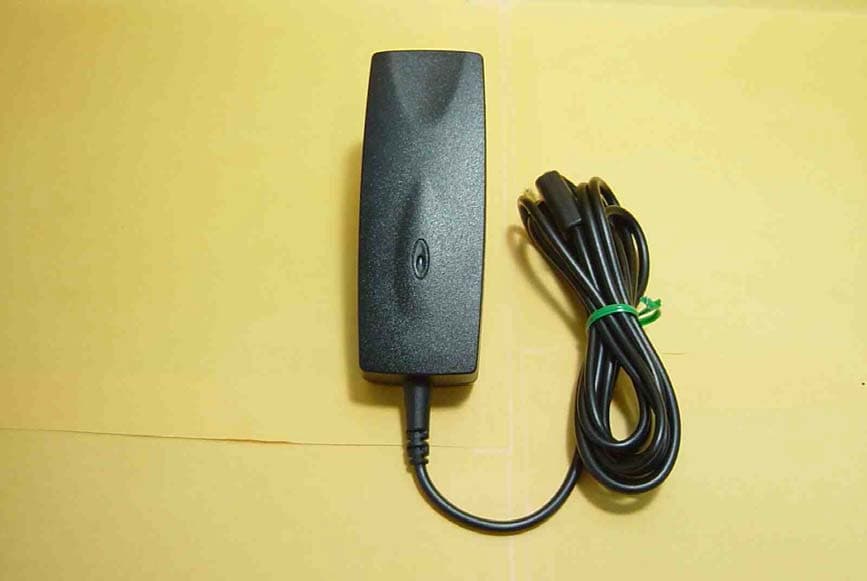
PO9-HTC-2400ED
Mar 19, 2003Bluetooth Audio Transceiver
Equipment Class
DSS - Part 15 Spread Spectrum Transmitter