PO9-HTM69WRTWireless Optical Mouse
Horng Technical Enterprise Co., Ltd.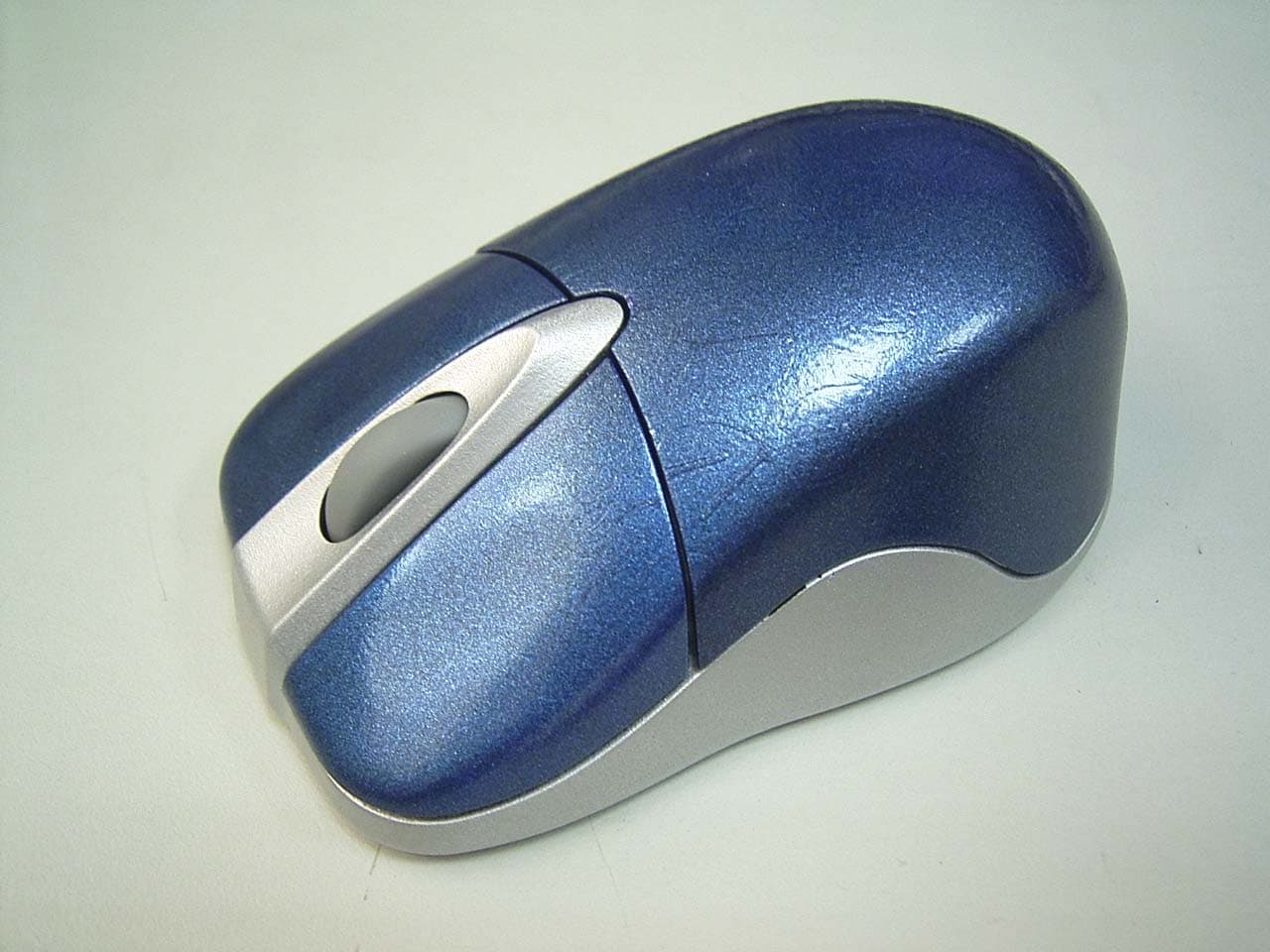
Click to zoom
Application Details
- Equipment Class
- DXX - Part 15 Low Power Communication Device Transmitter
- Date of Grant
- Mar 10, 2004
- Application Purpose
- Original Equipment
- Date of Application
- Mar 10, 2004
- Equipment Note
- Wireless Optical Mouse
- Frequency Range
- 27.14000000 - 27.14000000
- Country
- Taiwan
Documents & Files
Document Text
Text extracted from the exhibit documents filed with the FCC. Open a document above to read the original.
Users Manual
Wireless optical Mouse HTM-69WRT User’s Manual 9 Features z Designed using a FSK transmitter. z Two kinds of USB receivers-Dongle and Shark. z Idealized for desktop PC and notebook with smart storage function z 4 modes of operations to lower the power consumption. z Single channel at frequency 27 MHz with 256 IDs to prevent signal interference. z Longer transmission distance (Min. 1.5M) z Used for USB interface with operation system Windows ○ R . z 800 DPI optical sensor used on most surfaces. z LED indicator in receiver for mouse linkage . Product Specification Item Description Product RF Wireless Optical Mouse Mouse Model Type No. HTM-69WRTU Dongle Model Type No. RS9 Movement Sensor Optical Sensor Resolution 800dpi Operating Frequency 27MHz Distance Min 1.5M Power Supply 2*AAA Batteries Power Saving Operation 4 modes Consuming Current 26mA @ 3V at full speed Security ID Code 256 Sets System Requirements IBM or compatible PC Windows 98/ME /2000//XP Interface USB1.1 Installation of the mouse 1. Pull out the USB receiver from the bottom of the mouse; plug the receiver into the USB port. Switch the computer on running Win98, Win2000, XP ,NT & ME. The mouse should be automatically recognized by the system. 2. When insert the batteries into battery compartment, ensure correct polarity as indicated ("+" and "-") and optical sensor should be switched on after that. 3. Set up digital ID ● Aim the front of the mouse to the receiver . ● Press ID switch at the bottom of the mo use and the one on the receiver. The mouse and receiver will be co-ordinated and ready to operate. ● When setup, the LED on the receiver flashes for 1-2 sec.Once ID setu p is completed, the LED will stop flashing. (Ps. If setup procedure is failed, repeat the process until suc ceeding.) 4. Now whenever you move the mouse or click any one of the buttons, the data receipt confirmation LED will switch on. If you stop working the mouse, the LED will turn to flash after 16 sec., t hen the LED will be switched off after 16 mins. (Auto power saving function) If you want to wake up the mouse, all yo u need to do is just to click any button. This is our power saving design. 5 The digital ID in the mouse will not be changed by rebooting, switching of f computer or exchanging mouse to the other computer. But, once replace the batteries, it will be essential to sep up new digital ID again.(refer to point. 3) Left button Right button ID switch Click/scroll wheel ID switch Battery cover Receiver LED 15.105 Federal Communications Commi ssion (FCC) Requirements, Part 15 This equipment has been tested and found to comply wi th the limits for a class B digital device, pursuant to part 15 of the FCC Rules. These limits are desi gned to provide reasonable protection against harmful interference in a resi dential installation. This equipment generates, uses a nd can radiate radio frequency energy an d, if not installed and used in accordance with the instructions , may cause harmful interference to radio communications. However, there is no guarantee that interference will not occur in a particular in stallation. If this equipment does cause harmful interference to radio or television r eception, which can be determined by turning the equipment off and on, the user is encouraged to tr y to correct the interference by one or more of the following measures: ---Reorient or relocate the receiving antenna. ---Increase the separation between the equipment and receiver. ---Connect the equipment into an ou tlet on a circuit different from that to which the receiver is connected. ---Consult the dealer or an experienced radio/TV technician for help. Regulatory information / Disclaimers Installation and use of this Wireless optical Mous e device must be in strict accordance with the instructions included in the user documentation provi ded with the product. Any changes or modifications (including the antennas) made to this device that are not expressly approved by the manufacturer may void the user’s authority to operate the equipment. The manufacturer is not responsible for any radio or television interference caused by una uthorized modification of this de vice, or the substitution of the connecting cables and equipment other than manufacturer specified. It is the responsibility of the user to correct any interference caused by such unauthori zed modification, substitution or attachment. Manufacturer and its authorized re sellers or distributors will assume no liability for any damage or violation of government regulations arising fr om failing to comply with these guidelines. Any changes or modifications (including the antennas) made to this device that are not expressly approved by the manufacturer may void the user’s authority to operate the equipment. This device complies with Part 15 of the FCC Rules. Operation is subject to the following two conditions: (1) This device may not cause harmful interference. (2) This device must accept any in terference received, including inte rference that may cause undesired operation.
Cover Letter(s)
Mike Kuo 3/11/2004 Hi Mike, Here is the reply for the questions for Horng wireless mouse submission. For Q1, RX photo is removed and please refer to attached EUT external and internal photos for details. For Q2, the test data of fundamental frequency has been addressed as attached report. Besides, Horng asked to add one more model: HTM-80WRT on the report that we have then added it in the attached report and photos already, so please file them as the final one. Thank you and Best Regards, Lucy ----- Âà§eªÌ ting/ccsemc ©ó 2004/03/10 10:59 AM ----- When submit the application, please make sure the application has been final reviewed. M.Kuo -----Original Message----- From: CERTADM Sent: Tuesday, March 09, 2004 9:23 AM To: Mike Kuo Subject: Horng Technical Enterprise Co., Ltd., FCC ID:PO9-HTM69WRT, AN04T3691 Notice_content ------------- Question #1: The External and internal photos contains receiver photos. This application is only applicable to the wireless transmitter and does not include the receiver. Please remove receiver portion of photos from external and internal photos file. Question #2: In the test report, there is no test data for fundamental frequency investigation. Please provide test data to address 15.227 requirement. Best Regards Mike Kuo The items indicated above must be submitted before processing can continue on the above referenced application. Failure to provide the requested Mike Kuo <[email protected]> 2004/03/10 01:26 AM ¦¬¥ó¤H¡G "CCS-Taiwan, Ting (E-mail)" <[email protected]>, "CCS-Taiwan, Wklo (E-mail)" <[email protected]> °Æ¥»§Û°e¡G "Lai, Harris (E-mail)" <[email protected]> °Æ¥»±K°e¡G ¥D¦®¡G FW: Horng Technical Enterprise Co., Ltd., FCC ID:PO9-HTM69WRT, AN 04T3691 information within 30 days of the original e-mail date may result in application dismissal and forfeiture of the filing fee. Also, please note that partial responses increase processing time and should not be submitted. Any questions about the content of this correspondence should be directed to the e-mail address listed below the name of the sender. 3/11/2004
External Photos
Compliance Certification Services Inc. Report No: B40202205 Date of Issue: February 06, 2004 Page 1 of 7 EXTERNAL PHOTOGRPHS OF EUT Model: HTM-69WRT, HTM-79WRT Compliance Certification Services Inc. Report No: B40202205 Date of Issue: February 06, 2004 Page 2 Model: HTM-69WRT, HTM-79WRT Compliance Certification Services Inc. Report No: B40202205 Date of Issue: February 06, 2004 Page 3 Model: HTM-80WRT
Internal Photos
Compliance Certification Services Inc. Report No: B40202205 Date of Issue: February 06, 2004 Page 4 INTERNAL PHOTOGRPHS OF EUT Compliance Certification Services Inc. Report No: B40202205 Date of Issue: February 06, 2004 Page 5 Compliance Certification Services Inc. Report No: B40202205 Date of Issue: February 06, 2004 Page 6 Compliance Certification Services Inc. Report No: B40202205 Date of Issue: February 06, 2004 Page 7
Test Setup Photos
Compliance Certification Services Inc. Report No: B40202205-RP FCC ID: PO9-HTM69WRT Date of Issue: February 06, 2004 Page 17 APPENDIX 1 PHOTOGRPHS OF TEST SETUP Radiated Emission Set up Photos
Contact Information
Applicant
Eric Xiao(Engineer)
Test Firm
Compliance Certification Services Inc.Kurt Chen
Technical Specifications
| # | Rule Parts | Frequency Range | Power Output |
|---|---|---|---|
| 1 | 15C | 27.14 MHz - 27.14 MHz | - |
Other Applications from Horng Technical Enterprise Co., Ltd.
PO9-HTC-0331H
Oct 26, 2004Bluetooth Wireless Headset
Equipment Class
DSS - Part 15 Spread Spectrum Transmitter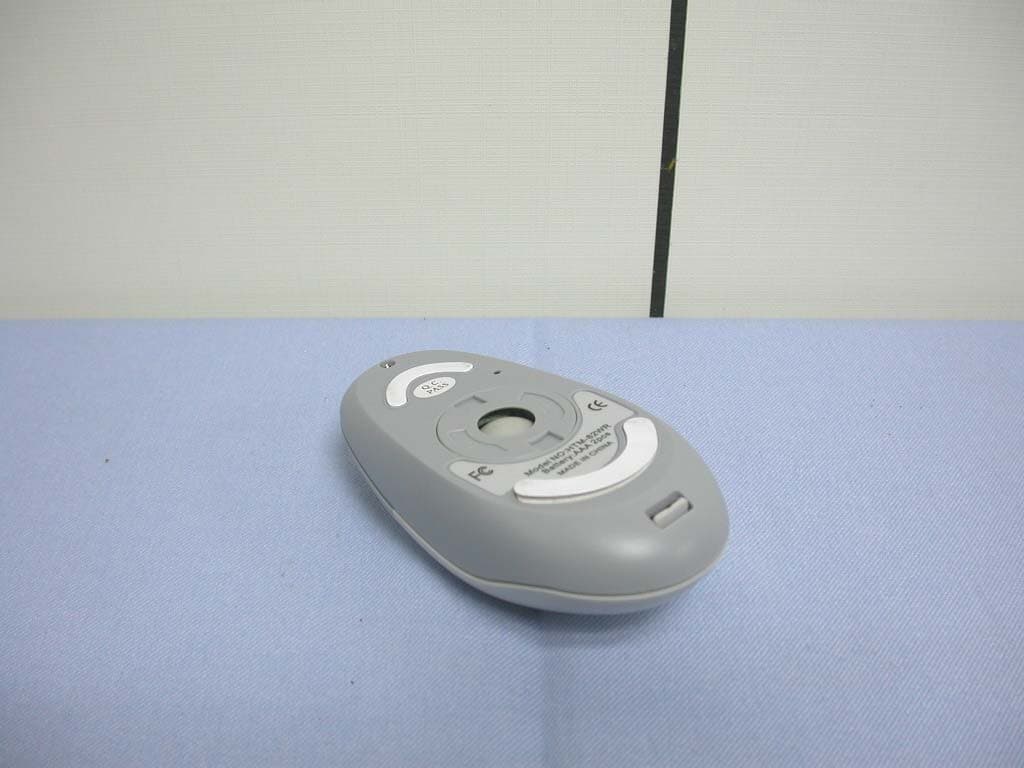
PO9-HTM82WR
Feb 12, 2004Wireless Mouse
Equipment Class
DXX - Part 15 Low Power Communication Device Transmitter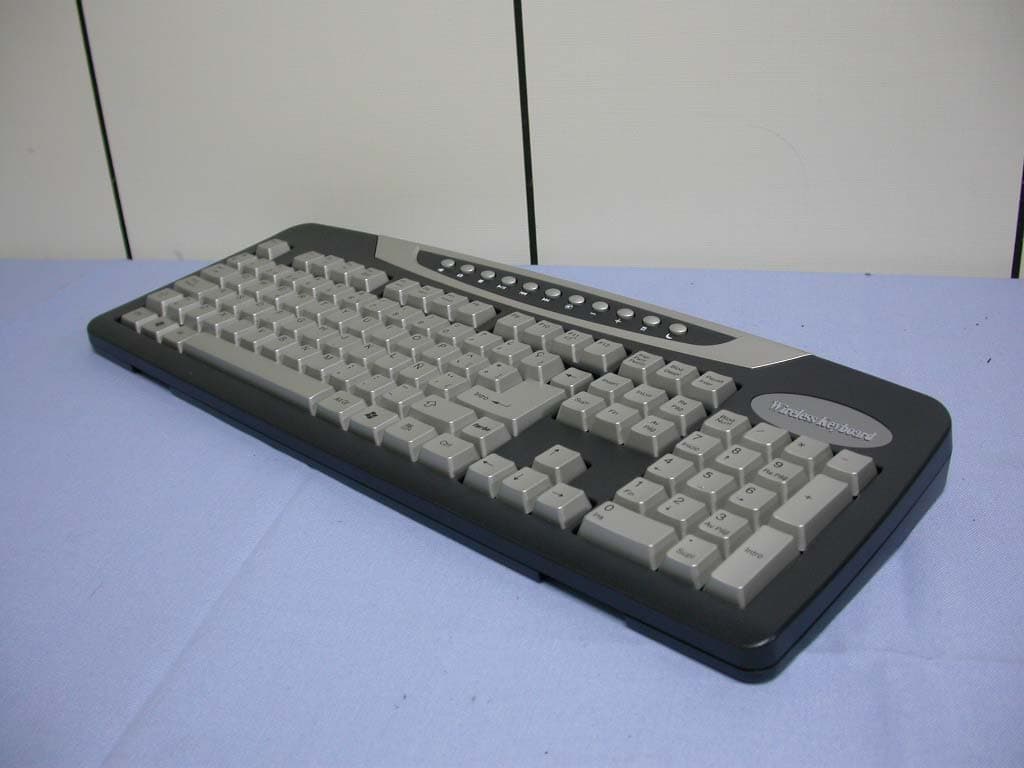
PO9-HTK3001
Feb 12, 2004Wireless Keyboard
Equipment Class
DXX - Part 15 Low Power Communication Device Transmitter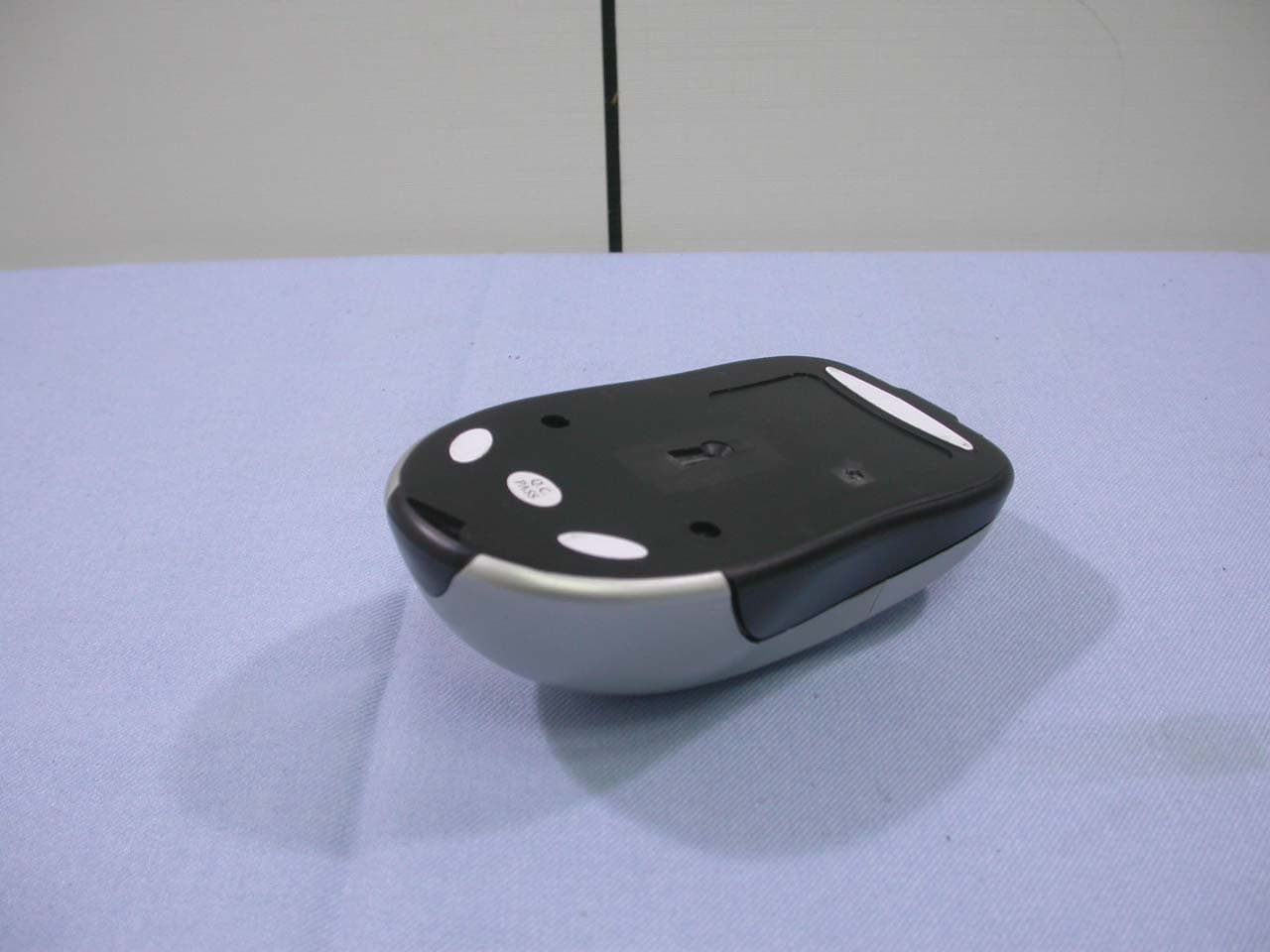
PO9-HTM65WRT
Feb 12, 2004Wireless Optical Mouse
Equipment Class
DXX - Part 15 Low Power Communication Device Transmitter
PO9-HTC-2400ED
Mar 19, 2003Bluetooth Audio Transceiver
Equipment Class
DSS - Part 15 Spread Spectrum Transmitter