PQ4IPROI3185Mobile Phone
HONG KONG IPRO TECHNOLOGY CO.,LIMITED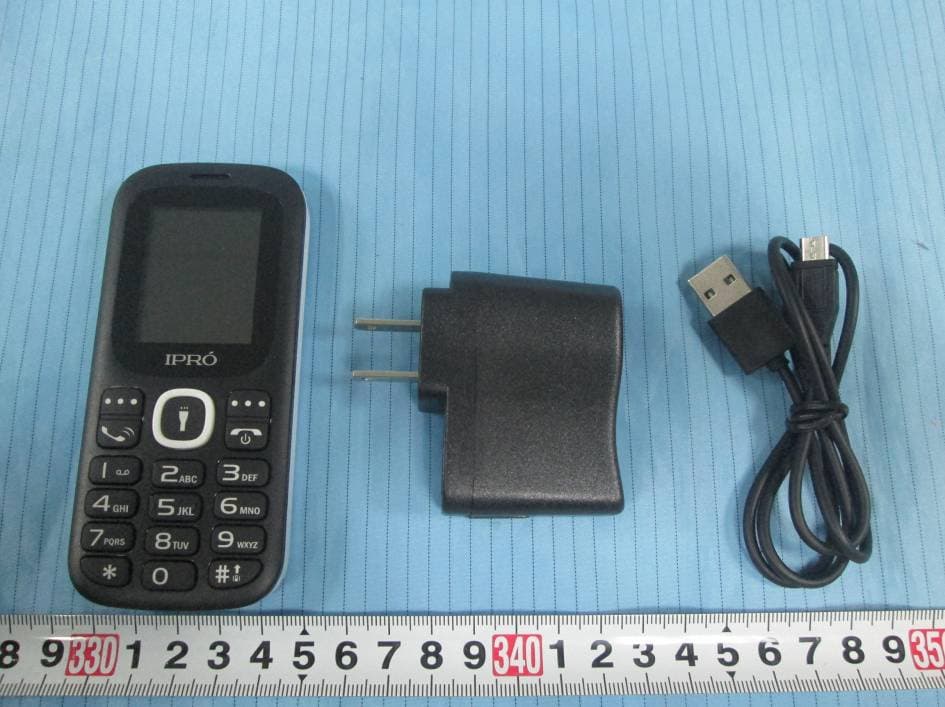
Click to zoom
Application Details
- Equipment Class
- JBP - Part 15 Class B Computing Device Peripheral
- Date of Grant
- Sep 29, 2015
- Application Purpose
- Original Equipment
- Date of Application
- Sep 29, 2015
- Equipment Note
- Mobile Phone
- Country
- China
Documents & Files
Document Text
Text extracted from the exhibit documents filed with the FCC. Open a document above to read the original.
Users Manual
Page 1 i3185 USER’S MANUAL Page 2 Thank you for purchasing this mobile. For the best performance, we recommend that you read the manual carefully. P HONEDISPLAY ....................................................................... 3 C ONTACTS .............................................................................. 4 M ESSAGES .............................................................................. 5 C ALL LOGS .............................................................................. 8 M ULTIMEDIA .............................................................................. 10 I NTERNET ................................................................................ 12 M Y FILES ................................................................................. 13 A PPLICATION ......................................................................... 14 P ROFILES ................................................................................ 16 S ETTINGS ............................................................................... 18 Page 3 PhoneDisplay 1.Torch 2.Receiver 3.Screen 4.Left soft key 5.Dial key 6.Navigation key 7.Right soft key 8.End/Power key 9.OK key 10. Camera 11. Back cover Page 4 Contacts You have 2 phonebooks in this mobile phone: SIM card and the mobile. The mobile can store 300 phone numbers and the SIM card’s capacity depends on its type. I In standby mode, enter a number, press the call key pieces to make a call, press the OK key to save ◆ If ‘To SIM 1/2’ is selected, users can edit name and number. ◆ If ‘To phone’ is selected, the user can edit the name, mobile number, image, ringtone, caller groups Into the phone book list, the list on the left displays a small icon indicates that the record exists SIM card or mobile phone, the right is the record of the name and number information. Standby mode, press the right soft key to enter into the address book or from the menu Into the address book, do the following: Page 5 [New]: Create a record to phone or SIM [Delete multiple]: Choose one or more records to delete [Delete phone]: Choose all contact to delete [Import/Export]: Copy/Import/Export records to T-Card or phone [Others] [Memory status]: Query the current SIM card and mobile phone storage capacity. Messages The Messaging function is a network service. Sending and receiving Text can only be used if the service is proposed by your network operator. You can send ordinary Text messages. The SMS is sent to the Text messages center in the network firstly, and then to the target user. If the receiver’s mobile is power off or cannot receive messages, the network will store the message temporarily and the store duration is determined by the user configuration and the service provider. I Page 6 The message will be directly stored in the SIM card if the capacity is not full. A blinking icon at the head row of the main screen will be displayed if the capacity is full. Messages unread If the Text message has been sent to the receiver, a beep will sound. (If the tone for Text messages and message report are activated). [Write message] [New SMS] ◆ Send: Enter the appropriate number of the recipient or from the phonebook add ◆ Insert template: to the content of the message currently being edited into the common language ◆ Add contact info: Insert the contact person ◆ Add phiz: emoticons into the meaning of the representative ◆ Save as draft: will save the information to Drafts ◆ Exit: Exit message [Inbox]: Page 7 ◆ Reply: reply to SMS to each other. ◆ Delete: Delete short message ◆ Call: choose a voice call or a call to the sender IP calls ◆ Lock: lock cannot be deleted ◆ Move: Move the message to SIM or phone ◆ Copy: Copy the message to SIM or phone ◆ Mark: single marker or markers in whole or in text messages stored in SIM1/SIM2, mark or unmark after delete records ◆ Sort: In accordance with time / contact / theme / message type sort ◆ Delete repeated number: choose to delete the same number of records. ◆ Add to blacklist: Add the sender to blacklist [Outbox]: Reading or processing stored in the Outbox of the SIM card message. [Drafts]:Reading or processing stored in the Drafts of the SIM card message [Sentbox]: read and process the mail stored in the SIM card Page 8 has been sent information [Security inbox] View the message which is locked [Templates]: Use the function of templates [Broadcast message]: Use the function of broadcast message [Voice mail server]: use the function of voice mail server Call logs You can view your recent call situation. [Missed calls]: Show all missed calls list, select a view after a missed call occurred the date and time, phone number and times. [Dialed calls] : Show all dialed calls list, select a view after a dialed calls occurred in the date and time, phone number and times. [Received calls]: Show all answered the phone list, select a view after a phone that has the date and time of occurrence, telephone number, frequency, [Rejected calls] Show all refused to answer the phone list, Page 9 select a view after a missed call occurred the date and time, phone number and times. Press the OK softkey to enter the options menu can be more than the number of call records in the following: ◆ Details: View the current record date, time, type. ◆ Call: Call the current number. ◆ Save: You can save the current record to the phone or SIM card ◆ Write message: send the current record of SMS. ◆ Add to contacts: the number of the record the name added to the existing record which ◆ Add to blacklist: the current record to reject a call which ◆ Delete: Delete the currently selected record ◆ Delete all: Delete all call records ◆ Mark : Mark to operation [Delete all]: Delete all call records [Call times]: Last time zero starting time for last call statistics, a total of dialed calls, received calls, all calls total, Page 10 all the time can also be zero. [GPRS counter]: Display the SIM card GPRS data. Multimedia [Camera] The phone supports pho…
Text truncated - open the document above for the full version.
Cover Letter(s)
HONG KONG IPRO TECHNOLOGY CO.,LIMITED FLAT/RM A3, 9/F SILVERCORP INT TOWER 707-713 NATHAN RD MONGKOK, HONGKONG, China Tel: 00852-96669759 Fax: 00852- 21100996 FCC Confidential Authorization 09/22/2015 FEDERAL COMMUNICATIONS COMMISSIONS Authorization and Evaluation Division 7435 Oakland Mills Road Columbia, MD 21046 Subject: Confidentiality Request regarding application for certification of FCC ID: PQ4IPROI3185 In accordance with Sections 0.457 and 0.459 of the Commission’s Rules, (HONG KONG IPRO TECHNOLOGY CO.,LIMITED) hereby requests long-term confidential treatment of information accompanying this application as outlined below: Block Diagram Schematics Operation Description Parts List/Tune up procedure (for licensed devices) The above materials contain proprietary and confidential information not customarily released to the public. The public disclosure of these materials provides unjustified benefits to its competitors in the market. Sincerely, Signature: Sissy He Manager
External Photos
EXHIBIT B - EUT EXTERNAL PHOTOGRAPHS EUT – All View EUT – Front View EUT – Rear View EUT – Top View EUT – Bottom View EUT – Left Side View EUT – Right Side View EUT – Adapter View EUT – Adapter Label View EUT –USB Cable View
Internal Photos
EXHIBIT C - EUT INTERNAL PHOTOGRAPHS EUT –Cover off View 1 EUT –Cover off View 2 EUT –Cover off View 3 EUT –Cover off View 4 EUT –Cover off View 5 EUT –Antenna View 1 GSM Antenna EUT –Antenna View 2 EUT – Main Board Top View 1 BT Antenna EUT – Main Board Top View 2 EUT – Main Board Bottom View EUT – Main Board Bottom Shielding off View EUT – IC Chip View EUT –Battery Front View EUT –Battery Rear View
Test Report
Note: This test report is prepared for the customer shown above and for the device described herein. It may not be duplicated or used in part without prior written consent from Bay Area Compliance Laboratories Corp. FCC PART 15B, CLASS B TEST REPORT For HONG KONG IPRO TECHNOLOGY CO., LIMITED FLAT/RM A3, 9/F SILVERCORP INT TOWER 707-713 NATHAN RD MONGKOK, HONGKONG, China FCC ID: PQ4IPROI3185 Report Type: Original Report Product Type: Mobile Phone Test En gineer: Sewen Guo Re port Number: RSZ150914012-00A Re port Date: 2015-09-23 Reviewed B y: Jimmy Xiao RF En gineer Prepared By: Bay Area Compliance Laboratories Corp. (Shenzhen) 6/F, the 3rd Phase of WanLi Industrial Building ShiHua Road, FuTian Free Trade Zone Shenzhen, Guangdong, China Tel: +86-755-33320018 Fax: +86-755-33320008 www.baclcorp.com.cn Bay Area Compliance Laboratories Corp. (Shenzhen) Report No.: RSZ150914012-00A FCC Part 15B, Class B Page 2 of 15 TABLE OF CONTENTS GENERAL INFORMATION ....................................................................................................................................... 3 PRODUCT DESCRIPTION FOR EQUIPMENT UNDER TEST (EUT) ..................................................................................... 3 OBJECTIVE ................................................................................................................................................................... 3 RELATED SUBMITTAL(S)/GRANT(S) ............................................................................................................................. 3 TEST FACILITY ............................................................................................................................................................. 3 SYSTEM TEST CONFIGURATION .......................................................................................................................... 4 DESCRIPTION OF TEST CONFIGURATION ...................................................................................................................... 4 EUT EXERCISE SOFTWARE .......................................................................................................................................... 4 SPECIAL ACCESSORIES ................................................................................................................................................. 4 EQUIPMENT MODIFICATIONS ....................................................................................................................................... 4 SUPPORT EQUIPMENT LIST AND DETAILS .................................................................................................................... 4 EXTERNAL I/O CABLE .................................................................................................................................................. 5 BLOCK DIAGRAM OF TEST SETUP ................................................................................................................................ 5 SUMMARY OF TEST RESULTS ............................................................................................................................... 6 FCC §15.107 – AC LINE CONDUCTED EMISSIONS ............................................................................................. 7 APPLICABLE STANDARD .............................................................................................................................................. 7 MEASUREMENT UNCERTAINTY .................................................................................................................................... 7 EUT SETUP .................................................................................................................................................................. 7 EMI TEST RECEIVER SETUP ......................................................................................................................................... 8 TEST PROCEDURE ........................................................................................................................................................ 8 TEST EQUIPMENT LIST AND DETAILS ........................................................................................................................... 8 CORRECTED FACTOR & MARGIN CALCULATION ......................................................................................................... 8 TEST RESULTS SUMMARY ............................................................................................................................................ 9 TEST DATA .................................................................................................................................................................. 9 FCC §15.109 - RADIATED SPURIOUS EMISSIONS ............................................................................................ 12 APPLICABLE STANDARD ............................................................................................................................................ 12 MEASUREMENT UNCERTAINTY .................................................................................................................................. 12 EUT SETUP ................................................................................................................................................................ 12 EMI TEST RECEIVER SETUP ....................................................................................................................................... 13 TEST PROCEDURE ...................................................................................................................................................... 13 TEST EQUIPMENT LIST AND DETAILS ......................................................................................................................... 13 CORRECTED AMPLITUDE & MARGIN CALCULATION .........................................…
Text truncated - open the document above for the full version.
Test Setup Photos
EXHIBIT D - TEST SETUP PHOTOGRAPHS Conducted Emissions - Front View Conducted Emissions - Side View Radiated Emissions – Front View (Below 1 GHz) Radiated Emissions – Rear View (Below 1 GHz) Radiated Emissions – Front View (Above 1 GHz) Radiated Emissions – Rear View (Above 1 GHz)
Contact Information
Applicant
Frank Fan(Project VP)
Test Firm
Bay Area Compliance Laboratory Corp. (Shenzhen)John Chan
Technical Specifications
| # | Rule Parts | Frequency Range | Power Output |
|---|---|---|---|
| 1 | 15B | - | - |
Other Applications from HONG KONG IPRO TECHNOLOGY CO.,LIMITED
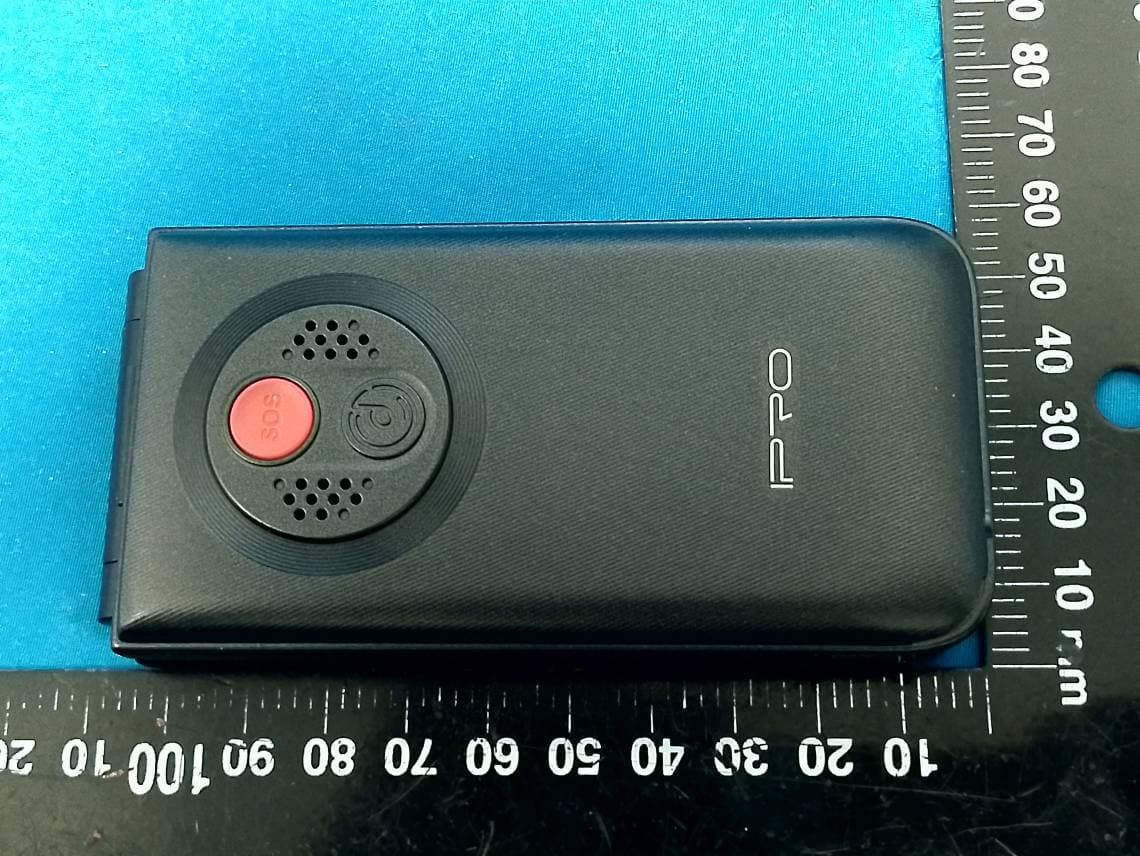
PQ4IPROV20S
Feb 11, 2026Mobile Phone
Equipment Class
DSS - Part 15 Spread Spectrum Transmitter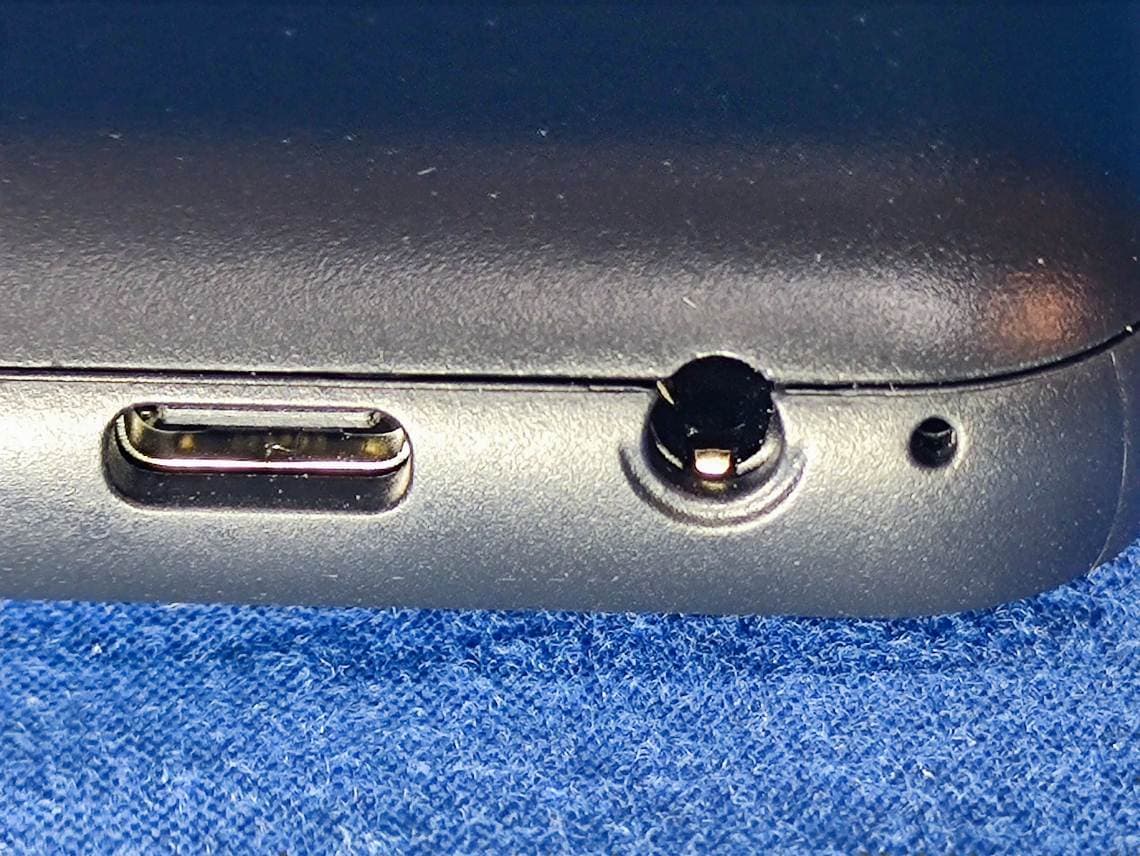
PQ4IPROK3
Jun 16, 2024Mobile Phone
Equipment Class
PCE - PCS Licensed Transmitter held to ear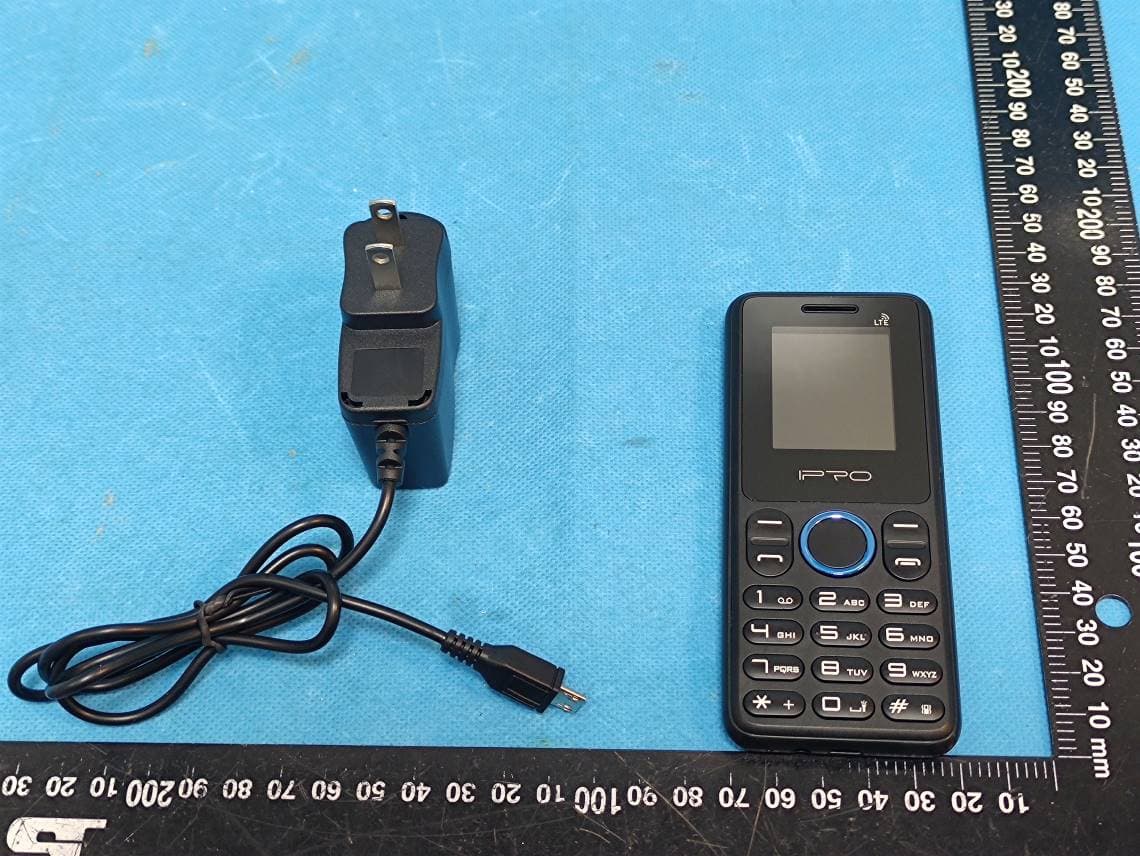
PQ4IPROK5
Jul 23, 2023Mobile Phone
Equipment Class
JBP - Part 15 Class B Computing Device Peripheral
PQ4IPROY300
Apr 13, 2023Smart Phone
Equipment Class
DSS - Part 15 Spread Spectrum Transmitter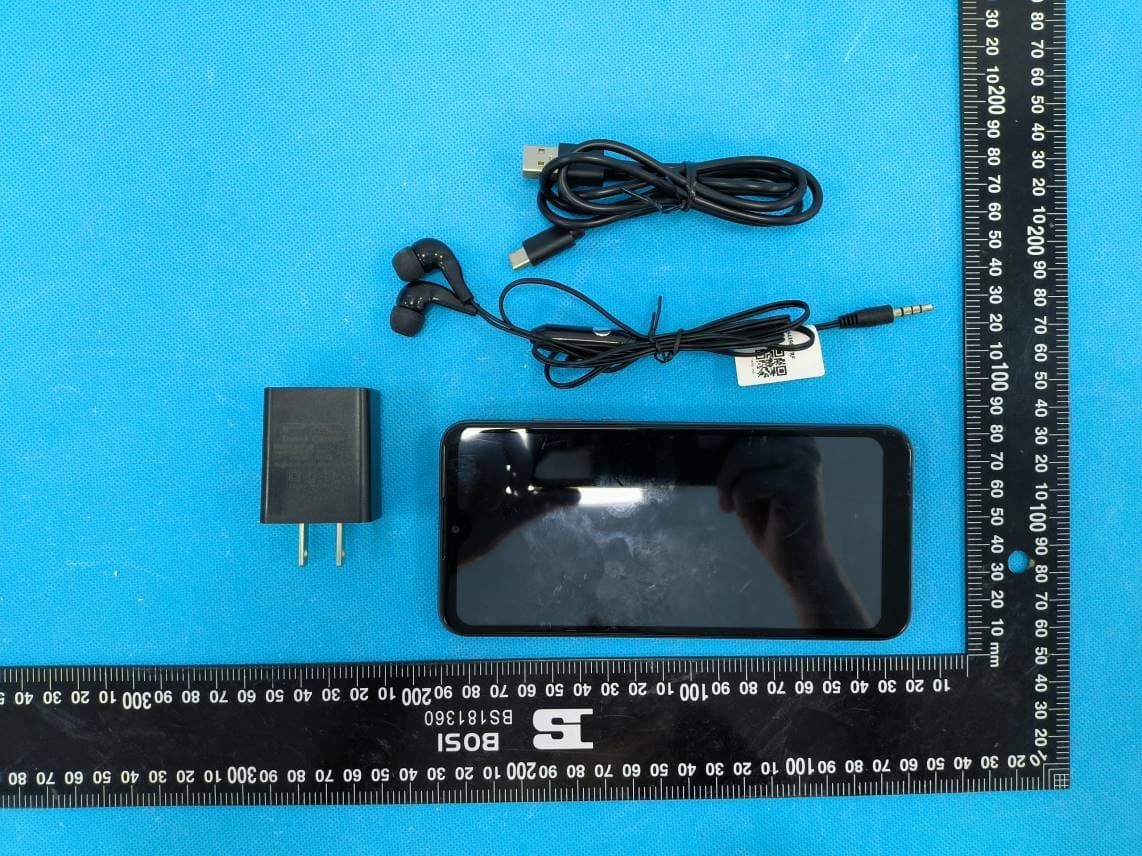
PQ4IPROS300
Nov 06, 2022Smart Phone
Equipment Class
PCE - PCS Licensed Transmitter held to ear