PQ4IPROU2Smart Phone
HONG KONG IPRO TECHNOLOGY CO.,LIMITED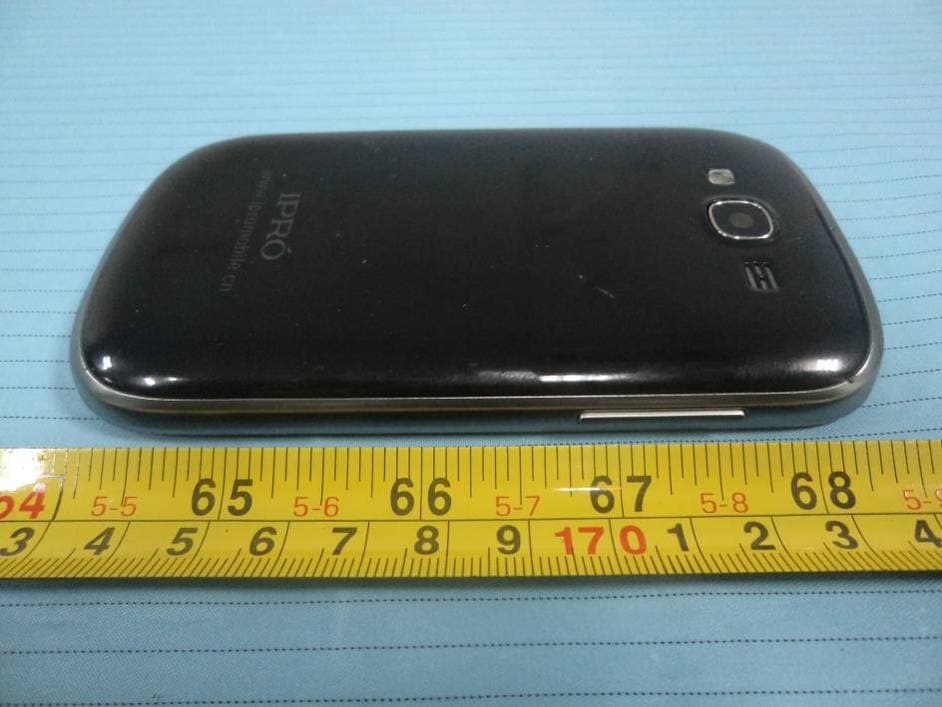
Click to zoom
Application Details
- Equipment Class
- DSS - Part 15 Spread Spectrum Transmitter
- Date of Grant
- Jul 15, 2013
- Application Purpose
- Original Equipment
- Date of Application
- Jul 15, 2013
- Equipment Note
- Smart Phone
- Frequency Range
- 2402.00000000 - 2480.00000000
- Country
- China
Documents & Files
Document Text
Text extracted from the exhibit documents filed with the FCC. Open a document above to read the original.
Users Manual
1 Color-screen Call Phone U2 User Manual 2 Welcome! PLEASE READ THIS INFORMATION BEFORE USING THE PHONE TO MAKE A BETTER USE OF YOUR PHONE. WE ARE NOT RESPONSIBLE FOR ANY DAMAGE DUE TO YOUR MISUNDERSTANDING OF THIS INFORMATION AND MISACTTING. We are endeavoring to improve our products and services and we reserve all the rights to revise and change the description of this product and its software as well as this user’s manual without obligation to notify any person of such revisions and changes. This user’s manual is for your better use of this phone not an approval of any accessories. All the pictures in this manual are for reference only. There may be slight difference between the appearance of phone and keys and contents of display used in this manual and those of your phone. Please refer to your phone for actuality. Some features introduced in this manual are network or subscription-dependent features. Please contact your service provider Safety Information Battery: Read this information before using your mobile device otherwise may result in personal injury or your device not complying with local laws. 3 If a conductive material such touches the exposed terminal, short circuit may occur resulting in property damage, bodily injury or burn. To avoid risk of leaking electricity, take care when handling a charged battery particularly when placing it inside your pocket, purse or other container with metal objects. Keep your mobile device from water: Keep your mobile device dry. Use while driving Always obey the laws and regulations on the use of mobile devices in the area where you drive. Give full attention to driving and the road; use hand-free operation or earpiece if a call is needed. Aircraft Mobile device may cause harmful interference so turn off your mobile device before boarding an airplane. Blasting areas Always obey the related limits and regulations and do not use your mobile device in blasting areas. Turn off your mobile device in areas posted “turn off electronic devices”. Potentially explosive atmospheres Turn off your mobile device in the gas station and areas near fuel and chemical containers. Turn off your mobile device in areas posted “turn off electronic devices”. Medical devices Turn off your mobile device whenever instructed to do so by posted signs near some medical equipment. Mobile device may interfere with pacemakers, hearing aids and some other medical 4 transplanting equipment. Do not put your mobile device near pacemakers nor carry in the breast pocket. Accessories and battery Use the accessories, batteries and chargers approved by manufacturer. Use of batteries not approved by manufacturer may cause injury. Emergency calls Turn on your phone and keep it in service areas, dial emergency phone numbers and then press send key to make a call. When losing your phone To avoid any economy damage, please inform the Tele-communication Company or agencies to lock your SIM card when you lost your phone. When you inform the telecom company or agencies to lock your SIM card they need to know the IMEI No. of your phone, which you can find printed on the label on the back of your phone when taking off the battery. Please backup this number for future need For safety consideration, you can make preventative measures such as set PIN Code for your SIM card to prevent other persons using your SIM card without your permission. Keep away from children Keep the phone, battery and charger away from children to avoid any personal injury. Use and Care To care for this mobile device, keep it away from: Any kind of fluid Keep the device away from water, rain, 5 humidity, sweat or other moisture. Extreme heat or cold Avoid the temperature below -10 /14 or °C°F above 45 /113 .°C°F Microwave Don’t try to dry your phone in a microwave oven. Dust and dirt Don’t expose your phone to dust, dirt, sand, food or other inappropriate materials. Cleaning solutions Use only a dry soft cloth to clean your phone. Don’t use alcohol or other cleaning solutions. Ground Don’t drop your phone. 6 Chapter 0 - Skills Introduction 0.1 Finger gestures Tap When you want to type using the keyboard, select items onscreen such as application and settings icons, or press onscreen buttons, simply tap them with your finger. Press and hold To open the available options for an item (e.g. contact or link in a web page), simply press and hold the item. Swipe or slide To swipe or slide means to quickly drag your finger vertically or horizontally across the screen or optical trackball. Drag Press and hold your finger with some pressure before you start to drag. While dragging, do not release your finger until you have reached the target position. Flick Flicking the screen is similar to swiping, except that you need to swipe your finger in light, quicker strokes. This finger gesture is always in a vertical direction, such as when flicking the contacts or message list. Rotate For most screens, you can automatically change the screen orientation from portrait to landscape by turning the phone sideways. When entering text, you can turn the phone sideways to bring up a bigger keyboard. Refer to the Settings chapter for more details. Pinch For some applications, like Photos or the web browser, you can “pinch” the screen using 2 fingers (for example, thumb and index fingers) to zoom in or zoom out when viewing a picture or a web page. 0.2 The SIM Card 0.2.1 Installing the SIM card If you are given a SIM card to install, install it before setting up your phone. IMPORTANT: A SIM card is required to use cellular services when connecting to GSM networks and some CDMA networks. Your phone that has been activated on a CDMA wireless network may also use a SIM card for connecting to a GSM network, primarily for international roaming. Your phone is subject to your wireless service provider’s policies, which may include restrictions on switching service providers and roaming, even after conclusion of any required minimum service contract. C…
Text truncated - open the document above for the full version.
External Photos
EXHIBIT B - EUT EXTERNAL PHOTOGRAPHS EUT – Full View EUT – Front View EUT – Rear View EUT – Top View EUT – Bottom View EUT – Left View EUT– Right View EUT – Headset View EUT – Adapter Label View
ID Label/Location Info
EXHIBIT A - FCC ID LABELING AND LOCATION FCC ID Label FCC ID Label Location The label shown shall be permanently affixed at a conspicuous location on the device and be readily visible to the user at the time purchase (Labeling requirements per 2.925) Label here
Internal Photos
EXHIBIT C - EUT INTERNAL PHOTOGRAPHS EUT – Battery off View EUT – Cover off View GSM Antenna Wi-Fi An tenna BT Antenna EUT – Main Board Top View EUT – Main Board Top Shielding off View EUT – Main Board Bottom View EUT – Main Board Bottom Shielding off View EUT – Sub Board Top View EUT – Sub Board Bottom View EUT – LCD Top View EUT – LCD Bottom View EUT – Battery View EUT – Adapter Main Board Top View EUT – Adapter Main Board Bottom View
Test Report
Note: This test report is prepared for the customer shown above and for the equipment described herein. It may not be duplicated or used in part without prior written consent from Bay Area Compliance Laboratories Corp. FCC PART 15.247 TEST REPORT For HONGKONG IPRO TECHNOLOGY CO., LIMITED ROOM C1D, 6/F, WING HING INDUSTRIAL BUILDING, 14 HING YIP STREET, KWUN TONG, KOWLOON, HONG KONG. FCC ID: PQ4IPROU2 Report Type: Original Report Product Type: Smart Phone Test Engineer: Charlie Chen Report Number: RSZ130605001-00B Report Date: 2013-06-28 Reviewed By: Sula Huang RF Engineer Prepared By: Bay Area Compliance Laboratories Corp. (Shenzhen) 6/F, the 3rd Phase of WanLi Industrial Building ShiHua Road, FuTian Free Trade Zone Shenzhen, Guangdong, China Tel: +86-755-33320018 Fax: +86-755-33320008 www.baclcorp.com.cn Bay Area Compliance Laboratories Corp. (Shenzhen) Report No.: RSZ130605001-00B FCC Part15.247 Page 2 of 61 TABLE OF CONTENTS GENERAL INFORMATION.......................................................................................................................................4 PRODUCT DESCRIPTION FOR EQUIPMENT UNDER TEST (EUT) .....................................................................................4 OBJECTIVE...................................................................................................................................................................4 RELATED SUBMITTAL(S)/GRANT(S).............................................................................................................................4 TEST METHODOLOGY..................................................................................................................................................4 TEST FACILITY.............................................................................................................................................................5 SYSTEM TEST CONFIGURATION ..........................................................................................................................6 DESCRIPTION OF TEST CONFIGURATION......................................................................................................................6 EQUIPMENT MODIFICATIONS.......................................................................................................................................6 EUT EXERCISE SOFTWARE..........................................................................................................................................6 EXTERNAL I/O CABLE..................................................................................................................................................6 BLOCK DIAGRAM OF TEST SETUP................................................................................................................................6 SUMMARY OF TEST RESULTS ...............................................................................................................................7 FCC §15.247 (i) & §2.1093 – RF EXPOSURE ............................................................................................................8 APPLICABLE STANDARD..............................................................................................................................................8 RESULT........................................................................................................................................................................8 FCC §15.203 – ANTENNA REQUIREMENT ............................................................................................................9 APPLICABLE STANDARD..............................................................................................................................................9 ANTENNA CONNECTOR CONSTRUCTION......................................................................................................................9 FCC §15.207 (a) – AC LINE CONDUCTED EMISSIONS .....................................................................................10 APPLICABLE STANDARD............................................................................................................................................10 MEASUREMENT UNCERTAINTY..................................................................................................................................10 EUT SETUP................................................................................................................................................................10 EMI TEST RECEIVER SETUP.......................................................................................................................................11 TEST PROCEDURE......................................................................................................................................................11 TEST EQUIPMENT LIST AND DETAILS.........................................................................................................................11 CORRECTED FACTOR & MARGIN CALCULATION.......................................................................................................11 TEST RESULTS SUMMARY..........................................................................................................................................12 TEST DATA................................................................................................................................................................12 FCC §15.205, §15.209 & §15.247(d) – RADIATED EMISSIONS...........................................................................15 APPLICABLE STANDARD............................................................................................................................................15 MEASUREMENT UNCERTAINTY..................................................................................................................................15 EUT SETUP..........…
Text truncated - open the document above for the full version.
Test Setup Photos
EXHIBIT D - TEST SETUP PHOTOGRAPHS Conducted Emissions - Front View Conducted Emissions - Side View Radiated Emissions View (Below 1 GHz) Radiated Emissions View (Above 1 GHz)
Contact Information
Applicant
Frank Fan(Project VP)
Test Firm
Bay Area Compliance Laboratory Corp. (Shenzhen)John Chan
Technical Specifications
| # | Rule Parts | Frequency Range | Power Output |
|---|---|---|---|
| 1 | 15C | 2.40 GHz - 2.48 GHz | 3.90 mW |
Other Applications from HONG KONG IPRO TECHNOLOGY CO.,LIMITED
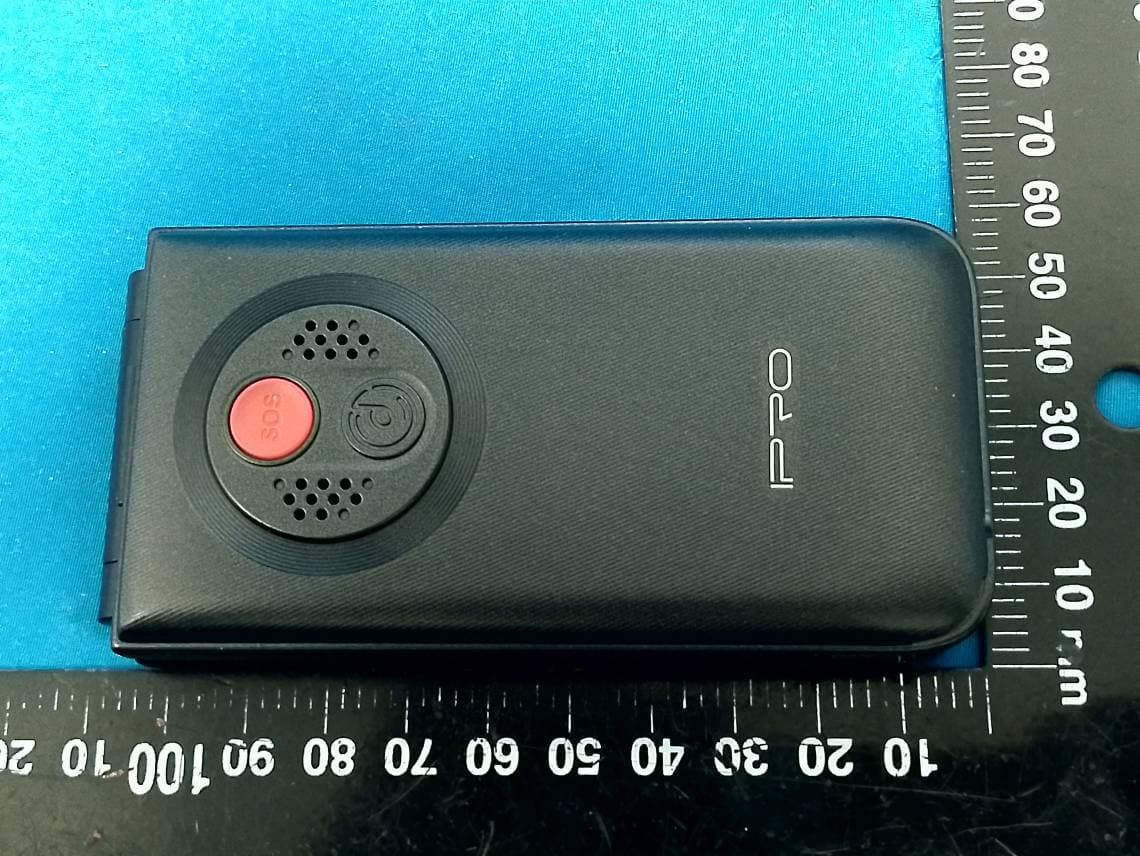
PQ4IPROV20S
Feb 11, 2026Mobile Phone
Equipment Class
DSS - Part 15 Spread Spectrum Transmitter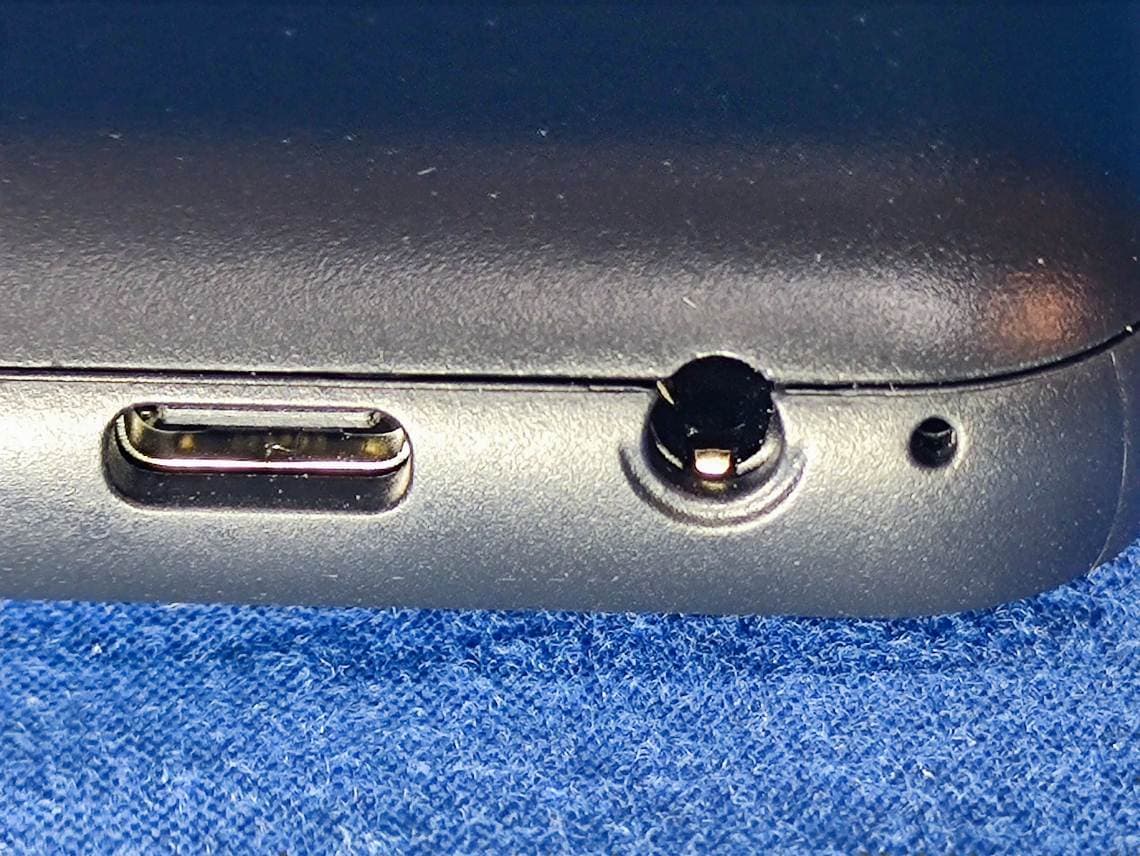
PQ4IPROK3
Jun 16, 2024Mobile Phone
Equipment Class
PCE - PCS Licensed Transmitter held to ear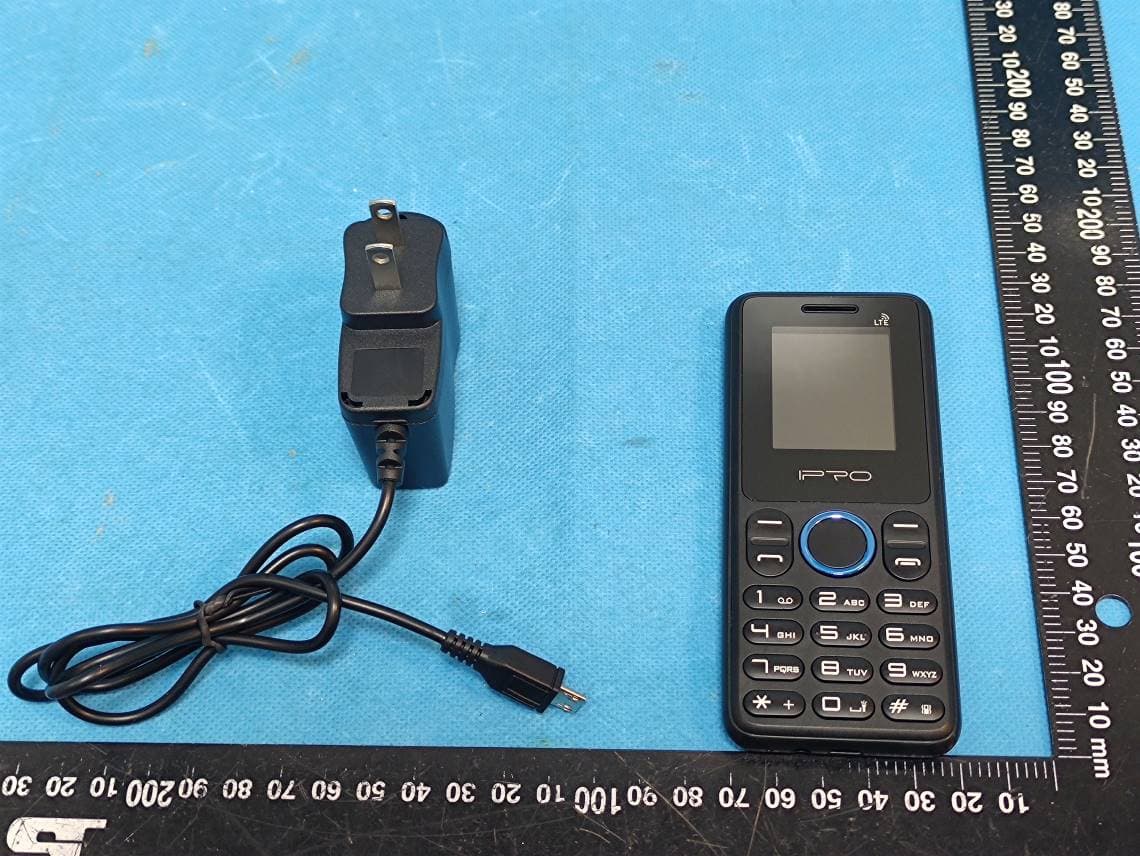
PQ4IPROK5
Jul 23, 2023Mobile Phone
Equipment Class
JBP - Part 15 Class B Computing Device Peripheral
PQ4IPROY300
Apr 13, 2023Smart Phone
Equipment Class
DSS - Part 15 Spread Spectrum Transmitter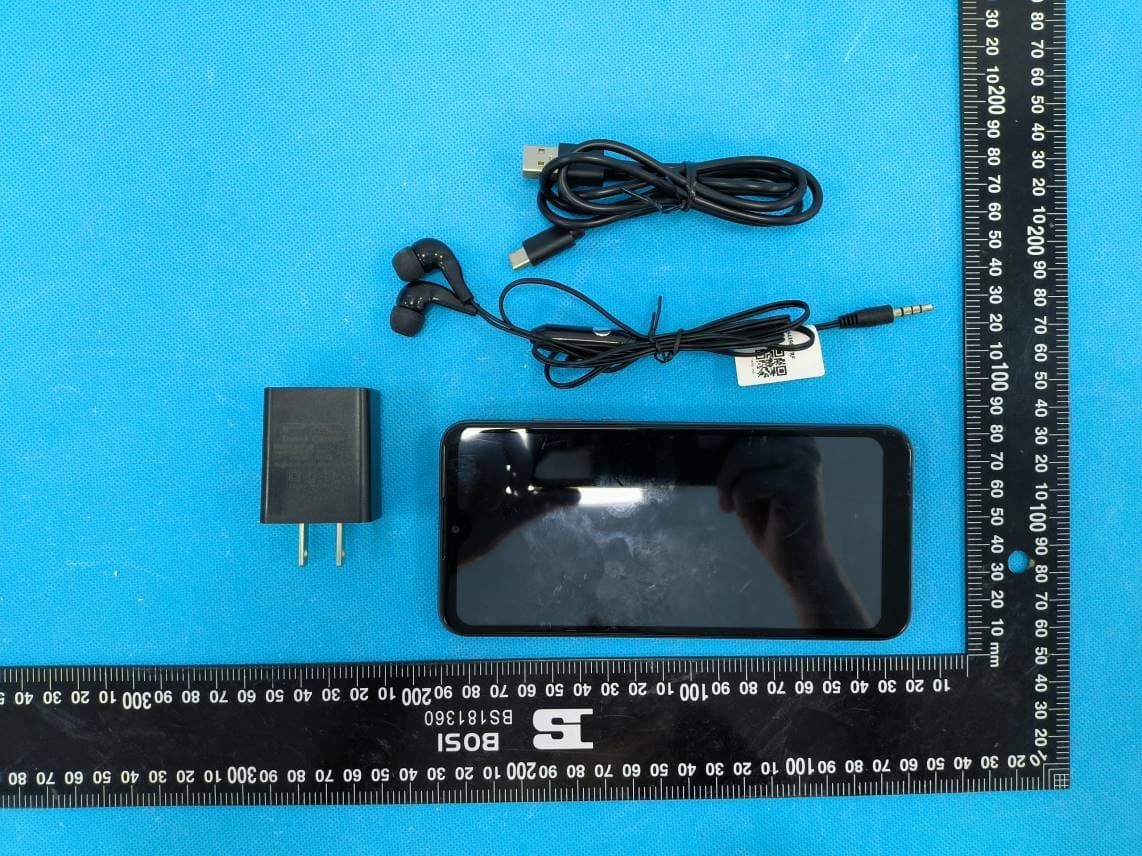
PQ4IPROS300
Nov 06, 2022Smart Phone
Equipment Class
PCE - PCS Licensed Transmitter held to ear