PU9MP-600MP3 PLAYER
Stormblue Co., Ltd.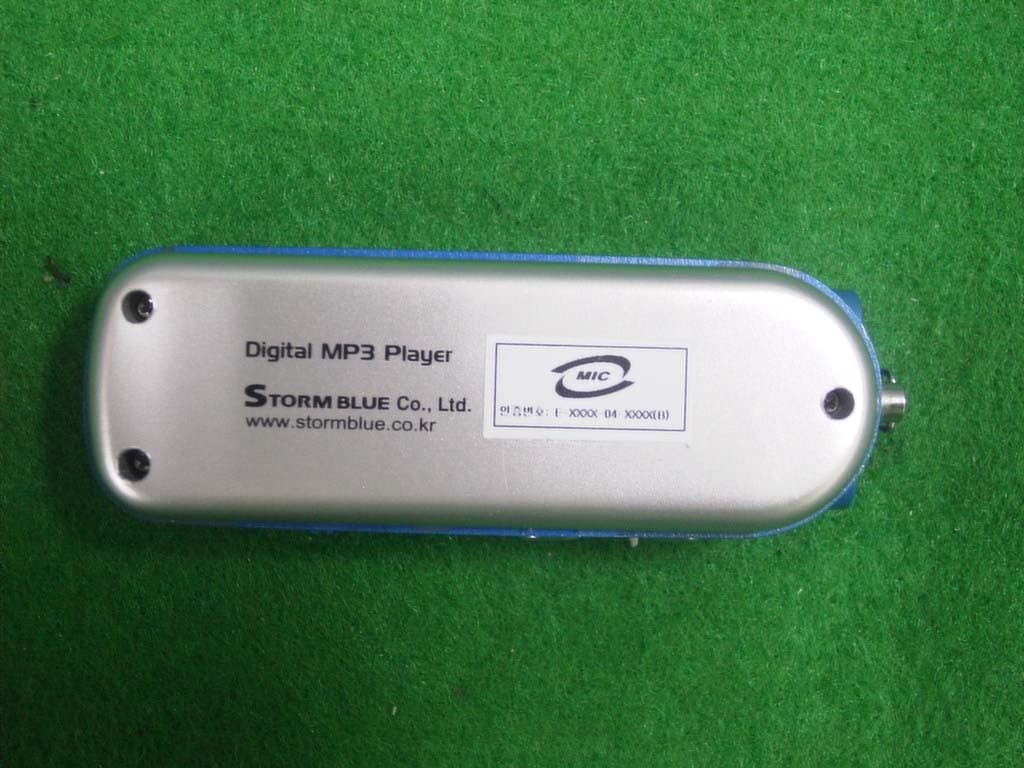
Click to zoom
Application Details
- Equipment Class
- JBP - Part 15 Class B Computing Device Peripheral
- Date of Grant
- Aug 15, 2004
- Application Purpose
- Original Equipment
- Date of Application
- Aug 15, 2004
- Equipment Note
- MP3 PLAYER
- Company
- Stormblue Co., Ltd.
- Country
- South Korea
Documents & Files
Document Text
Text extracted from the exhibit documents filed with the FCC. Open a document above to read the original.
Users Manual
Table of Contents z Introduction z Safety Precautions z List of Items z Product Introduction -Basic Functions -Parts Names -Menu Configuration z How to use manager program -Installing software to PC -Driver Installation z File Download/Upload -Connecting to a Computer -File Download /Upload -Formatting -Disconnecting from PC <Function of MP3 Player> z Basic Function z Music Listening -Playing Audio Files (MP3/WMA) -Listening to FM Radio -Voice Recording / Voice File Playing z Recording -Voice Recording -Line-IN Recording from external audio source z FM Radio mode -Searching FM Frequencies -Storing the selected frequency -FM Turner and Recording z Delete -Delete File or Folder <Additional Function> -Setting Ranged Repeat -Select EQ -SETUP Folder Menu -Search Speed -FM BAND Setting -Navigation -Playback Mode z Control -Control Function z Manager Program -FONT Download -Firmware Upgrade z Product Specification z Other Instructions - Troubleshooting z Warranty z Digital Audio Player, Xuke XUKE is a PLUG & PLAY type portable digital audio player that supports MP3 and WMA multi file formatting, FM Radio, Voice Recording and encoding function. Xuke uses Li-polymer rechargeable battery which allows for more than 14hours non-stop play from 2 hour USB Charge. Xuke also provides GUI (Graphical Users Interface) and Firmware Upgrade that allow the user operate various functions more easily and quickly. Please visit our worldwide web-site at www.stormblue.co.kr and upgrade your firm-ware with the newest firmware function. z Cautions <To maintain good performance> Do not drop or cause impact the product. Avoid high or cold temperature and moisture. Do not have other different things in the product. Avoid direct sunlight, high temperature from heating device. Avoid placing the product under high moisture or dust level Never disassemble, repair or rebuild Do not place an y magnetic device near the product. Do not use thinner, alcohol, or benzene when cleaning the product <Safety > - Do not shake or apply heavy shocks on the product It might be the cause of malfunction or damaged -Avoid contacting the product with water This may cause serious damage to the product. If the player gets wet, wipe with a soft towel or rag as soon as possible. <Using your headphones/earphones> -Do not wear earphones while driving an automobile, bicycle, or motorcycle. Not only it is dangerous, but it is also illegal in some jurisdictions. -Listening to the player at full volume level for extended periods result in hearing damage. z Included Accessories * Items can be changed without notice to increase the performance or quality of the product. Earphones USB Cable User’s Manual Install CD Arm Band (Optional) Neck Strap Audio Cable Carrying Case (Optional) z Product Introduction -Feature Multi-Codec Player Supports both MP3 and WMA file format Firmware Upgrade Firmware download are available to easily upgrade the newest functions on this product. Multi Languages Support with Graphic OLED Display localized file names in 35 languages with graphic OLED screen. FM Radio Listen and Record Worldwide range/Auto-search/user defined pre-set frequencies 7-Mode EQ Supports a 7-Mode EQ for best listening: FLAT, POP, POCK, LIVE, CLASSIC, VOCAL, DBASS Support (Graphic User Interface) MENU Enjoy GUI and well structured MENU tree. Support Direct Encoding Supports direct encoding features that accepts output from external audio sources. Easy Navigation All files can be stored in folders for easier access and organization. (LCD Display) ` (Button Table) Function Key Operation Activation ☞ If the music files selected, play the selected music file If the folder is selected, move to the selected folder Click ☞ Move to the MENU Mode ▶/■ (Play/Stop) Long Click ☞ Power OFF Volume +/- Click ☞ Move up/down and select the desired folder or song FF Click ☞ Move to the selected folder, if the file is selected REW Click ☞ Move to the upper folder ☞ Set up the block repeat mode Click ☞ Stop the block repeat mode AB/REC Long Click ☞ Delete the selected folder or file ☞ Select the mode Click (Play → FM → Line - in) Power On (MODE SW) Long Click ☞ Move to the MENU mode ①① ④ ⑤ ⑥ ⑦ ⑪ ② ③ ⑧ ⑨⑩ ① Play Mode ② Artist & Music Title ③Played Time Display ④ EQ ⑤ Play Speed ⑥ Lock ⑦ Total Number of Music File ⑧ Current Track Number ⑨ File Name ⑩ SAMPLE RATE ⑪ BIT RATE ⑫ Display Battery charge status ⑫ -MENU Structure EQ Repeat Folder Play Speed FM BAND System Setup -Normal -Rep 1 -Rep All -RANDOM -Intro -FLAT -POP -ROCK -LIVE -CLASSIC -VOCAL -DBASS -FOLDER 1 -FOLDER ALL -SLOW -NORMAL -KOR/US -EU/CHA -JAPAN -LCD Contrast -Backlight Time -VOICE REC Setup -AUDIO REC Setu p -OFF Time Setup -Format -Language Select -F/W UpGrade -EXIT z Software Installation 1) For Windows 98/SE The software should be installed before using the product. For Firmware Upgrade, install Upgrade program after installing Windows 98/SE driver. 2) For Windows 2000/ME/XP The software only needs to be installed for format the player -Installing Software to PC - Insert the provided CD in the CD-ROM of PC and follow the below instructions. Below screen will be appear. If it does not run automatically, run “Setup.exe” file from the install CD * For Windows 98/SE In Windows 98/SE, USB MP3 Disk cannot be recognized in the PC without USB Drive installation. (How to Install) - Click Install/uninstall button from ‘Windows 98/SE USB Drive installation from the manager program. (Cannot be installed in Windows ME/2000/XP) z How to use Manager Program [Manager program] * X-Manager for MP3 - This is an exclusive program to upgrade the newest firmware and the font for MP3 Player. You may install this program with the sequence as follows. -Click Install/uninstall from ‘X-Manager for MP3’ from the manager program. (Upgrade Firmware) 1. When the installation is finished, ‘X-Manager for MP3’ icon is created in the Window and the following program appears. 2. The newest Firmware / Font Data download is available from the we…
Text truncated - open the document above for the full version.
Block Diagram
MP-600 BLOCK DIAGRAM MICOM FLASH MEMORY FM TUNER KEY X-TAL 32.768KHz OLED DISPLAY CODEC USB PORTBATTERY EAR PHONE LINE IN
External Photos
KTI04EF07006 FCC ID: PU9MP-600 Korea Technology Institute Co., Ltd. Page 1 of 2 External photo (front) KTI04EF07006 FCC ID: PU9MP-600 Korea Technology Institute Co., Ltd. Page 2 of 2 External photo (Rear)
ID Label/Location Info
KTI04EF07006 FCC ID:PU9MP-600 Korea Technology Institute Co., Ltd. Page 1 of 1 Label location FCC Label Location
ID Label/Location Info
KTI04EF07006 FCC ID:PU9MP-600 Korea Technology Institute Co., Ltd. Page 1 of 1 FCC ID Sample Label Model Number: MP-600 FCC ID: PU9MP-600 S/N: STORMBLUE CO., LTD. Made in Korea
Internal Photos
KTI04EF07006 FCC ID:PU9MP-600 Korea Technology Institute Co., Ltd. Page 1 of 3 Internal photo (Front) KTI04EF07006 FCC ID:PU9MP-600 Korea Technology Institute Co., Ltd. Page 2 of 3 Internal photo 1 (Front) KTI04EF07006 FCC ID:PU9MP-600 Korea Technology Institute Co., Ltd. Page 3 of 3 Internal photo 1 (Rear)
Test Report
KTI04EF07006 FCC ID:PU9MP-600 Korea Technology Institute Co., Ltd. Page 1 of 13 Test Report Test Report No.: KTI04EF07006 Registration No.: 99058 Applicant: STORMBLUE CO., LTD. Applicant Address: #1308, World Meridian Venture Center, Gasan-dong 60-24, Geumcheon-gu, Seoul, Korea 153-801 Product: MP3 Player FCC ID: PU9MP-600 Model No. MP-600 Receipt No.: 04-0715 Date of receipt:July 21, 2004 Date of Issue: July 28, 2004 Testing location Korea Technology Institute Co., Ltd. 51-19, Sanglim3-Ri, Docheok-Myeun, Gwangju-Shi, Gyeungki-Do, Korea Test Standards: FCC/ANSI. C63.4: 2001 Rule Parts: FCC Part 15, Class B Equipment Class: Computing Device Peripheral Test Result: The above-mentioned product has been tested with compliance. Tested by: H. Kim / Engineer Approved by: G. C. Min /President Signature Date Signature Date Other Aspects: Abbreviations: * OK, Pass=passed * Fail=failed * N/A=not applicable ☞ - This test report is not permitted to copy partly without our permission. - This test result is dependent on only equipment to be used. - This test result is based on a single evaluation of one sample of the above mentioned. - This test report must not be used by the client to claim product endorsement by NVLAP or any agency of the U.S Government. - We certify this test report has been based on the measurement standards that is traceable to the national or international standards. KTI04EF07006 FCC ID:PU9MP-600 Korea Technology Institute Co., Ltd. Page 2 of 13 ≫≫ Contents ≪≪ 1. 2. 3. 4. 5. 6. Annex1 Annex2 Contents List of Tables List of Figures List of Photographs General Test Site 2.1 Location 2.2 List of Test and Measurement Instruments 2.3 Test Data 2.4 Test Environment Description of the tested samples 3.1 Rating and Physical characteristics 3.2 Submitted documents Measurement conditions 4.1 Modes of operation 4.2 List of peripherals 4.3 Uncertainty 4.4 Test Setup Emission Test 5.1 Conducted Emissions 5.2 Radiated Emissions Photographs of the Test Set-up Label Photographs of EUT 2 2 2 2 3 3 3 4 4 4 5 5 5 6 6 6 6 7 8 8 12 14 16 18~29 ≫ List of Tables Table 1 List of test and measurement equipment Table 2 Test Data. Conducted Emissions Table 3 Test Data. Radiated Emissions ≫ List of Figures Figure 1 Spectral Diagram, LINE-PE Figure 2 Spectral Diagram, Neutral-PE ≫ List of Photographs Photograph 1 Setup for Radiated Emissions Photograph 2 Setup for Conducted Emissions 4 11 13 9 10 14 15 KTI04EF07006 FCC ID:PU9MP-600 Korea Technology Institute Co., Ltd. Page 3 of 13 1. General This equipment has been shown to be capable of compliance with the applicable technical standards and was tested in accordance with the measurement procedures as indicated in this report. We attest to the accuracy of data. Korea Technology Institute Co., Ltd. performed all measurements reported herein. And were made under Chief Engineer’s supervisor. We assume full responsibility for the completeness of these measurements and vouch for the qualifications of all persons taking them. 2. Test Site Korea Technology Institute Co., Ltd. 2.1 Location 51-19, Sanglim3-Ri, Docheok-Myeun, Gwangju-Shi, Gyeungki-Do, Korea The Test Site is in compliance with ANSI C63.4/2001 for measurement of radio Interference. KTI04EF07006 FCC ID:PU9MP-600 Korea Technology Institute Co., Ltd. Page 4 of 13 2.2 List of Test and Measurement Instruments Table 1: List of Test and Measurement Equipment - Conducted Emissions Kind of Equipment Type S/N Calibrated until Spectrum Analyzer R3261C 61720417 11.2004 Field Strength Meter ESPC 832827/011 9.2004 LISN KNW407 8-1157-2 10.2004 LISN EM-7823 115019 4.2005 Conducted Cable N/A N/A 11.2004 - Radiated Emissions Kind of Equipment Type S/N Calibrated until Field Strength Meter ESIB40 100093 3.2005 Spectrum Analyzer R3261C 61720417 11.2004 Pre Amplifier 8447D 2944A06874 11.2004 BiconiLog Antenna 3142B 1705 2.2005 Horn Antenna 3115 6443 6.2005 Open Site Cable N/A N/A 11.2004 Antenna Mast DETT-03 N/A N/A Antenna & Turntable controller DETT-04 91X519 N/A 2.3 Test Date Date of Application: July 21, 2004 Date of Test: July 26, 2004 2.4 Test Environment See each test item’s description. KTI04EF07006 FCC ID:PU9MP-600 Korea Technology Institute Co., Ltd. Page 5 of 13 3. Description of the tested samples The EUT is a MP3 Player. 3.1. Rating and Physical Characteristics 3.2 Submitted Documents - User’s Guide - Block Diagram KTI04EF07006 FCC ID:PU9MP-600 Korea Technology Institute Co., Ltd. Page 6 of 13 4. Measurement Conditions Testing Input Voltage: AC 220V 4.1 Modes of Operation The EUT was in the following operation mode during all testing; 1) File transfer each disk. 4.2 Additional Equipment DEVICE TYPE Manufacturer M/N S/N FCC ID PC COMPAQ COMPUTER CORPORATION EvoD5M 6F28KN8ZH110 - Monitor Samsung Electronics 750S P223HVAR502035 - Keyboard COMPAQ COMPUTER CORPORATION KB-9963 B26960GBUKKOVW - Mouse logitech M-S69 3892D101 - Mouse SEJIN ELECTRON INC.SMB-400 0CIM004047 GJJS965M3 Printer HEWLETT PACKARD C4569A SG6A7160PJ - 4.3 Uncertainty 1) Radiated disturbance Uc (Combined standard Uncertainty) = ± 1.8dB Expanded uncertainty U=KUc K = 2 ∴ U = ± 3.6dB 2) Conducted disturbance Uc = ± 0.88dB U = KUc=2 x Uc = ± 1.8dB KTI04EF07006 FCC ID:PU9MP-600 Korea Technology Institute Co., Ltd. Page 7 of 13 4.4 Test Setup Signal Line Power Line Printer PC Monitor Keyboard Mouse EUT Mouse KTI04EF07006 FCC ID:PU9MP-600 Korea Technology Institute Co., Ltd. Page 8 of 13 5. EMISSION Test 5.1.Conducted Emissions Result: Pass The line-conducted facility is located inside a 2.3M x 3.5M x 5.5M shielded closure. The shielding effectiveness of the shielded room is in accordance with MIL-Std-285 or NSA 605- 05. A 1m x 1.5m wooden table 80cm high is placed 80cm away from the conducting ground plane and 40cm away from the sidewall of the shielded room. Electro-Metroics Model EM-7823 (9kHz- 30MHz)50ohm/50 uH Line-Impedance Stabilization Networks (LISN) are bonded to the shielded room. The EUT is powered from the Electro-Metroics LISN and the suppor…
Text truncated - open the document above for the full version.
Test Setup Photos
KTI04EF07006 FCC ID:PU9MP-600 Korea Technology Institute Co., Ltd. Page 1 of 2 6. Photograph of the Test Set-Up Photograph 1 : Setup for radiated Emissions KTI04EF07006 FCC ID:PU9MP-600 Korea Technology Institute Co., Ltd. Page 2 of 2 Photograph 2 : Setup for Conducted Emissions
Contact Information
Applicant
D. J. Kim(General Manager)
Test Firm
Korea Technology Institute Co., Ltd.Seung Hyun Song
Technical Specifications
| # | Rule Parts | Frequency Range | Power Output |
|---|---|---|---|
| 1 | 15B | - | - |
Other Applications from Stormblue Co., Ltd.
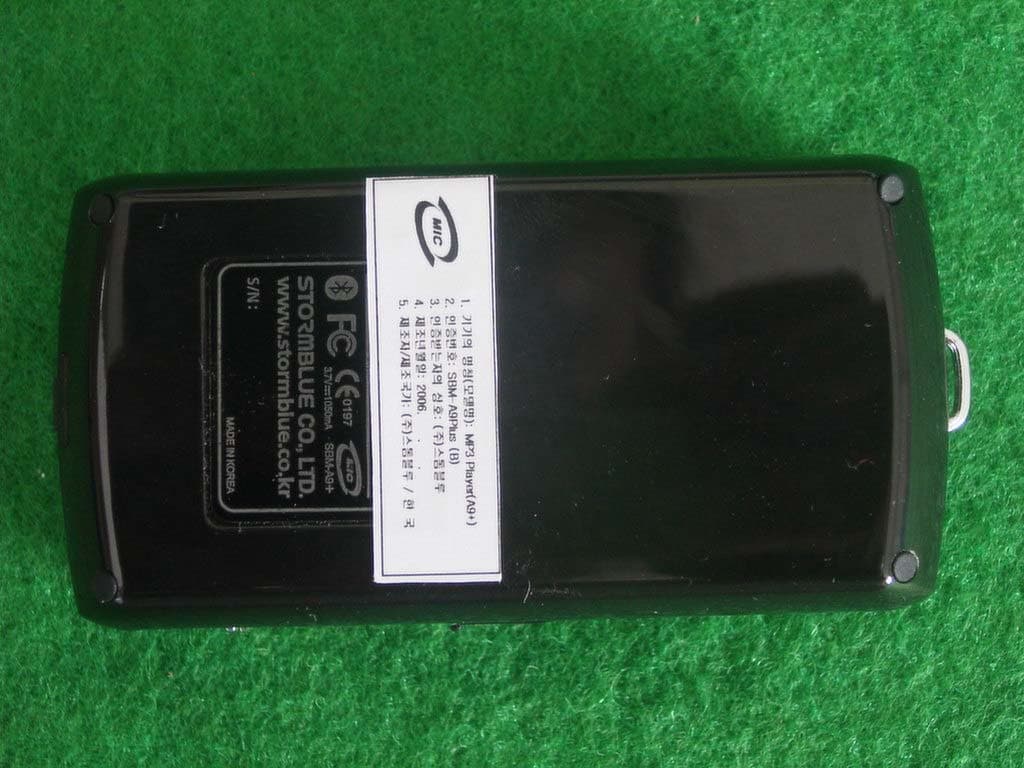
PU9A9PLUS
Oct 01, 2006BLUETOOTH MULTIMEDIA PLAYER
Equipment Class
DSS - Part 15 Spread Spectrum Transmitter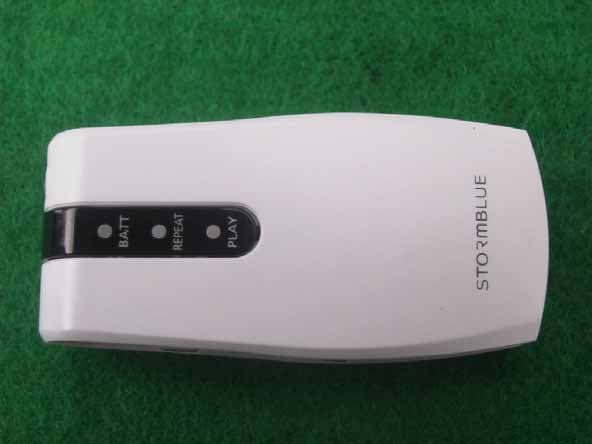
PU9R3
Nov 10, 2005MP3 PLAYER
Equipment Class
JBP - Part 15 Class B Computing Device PeripheralPU9AV-700
May 31, 2005MP3 PLAYER
Equipment Class
JBP - Part 15 Class B Computing Device Peripheral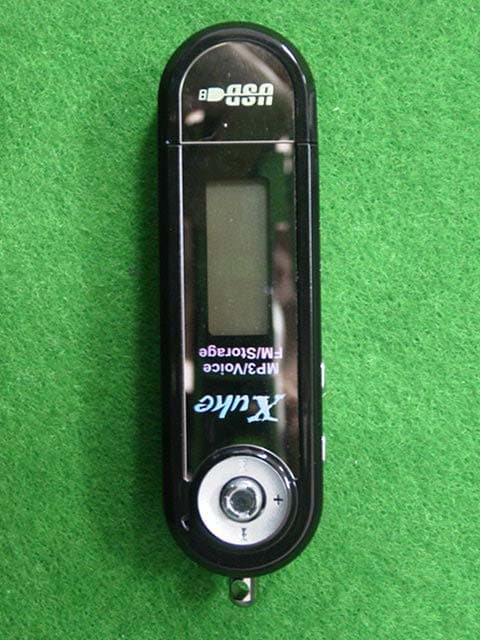
PU9MP-500
Apr 13, 2004MP3 Player
Equipment Class
JBP - Part 15 Class B Computing Device Peripheral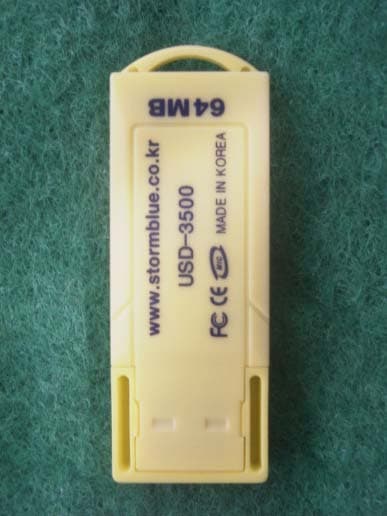
PU9USD3500
Nov 05, 2003USB MASS STORAGE DEVICE
Equipment Class
JBP - Part 15 Class B Computing Device Peripheral