PU9USD2-SUSB Drive
Stormblue Co., Ltd.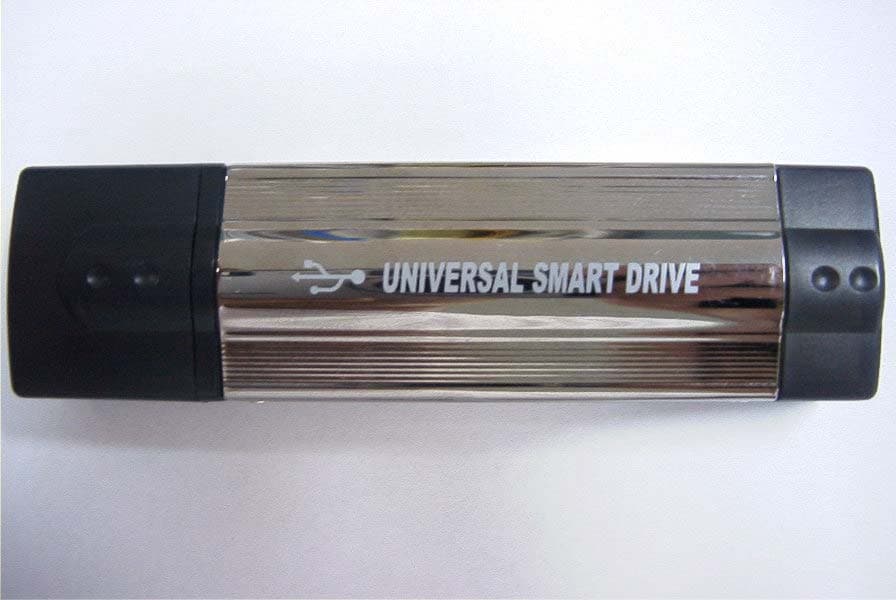
Click to zoom
Application Details
- Equipment Class
- JBP - Part 15 Class B Computing Device Peripheral
- Date of Grant
- Aug 28, 2002
- Application Purpose
- Original Equipment
- Date of Application
- Aug 28, 2002
- Equipment Note
- USB Drive
- Company
- Stormblue Co., Ltd.
- Country
- South Korea
Documents & Files
Document Text
Text extracted from the exhibit documents filed with the FCC. Open a document above to read the original.
Users Manual
Precautions 1. When removing the Universal Smart Drive from the USB port, please ensure that the Red light on the Universal Smart Drive is not flashing and that the light is in fact Green. This will ensure that your data on the device is not lost. It is very important that you check Universal Smart Drive light even if the dialog box on your computer shows that the data transfer is finished. 2. When disconnecting the Universal Smart Drive in Windows Me, Windows 2000 and Windows XP, you must double click the icon "Unplug or Eject Hardware" which is located at the bottom right corner of your screen and follow the instructions before removing. If you are using a Macintosh OS, we suggest that you use the “Eject” or “Put Away” option before unplugging the Universal Smart Drive. In LINUX you should unmount the Universal Smart Drive before unplugging. 3. Please disconnect the Universal Smart Drive from the USB port before turning your computer on/off. It is also important to ensure your computer has finished booting before connecting the Universal Smart Drive. 4. Please ensure that you follow the instruction manual for proper driver installation if your operating system is Windows 98/SE (see section: 6.Driver Installation for Windows 98/SE). Universal Smart Drive Contents 1. Introduction 2. Features 3. Specifications 4. Precautions for Using the Universal Smart Drive 5. How to use the Universal Smart Drive? 6. Driver Installation for Windows 98/SE 7. Linux Instructions for the Universal Smart Drive 8. Warranty Disclosure 9. Safety Notes 10. Tech Support 1. Introduction Incredibly easy to transfer and store data from PC to PC, PC to Mac, Mac to Mac and Mac to PC. The Universal Smart Drive is a compact, lightweight and portable storage device, which uses state of the art technology. It is the world's smallest smart drive, which literally fits right into the palm of your hand! USB ports allow for the fastest data transfer and you do not need a separate power device or cable. Just plug the Universal Smart Drive into the USB port of your computer and the drive installs immediately on it's own. It is truly a Plug and Play device. No more hassles of downloading software. You can also cross platform your data from PC to Mac and vice versa. On your desktop or notebook, the Universal Smart Drive looks and functions just like another hard drive. Carry it on a strap around your neck, slip it into your pocket, or just hold it in the palm of your hand. Now you can take your favorite movie, music, graphics library, valuable data or that very important business presentation with you wherever you go!!!! 2. Features l No drivers required*, Plug-N-Play via USB port on PC and Mac l Various memory capacities ranging from 16MB to 1GB l Ideal for transferring large data files between computers l Fantastic for backing-up critical files l Able to cross platforms from PC to Mac and vice versa l Great for taking data from office to home and back to office l Excellent for storing data, music files, pictures and important business presentations * Installation program is required for Windows 98/SE. This program is supplied with the Universal Smart Drive accessories or can be downloaded from our website (www.universalsmartdrive.com). 3. Specifications Supported OS Windows 98/SE, Windows ME, Windows 2000, Windows XP and Mac 8.6 or higher, Linux 2.4X or higher System Requirements IBM PC/AT or compatible Desktop / Notebook / Sub-Notebook / Laptop computers / Mac (Pentium @ 100MHz or better) with USB ports Power Supply USB Bus-powered (4.5V to 5.5V) Capacities 16MB/32MB/64MB/128MB/256MB/512MB/1GB Data Retention 10 years Illumination Green: Device connected Red: Data receiving or transmitting Data Reading/Writing Speed Max 12Mbits/sec (depending on PC system) Operating Temperature 0°C ~ +50°C Storage Temperature -30°C ~ +80°C Dimension (LxWxH) 91mm x 25mm x 15.5mm Weight 32g Certification FCC, CE, MIC Warranty 1 year limited liability warranty 4. Precautions for Using the Universal Smart Drive 4.1 When removing the Universal Smart Drive from the USB port, please ensure that the Red light on the Universal Smart Drive is not flashing and that the light is in fact Green. This will ensure that your data on the device is not lost. It is very important that you check Universal Smart Drive light even if the dialog box on your computer shows that the data transfer is finished. 4.2 When disconnecting the Universal Smart Drive in Windows Me, Windows 2000 and Windows XP, you must double click the icon "Unplug or Eject Hardware" which is located at the bottom right corner of your screen and follow the instructions before removing. If you are using a Macintosh OS, we suggest that you use the “Eject” or “Put Away” option before unplugging the Universal Smart Drive. In LINUX you should unmount the Universal Smart Drive before unplugging. 4.3 Please disconnect the Universal Smart Drive from the USB port before turning your computer on/off. It is also important to ensure your computer has finished booting before connecting the Universal Smart Drive. 4.4 Please ensure that you follow the instruction manual for proper driver installation if your operating system is Windows 98/SE (see section: 6.Driver Installation for Windows 98/SE). Note: If your operating system is Windows ME, Windows 2000, Windows XP, Macintosh Version 8.6 or higher or Linux Kernel Version 2.4.x or higher, DO NOT USE the Windows 98/SE CD, as the necessary software is already installed in the Universal Smart Drive. If your operating system is Windows 98/SE, it is required that you install the Windows 98/SE drivers, which are included on the Windows 98/SE Installation CD (see section 6. Driver Installation for Windows 98/SE). 5. How to use the Universal Smart Drive? The Universal Smart Drive functions as a removable disk drive on your computer. When you insert the Universal Smart Drive to the USB port of your PC or Mac, then the "removable disk" icon will appear in the "My Compute…
Text truncated - open the document above for the full version.
Block Diagram
USD2-S Block Diagram MICOM FLASH Memory USB Port A PC X-TAL 8 Mhz Regulator 3.3V
External Photos
KTI02EF08003 FCC ID: PU9USD2-S Korea Technology Institute Co., Ltd. Page 1 of 2 External photo-Front KTI02EF08003 FCC ID: PU9USD2-S Korea Technology Institute Co., Ltd. Page 2 of 2 External photo-Rear
ID Label/Location Info
Korea Technology Institute Co., Ltd. Page 1 of 1 FCC ID Sample Label Model Number: USD2-S FCC ID : PU9USD2-S STORMBLUE Co., Ltd. Made in Korea This device complies with part 15 of the FCC Rules. Operation is subject to the following two conditions: (1)This device may not cause harmful interference, and (2)This device must accept any interference received, including interference that may cause undesired operation. Korea Technology Institute Co., Ltd. Page 1 of 1 Label location LABEL
Internal Photos
KTI02EF08003 FCC ID: PU9USD2-S Korea Technology Institute Co., Ltd. Page 1 of 1 Internal photo-Board
Test Report
KTI02EF08003 FCC ID : PU9USD2-S Korea Technology Institute Co., Ltd. Page 1 of 13 Test Report Test Report No.: KTI02EF08003 Registration No.: 99058 Applicant: STORMBLUE CO., LTD. Applicant Address: 3 rd Floor 144-9 Doksan-Dong Kumchun-Gu Seoul 153-011 Korea Product: USB Drive FCC ID: PU9USD2-S Model No. USD2-S Receipt No.: 02-0523 Date of receipt: May 23,2002 Date of Issue: August 27, 2002 Testing location Korea Technology Institute Co., Ltd. 51-19, Sanglim3-Ri, Docheok-Myeun, Gwangju-Shi, Gyeungki-Do, Korea Test Standards: ANSI. C63.4 : 1992 Rule Parts: FCC Part 15, Subpart B Equipment Class: Computing Device Test Result: The above mentioned product has been tested and passed. Approved by: G. C. Min/ President Tested by: M.H.Jang/ Engineer Signature Date Signature Date Other Aspects : Abbreviations : • OK, Pass=passed • Fail=failed • N/A=not applicable ▪ This test report is not permitted to copy partly without our permission. ▪ This test result is dependent on only equipment to be used. ▪ This test result is based on a single evaluation of one sample of the above mentioned. ▪ This test report must not be used by the client to claim product endorsement by NVLAP or any agency of the U.S Government. ▪ We certify this test report has been based on the measurement standards that is traceable to the national or international standards. KTI02EF08003 FCC ID : PU9USD2-S Korea Technology Institute Co., Ltd. Page 2 of 13 Contents 1. 2. 3. 4. 5. 6. Annex1 Annex2 Contents List of Tables List of Figures List of Photographs General Test Site 2.1 Location 2.2 List of Test and Measurement Instruments 2.3 Test Data 2.4 Test Environment Description of the tested samples 3.1 Rating and Physical characteristics 3.2 Submitted documents Measurement conditions 4.1 Modes of operation 4.2 List of peripherals 4.3 Uncertainty 4.4 Test Setup Emission Test 5.1 Conducted Emissions 5.2 Radiated Emissions Photographs of the Test Set-up Label Photographs of EUT 2 2 2 2 3 3 3 4 4 4 5 5 5 6 6 6 6 7 8 8 12 14 16 18~20 List of Tables Table 1 List of test and measurement equipment Table 2 Test Data. Conducted Emissions Table 3 Test Data. Radiated Emissions List of Figures Figure 1 Spectral Diagram, LINE-PE Figure 2 Spectral Diagram, Neutral-PE List of Photographs Photograph 1 Setup for Radiated Emissions Photograph 2 Setup for Conducted Emissions 4 11 13 9 10 14 15 KTI02EF08003 FCC ID : PU9USD2-S Korea Technology Institute Co., Ltd. Page 3 of 13 1. General This equipment has been shown to be capable of compliance with the applicable technical standards and was tested in accordance with the measurement procedures as indicated in this report. We attest to the accuracy of data. Korea Technology Institute Co., Ltd. performed all measurements reported herein. And were made under Chief Engineer’s supervisor. We assume full responsibility for the completeness of these measurements and vouch for the qualifications of all persons taking them. 2. Test Site Korea Technology Institute Co., Ltd. 2.1 Location 51-19, Sanglim3-Ri, Docheok-Myeun, Gwangju-Shi, Gyeungki-Do, Korea The Test Site is in compliance with ANSI C63.4/1992 for measurement of radio Interference. KTI02EF08003 FCC ID : PU9USD2-S Korea Technology Institute Co., Ltd. Page 4 of 13 2.2 List of Test and Measurement Instruments Table 1: List of Test and Measurement Equipment - Conducted Emissions Kind of Equipment Type S/N Calibrated until Spectrum Analyzer R3261C 61720417 11.2002 Field Strength Meter ESPC 832827/011 9.2002 LISN KNW407 8-1157-2 10.2002 LISN ESH2-Z5 8254601019 6.2002 Conducted Cable N/A N/A 11.2002 - Radiated Emissions Kind of Equipment Type S/N Calibrated until Field Strength Meter ESPC 832827/011 9.2002 Spectrum Analyzer R3261C 61720417 11.2002 Pre Amplifier 8447D 2944A06874 11.2002 BiconiLog Antenna 3142B 1705 12.2002 Horn Antenna 3115 6443 7.2002 Open Site Cable N/A N/A N/A Antenna Mast DETT-03 N/A N/A Antenna & Turntable controller DETT-04 91X519 N/A 2.3 Test Date Date of Application: May 23, 2002 Date of Test: August 23, 2002 2.4 Test Environment See each test item’s description. KTI02EF08003 FCC ID : PU9USD2-S Korea Technology Institute Co., Ltd. Page 5 of 13 3. Description of the tested sampleswww The EUT is USB Drive 3.1. Rating and Physical Characteristics - Supported OS : Windows 98/SE, Windows ME, Windows 2000, Windows XP, MAC 8.6 or higher, Linux 2.4.x - Power Supply : USB bus-powered (4.5V to 5.5V) - Data Retention : 10 years - ILLUMINATION : GREEN – Device connected Red Flashing – Data receiving or transmitting - Data Reading/Writing Speed : Max 12Mbits/Sec (depending on PC system) - Operating Temperature : 0 ~ + 50 - storage Temperature : - 30 ~ + 80 - Demension : 63mm × 21mm × 11.6 mm - Weight : 15 g 3.2. Submitted Documents - User’s Guide - Block Diagram KTI02EF08003 FCC ID : PU9USD2-S Korea Technology Institute Co., Ltd. Page 6 of 13 4. Measurement Conditions Testing Input Voltage: USB bus-powered (4.5V to 5.5V) 4.1 Modes of Operation The EUT was in the following operation mode during all testing; 1. EUT connected to Computer. 4.2 Additional Equipment DEVICE TYPE Manufacturer M/N S/N FCC ID PC COMPAQ COMPUTER CORPORATION Deskpro EXM 6F13JC8JN619 DOC Monitor Samsung Electronics 750S P223HVAR502035 DOC Keyboard COMPAQ COMPUTER CORPORATION KB-9963 B26960GBUKKOVW DOC Mouse logitech M-S48a None JNZ201213 Mouse SEJIN ELECTRON INC. SMB-400 0CIM004047 GJJS965M3 Printer HEWLETT PACKARD C4569A SG6A7160PJ DOC 4.3 Uncertainty 1) Radiated disturbance Uc (Combined standard Uncertainty) = ± 1.8dB Expanded uncertainty U=KUc K = 2 U = ± 3.6dB 2) Conducted disturbance Uc = ± 0.88dB U = KUc=2 x Uc = ± 1.8dB KTI02EF08003 FCC ID : PU9USD2-S Korea Technology Institute Co., Ltd. Page 7 of 13 4.4 Test Setup Signal Line PC PRINTER MONITER KEYBOARDMOUSE MOUSE EUT KTI02EF08003 FCC ID : PU9USD2-S Korea Technology Institute Co., Ltd. Page 8 of 13 5. EMISSION Test 5.1.Conducted Emissions Result: Pass The line-conducted facility is located inside a 2.…
Text truncated - open the document above for the full version.
Test Setup Photos
KTI02EF08003 FCC ID: PU9USD2-S Korea Technology Institute Co., Ltd. Page 1 of 2 6. Photograph of the Test Set-Up Photograph 1 : Setup for radiated Emissions KTI02EF08003 FCC ID: PU9USD2-S Korea Technology Institute Co., Ltd. Page 2 of 2 Photograph 2 : Setup for Conducted Emissions
Contact Information
Applicant
D. J. Kim(General Manager)
Test Firm
Korea Technology Institute Co., Ltd.Seung Hyun Song
Technical Specifications
| # | Rule Parts | Frequency Range | Power Output |
|---|---|---|---|
| 1 | 15B | - | - |
Other Applications from Stormblue Co., Ltd.
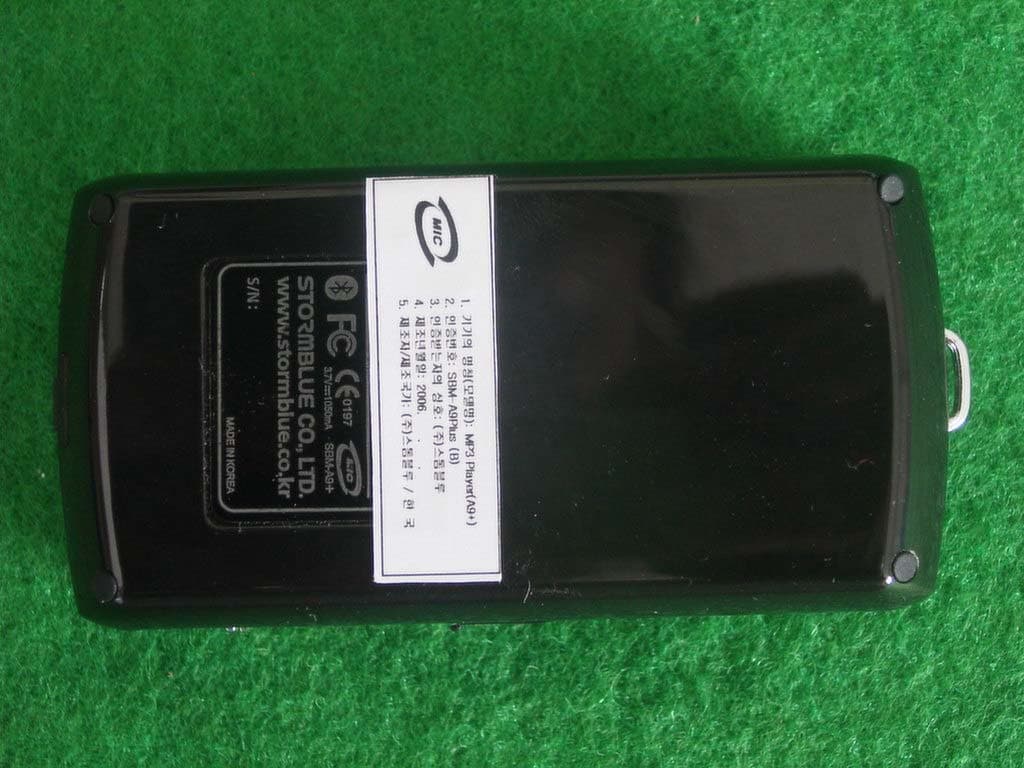
PU9A9PLUS
Oct 01, 2006BLUETOOTH MULTIMEDIA PLAYER
Equipment Class
DSS - Part 15 Spread Spectrum Transmitter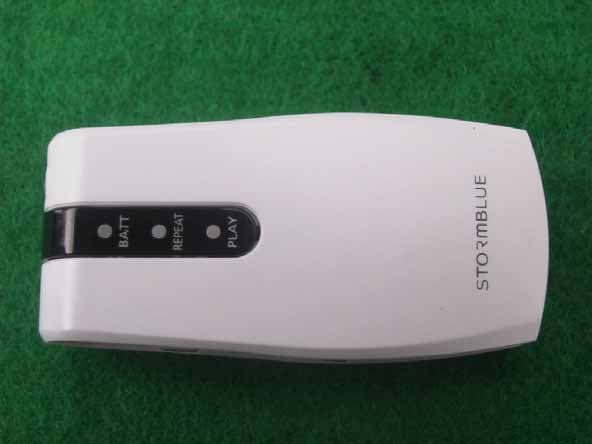
PU9R3
Nov 10, 2005MP3 PLAYER
Equipment Class
JBP - Part 15 Class B Computing Device PeripheralPU9AV-700
May 31, 2005MP3 PLAYER
Equipment Class
JBP - Part 15 Class B Computing Device Peripheral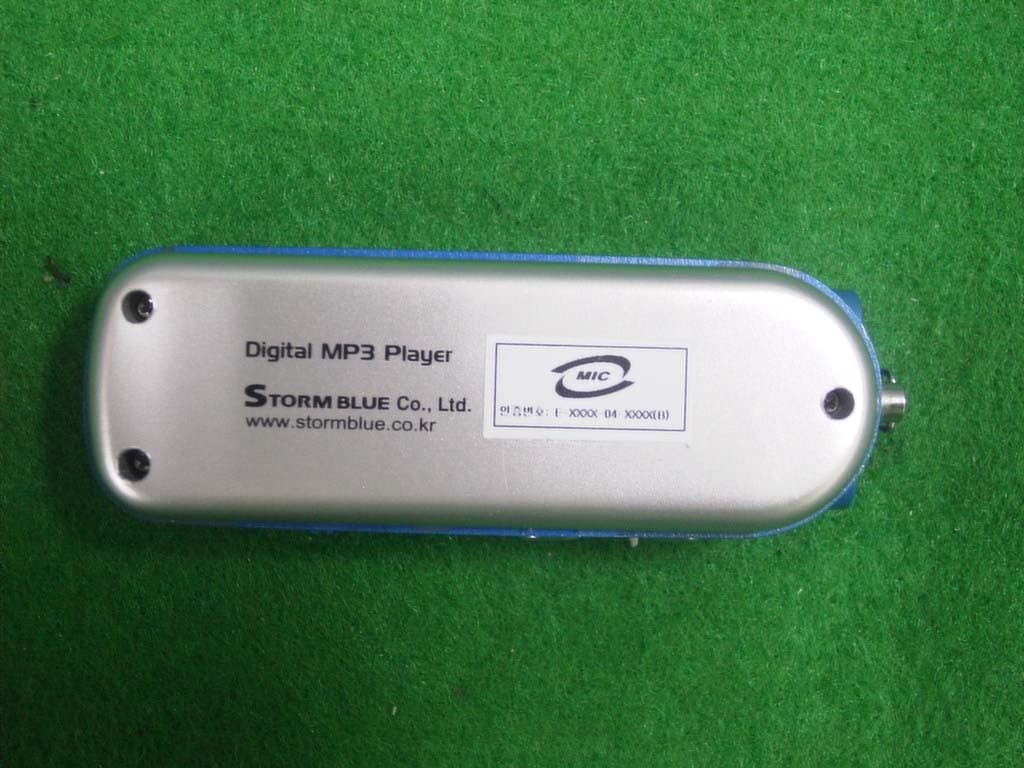
PU9MP-600
Aug 15, 2004MP3 PLAYER
Equipment Class
JBP - Part 15 Class B Computing Device Peripheral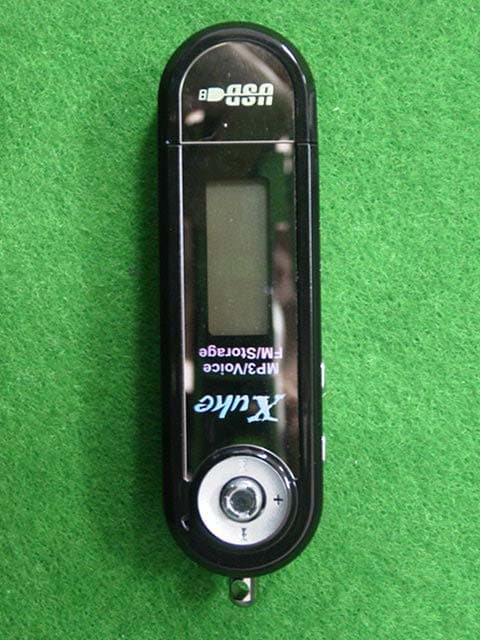
PU9MP-500
Apr 13, 2004MP3 Player
Equipment Class
JBP - Part 15 Class B Computing Device Peripheral