Q3MPWG600Personal Wireless Gateway
G-Tek Electronics Corporation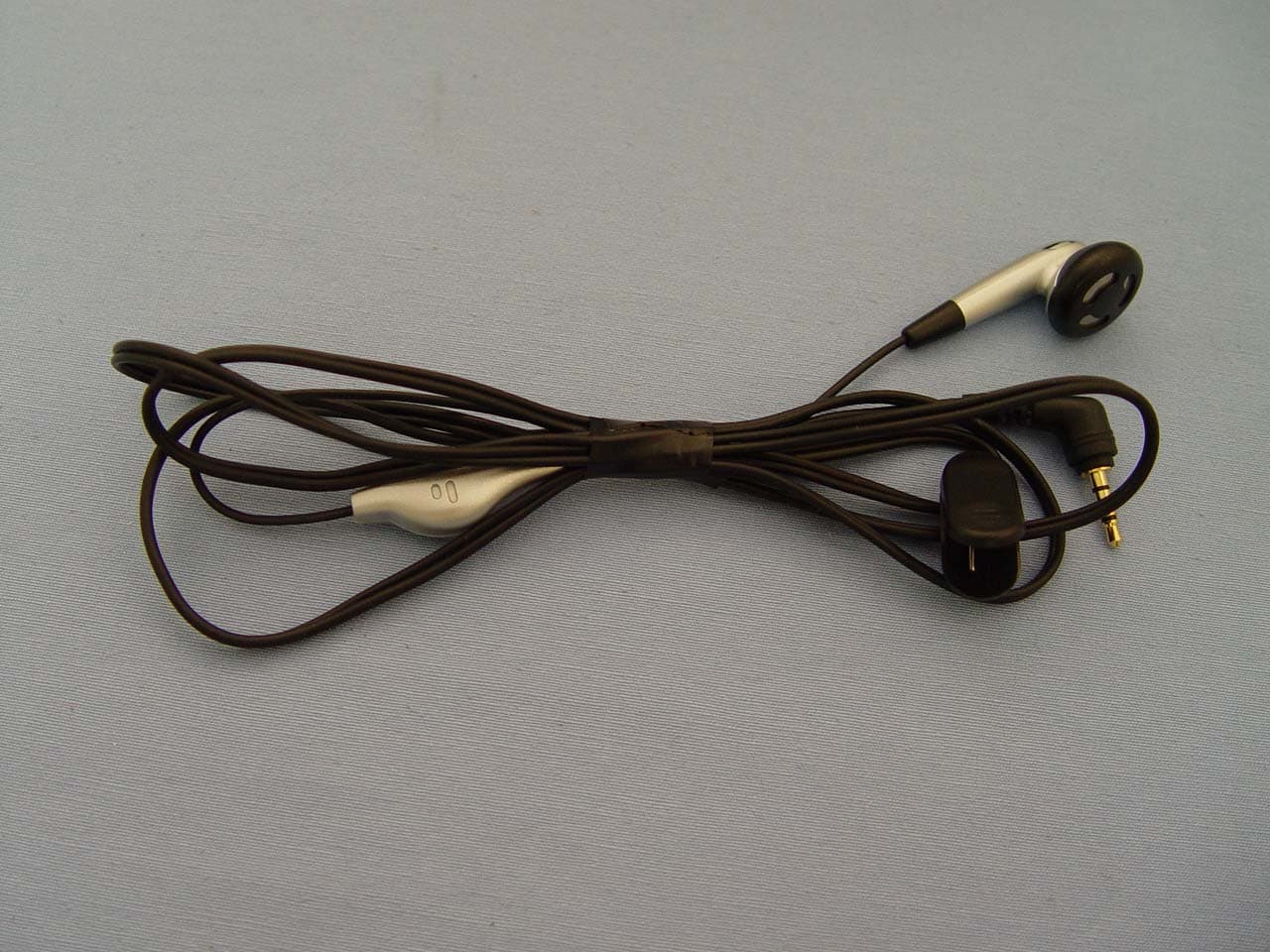
Click to zoom
Application Details
- Equipment Class
- DTS - Digital Transmission System
- Date of Grant
- Mar 08, 2007
- Application Purpose
- Original Equipment
- Date of Application
- Dec 07, 2006
- Equipment Note
- Personal Wireless Gateway
- Frequency Range
- 2412.00000000 - 2462.00000000
- Country
- Taiwan
Documents & Files
Document Text
Text extracted from the exhibit documents filed with the FCC. Open a document above to read the original.
Users Manual
- 1 - G-Tek GSM / VoIP Phone Model: PWG-600 User Manual PWG-600 User Guide - 2 - TABLE OF CONTENTS K K N N O O W W I I N N G G Y Y O O U U R R P P W W G G - - 6 6 0 0 0 0 ......................................................................................... 4 K EYS AND SCREEN LAYOUT........................................................................................... 5 S IDE & TOP VIEW............................................................................................................ 8 INCOMING CALL ALERT OPTION....................................................................................... 9 DISPLAY INDICATORS.................................................................................................... 10 G G E E T T T T I I N N G G S S T T A A R R T T E E D D .................................................................................................... 11 SIM CARDS................................................................................................................... 11 PIN LOCK SIM.............................................................................................................. 11 CHANGE PIN................................................................................................................. 11 USB INTERFACE........................................................................................................... 11 C HARGING..................................................................................................................... 11 BATTERY....................................................................................................................... 11 LCD.............................................................................................................................. 12 R EAL TIME CLOCK........................................................................................................ 12 M M A A I I N N F F U U N N C C T T I I O O N N S S ....................................................................................................... 13 M AKING AN OUT GOING CALL...................................................................................... 13 MAKING A CALL............................................................................................................. 13 Making a call using the phone book directory features.................................... 13 Speed dialing a phone number............................................................................ 14 Assigning a phone number to a speed dialing key:.......................................... 14 M AKING AN EMERGENCY CALL..................................................................................... 15 ANSWERING OR REJECTING AN INCOMING CALL........................................................... 15 OTHER FUNCTIONS DURING A CALL.............................................................................. 16 Call Waiting (VoIP Call Only)............................................................................... 16 Call Forwarding (VoIP Call Only)......................................................................... 17 Call Barring (VoIP Call Only)................................................................................ 18 Caller Id (VoIP Call Only)...................................................................................... 19 Send DTMF tone.................................................................................................... 19 Reject a call............................................................................................................. 19 Put a call on hold.................................................................................................... 20 Have a Conference................................................................................................ 20 Ending a call............................................................................................................ 20 A UTOMATIC KEY LOCK................................................................................................... 20 MANUAL KEY LOCK........................................................................................................ 20 P OWER SAVING............................................................................................................. 20 M AKING BALANCE ENQUIRY......................................................................................... 21 C ONNECTING A WIRED HEADSET.................................................................................. 21 S ETTING SPEAKER PHONE VOLUME.............................................................................. 21 SETTING MICROPHONE VOLUME................................................................................... 22 PWG-600 User Guide - 3 - SETTING THE LCD SLEEP INTERVAL............................................................................ 22 TURNING ON THE KEYPAD LIGHT.................................................................................. 22 SETTING THE DATE AND THE TIME................................................................................ 22 Setting the time....................................................................................................... 22 SETTING LCD BACKLIGHT............................................................................................ 23 ALARM CLOCK............................................................................................................... 24 RESTORE FACTORY DEFAULTS.................................................................................... 24 U U S S I I N N G G T T H H E E M M E E N N U U S S ..................................................................................................... 25 A CCESSING A MENU...................................................................................................... 25 LIST OF THE MENUS..................................…
Text truncated - open the document above for the full version.
Users Manual
- 1 - G-Tek GSM / VoIP Phone Model: PWG-600 User Manual PWG-600 User Guide - 2 - TABLE OF CONTENTS K K N N O O W W I I N N G G Y Y O O U U R R P P W W G G - - 6 6 0 0 0 0 ......................................................................................... 4 K EYS AND SCREEN LAYOUT........................................................................................... 5 S IDE & TOP VIEW............................................................................................................ 8 INCOMING CALL ALERT OPTION....................................................................................... 9 DISPLAY INDICATORS.................................................................................................... 10 G G E E T T T T I I N N G G S S T T A A R R T T E E D D .................................................................................................... 11 SIM CARDS................................................................................................................... 11 PIN LOCK SIM.............................................................................................................. 11 CHANGE PIN................................................................................................................. 11 USB INTERFACE........................................................................................................... 11 C HARGING..................................................................................................................... 11 BATTERY....................................................................................................................... 11 LCD.............................................................................................................................. 12 R EAL TIME CLOCK........................................................................................................ 12 M M A A I I N N F F U U N N C C T T I I O O N N S S ....................................................................................................... 13 M AKING AN OUT GOING CALL...................................................................................... 13 MAKING A CALL............................................................................................................. 13 Making a call using the phone book directory features.................................... 13 Speed dialing a phone number............................................................................ 14 Assigning a phone number to a speed dialing key:.......................................... 14 M AKING AN EMERGENCY CALL..................................................................................... 15 ANSWERING OR REJECTING AN INCOMING CALL........................................................... 15 OTHER FUNCTIONS DURING A CALL.............................................................................. 16 Call Waiting (VoIP Call Only)............................................................................... 16 Call Forwarding (VoIP Call Only)......................................................................... 17 Call Barring (VoIP Call Only)................................................................................ 18 Caller Id (VoIP Call Only)...................................................................................... 19 Send DTMF tone.................................................................................................... 19 Reject a call............................................................................................................. 19 Put a call on hold.................................................................................................... 20 Have a Conference................................................................................................ 20 Ending a call............................................................................................................ 20 A UTOMATIC KEY LOCK................................................................................................... 20 MANUAL KEY LOCK........................................................................................................ 20 P OWER SAVING............................................................................................................. 20 M AKING BALANCE ENQUIRY......................................................................................... 21 C ONNECTING A WIRED HEADSET.................................................................................. 21 S ETTING SPEAKER PHONE VOLUME.............................................................................. 21 SETTING MICROPHONE VOLUME................................................................................... 22 PWG-600 User Guide - 3 - SETTING THE LCD SLEEP INTERVAL............................................................................ 22 TURNING ON THE KEYPAD LIGHT.................................................................................. 22 SETTING THE DATE AND THE TIME................................................................................ 22 Setting the time....................................................................................................... 22 SETTING LCD BACKLIGHT............................................................................................ 23 ALARM CLOCK............................................................................................................... 24 RESTORE FACTORY DEFAULTS.................................................................................... 24 U U S S I I N N G G T T H H E E M M E E N N U U S S ..................................................................................................... 25 A CCESSING A MENU...................................................................................................... 25 LIST OF THE MENUS..................................…
Text truncated - open the document above for the full version.
Users Manual
- 1 - G-Tek GSM / VoIP Phone Model: PWG-600 User Manual PWG-600 User Guide - 2 - TABLE OF CONTENTS K K N N O O W W I I N N G G Y Y O O U U R R P P W W G G - - 6 6 0 0 0 0 ......................................................................................... 4 K EYS AND SCREEN LAYOUT........................................................................................... 5 S IDE & TOP VIEW............................................................................................................ 8 INCOMING CALL ALERT OPTION....................................................................................... 9 DISPLAY INDICATORS.................................................................................................... 10 G G E E T T T T I I N N G G S S T T A A R R T T E E D D .................................................................................................... 11 SIM CARDS................................................................................................................... 11 PIN LOCK SIM.............................................................................................................. 11 CHANGE PIN................................................................................................................. 11 USB INTERFACE........................................................................................................... 11 C HARGING..................................................................................................................... 11 BATTERY....................................................................................................................... 11 LCD.............................................................................................................................. 12 R EAL TIME CLOCK........................................................................................................ 12 M M A A I I N N F F U U N N C C T T I I O O N N S S ....................................................................................................... 13 M AKING AN OUT GOING CALL...................................................................................... 13 MAKING A CALL............................................................................................................. 13 Making a call using the phone book directory features.................................... 13 Speed dialing a phone number............................................................................ 14 Assigning a phone number to a speed dialing key:.......................................... 14 M AKING AN EMERGENCY CALL..................................................................................... 15 ANSWERING OR REJECTING AN INCOMING CALL........................................................... 15 OTHER FUNCTIONS DURING A CALL.............................................................................. 16 Call Waiting (VoIP Call Only)............................................................................... 16 Call Forwarding (VoIP Call Only)......................................................................... 17 Call Barring (VoIP Call Only)................................................................................ 18 Caller Id (VoIP Call Only)...................................................................................... 19 Send DTMF tone.................................................................................................... 19 Reject a call............................................................................................................. 19 Put a call on hold.................................................................................................... 20 Have a Conference................................................................................................ 20 Ending a call............................................................................................................ 20 A UTOMATIC KEY LOCK................................................................................................... 20 MANUAL KEY LOCK........................................................................................................ 20 P OWER SAVING............................................................................................................. 20 M AKING BALANCE ENQUIRY......................................................................................... 21 C ONNECTING A WIRED HEADSET.................................................................................. 21 S ETTING SPEAKER PHONE VOLUME.............................................................................. 21 SETTING MICROPHONE VOLUME................................................................................... 22 PWG-600 User Guide - 3 - SETTING THE LCD SLEEP INTERVAL............................................................................ 22 TURNING ON THE KEYPAD LIGHT.................................................................................. 22 SETTING THE DATE AND THE TIME................................................................................ 22 Setting the time....................................................................................................... 22 SETTING LCD BACKLIGHT............................................................................................ 23 ALARM CLOCK............................................................................................................... 24 RESTORE FACTORY DEFAULTS.................................................................................... 24 U U S S I I N N G G T T H H E E M M E E N N U U S S ..................................................................................................... 25 A CCESSING A MENU...................................................................................................... 25 LIST OF THE MENUS..................................…
Text truncated - open the document above for the full version.
Cover Letter(s)
Date: November 23, 2006 Compliance Certification Services Certification Division 561F Monterey Road Morgan Hill, CA 95037 To whom it may concern: We, the undersigned, hereby authorize the Taiwan office of Compliance Engineering Services, Inc., d.b.a. Compliance Certification Services and hereafter referred to as CCS TW, to act on our behalf in all manners relating to application for equipment authorization, including signing of all documents relating to these matters. Any and all acts carried out by CCS TW on our behalf shall have the same effect as acts of our own. We, the undersigned, hereby certify that we are not subject to a denial of federal benefits, that includes FCC benefits, pursuant to Section 5301 of the Anti-Drug Abuse Act of 1988, 21 U.S.C. 853(a). In authorizing CCS TW as our agent, we still recognize that we are responsible to: a) Comply with the relevant provisions of the certification program; b) Make all necessary arrangements for the conduct of the evaluation, including provision for examining documentation and access to all areas, records (including internal audit reports) and personnel for the purposes of evaluation (e.g. testing, inspection, assessment, surveillance, reassessment) and resolution of complaints; c) Make claims regarding certification only in respect of the scope for which certification has been granted; d) Do not use our product certification in such a manner as to bring the Certification Division into disrepute and not make any statement regarding our product certification which the Certification Division may consider misleading or unauthorized; e) Upon suspension or cancellation of certification, discontinue use of all advertising matter that contains any reference thereto and return any certification documents as required by the Certification Division; f) Use certification only to indicate the products are certified as being in conformity with specified standards; g) Endeavor to ensure that no certificate or report nor any part thereof is used in a misleading manner; h) Ensure that any reference to our product certification in communication media such as documents, brochures or advertising, complies with the requirements of the Certification Division; i) Keep a record of all complaints made known to the us relating to the product’s compliance with requirements of the relevant standard and to make these records available to the Certification Division when requested; j) Take appropriate action with respect to such complaints and any deficiencies found in products or services that affect compliance with the requirements for certification; k) Document the actions taken. This authorization is valid until further written notice from the applicant. Sincerely, Tien Lai Chien /QA assistant manager G-TEK Electronics Corporation REMARK: 1. This authorization letter will be sent along with your application when filing with the Certification Division. 2. Please follow the format and type it on company letterhead and send original to us.
Cover Letter(s)
November 27, 2006 Federal Communications Commission Authorization and Evaluation Division FCC ID: Q3MPWG600 Confidentiality Request Pursuant to Sections 0.457 and 0.459 of the Commission’s Rules, the Applicant hereby requests confidential treatment of information accompanying this Application as outlined below: 1. Schematics 2. Operational Description 3. Block Diagram 4. Part List 5. Tune-up procedure. The above materials contain trade secrets and proprietary information not customarily released to the public. The public disclosure of these matters might be harmful to the Applicant and provide unjustified benefits to its competitors. The Applicant understands that pursuant to Rule 0.457, disclosure of this Application and all accompanying documentation will not be made before the date of the Grant for this application. Sincerely, Tien Lai Chien /QA assistant manager G-TEK Electronics Corporation
External Photos
Compliance Certification Services Inc. Report No.: 60522005 Date of Issue: November 23, 2006 Page 1 Total Page: 15 Rev. 00 EXTERNAL PHOTOGRAPHS OF EUT Compliance Certification Services Inc. Report No.: 60522005 Date of Issue: November 23, 2006 Page 2 Rev. 00 Compliance Certification Services Inc. Report No.: 60522005 Date of Issue: November 23, 2006 Page 3 Rev. 00 Compliance Certification Services Inc. Report No.: 60522005 Date of Issue: November 23, 2006 Page 4 Rev.00
Internal Photos
Compliance Certification Services Inc. Report No.: 60522005 Date of Issue: November 23, 2006 Page 5 Rev.00 INTERNAL PHOTOGRAPHS OF EUT Compliance Certification Services Inc. Report No.: 60522005 Date of Issue: November 23, 2006 Page 6 Rev.00 Compliance Certification Services Inc. Report No.: 60522005 Date of Issue: November 23, 2006 Page 7 Rev.00 Compliance Certification Services Inc. Report No.: 60522005 Date of Issue: November 23, 2006 Page 8 Rev.00 Compliance Certification Services Inc. Report No.: 60522005 Date of Issue: November 23, 2006 Page 9 Rev.00 Compliance Certification Services Inc. Report No.: 60522005 Date of Issue: November 23, 2006 Page 10 Rev.00 GSM Antenna Compliance Certification Services Inc. Report No.: 60522005 Date of Issue: November 23, 2006 Page 11 Rev.00 Compliance Certification Services Inc. Report No.: 60522005 Date of Issue: November 23, 2006 Page 12 Rev.00 Compliance Certification Services Inc. Report No.: 60522005 Date of Issue: November 23, 2006 Page 13 Rev.00 Compliance Certification Services Inc. Report No.: 60522005 Date of Issue: November 23, 2006 Page 14 Rev.00 Compliance Certification Services Inc. Report No.: 60522005 Date of Issue: November 23, 2006 Page 15 Rev.00 Bluetooth Antenna
RF Exposure Info
Compliance Certification Services Inc. Report No.: 60522005-SF FCC ID: Q3MPWG600 Date of Issue: November 29, 2006 Note: This report shall not be reproduced except in full, without the written approval of Compliance Certification Services Inc. This document may be altered or revised by Compliance Certification Services Inc. personnel only, and shall be noted in the revision section of the document. Page 1 Total Page: 31 Rev. 00 ANSI/IEEE Std. C95.1-1992 In accordance with the requirements of FCC Report and Order: ET Docket 93-62, and OET Bulletin 65 Supplement C FCC SAR TEST REPORT For Personal Wireless Gateway Trade Name: G-Tek Model: PWG-600 Issued to G-Tek electronics corporation 16F, 106,Sec.1, Hsin-Tai 5th road. Hsichih, Taipei Country, Taiwan, R.O.C. Issued by Compliance Certification Services Inc. No.11, Wugong 6th Rd., Wugu Industrial Park, Taipei Hsien 248, Taiwan, (R.O.C.) http://www.ccsemc.com.tw [email protected] Compliance Certification Services Inc. Report No.: 60522005-SF Date of Issue: November 29, 2006 Page 2 Rev. 00 TABLE OF CONTENTS 1. CERTIFICATE OF COMPLIANCE (SAR EVALUATION) .............................................................3 2. EUT DESCRIPTION ...........................................................................................................................4 3. REQUIREMENTS FOR COMPLIANCE TESTING DEFINED BY THE FCC ................................5 4. DOSIMETRIC ASSESSMENT SETUP ..............................................................................................6 4.1 MEASUREMENT SYSTEM DIAGRAM.....................................................................................7 4.2 SYSTEM COMPONENTS............................................................................................................8 5. EVALUATION PROCEDURES .......................................................................................................10 6. MEASUREMENT UNCERTAINTY ................................................................................................14 7. EXPOSURE LIMIT ...........................................................................................................................15 8. EUT ARRANGEMENT.....................................................................................................................16 8.1 ANTHROPOMORPHIC HEAD PHANTOM.............................................................................16 8.2 DEFINITION OF THE “CHEEK/TOUCH” POSITION ............................................................17 8.3 DEFINITION OF THE “TILTED” POSITION...........................................................................18 9. MEASUREMENT RESULTS............................................................................................................19 9.1 SYSTEM PERFORMANCE CHECK .........................................................................................19 9.2 TEST LIQUIDS CONFIRMATION............................................................................................21 9.3 EUT TUNE-UP PROCEDURES .................................................................................................23 9.4 SAR MEASUREMENT RESULTS ............................................................................................25 10. EUT PHOTOS....................................................................................................................................36 11. EQUIPMENT LIST & CALIBRATION STATUS............................................................................37 12. FACILITIES .......................................................................................................................................38 13. REFERENCES ...................................................................................................................................38 14. ATTACHMENTS ..............................................................................................................................39 Compliance Certification Services Inc. Report No.: 60522005-SF Date of Issue: November 29, 2006 Page 3 Rev. 00 1. CERTIFICATE OF COMPLIANCE (SAR EVALUATION) Applicant G-Tek electronics corporation 16F, 106,Sec.1, Hsin-Tai 5th road. Hsichih, Taipei Country, Taiwan, R.O.C. Equipment Under Test: Personal Wireless Gateway Trade Name: G-Tek Model Number: PWG-600 Date of Test: November 1 ~ 3, 2006 Device Category: PORTABLE DEVICES Exposure Category: GENERAL POPULATION/UNCONTROLLED EXPOSURE APPLICABLE STANDARDS STANDARD TEST RESULT FCC OET 65 Supplement C No non-compliance noted Deviation from Applicable Standard None The device was tested by Compliance Certification Services Inc. in accordance with the measurement methods and procedures specified in OET Bulletin 65 Supplement C(Editio n 01-01). The test results in this report apply only to the tested sample of the stated device/equipment. Other similar device/equipment will not necessarily produce the same results due to production tolerance and measurement uncertainties. Approved by: Reviewed by: Gavin Lim Chris Hsieh Section Manager Section Manager Compliance Certification Services Inc. Compliance Certification Services Inc. Compliance Certification Services Inc. Report No.: 60522005-SF Date of Issue: November 29, 2006 Page 4 Rev. 00 2. EUT DESCRIPTION Product Personal Wireless Gateway Trade Name G-Tek Model Number PWG-600 Model Discrepancy N/A Frequency Range GSM 850 band: 824 MHz to 849 MHz GPRS 850 band: 824 MHz to 849 MHz GSM 1900 band: 1850.2 MHz to1909.8 MHz GPRS 1900 band: 1850.2 MHz to1909.8 MHz 802.11b: 2400 ~ 2483.5 MHz Bluetooth: 2400 ~ 2483.5 MHz Transmit Power GSM 850: 32.69 dBm GPRS 850: 32.59 dBm GSM 1900: 30.00 dBm GPRS 1900 : 29.80 dBm 802.11b: 15.42 dBm Bluetooth: -2.96 dBm Max. SAR (1g): GSM 850: Head: 0.160 W/kg (Left head Cheek position) Body: 0.690 W/kg (Body position) GPRS: 1.230 W/kg (Body position) GSM 1900: Head: 0.227 W/kg (Left head Cheek position) Body: 0.428 W/kg (Body position) GP…
Text truncated - open the document above for the full version.
RF Exposure Info
Date/Time: 11/1/2006 2:12:03 PM Test Laboratory: Compliance Certification Services Inc. D835V2-SN 4d015-Head DUT: Dipole 835 MHz; Type: D835V2; Serial: 4d015 Communication System: CW 835; Frequency: 835 MHz;Duty Cycle: 1:1 Medium parameters used (interpolated): f = 835 MHz; ı = 0.93 mho/m; İ r = 43; ȡ = 1000 kg/m 3 Phantom section: Flat Section Air Temperatur…
Text truncated - open the document above for the full version.
Contact Information
Applicant
Mr. Tom Lin(Chief Manager)
Technical Contact
Compliance Certification Services Inc.Gavin Lim
[email protected]886-2-2299-9720
No. 81-1, Lane 210, Bade Rd. 2, Luchu Hsiang, · Taoyuan Hsien · Taiwan
Test Firm
Compliance Certification Services Inc.Kurt Chen
Technical Specifications
| # | Rule Parts | Frequency Range | Power Output |
|---|---|---|---|
| 1 | 15C | 2.41 GHz - 2.46 GHz | 34.80 mW |
Other Applications from G-Tek Electronics Corporation
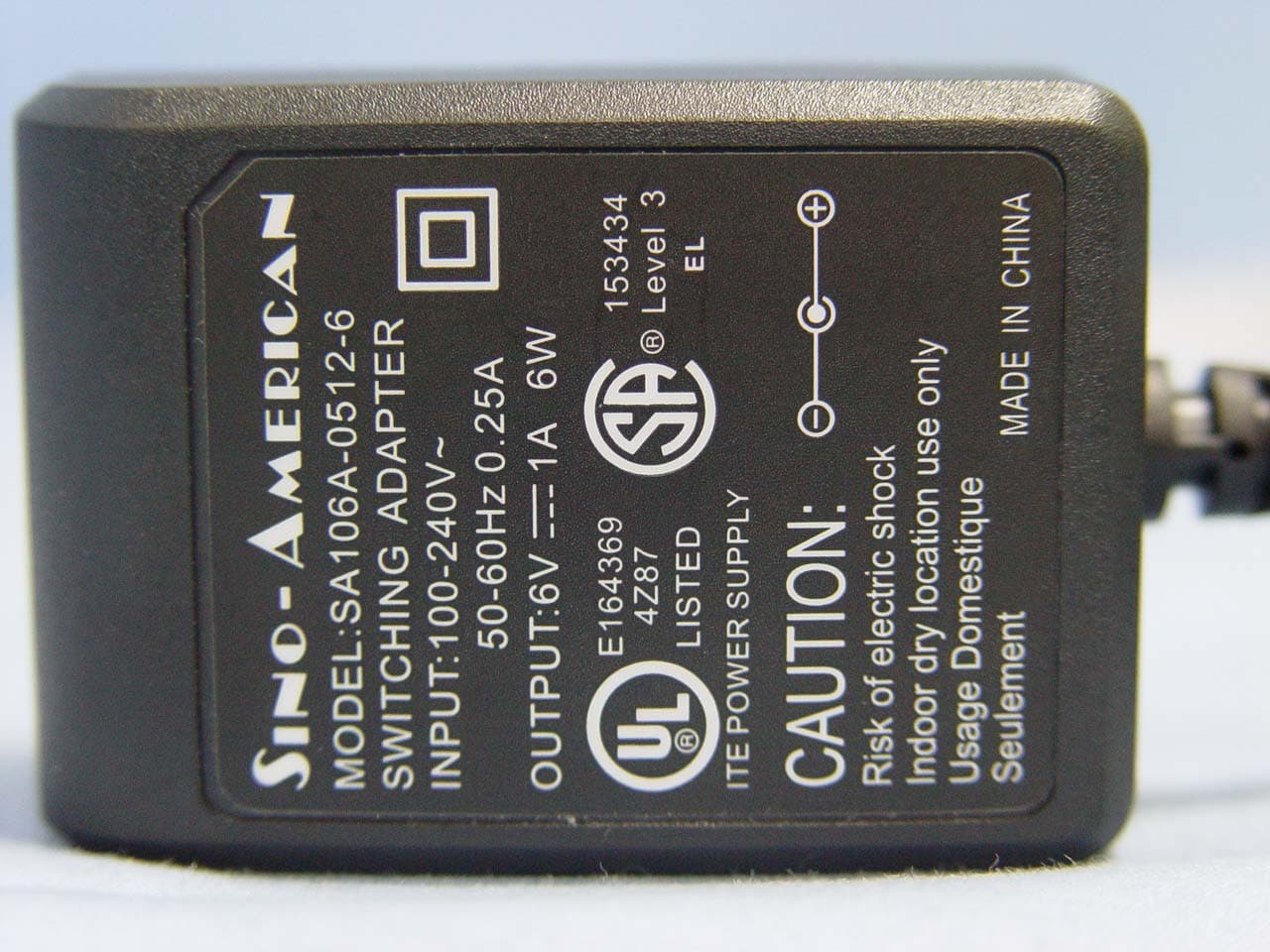
Q3MMIP
Oct 26, 2005Wireless IP Phone
Equipment Class
DTS - Digital Transmission System
Q3MBTG100
Aug 04, 2004Bluetooth Audio Gateway
Equipment Class
DSS - Part 15 Spread Spectrum Transmitter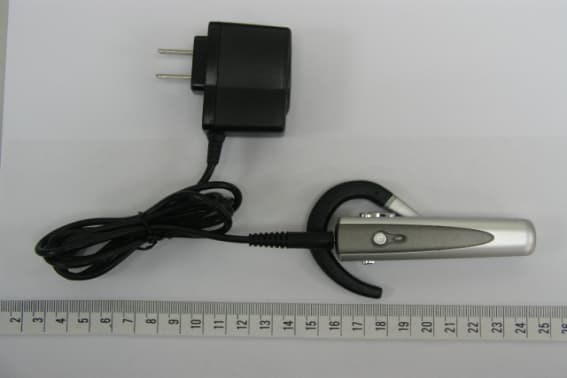
Q3MBTH101
Nov 25, 2003Bluetooth Headset
Equipment Class
DSS - Part 15 Spread Spectrum Transmitter
Q3MGTP100
May 08, 2003Tablet PC
Equipment Class
DTS - Digital Transmission System