Q5530SCACard Reader
ViVOtech, Inc.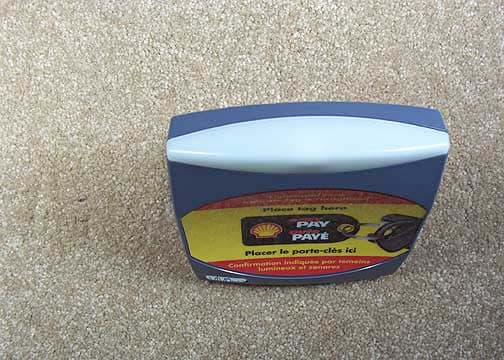
Click to zoom
Application Details
- Equipment Class
- DXT - Part 15 Low Power Transceiver, Rx Verified
- Date of Grant
- Jun 24, 2004
- Application Purpose
- Original Equipment
- Date of Application
- Jun 24, 2004
- Equipment Note
- Card Reader
- Frequency Range
- 13.56000000 - 13.56000000
- Company
- ViVOtech, Inc.
- Country
- United States
Documents & Files
Document Text
Text extracted from the exhibit documents filed with the FCC. Open a document above to read the original.
Users Manual
ViVOtech, Inc. Report # R0311052.doc Page 28 of 29 APPENDIX E - USERS MANUAL USER GUIDE pay TM 3000 ViVOtech Corporate Headquarters451 El Camino Real, Santa Clara, CA 95050. Phone: (408) 248 7001 www.vivotech.com Version 1.1 January 2004 Copyright 2004 ViVOtech, Inc. FCC Regulatory Compliance: Notices Class B Equipment: This equipment has been tested and found to comply with the limits for a Class B digital device, pursuant to part 15 of the FCC Rules. These limits are designed to provide reasonable protection against harmful interference in a residential installation. This equipment generates, uses and can radiate radio frequency energy and, if not installed and used in accordance with the instructions, may cause harmful interference to radio communications. However, there is no guarantee that interference will not occur in a particular installation. If this equipment does cause harmful interference to radio or television reception, which can be determined by turning the equipment off and on, the user is encouraged to try to correct the interference by one or more of the following measures:-- Reorient or relocate the receiving antenna. -- Increase the separation between the equipment and receiver. -- Connect the equipment into an outlet on a circuit different from that to which the receiver is connected. -- Consult the dealer or an experienced radio/TV technician for help. This device complies with part 15 of the FCC Rules. Operation is subject to the following two conditions: (1) This device may not cause harmful interference, and (2) this device must accept any interference received, including interference that may cause undesired operation. ! WARNING: 1.The ViVOpay hardware or software can not be replaced or modified by any third party other than VIVOtech. Changes or modifications not expressly approved by ViVOtech could void the user's authority to operate the equipment.2. Minimum separation distance between 2 ViVOpay devices should be at least 2 feet.3.The device should be mounted and seated on a non metal surface and be at least 6 inches far from any metal surface . TM SM Quicker than cash, Safer than checks TM SM Quicker than cash, Safer than checks TM SM Quicker than cash, Safer than checks ViVOpay 3000 USER GUIDE The ViVOpay is equipped with 4 LEDs on it's translucent cover as well as sound interface to provide consumers feedback on the read process. Upon a successful transaction all 4 LEDs will turn on and a beep will sound to let the customer know that the transaction is completed. Idle: Just first LED is ON Read SUCCESS: all LEDs will be turned on while the module emits a sound acknowledging the success. Read ERROR: If there's an error while reading a card the LEDs will not turn On and no sound will be emitted 3. The ViVOpay quickly reads the information from the card through RF technology - no physical contact is necessary. In a fraction of a second the reader validates the card, and secures the transaction.(As the reader is facing the customer and probably the clerk won't be seeing the LEDs, a beep will let the clerk know that the read was successful).4. ViVOpay 3000 automatically sends the information to the POS, which processes it as a conventional magnetic stripe card, though with increased security. (Besides mentioning contactless payments and pointing to the ViVOpay unit no intervention from the clerk is necessary during the entire procedure). 5. The POS terminal prints the receipt, which the clerk gives to the consumer for signature as with any other purchase. Consumers just need to hold their Paypass devices in front of the ViVOpay The merchant operation of the ViVOpay 3000 is very simple and almost entirely automated. Once installed, the clerk's role on the operation of the system is simply to guide new customers to hold their cell phones or plastic cards enabled with a contactless RF chip in front of the Reader Module. The information is automatically transferred to POS system and processed in the same way a standard magnetic card would be. Typical Usage ViVOtech Corporate Headquarters451 El Camino Real, Santa Clara, CA 95050. Phone: (408) 248 7001 LEDs and Sound How it Works Contactless devices as cell phones and plastic cards are enabled with RF tags that securely release the payment information to the ViVOpay terminals without the need of physical contact with the Point of Sale terminal using contactless technology.The ViVOpay is constantly emitting a magnetic field, when it detects an RF tag in the field it communicates with it and retrieves the payment information. The card information is then transmitted to the POS device via the Dynamic Strip TM or direct serial connection. www.vivotech.com 1. The customer approaches the clerk with one or more items to purchase. The clerk enters the items into the cash register, and once done, asks the consumer for the form of payment and mentions the contactless payment option by pointing to the ViVOpay.2. The consumer pulls it's contactless cell phone or plastic card and holds it in front of the ViVOpay.
Users Manual
Part number: 600-1030-00 A ViVOpay 3000 Installation Guide for VeriFone Ruby May 2004 Version 1.0 ViVOtech®, Inc. 451 El Camino Real Santa Clara, CA 95050 Ph: 408.248.7001, ext.105 Email: [email protected] www.vivotech.com Copyright 2004, ViVOtech, Inc. All rights reserved. ViVOtech, Inc. 451 El Camino Real Santa Clara, CA 95050 Phone: (408) 248-7001 Written and designed at ViVOtech, Inc. This paper, as well as the software and hardware described in it, is furnished under license and may be used or copied online in accordance with the terms of such license. The content of this paper is furnished for information use only, is subject to change without notice, and should not be construed as a commitment by ViVOtech, Inc. ViVOtech, Inc assumes no responsibility or liability for any errors or inaccuracies that may appear in this document. Except as permitted by such license, no part of this publication may be reproduced or transmitted by electronic, mechanical, recording, or otherwise, or translated into any language form without the express written consent of ViVOtech, Inc. ViVOtech, ViVOwallet, ViVOcard, ViVOpay, ViVOplatform Dynamic Strip, ViVOsmartcable and ViVOgiftcard are trademarks or registered trademarks of ViVOtech, Inc. All other products or name brands are trademarks of their respective holders. May 2004 3 VeriFone Ruby Installation Guide V 1.0 VeriFone Ruby Installation Guide1 The ViVOpay 3000™ patent-pending Dynamic Strip™ technology enables contactless payments without hardware or software changes to existing POS devices at minimum cost. This document assumes that installers are familiar with their host POS system. Obtain the necessary components by removing the following ViVOtech products from the shipping carton: • ViVOpay power adapter •Dynamic Strip • Alcohol Wipe • Cable support clip • ViVOpay 3000 Obtain the following products from your work area: • Your POS terminal, turned on • Ruby, powered up • Serial link cable •Pencil The Plug-and-Play application is installed as follows: 1. Clean the terminal NOTE: It is highly recommended that you review the procedure at least once prior to exposing the adhesive mounting tapes. Use the alcohol wipe to clean the POS terminal case. Wipe the top and side areas around the magnetic strip where the cable clips will be attached. CAUTION: Do not push the pad into the strip! 4 VeriFone Ruby Installation Guide V 1.0 It is important that these areas be clean of any oily or greasy residue that will interfere with the adhesive mounting tapes. Allow the terminal to air dry. 2. Power up the ViVOpay unit in strip test mode Continue to hold the button for five seconds until a continuous beeping is audible. The ViVOtech unit is now in strip test mode. In the test mode, the ViVOpay unit's LED will flash approximately every two seconds to indicate the strip test mode. The ViVOpay unit will automatically transmit factory-installed test data to the POS terminal strip to allow the installer to correctly position the strip on the magnetic head. 3. Initiate the magnetic strip test on your POS terminal It is necessary to set the POS terminal in the Card Reader Diagnostics (test) Mode in order to precisely position the Strip. a. Press the "Function" and "7" keys simultaneously to exit the credit card payment application. Enter the password 1 <alpha> <alpha> 66831. Connect the Dynamic Strip cable to the back of the ViVOpay unit. Connect the AC adapter into an AC power outlet. Simultaneously press the button at the rear of the reader with the pencil and insert the power connector from the AC adapter into the socket on the back of the ViVOpay unit. WARNING: Do not disassemble the AC adapters. Only qualified technicians may service the adapters. The AC adapters are intended for indoor use only; do not expose to rain or snow. Do not immerse the AC adapters or the terminal in fluid. 5 VeriFone Ruby Installation Guide V 1.0 b. While in the card-reader test mode, the terminal will display the track data being transmitted from the magnetic card or Dynamic Strip being used on your terminal. c. Plug the power cables into the power ports on the Ruby device and the printer. d. Connect the printer to the Ruby. The coiled cable plugs into the printer's COM4 port on the back of the Ruby. e. Plug power supply cable into an AC outlet. f. Wait until the Ruby boots up. It will take a few minutes. g. When the Ruby prompts for a cashier number, enter 1 and press enter. h. For the password, enter 123 and press enter. i. The Ruby will display 'Ready for sale'. You can now process transactions. j. Key in a dollar amount (e.g., 100 for $1.00). Press the FUEL key (located in the top row of keys near the right). If you enter a value of $20.00 or greater, the device will prompt for an Air Miles card later in the transaction. k. Press enter to select the BRONZE fuel type. l. Enter a pump number when prompted to (any number) and press enter. A non-fuel sale product has is also available. At the 'Ready for sale' prompt, key in 10 and press enter. You can repeat to add more items. m. Press the TOTAL key. n. Press the CREDIT key. You will then be prompted to swipe a credit /debit card. 4. Position the Dynamic Strip and mark the correct position NOTE: If the Ruby does not have an application loaded, press 4 twice. Carefully insert the strip into the card-reader slot from the top of the terminal. Move the strip towards the center of the card- reader in small increments while observing changes on the display as the ViVOpay unit continuously sends test data. 6 VeriFone Ruby Installation Guide V 1.0 5. Remove the protective covering from adhesive tab and affix Strip firmly in place When the Strip is correctly positioned, the screen on your POS terminal will display data for Tracks 1 (top) and 2 (bottom). Mark each side of the Dynamic Strip with a pencil. You now have a range where the strip transmits data correctly. NOTE: There may be multiple ranges where data is displayed correctly on the …
Text truncated - open the document above for the full version.
External Photos
Front Back Top Bottom Left Side Right Side
ID Label/Location Info
Material: Vinyl Adhesive: Standard FCC ID: Q5530SCA IC: 5141A-30SCA This device complies with Part 15 of the FCC rules. Operation is subject to the following two conditions: (1) This device may not cause harmful interference, and (2) This device must accept any interference received, including interface that may cause undesired operation. 5 LISTED ITE E248414
Internal Photos
Main PCB Top Main PCB Bottom Antenna PCB Top Antenna PCB Bottom Bottom Case with Ribbon Cable
Test Report
Page 1 of 32 Report No.: FC04-039 VIVOTECH INC. TEST REPORT FOR THE 13.56 MHz CARD READER, VIVOPAY 3000HF FCC PART 15 SUBPART C SECTIONS 15.207, 15.209 AND 15.225 COMPLIANCE DATE OF ISSUE: MAY 11, 2004 PREPARED FOR: ViVOtech Inc. 451 El Camino Real Santa Clara, CA 95050 PREPARED BY: Mary Ellen Clayton CKC Laboratories, Inc. 5473A Clouds Rest Mariposa, CA 95338 W.O. No.: 82157Date of test: May 7-10, 2004 Report No.: FC04-039 This report contains a total of 32 pages and may be reproduced in full only. Partial reproduction may only be done with the written consent of CKC Laboratories, Inc. The results in this report apply only to the items tested, as identified herein. Page 2 of 32 Report No.: FC04-039 TABLE OF CONTENTS Administrative Information .............................................................................................3 Summary of Results .........................................................................................................4 Conditions for Compliance ..............................................................................................4 Approvals .........................................................................................................................4 FCC 15.203 Antenna Requirements ................................................................................5 FCC 15.33(a) Frequency Ranges Tested .........................................................................5 FCC 15.35 Analyzer Bandwidth Settings ........................................................................5 Eut Operating Frequency .................................................................................................5 Temperature And Humidity During Testing....................................................................5 Equipment Under Test (EUT) Description ......................................................................5 Equipment Under Test .....................................................................................................5 Peripheral Devices ...........................................................................................................5 Report of Measurements ..................................................................................................6 Table 1: FCC 15.225 Fundamental ......................................................................6 Table 2: FCC 15.207 Six Highest Conducted Emission Levels ..........................7 Table 3: FCC 15.209 Radiated Emission Levels: 9 kHz - 30 MHz.....................8 Table 4: FCC 15.209 Six Highest Radiated Emission Levels: 30-1000 MHz.....9 20dB Bandwidth ..................................................................................................10 Frequency Stability ..............................................................................................11 EUT Setup........................................................................................................................12 Correction Factors............................................................................................................12 Table A: Sample Calculations .............................................................................12 Test Instrumentation and Analyzer Settings ....................................................................13 Spectrum Analyzer Detector Functions ...............................................................13 Peak..........................................................................................................13 Quasi-Peak ...............................................................................................13 Average ....................................................................................................13 EUT Testing.....................................................................................................................14 Mains Conducted Emissions................................................................................14 Radiated Emissions ..............................................................................................14 Appendix A: Test Setup Photographs..............................................................................15 Photograph Showing Radiated Emissions ...........................................................16 Photograph Showing Radiated Emissions ...........................................................17 Photograph Showing Mains Conducted Emissions .............................................18 Photograph Showing Temperature Testing .........................................................19 Appendix B: Test Equipment List ...................................................................................20 Appendix C: Measurement Data Sheets ..........................................................................21 Page 3 of 32 Report No.: FC04-039 ADMINISTRATIVE INFORMATION DATE OF TEST: May 7-10, 2004 DATE OF RECEIPT: May 7, 2004 PURPOSE OF TEST: To demonstrate the compliance of the 13.56 MHz Card Reader, Vivopay 3000HF with the requirements for FCC Part 15 Subpart C Sections 15.207, 15.209 and 15.225 devices. TEST METHOD: ANSI C63.4 (1992) MANUFACTURER: Plexus (Xiamen) Co., Ltd. No. 6 Xiangxing 2 Road Xiangyu Free Trade Zone Xiamen, Fujian, China (361006) REPRESENTATIVE: Bruce Moulette TEST LOCATION: CKC Laboratories, Inc. 5473A Clouds Rest Mariposa, CA 95338 Page 4 of 32 Report No.: FC04-039 SUMMARY OF RESULTS As received, the ViVOtech Inc. 13.56 MHz Card Reader, Vivopay 3000HF was found to be fully compliant with the following standards and specifications: Canadian Standard Canadian Section FCC StandardFCC SectionTest Description RSS 2105.547CFR15.203Antenna Connector Requirements RSS 2106.2.147CFR15.209General Radiated Emissions Requirement RSS 2106.2.2(e)47CFR15.225(a)*Fundamental Requirements RSS 2106.2.2(e)NANA±150kHz to ±450kHz Emissions Requirement RSS 2106.647CFR15.207AC Mains Conducted Emissions Requ…
Text truncated - open the document above for the full version.
Test Setup Photos
PHOTOGRAPH SHOWING RADIATED EMISSIONS Radiated Emissions - Front View PHOTOGRAPH SHOWING RADIATED EMISSIONS Radiated Emissions - Back View PHOTOGRAPH SHOWING MAINS CONDUCTED EMISSIONS Mains Conducted Emissions - Front View PHOTOGRAPH SHOWING TEMPERATURE TESTING
Contact Information
Applicant
Clint Woodworth(Director, of QA and Compliance)
Technical Contact
CKC Laboratories, Inc.Mary Ellen Clayton
[email protected]209-966-5240
5473A Clouds Rest · Mariposa, California · United States
Non-Technical Contact
CKC Laboratories, Inc.Mary Ellen Clayton
[email protected]209-966-5240
Test Firm
CKC Laboratories, Inc.Steve Behm
Technical Specifications
| # | Rule Parts | Frequency Range | Power Output |
|---|---|---|---|
| 1 | 15C | 13.56 MHz - 13.56 MHz | - |
Other Applications from ViVOtech, Inc.
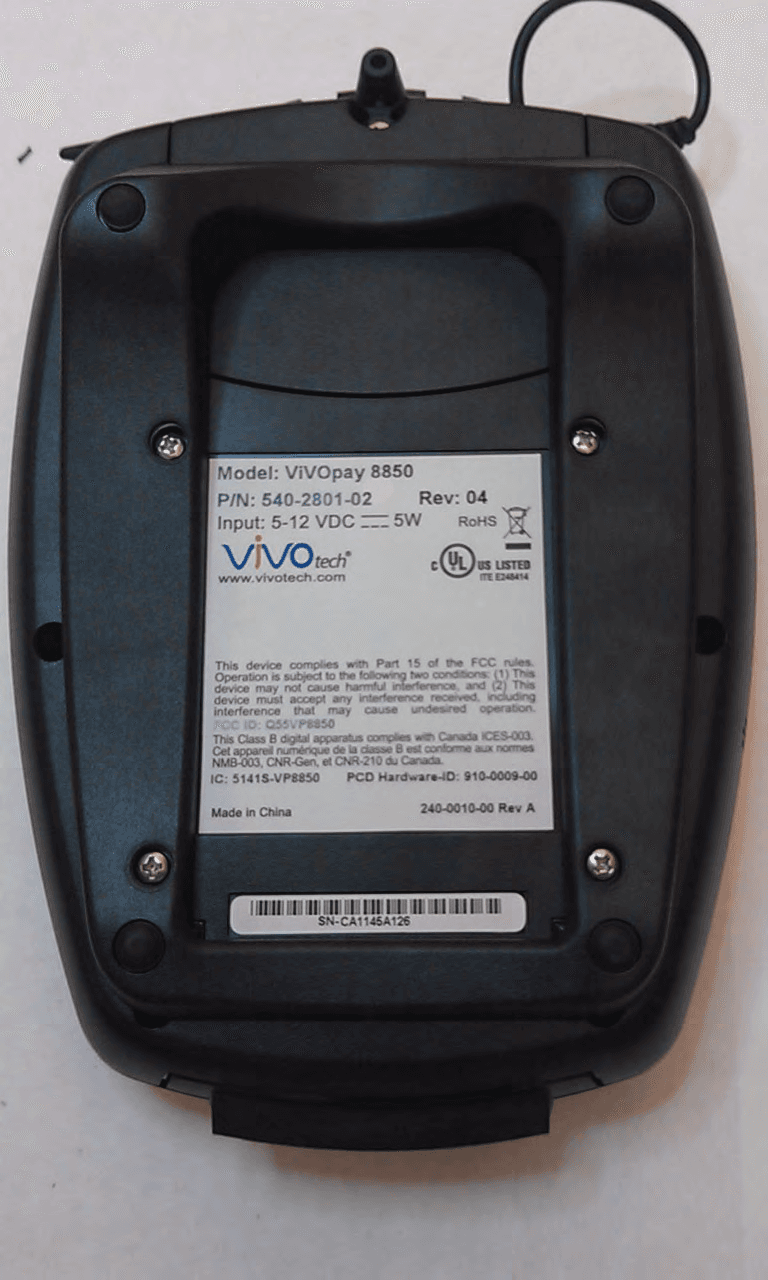
Q55VP8850
Dec 19, 2011Wireless Card Reader
Equipment Class
DXX - Part 15 Low Power Communication Device Transmitter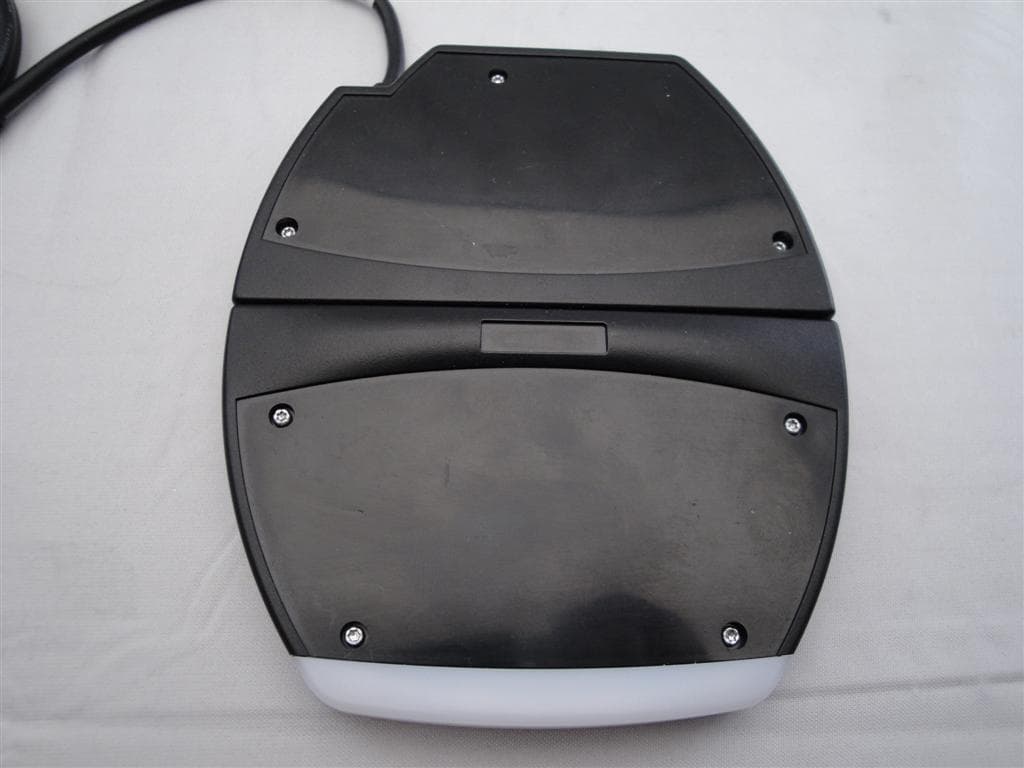
Q55VIVOPAY4800
Aug 15, 2011Wireless Card Reader
Equipment Class
DXX - Part 15 Low Power Communication Device Transmitter
Q55VIVOPAY8100
Aug 15, 2010PCI-PED v2.1 & ISO/IEC14443 Contactless Reader
Equipment Class
DXT - Part 15 Low Power Transceiver, Rx Verified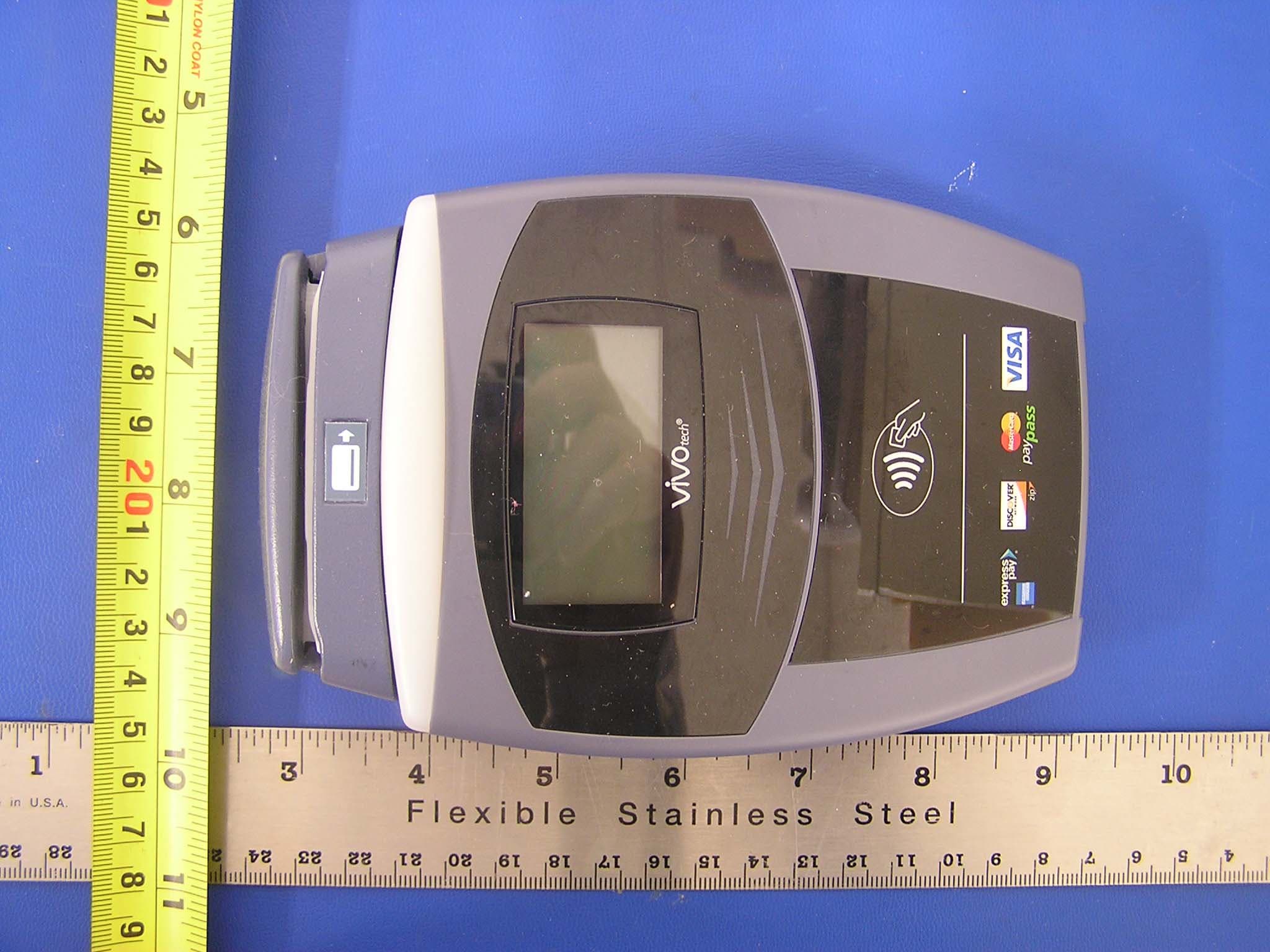
Q55VP5KAM
Jan 18, 2008Low Power Transmitter Wireless Card Reader
Equipment Class
DXX - Part 15 Low Power Communication Device Transmitter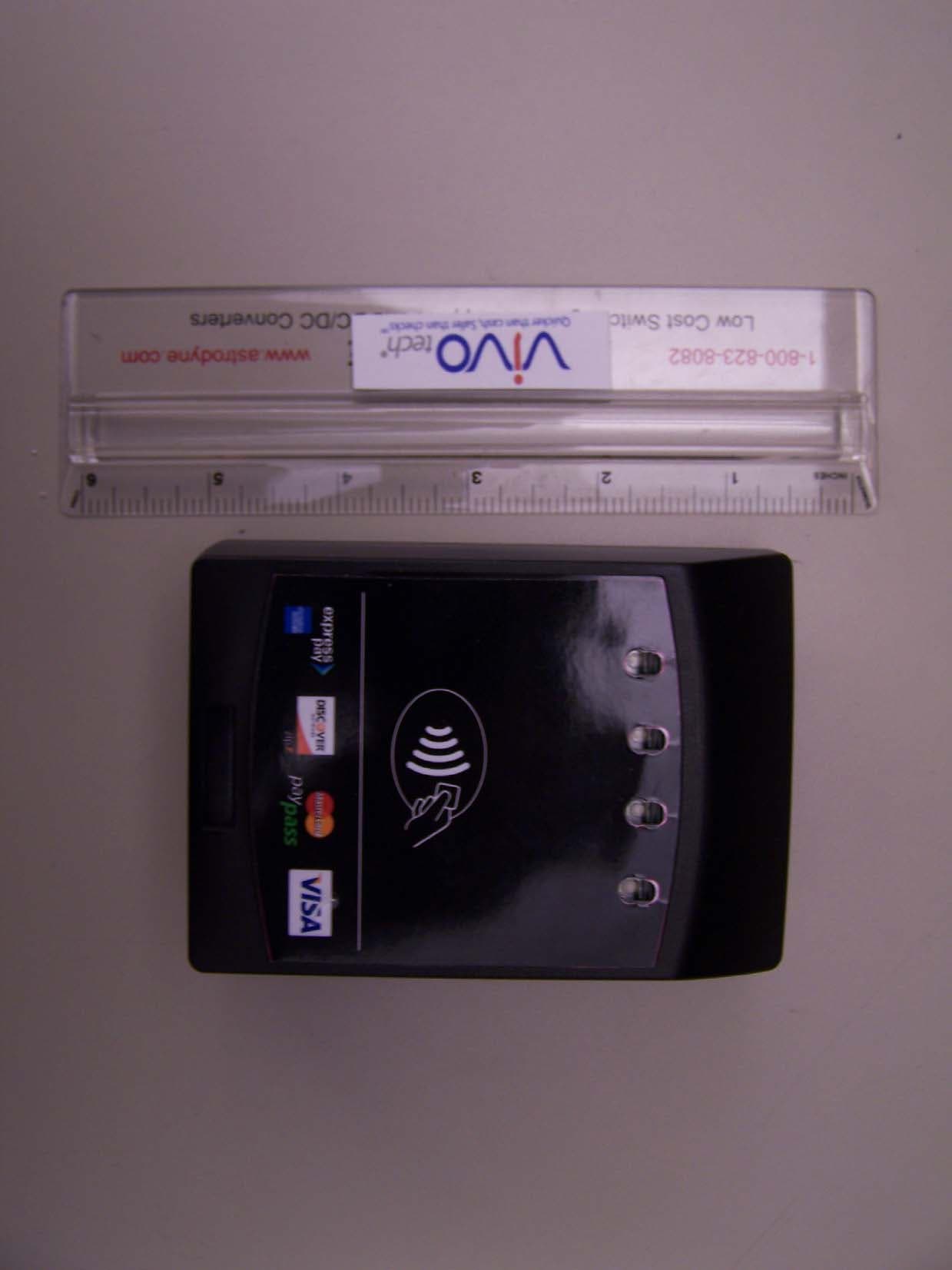
Q55VIVOPAYKIOSK
Jan 05, 2008Low Power Transmitter Wireless Card Reader
Equipment Class
DXX - Part 15 Low Power Communication Device Transmitter