QCN-1012Medical Bluetooth Device
GN Otometrics A/S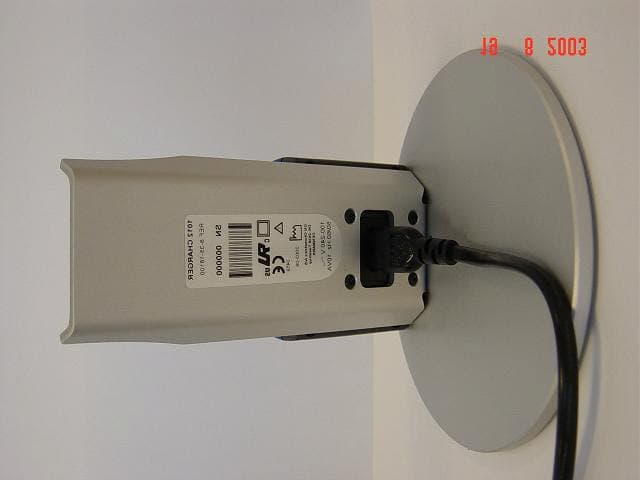
Click to zoom
Application Details
- Equipment Class
- DSS - Part 15 Spread Spectrum Transmitter
- Date of Grant
- Dec 17, 2003
- Application Purpose
- Original Equipment
- Date of Application
- Dec 17, 2003
- Equipment Note
- Medical Bluetooth Device
- Frequency Range
- 2402.00000000 - 2480.00000000
- Company
- GN Otometrics A/S
- Country
- Denmark
Documents & Files
Document Text
Text extracted from the exhibit documents filed with the FCC. Open a document above to read the original.
Users Manual
User Manual Part No. 7-50-00000 Doc. No. 7-50-0000/U2 Copyright notice No part of this User Manual or program may be reproduced, stored in a retrieval system, or trans- mitted, in any form or by any means, electronic, mechanical, photocopying, recording, or other- wise, without the prior written consent of GN Otometrics A/S. Copyright © 2003, GN Otometrics A/S Printed in Denmark by GN Otometrics A/S, Denmark All information, illustrations, and specifications in this manual are based on the latest product in- formation available at the time of publication. GN Otometrics A/S reserves the right to make changes at any time without notice. Technical support Please contact your supplier. GN Otometrics A/Siii Contents 1 Introduction 1.1The OTOflex 100.......................................................................................................................... 7 1.2The OtoDiagnostic Suite PC software ........................................................................................ 8 1.3About this manual....................................................................................................................... 8 1.4Typographical conventions ......................................................................................................... 9 1.4.1The use of WARNING, CAUTION and NOTE .................................................................. 9 1.4.2Navigation ....................................................................................................................... 9 2 When you receive the OTOflex 100 2.1Unpacking .................................................................................................................................. 11 2.2Storing the OTOflex 100........................................................................................................... 11 2.3Views of the OTOflex 100......................................................................................................... 12 2.3.1Front view ...................................................................................................................... 12 2.3.2Top view ........................................................................................................................ 12 2.3.3Bottom view .................................................................................................................. 13 2.3.4Reverse side view ..........................................................................................................13 2.3.5The charger.................................................................................................................... 14 2.4Probe .......................................................................................................................................... 15 2.5Assembly and installation ......................................................................................................... 15 2.5.1Location ......................................................................................................................... 15 2.5.2Powering the OTOflex 100........................................................................................... 16 2.5.3The charger.................................................................................................................... 17 2.5.4Connecting the OTOflex 100 probe and insert phone ............................................... 18 2.6Display & keypad ....................................................................................................................... 21 2.6.1Keys, terms, functions ................................................................................................... 21 2.6.2Entering and editing data and settings ....................................................................... 21 2.7Device setup............................................................................................................................... 22 3 Preparing for testing 3.1Preparing the test environment ...............................................................................................23 3.1.1The physical environment............................................................................................. 23 OTOflex 100 - User Manual ivGN Otometrics A/S 3.1.2Hygienic precautions..................................................................................................... 23 3.2Preparing the probe .................................................................................................................. 23 3.2.1Preparing for screening ................................................................................................ 23 3.2.2Preparing for diagnostic and clinical testing............................................................... 25 3.3Preparing the OTOflex 100....................................................................................................... 26 3.3.1Probe test....................................................................................................................... 26 3.3.2Fitting the eartip on the probe .................................................................................... 27 3.3.3Selecting a patient ........................................................................................................28 3.3.4Selecting the user.......................................................................................................... 29 3.3.5Selecting the test type .................................................................................................. 30 3.4Preparing the patient................................................................................................................ 30 3.4.1Selecting the ear and fitting the probe with eartip in the ear canal ........................ 31 4Tests 4.1Starting up the test ....................................................................................…
Text truncated - open the document above for the full version.
External Photos
1(2) External photos FCC ID: QCN-1012 Hand held unit, front Hand held unit, back 2(2) Charger unit, front Charger unit, back
ID Label/Location Info
1(2) Marking plate and marking location FCC ID: QCN-1012 Marking plate hand held unit Marking location hand held unit 2(2) Marking plate charger unit Marking plate location charger unit
Internal Photos
1(6) Internal photos FCC ID: QCN-1012 Main board, top Main board, bottom 2(6) Bluetooth board, bottom Bluetooth board, top 3(6) Charger board, bottom Charger board, top 4(6) Front board, top Front board, bottom 5(6) Inside of hand held unit Inside of charger unit 6(6) Keypad board, bottom Keypad board, top
Test Setup Photos
1(2) TEST SET-UP PHOTOS FCC ID: QCN-1012 Conducted disturbance voltage in the frequency range 0,45 - 30 MHz Radiated spurious emissions (30 – 1000 MHz) 2(2) Radiated spurious emissions (1 – 26 GHz)
Contact Information
Applicant
Morten Hoest(Director)
Technical Contact
GN Otometrics A/SPer Pape Thomsen
[email protected]+45 7211 1317
Dybendalsvaenget 2 · Taastrup · Denmark
Non-Technical Contact
GN Otometrics A/SPer Pape Thomsen
[email protected]+45 7211 1317
Test Firm
Intertek SEMKO ABNiklas Bostrom
Technical Specifications
| # | Rule Parts | Frequency Range | Power Output |
|---|---|---|---|
| 1 | 15C | 2.40 GHz - 2.48 GHz | 1.00 mW |
Other Applications from GN Otometrics A/S
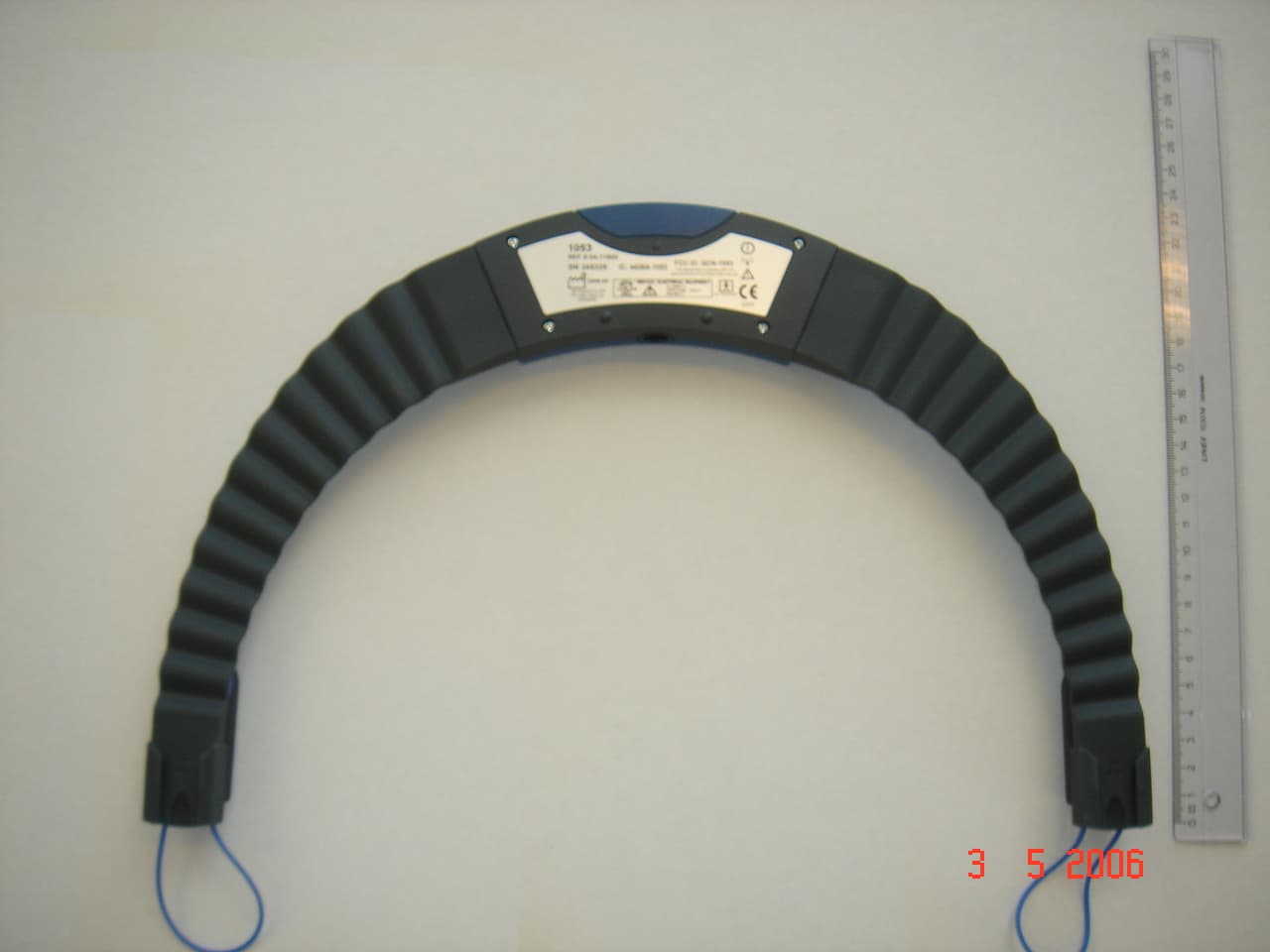
QCN-1053
Jul 27, 2006Medical Bluetooth Device
Equipment Class
DSS - Part 15 Spread Spectrum Transmitter
QCN001010
Aug 28, 2002NOAHlink Wireless Bluetooth communication device
Equipment Class
DSS - Part 15 Spread Spectrum Transmitter