QHBCMT2003BMP3 Player
CM Tech Co., Ltd.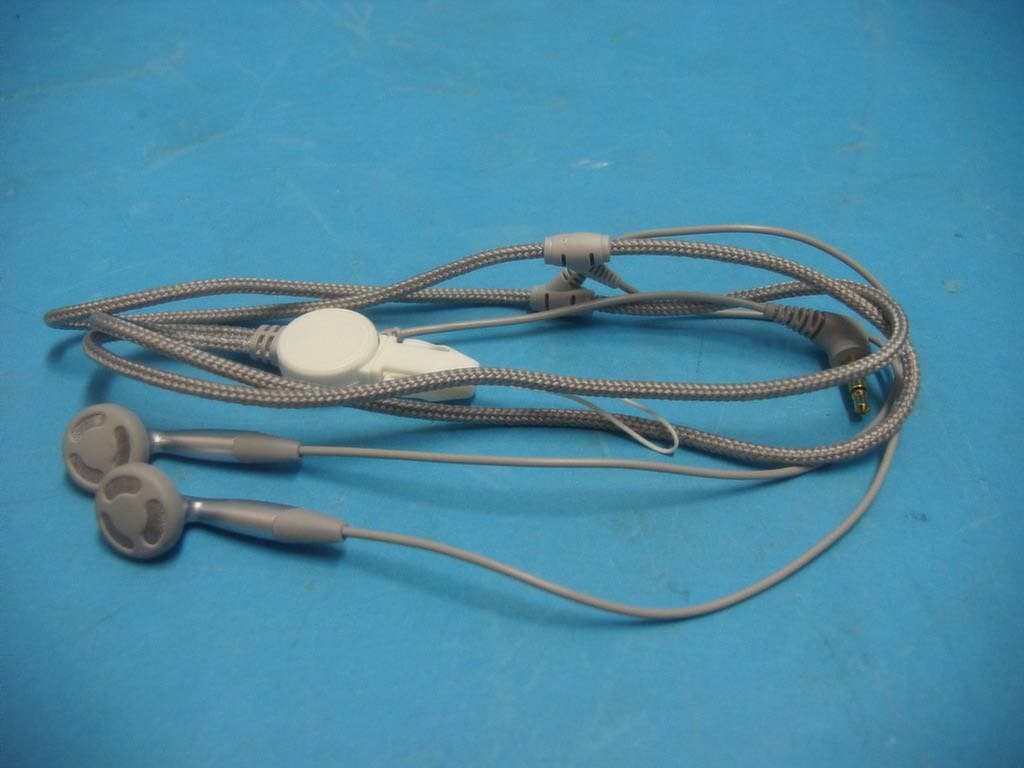
Click to zoom
Application Details
- Equipment Class
- JBP - Part 15 Class B Computing Device Peripheral
- Date of Grant
- Apr 01, 2003
- Application Purpose
- Original Equipment
- Date of Application
- Apr 01, 2003
- Equipment Note
- MP3 Player
- Company
- CM Tech Co., Ltd.
- Country
- South Korea
Documents & Files
Document Text
Text extracted from the exhibit documents filed with the FCC. Open a document above to read the original.
Users Manual
▣ CONTENTS SYSTEM RECOMMENDATION DESCRIPTIONS OF THE PRODUCT ACCESSORIES INSTALLNG THE PROGRAM AND DRIVER UNINSTALLING THE PROGRAM AND DRIVER HOW TO USE THE PROGRAM HOW TO FORMAT THE DEVICE HOW TO UPDATE THE FIRMWARE INSERTING A BATTERY POWER ON / OFF CHANGING THE MODE (MP3 ↔ Voice) PLAY SKIP OR SEARCH REPEAT (A-B) USING THE OPTIONS MENU SETTING THE EQUALIZER (MP3 MODE) REPEAT (MP3 MODE) ADJUSTING THE CONTRAST AUTO-INTELLIGENT POWER-OFF (AI-OFF) RECORDING A VOICE MESSAGE PLAYING A VOICE MESSAGE DELETE A VOICE MESSAGE (From the device) DELETE A VOICE MESSAGE (From the PC) KEY-GUARD LOCK (Slide Switch) TROUBLESHOOTING SPECIFICATIONS WARRANTY ■ In order to improve the product; quality, design and/or specifications may change without notice. The MUSIC BOX is a fun device filled with 3 main, powerful functions. • 64MB / 128MB high quality MP3 Music Player. • Digital Voice Recorder • Removable Flash Hard Drive for (PC) data storage ▣ SYSTEM RECOMMENDATION ■ Processor : Pentium 233MHz or Better ■ OS: Windows 98 / 98SE / ME / 2000 / XP(Home Edition) ■ 1GB Hard Disc or Higher (4GB Recommended) ■ 64MB RAM or Better ■ USB Port ■ Monitor Resolution : 1024 × 768 , 16Bit Color or Better ■ CD-ROM Drive to Install Software ▣ DESCRIPTIONS OF THE PRODUCT ▣ ACCESSORIES Please check to make sure all contents of the box were received. ■ Installation CD ■ USB Cable ■ Battery (1.5V, AAA) ■ Earphones ■ Manual ■ Neck Strap ▣ INSTALLING THE PROGRAM AND DRIVER Do not connect the player to your computer before completing the program installation. If the player is connected, unplug it from your computer. 1. Insert the Installation CD into your CD-ROM drive. The installation will start automatically and the following screen appears. If the program does not auto-start, double-click the “INSTALL” icon from the CD. CAUTION 2. In the installation menu, click the “INSTALL” button to start the installation. The installation will proceed as the figures shown below. Follow the Instructions displayed on the screen. 3. Click the “FINISH” button to reboot your PC. This will complete your installation process. 4. After rebooting PC, connect the player to the USB port of your PC and turn the power on by pressing the “▶/■” button. 5. When the power is on, the player will display “READY” on the LCD. “New Hardware Found” window will immediately appear as shown below. (This window may slightly vary from the different Windows versions.) 6. During your installation of “New Hardware Found”, Windows 2000 and Windows XP will display the following message: Click “Yes” or “Continue Anyways” button to continue with your installation If you click “STOP Installation”, your installation will not be complete and the computer will not recognize the Music Box Player. 7. If the above steps have been completed, the player has been installed properly. Now, run Windows Explorer or My Computer and there should be a new Removable Disk on your system. The drive letter will vary upon the number of different drive already present on your system. This drive can be used like any other removable hard drive. Drag-and-drop and store any types of PC files (up to the memory capacity). NOTE No shortcut icon will be created on Windows desktop after installing the CD. The installation CD installs two programs on your PC: Music Box Format and Music Box Update. These icons are found in Start Menu > (All) Programs > Music Box MP3 Player. ▣ UNINSTALLING THE PROGRAM AND DRIVER 1. If the player is connected to PC, unplug it from your computer before starting. 2. Run Add/Remove Programs from the Control Panel to display the list of installed programs. 3. Locate “MUSIC BOX” in the list and double-click it to completely remove the programs and drivers. 4. Click the “REMOVE” check-box and click “NEXT”. 5. Finally, click “FINISH” to complete the uninstallation process. NOTE If you want to reinstall the programs, please restart your PC before starting a new installation process. If the player program has not installed properly or if you need to reinstall it, it is recommended to first uninstall the program as shown in the above steps. ▣ HOW TO USE THE PROGRAM ■ To download MP3 or data files to the player using Windows Explorer 1. After installing the drivers, connect the player to the PC with the supplied USB cable. 2. Open Windows Explorer and make sure the Music Box “Removable Disk” is present. 3. Locate the file(s) you wish to copy to the Music Box. Highlight the files and Drag- and-drop the files to the Removable Disk. MP3 music track numbers will be respective to the order in which it is copied to the Music Box. 4. While MP3 files are downloading to the player, “WRITING” will be blinking on the LCD of the player. NOTE If the USB cable is unplugged during “WRITING” mode, all memory will be lost. In this case, Format the drive then Update the firmware. Firmware must always be updated after Formatting the drive. If the firmware is not updated after format, the drive will not power on. 5. After the download process is complete, verify there are (MP3) files in the Removable Disk. 6. The player will automatically power on when the USB cable is removed. Press the “▶/■” button to play to the songs. ▣ HOW TO FORMAT THE DEVICE You can format the Music Box like a Removable Disk. If you format the device, all the saved files will be deleted – MP3, data, voice, etc. ■ To run Format with MUSIC BOX FORMAT program (Windows Start Menu): A. Click Start Menu > (All) Programs > Music Box MP3 Player > Music Box Format. ■ To Format through Windows Explorer: A. Open windows Explorer and select the Removable Disk you want to format. B. Right-click the mouse on the Removable Disk to display the call-up menu. C. Click either “Format...” or “FORMAT (Music Box MP3 Player)” from the call-up menu. (The call-up menu will vary with the different Windows versions.) 1. Select the Drive you wish to format by selecting from the “Drive” drop-down menu. 2. “Capacity” and “File System” cannot be changed. 3. Ent…
Text truncated - open the document above for the full version.
Block Diagram
BLOCK DIAGRAM BATTERY:1.5V IIC1STMP3410 24.576MHz D0-D7 D0-D7 FIC1F/MEMORY TIC1FM_TUNER 75 5 3 USB MIC EAR PHONE 6 POWERVOL +VOL - FF REWMENU LCD LCD2 : CD WAFER 30PIN 30 Back Light MIC4355B REC
ID Label/Location Info
ID Label Sample & Location Information CM Tech Co., Ltd. Model Name : CA-B200MT MEMORY: 64M/128M/256MB BATT: AAA Input: DC 1.5V This device complies with Part 15 of the FCC Rules. Operation is subject to the following two conditions: (1) this device may not cause harmful interference, and (2) this device must accept any interference received, including interference that may cause undesired operation. FCC ID: QHBCMT2003B Made in Korea
Test Report
File No. 03-IST-082/FB IST EMC LAB. Page 1 of 20 IST EMC Lab. San 21-8 Goan-Ri, Baekam-Myun, Yongin-Si, Kyunggi-Do, KOREA International - Tel : 82-31 - 333 - 4093. Fax : 82-31 - 333 - 4094. Domestic - Tel : 031 - 333 - 4093. Fax : 031 - 333 - 4094. IST EMC LAB. EMISSION TEST REPORT Test report file No. : 03-IST-082/FB Date of issue : Mar. 25, 2003. Model / Type No. Kind of product Brand name Applicant Manufacturer Address : CA-B200MT ■ Basic □ Alternate : MP3 Player : LIVE MUSIC. : CM Tech Co., Ltd. : CM Tech Co., Ltd. : 4F, Samil B/D, 362-5, Woncheon-Dong, Paldal-Gu, Suwon-City, Kyungki-Do, KOREA. Test result according to the regulation(s) ■ Positive □ Negative at page 3. This test report without appendix consists of 20 pages. It is not allowed to copy this report even partly without the allowance of the Test Laboratory. This equipment is complied with the applicable technical standards as indicated in the measurement report and was tested in accordance with the measurement procedures specified in ANSI C63.4-1992. File No. 03-IST-082/FB IST EMC LAB. Page 2 of 20 IST EMC Lab. San 21-8 Goan-Ri, Baekam-Myun, Yongin-Si, Kyunggi-Do, KOREA International - Tel : 82-31 - 333 - 4093. Fax : 82-31 - 333 - 4094. Domestic - Tel : 031 - 333 - 4093. Fax : 031 - 333 - 4094. DIRECTORY A) Documentation. Page Directory Test regulations Environmental Conditions Test Conditions Equipment under Test Test Result Test-setups (Photos ) Test-setup (Figures) Summary 2 3 3 4~5 6 7 8~9 10~11 20 B) Test Data. Conducted emissions (Mains) Radiated emissions : 450 kHz - 30 MHz : 30 MHz – 1 GHz 12~14 15~19 C) Appendix File No. 03-IST-082/FB IST EMC LAB. Page 3 of 20 IST EMC Lab. San 21-8 Goan-Ri, Baekam-Myun, Yongin-Si, Kyunggi-Do, KOREA International - Tel : 82-31 - 333 - 4093. Fax : 82-31 - 333 - 4094. Domestic - Tel : 031 - 333 - 4093. Fax : 031 - 333 - 4094. TEST REGULATIONS The tests were performed according to the following regulations ; ■ - FCC Part 15, Subpart B (Unintentional Radiators, Class B) Information of Test Laboratory IST EMC Lab. San 21-8 Goan-Ri, Baekam-Myun, Yongin-Si, Kyunggi-Do, Korea International - Tel : 82-31 - 333 - 4093. Fax : 82-31 - 333 - 4094. Domestic - Tel : 031 - 333 - 4093. Fax : 031 - 333 - 4094. ENVIRONMENTAL CONDITIONS Temperature Humidity Atmospheric pressure 15 33 % 1014 mbar File No. 03-IST-082/FB IST EMC LAB. Page 4 of 20 IST EMC Lab. San 21-8 Goan-Ri, Baekam-Myun, Yongin-Si, Kyunggi-Do, KOREA International - Tel : 82-31 - 333 - 4093. Fax : 82-31 - 333 - 4094. Domestic - Tel : 031 - 333 - 4093. Fax : 031 - 333 - 4094. TEST CONDITIONS The measurement of the conducted emissions (Interference voltage) was performed in a shielded room. Test location : Shielded room. No.1 Compact chamber 2 Used testing instruments : Name Type Manufacturer Calibration. Date Serial Number ESH 3 Test Receiver Rohde & Schwarz Jul. 25, 2002 892108/018 3725/2 LISN EMCO Aug. 22, 2002 9101-2068 KNW-407 LISN Hyup-Rip Aug. 21, 2002 8-883-10 ESH 3-Z2 Pulse Limiter Rohde & Schwarz Jul. 25, 2002 357.8810.52 Test - accessories : Type Manufacturer Aneroid Barometer Sato Hygrometer Sato Measurement Procedures : Conducted emissions measurments were made in accordance with ANSI C-63.4-1992, “Method of Measurement of Radio-Noise Emissions from Low-Voltage Electrical and Electronic Equipment in the Range of 9 kHz to 40 GHz”. The measurement were performed over the frequency range of 0.45MHz to 30MHz using a 50 Ω /50uH LISN as the input transducer to an EMI/Field Intensity Meter. The measurements were made with the detector set for “Peak” amplitude within an IF bandwidth of 10kHz or for “quasi-peak” within a bandwidth of 9kHz. All used test-instruments as well as the test-accessories are calibrated regularly. File No. 03-IST-082/FB IST EMC LAB. Page 5 of 20 IST EMC Lab. San 21-8 Goan-Ri, Baekam-Myun, Yongin-Si, Kyunggi-Do, KOREA International - Tel : 82-31 - 333 - 4093. Fax : 82-31 - 333 - 4094. Domestic - Tel : 031 - 333 - 4093. Fax : 031 - 333 - 4094. The measurement of the radiated emissions (Electric field) in the frequency range from 30 MHz to 1GHz was performed in horizontal and vertical antenna polarization at a open-site which meet the site attenuation requirement of ANSI C63.4-1992 and a test distance of : Location : Open Site No. 1 Open Site No. 2 Open Site No. 3 Distance : 3 meters 10 meters Used testing instruments : Name Type Manufacturer Calibration. Date Serial Number ESVP Test Receiver Rohde & Schwarz Aug. 16, 2002 861744/004 VULB 9160 Antenna Schwarzbeck Jul. 10, 2002 3048 Test - accessories : Type Manufacturer Aneroid Barometer Sato Hygrometer Sato Measurement procedures Radiated measurements were in accordance with ANSI C63.4-1992 “Method of Measurement of Radio- Noise Emissions from Low-Voltage Electrical and Electronic Equipment in the Range of 9 kHz to 40 GHz”. The measurements were performed over the frequency range of 30MHz to 1GHz using antenna as the input transducer to a EMI/Field Intensity Meter. The measurements were made with the detector set for “quasi-peak” within a bandwidth of 120kHz. All used test-instruments as well as the test-accessories are calibrated regularly. File No. 03-IST-082/FB IST EMC LAB. Page 6 of 20 IST EMC Lab. San 21-8 Goan-Ri, Baekam-Myun, Yongin-Si, Kyunggi-Do, KOREA International - Tel : 82-31 - 333 - 4093. Fax : 82-31 - 333 - 4094. Domestic - Tel : 031 - 333 - 4093. Fax : 031 - 333 - 4094. EQUIPMENT UNDER TEST Equipment Description : Display FSTN LCD Weight 37g Memory 256MB / 128MB / 64MB Flash Memory Interface USB File Transmission Speed 2.7Mbps Dimension 77 x 30 x 12(mm) : W x H x D Battery AAA x 1 (1.5V) Battery Life 6 Hours (Play / Record) Output Power 4.5mW x 2(16 Ω ) EUT Type : Table-Top. Floor-Standing. Table-Top and Floor-Standing(Combination). Operation – mode of the E.U.T. : The equipment under test was operated during the measurement under following conditions : Standby. Operational Condition : - Download files from PC to EUT, Play mode Configuration of th…
Text truncated - open the document above for the full version.
Contact Information
Applicant
Kyeong-Ho Kim(Manager)
Test Firm
IST Co., LtdBong Kyoon Bae
Technical Specifications
| # | Rule Parts | Frequency Range | Power Output |
|---|---|---|---|
| 1 | 15B | - | - |
Other Applications from CM Tech Co., Ltd.
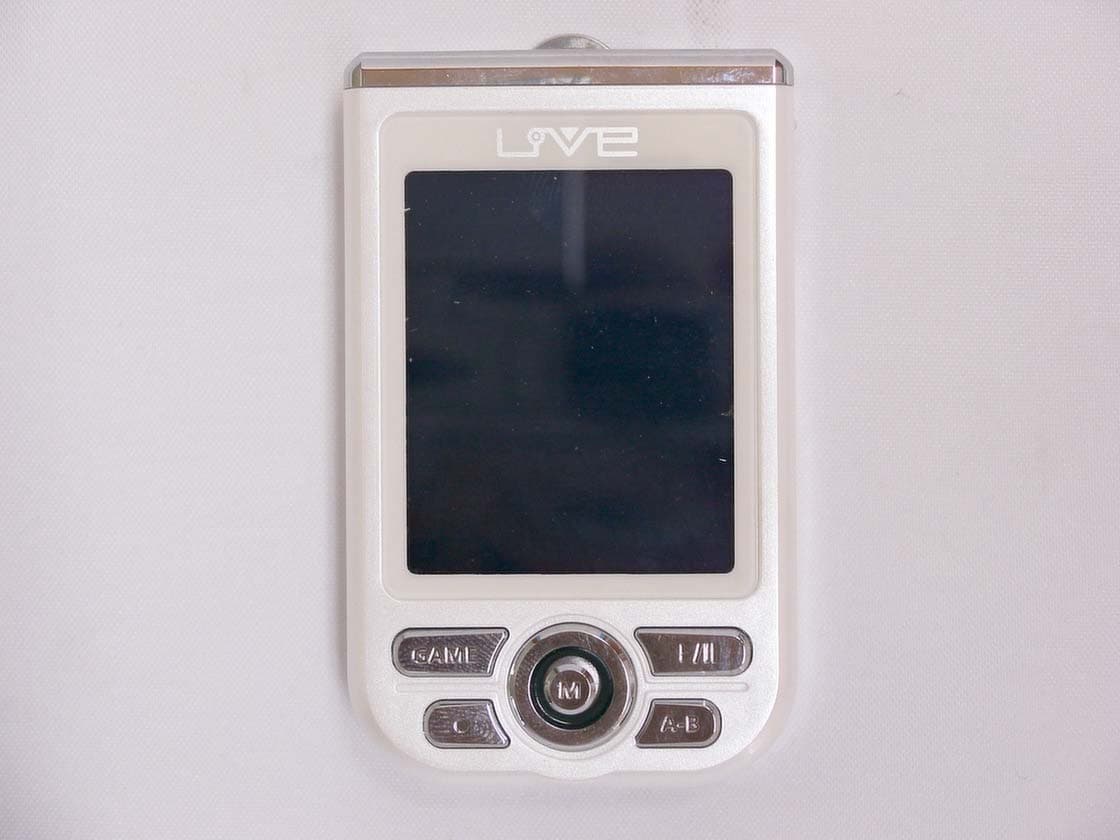
QHBCMT2004C
Jun 16, 2004Digital Audio Player
Equipment Class
JBP - Part 15 Class B Computing Device Peripheral
QHBCMT2004F
Mar 08, 2004Digital Audio Player
Equipment Class
JBP - Part 15 Class B Computing Device Peripheral
QHBCMT2003H
Nov 17, 2003Digital Audio Player
Equipment Class
JBP - Part 15 Class B Computing Device Peripheral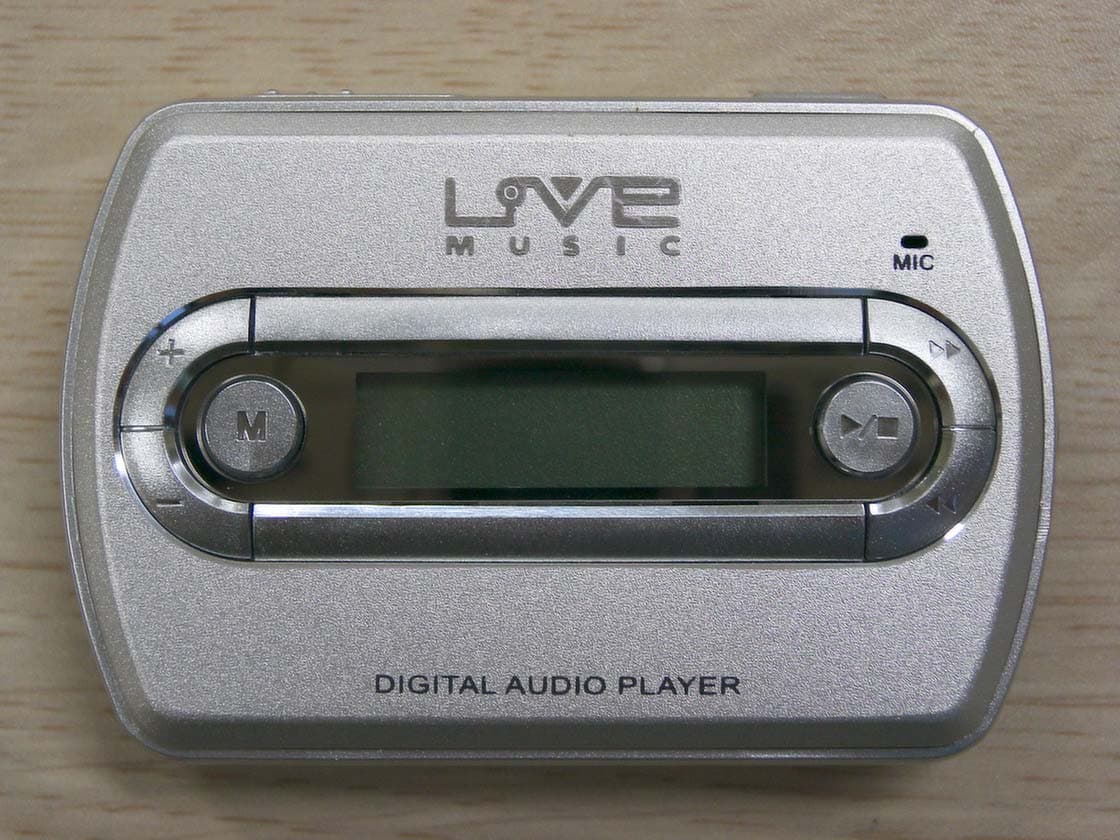
QHBCMT2003S
Jul 27, 2003Digital Audio Player
Equipment Class
JBP - Part 15 Class B Computing Device Peripheral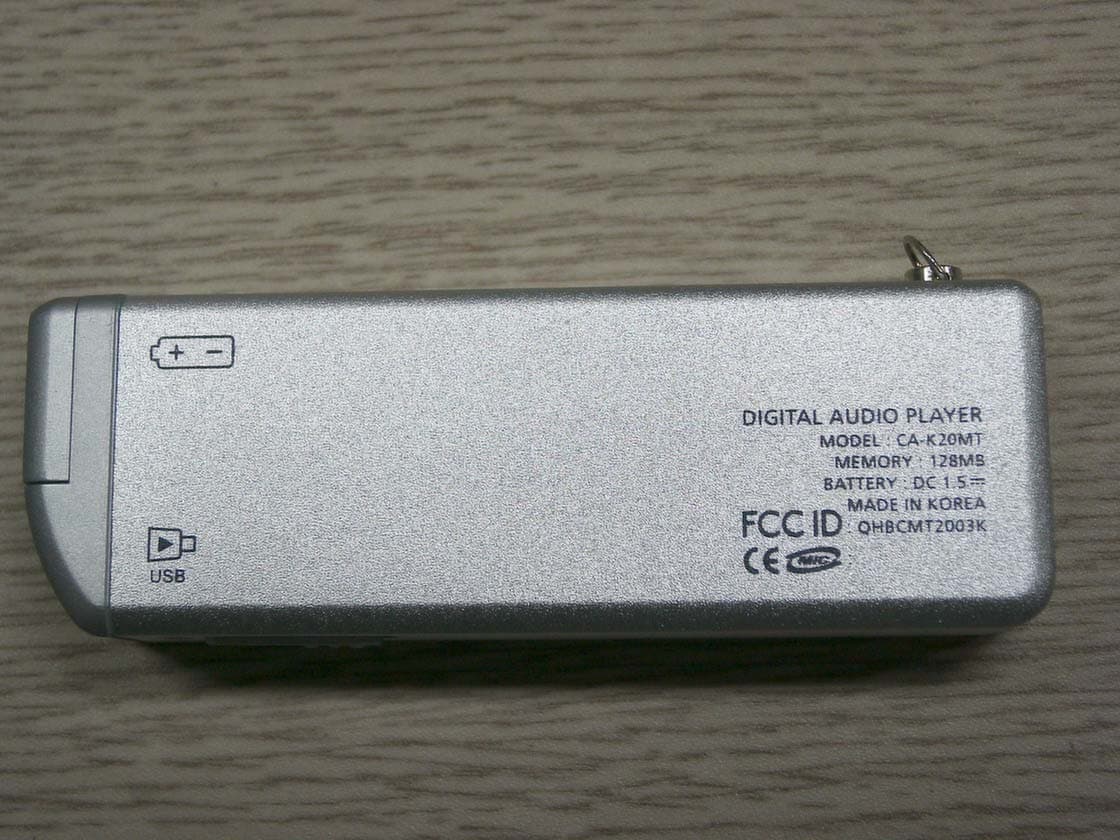
QHBCMT2003K
Jun 23, 2003MP3 Player
Equipment Class
JBP - Part 15 Class B Computing Device Peripheral