QHBCMT2004FDigital Audio Player
CM Tech Co., Ltd.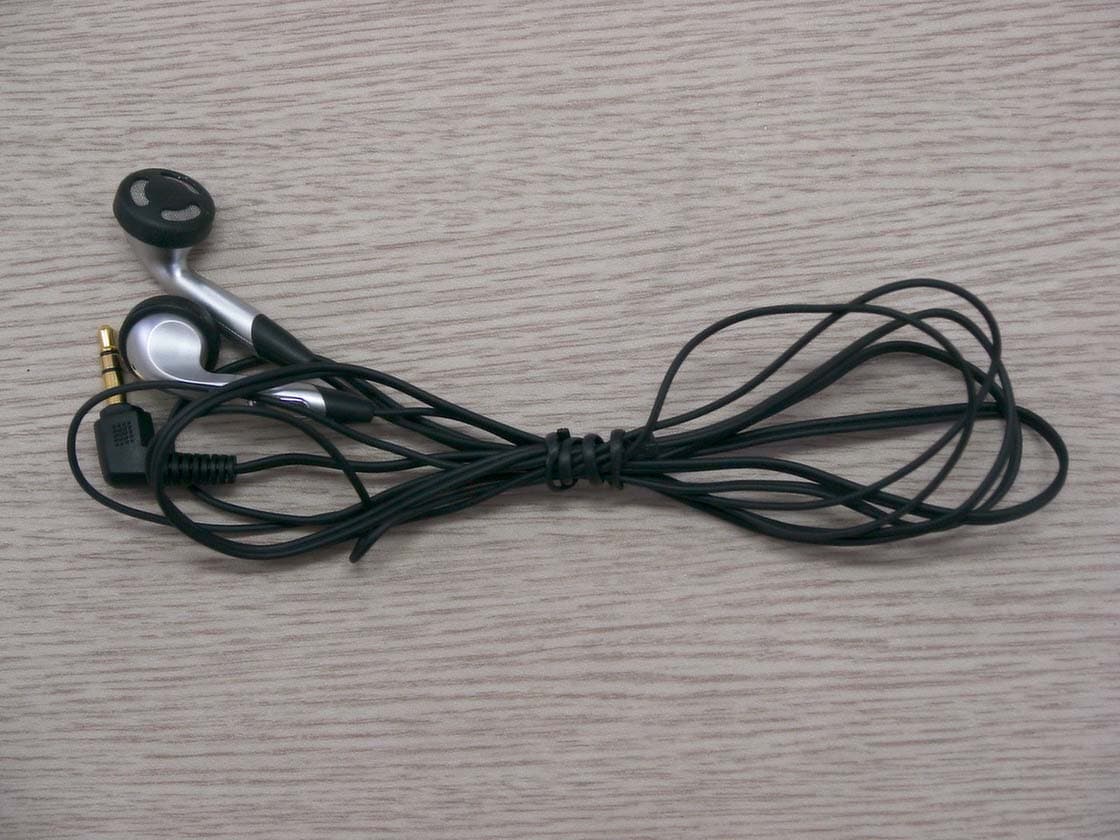
Click to zoom
Application Details
- Equipment Class
- JBP - Part 15 Class B Computing Device Peripheral
- Date of Grant
- Mar 08, 2004
- Application Purpose
- Original Equipment
- Date of Application
- Mar 08, 2004
- Equipment Note
- Digital Audio Player
- Company
- CM Tech Co., Ltd.
- Country
- South Korea
Documents & Files
Document Text
Text extracted from the exhibit documents filed with the FCC. Open a document above to read the original.
Users Manual
U S E R M A N N U A L D I G I T A L A U D I O P L A Y E R ( M O D E L : C A - F 1 0 0 ) GGGGG C M T E C H C O . , L T D GG 4 Contents 3 Basic Usage Setting up Volume/Hold Functions 27 Recording Voice 28 MP3 Encoding 29 Searching for Music/Voice Files 30 Listening to FM Radio 31 Encoding From FM Radio 33 Preparations Safety Instructions 4 Features 6 Components 9 Location of Controls (yepp) 10 Connection to Computer Connecting the yepp to a PC 12 Manual Installation of USB Driver 16 Using the removable storage(PC) 20 Ɯ Downloading/Uploading files 20 Ɯ Disconnecting the USB cable 21 Ɯ Formatting 22 Installing yepp studio 23 To View Help on yepp Studio 25 Loop Repeating 34 Using Navigation 35 Setting Playlist 36 Setting up MENU 37 Managing Files 38 Ɯ Deleting 38 Ɯ Formatting 39 Setting the Advanced Function 40 Selecting the Playmode 41 Setting up EQ 42 DISPLAY 43 Ɯ Scroll Speed / Lyric On/Off / Time 43 Ɯ Backlight 44 Ɯ Contrast 45 POWER OFF TIME 46 Ɯ Time / Sleep 46 ENCODE 47 Ɯ Bitrate / AutoSync Time 47 WOW Level 48 Ɯ Adjusting SRS and TruBass Level 48 Ɯ WOW Optimum 48 DEFAULT VOLUME 49 Appendix MENU Table 50 Customer Support Troubleshooting 52 Specifications 54 Safety Information 55 Warranty 57 Additional Usage 6 Safety Earphones Follow Traffic Safety InstructionsƜ Do not use the earphones while driving an automobile or riding a bicycle.It’s not only dangerous, but also against the law. Ɯ An accident may result if you turn up the volume of the earphones too high while walkingdown the street, especially when crossing at intersections. Protect your earsƜ Do not turn the volume up too high. Doctors warn against prolonged exposure to high volumes. Ɯ Stop using the device or turn the volume down if you get ringing in your ears. Ɯ Follow local guidelines for waste disposal when discarding packaging, batteries,and oldelectronic appliances. Ɯ yepp packaging uses cardboard, polyethylene etc., and does not use any unnecessary materials. Ɯ Ambient temperature : 5°C ~ 35°C (41°F ~ 95°F) Ɯ Humidity : 10% ~ 75% Read and understand all the instructions to avoid injury to yourself and damage to the equipment. Ƙ Please be aware that we disclaim all responsibility for damages from loss of savedor recorded data due to breakdown, repair or other causes. Do not expose to extreme tempera-tures (above 95°F or below 23°F).Do not expose to moisture. Do not apply excessive pressureto the device. Do not expose to chemicals suchas benzene and thinners. Remove batteries when the deviceis left unused for a long period oftime. Do not expose to direct sunlightor heat sources. Do not store in dusty areas. Do not place heavy objects on topof the device. Do not let any foreign matter spillinto the device. Do not try to disassemble andrepair the device yourself. Ambient operating conditions Environmental Information 5 MP3 & WMA PlaybackƜ MP3 is an MPEG1 Layer3 audio format. Ɯ WMA is a Microsoft Windows Media audio format. Removable Storage DeviceƜ You can easily copy and paste files to the yepp player using Windows Explorer. Featuring an Encoding FunctionƜ You can make an MP3 file out of source using the ENC jack on the main unit. Ɯ You can also convert an FM radio program into an MP3 file in real time. FM ReceptionƜ Listening to an FM program is made easy with Auto Search and Frequency Memory functions. Featuring 3D Sound Ɯ The 3D feature adds spaciousness to the sound. Auto-Lyrics FunctionƜ If Lyrics Station is used after sending music files to the yepp, the lyrics can beseen in the display window even without separately inputting the lyrics or doingsynch work. 7 8 : UpgradableƜ You can upgrade the built-in programs when available.Add functions, CODEC, etc. Please check the yepp home page 12-Hour Continuous PlayƜ This unit uses one AAA/LR03 alkaline battery. Operation can last up to 12hours.Actual playing time may vary according to the type and capacity of the battery. Voice Recording FunctionƜ You can do a Voice Recording with high quality and use it for a conference. SoundƜ You can adjust the equalizer manually. Ɯ The capacity of the useable built-in memory is less than indicated as the internal firmwareuses a part of the memory as well. Ɯ When accessories are damaged, they can be purchased individually at a Samsung ServiceCenter. Ɯ Design of accessories is subject to change, for the purposes of improvement, without notice. Components Player Earphones AH30-00064D USB cable AH39-00589A User manual AH68-01475A Installation CD AH80-00063D One Battery (1.5V AAA/LR03 type) 4301-000115 Neck Strap AH61-01619A Carrying case AH61-01618A Direct Connect USB Adaptor AH39-00590A Line In Cable AH39-00567A Model Built-in memory CA-F100 128MB CA-F100 256MB CA-F100 512MB 9 Location of Controls (yepp) 22 21 00:01:30001/020 Singer-Song 1 NOR 192 N O R Playtime indicator Mode indicator Bit rate indicator Play mode indicator Equalizer, SRS indicator Play/Stop/Pause indicator Remaining Battery Power indicator Track Number indicator Title (track & artist) indicator Display Inserting a Battery Voice Recording Button Play/Pause Button Hold Switch Loop Repeating Button USB CableConnection Port ENC Jack Microphone Neck strap Hook MENU, Navigation button/Move to Track/Speed Search/Volume Button Display Earphone Jack Battery Cover Slide the cover in the direc-tion of the arrow to open.Insert a battery to the right poles + , – and push-close the cover in thedirection the arrow as indicated. 1 2 N N o o t t e e Ɯ Do not place heavy objects on the cover. ٦ 24 Connecting the yepp to a PC 23 Before connecting yepp to PC, make sure to install USB driver. If “Add New Hardware Wizard” appears, press the [Cancel] button and install the USB driver. SystemRequirements.The PC system must meet the following specifications:Ɯ Pentium 133MHz or greater. Ɯ Windows 98 SE/ME/2000/XP. Ɯ 40MB of available hard disk space Ɯ CD-ROM drive.(double speed or greater) Ɯ USB port (1.1) supported. Ɯ DirectX 8.0 or above. Continued... N N o o t t e e Ɯ Windows ME, 2000 and XP can…
Text truncated - open the document above for the full version.
Block Diagram
11 A A FM Tuner Line In PLLXTAL USB Liquid Crystal Displaywith Seven Color LEDwith Voltage Ger. CAP(128x48, Mono) On-Chip ROM 8K x 24bits KEY B/L LED DC/DCComverter STMP3420B Battery(AAA) DSP 24.576MHz crystal Universal Serial Bus (USB)Connector Button Matrix DAC HeadphoneConnector ADC Headphones Misc. Circuits NAND FLASHx1(Optional) Boost Heaphone Amplifier MicroPhone On-Chip RAM 96K x 24bits General Purpose Input/Output FM In NAND FLASHx1 Microphone Line-InJack [[ CA-F100 Block Diagram ]]
External Photos
IST Co., Ltd. Inner Photos of CA-F100 EMC LABORATORY Ref . TEST REPORT NO. : 04-IST-0039 IST Co., Ltd. Inner Photos of CA-F100 EMC LABORATORY Ref . TEST REPORT NO. : 04-IST-0039 IST Co., Ltd. Inner Photos of CA-F100 EMC LABORATORY Ref . TEST REPORT NO. : 04-IST-0039 IST Co., Ltd. Inner Photos of CA-F100 EMC LABORATORY Ref . TEST REPORT NO. : 04-IST-0039 IST Co., Ltd. Inner Photos of CA-F100 EMC LABORATORY Ref . TEST REPORT NO. : 04-IST-0039 IST Co., Ltd. Inner Photos of CA-F100 EMC LABORATORY Ref . TEST REPORT NO. : 04-IST-0039
ID Label/Location Info
IST Co., Ltd. FCC ID & Label Information of CA-F100 EMC LABORATORY Ref . TEST REPORT NO. : 04-IST-0039 FCC ID : QHBCMT2004F
Internal Photos
IST Co., Ltd. Inner Photos of CA-F100 EMC LABORATORY Ref . TEST REPORT NO. : 04-IST-0039 IST Co., Ltd. Inner Photos of CA-F100 EMC LABORATORY Ref . TEST REPORT NO. : 04-IST-0039 IST Co., Ltd. Inner Photos of CA-F100 EMC LABORATORY Ref . TEST REPORT NO. : 04-IST-0039 IST Co., Ltd. Inner Photos of CA-F100 EMC LABORATORY Ref . TEST REPORT NO. : 04-IST-0039 IST Co., Ltd. Inner Photos of CA-F100 EMC LABORATORY Ref . TEST REPORT NO. : 04-IST-0039
Test Report
IST Co., Ltd. EMC LABORATORY TEST REPORT NO. : 04-IST-0039 1 of 18 Certification of Compliance CFR 47 Part 15 Subpart B / Class B PC Peripherals Test Report File No. 04-IST-0039 Date of Issue Mar. 5, 2004 Model CA-F100 Kind of Product Digital Audio Player Applicant CM Tech Co., Ltd. Address 4F Samil B/D, 362-5, Wonchun Dong, Yeongtong-Gu, Suwon-City, Kyungki-Do, 442-380 South Korea Manufacturer CM Tech Co., Ltd. Address 4F Samil B/D, 362-5, Wonchun Dong, Yeongtong-Gu, Suwon-City, Kyungki-Do, 442-380 South Korea Test Result (*)Positive ( ) Negative Reviewed By Approved By J.H. Lee / General Manager of EMCG. Chung / Chief - Investigations requested : Measurement to the relevant clauses of F.C.C rules and regulations Part 15 Subpart B – Class B PC Peripherals / FM Broadcast receivers - The test report with appendix consists of 18 pages. - The test result only responds to the tested sample. - It is not allowed to copy this report even partly without the allowance of IST EMC Laboratory. - This equipment as for has been shown to be capable of continued compliance with the applicable technical standards as indicated in the measurement report and was tested in accordance with the measurement procedures specified in ANSI C63.4 : 2001. IST Co., Ltd. EMC LABORATORY TEST REPORT NO. : 04-IST-0039 2 of 18 TABLE OF CONTENTS Table of contents 2 Information of test laboratory, Environmental condition, Power used 3 Description of test Conducted Emission 4 Radiated Emission 5 Summary 6 Test conditions and data Conducted emissions 0.15 MHz – 30 MHz Applicable Test equipment 7 Data and plots 8-9 Radiated emissions 30 MHz – 1 GHz Applicable Test equipment 10 Data 11-13 Appendix A. The EUT Photos 14-15 B. The Test setup Photos 16-18 IST Co., Ltd. EMC LABORATORY TEST REPORT NO. : 04-IST-0039 3 of 18 INFORMATIONS OF TEST LABORATORY EMC LABORATORY of IST Co., Ltd. (Yongin Lab., Filed to FCC) San 21-8, Goan-Ri, Baekam-Myun, Yongin-City Kyonggi-Do, 449-860, Korea TEL : +82 31 333 4093 FAX : +82 31 333 4094 EMC LABORATORY of IST Co., Ltd. (Yangji Lab., Filed to FCC) 80, Jeil-RI, Yangji-Myun, Yongin-City Kyonggi-Do, 449-825, Korea TEL : +82 31 323 3012 FAX : +82 31 323 3014 ENVIRONMENTAL CONDITIONS Temperature 18 °C Humidity 46 % Atmospheric pressure 1002 mbar POWER SUPPLY SYSTEM USED Product Information Memory Capacity Internal 128MB Rated Power 1.5V Battery AAA-size x 1 Dimension/Weight 23 x 54 x 23 mm / 24g(without battery) Playing time Max 12hrs Case Aluminum / Plastic FM Frequency 88.0 ~ 108.0MHz Output Frequency Range 20Hz ~ 20kHz Output Earphone Power 5mW(max 10mW) Noise Ratio 80dB with 20kHz LPF FM S/N Ratio 45dB - Find product information in User’s manual. IST Co., Ltd. EMC LABORATORY TEST REPORT NO. : 04-IST-0039 4 of 18 DESCRIPTIONS OF TEST Conducted Emissions: The measurement were performed over the frequency range of 0.15MHz to 30MHz using a 50 Ω /50uH LISN as the input transducer to a Spectrum Analyzer or a Field Intensity Meter. The measurements were made with the detector set for “Peak” amplitude within an bandwidth of 10KHz or for “quasi-peak” within a bandwidth of 9KHz. - Procedure of Test The line-conducted facility is located in a shielded room. The wooden table 80cm height is placed 40cm away from the vertical wall and 1.5m away from the other wall of the shielded room. The LISNs are bonded to bottom of the shielded room. The EUT is located on the wooden table with distance more than 80cm from the LISN and powered from the powered LISN .The peripheral equipment is powered from the other LISN. Power to the LISNs are filtered by a noise cutting power line filters. All electrical cables are shielded by braided tinned steel tubing with inner φ 1.2cm. If the EUT is a DC-powered device, power will be derived from the source power supply it normally will be powered from and this supply lines will be connected to the appropriate LISN. All interconnecting cables more than 1m were shortened by non- inductive bundling to a 1m length. Sufficient time for the EUT, support equipment, and test equipment was allowed in order for them to warm up to their normal operating conditions. The RF output of the LISN was connected to the R/S receiver to determine the frequency producing the maximum emission from the EUT. The frequency producing the maximum level was re-measured using Quasi-Peak detector and average detector by manual measurement or final measurement program of R&S, after scanned by automatic Peak mode for frequency range from 0.15 to 30MHz. The bandwidth of the receiver was set to 10kHz. The EUT, peripheral equipment, and interconnecting cables were arranged and manipulated to maximize each EME emission. 215 >150 >40 80 Receiver DUT LISN 80 ≥ 80 80 40 ≥ 80 Measuring apparatus Mains Filter Mains Front side Equipment under test Coaxial cable Artificial mains network Screened room Non-metallic support 80 IST Co., Ltd. EMC LABORATORY TEST REPORT NO. : 04-IST-0039 5 of 18 DESCRIPTION OF TEST Radiated Emissions: The measurement was performed over the frequency range of 30MHz to 1GHz using antenna as the input transducer to a Spectrum analyzer or a Field Intensity Meter. The measurement was made with the detector set for “quasi-peak” within a bandwidth of 120KHz. - Procedure of Test Preliminary measurements were made at 3 meter using bi-conical and log-periodic antennas, and spectrum analyzer to determine the frequency producing the max. emission in anechoic chamber. Appropriate precaution was taken to ensure that all emission from the EUT were maximized and investigated. The system configuration, mode of operation, turn-table azimuth and height with respect to the antenna were noted for each frequency found. The spectrum was scanned from 30MHz to 230MHz using bi-conical antenna and 230 to 1000MHz using log-periodic antenna. Above 1GHz, linearly polarized double ridge horn antennas were used. Final measurements were made at open site with 3 or 10 meters test distance using Bi-log antenna, Bi- conical antenna, Lo…
Text truncated - open the document above for the full version.
Test Setup Photos
IST Co., Ltd. Test Photos of CA-F100 EMC LABORATORY Ref . TEST REPORT NO. : 04-IST-0039 IST Co., Ltd. Test Photos of CA-F100 EMC LABORATORY Ref . TEST REPORT NO. : 04-IST-0039 IST Co., Ltd. Test Photos of CA-F100 EMC LABORATORY Ref . TEST REPORT NO. : 04-IST-0039 IST Co., Ltd. Test Photos of CA-F100 EMC LABORATORY Ref . TEST REPORT NO. : 04-IST-0039 IST Co., Ltd. Test Photos of CA-F100 EMC LABORATORY Ref . TEST REPORT NO. : 04-IST-0039 IST Co., Ltd. Test Photos of CA-F100 EMC LABORATORY Ref . TEST REPORT NO. : 04-IST-0039
Contact Information
Applicant
Kyeong-Ho Kim(Manager)
Test Firm
IST Co., LtdBong Kyoon Bae
Technical Specifications
| # | Rule Parts | Frequency Range | Power Output |
|---|---|---|---|
| 1 | 15B | - | - |
Other Applications from CM Tech Co., Ltd.
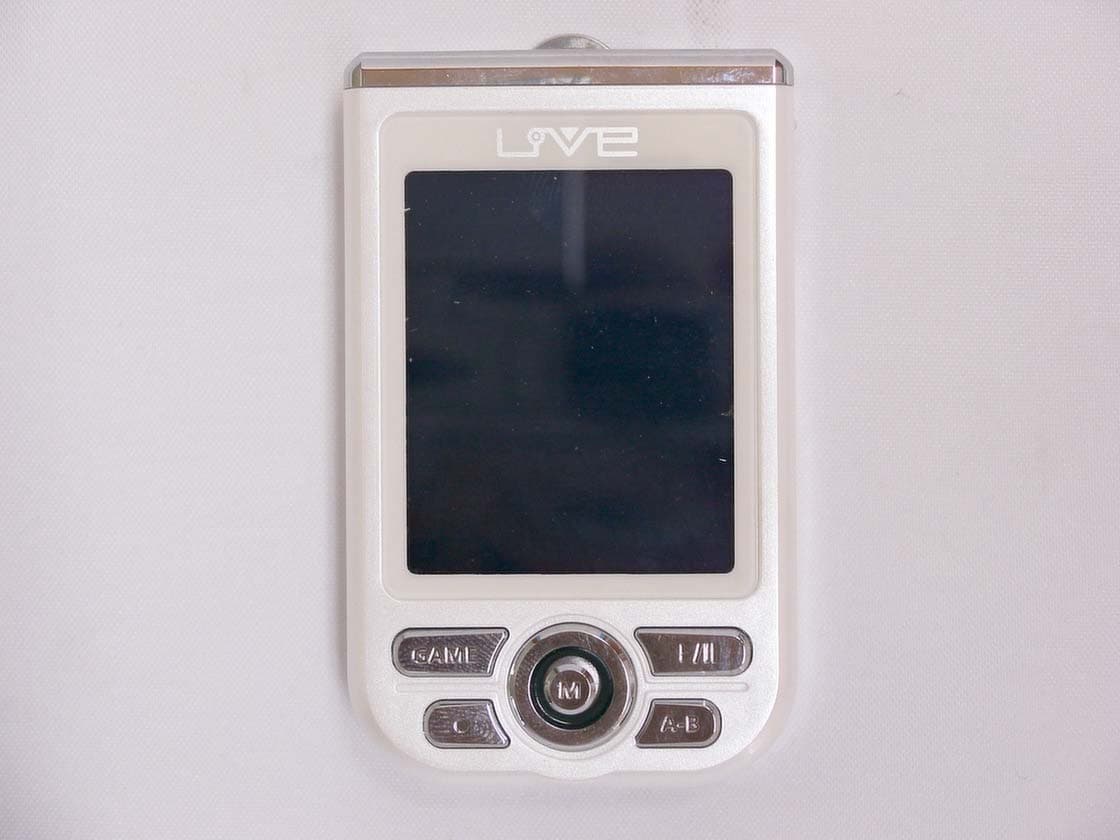
QHBCMT2004C
Jun 16, 2004Digital Audio Player
Equipment Class
JBP - Part 15 Class B Computing Device Peripheral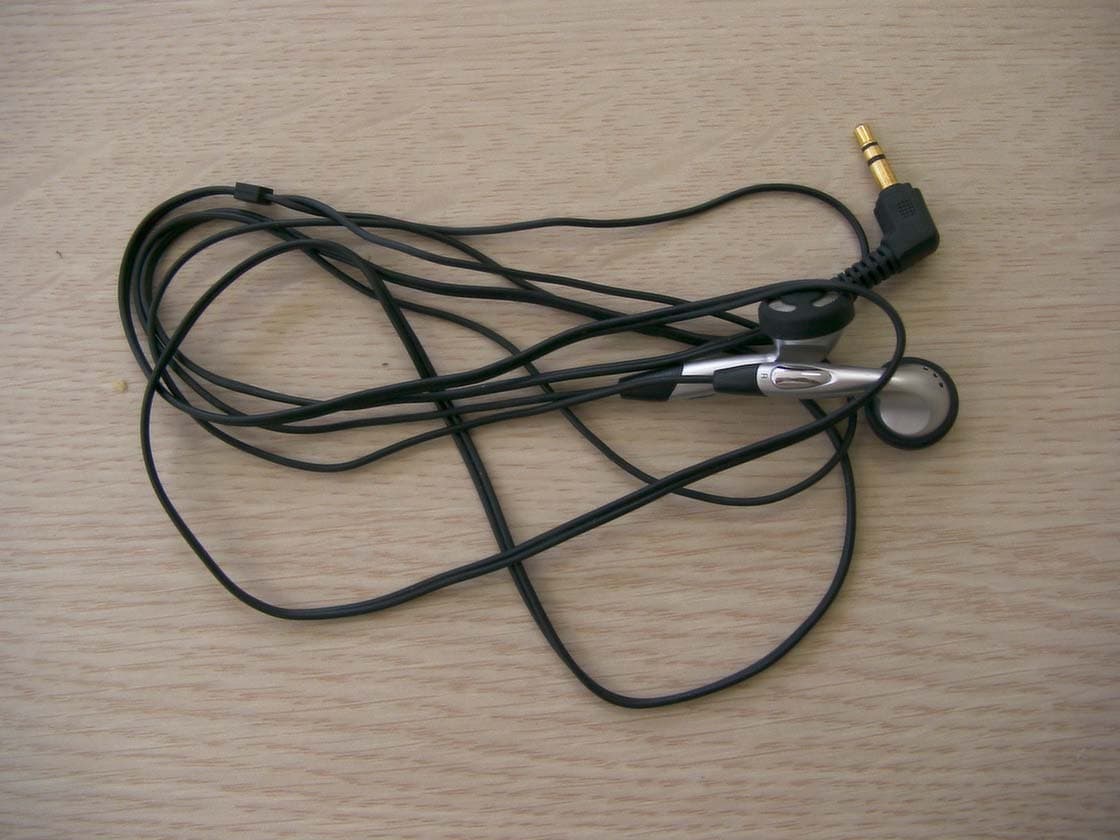
QHBCMT2003H
Nov 17, 2003Digital Audio Player
Equipment Class
JBP - Part 15 Class B Computing Device Peripheral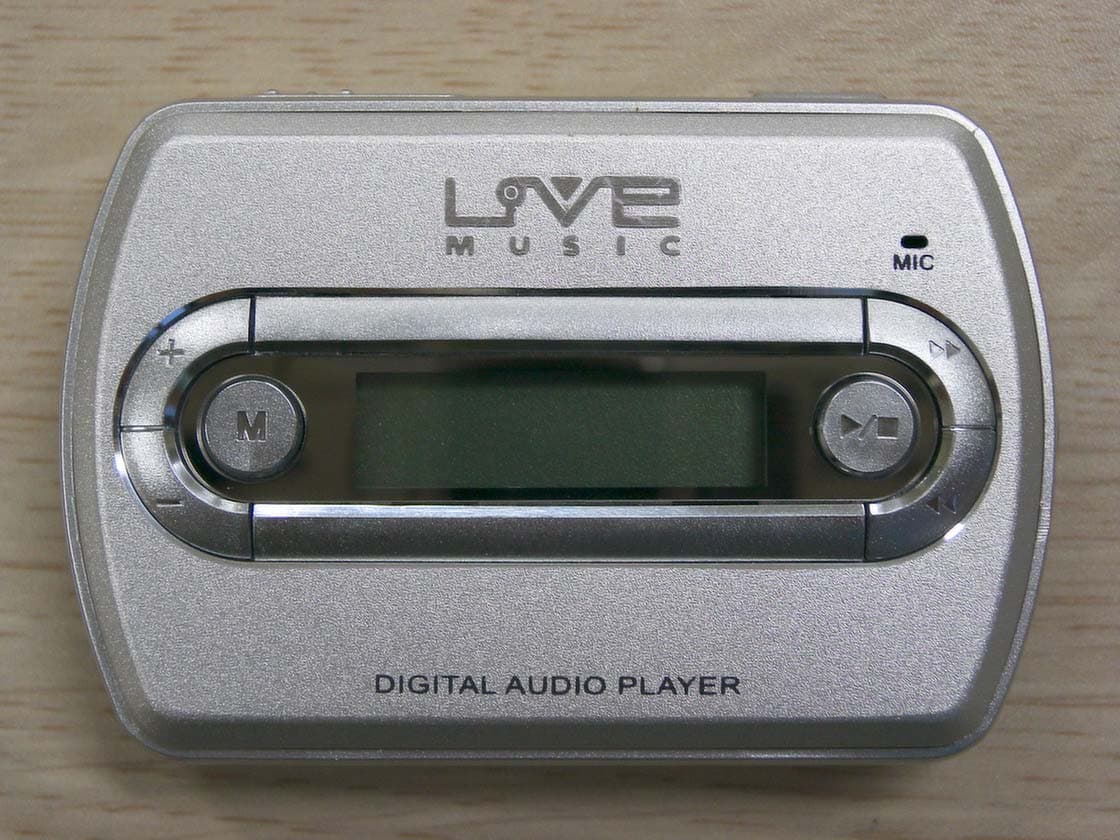
QHBCMT2003S
Jul 27, 2003Digital Audio Player
Equipment Class
JBP - Part 15 Class B Computing Device Peripheral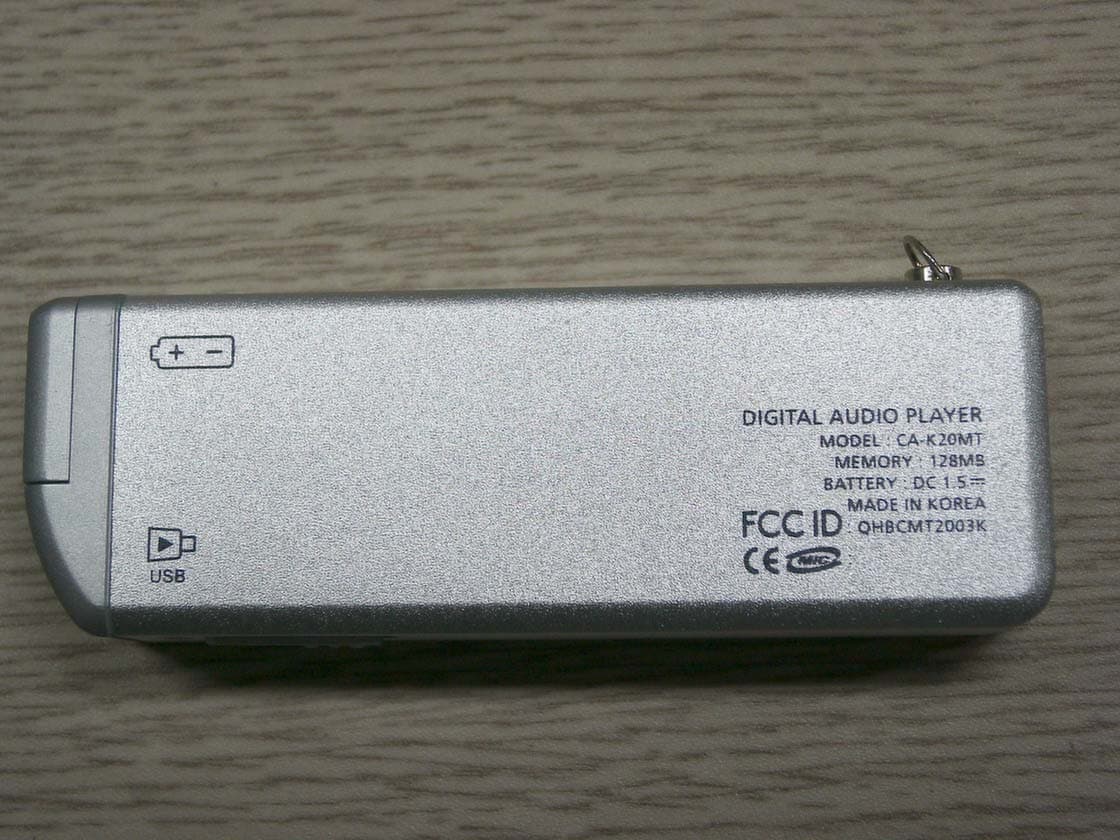
QHBCMT2003K
Jun 23, 2003MP3 Player
Equipment Class
JBP - Part 15 Class B Computing Device Peripheral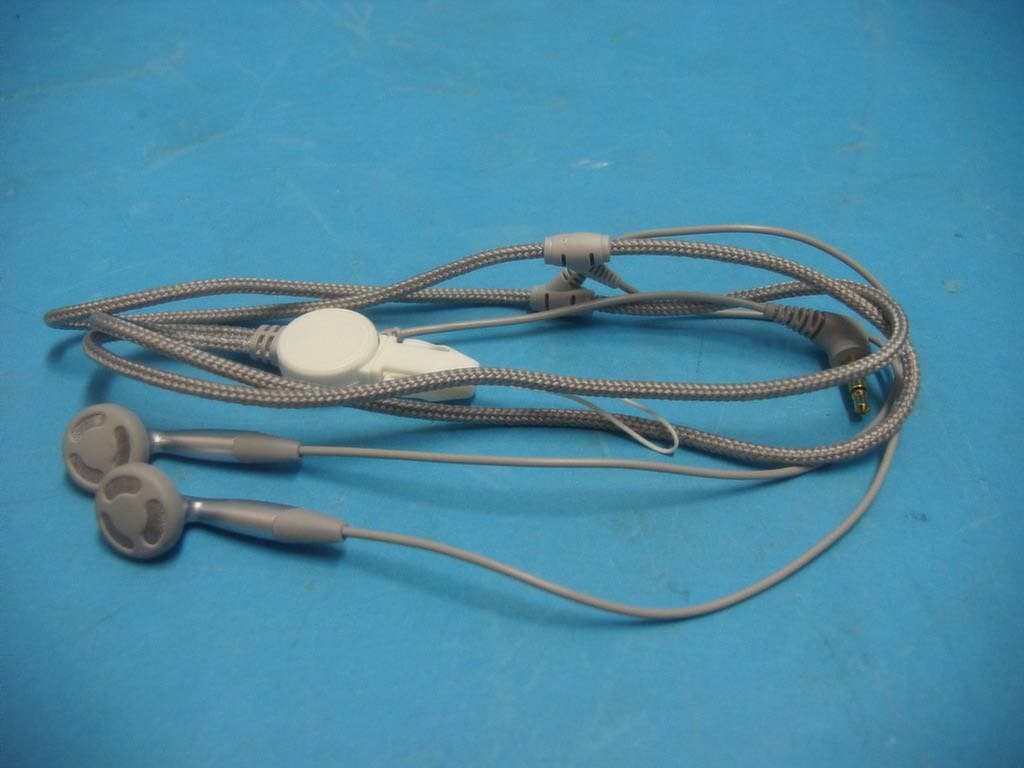
QHBCMT2003B
Apr 01, 2003MP3 Player
Equipment Class
JBP - Part 15 Class B Computing Device Peripheral