QHBCMT2003SDigital Audio Player
CM Tech Co., Ltd.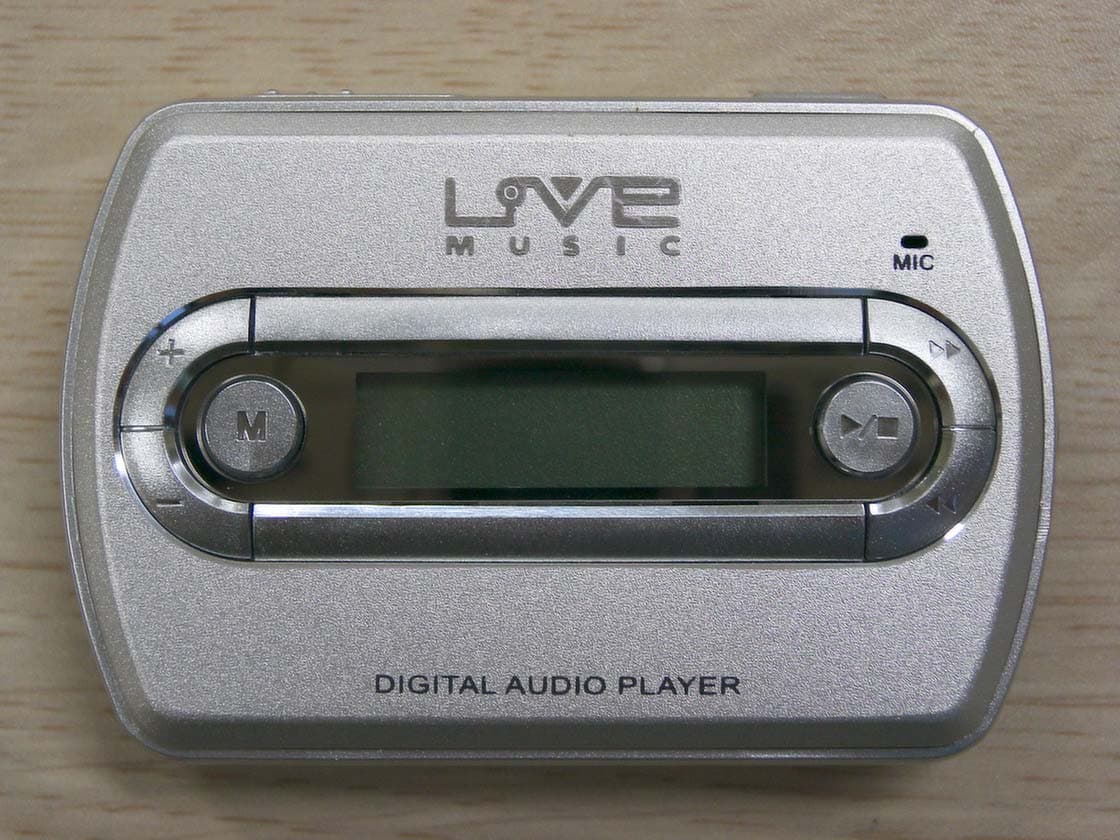
Click to zoom
Application Details
- Equipment Class
- JBP - Part 15 Class B Computing Device Peripheral
- Date of Grant
- Jul 27, 2003
- Application Purpose
- Original Equipment
- Date of Application
- Jul 27, 2003
- Equipment Note
- Digital Audio Player
- Company
- CM Tech Co., Ltd.
- Country
- South Korea
Documents & Files
Document Text
Text extracted from the exhibit documents filed with the FCC. Open a document above to read the original.
Users Manual
USER’S MANUAL CA-S10MT CM Tech Co., Ltd. THIS DEVICE COMPLIES WITH PART 15 OF THE FCC RULES. OPERATION IS SUBJECT TO THE FOLLOWING TWO CONDITIONS: (1) THIS DEVICE MAY NOT CAUSE HARMFUL INTERFERENCE, AND (2) THIS DEVICE MUST ACCEPT ANY INTERFERENCE RECEIVED, INCLUDING INTERFERENCE THAT MAY CAUSE UNDESIRED OPERATION. FCC RF INTERFERENCE STATEMENT Note: This equipment has been tested and found to comply with the limits for a Class B digital device, pursuant to part 15 of the FCC Rules. These limits are designed to provide reasonable protection against harmful interference in a residential installation. This equipment generates, uses and can radiate radio frequency energy and, if not installed and used in accordance with the instructions, may cause harmful interference to radio communications. However, there is no guarantee that interference will not occur in a particular installation. If this equipment does cause harmful interference to radio or television reception, which can be determined by turning the equipment off and on, the user is encouraged to try to correct the interference by one or more of the following measures: --Reorient or relocate the receiving antenna. --Increase the separation between the equipment and receiver. --Connect the equipment into an outlet on a circuit different from that to which the receiver is connected. --Consult the dealer or an experienced radio/TV technician for help. ◎ Caution () Do not change or modify the product without permission or authority of manufacturer. It may cause undesirable operations, permanent damages or harmful interferences. ◎ Notice () · Design and specification are subject to change without notice for product improvement purposes. Multi Format Audio Player [MP3 / WMA] FM Radio / FM Broadcasting Recording Voice Recording External Data Storage [Plug & Play] TTS 2.0 [Text To Speech] Song Title Display ◎ Contents · Design and specification are subject to change without notice for product improvement purposes. ◎ PC System Requirements · Processor: Pentium 233MHz or better · Windows98 / 98SE / ME / 2000PRO / XP · Hard Disc: 1GB or more available · Memory: 64MB DRAM or better · Monitor Resolution: 1024 x 768, 16Bit Color or better recommended · USB Port mounted · CD-ROM drive to install Software ◎ Description of Product Part · Front [fig-e01] · LCD Screen / Menu Button / Volume Control Button / Rewind Button / Fast Forward Button / Play/Pause Button · Rear [fig-e02] · Earphone Jack / Microphone / Necklace Holder / Battery Cover / USB Jack / Hold Switch ◎ Direction of USB Cable Connection [fig-03] ◎ Accessories · User’s Manual / Installation CD / USB Cable / Small-sized USB Adaptor / Earphone (FM Antenna Embedded) / Carrying Case / Battery 1 (1.5V AAA Type) · FM radio reception sensitivity could be lowered when other earphones than the provided one are used. ◎ USB Port Inspection 1. Before program installation, please inspect the USB port first. 2. Execution Order : 'My Computer → View system information → Hardware → Device Manager' 3. Check if there is ‘Universal Serial Bus Controllers’ in the device controller list. 4. It will be displayed as ‘General Serial Bus Controllers’ or ‘Universal Serial Bus Controllers’ depending on the PC environment. [fig-e04] 5. USB port cannot be used if there is no 'Universal Serial Bus Controllers'. In such a case, please ask the sales agent of your PC for its service before installation. ◎ Program Installation < Caution > · Before installation, please disconnect other USB products connected to the USB port. · Do not connect the product to your PC until successfully installing the program. If you have already connected the product to your PC, disconnect it before proceeding. < Note > · This manual is based on Windows XP. Appearance can be different depending on the version of Windows you are using. 1. Insert the supplied CD-ROM into the CD-ROM drive of your PC. The dialog box shown below should appear. If the installation program does not start automatically, double-click ‘Install.exe’ of the CD. [fig-e05] 2. Click the ‘Install’ button on the picture to begin installation. Select the ‘MP3 Driver+TTS’ button to use the TTS function. (Usually it takes about 5 minutes if TTS is selected. The necessary time is somewhat different depending on the PC environment.) 3. Click "Next" → "Finish" to complete the installation and restart your PC. [fig- e06] [fig-e07] 4. After your PC has restarted, you will see the 'Live Music_K Explorer' icon on your PC. 5. With the battery installed in the product, connect the product to the USB port on your PC, and then press the ' ▶/■' button to turn on the product. 6. Execute 'Live Music_K Explorer' and a window will appear as shown below. [fig- e08] ◎ Program Deletion 1. If the product is already connected to your PC, disconnect it. 2. Execute “Control Panel” → “Add or Remove Programs” to see a list of the installed programs. 3. Search the list for 'Live Music_K' and click on the “Change/Remove” button. A window will appear as shown below. Select the "Remove" button, and then click "Next", "OK" and “Finish” to complete the deletion. Restart your computer after deletion. [fig-e09] [fig-e10] [fig-e11] [fig-e12] 4. If the installation was not successful or if you need to reinstall the program for any reason, follow the program deletion procedure and put the CD-ROM in for installation. < Note > · If you want to delete the TTS program, execute 'Controller' → 'Add or Remove Programs’. Then search the list for 'TTSPad 2.0' and click “Change/Remove” to start deleting. ◎ Formatting (After installing the program) 1. Please execute formatting periodically for the efficient use of the memory. 2. Format the removable disc drive to delete all the files and initialize the drive. 3. With the battery removed from the product, connect the product to the USB port of your PC and press the ' ▶/■' button to power up the product. 4. Execute “Start → Programs → Live Music_K Audio Player → Live Music_K For…
Text truncated - open the document above for the full version.
Block Diagram
BLOCK DIAGRAM BATTERY:1.5V IIC1STMP3410 24.576MHz D0-D7 D0-D7 FIC1F/MEMORY TIC1FM_TUNER 7 5 5 3 USB MIC EAR PHONE 6 POWER/PLAY/PAUSE VOL +VOL - FF REWMENU LCD LCD2 : CD WAFER 30PIN 30 Back Light MIC4355B FIC1F/MEMORY
External Photos
IST Co., Ltd. Inner Photos of CA-S10MT EMC LABORATORY Ref . TEST REPORT NO. : 03-IST-219 IST Co., Ltd. Inner Photos of CA-S10MT EMC LABORATORY Ref . TEST REPORT NO. : 03-IST-219 IST Co., Ltd. Inner Photos of CA-S10MT EMC LABORATORY Ref . TEST REPORT NO. : 03-IST-219 IST Co., Ltd. Inner Photos of CA-S10MT EMC LABORATORY Ref . TEST REPORT NO. : 03-IST-219 IST Co., Ltd. Inner Photos of CA-S10MT EMC LABORATORY Ref . TEST REPORT NO. : 03-IST-219 IST Co., Ltd. Inner Photos of CA-S10MT EMC LABORATORY Ref . TEST REPORT NO. : 03-IST-219
ID Label/Location Info
IST Co., Ltd. FCC ID & Label Information of CA-S10MT EMC LABORATORY Ref . TEST REPORT NO. : 03-IST-219 FCC ID : QHBCMT2003S
Internal Photos
IST Co., Ltd. Inner Photos of CA-S10MT EMC LABORATORY Ref . TEST REPORT NO. : 03-IST-219 IST Co., Ltd. Inner Photos of CA-S10MT EMC LABORATORY Ref . TEST REPORT NO. : 03-IST-219 IST Co., Ltd. Inner Photos of CA-S10MT EMC LABORATORY Ref . TEST REPORT NO. : 03-IST-219
Test Report
IST Co., Ltd. EMC LABORATORY TEST REPORT NO. : 03-IST-219 1 of 15 Certification of Compliance CFR 47 Part 15 Subpart B / Class B PC Peripherals Test Report File No. 03-IST-219 Date of Issue Jul. 24. 2003 Model CA-S10MT Kind of Product Digital Audio Player Applicant CM Tech Co., Ltd. Address 4F Samil B/D, 362-5, Wonchun Dong, Paldal-Gu, Suwon-City, Kyungki-Do, 442-380 South Korea Manufacturer CM Tech CO.,Ltd. Address 4F Samil B/D, 362-5, Wonchun Dong, Paldal-Gu, Suwon-City, Kyungki-Do, 442-380 South Korea Test Result (*)Positive ( ) Negative Reviewed By Approved By J.H. Lee / General Manager of EMCG. Chung / Chief - Investigations requested : Measurement to the relevant clauses of F.C.C rules and regulations Part 15 Subpart B – Class B PC Peripherals / FM Broadcast receivers - The test report with appendix consists of 19 pages. - The test result only responds to the tested sample. - It is not allowed to copy this report even partly without the allowance of IST EMC Laboratory. - This equipment as for has been shown to be capable of continued compliance with the applicable technical standards as indicated in the measurement report and was tested in accordance with the measurement procedures specified in ANSI C63.4 1992. IST Co., Ltd. EMC LABORATORY TEST REPORT NO. : 03-IST-219 2 of 15 TABLE OF CONTENTS Table of contents 2 Information of test laboratory, Environmental condition, Power used 3 Description of test Conducted Emission 4 Radiated Emission 5 Summary 6 Test conditions and data Conducted emissions 0.15 MHz – 30 MHz Applicable Test equipment 7 Data and plots 8-11 Radiated emissions 30 MHz – 1 GHz Applicable Test equipment 12 Data 13-15 IST Co., Ltd. EMC LABORATORY TEST REPORT NO. : 03-IST-219 3 of 15 INFORMATIONS OF TEST LABORATORY EMC LABORATORY of IST Co., Ltd. (Yongin Lab., Filed to FCC) San 21-8, Goan-Ri, Baekam-Myun, Yongin-City Kyonggi-Do, 449-860, Korea TEL : +82 31 333 4093 FAX : +82 31 333 4094 EMC LABORATORY of IST Co., Ltd. (Yangji Lab., Filed to FCC ) 80, Jeil-RI, Yangji-Myun, Yongin-City Kyonggi-Do, 449-825, Korea TEL : +82 31 323 3012 FAX : +82 31 323 3014 ENVIRONMENTAL CONDITIONS Temperature 26 °C Humidity 52 % Atmospheric pressure 1002 mbar POWER SUPPLY SYSTEM USED Product Information Main Function MP3/WMA Player / FM Tuner / Voice Recorder / Removable Disc Memory 128MB Flash Memory Interface USB USB Port File Transmission Speed 7Mbps Display dot FSTN LCD (EL backlight) Voice Recording Time 8 hours Battery AAA Type 1EA Operating Time 12-hour consecutive play (Alkaline battery used) Output Power 5mW ×2 (16Ω) S/N (Noise Ratio) 90dB (20KHz LPF) Case Aluminum Find product information in User’s manual. IST Co., Ltd. EMC LABORATORY TEST REPORT NO. : 03-IST-219 4 of 15 DESCRIPTIONS OF TEST Conducted Emissions: The measurement were performed over the frequency range of 0.45MHz to 30MHz using a 50 Ω /50uH LISN as the input transducer to a Spectrum Analyzer or a Field Intensity Meter. The measurements were made with the detector set for “Peak” amplitude within an bandwidth of 10KHz or for “quasi-peak” within a bandwidth of 9KHz. - Procedure of Test The line-conducted facility is located in a shielded room. The wooden table 80cm height is placed 40cm away from the vertical wall and 1.5m away from the other wall of the shielded room. The LISNs are bonded to bottom of the shielded room. The EUT is located on the wooden table with distance more than 80cm from the LISN and powered from the powered LISN .The peripheral equipment is powered from the other LISN. Power to the LISNs are filtered by a noise cutting power line filters. All electrical cables are shielded by braided tinned steel tubing with inner φ 1.2cm. If the EUT is a DC-powered device, power will be derived from the source power supply it normally will be powered from and this supply lines will be connected to the appropriate LISN. All interconnecting cables more than 1m were shortened by non-inductive bundling to a 1m length. Sufficient time for the EUT, support equipment, and test equipment was allowed in order for them to warm up to their normal operating conditions. The RF output of the LISN was connected to the R/S receiver to determine the frequency producing the maximum emission from the EUT. The frequency producing the maximum level was re-measured using Quasi-Peak detector and average detector by manual measurement or final measurement program of R&S, after scanned by automatic Peak mode for frequency range from 0.15 to 30MHz. The bandwidth of the receiver was set to 10kHz. The EUT, peripheral equipment, and interconnecting cables were arranged and manipulated to maximize each EME emission. 215 >150 >40 80 Receiver DUT LISN 80 ≥ 80 80 40 ≥ 80 Measuring apparatus Mains Filter Mains Front side Equipment under test Coaxial cable Artificial mains network Screened room Non-metallic support 80 IST Co., Ltd. EMC LABORATORY TEST REPORT NO. : 03-IST-219 5 of 15 DESCRIPTION OF TEST Radiated Emissions: The measurement was performed over the frequency range of 30MHz to 1GHz using antenna as the input transducer to a Spectrum analyzer or a Field Intensity Meter. The measurement was made with the detector set for “quasi-peak” within a bandwidth of 120KHz. - Procedure of Test Preliminary measurements were made at 3 meter using bi-conical and log-periodic antennas, and spectrum analyzer to determine the frequency producing the max. emission in anechoic chamber. Appropriate precaution was taken to ensure that all emission from the EUT were maximized and investigated. The system configuration, mode of operation, turn-table azimuth and height with respect to the antenna were noted for each frequency found. The spectrum was scanned from 30MHz to 230MHz using bi-conical antenna and 230 to 1000MHz using log-periodic antenna. Above 1GHz, linearly polarized double ridge horn antennas were used. Final measurements were made at open site with 3 or 10 meters test distance using Bi-log antenna, Bi-conical antenna, Log-periodic antenna or ho…
Text truncated - open the document above for the full version.
Test Setup Photos
IST Co., Ltd. Test Photos of CA-S10MT EMC LABORATORY Ref . TEST REPORT NO. : 03-IST-219 IST Co., Ltd. Test Photos of CA-S10MT EMC LABORATORY Ref . TEST REPORT NO. : 03-IST-219 IST Co., Ltd. Test Photos of CA-S10MT EMC LABORATORY Ref . TEST REPORT NO. : 03-IST-219 IST Co., Ltd. Test Photos of CA-S10MT EMC LABORATORY Ref . TEST REPORT NO. : 03-IST-219
Contact Information
Applicant
Kyeong-Ho Kim(Manager)
Test Firm
IST Co., LtdBong Kyoon Bae
Technical Specifications
| # | Rule Parts | Frequency Range | Power Output |
|---|---|---|---|
| 1 | 15B | - | - |
Other Applications from CM Tech Co., Ltd.
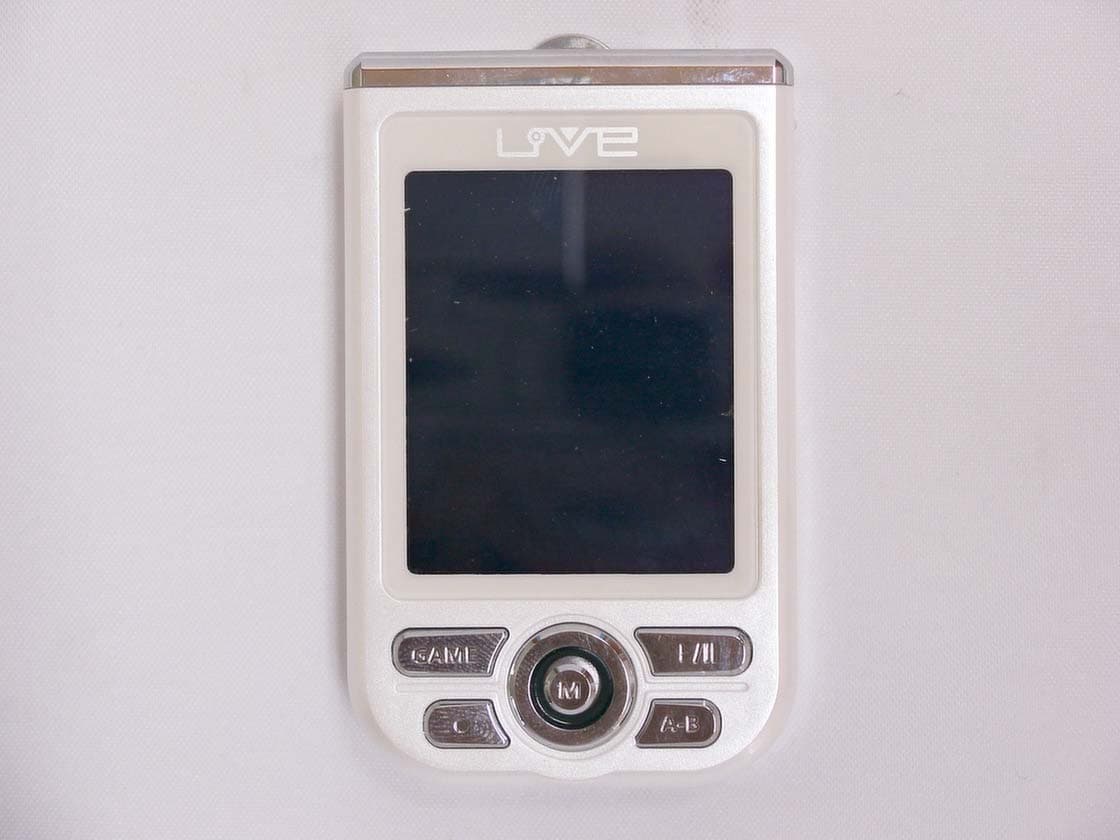
QHBCMT2004C
Jun 16, 2004Digital Audio Player
Equipment Class
JBP - Part 15 Class B Computing Device Peripheral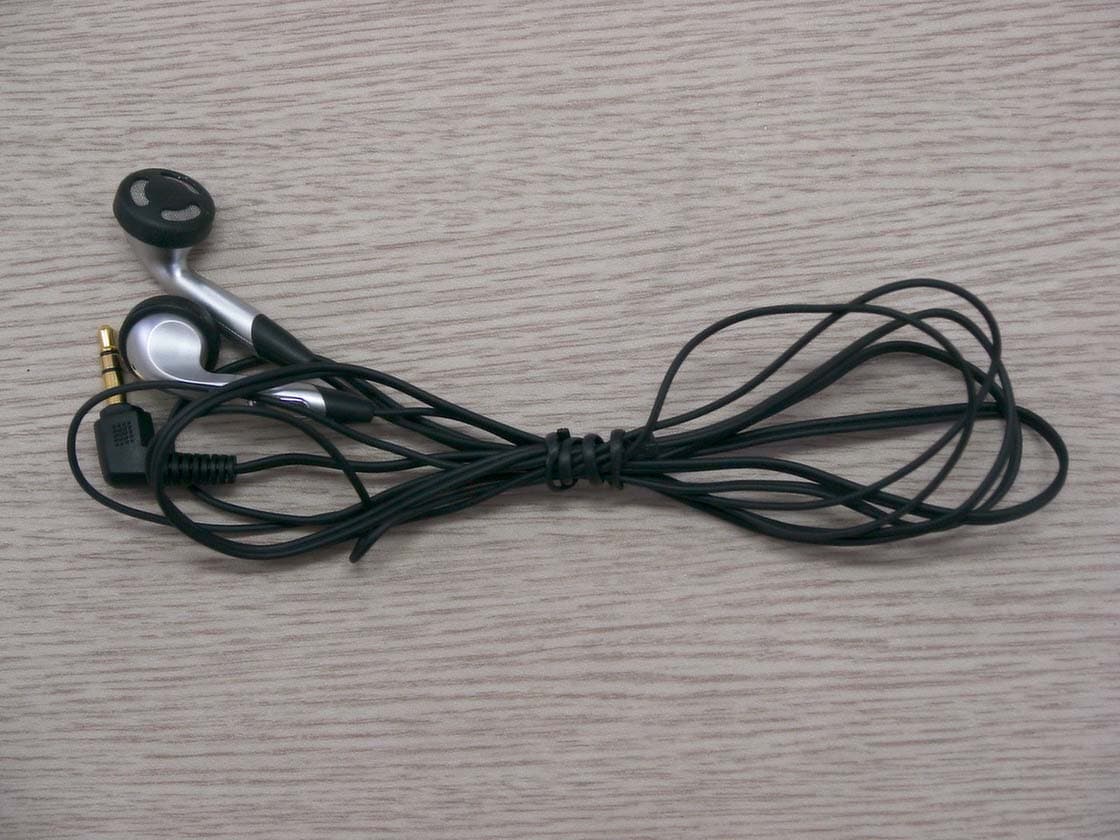
QHBCMT2004F
Mar 08, 2004Digital Audio Player
Equipment Class
JBP - Part 15 Class B Computing Device Peripheral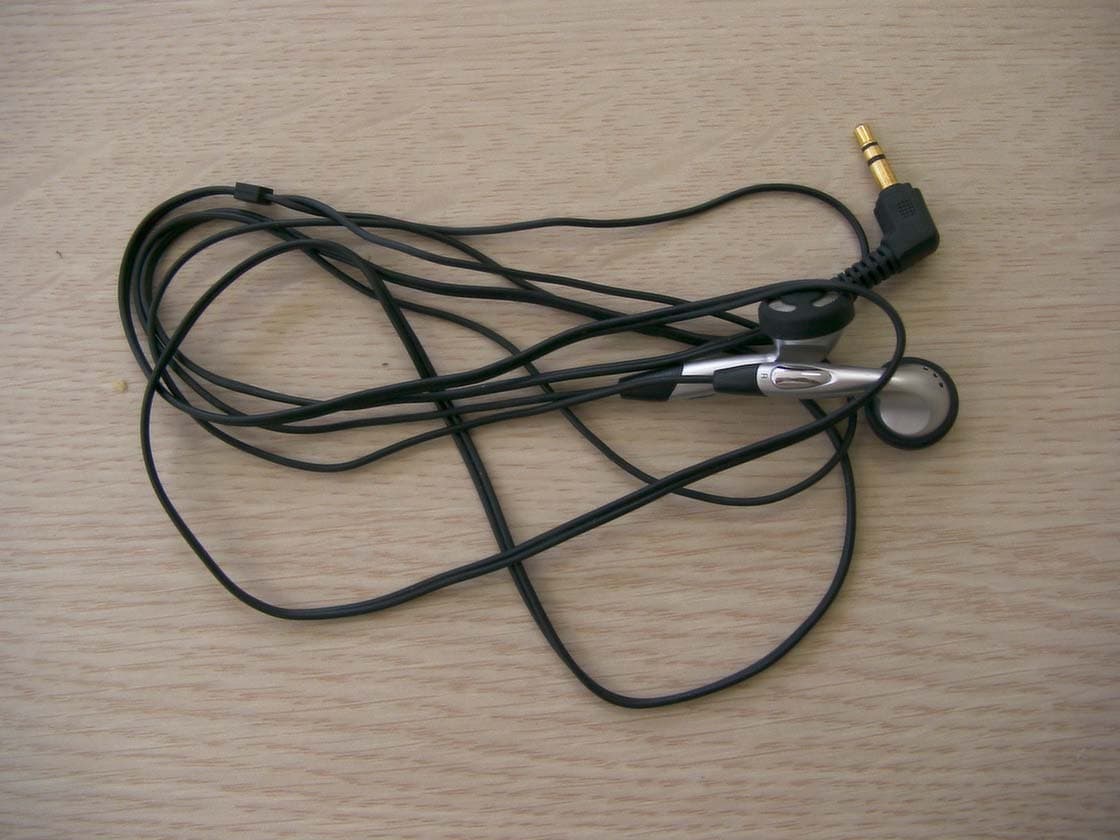
QHBCMT2003H
Nov 17, 2003Digital Audio Player
Equipment Class
JBP - Part 15 Class B Computing Device Peripheral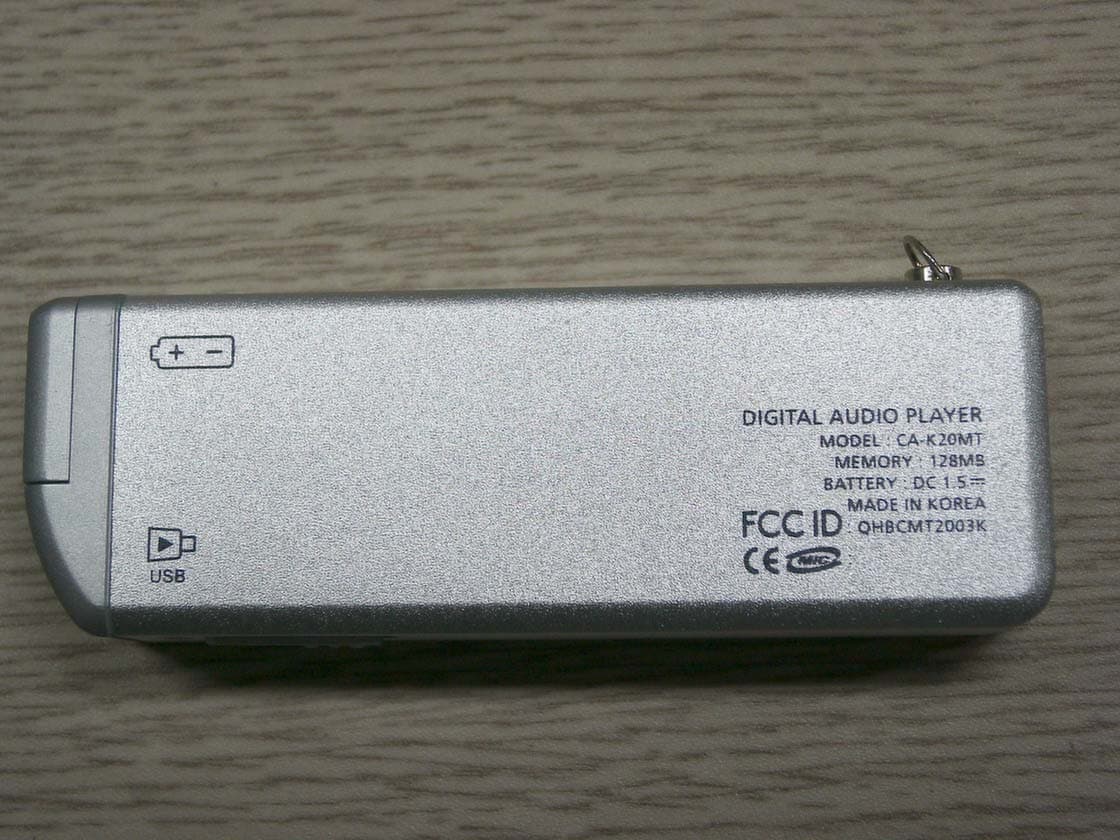
QHBCMT2003K
Jun 23, 2003MP3 Player
Equipment Class
JBP - Part 15 Class B Computing Device Peripheral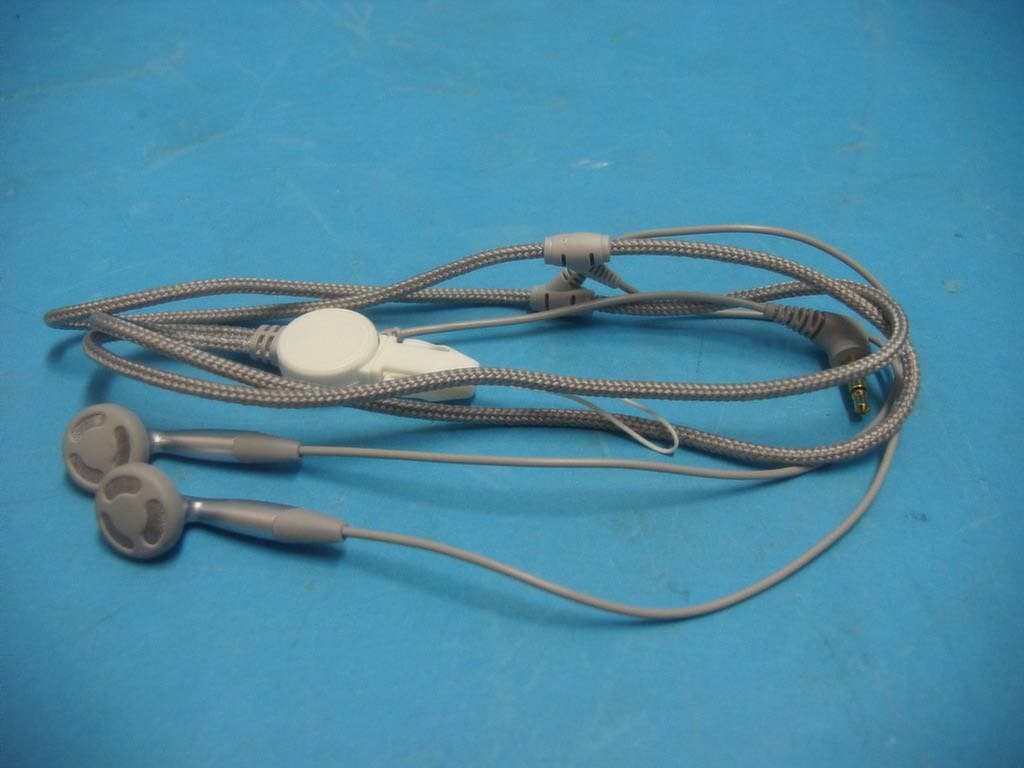
QHBCMT2003B
Apr 01, 2003MP3 Player
Equipment Class
JBP - Part 15 Class B Computing Device Peripheral