QIUPOWERNET-ETHPowerline Telecommunication Modem for Ethernet-LAN
Corinex Communication Corp.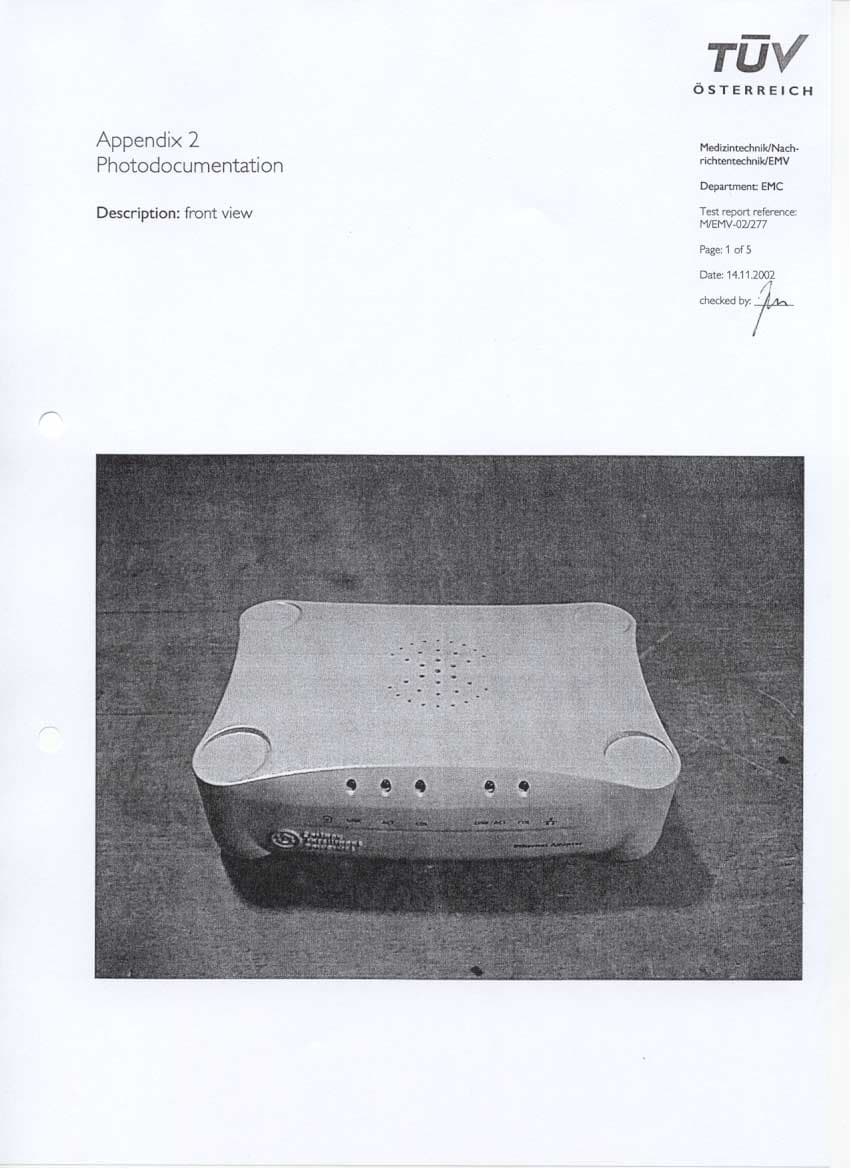
Click to zoom
Application Details
- Equipment Class
- JBP - Part 15 Class B Computing Device Peripheral
- Date of Grant
- Jan 02, 2003
- Application Purpose
- Original Equipment
- Date of Application
- Jan 02, 2003
- Equipment Note
- Powerline Telecommunication Modem for Ethernet-LAN
- Company
- Corinex Communication Corp.
- Country
- Canada
Documents & Files
Document Text
Text extracted from the exhibit documents filed with the FCC. Open a document above to read the original.
Users Manual
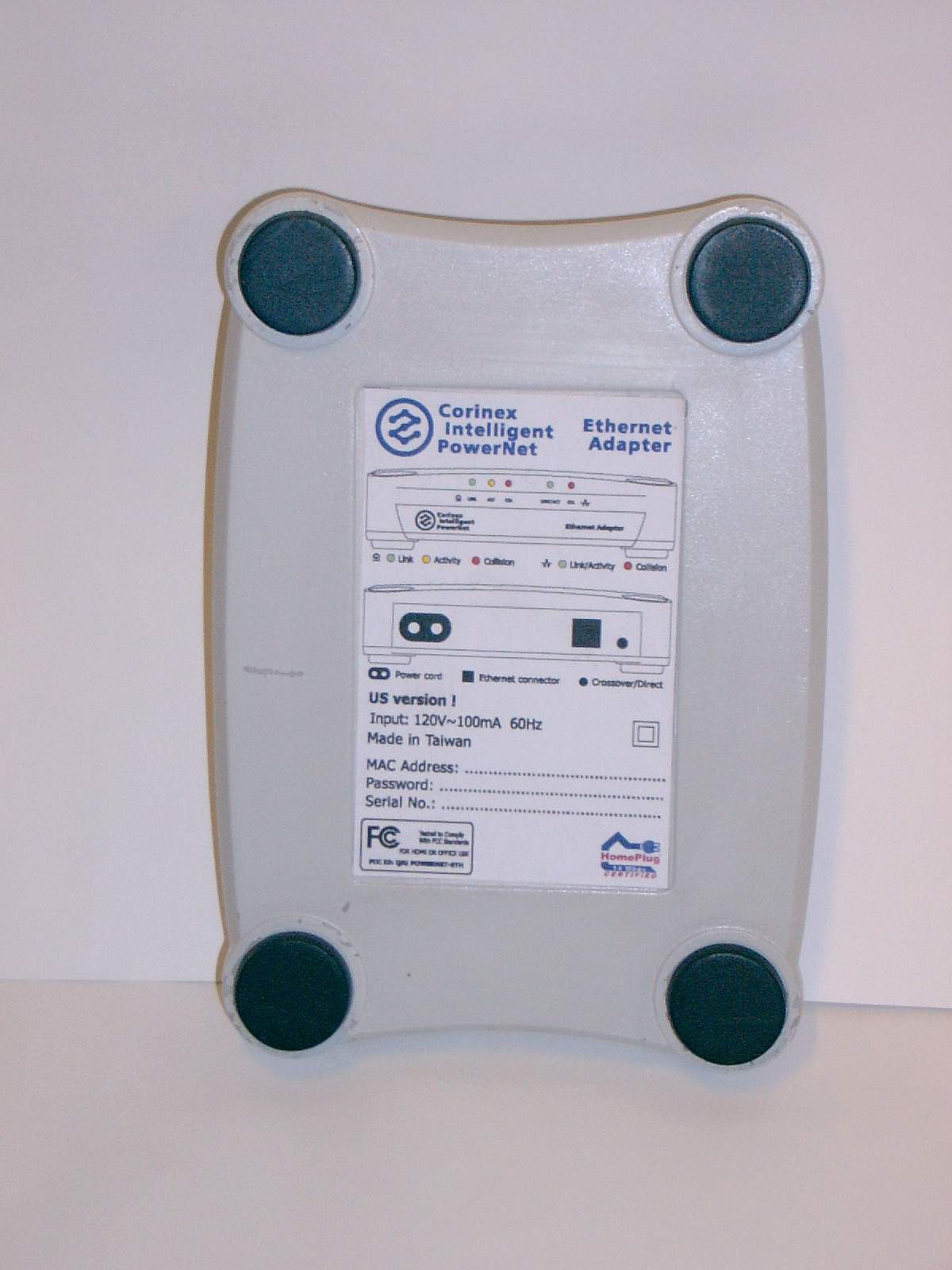
Corinex Intelligent PowerNet Corinex Intelligent PowerNet Ethernet Adapter Owner's Manual For US Market Only FCC ID: QIU POWERNET-ETH Corinex Intelligent PowerNet Ethernet Adapter M S T d D Corinex Intelligent PowerNet Ethernet Adapter 1 This Owner’s Manual, as well as the software described in it, is furnished under license and may be used or copied only in accordance with the terms of the license. The content of this manual is furnished for informational use only, it is subject to change without notice, and it does not represent a commitment on the part of Corinex Communications Corp. Corinex Communications Corp. assumes no responsibility or liability for any errors or inaccuracies that may appear in this book. It is our policy to enhance our products as new technologies, hardware components, software and firmware become available; therefore, the information contained in this document is subject to change without notice. Some features, functions, and operations described in this manual may not be included and sold in certain countries due to government regulations or marketing policies. The use of the product or its features described in this document may be restricted or regulated by law in some countries. If you are unsure which restrictions or regulations apply, you should consult your regional Corinex office or the authorized reseller. Published by: Corinex Global Corp. #308 1168 Hamilton Street Vancouver, B.C., V6B 2S2 Canada Tel: +1 (604) 692 0520 Fax: +1 (604) 692 0555 Corinex is a registered trademark of Corinex Communications Corp. Microsoft, MS−DOS, MS, Windows, Windows NT are either registered trademarks or trademarks of Microsoft Corporation in the U.S.A. and/or other countries. All products or company names mentioned herein may be the trademarks of their respective owners. Copyright (c) 2001−2002 by Corinex Communications Corp. 2 Contents 1 Introduction ...................................................................3 1.1 Overview ........................................................................3 1.2 About this Manual .........................................................3 2 Installation Guide...........................................................5 2.1 What this Package Contains...........................................5 2.2 System Requirements.....................................................5 2.3 Installing the Ethernet Adapter......................................5 2.4 Installing the PowerNet Setup Tool................................6 2.5 Testing the Setup ...........................................................9 2.6 Running the PowerNet Setup Tool.................................9 3 User‘s Guide ................................................................ 10 3.1 PowerNet Setup Tool User Guide................................ 10 3.2 Corinex Intelligent PowerNet Ethernet Adapter .......... 12 3.3 FAQ 13 3.4 Ethernet Adapter Specifications.................................. 14 4 Troubleshooting Guide............................................... 16 3 1 Introduction 1.1 Overview The Corinex Intelligent PowerNet Ethernet Adapter is a network interface adapter, using the 110/120 or 220/240 V electrical wires in premises as a medium for communications. After successful installation, the indoor Powernet network behaves like a traditional LAN for computers. The Corinex Intelligent PowerNet Ethernet Adapter supports up to 14 Mbps−network speed. The product keeps network maintenance cost low and eliminates usage barriers while there is no need for additional wiring. The Product is higly integrated and requires no other external electronic components. 1.2 About this Manual This Owner‘s Manual is intended to provide sufficient information to help you understand how to successfully install Corinex Intelligent PowerNet Ethernet Adapters to meet your networking needs. With the information in this guide, you should be able to: Analyze your network efficiency Plan the configuration of Corinex Intelligent PowerNet Ethernet Adapter options 1 4 Install and configure your Corinex Intelligent PowerNet Ethernet Adapter according to your plan Verify and optimize your Corinex Intelligent PowerNet Ethernet Adapters’ performance 5 2 Installation Guide 2.1 What this Package Contains When you receive your Corinex Intelligent PowerNet Ethernet Adapter, check to be sure that your package contains: • Corinex Intelligent PowerNet Ethernet Adapter • AC cord • Ethernet cable • This manual • Application CD 2.2 System Requirements • A computer with a pre− installed Ethernet Network Interface Slot or an Ethernet Network Interface Card • CD−ROM drive • Windows 98/ME/2000/XP operating system 2.3 Installing the Ethernet Adapter To connect the Corinex Intelligent PowerNet Ethernet Adapter to your computer, follow the steps listed below: 2 6 1. Plug the supplied AC cord into the Corinex Intelligent PowerNet Ethernet Adapter and after that, into an AC outlet. 2. Plug the Ethernet cable into the Corinex Intelligent PowerNet Ethernet Adapter and the Ethernet slot or card on your PC. As soon as the Corinex Intelligent PowerNet Ethernet Adapter is connected to an Ethernet slot or card using a standard cable, the button on the front panel of the box should be in the „OUT“ (Normal) position. A cable modem or DSL modem often requires a “cross cable”. If this is the case, the button should be in the „IN“ (Uplink) position. When the button is in the correct position, the green link LED at the Ethernet connection will light up. 2.4 Installing the PowerNet Setup Tool 1. Insert the installation CD. The CD should automatically start the installation process. If the installation program does not start automatically, start the application by selecting „My Computer“, usually found on the desktop. Navigate to the CD drive, and double click on the drive. The following screen should be displayed: 7 The following screen is the welcome screen. Click „Next“ to continue. 2. The next screen will ask w…
Text truncated - open the document above for the full version.
Block Diagram
MII MDI EEPROM
Operational Description
Operational description The Corinex intelligent powernet Ethernet adapter is powerline communication device. The primary circuit is used for supplying the device and using coupling transformer with reinforced insulation as communication medium too. For user is only necessary connect Ethernet powerline device through RJ45 connector and used it as standard network device. Triple led indication on front panel for powerline communication and double LED indication for Ethernet (802.3u) gives information about performance of device.
Test Report
Reasons for re-testing of Corinex Intelligent PowerNet Ethernet Adapter There were a few changes between the first tested model, report nbr. M/EMV-02/253 and the model which will be marketed and tested report nbr. M/EMV-02/277. 1. Changes in casing material and design 2. Few PCB layout changes due to – casing design changes accompanied with changes of LED-positions – changing of some components, e.g. from wired to SMD – changing of line transformer – some position changes There were no changes in circuitry.
Contact Information
Applicant
Peter Sobotka(CEO)
Technical Contact
Corinex Communication Corp.Pavel Simon
[email protected]+421905924333
#308 1168 Hamilton Street · Vancouver, B.C. · Canada
Non-Technical Contact
Corinex Communication Corp.Peter Sobotka
[email protected]421 2 5021 4811
Test Firm
TUV AustriaIng Wilhelm Seier
Technical Specifications
| # | Rule Parts | Frequency Range | Power Output |
|---|---|---|---|
| 1 | 15B | - | - |
Other Applications from Corinex Communication Corp.
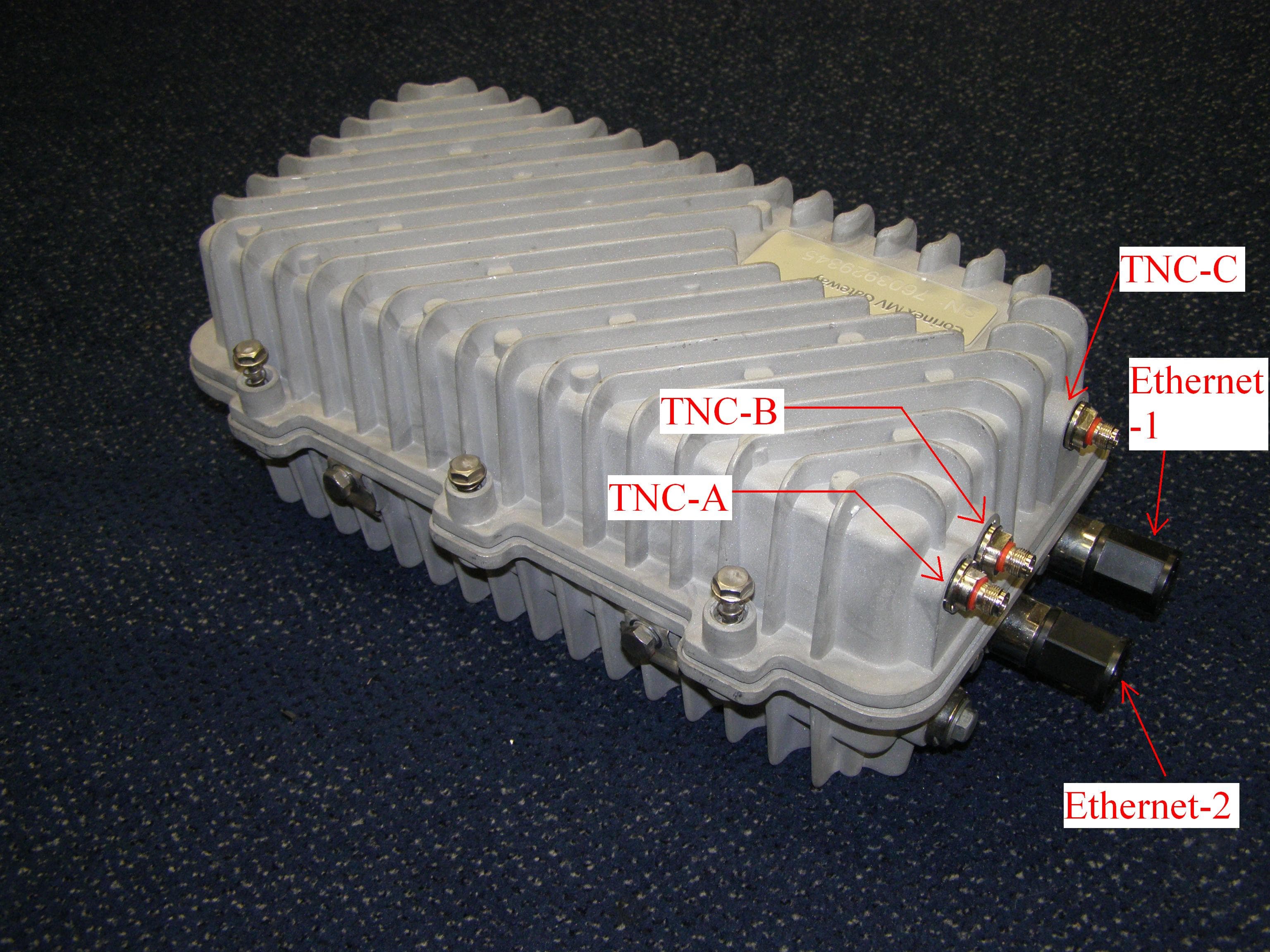
QIU-CXP-MVA-GNR
Mar 04, 2008Gateway
Equipment Class
BPL - Access Broadband Over Powerline System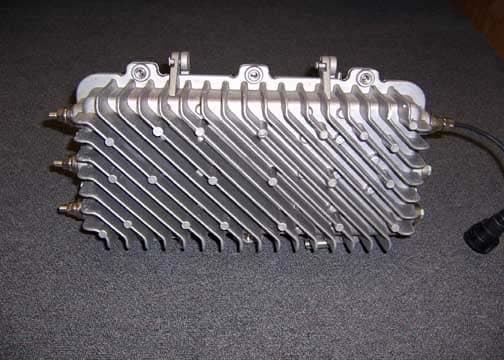
QIUCXP-MVA-GWY
Sep 27, 2006Corinex Medium Voltage Access Gateway
Equipment Class
BPL - Access Broadband Over Powerline System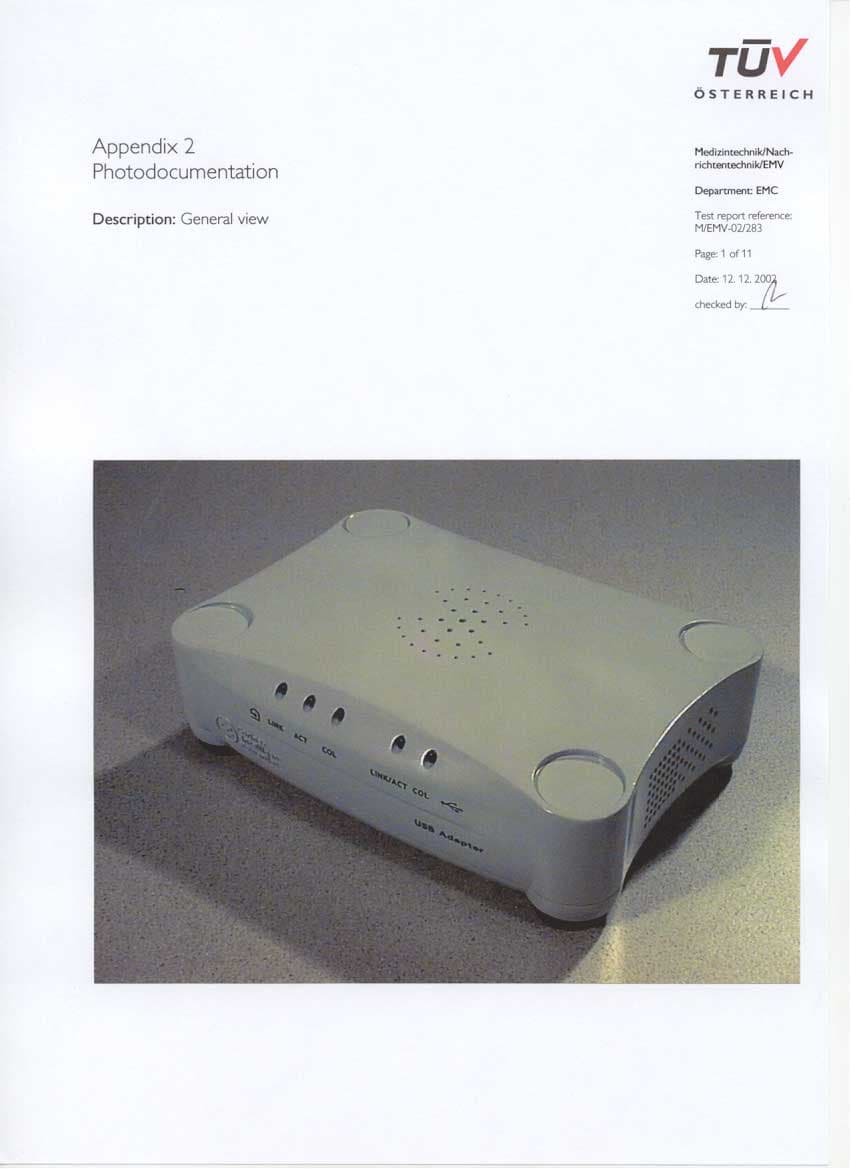
QIUPOWERNET-USB
Jan 30, 2003Powerline Telecommunication Modem for USB
Equipment Class
JBP - Part 15 Class B Computing Device Peripheral