QSESMV01Smart Mini Vibe
VTrump Tech (Shanghai) Co.,Ltd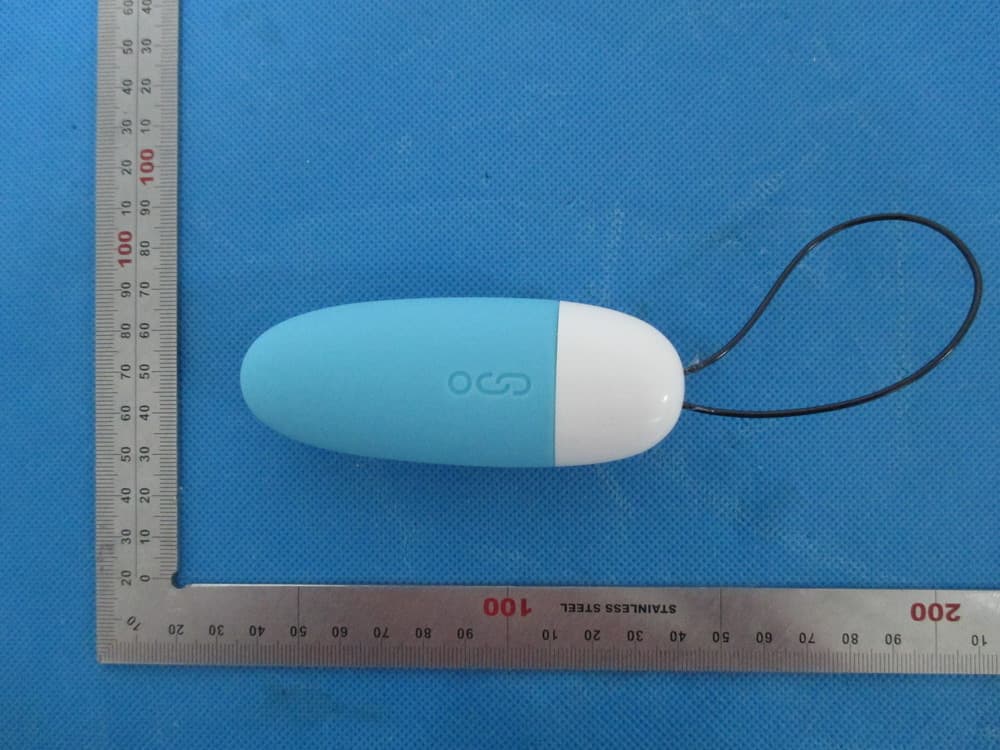
Click to zoom
Application Details
- Equipment Class
- DTS - Digital Transmission System
- Date of Grant
- Jan 22, 2014
- Application Purpose
- Original Equipment
- Date of Application
- Jan 22, 2014
- Equipment Note
- Smart Mini Vibe
- Frequency Range
- 2402.00000000 - 2480.00000000
- Country
- China
Documents & Files
Document Text
Text extracted from the exhibit documents filed with the FCC. Open a document above to read the original.
Users Manual
Smart Mini Vibe Quick User Guide Model Name:SMV01 Brand Name:Magic Motion FCC ID:QSESMV01 z Power On Press the Power On/ Toggle key for 2 seconds to switch on, then the LED will flash once and the device will vibrate for 0.5 seconds. z Power Off Press the Power On/Toggle key 2 seconds, then LED flash once. z Charging Battery The Smart Mini Vibe includes a li-ion rechargeable battery, Twist off the cap to reveal the USB Charging Port,then charge it with a USB charger, or plug it into a Computer USB Port for battery charging. Charging: Smart Mini Vibe LED on. Charging Completed: Smart Mini Vibe LED off. Low Battery: When the battery is low, the device cannot be powered on or it will turn off immediately after turning on. (Notice: For the first time using the device, deplete the battery fully then charge for 4 hours continually.) z Smart Phone Control Mode First Time Use: Step 1: Download the Magic Motion App. Visit iTunes to Download the Magic Motion App, use smart phone to scan the QR Bar on the giftbox, or visit the below website directly: https://itunes.Apple.com/us/App/id679035540?mt=8 Step 2: Switch on Bluetooth on the smart phone, then run the Magic Motion App. On the smart phone: “Settings” Î “Bluetooth,” select “On,” then run the Magic Motion App. Step 3: Pairing Prepare for Pairing: Power on the device, take off the cap by rotating counter-clockwise, and hold the Pairing Key for 3 seconds. The Smart Mini Vibe LED will flash quickly (0.5 seconds intervals). Pairing Process: Run the Magic Motion App, click “refresh,” and a pairing request will pop up. Click “Pair” to pair. Pairing Success When the pairing is successful, The Smart Mini Vibe LED quick flashes for 2 seconds, then keeps the light on. Smart Magic Control When the pairing is successful, the user can select multiple controlling modes. The LED will blink following the vibration frequency. When the pairing is successful, if the user doesn’t use for a long while, the LED will turn off. Please turn off the Magic Motion App if you don’t use it for an extended period of time. Re-Connect: Re-connect a paired Smart Mini Vibe with the Magic Motion App: the device will auto-connect when the device is switched on and the Magic Motion App is running. Please make sure the device is within the range of the smart phone Bluetooth coverage. If Magic Motion & the Smart Mini Vibe are not connected, click “refresh” to connect. Re-Pairing: When you need to pair the device with another smart phone, quit the current Magic Motion App and download the Magic Motion App on another smart phone, then run it. After running the App, press and hold the Smart Mini Vibe Pairing key for more than 3 seconds to enter into the pairing process. z Manual Control Mode a. Changing the Mode manually: Turn on the Smart Mini Vibe, but do not run the Magic Motion App. Press the “Power On/ Toggle Key” for 1 second or less to toggle different vibration modes. There are a total 7 vibration modes available. b. Turn off automatically: When the Smart Mini Vibe is on, the LED will keep flashing every 2 seconds if it is not connected with Magic Motion App. It will automatically turn off after 5 minutes of no use. z Magic Motion App Brief Introduction z Magic Control Magic Motion has 7 vibration modes, including: Music Player、Voice、Scenes、Sensor、 Custom、Manual、Games. Music Sync The user can add their favorite songs to Magic Motion via iTunes、FTP、or WiFi。 Background/Remote Control Switch Magic Motion to background mode, then run third-party voice or video Apps, such as Line, Skype, or Wechat to have a conversation; the voice can control the vibration frequency. More Magic Motion functions can be discovered based on other apps. Notice: z Before the Usage: Please clean the Smart Mini Vibe with cleanser or warm water and anti-bacterial soap for first time use. We suggest using water-lubricants with the Smart Mini Vibe to enhance the experience. Charge the battery according to this user manual. z In Use: We recommend using together with a condom. Select the proper vibration mode; stop using the device if there is discomfort or tingling. z After Usage After using, clean the device and dry it. z Storage Keep the device in a cool, ventilated place. Avoid leaving your Smart Mini Vibe in direct sunlight, and keep it out of the reach of children. FAQ 1、 Question: Why do I need to pair? Can I directly use it when I run the Magic Motion App? Answer: For safety reasons, the pairing can avoid any mis-links with other smart phones. 2、Question: Why can’t it be paired with previous phones when it is paired with the current phone? Answer: It is for security concerns from Apple Inc. You can ignore previous devices in the Bluetooth settings and re-pair it again. 3、Question: By powering on the phone, why can’t the Smart Mini Vibe connect with the phone automatically since it has already been paired? Answer: You can run the Magic Motion App and click “Refresh.” 20 seconds later, it will connect automatically. 4. Question: What’s the use of the small hole close to the USB connector? Answer: Use a needle to press the small hole to reboot if anything abnormal happens.When the battery runs out, charging the device can return it to the default setting. For more questions, please check the Magic Motion SettingÎ Help This device complies with part 15 of the FCC rules. Operation is subject to the following two conditions: (1) this device may not cause harmful interference, and (2) this device must accept any interference received, including interference that may cause undesired operation. Changes or modifications to this unit not expressly approved by the party responsible for compliance could void the user’s authority to operate the equipment.
Cover Letter(s)
Jan.21, 2014 Federal Communication Commission Authorization and Evaluation Division FCC ID: QSESMV01 Re: Confidentiality Request Pursuant to Sections 0.457 and 0.459 of the Commission’s Rules, the applicant hereby requests confidential treatment of information applied this application as outlined below: 1: Block Diagram 2: Circuit Diagram 3: Parts List 4.Operational Description The above materials contain trade secrets and proprietary information not customarily released to the public. The public disclosure of these matters might be harmful to the applicant and provide unjustified benefits to its competitors. The Applicant understands that pursuant to Rules 0.457, disclosure of this Application and all accompanying documentation will not be made before the date of the Grant for this application. Sincerely, VTrump Tech (Shanghai) Co.,Ltd Contact person: SHENGXI XIE Title: Manager
External Photos
External Photos TOP VIEW OF EUT BOTTOM VIEW OF EUT FRONT VIEW OF EUT BACK VIEW OF EUT LEFT VIEW OF EUT RIGHT VIEW OF EUT
ID Label/Location Info
FCC ID Label Location Smart Mini Vibe Model: SMV01 Brand: Magic Motion FCC ID: QSESMV01
Internal Photos
Internal Photos OPEN VIEW OF EUT INTERNAL VIEW OF EUT-1 INTERNAL VIEW OF EUT-2 INTERNAL VIEW OF EUT-3 BT Antenna INTERNAL VIEW OF EUT-4
Test Report
Report No.: AGC01464140101FE08 Page 1 of 48 FCC Test Report Report No.: AGC01464140101FE08 FCC ID : QSESMV01 APPLICATION PURPOSE : Original Equipment PRODUCT DESIGNATION : Smart Mini Vibe BRAND NAME : Magic Motion MODEL NAME : SMV01 CLIENT : VTrump Tech ( Shanghai) Co.,Ltd DATE OF ISSUE : Jan.15, 2014 STANDARD(S) : FCC Part 15 Rules REPORT VERSION : V1.0 Attestation of Global Compliance (Shenzhen) Co., Ltd CAUTION: This report shall not be reproduced except in full without the written permission of the test laboratory and shall not be quoted out of context. Report No.: AGC01464140101FE08 Page 2 of 48 Report Revise Record Report Version Revise Time Issued Date Valid VersionNotes V1.0 / Jan.15, 2014 Valid Original Report Report No.: AGC01464140101FE08 Page 3 of 48 TABLE OF CONTENTS 1. VERIFICATION OF COMPLIANCE......................................................................................................... 5 2.GENERAL INFORMATION ...................................................................................................................... 6 2.1PRODUCT DESCRIPTION ............................................................................................................... 6 2.2 RELATED SUBMITTAL(S)/GRANT(S) ............................................................................................. 6 2.3TEST METHODOLOGY .................................................................................................................... 6 2.4 TEST FACILITY ................................................................................................................................ 6 2.5 SPECIAL ACCESSORIES ................................................................................................................ 6 2.6 EQUIPMENT MODIFICATIONS ....................................................................................................... 6 3. SYSTEM TEST CONFIGURATION ......................................................................................................... 7 3.1 CONFIGURATION OF TESTED SYSTEM ....................................................................................... 7 3.2 EQUIPMENT USED IN TESTED SYSTEM ...................................................................................... 7 4. SUMMARY OF TEST RESULTS ............................................................................................................. 8 5. DESCRIPTION OF TEST MODES .......................................................................................................... 8 6. ANTENNA REQUIREMENT .................................................................................................................... 9 6.1. STANDARD APPLICABLE .............................................................................................................. 9 6.2. TEST RESULT ................................................................................................................................ 9 7. RADIATED EMISSION .......................................................................................................................... 10 7.1 MEASUREMENT PROCEDURE .................................................................................................... 10 7.2 TEST SETUP .................................................................................................................................. 11 7.3 LIMITS AND MEASUREMENT RESULT ........................................................................................ 12 7.4 TEST RESULT ............................................................................................................................... 12 8. BAND EDGE EMISSION ....................................................................................................................... 25 8.1. MEASUREMENT PROCEDURE ................................................................................................... 25 8.2. TEST SET-UP ............................................................................................................................... 25 8.3. TEST RESULT .............................................................................................................................. 26 9. 6DB BANDWIDTH ................................................................................................................................ 30 9.1. TEST EQUIPMENT LIST AND DETAILS ....................................................................................... 30 9.2. TEST PROCEDURE ...................................................................................................................... 30 9.3. SUMMARY OF TEST RESULTS/PLOTS ...................................................................................... 30 10. CONDUCTED OUTPUT POWER ....................................................................................................... 33 10.1. MEASUREMENT PROCEDURE ................................................................................................. 33 10.2. TEST SET-UP (BLOCK DIAGRAM OF CONFIGURATION) ........................................................ 33 10.3. LIMITS AND MEASUREMENT RESULT ..................................................................................... 34 11. MAXIMUM CONDUCTED OUTPUT POWER SPECTRAL DENSITY ................................................ 36 11.1 MEASUREMENT PROCEDURE .................................................................................................. 36 11.2 TEST SET-UP (BLOCK DIAGRAM OF CONFIGURATION) ......................................................... 36 Report No.: AGC01464140101FE08 Page 4 of 48 11.3 MEASUREMENT EQUIPMENT USED ......................................................................................... 36 11.4 LIMITS AND MEASUREMENT RESULT ...................................................................................... 36 12. FCC LINE CONDUCTED EMISSION TEST ......................…
Text truncated - open the document above for the full version.
Test Setup Photos
APPENDIX IV PHOTOGRAPHS OF TEST SETUP FCC RADIATED EMISSION TEST SETUP
Contact Information
Applicant
SHENGXI XIE
Test Firm
Attestation of Global Compliance Shenzhen Co. Ltd.Forrest Lei
Technical Specifications
| # | Rule Parts | Frequency Range | Power Output |
|---|---|---|---|
| 1 | 15C | 2.40 GHz - 2.48 GHz | 500.00 µW |
Other Applications from VTrump Tech (Shanghai) Co.,Ltd
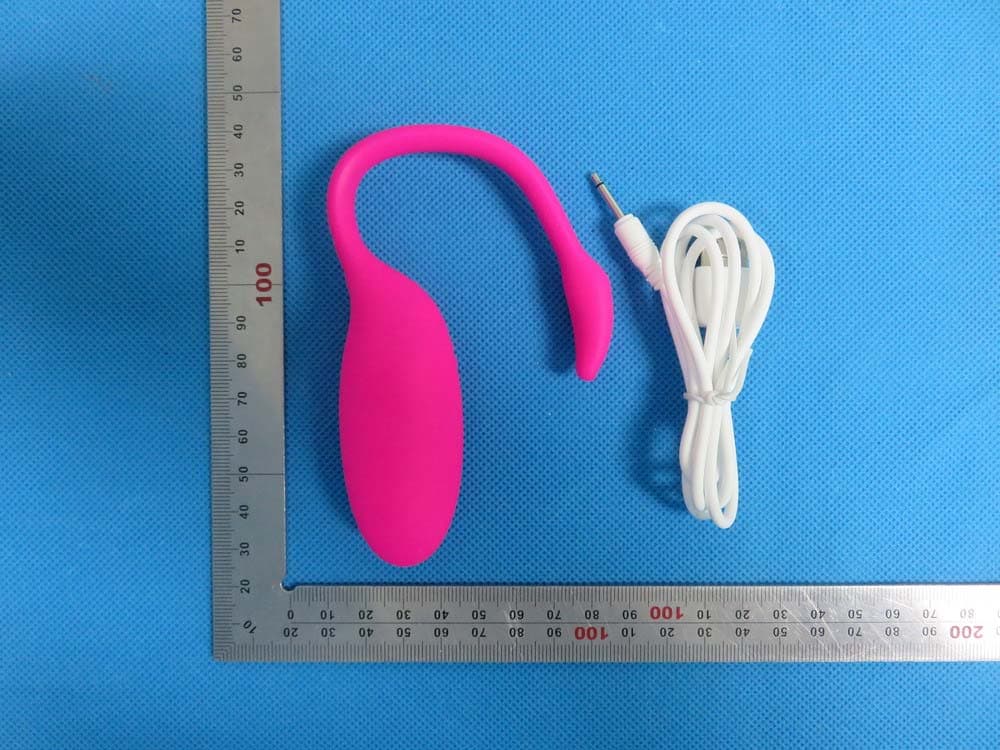
QSESMV5
Aug 31, 2015Magic Motion Flamingo
Equipment Class
DXX - Part 15 Low Power Communication Device Transmitter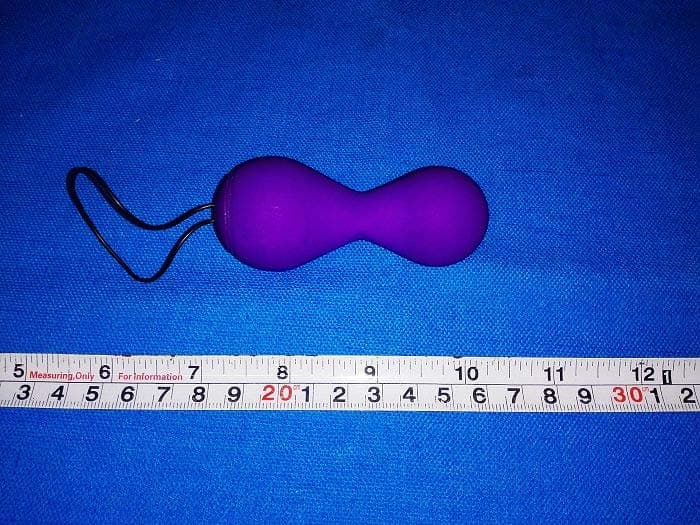
QSESMV02
Oct 19, 2014Magic Kegel / Juve
Equipment Class
DTS - Digital Transmission System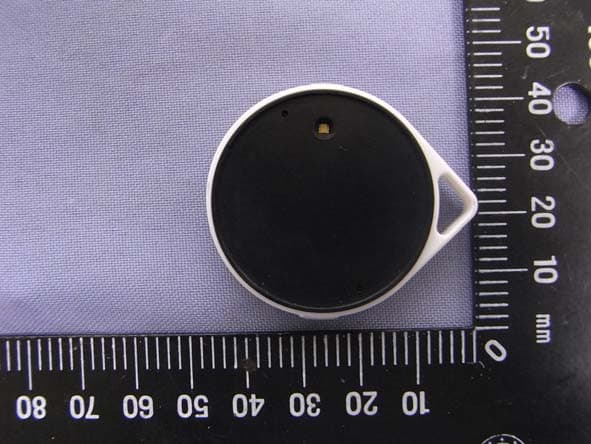
QSE13EAQSE
Nov 14, 2012VTag
Equipment Class
DTS - Digital Transmission System