R2MAE01Bluetooth headset
AVLINK INDUSTRIAL CO., LTD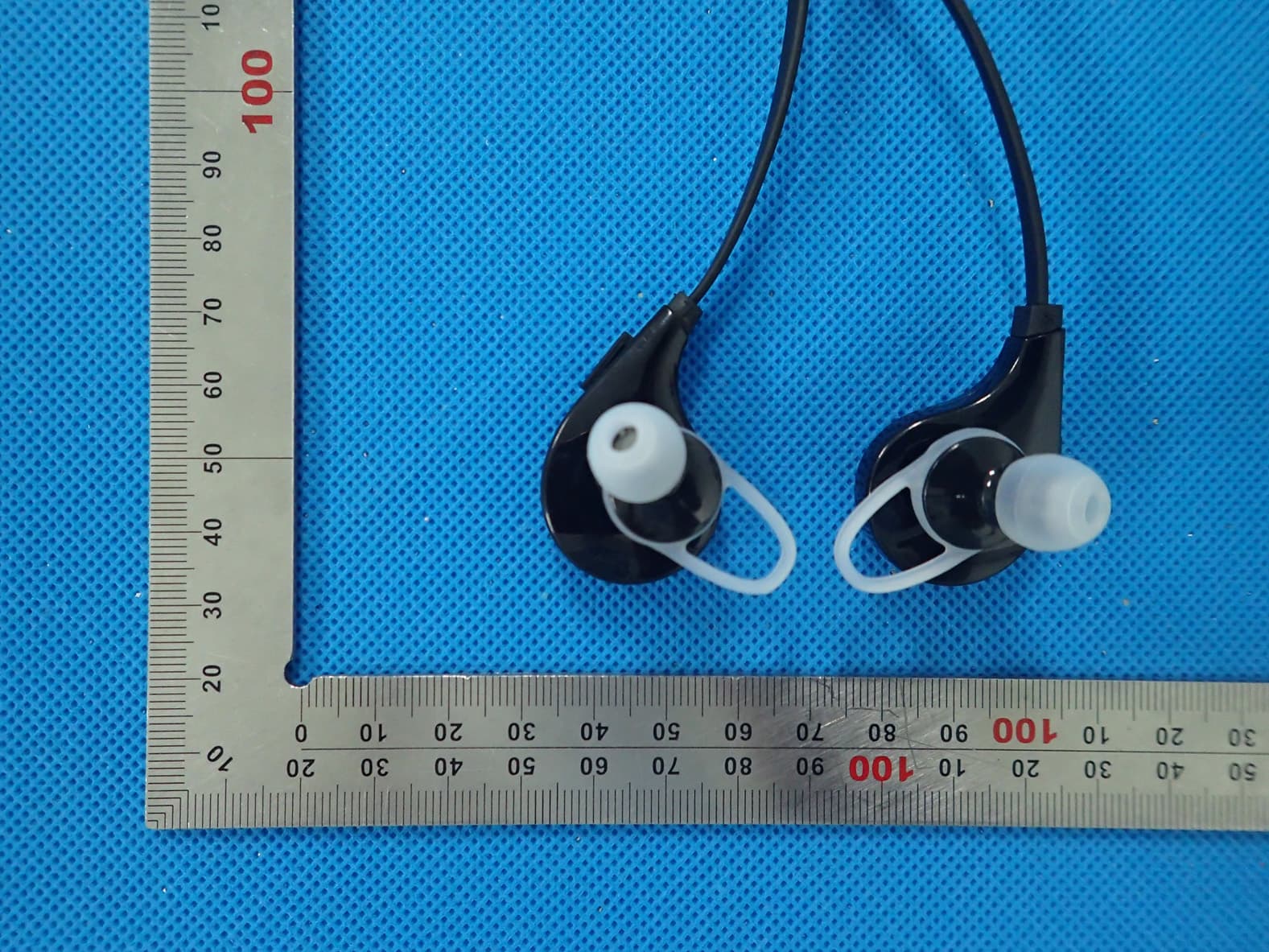
Click to zoom
Application Details
- Equipment Class
- DXX - Part 15 Low Power Communication Device Transmitter
- Date of Grant
- Aug 31, 2015
- Application Purpose
- Original Equipment
- Date of Application
- Aug 31, 2015
- Equipment Note
- Bluetooth headset
- Frequency Range
- 2402.00000000 - 2480.00000000
- Company
- AVLINK INDUSTRIAL CO., LTD
- Country
- China
Documents & Files
Document Text
Text extracted from the exhibit documents filed with the FCC. Open a document above to read the original.
Users Manual
Bluetooth Headset Model No.: AE01 FCC ID: R2MAE01 Instruction Manual Introduction: Congratulations and thank you for choosing the Bluetooth Headset. The user manual explains the features and functions of your headset to help ensure an optimal user experience. Before using the Headset, please read through this user manual and follow the rules depicted in this manual closely to ensure your safety. And please first familiarize yourself with Bluetooth functionality of your mobile phone or other devices before using the headset. 1. Be more wary of any edges, uneven surfaces, metal parts, accessories and its packaging so as to prevent any possible injury or damage. 2. Do not modify, repair or dismantle this headset. Doing so may result in fires, electric shocks, complete breakdown of this headset, etc. All of which, are not covered under warranty. 3. Do not use any diluents or volatile liquid to clean the Headset. 4. Do not use the headset in a hazardous location. Product Specification: Bluetooth version: 4.1 Bluetooth chipset: CSR8645 Support profiles: HSP, HFP, A2DP, AVRCP, APTX Battery Capacity: 85mAh Music time: 5h Talk time: 6h Standby time: 180h Charging time: 1-2h Transmission Distance: 10m Dimension(L×W×H): 40×24×32mm Weight: 17.5g Package Contents: 1. Bluetooth earphone 2. Micro USB charging cable 3. Ear hooks (2 different sizes, for option) 4. Silicone inserts (3 different sizes: S M L, for option) 5. Clips on ear hooks (for option) 6. Small hard carry case (for option) 7. User manual Headset Overview Left Side 1- USB Socket (For Charging) Right Side 2- MFB button(Power ON/OFF, Pairing, Make/Answer/End/Reject/Transfer call/LED Indicator) 3- Volume +/Next track 4- Volume -/Previous track Charging the Headset: Connect the charger to the charging socket on the headset. The red indicator LED turns on during charging. When the headset is fully charged, the red indicator LED changes to blue. Unplug the charger from the headset. Unauthorized chargers could cause damage to the headset, it could invalidate any warranty on the product. Repeatedly charging and discharging of the headset, over time will cause the battery performance to diminish. This is normal for all rechargeable batteries. NOTE: The headset is power off (music stops) when you charge the headset. If you try power on the headset during charging, you will hear two beep sound (please see General Functions – Default setting), the headset will go to default setting, that means you have to ‘forget the device’ on your device and then pair them again. 1 2 3 4 General Functions Power ON the headset: Press the MFB button (2) for 3 seconds when the device is off, blue LED flashes slowly and a “power on” voice beep. Power OFF the headsets: When the device is on, press the MFB button (2) for 5 seconds until a ‘’power off’’ voice beep and all LED is off. Volume up: Long press the button (3) “+” is for volume up. Volume down: Long press the button (4) “-” is for volume down. Low battery warning: A “battery low” voice beep and the red LED flashes. Default setting: Charging it and press the “MFB” button for 3-5 seconds, the purple LED flashes 3 times. Turn on the Voice Notification: Entering the pairing mode, press the button (3) “+” for 3 seconds, the blue LED flashes 3 times. Turn off the Voice Notification: Entering the pairing mode, press the button (4) “-” for 3 seconds, the red LED flashes 3 times. Getting Start with the headset To use the headset, please follow the steps below: a) Ensure the headset is fully charged. b) Pair the charged headset with a Bluetooth-enabled mobile phone prior to first use. Please fully charge the new headset before first use. Pairing the Headset: Enter the pairing mode: In power off mode, hold the “MFB” button (2) for 7 seconds and the headset will automatically enter into pairing mode, signed by the LED indicator which flashes alternatively and quickly in red and blue. Pairing: Use a Bluetooth function mobile phone or other Bluetooth Master device and to perform pairing action. 1. Pairing to a computer and Entertainment: a) If there is no Bluetooth function supported by your computer, a Bluetooth transmitter is necessary. Fix the transmitter with your computer and ensure its Bluetooth function is activated. b) Turn on the device go to the pairing mode. c) Open the Bluetooth software installed on your computer, and select search your Bluetooth devices function. Refer to user manual of the Bluetooth software for more information. d) After a few seconds, the device name will be listed. Select the device name icon and click right button of mouse to select pairing item, then select to connect with audio device. e) Open your media player to play music, watch TV/movie and play game, then you can hear all the sound or music from the device. 2. Pairing to Mobile phone or other devices: In pairing mode, two devices should be placed close enough to each other. a) Activate the Bluetooth feature on your phone and search for the Bluetooth headset. (see your phone’s user manual) b) Turn on your device go to the pairing mode. c) Select the headset from the list of devices found by your phone. d) If requested enter the Bluetooth PIN 0000 (4 zeros) to pair and connect the headset to your phone. e) Your phone will confirm the pairing, and then press YES/OK. f) Select to connect with device from your phone. You can play music, watch TV/ movie and play game with your phone, then you can hear all the sound or music from the device. Also you can control the player by operating the device. Example, volume level and next music. Once initial pairing is established, the headset will automatically reconnect to the last paired device upon turning ON. Connect two mobiles simultaneously: If the headset previously paired to a mobilephone, it is possible to be paired with a 2 nd mobile phone: restart the headset (switch off and switch on) to enter pairing mode; repeat the above pairing procedure to pair the headset with the 2nd mo…
Text truncated - open the document above for the full version.
Attestation Statements
Federal Communications Commission Authorization and Evaluation Division Equipment Authorization Branch 7435 Oakland Mills Road Columbia, MD 21046 8/26/2015 To whom it may concern: We, the undersigned, hereby authorize Eurofins Product Service GmbH to act on our behalf in all matters relating to applications for equipment authorization FCC ID: R2MAE01 including the signing of all documents related to these matters. Any and all acts carried out by Eurofins Product Service GmbH on our behalf shall have the same effect as acts of our own. We also hereby certify that no party to this application is subject to a denial of benefits, including FCC benefits, pursuant to Section 5301 of the Anti-Drug Abuse Act of 1988, 21 U.S.C. 862. Sincerely, Signature Company Officer: Chalres Lau Company address: 7/F, A1 Bldg, Shuichanjingwan Industrial 1st Area, Nanchang, Gushu, Xixiang, Bao'an, Shenzhen, China 518126 Email: [email protected]
Cover Letter(s)
Federal Communications Commission Equipment Authorization Branch 7435 Oakland Mills Road Columbia, MD 21046 8/26/2015 Request for Confidentiality Company name: AVLink Industrial Co., Ltd. FCC ID: R2MAE01 FCC Part 15 Certification Gentlemen, In accordance with CFR 47 § 0.459, AVLink Industrial Co., Ltd. hereby requests confidentiality of following attachments: (1) schematic diagrams, (2) parts lists. (3)block diagram (4)operational description These documents contain detailed system and equipment description and related information about the product which AVLink Industrial Co., Ltd. considers to be proprietary, confidential and a custom design and otherwise would not release to the general public. Since the design is a basis from which future technological products will evolve, AVLink Industrial Co., Ltd. considers that this information would be of benefit to its competitors and that the disclosure of the information in these documents would give competitors an unfair advantage in the market. Sincerely, Company Officer: Chalres Lau Company address: 7/F, A1 Bldg, Shuichanjingwan Industrial 1st Area, Nanchang, Gushu, Xixiang, Bao'an, Shenzhen, China 518126 Email: [email protected]
Cover Letter(s)
August 28, 2015 Eurofins Product Service GmbH Storkower Str. 38c 15526 Reichenwalde GERMANY Subject: Explanation of differences between product types FCC ID : R2MAE01 Model Number: AE01, AE02, AE03, AE05, AE06, AE07, AEXX To Whom It May Concern: We, The AVLink Industrial Co., Ltd. hereby declare that the model : AE02, AE03, AE05, AE06, AE07, AEXX is identical with the model : AE01, except the model name. Except for the different above, no other modification is performed. Sincerely, Signature: Signature Company Officer: Chalres Lau Company address: 7/F, A1 Bldg, Shuichanjingwan Industrial 1st Area, Nanchang, Gushu, Xixiang, Bao'an, Shenzhen, China 518126 Email: [email protected]
External Photos
External Photos All VIEW OF EUT TOP VIEW OF EUT BOTTOM VIEW OF EUT FRONT VIEW OF EUT BACK VIEW OF EUT LEFT VIEW OF EUT RIGHT VIEW OF EUT Port VIEW OF EUT
ID Label/Location Info
FCC ID Label Location Model: AE01 FCC ID: R2MAE01
Internal Photos
Internal Photos OPEN VIEW OF EUT-1 INTERNAL VIEW OF EUT-1 Antenna INTERNAL VIEW OF EUT-2
Operational Description
Declaration concerning Antenna Specification It is hereby declared that the product Model No.: AE01 FCC ID: R2MAE01 fulfills the requirement in FCC test relating to the antenna type. The device specified above confirms to the FCC recommendations for PCB antenna type described below: Model No. of antenna: N/A Type of antenna: Ceramic Antenna (Permanent Antenna) Gain of the antenna: 0 dBi Frequency range: 2.402 GHz to 2.480GHz The mounting of the antenna is fixed to the radio module and no other antenna should be used. Company name: AVLink Industrial Co., Ltd. Address: 7/F, A1 Bldg, Shuichanjingwan Industrial 1st Area, Nanchang, Gushu, Xixiang, Bao'an City: Shenzhen ZIP / Postal code: 518126 Country: China Place: Shenzhen Date: 2015-08-26 Signature:
RF Exposure Info
RF Exposure Evaluation Product Description: Bluetooth headset Model Number: AE01 FCC ID: R2MAE01 According to 447498 D01 General RF Exposure Guidance v05 The 1-g and 10-g SAR test exclusion thresholds for 100 MHz to 6 GHz at test separation distances ≤ 50 mm are determined by: [(max. power of channel, including tune-up tolerance, mW)/(min. test separation distance, mm)] ·[√f(GHz)] ≤ 3.0 for 1-g SAR and ≤ 7.5 for 10-g extremity SAR, where f(GHz) is the RF channel transmit frequency in GHz Power and distance are rounded to the nearest mW and mm before calculation The transmitter output power (P t ) formula was showed as the follow: P t =(E x d) 2 /(30 x g t ) P t =transmitter output power in watts g t =numeric gain of the transmitting antenna (unitess) E=electric field strength in V/m d=measurement distance in meters (m) According to the formula described above: Emax=96.28dBuv/m=0.065V/m, d=3m, g t =1 P t =(E x d) 2 /(30 x g t )=(0.065x3) 2 / (30x1)=0.0012675W=1.27mW The result is rounded to one decimal place for comparison Worse case is as below: [2402MHz -1.27mW output power] (1.27mW / 5mm)*[√2.402(GHz)] = 0.394mW < 3.0 for 1 - g SAR Then SAR evaluation is not required NOTE: For the maximum power, you can refer FCC test report.
Test Report
Page 1 of 73 FCC Test Report Report No.: AGC00070150704FE03 FCC ID : R2MAE01 APPLICATION PURPOSE : Original Equipment PRODUCT DESIGNATION : Bluetooth headset BRAND NAME : N/A MODEL NAME : AE01, AE02, AE03, AE05, AE06, AE07, AEXX CLIENT : AVLink Industrial Co., Ltd. DATE OF ISSUE : Aug.10, 2015 STANDARD(S) TEST PROCEDURE(S) : FCC Part 15 Rules REPORT VERSION : V1.0 Attestation of Global Compliance (Shenzhen) Co., Ltd CAUTION: This report shall not be reproduced except in full without the written permission of the test laboratory and shall not be quoted out of context. Report No.: AGC00070150704FE03 Page 2 of 73 Report Revise Record Report Version Revise Time Issued Date Valid Version Notes V1.0 / Aug.10, 2015 Valid Original Report Report No.: AGC00070150704FE03 Page 3 of 73 TABLE OF CONTENTS 1. VERIFICATION OF CONFORMITY ...................................................................................... 4 2. GENERAL INFORMATION .................................................................................................. 5 2.1. PRODUCT DESCRIPTION ........................................................................................................... 5 2.2. TABLE OF CARRIER FREQUENCYS .......................................................................................... 5 3. MEASUREMENT UNCERTAINTY........................................................................................ 7 4. DESCRIPTION OF TEST MODES ........................................................................................ 7 5. SYSTEM TEST CONFIGURATION ...................................................................................... 8 5.1. CONFIGURATION OF EUT SYSTEM .......................................................................................... 8 5.2. EQUIPMENT USED IN EUT SYSTEM ......................................................................................... 8 5.3. SUMMARY OF TEST RESULTS .................................................................................................. 8 6. TEST FACILITY .................................................................................................................... 9 7 ALL TEST EQUIPMENT LIST ............................................................................................... 9 8. RADIATED EMISSION ....................................................................................................... 11 8.1TEST LIMIT ................................................................................................................................... 11 8.2. MEASUREMENT PROCEDURE ................................................................................................ 12 8.3. TEST SETUP .............................................................................................................................. 14 8.4. TEST RESULT(Worst modulation:GFSK) ................................................................................... 16 9. BAND EDGE EMISSION .................................................................................................... 42 9.1. MEASUREMENT PROCEDURE ................................................................................................ 42 9.2 TEST SETUP ............................................................................................................................... 42 9.3 RADIATED TEST RESULT(Worst modulation:GFSK) ................................................................. 43 10. 20DB BANDWIDTH .......................................................................................................... 51 10.1. MEASUREMENT PROCEDURE .............................................................................................. 51 10.2. TEST SET-UP (BLOCK DIAGRAM OF CONFIGURATION) ..................................................... 51 10.3. LIMITS AND MEASUREMENT RESULTS ................................................................................ 51 11. FCC LINE CONDUCTED EMISSION TEST ..................................................................... 60 11.1. LIMITS OF LINE CONDUCTED EMISSION TEST ................................................................... 60 11.2. BLOCK DIAGRAM OF LINE CONDUCTED EMISSION TEST ................................................. 60 11.3. PRELIMINARY PROCEDURE OF LINE CONDUCTED EMISSION TEST .............................. 61 11.4. FINAL PROCEDURE OF LINE CONDUCTED EMISSION TEST ............................................. 61 11.5. TEST RESULT OF LINE CONDUCTED EMISSION TEST ....................................................... 62 APPENDIX A: PHOTOGRAPHS OF TEST SETUP ............................................................... 66 APPENDIX B: PHOTOGRAPHS OF EUT .............................................................................. 68 Report No.: AGC00070150704FE03 Page 4 of 73 1. VERIFICATION OF CONFORMITY Applicant AVLink Industrial Co., Ltd. Address 7/F, A1 Bldg, Shuichanjingwan Industrial 1st Area, Nanchang, Gushu, Xixiang, Bao'an, Shenzhen, China 518126 Manufacturer AVLink Industrial Co., Ltd. Address 7/F, A1 Bldg, Shuichanjingwan Industrial 1st Area, Nanchang, Gushu, Xixiang, Bao'an, Shenzhen, China 518126 Product Designation Bluetooth headset Brand Name N/A Test Model AE01 Series Model AE02, AE03, AE05, AE06, AE07, AEXX Different Description All the same except for the model name. Date of test Aug.06,, 2015 to Aug.06, 2015 Deviation None Condition of Test Sample Normal Report Template AGCRT-US-BR/RF We hereby certify that: The above equipment was tested by Dongguan Precise Testing Service Co., Ltd. The test data, data evaluation, test procedures, and equipment configurations shown in this report were made in accordance with the procedures given in ANSI C63.4 (2009) and the energy emitted by the sample EUT tested as described in this report is in compliance with radiated emission limits of FCC Rules Part 15.249. Tested By Matt Zhang(Zhang Liang) Aug.10, 2015 Reviewed By B…
Text truncated - open the document above for the full version.
Test Setup Photos
Test Setup Photos FCC LINE CONDUCTED EMISSION TEST SETUP FCC RADIATED EMISSION TEST SETUP
Contact Information
Applicant
Charles Lau
Test Firm
Dongguan Precise Testing Service Co., Ltd.Chris Du
Technical Specifications
| # | Rule Parts | Frequency Range | Power Output |
|---|---|---|---|
| 1 | 15C | 2.40 GHz - 2.48 GHz | - |
Other Applications from AVLINK INDUSTRIAL CO., LTD
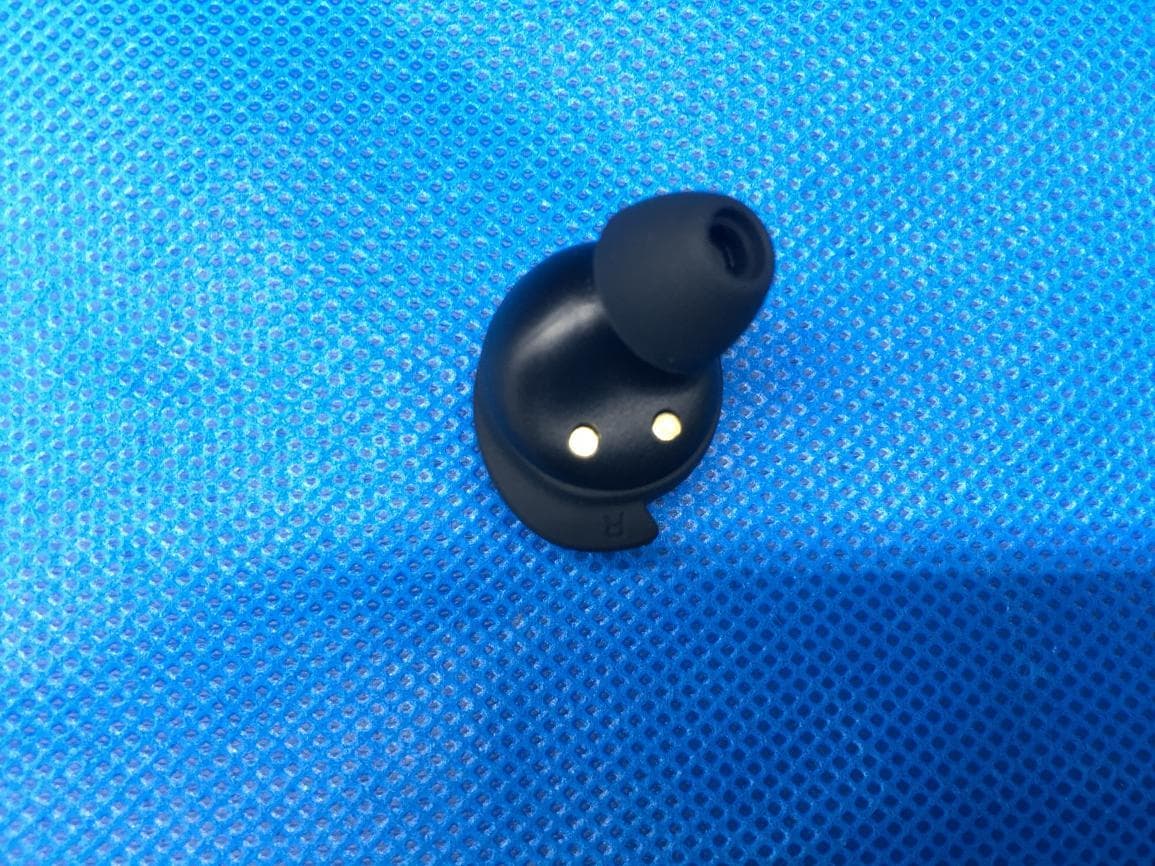
R2M-TWS20
Jun 30, 2021TWS Earphone
Equipment Class
DSS - Part 15 Spread Spectrum Transmitter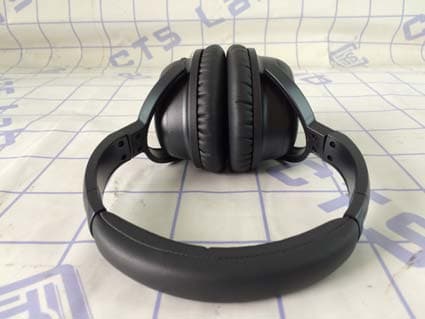
R2M-BHT001
May 03, 2015Bluetooth Active Noise Cancelling Headphones
Equipment Class
DXX - Part 15 Low Power Communication Device Transmitter
R2MHI-BOMB
Mar 06, 2015Bluetooth Speaker
Equipment Class
DSS - Part 15 Spread Spectrum Transmitter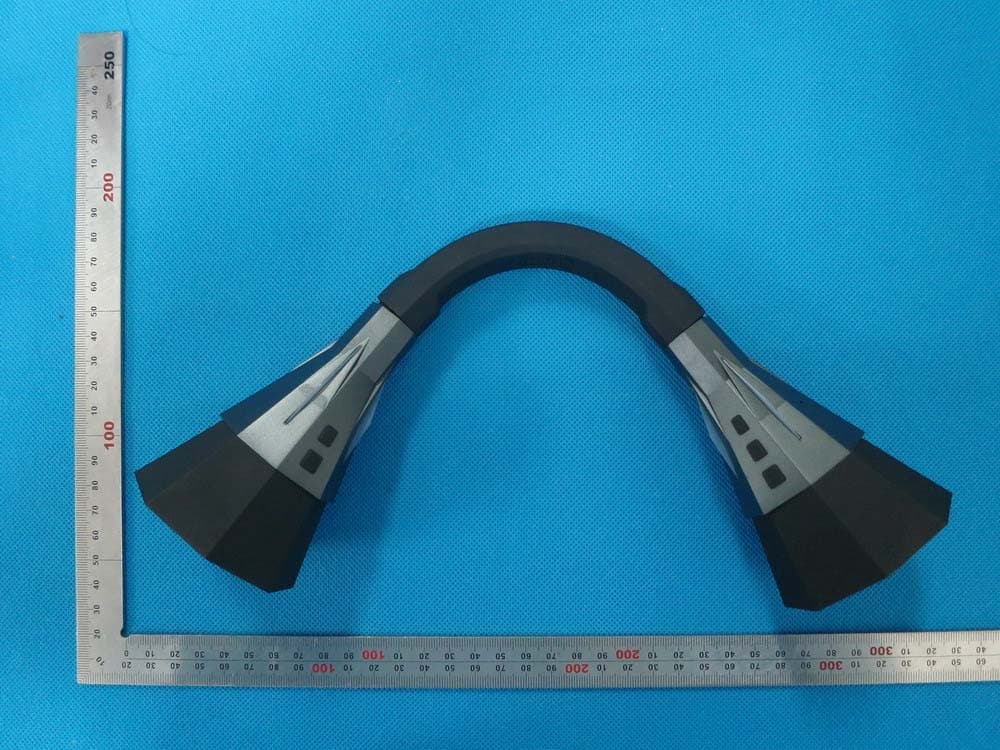
R2MHI-TUBE
Feb 17, 2015Bluetooth Speaker
Equipment Class
DSS - Part 15 Spread Spectrum Transmitter
R2M-BTR002
Apr 17, 2013Bluetooth Receiver
Equipment Class
DSS - Part 15 Spread Spectrum Transmitter