R48BTS21SPEAKER SYSTEM
Meiloon Industrial Co., Ltd.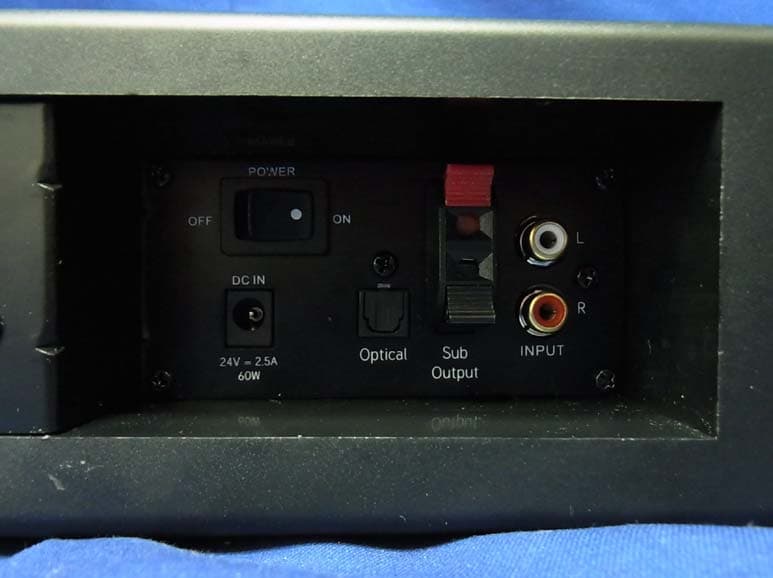
Click to zoom
Application Details
- Equipment Class
- DSS - Part 15 Spread Spectrum Transmitter
- Date of Grant
- Sep 18, 2013
- Application Purpose
- Original Equipment
- Date of Application
- Sep 12, 2013
- Equipment Note
- SPEAKER SYSTEM
- Frequency Range
- 2402.00000000 - 2480.00000000
- Company
- Meiloon Industrial Co., Ltd.
- Country
- Taiwan
Documents & Files
Document Text
Text extracted from the exhibit documents filed with the FCC. Open a document above to read the original.
Users Manual
BTS 2.1 OWNER’S MANUAL $ TRIM LINE $ $ TRIM LINE $ $ TRIM LINE $ $ TRIM LINE $ WHAT’S INSIDE SoundbarSubwoofer Mounting Template AC Power AdapterRemote3.5mm to Dual RCA Cable $ TRIM LINE $ $ TRIM LINE $ Optical Digital Audio Out Audio Out L R 1 1 2 6 7 5 ONOFF Power DC IN Optical L R 8 2 4 3 5 6 4 ONOFF Power DC IN Optical L R 7 2 3 1 Headphone 5 6 4 ONOFF Power DC IN Optical L R 7 3 3.5mm TO DUAL RCA ANALOG CONNECTION (IF TV HAS NO HEADPHONE OUT SEE NEXT PAGE) $ TRIM LINE $ $ TRIM LINE $ Optical Digital Audio Out Audio Out L R 1 1 2 6 7 5 ONOFF Power DC IN Optical L R 8 2 4 3 5 6 4 ONOFF Power DC IN Optical L R 7 2 3 1 Headphone 5 6 4 ONOFF Power DC IN Optical L R 7 3 DUAL RCA TO DUAL RCA ANALOG CONNECTION QUICK START NOTE: RCA Cables not included. DIGITAL OPTICAL CONNECTION NOTE: Digital Optical Cable not included. The Digital Optical Connection requires that the TV outputs “PCM” digital sound and NOT Dolby® Digital sound from its Digital Output. Refer to the TV Owner’s Manual for guidance. Optical Digital Audio Out Audio Out L R 1 1 2 6 7 5 ONOFF Power DC IN Optical L R 8 2 4 3 5 6 4 ONOFF Power DC IN Optical L R 7 2 3 1 Headphone 5 6 4 ONOFF Power DC IN Optical L R 7 3 TV REMOTE PROGRAMMING Press and Hold 2 1 Solid Green Solid Orange One Foot 7 Flashing Green to Solid Green 8 To program Volume Up and Volume Down buttons repeat the steps shown and replace steps 4 and 6 with the button you want to program. 123 456 78 0 Mute ChVol 9 Press Slowly x4 6 3 Flashes Orange Press Once x1 4 5 To program Volume Up and Volume Down buttons repeat the steps shown and replace steps 4 and 6 with the button you want to program. If you are trying to program a cable/satellite box remote or other universal remote without success, please try programming your TV or Cable Box remote instead. BLUETOOTH ® WIRELESS TECHNOLOGY Bluetooth Bluetooth ON EnergyBTS Devices Connected Settings Bluetooth Bluetooth ON EnergyBTS Not Paired EnergyBTS Devices Settings 123 You can pair a device equipped with Bluetooth wireless technology at any time by activating it on your device. Once your device equipped with Bluetooth wireless technology is paired, the BTS 2.1 will automatically switch to the Bluetooth wireless technology input (SOLID BLUE LIGHT) and you can stream your music. If you switch inputs on the BTS 2.1, the Bluetooth wireless technology connection will automatically be terminated. You must disconnect your device before pairing another device equipped with Bluetooth wireless technology by either: • Pressing and holding the SOURCE button on the BTS 2.1 control panel 3 seconds • Turning off Bluetooth wireless technology on the paired device • Pressing the Bluetooth wireless technology button (∞) on the BTS 2.1 remote * Example only. Your device may differ. BUTTONS On / Off 3D Surround Bluetooth Source Status Light Mute Volume Up Volume Down Source Volume Up Volume Down Mute Subwoofer Volume Up Subwoofer Volume Down STATUS LIGHTS STANDBY MODE SOLID RED Power Off (Standby Mode)FLASHES GREEN ONCE3D Surround turned on SOLID GREENPower On, Source is Optical InputFLASHES RED ONCE3D Surround turned off SOLID ORANGEPower On, Source is Analog InputFLASHES BLUE QUICKLYWaiting to pair with Bluetooth device SOLID BLUEPower On, Source is Paired Bluetooth device FLASHES GREEN / ORANGE / BLUE Volume Up, Volume Down, Subwoofer Volume Up or Subwoofer Volume Down is pushed You do not need to turn off the BTS 2.1, just turn off your TV (or Satellite / Cable Box) and the BTS 2.1 will automatically go into standby mode in approximately 10 minutes. Standby mode is indicated by a red status light on the front panel. When your TV (or Satellite / Cable Box) is turned back on the BTS 2.1 will automatically turn on again. PLACEMENT TV TV TVTV Rubber Feet .5” (15mm).5” (15mm) TURN OFF TV SPEAKERS CARE AND CLEANING TV Audio Settings Menu (Recommended) OR Volume TV SpeakersOff BTS 2.1 will not Power On • Is it plugged into a live outlet? • Is the rear power switch on? No sound • Is it plugged into a live outlet and the rear power switch is on? • Are all cables from the TV/Cable Box/Satellite Box plugged in tightly? • If the optical cable is being used were the clear plastic caps from both ends removed before connecting? • Is the volume turned up? • Is standby off (no SOLID RED status light)? • Is the source input correct? • Turn off the rear power switch, then back on. TV/Cable/Satellite Box Remote will not program • Carefully follow all remote programming instructions. • Carefully go through the remote programming again, but use the original remote that comes with the TV. You DO NOT need to then reprogram using your cable/satellite/universal remote control. • Program the original TV remote to the BTS 2.1 (if original is a different one), then use the universal remote without programming it. • You may need to repeat programming of a function in some cases. • There may be some cases the BTS 2.1 is unable to learn certain remote codes. Bluetooth wireless technology does not work • Is the device paired to the BTS 2.1? • Move your device closer to the BTS 2.1 and make sure it is paired. • If the status light blinks RED while attempting to pair, start the pairing process over. Subwoofer does not work • Are the two subwoofer wires connected properly to the soundbar? • Is the subwoofer volume on the remote adjusted properly? For Questions, contact Energy Customer Service: In the United States: 1-866-441-8208 Manufactured under license from Dolby Laboratories. Dolby and the double-D symbol are registered trademarks of Dolby Laboratories. The Bluetooth® word mark and logos are registered trademarks owned by Bluetooth SIG, Inc. and any use of such marks by Klipsch Group, Inc. is under license. TROUBLESHOOTING Register your Energy speaker at energyspeakers.com/register. 3502 Woodview Trace Indianapolis, IN 46268 • 866.441.8208 energyspeakers.com Energy and the Energy logo are registered trademarks of Audio Products International Corp., registered in the …
Text truncated - open the document above for the full version.
External Photos
Report No.: 138270R-RFUSP43V01 Page : 1 of 11 Attachment 2 : EUT Detailed Photographs (1) EUT Photo (2) EUT Photo Report No.: 138270R-RFUSP43V01 Page : 2 of 11 (3) EUT Photo (4) EUT Photo
ID Label/Location Info
Meiloon Industrial Co., Ltd FCC ID.: R48BTS21 No.77, Lane 1775, Chuen-Ryh road, Taoyuan City, Taiwan Tel : +886-3-326-1611 The FCC ID and Doc Label will be placed on the equipment as shown in the photograph below.
ID Label/Location Info
279.98 mm 48.95 mm 2013.7.17 KLIPSCH 010-0003-10053-E 302-SECC-10036-0BAE POWER DC IN 7/17 追加 MODEL:BTS2.1
Internal Photos
Report No.: 138270R-RFUSP43V01 Page : 3 of 11 (5) EUT Photo (6) EUT Photo BT Module Report No.: 138270R-RFUSP43V01 Page : 4 of 11 (7) EUT Photo (8) EUT Photo Report No.: 138270R-RFUSP43V01 Page : 5 of 11 (9) EUT Photo (10) EUT Photo Report No.: 138270R-RFUSP43V01 Page : 6 of 11 (11) EUT Photo (12) EUT Photo Report No.: 138270R-RFUSP43V01 Page : 7 of 11 (13) EUT Photo (14) EUT Photo Antenna Report No.: 138270R-RFUSP43V01 Page : 8 of 11 (15) EUT Photo (16) EUT Photo Report No.: 138270R-RFUSP43V01 Page : 9 of 11 (17) EUT Photo (18) EUT Photo Report No.: 138270R-RFUSP43V01 Page : 10 of 11 (19) EUT Photo (20) EUT Photo Report No.: 138270R-RFUSP43V01 Page : 11 of 11 (21) EUT Photo (22) EUT Photo
RF Exposure Info
Report No. 138270R-RFUSP43V01 Page: 1 of 74 FCC Test Report Product Name SPEAKER SYSTEM Model No. BTS 2.1 FCC ID. R48BTS21 Applicant Meiloon Industrial Co., Ltd Address No.77, Lane 1775, Chuen-Ryh road, Taoyuan City, Taiwan Date of Receipt Aug. 14, 2013 Issued Date Sep. 11, 2013 Report No. 138270R-RFUSP43V01 Report Version V1.0 The Test Results relate only to the samples tested. The test report shall not be reproduced except in full without the written approval of QuieTek Corporation. This report must not be used to claim product endorsement by TAF or any agency of the U.S. Government Report No. 138270R-RFUSP43V01 Page: 2 of 74 Test Report Certification Issued Date: Sep. 11, 2013 Report No.: 138270R-RFUSP43V01 Product Name SPEAKER SYSTEM Applicant Meiloon Industrial Co., Ltd Address No.77, Lane 1775, Chuen-Ryh road, Taoyuan City, Taiwan Manufacturer Klipsch Group, Inc. Model No. BTS 2.1 FCC ID. R48BTS21 EUT Rated Voltage AC 100-240V, 50-60Hz EUT Test Voltage AC 120V/ 60Hz Trade Name Applicable Standard FCC CFR Title 47 Part 15 Subpart C: 2012 ANSI C63.4: 2003, ANSI C63.10: 2009 Test Result Complied The Test Results relate only to the samples tested. The test report shall not be reproduced except in full without the written approval of QuieTek Corporation. This report must not be used to claim product endorsement by TAF or any agency of the U.S. Government Documented By : (Senior Adm. Specialist / Leven Huang ) Tested By : ( Engineer / Jack Hsu ) Approved By : (Manager / Vincent Lin ) Report No. 138270R-RFUSP43V01 Page: 3 of 74 TABLE OF CONTENTS Description Page 1. GENERAL INFORMATION ...............................................................................................................5 1.1. EUT Description......................................................................................................................................5 1.2. Operational Description...........................................................................................................................7 1.3. Tested System Details..............................................................................................................................8 1.4. Configuration of Tested System ..............................................................................................................8 1.5. EUT Exercise Software ...........................................................................................................................8 1.6. Test Facility .............................................................................................................................................9 2. CONDUCTED EMISSION ................................................................................................................10 2.1. Test Equipment ......................................................................................................................................10 2.2. Test Setup ..............................................................................................................................................10 2.3. Limits.....................................................................................................................................................11 2.4. Test Procedure .......................................................................................................................................11 2.5. Uncertainty ............................................................................................................................................11 2.6. Test Result of Conducted Emission .......................................................................................................12 3. PEAK POWER OUTPUT ..................................................................................................................14 3.1. Test Equipment ......................................................................................................................................14 3.2. Test Setup ..............................................................................................................................................14 3.3. Limit .....................................................................................................................................................14 3.4. Test Procedure .......................................................................................................................................14 3.5. Uncertainty ............................................................................................................................................14 3.6. Test Result of Peak Power Output .........................................................................................................15 4. RADIATED EMISSION .....................................................................................................................17 4.1. Test Equipment ......................................................................................................................................17 4.2. Test Setup ..............................................................................................................................................17 4.3. Limits.....................................................................................................................................................18 4.4. Test Procedure .......................................................................................................................................19 4.5. Uncertainty ............................................................................................................................................19 4.6. Test Result of Radiated Emission ..........................................................................................................20 5. RF ANTENNA CONDUCTED TEST .......................................................................…
Text truncated - open the document above for the full version.
Test Report
Report No. 138270R-RFUSP43V01 Page: 1 of 74 FCC Test Report Product Name SPEAKER SYSTEM Model No. BTS 2.1 FCC ID. R48BTS21 Applicant Meiloon Industrial Co., Ltd Address No.77, Lane 1775, Chuen-Ryh road, Taoyuan City, Taiwan Date of Receipt Aug. 14, 2013 Issued Date Sep. 11, 2013 Report No. 138270R-RFUSP43V01 Report Version V1.0 The Test Results relate only to the samples tested. The test report shall not be reproduced except in full without the written approval of QuieTek Corporation. This report must not be used to claim product endorsement by TAF or any agency of the U.S. Government Report No. 138270R-RFUSP43V01 Page: 2 of 74 Test Report Certification Issued Date: Sep. 11, 2013 Report No.: 138270R-RFUSP43V01 Product Name SPEAKER SYSTEM Applicant Meiloon Industrial Co., Ltd Address No.77, Lane 1775, Chuen-Ryh road, Taoyuan City, Taiwan Manufacturer Klipsch Group, Inc. Model No. BTS 2.1 FCC ID. R48BTS21 EUT Rated Voltage AC 100-240V, 50-60Hz EUT Test Voltage AC 120V/ 60Hz Trade Name Applicable Standard FCC CFR Title 47 Part 15 Subpart C: 2012 ANSI C63.4: 2003, ANSI C63.10: 2009 Test Result Complied The Test Results relate only to the samples tested. The test report shall not be reproduced except in full without the written approval of QuieTek Corporation. This report must not be used to claim product endorsement by TAF or any agency of the U.S. Government Documented By : (Senior Adm. Specialist / Leven Huang ) Tested By : ( Engineer / Jack Hsu ) Approved By : (Manager / Vincent Lin ) Report No. 138270R-RFUSP43V01 Page: 3 of 74 TABLE OF CONTENTS Description Page 1. GENERAL INFORMATION ...............................................................................................................5 1.1. EUT Description......................................................................................................................................5 1.2. Operational Description...........................................................................................................................7 1.3. Tested System Details..............................................................................................................................8 1.4. Configuration of Tested System ..............................................................................................................8 1.5. EUT Exercise Software ...........................................................................................................................8 1.6. Test Facility .............................................................................................................................................9 2. CONDUCTED EMISSION ................................................................................................................10 2.1. Test Equipment ......................................................................................................................................10 2.2. Test Setup ..............................................................................................................................................10 2.3. Limits.....................................................................................................................................................11 2.4. Test Procedure .......................................................................................................................................11 2.5. Uncertainty ............................................................................................................................................11 2.6. Test Result of Conducted Emission .......................................................................................................12 3. PEAK POWER OUTPUT ..................................................................................................................14 3.1. Test Equipment ......................................................................................................................................14 3.2. Test Setup ..............................................................................................................................................14 3.3. Limit .....................................................................................................................................................14 3.4. Test Procedure .......................................................................................................................................14 3.5. Uncertainty ............................................................................................................................................14 3.6. Test Result of Peak Power Output .........................................................................................................15 4. RADIATED EMISSION .....................................................................................................................17 4.1. Test Equipment ......................................................................................................................................17 4.2. Test Setup ..............................................................................................................................................17 4.3. Limits.....................................................................................................................................................18 4.4. Test Procedure .......................................................................................................................................19 4.5. Uncertainty ............................................................................................................................................19 4.6. Test Result of Radiated Emission ..........................................................................................................20 5. RF ANTENNA CONDUCTED TEST .......................................................................…
Text truncated - open the document above for the full version.
Test Setup Photos
Report No.: 138270R-RFUSP43V01 Page : 1 of 3 Attachment 1: EUT Test Setup Photographs Front View of Conducted Test Back View of Conducted Test Report No.: 138270R-RFUSP43V01 Page : 2 of 3 Front View of Radiated Test Back View of Radiated Test Report No.: 138270R-RFUSP43V01 Page : 3 of 3 Front View of Radiated Test (Horn) Back View of Radiated Test (Horn)
Contact Information
Applicant
Peter Pan(Electric Engineer)
Technical Contact
QuieTek CorporationMaggie Chen
[email protected]886-2-86013788
No.5-22, Ruishukeng, Linkou Dist., · Taiwan
Test Firm
DEKRA TESTING AND CERTIFICATION CO., LTD. LinKouMirenda Liao
Technical Specifications
| # | Rule Parts | Frequency Range | Power Output |
|---|---|---|---|
| 1 | 15C | 2.40 GHz - 2.48 GHz | 1.00 mW |
Other Applications from Meiloon Industrial Co., Ltd.
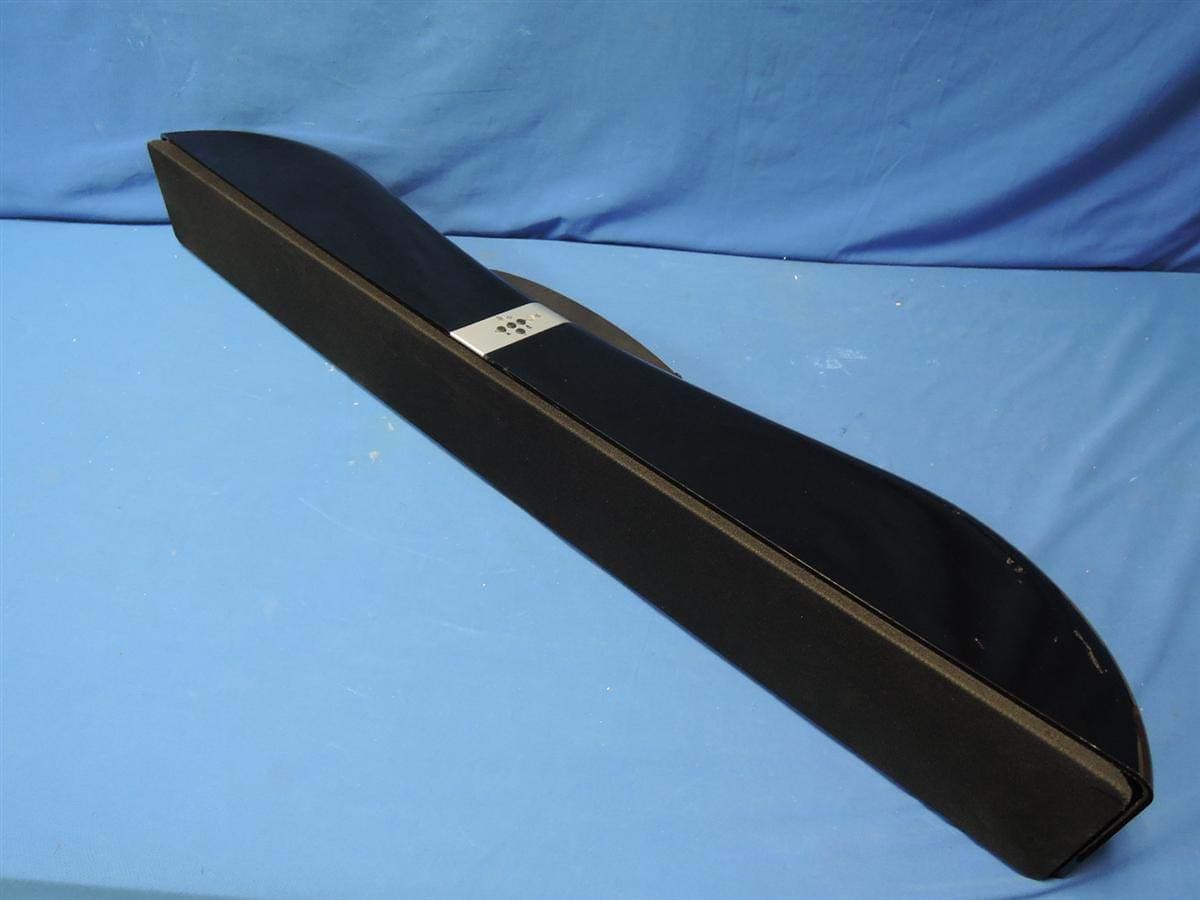
R48-SB218
Oct 29, 2015SoundBar Speaker
Equipment Class
NII - Unlicensed National Information Infrastructure TX
R48RKBTR2X
Aug 24, 2015Tabletop Stereo
Equipment Class
DSS - Part 15 Spread Spectrum Transmitter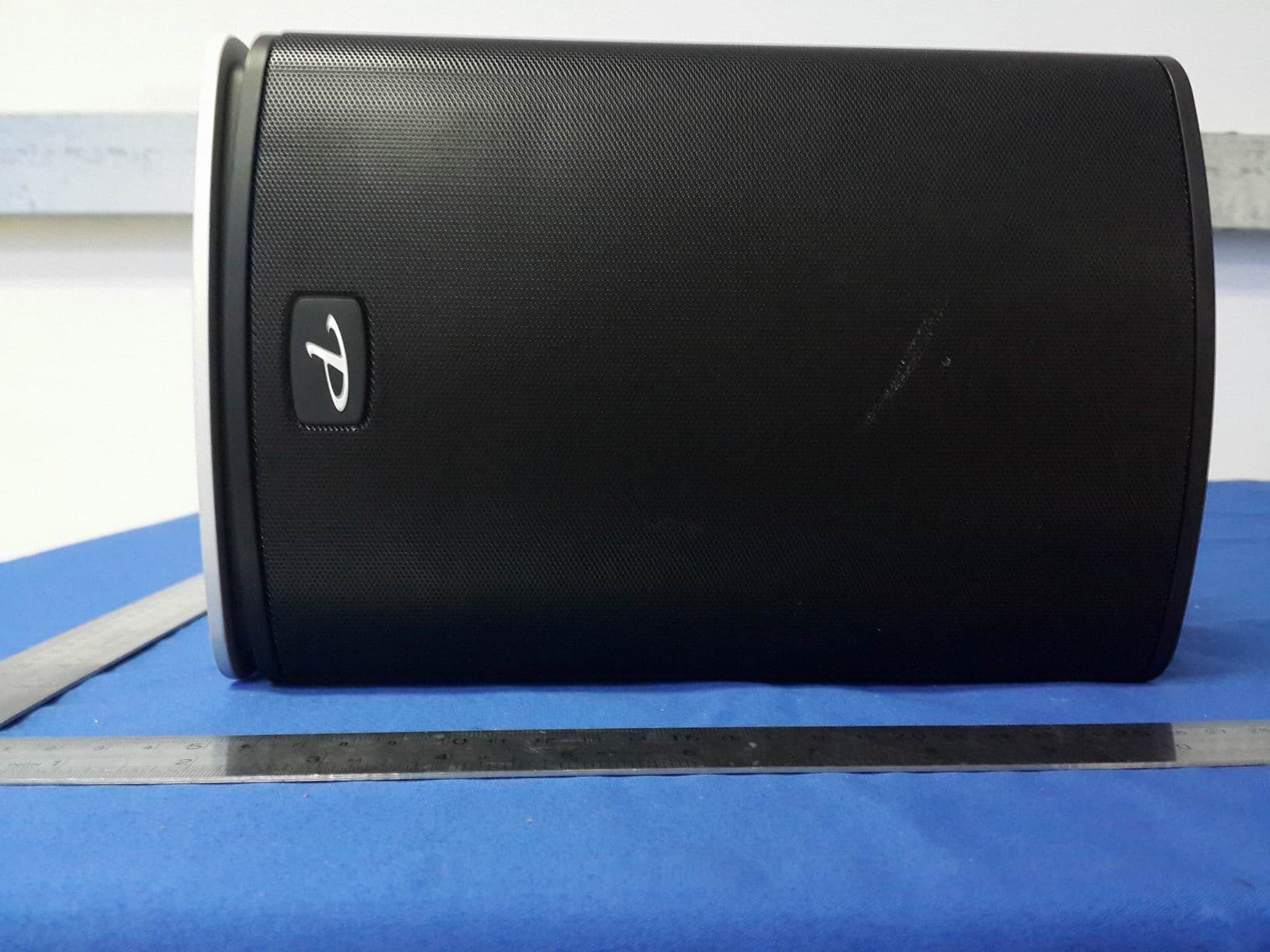
R48TT025
Aug 02, 2015active loudspeaker
Equipment Class
NII - Unlicensed National Information Infrastructure TX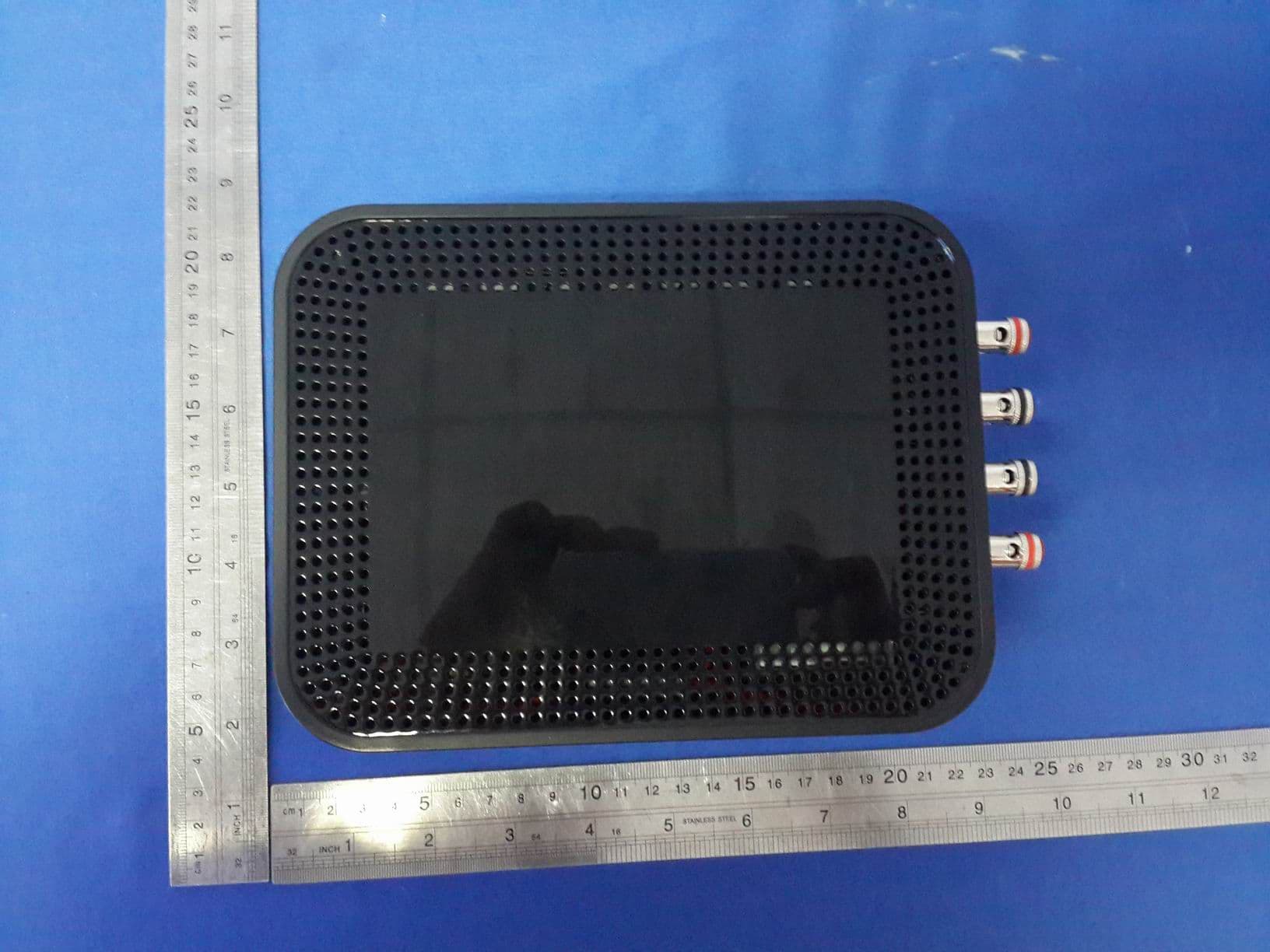
R48MP025
Jul 27, 2015active loudspeaker
Equipment Class
NII - Unlicensed National Information Infrastructure TX
R48RKBTMR1
Apr 08, 2015Active Bluetooth Speakers
Equipment Class
DSS - Part 15 Spread Spectrum Transmitter