R8HBTS-715BTS-715
Shenzhen XinHuaMei Electronics Limited Company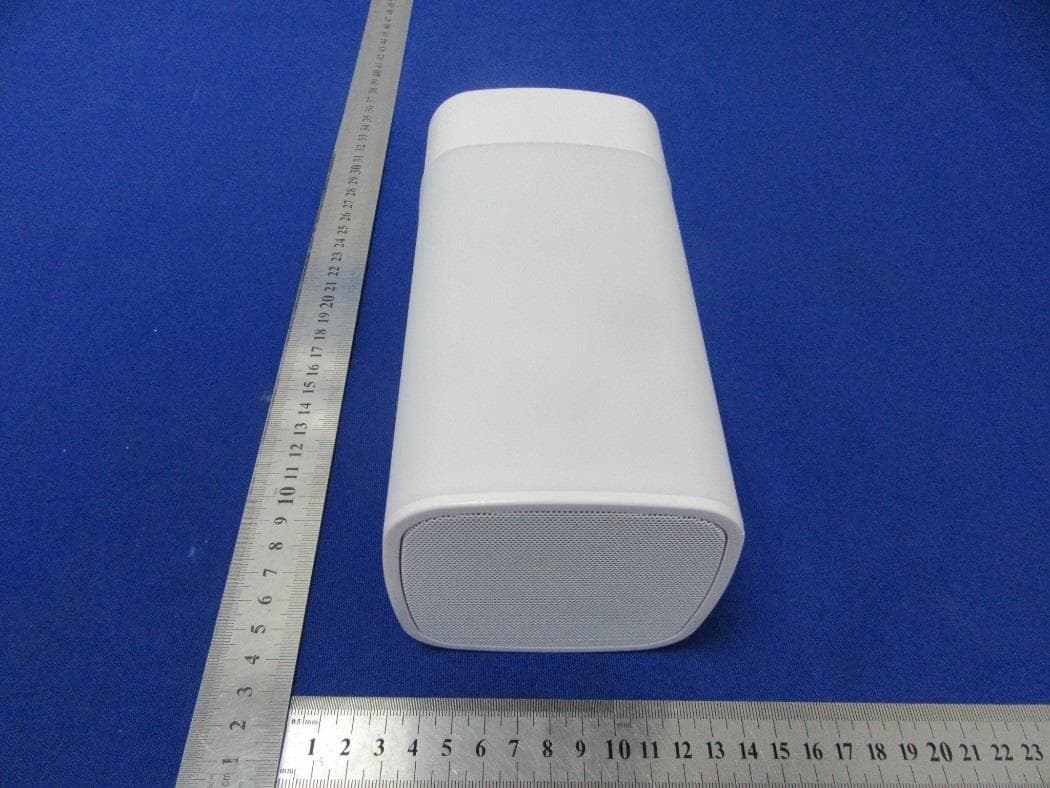
Click to zoom
Application Details
- Equipment Class
- DSS - Part 15 Spread Spectrum Transmitter
- Date of Grant
- Apr 27, 2021
- Application Purpose
- Original Equipment
- Date of Application
- Apr 27, 2021
- Equipment Note
- BTS-715
- Frequency Range
- 2402.00000000 - 2480.00000000
- Country
- China
Documents & Files
Document Text
Text extracted from the exhibit documents filed with the FCC. Open a document above to read the original.
Users Manual
1 SOUND TOUCH LED TOUCH-CONTROLLED BLUETOOTH SPEAKER ITEM NO : TOUCH-SP INSTRUCTION MANUAL PLEASE READ ALL INSTRUCTIONS CAREFULLY AND RETAIN FOR FUTURE USE 2 Getting Started • Remove the device from the box. • Please retain all packaging until you have checked and counted all the parts and the contents against the parts list. Package Contents • LED Touch Bluetooth Speaker • USB Charging Cable • 3.5mm Auxiliary Cable • Instruction Manual Key Features • LED Touch-Controlled Bluetooth Speaker • Wireless connection through Bluetooth device and LED lights make it easy to spot at night • Multi-colored LED lights • Built-in 5W speaker output • Long-lasting rechargeable battery • Built-in Mic for hands-free calls • Multi-function: Bluetooth, USB slot, Micro SD (TF) card slot, Aux jack • White USB charging cable, white Aux cable included SAFETY INSTRUCTIONS • Read all instructions before using this product • Do not leave this product unattended while connected to the power supply. • Do not immerse in water or any other liquids. • Do not use the unit if it has been dropped or damaged in any way. • Repairs to electrical equipment should only be performed by qualified personnel. Improper repairs may place the user at serious risk. • Place unit on sound, even surface, free of vibrations and away from sources of heat. • Do not use with wet hands. • Do not put objects into openings. • Keep the unit free from dust, lint, hair etc. • Do not use this unit for anything other than its intended use. • Keep the unit out of reach of children. • This product is not a toy. • Do not play music at excessive levels especially near children, as damage to hearing may occur. 3 Description of Parts: Item Function Operation 1 LED indicator Blue light blinks on Bluetooth pairing mode, and stays on when Bluetooth paired successfully. 2 Power / LED light button To turn ON/OFF the speaker/To adjust warm white LED light brightness, or change different color light mode. 3 PREV / Volume decrease (-) Short press will skip backward to the previous track, and long press will decrease the volume. 4 / Phone button Play / pause button - Short press will pause or restart the music. Phone button - Answer / reject / end call / redial last number. For Hands-Free Conversation 5 NEXT / Volume increase (+) Short press will skip forward to the next track, and long press will increase the volume level. 6 Mode button Switching mode of operation 7 Built-in Mic For Hands-Free Conversation 8 LED charge indicator Red light stays on during charging, and turns off when speaker is fully charged. 9 DC charging port DC Charging Port – To charge the speaker 10 USB slot USB input (Flash Drive) 11 Aux-in jack To play music through auxiliary cable. 12 Micro SD (TF) slot Micro SD (TF) card input 4 INSTRUCTIONS FOR USE Charging the speaker For best results, fully charge the speaker before its first use. 1. Connect the USB charging cord (included) to the DC 5V charging port of the speaker and insert the other end into a port on your computer or similar power source. 2. Red LED glows indicating that the battery is being charged. Once it is fully charged, the Red LED will turn off. It will take around 2-3 hours to fully charge the battery. Turn On/Off the Speaker with LED Lantern Press and hold the “Power” button for 1-2 seconds until you hear the indication tone. Blue LED indicator light will blink, your speaker is now ON and is entering “pairing” mode. Press and hold the “Power” button for 1-2 seconds to turn off the speaker. Turn the speaker to Bluetooth pairing mode - 1. Press and hold the “Power” button for 1-2 seconds until you hear the indication tone. 2. Blue LED indicator light will blink, your speaker is now ON and is entering “pairing” mode. (Note: Speaker automatically pairs with the previously paired devices) Pairing your device with Bluetooth Speaker – Your Bluetooth Speaker can wirelessly stream audio from any Bluetooth enabled device within the distance of 27-33 Feet. Simply follow the below steps. 1. Press and hold the “Power” button for 1-2 seconds until you hear the indication tone. 2. Blue LED indicator light will blink, your speaker is now ON and is entering “pairing” mode. 3. Turn on the Bluetooth on your Mobile Phone or Tablet or Computer. 4. It will search for various devices. 5. The pairing name of our Bluetooth Speaker is “Sound Touch”, pair it with this device. 6. You might be prompted with “Pair with Sound Touch?” message on your source device, with “Cancel” and “OK” options. Please click “OK”. 7. If required, enter the password ‘0000’ to confirm the finalised pairing. 8. Once paired successfully, you would hear an indication tone and the blue LED indicator light will stay on. 9. If you fail to pair it within the time frame or you want to pair it with a new device please follows the steps outlined above. 5 Select your favorite song on your Bluetooth device and the music should then stream through the Bluetooth speaker. Talking using the Bluetooth Speaker Please ensure that your mobile phone is paired with the Bluetooth Speaker to use the below functions. Function Operation Button Answer Incoming Call Incoming Call Short press the Phone button to answer an incoming call. End Call Incoming Call After your phone conversation, short press the Phone button Volume Increase During a call Long press on the + button will increase the volume Volume Decrease During a call Long press on the - button will decrease the volume Redial last number Standby mode and connected to a device Short press the Phone button twice Listening to Music Wirelessly Please ensure that your device (iPhone, Tablet or Other Smart Phone) is paired with the Bluetooth Speaker to stream music wirelessly. Once it is paired, play music from your device. Function Operation Button Increase / Decrease Volume Playing music Long press + to increase the volume or long press - to decrease the volume Pause Playing music Press once to pause the music Play Pause Press once resume the …
Text truncated - open the document above for the full version.
Cover Letter(s)
Shenzhen XinHuaMei Electronics Limited Company 2021.04.25 Eurofins Electrical and Electronic Testing NA, Inc. 914 W. Patapsco Avenue Baltimore, MD 21230 USA RE: CONFIDENTIALITY REQUEST FOR EUT NAME: BTS-715 Trademark: N/A MODEL : BTS-715 FCC ID: R8HBTS-715 To Whom It May Concern: This letter serves as an official request for confidentiality under sections 0.457 and 0.459 of CFR 47. We have requested that the - Block Diagram - Schematics - Operational Description required to be submitted with this application be permanently withheld from public review. The above materials contain trade secrets and proprietary information not customarily released to the public. The public disclosure of these materials may be harmful to the applicant and provide unjustified benefits to its competitors. Please contact me if there is any information you may need. Sincerely, Client’s signature: Client’s name / title : Linda Zou /Manager Contact information / address: Bldg 5, Taifeng Industrial Park, No.10, Jianan Road, Shajing Sub-district, Baoan District, Shenzhen, China
Cover Letter(s)
Shenzhen XinHuaMei Electronics Limited Company 2021.04.25 Eurofins Electrical and Electronic Testing NA, Inc. 914 W. Patapsco Avenue Baltimore, MD 21230 USA RE: LETTER OF AGENT AUTHORIZATION To Whom It May Concern: We, the undersigned, hereby authorize Shenzhen BCTC Testing Co., Ltd to act on our behalf in all matters relating to application for equipment authorization, including the signing of all documents relating to these matters. We also hereby certify that no party to the application authorized hereunder is subject to the denial of benefits, including FCC benefits, pursuant to Section 5301 of the Anti-Drug Abuse Act of 1988, 21 U.S.C.853(a). This agreement expires one year from the current date. Sincerely, Client’s signature: Client’s name / title : Linda Zou /Manager Contact information / address: Bldg 5, Taifeng Industrial Park, No.10, Jianan Road, Shajing Sub-district, Baoan District, Shenzhen, China
External Photos
External Photos
ID Label/Location Info
Size:40*20mm Label Location FCC ID: R8HBTS-715 This device complies with Part 15 of the FCC Rules. Operation is subject to the following two conditions:(1)This device may not cause harmful interfer ence, and (2) this device must accept any interference received, including interference that may cause undesired operation.
Internal Photos
Internal Photos Antenna
RF Exposure Info
Shenzhen BCTC Testing Co., Ltd. FCC ID: R8HBTS-715 Portable device According to §15.247(e)(i) and §1.1307(b)(1), systems operating under the provisions of this section shall be operated in a manner that ensures that the public is not exposed to radio frequency energy level in excess of the Commission’s guidelines. According to KDB447498 D01 General RF Exposure Guidance V06 The 1-g SAR and 10-g SAR test exclusion thresholds for 100 MHz to 6 GHz at test separation distances ≤ 50 mm are determined by: [(max. power of channel, including tune-up tolerance, mW)/(min. test separation distance, mm)]·[√f(GHZ)] ≤ 3.0 for 1-g SAR and ≤ 7.5 for 10-g extremity SAR, where: • f(GHZ) is the RF channel transmit frequency in GHz • Power and distance are rounded to the nearest mW and mm before calculation • The result is rounded to one decimal place for comparison When the minimum test separation distance is < 5 mm, a distance of 5 mm is applied to determine SAR test exclusion. Modulation Channel Freq. (GHz) Conducte d power (dBm) Conducte d power (mW) Tune-up power (dBm) Max tune-up power (dBm) Max tune-up power (mW) Distance (mm) Result calculatio n SAR Exclusion threshold SAR test exclusion GFSK2.480-0.0720.980±11.001.26<50.396513.00YES Pi/4 DQPSK 2.4800.5341.130±11.001.26<50.396513.00YES Conclusion: For the max result : 0.39651<3.0, the SAR testing is not required.
Test Report
No.:BCTC/RF-EMC-005 Page 1 of 60 Edition:A.3 TEST REPORT Shenzhen BCTC Testing Co., Ltd. Report No.: BCTC2103001787E Applicant: Shenzhen XinHuaMei Electronics Limited Company Product Name: BTS-715 Model/Type reference: BTS-715 Tested Date: 2021-03-24 to 2021-04-01 Issued Date: 2021-04-02 Report No.: BCTC2103001787E No.:BCTC/RF-EMC-005 Page 2 of 60 Edition:A.3 FCC ID: R8HBTS-715 The test report is effective only with both signature and specialized stamp.This result(s) shown in this report refer only to the sample(s) tested. Without written approval of Shenzhen BCTC Testing Co., Ltd, this report can’t be reproduced except in full.The tested sample(s) and the sample information are provided by the client. Product Name: BTS-715 Trademark: N/A Model/Type reference: BTS-715 Prepared For: Shenzhen XinHuaMei Electronics Limited Company Address: Bldg 5, Taifeng Industrial Park, No.10, Jianan Road, Shajing Sub-district, Baoan District, Shenzhen, China Manufacturer: Shenzhen XinHuaMei Electronics Limited Company Address: Bldg 5, Taifeng Industrial Park, No.10, Jianan Road, Shajing Sub-district, Baoan District, Shenzhen, China Prepared By: Shenzhen BCTC Testing Co., Ltd. Address: 1-2/F., Building B, Pengzhou Industrial Park, No.158, Fuyuan 1st Road, Tangwei, Fuhai Subdistrict, Bao'an District, Shenzhen, Guangdong, China Sample Received Date: 2021-03-24 Sample tested Date: 2021-03-24 to 2021-04-01 Issue Date: 2021-04-02 Report No.: BCTC2103001787E Test Standards FCC Part15.247 ANSI C63.10-2013 Test Results PASS Remark: This is Bluetooth Classic radio test report. Tested by: Approved by: Eric Yang/Project Handler Zero Zhou/Reviewer Report No.: BCTC2103001787E No.:BCTC/RF-EMC-005 Page 3 of 60 Edition:A.3 TABLE OF CONTENT Test Report Declaration Page 1. VERSION ............................................................ 5 2. TEST SUMMARY ..................................................... 6 3. MEASUREMENT UNCERTAINTY ....................................... 7 4. PRODUCT INFORMATION AND TEST SETUP............................ 8 4.1 Product Information ..................................................... 8 4.2 Test Setup Configuration ................................................ 8 4.3 Support Equipment ..................................................... 9 4.4 Channel List ........................................................... 9 4.5 Test Mode ............................................................ 10 4.6 table of parameters of text software setting ................................ 10 5. TEST FACILITY AND TEST INSTRUMENT USED ........................ 11 5.1 Test Facility ........................................................... 11 5.2 Test Instrument Used .................................................. 11 6. CONDUCTED EMISSIONS ............................................ 13 6.1 Block Diagram Of Test Setup ............................................ 13 6.2 Limit ................................................................. 13 6.3 Test procedure ........................................................ 13 6.4 EUT operating Conditions ............................................... 13 6.5 Test Result ........................................................... 14 7. RADIATED EMISSIONS .............................................. 16 7.1 Block Diagram Of Test Setup ............................................ 16 7.2 Limit ................................................................. 17 7.3 Test procedure ........................................................ 18 7.4 EUT operating Conditions ............................................... 19 7.5 Test Result ........................................................... 20 8. RADIATED BAND EMISSION MEASUREMENT AND RESTRICTED BANDS OF OPERATION .................................................. 24 8.1 Block Diagram Of Test Setup ............................................ 24 8.2 Limit ................................................................. 24 8.3 Test procedure ........................................................ 25 8.4 EUT operating Conditions ............................................... 25 8.5 Test Result ........................................................... 26 9. CONDUCTED EMISSION ............................................. 27 9.1 Block Diagram Of Test Setup ............................................ 27 9.2 Limit ................................................................. 27 9.3 Test procedure ........................................................ 27 9.4 Test Result ........................................................... 28 10. 20 DB BANDWIDTH .................................................. 34 10.1 Block Diagram Of Test Setup .......................................... 34 Report No.: BCTC2103001787E No.:BCTC/RF-EMC-005 Page 4 of 60 Edition:A.3 10.2 Limit ................................................................ 34 10.3 Test procedure ....................................................... 34 10.4 Test Result .......................................................... 35 11. MAXIMUM PEAK OUTPUT POWER .................................... 39 11.1 Block Diagram Of Test Setup .......................................... 39 11.2 Limit ................................................................ 39 11.3 Test procedure ....................................................... 39 11.4 Test Result .......................................................... 40 12. HOPPING CHANNEL SEPARATION ................................... 44 12.1 Block Diagram Of Test Setup .......................................... 44 12.2 Limit ................................................................ 44 12.3 Test procedure ....................................................... 44 12.4 Test Result .......................................................... 45 13. NUMBER OF HOPPING FREQUENCY .................................. 49 13.1 Block Diagram Of Test Setup .......................................... 49 13.2 Limit…
Text truncated - open the document above for the full version.
Test Setup Photos
Conducted emissions Radiated Measurement Photos
Contact Information
Applicant
Linda Zou(Merchandiser)
Technical Contact
Shenzhen BCTC Testing Co., Ltd.Alan Mei
[email protected]86-755-36882589
1-2/F., Building B, Pengzhou Industrial Park, · Bao'an District, Shenzhen, Guangdong · China
Test Firm
Shenzhen BCTC Testing Co., Ltd.Sally He
[email protected]15999690624
Technical Specifications
| # | Rule Parts | Frequency Range | Power Output |
|---|---|---|---|
| 1 | 15C | 2.40 GHz - 2.48 GHz | 1.13 mW |
Other Applications from Shenzhen XinHuaMei Electronics Limited Company
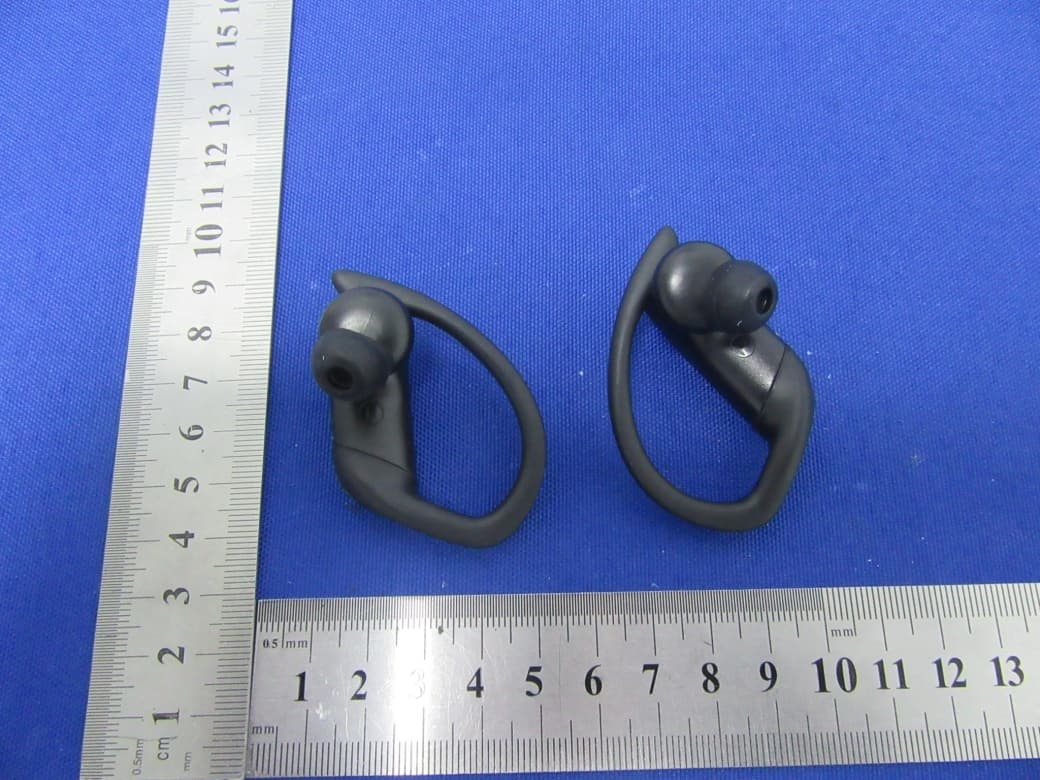
R8HBTH-25B
Jan 05, 2021TWS EARBUDS
Equipment Class
DSS - Part 15 Spread Spectrum Transmitter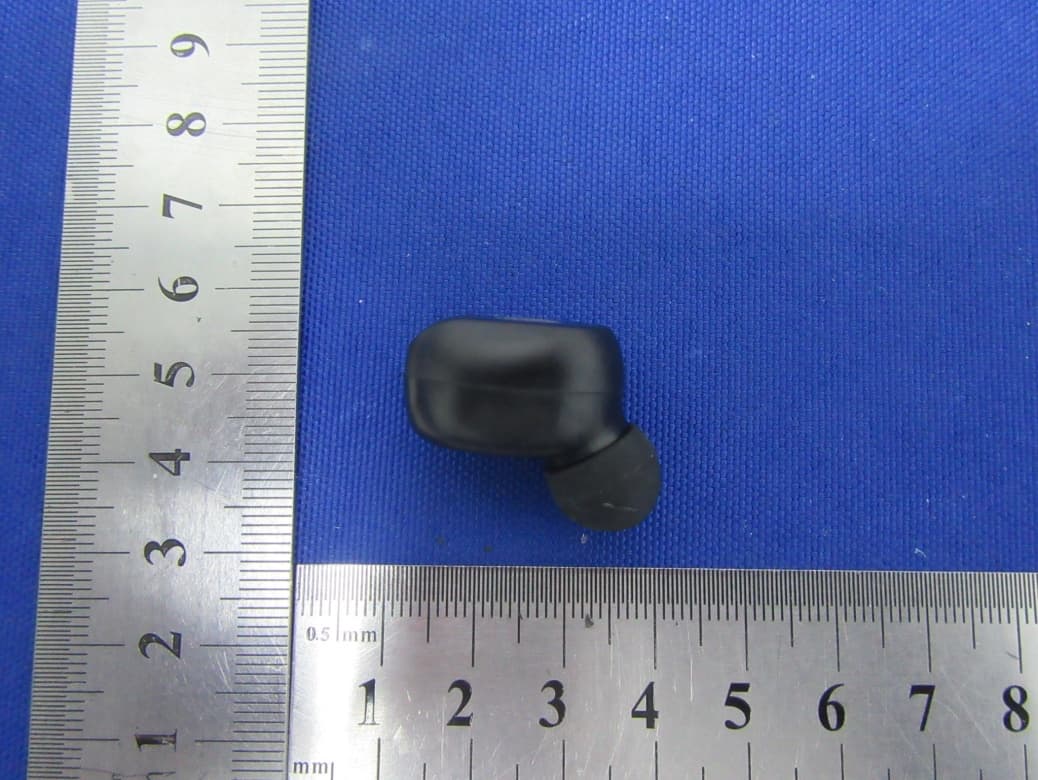
R8HF9-6
Jan 03, 2021TWS EARBUDS
Equipment Class
DSS - Part 15 Spread Spectrum Transmitter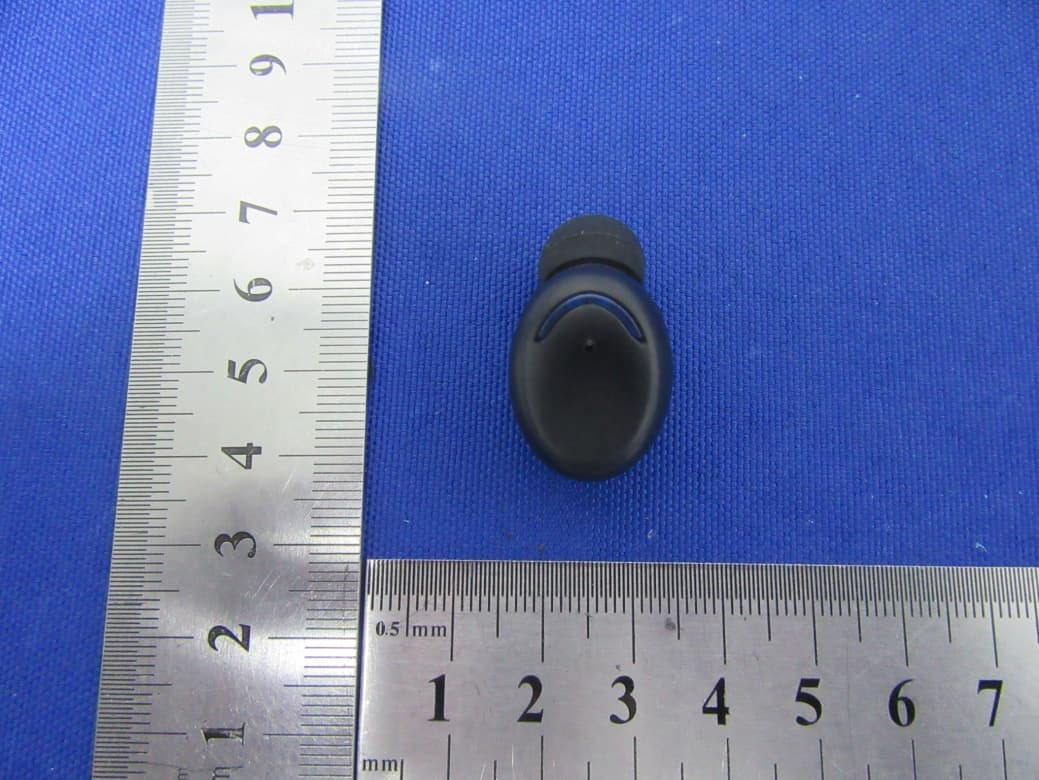
R8HF9-5
Jan 03, 2021TWS EARBUDS
Equipment Class
DSS - Part 15 Spread Spectrum Transmitter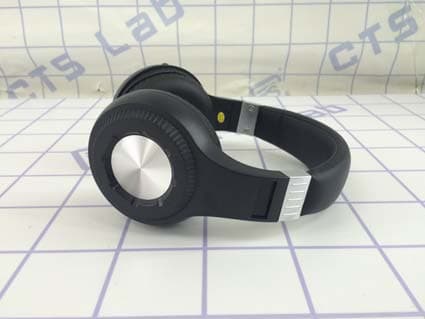
R8HBTH105
Jan 03, 2016Bluetooth Headphones
Equipment Class
DXX - Part 15 Low Power Communication Device Transmitter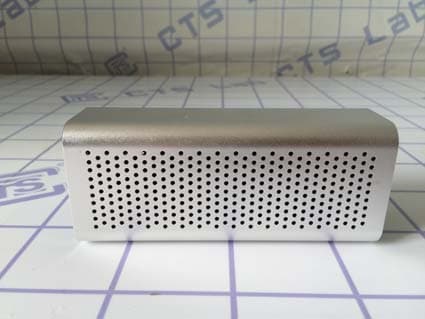
R8HYM-308
Nov 21, 2015Bluetooth Speaker
Equipment Class
DXX - Part 15 Low Power Communication Device Transmitter