RAR40015001802.11n dual-band WIFI router
Ericsson Wi-Fi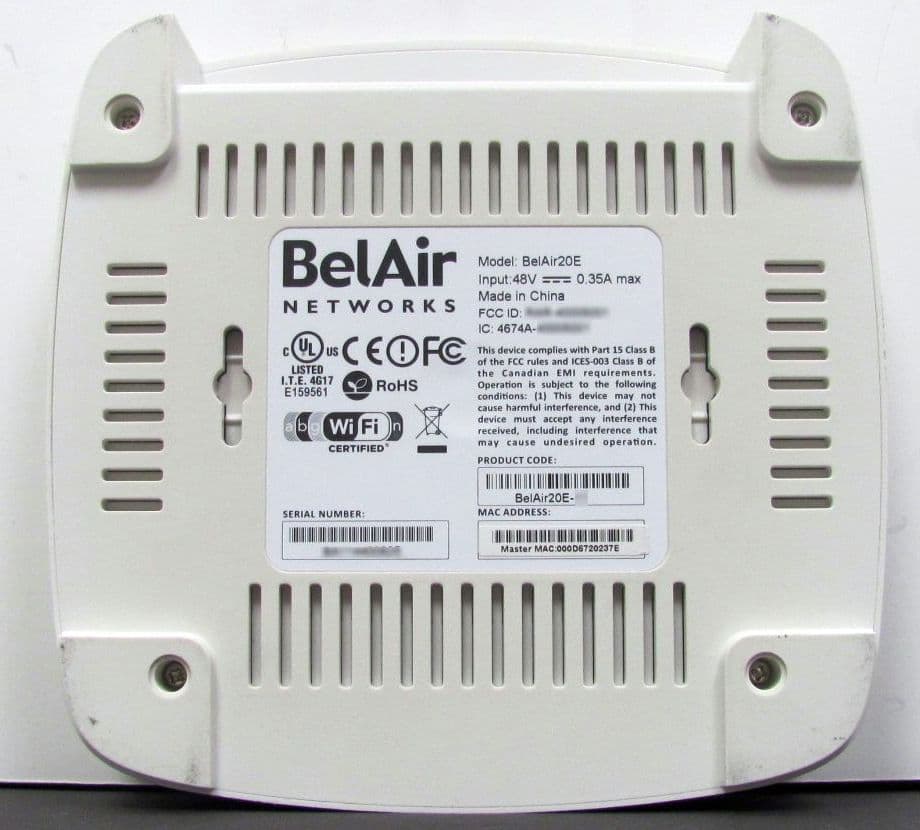
Click to zoom
Application Details
- Equipment Class
- NII - Unlicensed National Information Infrastructure TX
- Date of Grant
- Nov 20, 2012
- Application Purpose
- Original Equipment
- Date of Application
- Nov 19, 2012
- Equipment Note
- 802.11n dual-band WIFI router
- Frequency Range
- 5180.00000000 - 5240.00000000
- Company
- Ericsson Wi-Fi
- Country
- United States
Documents & Files
Document Text
Text extracted from the exhibit documents filed with the FCC. Open a document above to read the original.
Users Manual
BelAir20E-11 Page 1 of 12 Document Date: November 15, 2012 Document Number:BDTD02202-A03 Document Status:Released Security Status:Confidential © Copyright 2012 by Ericsson AB. All rights reserved. The information contained in this document is confidential and proprietary to Ericsson. Errors and Omissions Excepted. Specification may be subject to change. All trademarks are the property of their respective owners. Protected by U.S. Patents: 7,171,223 / 7,164,667 / 7,154,356 / 7,030,712 / D501,195 / 7,545,782 / 7,433,343 / 7,162,234 and 7,433,361. Patents pending in the U.S. and other countries. Ericsson, the Ericsson Logo, AP 5110, AP 5111, AP 5112, AP 5113, AP 5114, AP 5115, AP 5116, AP 5117, AP 5118, AP 5119, AP 5210, AP 5211, AP 5212, AP 5214, AP 5215, AP 5219, AP 5130, AP 5234, AP 5235, AP 5239, AP 5250, AP 5290, AP 6120, BelAir20E, BelAir20EO, BelAir100SNE, BelAir100SNEF, BelAir100NE, BelAir100NEF, WIC 8000, Wi-Fi Controller, Wi-Fi Manager, and Wi-Fi Business Analyzer are trademarks of Ericsson Inc. BelAir20E-11 Conformity and Regulatory Statements November 15, 2012ConfidentialPage 2 of 12 Document Number BDTD02202-A03 Released BelAir20E-11 Conformity and Regulatory StatementsContents Contents Conformity and Regulatory Statements. . . . . . . . . . . . . . . . . . . . . 3 Regulatory Information and Disclaimers . . . . . . . . . . . . . . . . . . . . . . . .3 Manufacturer’s US Federal Communication Commission Conformity Statement . . . . . . . . . . . . . . . . . . . . . . . . . . . . . . . . . . . . . . . . . . . . . . . .4 FCC Interference Statement . . . . . . . . . . . . . . . . . . . . . . . . . . .4 Manufacturer’s Industry Canada Conformity Statement . . . . . . . . . . . .5 Manufacturer’s European Community Conformity Statement . . . . . . .6 Declaration of Conformity for RF Exposure . . . . . . . . . . . . . . . . . . . . .9 Product Disposal . . . . . . . . . . . . . . . . . . . . . . . . . . . . . . . . . . . . . . . . . .9 BelAir20E-11 Conformity and Regulatory StatementsConformity and Regulatory Statements November 15, 2012ConfidentialPage 3 of 12 Document Number BDTD02202-A03 Released Conformity and Regulatory Statements This section provides declarations of conformity and regulatory information for the BelAir20E-11. This section contains the following sections: •“Regulatory Information and Disclaimers” on page 3 •“Manufacturer’s US Federal Communication Commission Conformity Statement” on page 4 •“Manufacturer’s Industry Canada Conformity Statement” on page 5 •“Manufacturer’s European Community Conformity Statement” on page 6 •“Declaration of Conformity for RF Exposure” on page 9 •“Product Disposal” on page 9 Regulatory Information and Disclaimers Installation and use of this device must be in strict accordance with the instructions included in the user documentation provided with the product. Any changes or modifications to this product not expressly approved by the party responsible for compliance could void the user’s authority to operate this equipment. The manufacturer is not responsible for any interference to radio or television equipment caused by unauthorized modification of this device, or attachment of any antennas or equipment other than those specified by the manufacturer. The manufacturer or its authorized resellers or distributors will assume no liability for any damage arising from failure to comply with these guidelines, or failure to comply with local, regional or national safety, electrical or building codes, or government regulations. This product is manufactured in China with originating and non-originating product. Ce produit est fabriqué en Chine avec des matières originaires et non originaires du produit. BelAir20E-11 Conformity and Regulatory StatementsConformity and Regulatory Statements November 15, 2012ConfidentialPage 4 of 12 Document Number BDTD02202-A03 Released Manufacturer’s US Federal Communication Commission Conformity Statement This device complies with Part 15 of the FCC Rules. Operation is subject to the following two conditions (1) this device may not cause harmful interference, and (2) this device must accept any interference received, including interference that may cause undesired operation. FCC Interference Statement This equipment has been tested and found to comply with the limits for a Class B digital device, pursuant to Part 15 of the FCC Rules. These limits are designed to provide reasonable protection against harmful interference in a residential installation. This equipment generates, uses and can radiate radio frequency energy and, if not installed and used in accordance with the instructions, may cause harmful interference to radio communications. However, there is no guarantee that interference will not occur in a particular installation. If this equipment does cause harmful interference to radio or television reception, which can be determined by turning the equipment off and on, the user is encouraged to try to correct the interference by one or more of the following measures: • Reorient or relocate the receiving antenna. • Increase the separation between the equipment and receiver. • Connect the equipment into an outlet on a circuit different from that to which the receiver is connected. • Consult the dealer or an experienced radio/TV technician for assistance. FCC Caution: Any changes or modifications not expressly approved by the party responsible for compliance could void the user's authority to operate this equipment. This device complies with Part 15 of the FCC Rules. Operation is subject to the following two conditions: (1) This device may not cause harmful interference, and (2) this device must accept any interference received, including interference that may cause undesired operation. Operations in the 5.15-5.25GHz band are restricted to indoor usage only. BelAir20E-11 Conformity and Regulatory StatementsConformity and Regulatory Statements November 15, 2012ConfidentialPage 5 of 12 Document Number BDTD02202-A0…
Text truncated - open the document above for the full version.
Users Manual
BelAir20E Page 1 of 8 Document Date: March 23, 2012 Document Number:BDTQ02201-A04 Document Status:Standard Security Status:Confidential Customer Support:613-254-7070 1-877-BelAir1 (235-2471) [email protected] © Copyright 2012 by BelAir Networks. The information contained in this document is confidential and proprietary to BelAir Networks. Errors and Omissions Excepted. Specifications may be subject to change. All trademarks are the property of their respective owners. Protected by U.S. Patents: 7,171,223, 7,164,667, 7,154,356, 7,030,712 and D501,195. Patents pending in the U.S. and other countries. BelAir Networks, the BelAir Logo, BelAir200, BelAir200D, BelAir100, BelAir100S, BelAir100C, BelAir100T, BelAir20, BelAir20M, BelAir20E, BelAir20EO, BelAir100M, BelAir100i, BelAir100SN, BelAir100SNE, BelAir100N, BelAir100P, BelAir1000, BelAir1100, BelAir2100, BelAir3200, BelAirCC8000, BelView, BelView NMS and BelAir Business Intelligence are trademarks of BelAir Networks Inc. BelAir20E Quick Install Guide BelAir20E Quick Install GuideGetting Started March 23, 2012ConfidentialPage 2 of 8 Document Number BDTQ02201-A04 Standard Getting Started Package Contents BelAir20E Power Adapter Ethernet CableFastening Hardware Quick Install Guide Screw Hole Te m p l a t e BelAir20E Quick Install GuideGetting Started March 23, 2012ConfidentialPage 3 of 8 Document Number BDTQ02201-A04 Standard Hardware Description Internet PortThe Internet port of the BelAir unit supports IEEE 802.3af or IEEE 802.3at Power over Ethernet (PoE) from a 48 V DC switch or power injector: • Use IEEE 802.3af PoE if only connecting to the Internet port. • Use IEEE 802.3at PoE if connecting to the Internet port and any of the LAN ports. The PoE switch or power injector must meet local and national regulatory requirements. Power ConnectorThe BelAir unit does not have a power switch. It is powered on when connected to a power source. The power adapter automatically adjusts to any voltage between 100~240 volts at 50 or 60 Hz. The BelAir unit draws up to 0.35 A at 48 V DC (16.8 W). Reset ButtonThis button is used to restore the factory default configuration using a paperclip or pen tip. If you hold down the button for 15 seconds or more, until all of the LEDs turn off, any configuration changes you may have made are removed, and the factory default configuration is restored to the BelAir20E. Warning The AC Power Adapter relies on the rated fuse or circuit breaker of the wall outlet (15 A in North America, 10 A in Europe). BelAir20E Quick Install GuideGetting Started March 23, 2012ConfidentialPage 4 of 8 Document Number BDTQ02201-A04 Standard For More Information The BelAir20E User Guide and the BelAir20E Troubleshooting Guide are available online at http://support.belairnetworks.com. In general, BelAir Networks recommends that you do the following steps to seek the information you want: 1 Refer to the Troubleshooting Guide of the unit to see if it describes your situation. If it does, do the provided corrective actions. 2 If the troubleshooting guide does not cover your situation, contact your BelAir Networks product representative 3 If you still need assistance, use the BelAir Networks online support center at http://support.belairnetworks.com 4 Finally, if your issue is not resolved, contact BelAir Networks: —613-254-7070, option 2 —1-877-BelAir1 (235-2471), option 2 —[email protected] BelAir20E Quick Install GuideInstalling the BelAir20E March 23, 2012ConfidentialPage 5 of 8 Document Number BDTQ02201-A04 Standard Installing the BelAir20E Step 1—Select Location Choose a proper place for the BelAir unit. In general, the best location is at the center of your wireless coverage area, within line of sight of all wireless devices. For optimum performance, consider these guidelines: • Mount the BelAir unit as high as possible above any obstructions in the coverage area. • Avoid mounting next to or near building support columns or other obstructions that may cause reduced signal or null zones in parts of the coverage area. • Mount away from any signal absorbing or reflecting structures (such as those containing metal). The BelAir unit can be mounted on any horizontal surface, on a wall or from a hanging ceiling. The BelAir unit is UL2043 Certified for Plenum mounting. Installers must use Plenum rated Ethernet cable for installations in a building’s environmental air space such as above suspended ceilings. Installers must follow local and national codes for above ceiling installations. Warning Do not install the BelAir unit in any areas where blasting (blasting caps, radio controlled equipment) or explosive gases may be present. Warning The BelAir unit, its AC power adapter, and its cables are not designed for outdoor use. They must be located indoors. Warning To comply with FCC radio frequency (RF) exposure limits (FCC OET 65C) for the general population, antennas must be located at a minimum distance of 10 8 inches (approx. 25 cm) or more from the body of all persons. BelAir20E Quick Install GuideInstalling the BelAir20E March 23, 2012ConfidentialPage 6 of 8 Document Number BDTQ02201-A04 Standard Step 2—Mount on a Flat Surface The BelAir unit should be mounted only to a flat surface that is at least 1/2-inch plywood or its equivalent. To mount the BelAir unit on a ceiling or wall, always use the pan head Phillips screws provided with the unit. 1 Attach the mounting screws to a ceiling: —Use the include Screw Hole Template as a guide. —For concrete or brick walls, drill holes and use the included nylon wall plugs. —For T-rail installations, drill 3/32-inch (2.4-mm) pilot holes. —Leave a 5/16-inch (8-mm) gap so you can slide the BelAir unit over the screw heads. 2 Attach the BelAir unit to the mounting screws: a Line up the two mounting slots on the bottom of the unit with the two mounting screws. b Slide the unit across into position so that the mounting screws support the BelAir unit. c Adjust the screw depth as requi…
Text truncated - open the document above for the full version.
Cover Letter(s)
October 26, 2012 Equipment Autorisation Division Federal Communications Commission 7435 Oakland Mills Road Columbia, MD 21046 FCC ID: RAR40015001 Product Name: BelAir20E-11 Request for Confidentiality Pursuant to Sections 0.457 and 0.459 of the commission’s rules, we hereby request that the following documents be held confidential: • Schematics • Block diagram and Theory of Operation These materials contain trade secrets and proprietary information and are not customarily released to the public. The public disclosure of this information might be harmful to the company and provide unjustified benefits to our competitors. Dated this 26th day of October 2012 By: Marcel Chenier Head, R&D Wi-Fi products, LW BelAir Networks Inc. 613-254-7070 x 139 [email protected]
ID Label/Location Info
LABEL – RAR40015001
ID Label/Location Info
LABEL LOCATION
RF Exposure Info
Prediction of MPE limit at a given distance Equation from page 18 of OET Bulletin 65, Edition 97-01 where:S = power density P = power input to the antenna G = power gain of the antenna in the direction of interest relative to an isotropic radiator R = distance to the center of radiation of the antenna Maximum peak output power at device output terminal:15.84(dBm) Cable and Jumper loss0.0(dB) Maximum peak output power at antenna input terminal:15.84(dBm) Maximum peak output power at antenna input terminal:38.37072455(mW) Single Antenna gain(typical):4(dBi) Number of Antennae2 Total Antenna gain(typical):7.010299957(dBi) Maximum antenna gain:5.023772863(numeric) Prediction distance:20(cm) Prediction frequency:5220(MHz) MPE limit for uncontrolled exposure at prediction frequency:1(mW/cm^2) Power density at prediction frequency:0.038350(mW/cm^2) 0.383495(W/m^2) Tx On time:100.000000 Tx period time:100.000000 Average Factor:100.000000 Average Power density at prediction frequency:0.383495(W/m^2) Maximum allowable antenna gain:21.17269855(dBi) Margin of Compliance:14.1623986dB 2 4R PG S
Test Report
FCC 15.407 and RSS-210 Issue 8 Annex 9.docx - Date: October 2012 www.nemko.com Compliance test report ID 223263-3TRFWL Date of issue November 20, 2012 FCC 47 CFR Part 15 Subpart E, §15.407 Unlicensed National Information Infrastructure Devises RSS-210, Issue 8 Annex 9 Local Area Network Devices Applicant BelAir Networks Product Dual-band WIFI router Model BelAir20E FCC ID RAR40015001 IC Reg. # 4674A-40015001 Nemko Canada Inc., a testing laboratory, is accredited by the Standards Council of Canada. The tests included in this report are within the scope of this accreditation SCC Accredited LAB LAB Accrédité CCN TM w w w . n e m k o . c o m Report reference ID: 223263-3TRFWL Page 2 of 39 Test location Nemko Canada Inc. 303 River Road Ottawa, ON, K1V 1H2 Canada FCC test site registration number: 176392 and IC registered site number: 2040A-4 (3 m semi anechoic chamber) Telephone +1 613 737 9680 Facsimile +1 613 737 9691 Toll free +1 800 563 6336 Website www.nemko.com Tested by Andrey Adelberg, Senior Wireless/EMC Specialist Reviewed by November 20, 2012 Kevin Rose, Wireless/EMC Specialist Date Limits of responsibility Note that the results contained in this report relate only to the items tested and were obtained in the period between the date of initial receipt of samples and the date of issue of the report. This test report has been completed in accordance with the requirements of ISO/IEC 17025. All results contain in this report are within Nemko Canada’s ISO/IEC 17025 accreditation. Copyright notification Nemko Canada Inc. authorizes the applicant to reproduce this report provided it is reproduced in its entirety and for use by the company’s employees only. Any use which a third party makes of this report, or any reliance on or decisions to be made based on it, are the responsibility of such third parties. Nemko Canada Inc. accepts no responsibility for damages, if any, suffered by any third party as a result of decisions made or actions based on this report. © Nemko Canada Inc. w w w . n e m k o . c o m Report reference ID: 223263-3TRFWL Page 3 of 39 Table of contents Table of contents .......................................................................................................................................................................................................... 3 Section 1. Report summary ................................................................................................................................................................................. 4 1.1 Applicant and manufacturer .................................................................................................................................................................................... 4 1.2 Test specifications .................................................................................................................................................................................................... 4 1.3 Test methods ............................................................................................................................................................................................................ 4 1.4 Statement of compliance ......................................................................................................................................................................................... 4 1.5 Exclusions ................................................................................................................................................................................................................. 4 1.6 Test report revision history ...................................................................................................................................................................................... 4 Section 2. Summary of test results ....................................................................................................................................................................... 5 2.1 FCC Part 15 Subpart C, general requirements test results ........................................................................................................................................ 5 2.2 FCC Part 15 Subpart E, test results ........................................................................................................................................................................... 5 2.3 IC RSS-GEN, Issue 3, test results ............................................................................................................................................................................... 5 2.4 IC RSS-210, Issue 8, test results ................................................................................................................................................................................ 6 Section 3. Equipment under test (EUT) details ..................................................................................................................................................... 7 3.1 Sample information .................................................................................................................................................................................................. 7 3.2 EUT information ....................................................................................................................................................................................................... 7 3.3 Technical information .............................................................................................................................................................................................. 7 3.4 Product description and theory of operation ........................................................................................................................................................... 7 3.5 EUT exercise details ...…
Text truncated - open the document above for the full version.
Contact Information
Applicant
Roland Andrew Smith(R&D Wi-Fi Products)
Technical Contact
Non-Technical Contact
BelAir Networks Inc.Andrew Scott
[email protected]613-254-7070
Test Firm
Nemko Canada IncStuart Beck
Technical Specifications
| # | Rule Parts | Frequency Range | Power Output |
|---|---|---|---|
| 1 | 15E | 5.18 GHz - 5.24 GHz | 38.38 mW |
Other Applications from Ericsson Wi-Fi
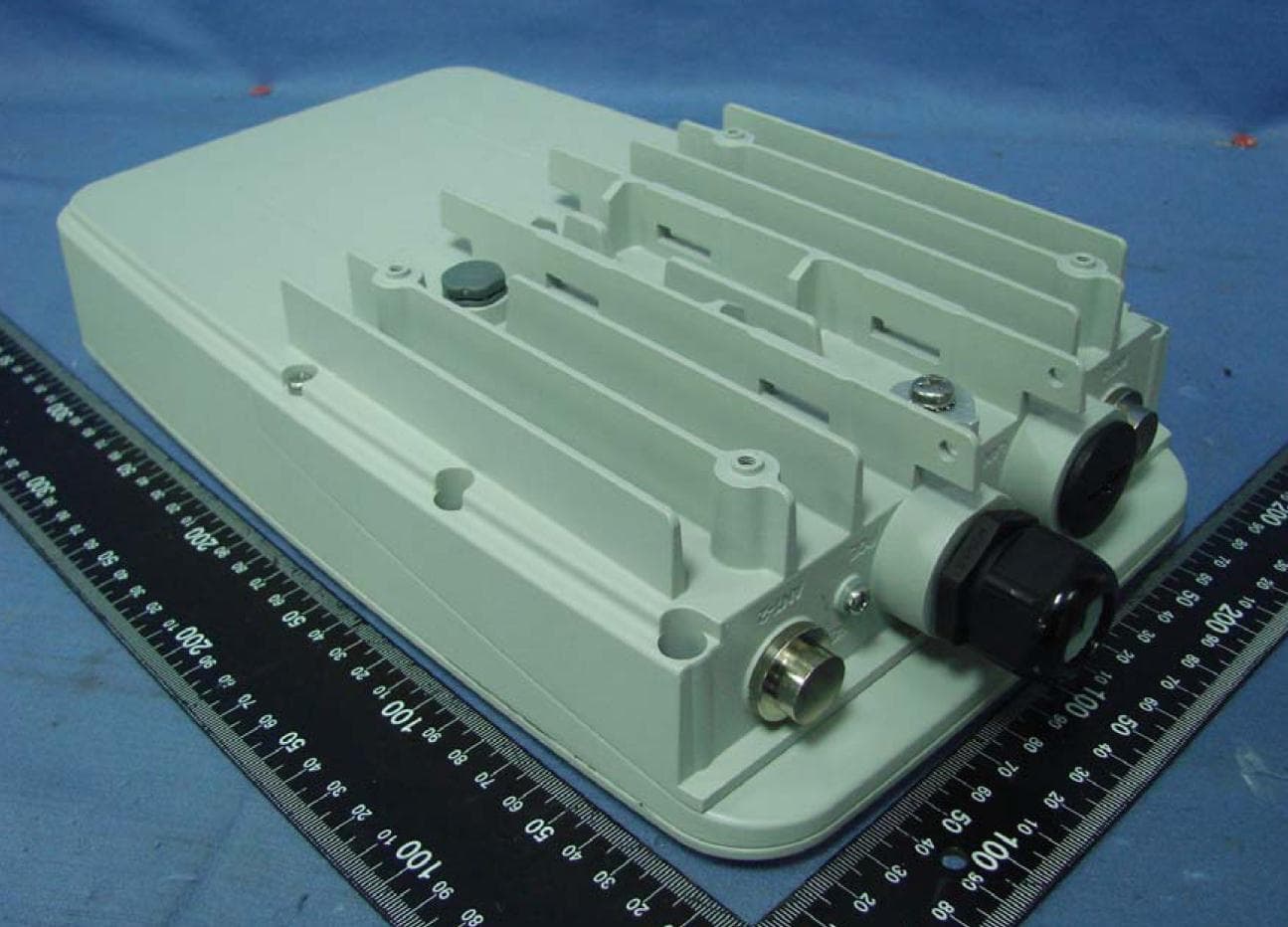
RAR80005000
Jul 07, 2014802.11n dual-band WIFI router
Equipment Class
NII - Unlicensed National Information Infrastructure TX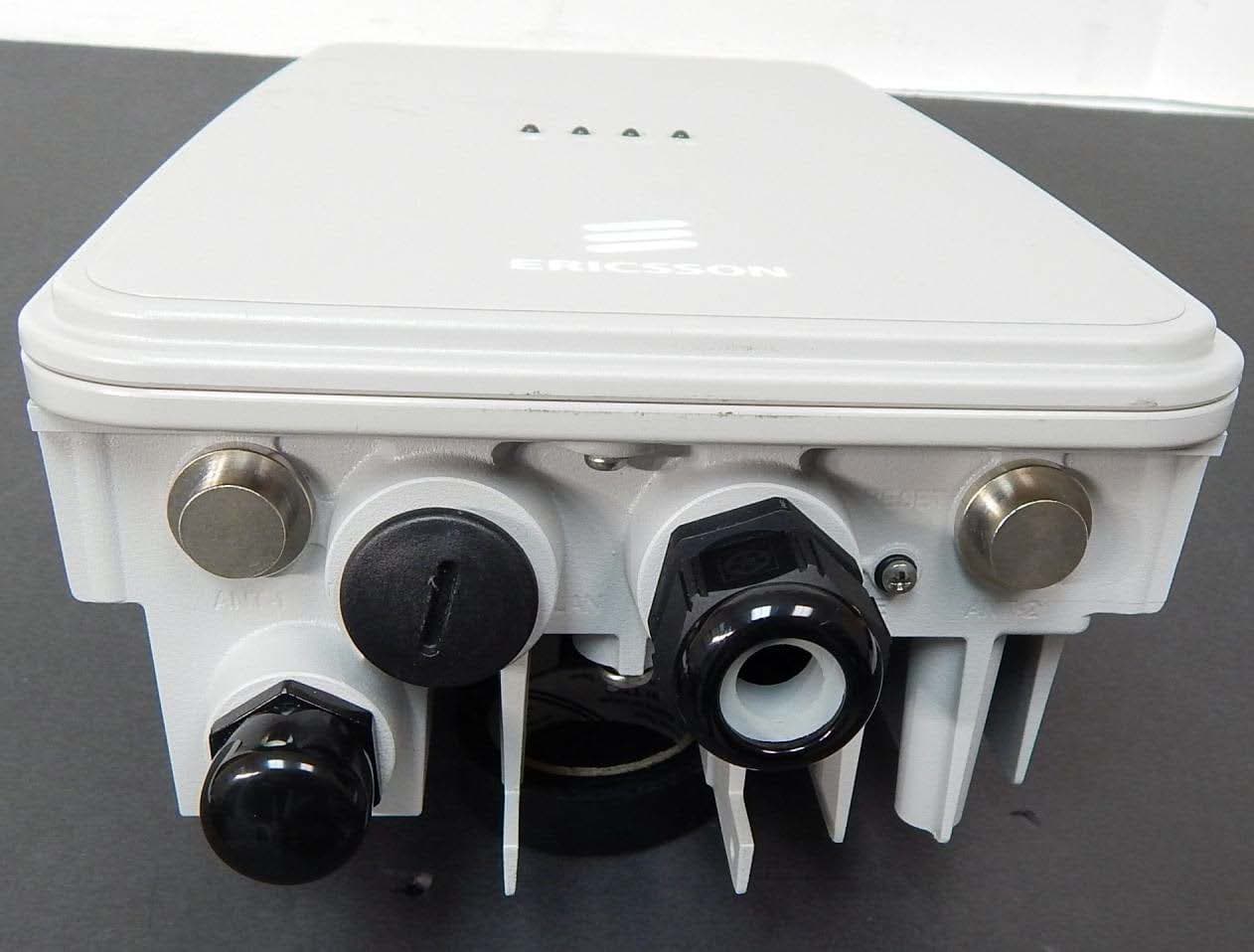
RAR80085008
Jul 02, 2014802.11n dual-band WIFI router
Equipment Class
NII - Unlicensed National Information Infrastructure TX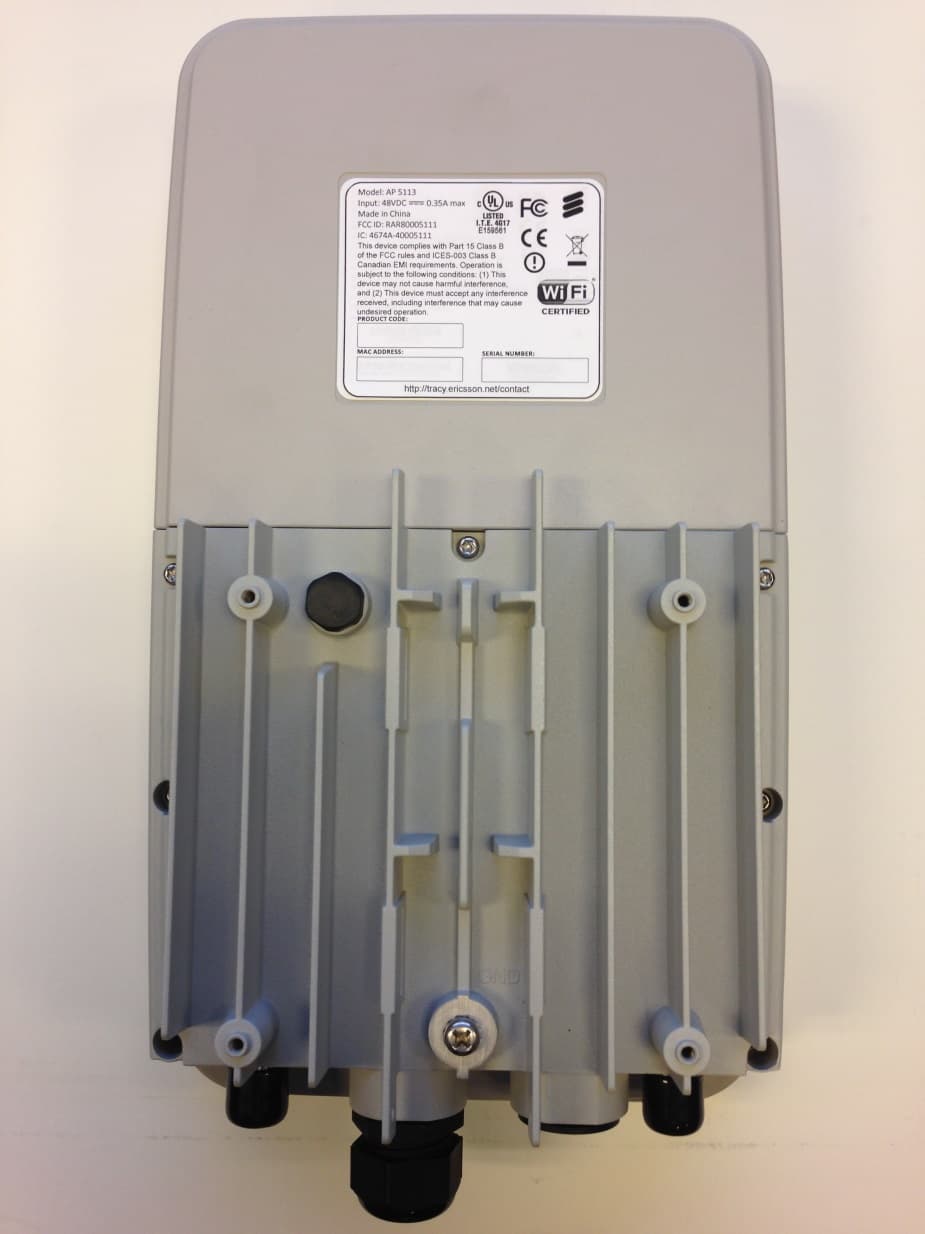
RAR80005111
Jul 02, 2014802.11n dual-band WIFI router
Equipment Class
DTS - Digital Transmission System
RAR40065006
Nov 30, 2013802.11AC Wireless Router
Equipment Class
NII - Unlicensed National Information Infrastructure TX
RAR40085008
Oct 28, 2013802.11n dual-band WIFI router
Equipment Class
DTS - Digital Transmission System