RWVMINI5130GSM Mobile Phone
Sumtech Industry Development Co., Ltd.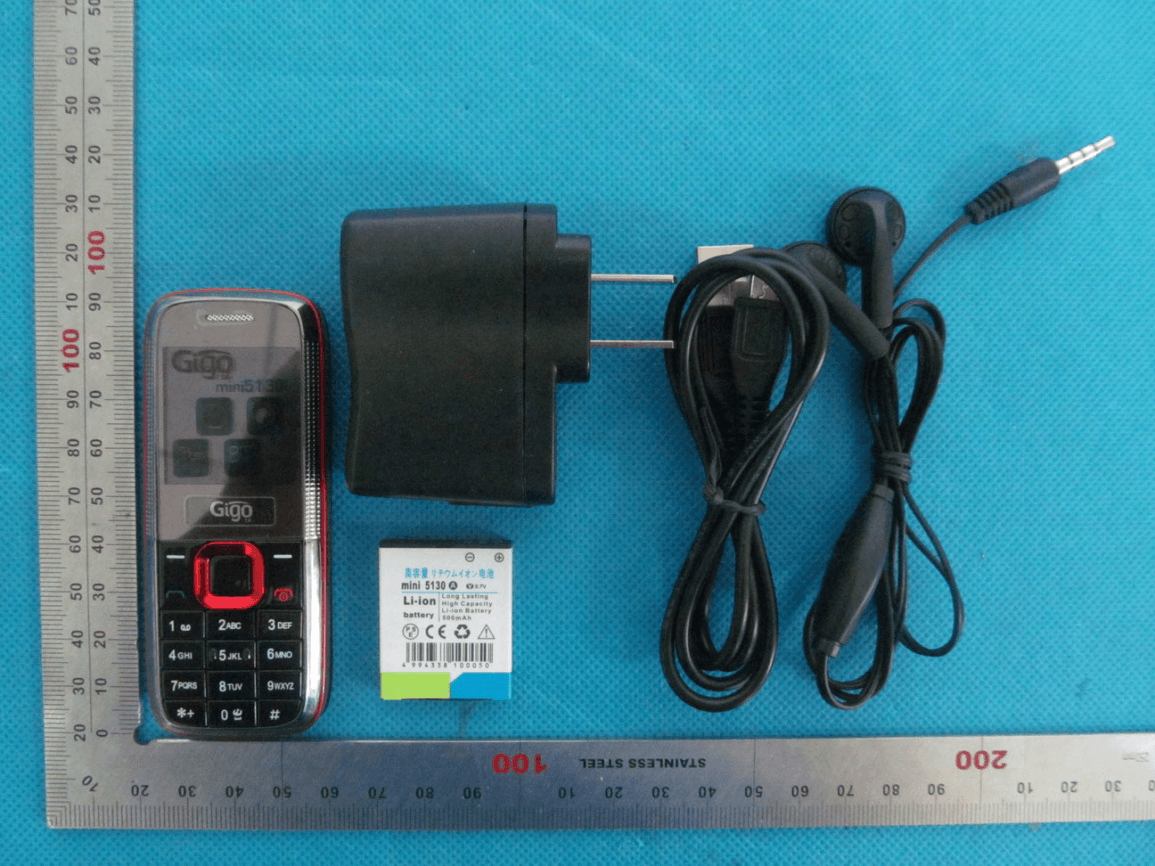
Click to zoom
Application Details
- Equipment Class
- DSS - Part 15 Spread Spectrum Transmitter
- Date of Grant
- May 13, 2013
- Application Purpose
- Original Equipment
- Date of Application
- May 13, 2013
- Equipment Note
- GSM Mobile Phone
- Frequency Range
- 2402.00000000 - 2480.00000000
- Country
- China
Documents & Files
Document Text
Text extracted from the exhibit documents filed with the FCC. Open a document above to read the original.
Users Manual
User Manual GSM Mobile Phone Brand name: Gigo Model name:Mini5130 FCC ID:RWVMINI5130 Page 1 Thank you for purchasing this mobile. For the best performance, we recommend that you read the manual carefully. MENU .................................................................................. 2 PHONEBOOK .......................................................................... 2 MESSAGE .............................................................................. 4 CALL LOGS ............................................................................. 8 SETTINGS ............................................................................ 10 FILE MGR ............................................................................. 16 GAMES ................................................................................ 17 ORGANIZER. ......................................................................... 24 SHORTCUTS ......................................................................... 25 Page 2 MENU Phonebook ■Phonebook View: View the information of current record Send text message: send text messages to the current record Call: Make a call of current number. IP dial: Choose SIM1 or SIM2 to make the IP dial to current record. Edit: Edit the items of current number. Delete: Delete the current record Copy: Provide two ways of copying: from SIM1/SIM2 card to mobile, and from mobile to SIM1/SIM2. Page 3 Move: Move the number from phone to SIM1/SIM2, or from SIM1/SIM2 to the phone. Send contact:send the current contact by SMS,MMS. 【Copy contacts】: Provide four ways of copying: from SIM1/SIM2 card to mobile, and from mobile to SIM1/SIM2 card. 【Move contacts】: Provide four ways of moving: from SIM1/SIM2 card to mobile, and from mobile to SIM1/SIM2 card. 【Delete all contacts】:Delete all the records in the SIM1/SIM2 card or the mobile. Note:You need to input the password ‘0000’ to delete records from the SIM1/SIM2 card or the mobile. 【Owner number】: edit and sent my number 【Preferred storage】:Choose the storage position for the Page 4 【Memory status】:Check the storage capacity of the SIM card and phonebook Message 【Write message.】: Edited the content you have options of Sim1 and Sim2 to send. You have options of Sim1 and Sim2, and also can Finish: The message have finished and you can send it to your receiver. You have options of SIM1 and SIM2, when the message have finished you can send it to you receiver by SIM1 or SIM2. Send To:input the number you will send to or find it from the phone book. Send : The message have finished and you can send it to certain number. Page 5 Edit recipient: edit the input number Save :save the SMS to the outbox. Writing language:Choose the input method. [Inbox]: View:View received Text messages of SIM1 or SIM2. Reply by sms:Reply the message directly. Call Sender:choser the SIM card one or two to call the sender. Forward:Forward the message to others. Delete:Delete the SMS in current SIM card. Delete All: Delete the all SMS in current SIM card. Del sms by num:Delete the SMS send from the same number. Page 6 Save to Phonebook:save the number which send message to you to the phone book. Mark several ■ Mark:chose the corresponding SMS to delete ,copy or move, ■ Mark All: chose all the SMS to delete ,copy or move, [Outbox]:Read and modify the messages stored in the Outbox of SIM1 and SIM2。. [SMS Settings]: Set the relative parameters for messages Profile settings:Profile 1/2/3/4. Note:The menu display changes depend on the SIM card. z SC Address. z Valid Period. Page 7 z Message type Common settings:Turn on or off the Function of Sending a report,returning path,chose whether to save the sent messages. [Memory status]: View the memory status of SIM card or the phone. [Voice mail] :Choose SIM1 or SIM2 to receive voice messages. [Call voicemail]:quick connect current vioce mail number. [Edit]:Add or modify the number of the voice mail. Note:The voice mail function needs support from network. 【Broadcast message】: The broadcast is a network service sending information like weather forecast, traffic status, etc to all the GSM users in Page 8 the zone by the network vendor. You have options of SIM1 or SIM2. [Receive mode]:Activate or deactivate the broadcast function. [Channel settings]:Set the channel of broadcast message. Note:The voice mail function needs support from network Call logs You can view your recent call situation. 【Call history】 View the call log of the current SIM card, press the left softkey, display like follows: [All calls]: show all missed, received, dialed phone list, can select a particular view of the phone the last time did not happen then the date and time, telephone number, Page 9 frequency. [Sim1/Sim2 Missed calls] Display the missed calls about the latest time and date, caller’s number and calling times. [Sim1/Sim2 Dialled calls] Display the dialed calls about the latest time and date, caller’s number and calling times. [Sim1/Sim2 Received Calls] Display the answered calls about the latest time and date, caller’s number and calling times. Press the right softkey to enter the options menu can be more than the number of call records in the following: View:see the current record Call:call the current number. Send text message: send text messages to the current record Save :save to SIM or phone Edit before call:on the current record for editing Delete: choose to delete the current record Page 10 Settings [ User profiles] [Tone settings]: incoming call:Set ring for incoming calls . message: Set up the alert style of new message of SIM Keypad: Set up the keypad tone [Volume] Ring tone:Set the ring volume Key tone: Set the volume for pressing the keys. [Alert type]:There are ringing, vibration, the vibration and ringing and ringing after the vibration of the four methods prompted calls for you to choose from [Ring type]:Out there, or continuous ringing crescendo of the Page 11 three types available. …
Text truncated - open the document above for the full version.
Cover Letter(s)
Ersteller: D. Brandhorst Revision: 01 Erstelldatum: 07.03.2008 Datum: 27.06.2011 Seite 1 von 1 Sumtech Industry Development Co.,Ltd. Room 521,Sanjiu Hotel,No.1001 East Shennian Road, Luohu,Shenzhen,China PHOENIX TEST-LAB GmbH Product Certification Königswinkel 10 D 32825 Blomberg Date: May 08,2013 FCC ID: RWVMINI5130 Subject: Attestation Letter “Declaration of Conformity” Dear Sirs, Our products with the above FCC ID: RWVMINI5130 are defined as composite device. The transmitter is authorized under the “Certification” procedure. The device is also defined as “PC Periphery” acc to §15.101 Equipment authorization of unintentional radiators, where we hereby declare, that we apply and follow the “FCC Declaration of Conformity” procedure, based on testing from a FCC accredited testing laboratory or involvement of a CB. And we will settle the JBP parts with DOC. If you have any questions, please feel free to contact me at the address shown below. Yours sincerely, Regards , Sumtech Industry Development Co.,Ltd. Contact person: Ivy Qiu Title: Manager Tel: 86-755-25199083
External Photos
External Photos TOTAL VIEW OF EUT TOP VIEW OF EUT BOTTOM VIEW OF EUT FRONT VIEW OF EUT BACK VIEW OF EUT LEFT VIEW OF EUT RIGHT VIEW OF EUT
ID Label/Location Info
FCC ID Label Lo GSM Mob Model:mini 5 Trade Nam FCC ID: R W ocation ile Phone 5130 e: Gigo WVMINI513 0 ST5130 ST513, ST,SUM 0,SUM5130, ,ST60
Internal Photos
Internal Photos OPEN VIEW OF EUT-1 OPEN VIEW OF EUT-2 GSM Antenna OPEN VIEW OF EUT-3 INTERNAL VIEW OF EUT-1 INTERNAL VIEW OF EUT-2 INTERNAL VIEW OF EUT-3 BT Antenna
Test Report
Report No.: AGC00417130401FE03 Page 1 of 53 FCC Test Report Report No.: AGC00417130401FE03 FCC ID : RWVMINI5130 APPLICATION PURPOSE : Original Equipment PRODUCT DESIGNATION : GSM Mobile Phone BRAND NAME : Gigo, ST, SUM MODEL NAME : mini5130, ST5130, SUM5130, ST513, ST60 CLIENT : Sumtech Industry Development Co., Ltd. DATE OF ISSUE : May,06,2013 STANDARD(S) : FCC Part 15 Rules REPORT VERSION : V1.0 Attestation of Global Compliance (Shenzhen) Co., Ltd CAUTION: This report shall not be reproduced except in full without the written permission of the test laboratory and shall not be quoted out of context. Report No.: AGC00417130401FE03 Page 2 of 53 Report Revise Record Report Version Revise Time Issued Date Valid VersionNotes V1.0 / May,06,2013Valid Original Report Report No.: AGC00417130401FE03 Page 3 of 53 TABLE OF CONTENTS 1. VERIFICATION OF CONFORMITY ...................................................................................... 5 2. GENERAL INFORMATION .................................................................................................. 6 2.1. PRODUCT DESCRIPTION ........................................................................................................... 6 2.2. TABLE OF CARRIER FREQUENCYS .......................................................................................... 6 2.3. RECEIVER INPUT BANDWIDTH ................................................................................................. 7 2.4. EXAMPLE OF A HOPPING SEQUENCY IN DATA MODE ........................................................... 7 2.5. EQUALLY AVERAGE USE OF FREQUENCIES AND BEHAVIOUR ............................................ 7 2.6. RELATED SUBMITTAL(S) / GRANT (S) ....................................................................................... 8 2.7. TEST METHODOLOGY................................................................................................................ 8 2.8. SPECIAL ACCESSORIES ............................................................................................................ 8 2.9. EQUIPMENT MODIFICATIONS ................................................................................................... 8 3. MEASUREMENT UNCERTAINTY........................................................................................ 9 4. DESCRIPTION OF TEST MODES ........................................................................................ 9 5. SYSTEM TEST CONFIGURATION .................................................................................... 10 5.1. CONFIGURATION OF EUT SYSTEM ........................................................................................ 10 5.2. EQUIPMENT USED IN EUT SYSTEM ....................................................................................... 10 5.3. SUMMARY OF TEST RESULTS ................................................................................................ 10 6. TEST FACILITY .................................................................................................................. 11 7. PEAK OUTPUT POWER .................................................................................................... 12 7.1. MEASUREMENT PROCEDURE ................................................................................................ 12 7.2. TEST SET-UP (BLOCK DIAGRAM OF CONFIGURATION) ....................................................... 12 7.3. LIMITS AND MEASUREMENT RESULT .................................................................................... 12 8. 20DB BANDWIDTH ............................................................................................................ 14 8.1. MEASUREMENT PROCEDURE ................................................................................................ 14 8.2. TEST SET-UP (BLOCK DIAGRAM OF CONFIGURATION) ....................................................... 14 8.3. LIMITS AND MEASUREMENT RESULTS .................................................................................. 14 9. CONDUCTED SPURIOUS EMISSION ............................................................................... 19 9.1. MEASUREMENT PROCEDURE ................................................................................................ 21 9.2. TEST SET-UP (BLOCK DIAGRAM OF CONFIGURATION) ....................................................... 21 9.3. MEASUREMENT EQUIPMENT USED ....................................................................................... 21 9.4. LIMITS AND MEASUREMENT RESULT .................................................................................... 21 10. RADIATED EMISSION ..................................................................................................... 25 10.1. MEASUREMENT PROCEDURE .............................................................................................. 25 10.2. TEST SETUP ............................................................................................................................ 27 Report No.: AGC00417130401FE03 Page 4 of 53 10.3. TEST RESULT .......................................................................................................................... 28 11. BAND EDGE EMISSION .................................................................................................. 32 11.1. MEASUREMENT PROCEDURE .............................................................................................. 32 11.2. TEST SET-UP ........................................................................................................................... 32 11.3. TEST RESULT .......................................................................................................................... 33 12. NUMBER OF HOPPING FREQUENCY ............................................................................ 37 12.1. MEASUREMENT PROCEDURE .........................................................................................…
Text truncated - open the document above for the full version.
Test Setup Photos
Test Setup Photos CONDUCTED EMISSION RADIATED SPURIOUS EMISSION
Contact Information
Applicant
IVY QIU(Sales Manager)
Test Firm
Attestation of Global Compliance Shenzhen Co. Ltd.Forrest Lei
Technical Specifications
| # | Rule Parts | Frequency Range | Power Output |
|---|---|---|---|
| 1 | 15C | 2.40 GHz - 2.48 GHz | 2.60 mW |
Other Applications from Sumtech Industry Development Co., Ltd.
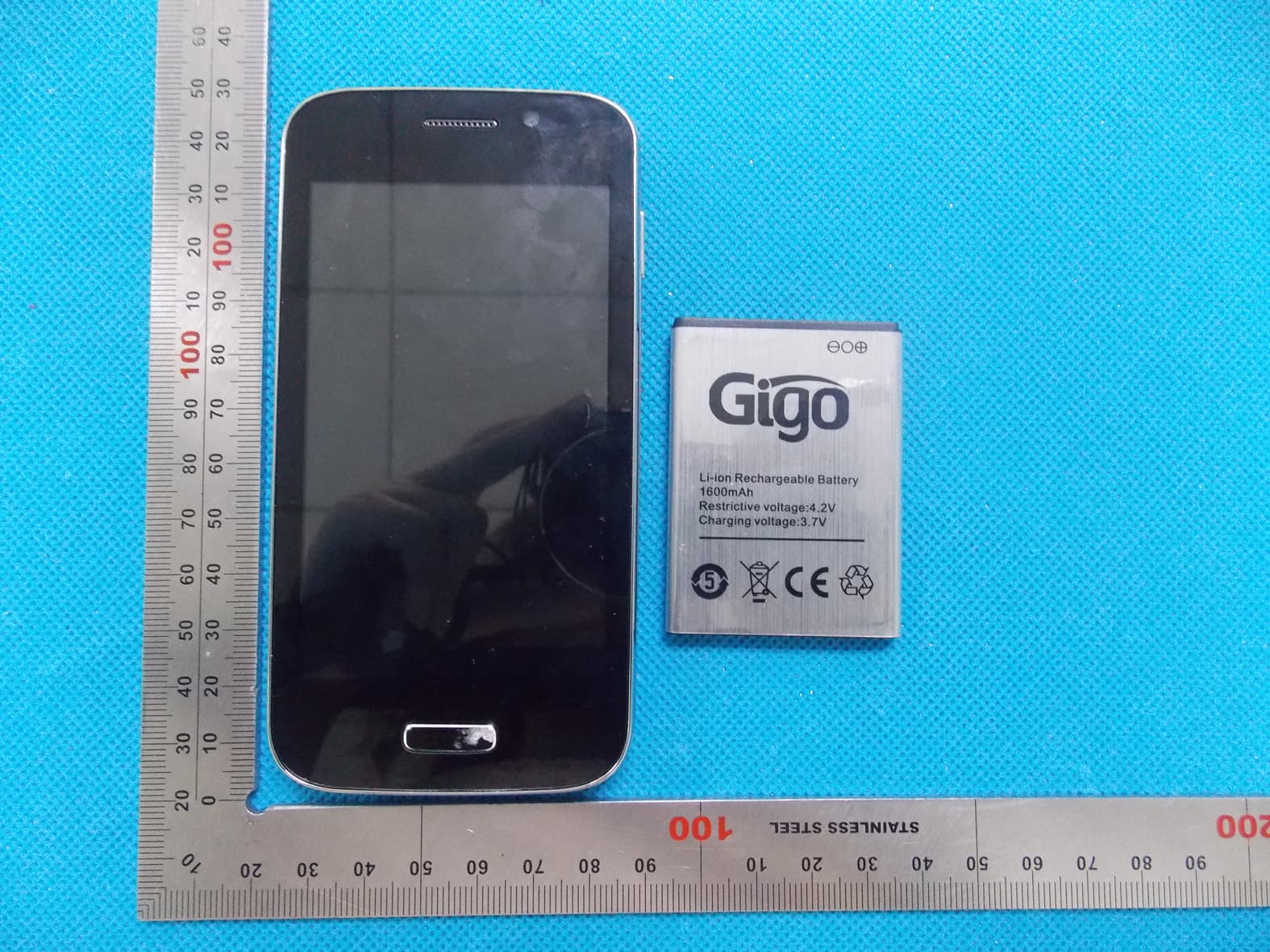
RWVCOBRA
Aug 28, 2013Mobile Phone
Equipment Class
PCE - PCS Licensed Transmitter held to ear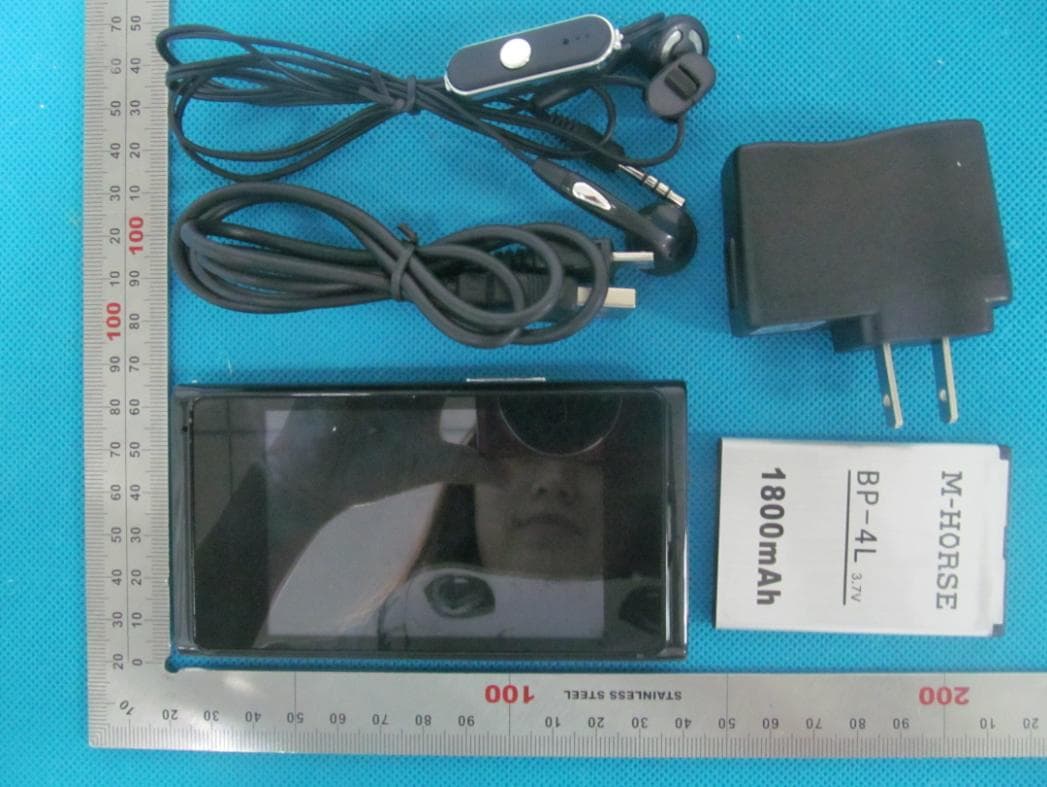
RWVNITRO
Jul 18, 2013Mobile Phone
Equipment Class
PCE - PCS Licensed Transmitter held to ear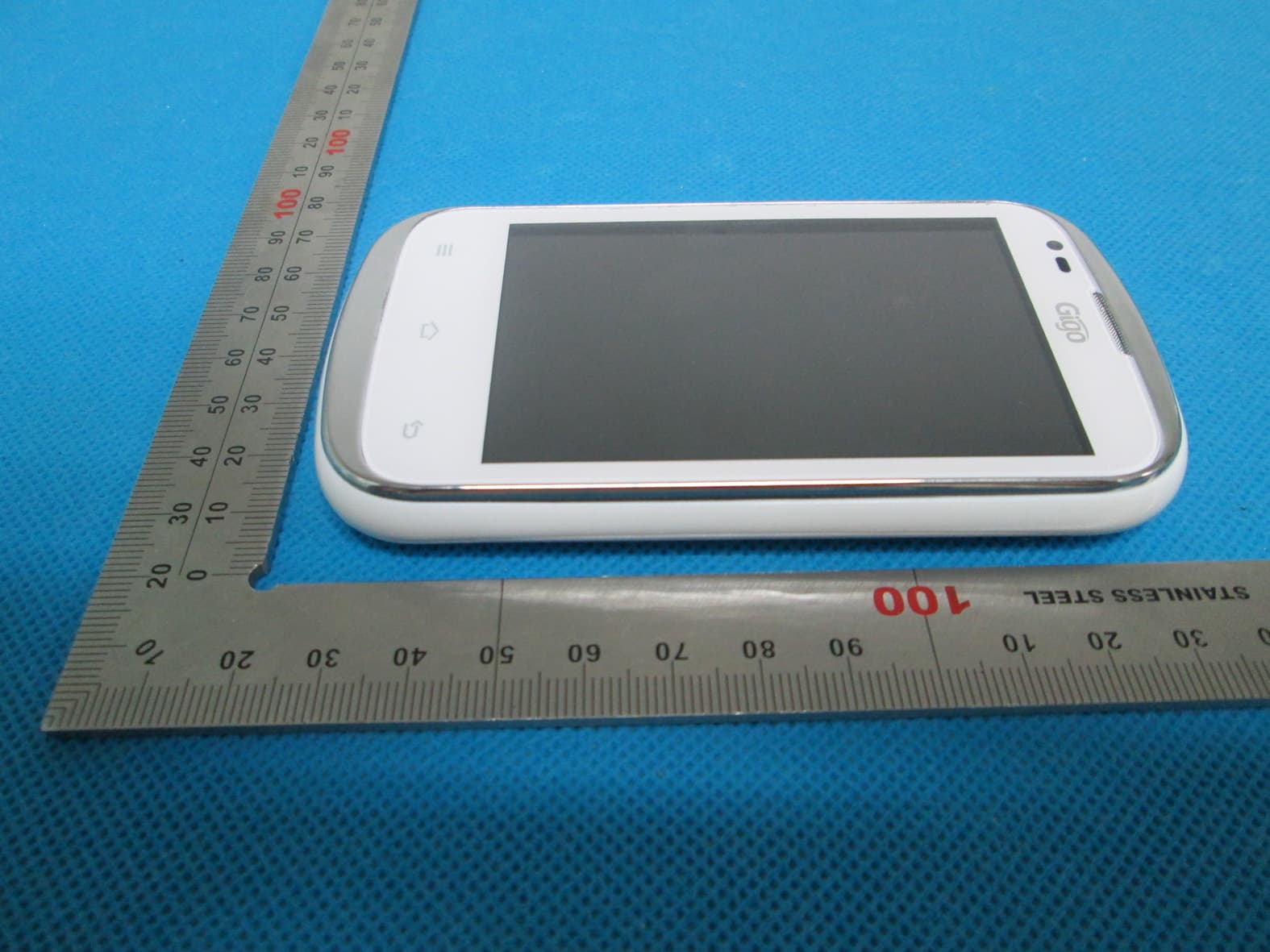
RWVPANTERA
Jul 17, 2013Mobile Phone
Equipment Class
PCE - PCS Licensed Transmitter held to ear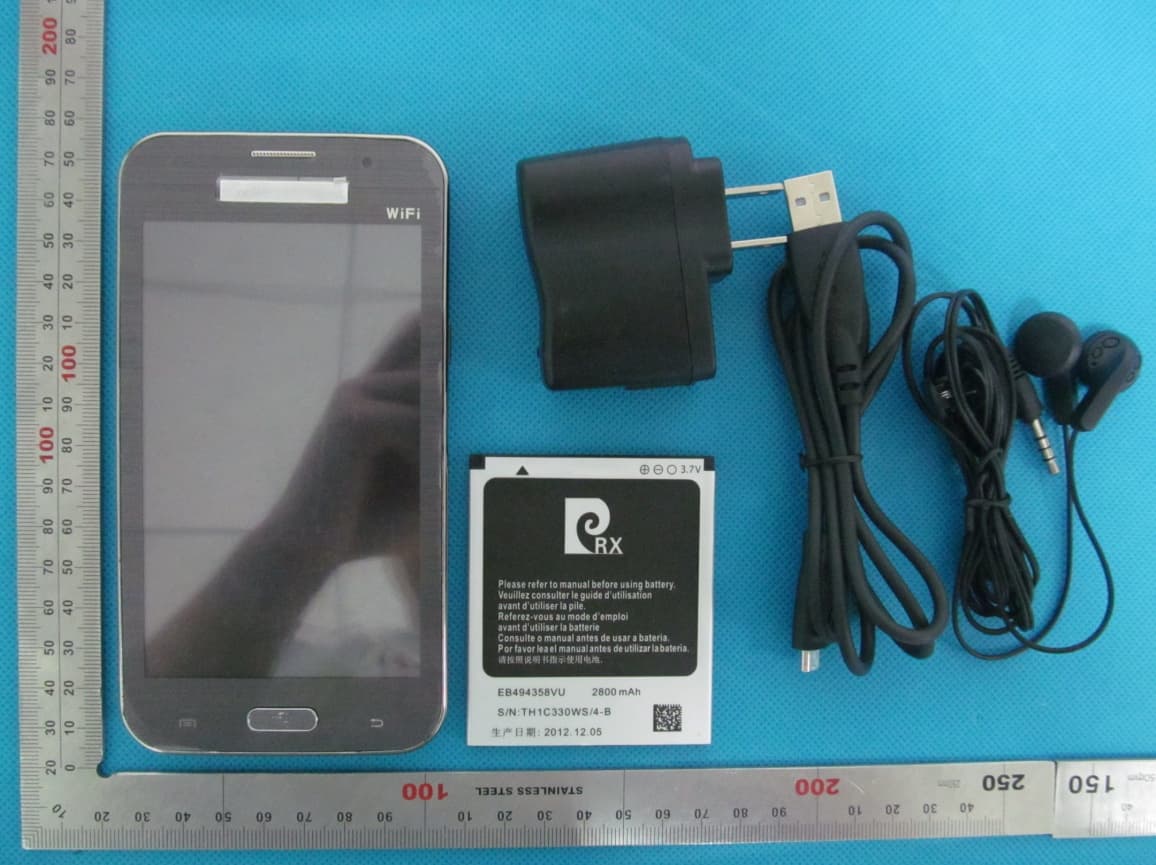
RWV7100
Mar 21, 2013GSM Mobile Phone
Equipment Class
DSS - Part 15 Spread Spectrum Transmitter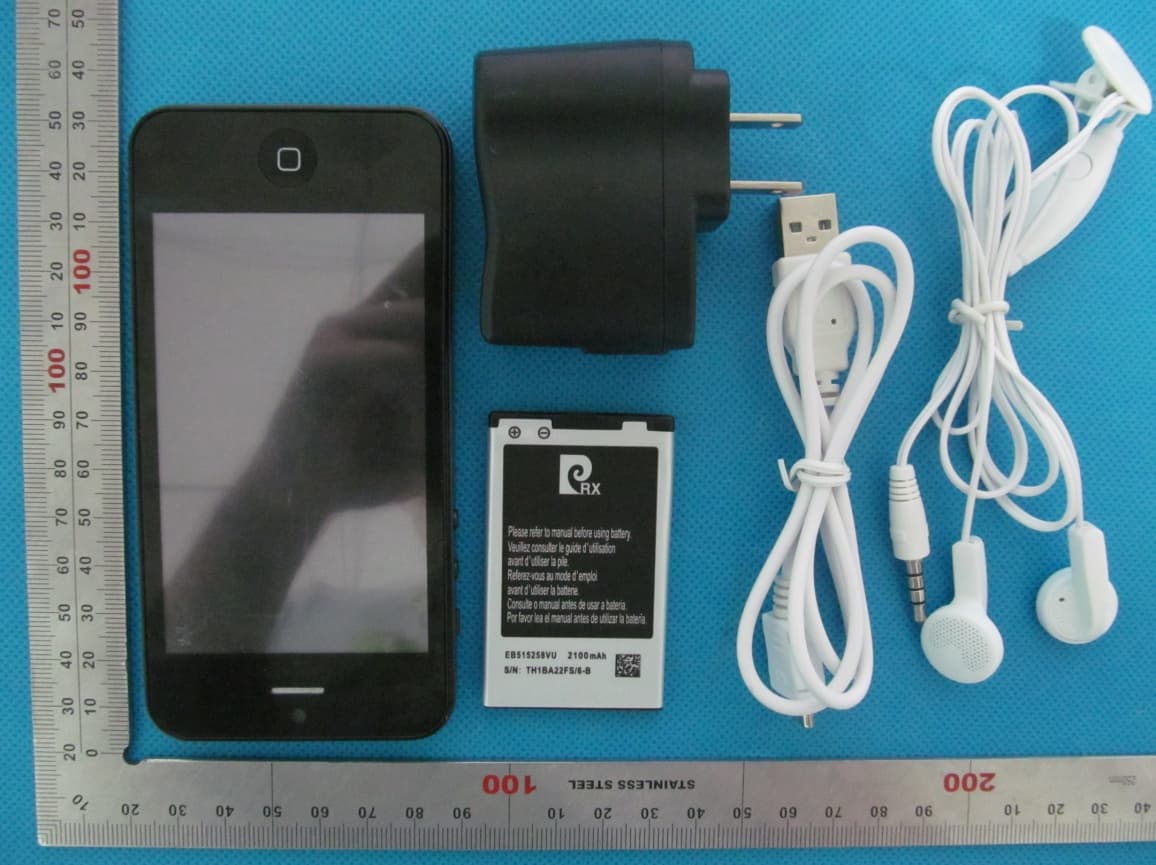
RWVI5
Mar 21, 2013Mobile Phone
Equipment Class
PCE - PCS Licensed Transmitter held to ear