S4L1ME09Navigation System
TomTom International BV
Click to zoom
Application Details
- Equipment Class
- DSS - Part 15 Spread Spectrum Transmitter
- Date of Grant
- Dec 17, 2013
- Application Purpose
- Original Equipment
- Date of Application
- Dec 17, 2013
- Equipment Note
- Navigation System
- Frequency Range
- 2402.00000000 - 2480.00000000
- Company
- TomTom International BV
- Country
- Netherlands
Documents & Files
Document Text
Text extracted from the exhibit documents filed with the FCC. Open a document above to read the original.
Users Manual
Federal Communications Commission (FCC) Statement This equipment complies with Part 15 of the FCC Rules. You are cautioned that changes or modifications not expressly approved by the part responsible for compliance could void the user’s authority to operate the equipment. Federal Communications Commission (FCC) Statement This equipment has been tested and found to comply with the limits for a Class B digital device, pursuant to part 15 of the FCC rules. These limits are designed to provide reasonable protection against harmful interference in a residential installation. This equipment generates, uses and can radiate radio frequency energy and, if not installed and used in accordance with the instructions, may cause harmful interference to radio communications. However, there is no guarantee that interference will not occur in a particular installation. If this equipment does cause harmful interference to radio or television reception, which can be determined by turning the equipment off and on, the user is encouraged to try to correct the interference by one or more of the following measures: -Reorient or relocate the receiving antenna. -Increase the separation between the equipment and receiver. -Connect the equipment into an outlet on a circuit different from that to which the receiver is connected. -Consult the dealer or an experienced radio/TV technician for help. Operation is subject to the following two conditions: 1) this device may not cause interference and 2) this device must accept any interference, including interference that may cause undesired operation of the device. FCC RF Radiation Exposure Statement: 1. The Transmitters within this device must not be co-located or operating in conjunction with any other antenna or transmitter. This device complies with Industry Canada licence-excempt RSS standard(s). Operation is subject to the following two conditions: (1) this device may not cause interference, and (2) this device must accept any interference, including interference that may cause undesired operation of the device. Le présent appareil est conforme aux CNR d'Industrie Canada applicables aux appareils radio exempts de licence. L'exploitation est autorisée aux deux conditions suivantes: (1) l'appareil ne doit pas produire de brouillage, et (2) l'utilisateur de l'appareil doit accepter tout brouillage radioélectrique subi, même si le brouillage est susceptible d'en compromettre le fonctionnement. This Class B digital apparatus complies with Canadian ICES-003. IMPORTANT NOTE: IC Radiation Exposure Statement: This equipment complies with IC RSS-102 radiation exposure limits set forth for an uncontrolled environment. This device and its antenna(s) must not be co-located or operating in conjunction with any other antenna or transmitter
Users Manual
RP TTY | 1032-2 | ENG | Dos=0 mm | 22 pages | 1 de Couv Cyan Magenta Jaune Noir Noir texte QUICK GUIDE R-Link CyanMagentaJauneNoirNoir texte ENG_UD27304_1 Edito (XNX - Renault)ENG_RP_1032-2_RP_Renault_0 1 WELCOME TO THE WORLD OF R-LINK Congratulations on your choice. Thanks to its integrated touchscreen, steering wheel controls and voice recognition, you can carry on driving without taking your eyes off the road. These few pages will give you an introduction to the main features and settings of your R-Link navigation system. At the end of this guide you will find instructions on how to create your account on R-Link Store to benefit from exclusive downloadable services. DETAILED INFORMATION REGARDING YOUR VEHICLE’S USE, AS WELL AS VIDEOS, SIMULATORS AND FULL INSTRUCTIONS FOR THE E-GUIDE CARMINAT TOMTOM®, IS AVAILABLE AT WWW.E-GUIDE.RENAULT.COM. This document does not replace the driver’s handbook. For more detailed information on the functions featured in this guide, please read the complete instructions for your R-Link navigation system. Translated from French. Copying or translation, in part or in full, is forbidden unless prior written permission has been obtained from the vehicle manufacturer. CyanMagentaJauneNoirNoir texte ENG_UD29832_3 MID/Sommaire (XNX - Renault)ENG_RP_1032-2_RP_Renault_0 First use 3 Entering a destination 6 Listening to the radio 10 Multimedia 11 Bluetooth telephone connection 13 Making and receiving a call 14 Vehicle 16 Services 18 Favourites 20 System settings 21 CyanMagentaJauneNoirNoir texte ENG_UD29825_3 MID/Première utilisation (XNX - Renault)ENG_RP_1032-2_RP_Renault_0 3 To remove the SD card from slot 2, press the card, then release it. The card will jut out of the slot by a few millimetres. Pull the card to remove it com- pletely. You can also press “System”, then “Remove SD card” to remove the SD card safely. Voice recognition Depending on the vehicle, button 3 enables you to use voice recognition to control the navigation, telephone, etc. Please see the system manual for further informa- tion. DESCRIPTION An SD card is provided with the multimedia system. Amongst other things, this includes maps for your country. UPDATES Updates (especially of maps) are published reg- ularly. They are available for download at R-Link Store by inserting your SD card for your multime- dia system into your computer, with an Internet connection. Following delivery of a new vehicle, you can update your system free of charge for a set period. Once this time has elapsed, you will need to pay for up- dates. NB: We recommend creating an R-Link Store ac- count on your computer and updating your system regularly. INSERTING OR REMOVING THE SD CARD With the navigation system switched off, insert the SD card into slot 2. FIRST USE (1/3) Switching on The multimedia system switches on automatically when the ignition is switched on. In other cases, press the On/Off 1 button on your system. Switching off Press the On/Off 1 button on your multimedia system to stop your system. SD cards are fragile – do not bend them. Insert correctly. Only use your SD card for operating and updat- ing your multimedia system. Do not insert any other device (camera, portable GPS, etc.). Do not insert it in another vehicle. 1 2 3 CyanMagentaJauneNoirNoir texte ENG_UD29825_3 MID/Première utilisation (XNX - Renault)ENG_RP_1032-2_RP_Renault_0 4 Controls Depending on the vehicle, the multimedia system is fitted with screen controls A or a multimedia screen B. SCREEN CONTROLS A 1 On/Off. 4 Homepage. 5 Scroll through a list (MP3). FIRST USE (2/3) A MULTIMEDIA SCREEN B 6 Press: On/Off. Rotate: Adjust the source volume while listening. 7 Listening to the radio. 8 Moving around the display zones. Moving around the various zones of the screen. 9 Choice of external source. 10 Ejecting a CD. 11 Main menu. 12 Pop-up menu. 13 Search for stations or radio frequencies. Change a track on a CD. 14 Return to the previous menu. 15 Homepage. B 1 45 6 788910 1112131415 CyanMagentaJauneNoirNoir texte ENG_UD29825_3 MID/Première utilisation (XNX - Renault)ENG_RP_1032-2_RP_Renault_0 5 FIRST USE (3/3) Touchscreen The multimedia system is fitted with a touch- screen C. Select a function or a button on the screen by touching it. Volume and voice MULTIMEDIA AUDIO SETTINGS To adjust the volume on your multimedia equip- ment, use the steering wheel control or the control to the right of the screen. NAVIGATION SETTINGS To adjust the volume of the guidance instructions, use the sound control for your system during a voice instruction. 23 Instructions for navigation and distance to next direction change. 24 Traffic information. 25 Navigation maps. 26 Favourites. 27 Vehicle information (eco-driving or energy flow). 28 Access to main menu. You can change the arrangement of the B homepage. Please refer to your system hand- book for further information. C BNR - Dancefloor Preset 3FM1 Flows Menu Welcome screen 16 Audio information (radio or multimedia). 17 Application notifications. 18 Outside air quality level information. 19 Telephone information. 20 Outside temperature. 21 Time. 22 Options. 161719182021 22232425262728 CyanMagentaJauneNoirNoir texte ENG_UD29818_3 MID/Entrer une destination (XNX - Renault)ENG_RP_1032-2_RP_Renault_0 6 – select a “Charging station” (charging terminal or station for electric vehicles); – select an address from “Point of interest” (POI); – select a “Point on map”; – select GPS coordinates. Menu “Drive to...” Press the “Menu” button to access the “Navigation” menu, then “Drive to...”. This menu offers you several ways to enter a des- tination: – select an address from the “Address” menu; – select “Home”; – select a destination from the “Recent destina- tions”; – select “Local search”; Voice controls You can use the system voice controls to enter a destination without having to use the screen con- trols. Press 1 and follow the audio and visual instruc- tions provided by the system and on the screen. ENTERING A DESTINATI…
Text truncated - open the document above for the full version.
External Photos
Test report no.: 1-7017_13-01-03_AnnexA 2013-12-06 Page 1 of 4 Annex A This test report annex is electronically signed and valid without handwriting signature. For verification of the electronic signatures, the public keys can be requested at the testing laboratory. Test report annex authorised: David Lang Testing Manager Test report no.: 1-7017_13-01-03_AnnexA 2013-12-06 Page 2 of 4 External photos of the EUT Photo documentation: Photo 1: Photo 2: Test report no.: 1-7017_13-01-03_AnnexA 2013-12-06 Page 3 of 4 Photo 3: Photo 4: Test report no.: 1-7017_13-01-03_AnnexA 2013-12-06 Page 4 of 4 Document history Version Applied changes Date of release Initial release 2013-12-05
ID Label/Location Info
HCTN4057010 HCTN4057 POLYESTER 2C TN4E +/-0.2 LBL_PL DEVICE TN4E(HCTN4057,REV3A) LBL_PL DEVICE TN4E 109.6+/-0.1 32.6+/-0.1 1.5 1.5 1.5 1.5 33 Multi Function Display Made in China 12.5V DC and max. 2.5 A 10/DEC/2013 FIRST RELEASEJENNIFER LEE 3A 1ME09CModel:1ME09 Multi Function Display Made in China 12.5V DC and max. 2.5 A Multi Function Display Made in China 12.5V DC and max. 2.5 A 7. FILE NO.: HCTN4057010 Model:1ME09 Model:1ME09 1ME09C 1ME09C FCC ID: S4L1ME09 IC: 5767A-1ME09 FCC ID: S4L1ME09 IC: 5767A-1ME09 FCC ID: S4L1ME09 IC: 5767A-1ME09
Internal Photos
Test report no.: 1-7017_13-01-01_AnnexB 2013-12-06 Page 1 of 8 Annex B This test report annex is electronically signed and valid without handwriting signature. For verification of the electronic signatures, the public keys can be requested at the testing laboratory. Test report annex authorised: David Lang Testing Manager Test report no.: 1-7017_13-01-01_AnnexB 2013-12-06 Page 2 of 8 Internal photos of the EUT Photo documentation: Photo 1: Photo 2: Test report no.: 1-7017_13-01-01_AnnexB 2013-12-06 Page 3 of 8 Photo 3: Photo 4: Test report no.: 1-7017_13-01-01_AnnexB 2013-12-06 Page 4 of 8 Photo 5: Photo 6: Test report no.: 1-7017_13-01-01_AnnexB 2013-12-06 Page 5 of 8 Photo 7: Photo 8: Test report no.: 1-7017_13-01-01_AnnexB 2013-12-06 Page 6 of 8 Photo 9: Photo 10: Test report no.: 1-7017_13-01-01_AnnexB 2013-12-06 Page 7 of 8 Photo 11: Photo 12: Test report no.: 1-7017_13-01-01_AnnexB 2013-12-06 Page 8 of 8 Document history Version Applied changes Date of release Initial release 2013-12-05
Test Report
2013-12-12 Page 1 of 61 TEST REPORT Test report no.: 1-7017/13-01-03-A Testing laboratory Applicant CETECOM ICT Services GmbH Untertuerkheimer Strasse 6 – 10 66117 Saarbruecken / Germany Phone: + 49 681 5 98 - 0 Fax: + 49 681 5 98 - 9075 Internet: http://www.cetecom.com e-mail: [email protected] Accredited Testing Laboratory: The testing laboratory (area of testing) is accredited according to DIN EN ISO/IEC 17025 (2005) by the Deutsche Akkreditierungsstelle GmbH (DAkkS) The accreditation is valid for the scope of testing procedures as stated in the accreditation certificate with the registration number: D-PL-12076-01-01 Area of Testing: Radio Communications & Compatibility Testing (RCT) TomTom International BV. Luchthavenweg 48 5657 EB Eindhoven / NETHERLANDS Phone: +31 (0) 40 84 44753 Contact: Daniela Bondor e-mail: [email protected] Manufacturer TOMTOM INTERNATIONAL BV. Rembrandtplein 35 Amsterdam 1017 CT Netherlands Test standard/s 47 CFR Part 15 Title 47 of the Code of Federal Regulations; Chapter I; Part 15 - Radio frequency devices RSS - 210 Issue 8 Spectrum Management and Telecommunications Radio Standards Specification - Licence-exempt Radio Apparatus (All Frequency Bands): Category I Equipment For further applied test standards please refer to section 3 of this test report. Test Item Kind of test item: Navigation system Model name: 1ME09 FCC ID: S4L1ME09 IC: 5767A-1ME09 Frequency: DTS band 2400 MHz to 2483.5 MHz (lowest channel 00 – 2402 MHz; highest channel 78 – 2480 MHz) Technology tested: Bluetooth®, +EDR Antenna: Integrated antenna Power supply: 13.5 V DC by external power supply Temperature range: -25°C to +85°C This test report is electronically signed and valid without handwriting signature. For verification of the electronic signatures, the public keys can be requested at the testing laboratory. Test report authorised: Test performed: Andreas Luckenbill David Lang Expert Testing Manager Test report no.: 1-7017/13-01-03-A 2013-12-12 Page 2 of 61 1 Table of contents 1 Table of contents ............................................................................................................................................ 2 2 General information ....................................................................................................................................... 3 2.1 Notes and disclaimer .......................................................................................................................... 3 2.2 Application details ............................................................................................................................... 3 3 Test standard/s ............................................................................................................................................... 3 4 Test environment ............................................................................................................................................ 4 5 Test item .......................................................................................................................................................... 4 5.1 Additional information ........................................................................................................................ 4 6 Test laboratories sub-contracted ................................................................................................................. 4 7 Description of the test setup ......................................................................................................................... 5 7.1 Radiated measurements chamber F .................................................................................................. 5 7.2 Radiated measurements chamber C ................................................................................................. 6 7.3 Radiated measurements ..................................................................................................................... 7 7.4 Conducted bluetooth test system...................................................................................................... 8 8 Summary of measurement results ............................................................................................................... 9 9 Additional comments ................................................................................................................................... 10 10 RSP100 test report cover sheet / performance test data .................................................................. 11 11 Measurement results ............................................................................................................................ 12 11.1 Antenna gain .................................................................................................................................. 12 11.2 Carrier frequency separation ........................................................................................................ 13 11.3 Number of hopping channels ....................................................................................................... 15 11.4 Time of occupancy (dwell time).................................................................................................... 17 11.5 Spectrum bandwidth of a FHSS system – 20 dB bandwidth ..................................................... 18 11.6 Maximum output power ................................................................................................................. 24 11.7 Band edge compliance conducted .............................................................................................. 26 11.8 Band edge compliance radiated ................................................................................................... 33 11.9 TX spurious emissions conducted .............................................................................................. 37 11.10 TX spurious e…
Text truncated - open the document above for the full version.
Test Setup Photos
Test report no.: 1-7017_13-01-01_AnnexC 2013-12-06 Page 1 of 6 Annex C This test report annex is electronically signed and valid without handwriting signature. For verification of the electronic signatures, the public keys can be requested at the testing laboratory. Test report annex authorised: David Lang Testing Manager Test report no.: 1-7017_13-01-01_AnnexC 2013-12-06 Page 2 of 6 Test setup photos Photo documentation: Photo 1: 30-1000MHz Setup Photo 2: 30-1000MHz Setup Test report no.: 1-7017_13-01-01_AnnexC 2013-12-06 Page 3 of 6 Photo 3: 1-12.75GHz Setup Photo 4: 1-12.75GHz Setup Test report no.: 1-7017_13-01-01_AnnexC 2013-12-06 Page 4 of 6 Photo 5: 1-12.75GHz Setup Photo 6: 1-12.75GHz Setup Test report no.: 1-7017_13-01-01_AnnexC 2013-12-06 Page 5 of 6 Photo 7: 1-12.75GHz Setup Photo 8: <30MHz Setup Test report no.: 1-7017_13-01-01_AnnexC 2013-12-06 Page 6 of 6 Document history Version Applied changes Date of release Initial release 2013-12-05
Contact Information
Applicant
Barto Wijlens(Head of Global Supply chain)
Test Firm
cetecom advanced GmbHGerald Schmidt
Technical Specifications
| # | Rule Parts | Frequency Range | Power Output |
|---|---|---|---|
| 1 | 15C | 2.40 GHz - 2.48 GHz | 1.40 mW |
Other Applications from TomTom International BV
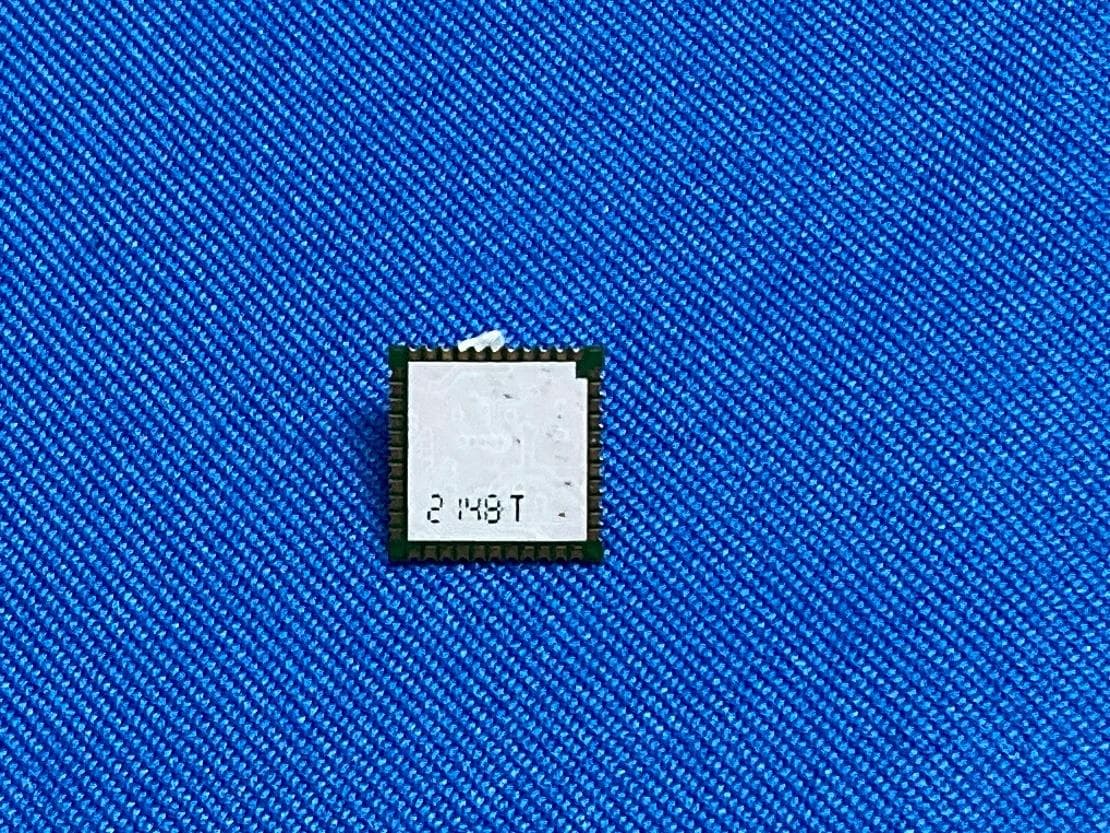
S4LFF51
Apr 09, 2023WiFi/BT Module
Equipment Class
DTS - Digital Transmission System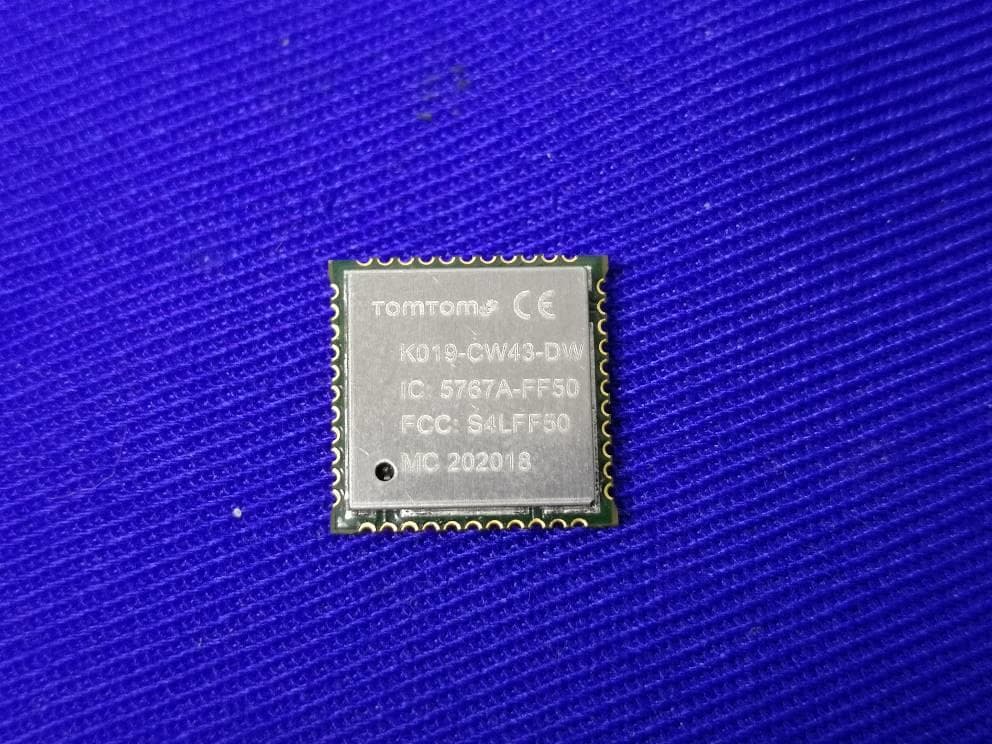
S4LFF50
Jul 01, 2020WIFI/BT Module
Equipment Class
NII - Unlicensed National Information Infrastructure TX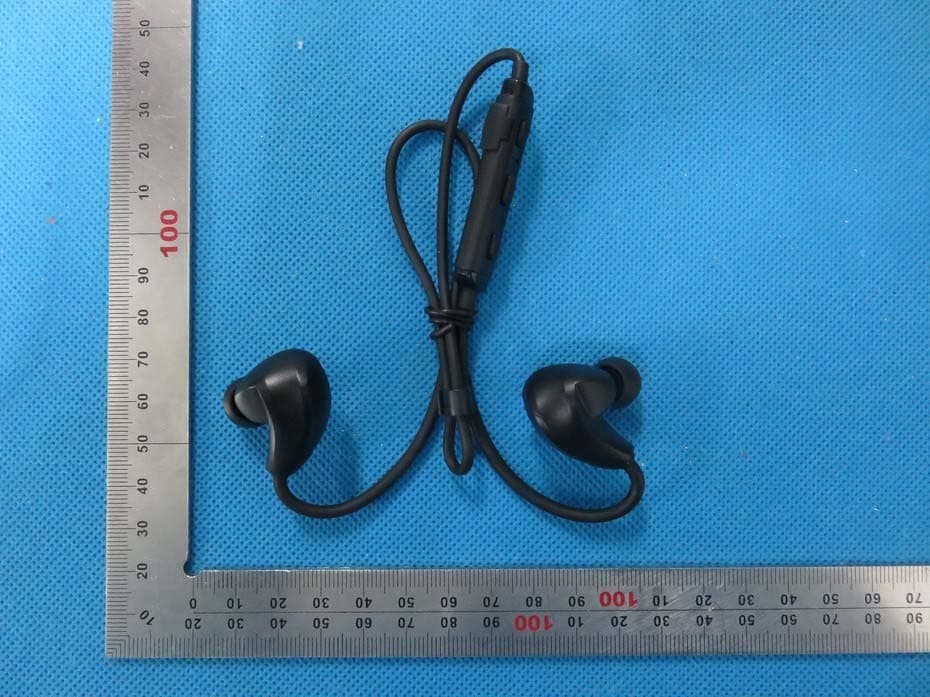
S4L4ROM
Nov 16, 2015Bluetooth Sports Headphones
Equipment Class
DSS - Part 15 Spread Spectrum Transmitter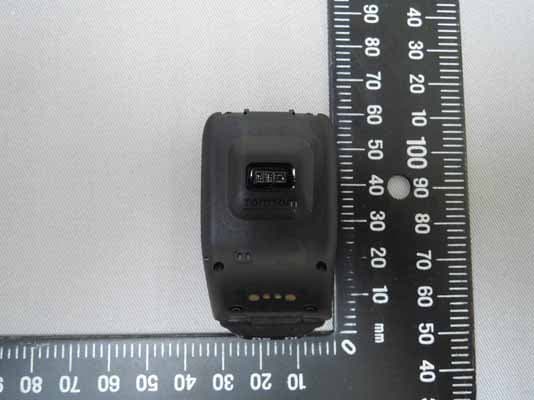
S4L4RFM
Sep 16, 2015TomTom Cardio GPS Watch
Equipment Class
DSS - Part 15 Spread Spectrum Transmitter
S4L4REM
Sep 16, 2015TomTom GPS Watch
Equipment Class
DTS - Digital Transmission System