S4LFMTRANS2V00.100 FM Transmitter
TomTom International BV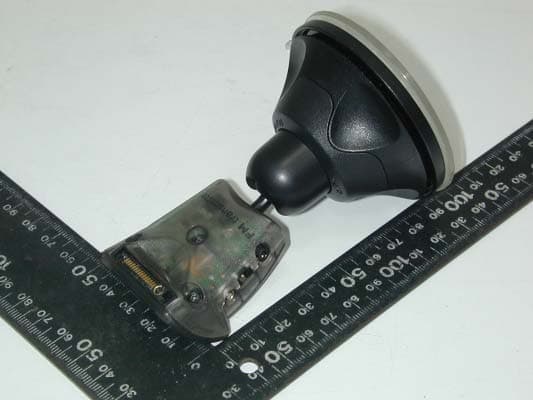
Click to zoom
Application Details
- Equipment Class
- DXX - Part 15 Low Power Communication Device Transmitter
- Date of Grant
- Feb 06, 2007
- Application Purpose
- Original Equipment
- Date of Application
- Feb 06, 2007
- Equipment Note
- 2V00.100 FM Transmitter
- Frequency Range
- 88.10000000 - 107.90000000
- Company
- TomTom International BV
- Country
- Netherlands
Documents & Files
Document Text
Text extracted from the exhibit documents filed with the FCC. Open a document above to read the original.
Users Manual
Copyright no- tices © 2007 TomTom International B.V., The Netherlands. Patents Pending. All rights reserved. TomTom and the TomTom logo are registered trademarks of TomTom International B.V., The Netherlands. All other trademarks are the property of their respective owners. Our limited warranty apply to this product. You can also review it at www.tomtom.com/legal copyrights.fm Page 154 Thursday, December 21, 2006 4:01 PM Find your way the easy way FM Transmitter Mount FM Transmitter Mount English4 Deutsch10 Français16 Nederlands22 Italiano28 Español34 Dansk40 Svenska46 EN DE FR NL IT ES PT SV toc.fm Page 2 Monday, December 18, 2006 5:56 PM Enjoy the music on your TomTom GO through your car sound system! With 12GB of free space on its hard disk, your TomTom GO 910 can store up to 3000 songs. That means you could drive for more than 8 days and not hear the same song twice! And with the TomTom FM Transmitter Mount you can now listen to all that great music, as well as turn-by-turn voice instructions and hands free calls, in stereo through your car radio. What’s more, connect an iPod® to your GO 510, 710 or 910 via the TomTom iPod Connect Cable and the FM Transmitter Mount lets you play your iPod tunes through the car radio, too. If you don’t already have an iPod cable, they’re available from your local retailer or at www.tomtom.com. C M Y CM MY CY CMY K FM trans EN_1.pdf 21/12/2006 15:19:23 EN FM Transmitter Mount 5 FM Transmitter Mount Using your FM Transmitter Mount You can transmit all sound from your GO to your car radio using your TomTom FM Transmitter Mount, for example: • Music stored on your GO. • Music stored on your iPod®, if the iPod® is connected to your GO using the TomTom iPod Connect Cable. • Spoken instructions. • Hands-free phone calls. Note: We recommend that you always use the external microphone that is included with your TomTom GO for making hands-free calls. Notes • Make sure your GO has at least version 6.522 of the TomTom application. To update the application, connect your GO to your computer and use TomTom HOME. • To get the best performance from your FM Transmitter Mount, use the Car Charger to power your GO. • The FM Transmitter Mount behaves like a radio station. You tune your car radio to your Mount. When you are tuned to your Mount, you cannot listen to another radio station. • If you drive into an area where a radio station transmits on the frequency you are using for the FM Transmitter Mount, you may have to change the frequency you use. Liverpool.book Page 5 Monday, December 18, 2006 2:10 PM EN Getting started 6 Getting started To start using your FM Transmitter Mount, do the following: 1. Attach the FM Transmitter Mount to the windshield in your car and connect the Car Charger. 2. Dock your GO and switch it on. Your GO asks if you want to transmit sound to your car radio. If your GO does not ask you this question, do one of the following: • Tap the FM Transmitter button shown in the Driving View. • In the Main Menu tap Change preferences, then tap Speaker preferences. 3. Switch on your car radio. 4. On your car radio, find a frequency that is not being used by a radio station. You will use this frequency for your FM Transmitter Mount. 5. Tap Yes on your GO. Your FM Transmitter Mount immediately start to transmit sound to your car radio at a set frequency. Liverpool.book Page 6 Monday, December 18, 2006 2:10 PM EN Getting started 7 6. Tap Change. 7. Enter the frequency you found on your car radio in step 1, then tap Done. Your GO confirms the new frequency that you entered and repeats the last spoken instruction. 8. Tap OK. Whenever your GO is docked on the FM Transmitter Mount, the FM button is shown in the Driving View. Tap this button at any time to start or stop the FM Transmitter Mount transmitting sound, and to change the frequency that the Mount is using. Tips • You cannot search automatically for a frequency that is not being used by a radio station. You need to search manually on your car radio. • When you search for a frequency not being used by a radio station, try to find one that has no interference at all. Any noise that you can hear from a radio station will interfere with the reception. • When you find a frequency, store it in your radio so that you can find it again easily. Liverpool.book Page 7 Monday, December 18, 2006 2:10 PM EN Changing the frequency 8 Changing the frequency You may have to change the frequency that the FM Transmitter is using to transmit sound. For example, if you drive into an area where a radio station interfers with the frequency you are using, you may not be able to hear the sound from your GO clearly. If this happens, change the frequency that the FM Transmitter Mount is using: 1. On your car radio, find a frequency that is not being used by a radio station. You will use this frequency for your FM Transmitter Mount. 2. On your GO, do one of the following: • Tap the FM Transmitter button shown in the Driving View. • In the Main Menu tap Change preferences, then tap Speaker preferences. 3. Tap Yes. 4. Enter a different frequency, then tap Done. Your GO confirms the new frequency that you selected and repeats the last spoken instruction. 5. Tap OK. Liverpool.book Page 8 Monday, December 18, 2006 2:10 PM EN Stop transmitting 9 Stop transmit- ting 1. To stop transmitting sound to your car radio, do one the following: • Tap the FM Transmitter button shown in the Driving View. • In the Main Menu tap Change preferences, then tap Speaker preferences. Your GO asks if you want to continue to transmit sound to your car radio. 2. Tap No. Your GO stops transmitting sound to your car radio. Liverpool.book Page 9 Monday, December 18, 2006 2:10 PM Geben Sie die Musik auf Ihrem TomTom GO über Ihr Autoradio wieder. Dank seiner Festplattenkapazität von 12 GB können Sie bis zu 3.000 Musiktitel auf Ihrem TomTom GO 910 speichern. Sie könnten also über 8 Tage lang ununterbrochen fahren, ohne den gleichen Titel zweimal zu hören! Und mit d…
Text truncated - open the document above for the full version.
Cover Letter(s)
1. How does the device operate? ANS: A. Connected to the GPS and the peripherals. B. Turn on the GPS power switch. The GPS play MP3 music and transmitter audio signal to FM transmitter. FM transmitter transmit s IC Type: Niigata NS73 is connected to audio left/right thr ough A stereo FM. The audio signal is modulated through RF amplifier. Amplify the sign al through the inside antenna to launch. GPS EUT 2. Provide information on the device and its antenna. ANS: The Antenna is iron stand in base .MB of EUT ’S PIN J2 and J3 connector to iron stand in base. J3 J2 3. How is it installed? ANS: 4. What test procedure was used? ANS: A. Connects the GPS and peripherals. B. Turn on the GPS power switch. C. GPS’s RF is adjusting. D. GPS play MP3 music. E. GPS continue to play music through EUT. 5. IF tested in a car, how was it configured? ANS: Adaptor Car DC 12V SP EUT GPS GPS (Battery) EUT Car FM radio 6. Was the tuning range properly verified? The test lab should indi cate in the report that the tuning controls were manually ad justed to verify the maximum tuning range. ANS: Frequency tuning range is 88.1~107.9MHz 7. Was the bandwidth properly tested with th e maximum audio input? The test lab should describe the audio input signal (use a t ypical audio file from a typical device) – DO NOT use 1KHz tone from signal ge nerator as specified under ETSI EN 301 357-1) ANS: The EUT only use by Tom Tom’s GPS (Model: GO910; GO710; GO510). When testing GPS play mp3 music and adjust max volume thro ugh EUT transmitter. 8. Does the device operate in a vehicle? Please state that this was verified. ANS: The EUT only use by Tom Tom’s GPS. EUT was tested in an automobile and it played music as was expected.
Cover Letter(s)
KDB Inquiry Tracking Number - 621738
External Photos
HomeTek Technology Inc. FB6A012 Appendix B : PHOTO OF EUT Front View of EUT Rear View of EUT 1 of 3
ID Label/Location Info
HomeTek Technology Inc. FB6A012 Appendix A : PHOTO OF Label 1 of 2 Full view of EUT label
Internal Photos
HomeTek Technology Inc. FB6A012 Appendix B : PHOTO OF EUT Solder Side of Main Board 1 Solder Side of Main Board 1 3 of 3
Test Report
HomeTek Technology Inc. FB6A012 Appendix C PLOT OF OCCUPIED BANDWIDTH HomeTek Technology Inc. FB6A012 Page : 1 of 6 1 RESULTS OF EMISSION BAND MEASUREMENT 1 EUT FM transmitter Model 2V00.100 Temperature 21°C Humidity 49%RH Test Mode TX Mode –88.1MHz Date of Test JAN. 05, 2007 VBW 10KHz RBW 10KHz All reading are peak values with resolution bandwidth of 60KHz. HomeTek Technology Inc. FB6A012 Page : 2 of 6 HomeTek Technology Inc. FB6A012 Page : 3 of 6 2 RESULTS OF EMISSION BAND MEASUREMENT 2 EUT FM transmitter Model 2V00.100 Temperature 31°C Humidity 60%RH Test Mode TX Mode –97.9MHz Date of Test DEC. 13, 2006 VBW 10KHz RBW 10KHz All reading are peak values with resolution bandwidth of 50KHz. HomeTek Technology Inc. FB6A012 Page : 4 of 6 HomeTek Technology Inc. FB6A012 Page : 5 of 6 3 RESULTS OF EMISSION BAND MEASUREMENT 3 EUT FM transmitter Model 2V00.100 Temperature 31°C Humidity 60%RH Test Mode TX Mode –107.9MHz Date of Test DEC. 13, 2006 VBW 10KHz RBW 10KHz All reading are peak values with resolution bandwidth of 50KHz. HomeTek Technology Inc. FB6A012 Page : 6 of 6
Test Setup Photos
HomeTek Technology Inc. FB6A012 Appendix A : Front View 2 of 2 PHOTO OF RADIATED EMISSION TEST Test Mode : 88.1MHz
Contact Information
Applicant
Barto Wijlens(Head of Global Supply chain)
Test Firm
Home Tek Technology Inc.Grant Huang
Technical Specifications
| # | Rule Parts | Frequency Range | Power Output |
|---|---|---|---|
| 1 | 15C | 88.1 MHz - 107.9 MHz | - |
Other Applications from TomTom International BV
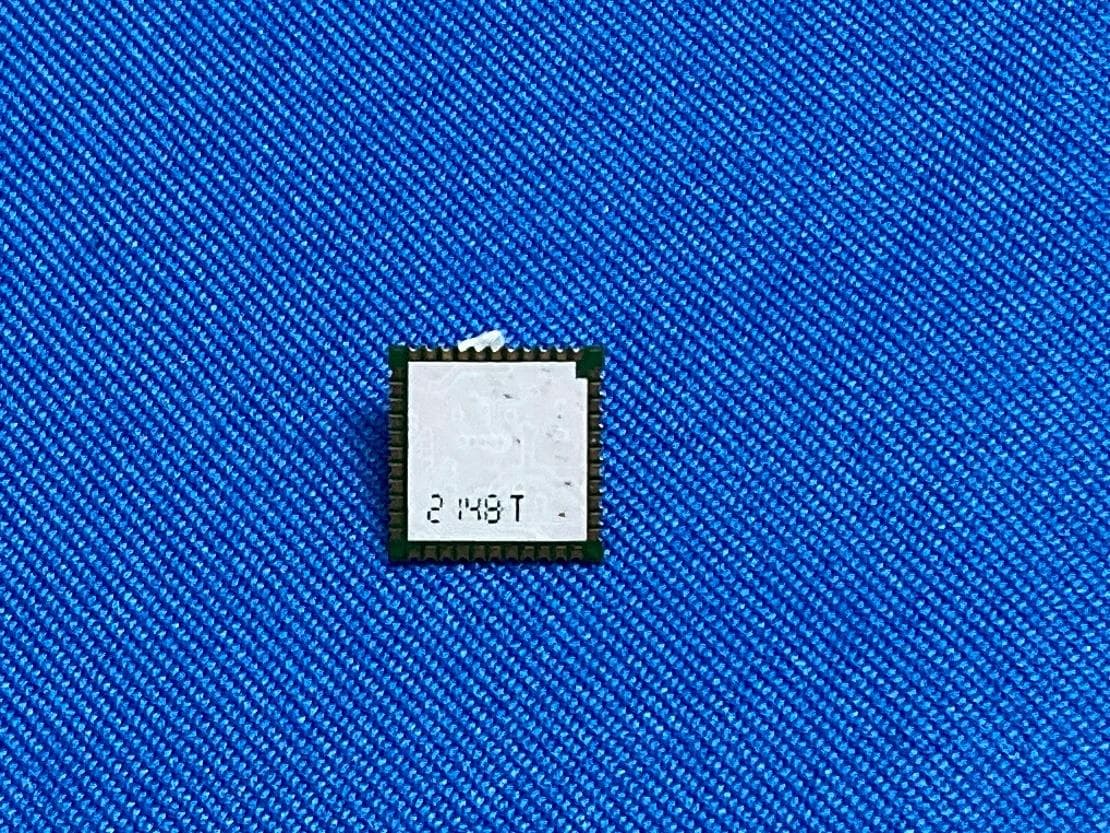
S4LFF51
Apr 09, 2023WiFi/BT Module
Equipment Class
DTS - Digital Transmission System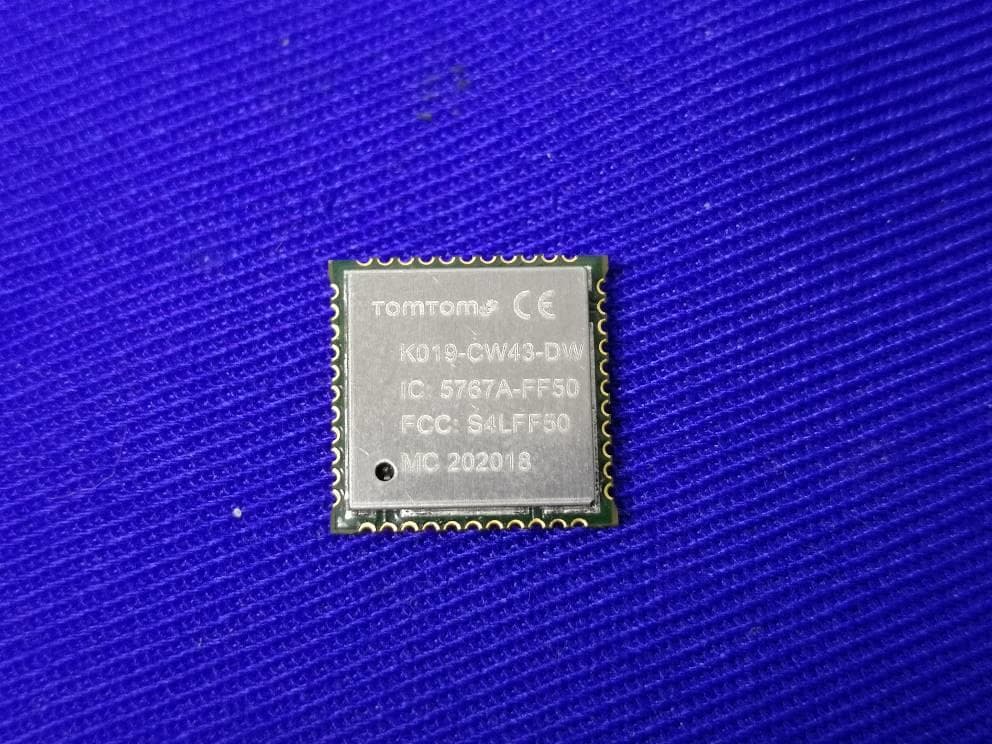
S4LFF50
Jul 01, 2020WIFI/BT Module
Equipment Class
NII - Unlicensed National Information Infrastructure TX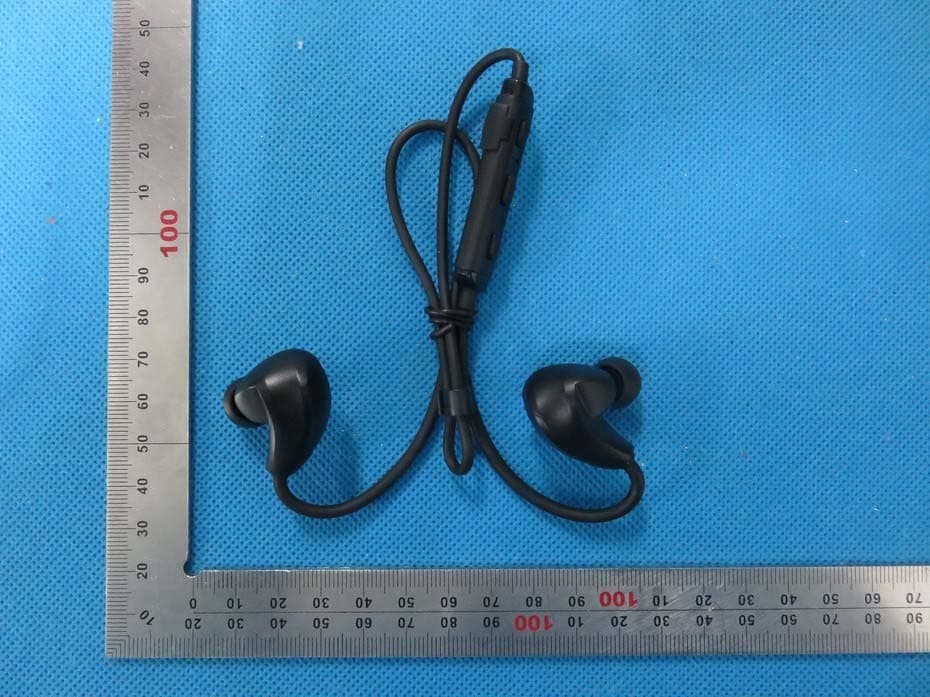
S4L4ROM
Nov 16, 2015Bluetooth Sports Headphones
Equipment Class
DSS - Part 15 Spread Spectrum Transmitter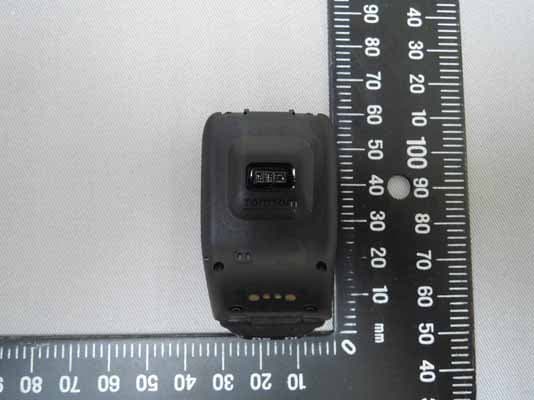
S4L4RFM
Sep 16, 2015TomTom Cardio GPS Watch
Equipment Class
DSS - Part 15 Spread Spectrum Transmitter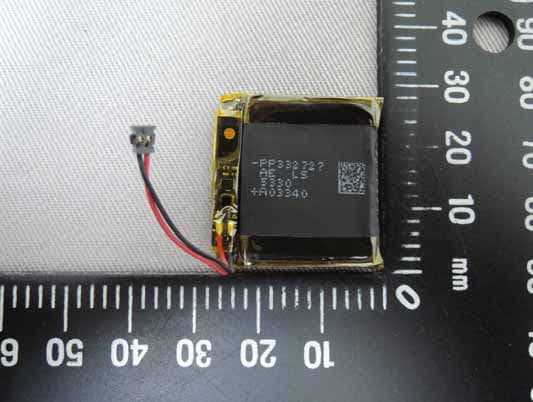
S4L4REM
Sep 16, 2015TomTom GPS Watch
Equipment Class
DTS - Digital Transmission System