SBILSIP163Kfm transmitter with LCD
Shenzhen Litestar Electronics Technology Co., Ltd.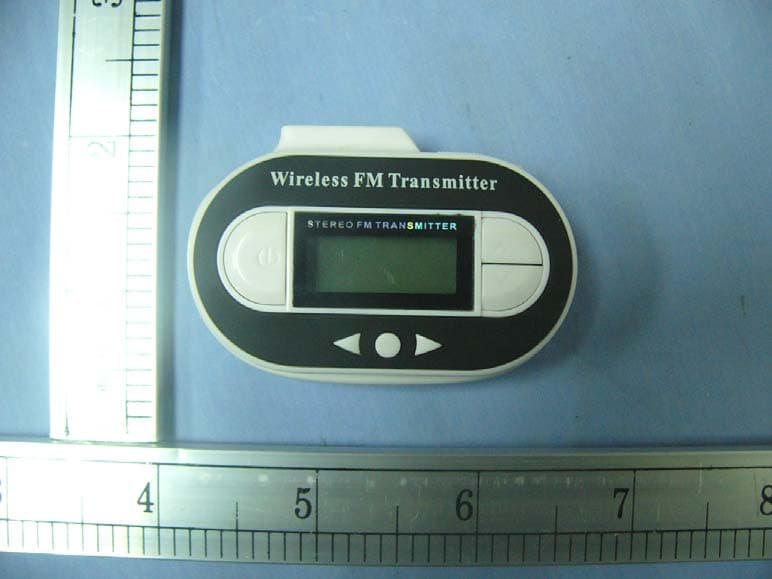
Click to zoom
Application Details
- Equipment Class
- DXX - Part 15 Low Power Communication Device Transmitter
- Date of Grant
- Jan 20, 2008
- Application Purpose
- Original Equipment
- Date of Application
- Jan 17, 2008
- Equipment Note
- fm transmitter with LCD
- Frequency Range
- 88.10000000 - 107.90000000
- Country
- China
Documents & Files
Document Text
Text extracted from the exhibit documents filed with the FCC. Open a document above to read the original.
Users Manual
IP163 – Universal FM Transmitter w/LCD INSTRUCTION MANUAL Thank you for purchasing the Logic3 IP163. As with all Logic3 products the IP163 has been built to the highest manufacturing standards and testing throughout its development to ensure you get the best possible product. Please read through and familiarise yourself with this manual before you use the IP163. • Transmits to any FM frequency between 88.1MHz to 107.9MHz • LCD display with blue backlight • Time & temperature display’s • Powered by 2 x AAA batteries or the car power plug (supplied) • Auto switch off Power Input 12V power l Red LED LCD Info Frequency Select ●Select W or X select 3.5mm Stereo Power Button USB User Instructions ! Caution Do not connect the FM Transmitter before or when starting the car to avoid any possible power surges or damage to the FM Transmitter or audio device Power Connection Via Batteries 1. Insert 2 x AAA batteries into the battery compartment at the rear of the FM Transmitter. or Via Car Power Plug 1. Connect the 12V Car power plug to the vehicle cigarette lighter socket. 2. Connect the other end of the car power plug to the power socket at the bottom of the FM Transmitter. 3. The red LED power indicator on the car power plug will light up indicating there is power to the device. Switch FM Transmitter ON/OFF Press and hold the Power Button for 2 seconds to switch the FM Transmitter ON/OFF. Connecting to iPod or other portable audio devices 3.5mm Stereo connection 1. Connect the 3.5mm Stereo Connector from the FM Transmitter to the headphone socket on the audio device. USB Connection 2. When the FM Transmitter is connected to the car power plug, you can power USB devices via the USB charging port at the top of the FM Transmitter. Time Display / FM Transmitter mode 1. When the FM Transmitter is switched ON press the power button to switch between the Time Display and FM Transmitter modes. Time Display Temperature display Timedisplay Battery level Setting the time 1. Press and hold the ● Select button, the hour display will begin to flash. 2. Press the Frequency Select U or V to adjust the Hour display. 3. Press the ● Select button, the minute display will begin to flash. 4. Press the Frequency Select U or V to adjust the Minute display. FM Transmitter mode Selecting a frequency 1. Press the Frequency Select U or V buttons on the transmitter to select a between 88.1 MHz to 107.9MHz. 2. Select the “FM Band” on the Car stereo and tune to the same frequency as selected on the FM Transmitter. Select the corresponding frequencies that offers the clearest possible signal. 3. Play a song from your audio device, the selected song should now play through your car stereo speakers. Storing a frequency 1. Select an FM frequency using the Frequency Select buttons. 2. Press and hold the ● Select button to enter M memory storage mode. 3. The selected frequency will now be saved to the next memory position (1,2,3..etc.). Recalling a stored frequency 1. Press the W or X select buttons on the FM Transmitter to scroll through the stored frequencies 1- 10. The stored frequency will be selected automatically. Auto Switch Off If the FM Transmitter detects no audio input after a duration of approximately 60 seconds, the FM Transmitter will automatically switch OFF. Temperature dis Frequency display Batter y level play Transmitter indicator TROUBLE SHOOTING GUIDE • No sound will play through to the car stereo speakers: o Check the frequency on the car radio is the same as the frequency selected on the FM Transmitter. o Try selecting another available frequency on the FM Transmitter and tune the same frequency to your car stereo. o Check the volume on the car stereo. o Check the volume on the MP3 player / Audio device. o Check the car stereo band is tuned to FM. • FM Transmitter will not turn ON or OFF: o Check the Power Button is being held long enough (2 Seconds ). o Check the connections to the vehicle cigarette lighter socket and audio device o Please try using another set of batteries o Check fuse in power plug adaptor Section 15.105 Information For a Class B digital device or peripheral, the instructions furnished the user shall include the following or similar statement, placed in a prominent location in the text of the manual: NOTE: This equipment has been tested and found to comply with the limits for a Class B digital device, pursuant to Part 15 of the FCC Rules. These limits are designed to provide reasonable protection against harmful interference in a residential installation. This equipment generates, uses and can radiate radio frequency energy and, if not installed and used in accordance with the instructions, may cause harmful interference to radio communications. However, there is no guarantee that interference will not occur in a particular installation. If this equipment does cause harmful interference to radio or television reception, which can be determined by turning the equipment off and on, the user is encouraged to try to correct the interference by one or more of the following measures: -- Reorient or relocate the receiving antenna. -- Increase the separation between the equipment and receiver. -- Connect the equipment into an outlet on a circuit different from that to which the receiver is connected. -- Consult the dealer or an experienced radio/TV technician for help. Section 15.21 Information to user. The users manual or instruction manual for an intentional or unintentional radiator shall caution the user that changes or modifications not expressly approved by the party responsible for compliance could void the user's authority to operate the equipment. This device complies with Part 15 of the FCC Rules. Operation is subject to the following two conditions: (1) this device may not cause harmful interference, and (2) this device must accept any interference received, including interference that may cause undesired operation. Should you have any connection or setup problems with the Universal FM T…
Text truncated - open the document above for the full version.
Cover Letter(s)
1. How does this device operate? Answer: Power is provided by DC 12V power source. Frequencies are selected by a left/right button on the EUT. Have frequency range from 88.1~107.9MHz are available. 2. Provide information on the device and its antenna. Answer: The antenna is a built-in trace on the circuit board. (Please see the circuit). 3. How is it installed? Answer: Plug-in connecter is inserted into the DC 12V power source. No other installation is required. 4. What test procedure was used? Answer: ANSI C63.4-2003. 5. If tested in a car, how was it configured/tested? Answer: It was not tested in a car. It was tested in a 3-meter test site as shown in the test set-up photograph. 6. Was the tuning range properly verified? The test lab should indicate in the report that the tuning controls were manually adjusted to verify maximum tuning range. Answer: 88.1, 98.0, 107.9MHz are tested. Please see the test report (Page 10 of 25) and user’s manual. 7. Was the bandwidth properly tested with maximum audio input? The test lab should describe the audio input signal (use a typical audio file from a typical device) - DO NOT use 1kHz tone from signal generator as specified under ETSI EN 301 357-1) Answer: We played a song from iPod with the maximum audio input. 8. Does the device operate in a vehicle? Please state that this was verified. Answer: It was not tested in a vehicle.
ID Label/Location Info
FCC ID Label Sample for FCC ID: SBILSIP163K_ FCC ID: SBILSIP163K
Test Report
Compliance Certification Services (Shenzhen) Inc. Report No: SZ071203B12-RP FCC ID: SBILSIP163K Date of Issue: January 09, 2008 Note: This report shall not be reproduced except in full, without the written approval of Compliance Certification Services Inc. This document may be altered or revised by Compliance Certification Services Inc. personnel only, and shall be noted in the revision section of the document. Page 1 Total Page: 25 Rev. 00 FCC CFR 47 PART 15 SUBPART C TEST REPORT For FM Transmitter with LCD & Car Charger Model: IP163K Trade Name: Logic3 Issued to Shenzhen Litestar Electronics Technology Co., LTD Xinghong Science & Technology Park, Fenghuanggang 1st Industrial Zone, Xixiang, Bao’an District, Shenzhen, China Issued by COMPLIANCE CERTIFICATION SERVICES (SHENZHEN) INC. (aka Compliance Engineering Service (China)) NO. 5, JINAO INDUSTRIAL PARK, NO. 35 JUKENG ROAD, DASHUIKENG VILLAGE, GUANLAN TOWN, BAOAN DISTRICT, SHENZHEN, CHINA TEL: 86-755-28055000 FAX: 86-755-28055221 Compliance Certification Services (Shenzhen) Inc. Report No: SZ071203B12-RP FCC ID: SBILSIP163K Date of Issue: January 09, 2008 Page 2 Rev. 00 TABLE OF CONTENTS 1. TEST RESULT CERTIFICATION ............................................................................................. 3 2. EUT DESCRIPTION ..................................................................................................................... 4 3. TEST METHODOLOGY.............................................................................................................. 5 3.1 EUT CONFIGURATION..................................................................................................................... 5 3.2 EUT EXERCISE................................................................................................................................. 5 3.3 GENERAL TEST PROCEDURES.......................................................................................................... 5 3.4 FCC PART 15.205 RESTRICTED BANDS OF OPERATIONS..................................................... 6 3.5 DESCRIPTION OF TEST MODES......................................................................................................... 6 4. INSTRUMENT CALIBRATION ................................................................................................. 7 5. FACILITIES AND ACCREDITATIONS.................................................................................... 8 5.1 FACILITIES...................................................................................................................................... 8 5.2 EQUIPMENT.................................................................................................................................... 8 5.3 LABORATORY ACCREDITATIONS AND LISTINGS............................................................................. 8 6. SETUP OF EQUIPMENT UNDER TEST................................................................................... 9 6.1 SETUP CONFIGURATION OF EUT...................................................................................................... 9 6.2 SUPPORT EQUIPMENT..................................................................................................................... 9 7. FCC PART 15.239 REQUIREMENTS ...................................................................................... 10 7.1 20 DB BANDWIDTH...................................................................................................................... 10 7.2 BAND EDGES MEASUREMENT............................................................................................. 13 7.3 EMISSION BANDWIDTH MEASUREMENT ......................................................................... 17 7.4 RADIATED EMISSIONS................................................................................................................... 20 7.5 POWERLINE CONDUCTED EMISSIONS............................................................................................ 26 APPENDIX 1 PHOTOGRAPHS OF TEST SETUP....................................................................... 28 Compliance Certification Services (Shenzhen) Inc. Report No: SZ071203B12-RP FCC ID: SBILSIP163K Date of Issue: January 09, 2008 Page 3 Rev. 00 1. TEST RESULT CERTIFICATION Applicant: Shenzhen Litestar Electronics Technology Co., LTD Xinghong Science & Technology Park, Fenghuanggang 1st Industrial Zone, Xixiang, Bao’an District, Shenzhen, China Manufacturer: Shenzhen Litestar Electronics Technology Co., LTD Xinghong Science & Technology Park, Fenghuanggang 1st Industrial Zone, Xixiang, Bao’an District, Shenzhen, China Buyer: Logic3 PLC Rhodes Way Watford WD24 4YW UK Equipment Under Test: FM Transmitter with LCD & Car Charger Trade Name: Logic3 Model: IP163K Date of Test: January 03-09, 2008 APPLICABLE STANDARDS STANDARD TEST RESULT FCC 47 CFR Part 15 Subpart C No non-compliance noted The above equipment was tested by Compliance Certification Services (Shenzhen) Inc.. The test data, data evaluation, test procedures, and equipment configurations shown in this report were made in accordance with the procedures given in ANSI C63.4 and the energy emitted by the sample EUT tested as described in this report is in compliance with conducted and radiated emission limits of FCC Rules Part 15.239. The test results of this report relate only to the tested sample identified in this report. Approved by: Reviewed by: Clinton Kao Manager Compliance Certification Service Inc. Vincent Yao Assistant manager Compliance Certification Service Inc. Compliance Certification Services (Shenzhen) Inc. Report No: SZ071203B12-RP FCC ID: SBILSIP163K Date of Issue: January 09, 2008 Page 4 Rev. 00 2. EUT DESCRIPTION Product FM Transmitter with LCD & Car Charger Trade Name Logic3 Model IP163K Power Supply DC3V powered by the battery Or DC 3V powered by the car power plug I/O voltage: DC 12V/ DC 3V Operate Frequency 88.1 MHz-107.9 MHz Modulat…
Text truncated - open the document above for the full version.
Test Setup Photos
Compliance Certification Services (Shenzhen) Inc. Report No: SZ071203B12-RP FCC ID: SBILSIP163K Date of Issue: January 09, 2008 Page 24 Rev. 00 APPENDIX 1 PHOTOGRAPHS OF TEST SETUP LINE CONDUCTED EMISSION TEST Compliance Certification Services (Shenzhen) Inc. Report No: SZ071203B12-RP FCC ID: SBILSIP163K Date of Issue: January 09, 2008 Page 25 Rev. 00 Radiated Emission Set up Photos
Contact Information
Applicant
Amy Lee(Sales Manager)
Test Firm
Compliance Certification Services (Shenzhen) Inc.Clinton Kao
Technical Specifications
| # | Rule Parts | Frequency Range | Power Output |
|---|---|---|---|
| 1 | 15C | 88.1 MHz - 107.9 MHz | - |
Other Applications from Shenzhen Litestar Electronics Technology Co., Ltd.
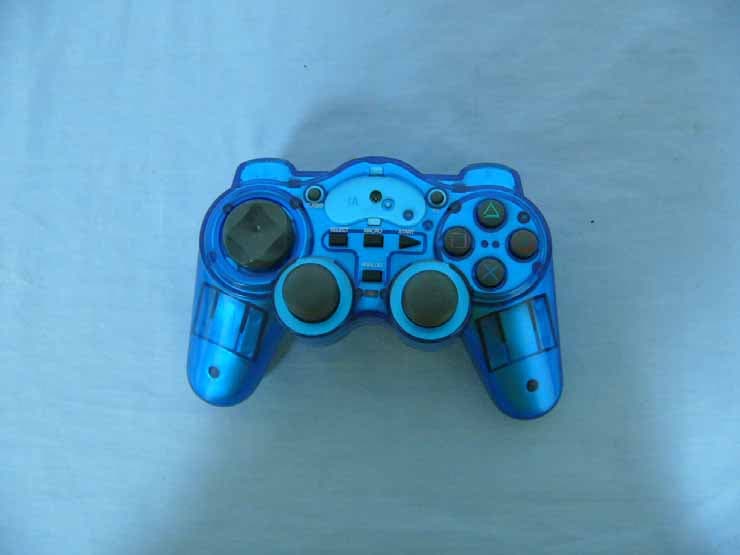
SBIPS2-7002
Nov 14, 2005PS2 Wireless Controller
Equipment Class
DXX - Part 15 Low Power Communication Device Transmitter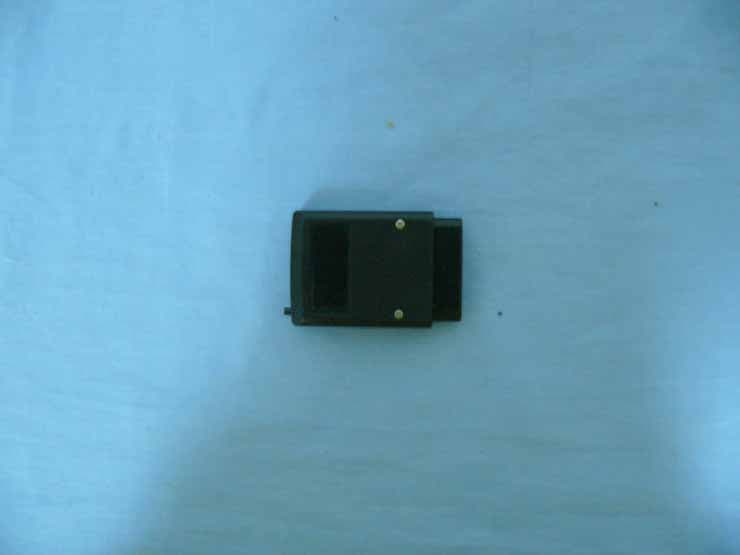
SBIPS2-7002R
Nov 14, 2005PS2 Wireless Controller
Equipment Class
DXX - Part 15 Low Power Communication Device Transmitter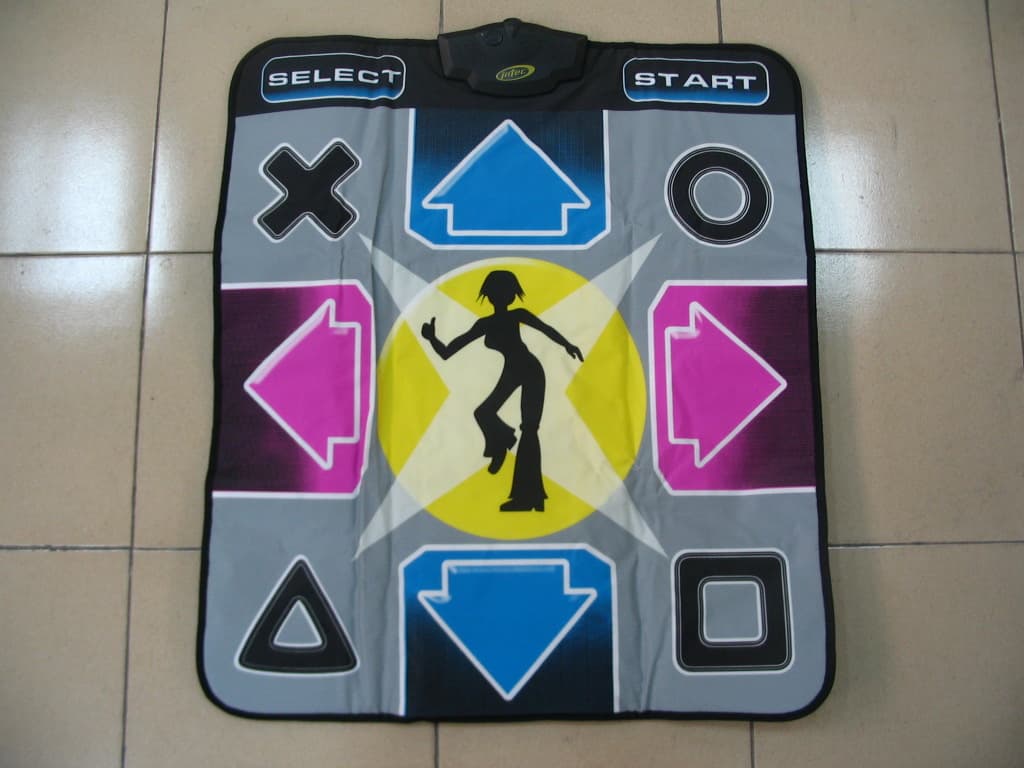
SBIDCM-0012
Aug 02, 2004Wireless Dance Mat
Equipment Class
DSS - Part 15 Spread Spectrum Transmitter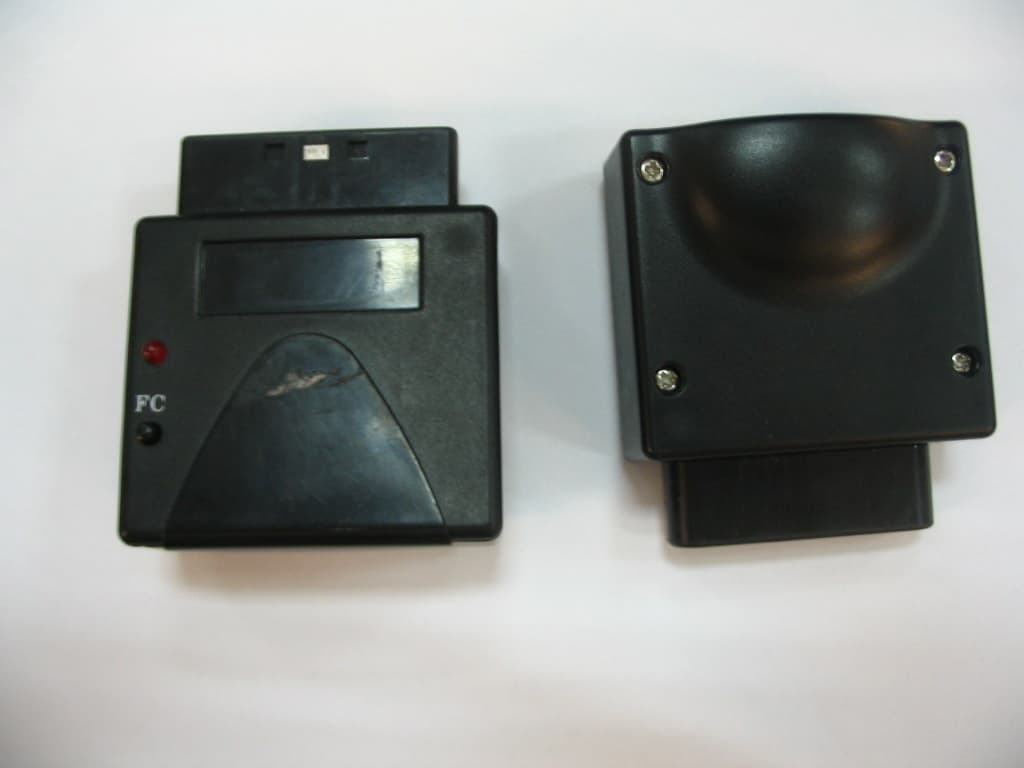
SBIRVR-0012
Aug 01, 2004Wireless Dance Mat
Equipment Class
DSS - Part 15 Spread Spectrum Transmitter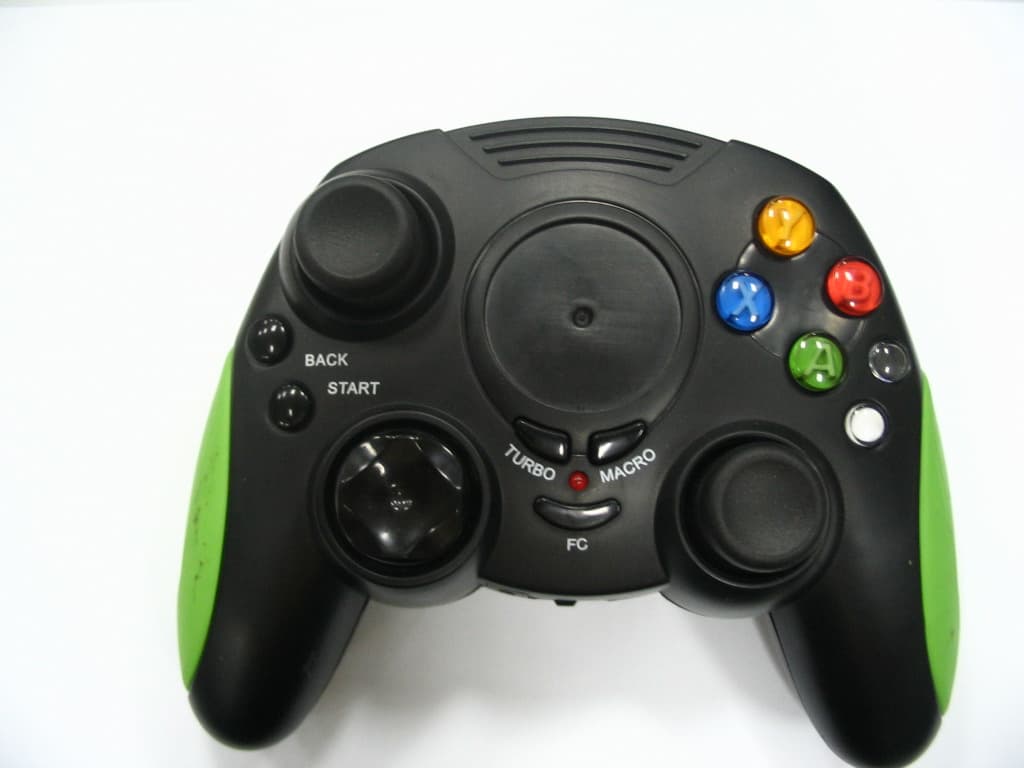
SBIXB-6600
Jul 21, 2004Wireless Gamepad
Equipment Class
DSS - Part 15 Spread Spectrum Transmitter