SJ6-W9824RFKeyboard
Shenzhen Weijian Plastics Co., Ltd.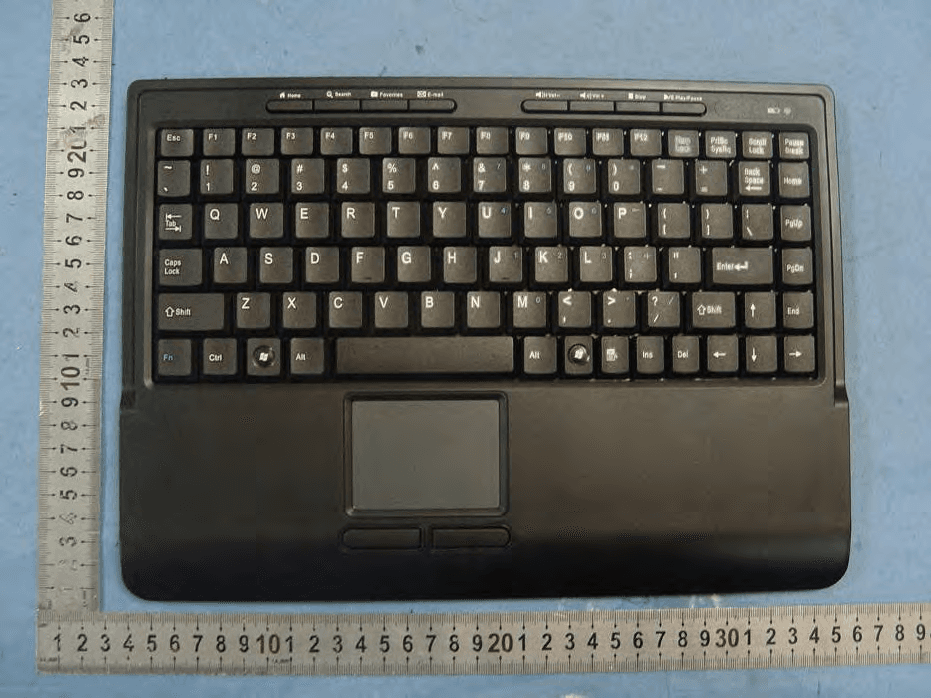
Click to zoom
Application Details
- Equipment Class
- DXX - Part 15 Low Power Communication Device Transmitter
- Date of Grant
- Dec 07, 2012
- Application Purpose
- Original Equipment
- Date of Application
- Dec 07, 2012
- Equipment Note
- Keyboard
- Frequency Range
- 2404.00000000 - 2480.00000000
- Country
- China
Documents & Files
Document Text
Text extracted from the exhibit documents filed with the FCC. Open a document above to read the original.
Users Manual
PID # 121375-109303 Rev. 120309 USB Wireless Smart Touch Keyboard Model #: W9824RF User’s Manual 2 3 All brand name and trademarks are the property of their respective owners USER’S RECORD: To provide quality customer service and technical support, it is suggested that you keep the following information as well as your store receipt and this user’s manual. Date of Purchase: ________________________________ Model Number: ________________________________ Product Rev Number (located below the UPC on the package): ____________________ FCC RADIATION NORM: FCC This equipment has been tested and found to comply with limits for Class B digital device pursuant to Part 15 of Federal Communications Commission (FCC) rules. FCC Compliance Statement These limits are designed to provide reasonable protection against frequency interference in residential installation. This equipment generates, uses, and can radiate radio frequency energy, and if not installed or used in accordance with the instructions, may cause harmful interference to radio communication. However, there is no guarantee that interference will not occur in television reception, which can be determined by turning the equipment off and on. The user is encouraged to try and correct the interference by one or more of the following measures: Reorient or relocate the receiving antenna Increase the separation between the equipment and the receiver Connect the equipment into an outlet on a circuit different from that to which the receiver is connected to. CAUTION! The Federal Communications Commission warns the user that changes or modifications to the unit not expressly approved by the party responsible for compliance could void the user’s authority to operate the equipment. 4 PACKAGE CONTENTS: Your new Keyboard will ship with the following items: - USB Wireless Smart Touch Keyboard - Mini Receiver - 2 AAA Batteries - User’s Manual & Warranty Info. SYSTEM REQUIREMENTS: Please be sure that you meet all of the system requirements below to avoid difficulties during installation: - 100% PC Compatibles - Windows ® XP, Vista and 7 - Available USB Port 5 BATTERY INSTALLATION 1. Press and slide the Battery Compartment Cover Release Latch at the bottom of your keyboard to remove the Battery Compartment Cover from your keyboard. 2. Install two AAA batteries into your keyboard following the battery orientation guide in the battery bay. 3. Replace the Battery Compartment Cover back onto your keyboard until it securely locks. 6 CONNECTING TO A COMPUTER: NOTE: The pictures shown in this User’s Manual are for demonstration purposes only. Your computer or product may look slightly different. 1. Plug the USB connector of your keyboard into an available USB port on your computer. 2. Turn on your computer. 3. Your computer will detect and install the necessary drivers automatically. 4. Your new keyboard is now ready to be used. (Note: if your keypad can not be used immediately after installation, there might be a high level of interference preventing the keypad from connecting to the receiver automatically. Please proceed to the Establishing A Connection section of this manual to manually connect your mouse to your receiver.) ESTABLISHING A CONNECTION: 1. Place your keypad near by the receiver. 2. Press the button on your receiver for about 2 seconds 3. Press the button at the bottom of your keypad for about 2 seconds, the connection will be built. 4. Your wireless smart touch keypad is now ready to be used. 7 USING TOUCHPAD: The built-in touchpad supports Multi-touch function. Below are the functions of the touchpad. Action on Touchpad Function Single finger slide Move cursor Single finger tap Equals to clicking the left button of a mouse Two finger tap Equals to clicking the middle button (pressing down the scroll wheel) of a mouse Three finger tap Equals to clicking the right button of a mouse Two finger slide Easy scroll Double tapping with one finger Equals to double clicking the left button of a mouse Tap and drag Use this function to select and move an object or icon. 8 WARRANTY INFORMATION: Gear Head, LLC warrants that this product shall be free from defects in materials and workmanship for the reasonable lifetime of the product. If the product is defective, Gear Head, LLC’s sole obligation under this warranty shall be at its election, subject to the terms of this warranty, to repair or replace any parts deemed defective. This warranty is for the exclusive benefit of the original purchaser and is not assignable or transferable. THIS WARRANTY IS MADE IN LIEU OF ALL OTHER WARRANTIES, EXPRESS OR IMPLIED, AND ANY IMPLIED WARRANTIES, INCLUDING THE IMPLIED WARRANTIES OF MERCHANTABILITY AND FITNESS FOR A PARTICULAR PURPOSE, ARE LIMITED TO THE TERMS OF THIS WARRANTY, UNLESS OTHERWISE PROHIBITED BY LAW. Exclusions To the fullest extent permitted by law, Gear Head, LLC expressly disclaims and excludes from this warranty any liability for damages, including but not limited to general, special, indirect, incidental, consequential, aggravated, punitive or exemplary damages, and economic loss (even if Gear Head™ is informed of their possibility), third party claims against you, including for any loss or damages, and claims or damages related to loss of, or, damage to, your records or data. This warranty does not apply to any product the exterior of which has been damaged or defaced. This warranty will be voided by misuse, improper physical environment, improper repair, acts of God, war or terror, commercial use, and improper service, operation or handling. Technical Support Please access Technical Support on the web or contact our technicians at [email protected] for help. www.pcgearhead.com Gear Head™ provides phone support, 866-890-7115, Monday - Friday from 9:00 am – 5:30 pm Eastern Time. Before calling, please make sure you have available the Model # (located on the front page of your User’s Manual) and information regarding your computer’s operating syste…
Text truncated - open the document above for the full version.
Cover Letter(s)
Shenzhen Weijian Plastics Co., Ltd Nov 28, 2012 To: SIEMIC, INC. 775 Montague Expressway Milpitas, CA 95035 USA Dear Sir/Madam, Re: Project and Product Certification Representative Authorization Letter We, ______Shenzhen Weijian Plastics Co., Ltd ___hereby authorize SIEMIC, INC. to act as a Certification Body for certifying for the following project(s): Product Description: Keyboard Model name: W9824RF FCC ID: SJ6-W9824RF We affirm that between SIEMIC and _ Shenzhen Weijian Plastics Co., Ltd __, any difference in understanding, including test plan, measurement methods, applicable standards and relevant procedures and processes have been resolved prior to commencement of testing activities.
Cover Letter(s)
SCS-F19: Confidentiality Request Letter Page 1 of 2 Rev 3.0 775 Montague Expressway Milpitas, CA 95035 Tel: 408-526-1188 Fax: 408-526-1088 Email: [email protected] Confidentiality Request Letter Revision History Reason for Amendment (current / obsolete) From To Approved Date Initial Release (obsolete) 1.0 1.0 Nov-14-2006 Adding CFR 2.459 (obsolete) 1.0 2.0 August – 11 - 2008 Updated company template & Added text box (current) 2.0 3.0 Jan-31-2012 SCS-F19: Confidentiality Request Letter Page 2 of 2 Rev 3.0 Shenzhen Weijian Plastics Co., Ltd Nov 28, 2012 To: Federal Communications Commission Authorization and Evaluation Division 7435 Oakland Mills Road Columbia, MD Subject: Permanent Confidentiality Request for FCC ID: SJ6-W9824RF We hereby request confidential treatment of information accompanying this application as outlined below: - Block Diagram - Schematics - Operational Description The above materials contain trade secrets and proprietary information not customarily released to the public. The public disclosure of these materials may be harmful to the applicant and provide unjustified benefits to its competitors. The applicant understands that pursuant to Section 0.457 & 0.459 of the Rules, disclosure of this application and all accompanying documentation will not be made before the date of the Grant for this application.
ID Label/Location Info
SJ6-W9824RF SJ6-W9824RF weijian plastic produces co.,Ltd Keyboard 59.5*29.5mm SJ6-W9824RF
ID Label/Location Info
Label Location
Internal Photos
Antenna
Test Report
Page 1 of 46 FCC ID: SJ6-W9824RF ACCURATE TECHNOLOGY CO. LTD REPORT NO. ATE20122615 FCC CERTIFICATION On Behalf of Shenzhen Weijian Plastics Co., Ltd. Keyboard Model No.: W9824RF FCC ID: SJ6-W9824RF Prepared for : Shenzhen Weijian Plastics Co., Ltd Address : Shangpai Industrial Park, Shiyan Township Baoan District, Shenzhen, China Prepared by : ACCURATE TECHNOLOGY CO. LTD Address : F1, Bldg. A, Changyuan New Material Port, Keyuan Rd. Science & Industry Park, Nanshan, Shenzhen, Guangdong P.R. China Tel: (0755) 26503290 Fax: (0755) 26503396 Report Number : ATE20122615 Date of Test : Nov 15-Dec 3, 2012 Date of Report : Dec 3, 2012 Page 2 of 46 FCC ID: SJ6-W9824RF ACCURATE TECHNOLOGY CO. LTD REPORT NO. ATE20122615 TABLE OF CONTENTS Description Page Test Report Certification 1. GENERAL INFORMATION .......................................................................................................... 4 1.1. Description of Device (EUT)....................................................................................................................4 1.2. Description of Test Facility ......................................................................................................................4 1.3. Measurement Uncertainty.........................................................................................................................5 2. MEASURING DEVICE AND TEST EQUIPMENT ..................................................................... 6 3. SUMMARY OF TEST RESULTS................................................................................................... 7 4. FUNDAMENTAL AND HARMONICS RADIATED EMISSION FOR SECTION 15.249(A) 8 4.1. Block Diagram of Test Setup....................................................................................................................8 4.2. The Emission Limit ..................................................................................................................................9 4.3. Configuration of EUT on Measurement ...................................................................................................9 4.4. Operating Condition of EUT ....................................................................................................................9 4.5. Test Procedure ........................................................................................................................................10 4.6. The Field Strength of Radiation Emission Measurement Results ..........................................................11 5. SPURIOUS RADIATED EMISSION FOR SECTION 15.249(D) ............................................. 14 5.1. Block Diagram of Test Setup..................................................................................................................14 5.2. The Emission Limit For Section 15.249(d) ............................................................................................15 5.3. EUT Configuration on Measurement .....................................................................................................15 5.4. Operating Condition of EUT ..................................................................................................................15 5.5. Test Procedure ........................................................................................................................................16 5.6. The Emission Measurement Result ........................................................................................................17 6. BAND EDGES ................................................................................................................................. 20 6.1. The Requirement ....................................................................................................................................20 6.2. EUT Configuration on Measurement .....................................................................................................20 6.3. Operating Condition of EUT ..................................................................................................................20 6.4. Test Procedure ........................................................................................................................................20 6.5. The Measurement Result ........................................................................................................................21 7. ANTENNA REQUIREMENT........................................................................................................ 23 7.1. The Requirement ....................................................................................................................................23 7.2. Antenna Construction .............................................................................................................................23 APPENDIX I ( TEST CURVES) Page 3 of 46 FCC ID: SJ6-W9824RF ACCURATE TECHNOLOGY CO. LTD REPORT NO. ATE20122615 Test Report Certification Applicant : Shenzhen Weijian Plastics Co., Ltd. Manufacturer : Shenzhen Weijian Plastics Co., Ltd. EUT Description : Keyboard (A) MODEL NO.: W9824RF (B) Trade Name.: N/A (C) POWER SUPPLY: 3V DC (“AAA” batteries 2×) Measurement Procedure Used: FCC Rules and Regulations Part 15 Subpart C Section 15.249 ANSI C63.4: 2009 The device described above is tested by ACCURATE TECHNOLOGY CO. LTD to determine the maximum emission levels emanating from the device. The maximum emission levels are compared to the FCC Part 15 Subpart C Section15.249 limits. The measurement results are contained in this test report and ACCURATE TECHNOLOGY CO. LTD is assumed full responsibility for the accuracy and completeness of these measurements. Also, this report shows that the Equipment Under Test (EUT) is to be technically compliant with the FCC requirements. This report applies to above tested sample only. This report shall not be reproduced in part without written approval of ACCURATE …
Text truncated - open the document above for the full version.
Test Setup Photos
Radiated spurious emission (up to 1G): Radiated spurious emission (above 1G):
Contact Information
Applicant
Tang Di(Engineer)
Test Firm
Accurate Technology Co., Ltd.Sean Liu
Technical Specifications
| # | Rule Parts | Frequency Range | Power Output |
|---|---|---|---|
| 1 | 15C | 2.40 GHz - 2.48 GHz | - |
Other Applications from Shenzhen Weijian Plastics Co., Ltd.
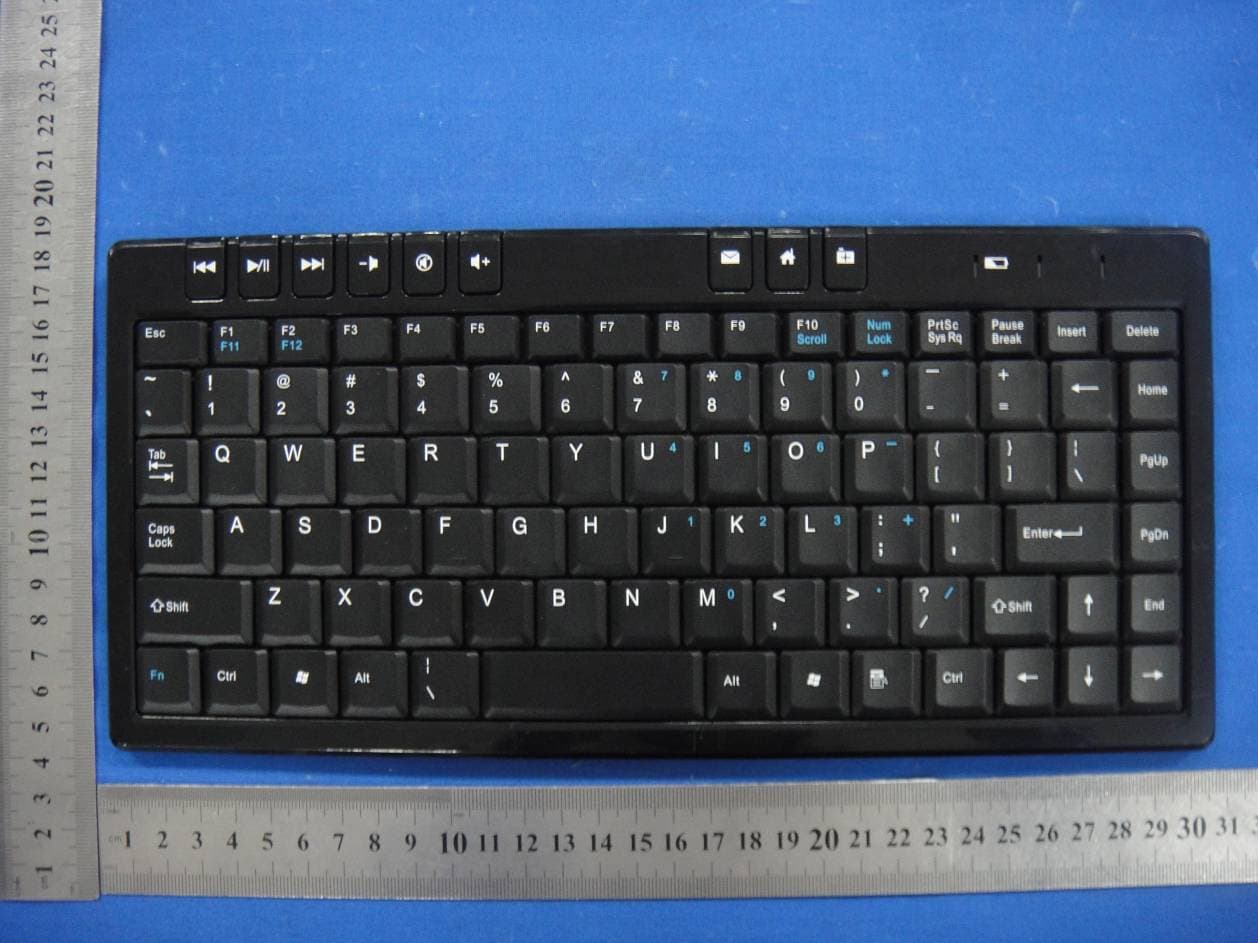
SJ6W6010RF
Dec 28, 2014Wireless Keyboard
Equipment Class
DXX - Part 15 Low Power Communication Device Transmitter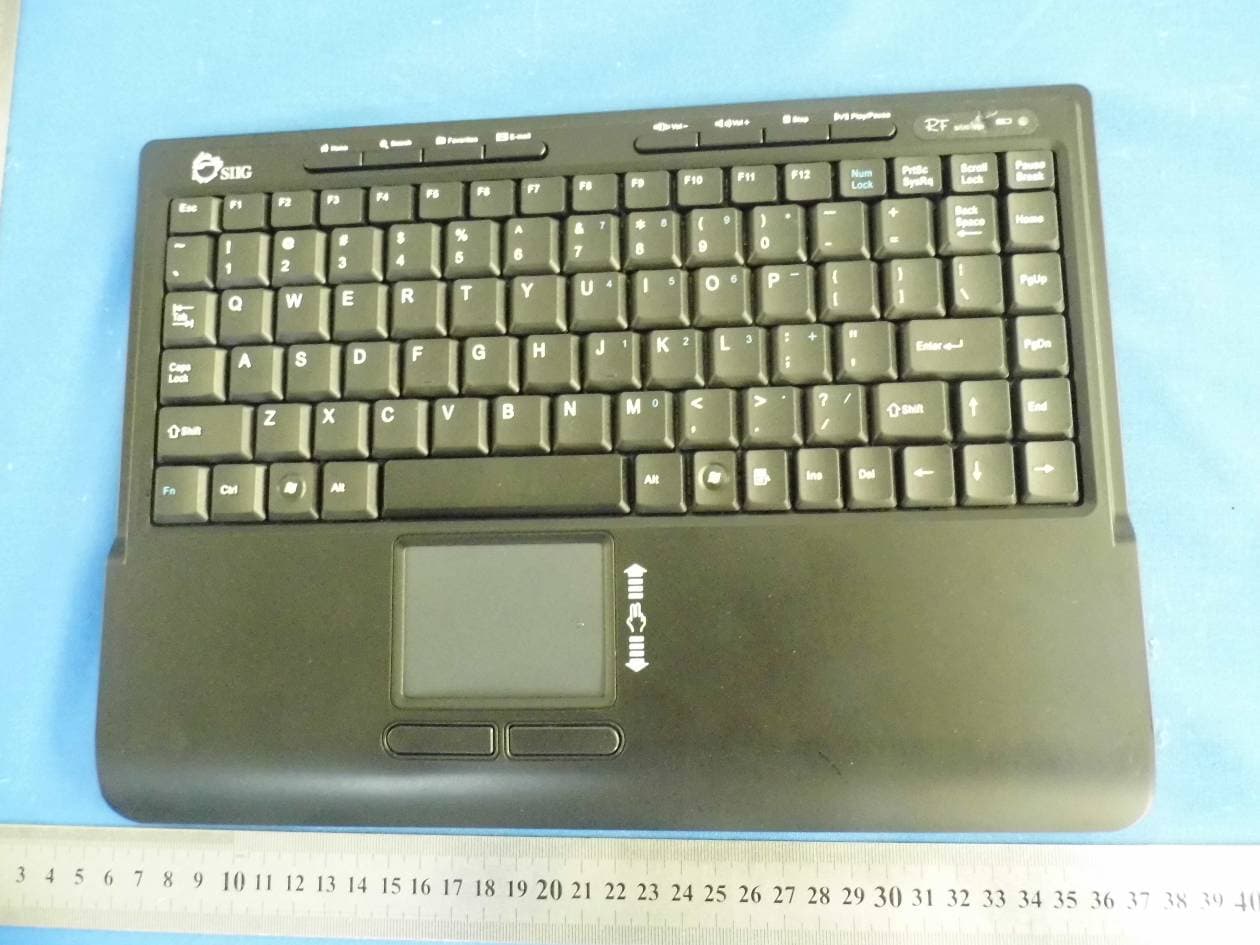
SJ6W9824RF
Oct 27, 2014Wireless Keyboard
Equipment Class
DXX - Part 15 Low Power Communication Device Transmitter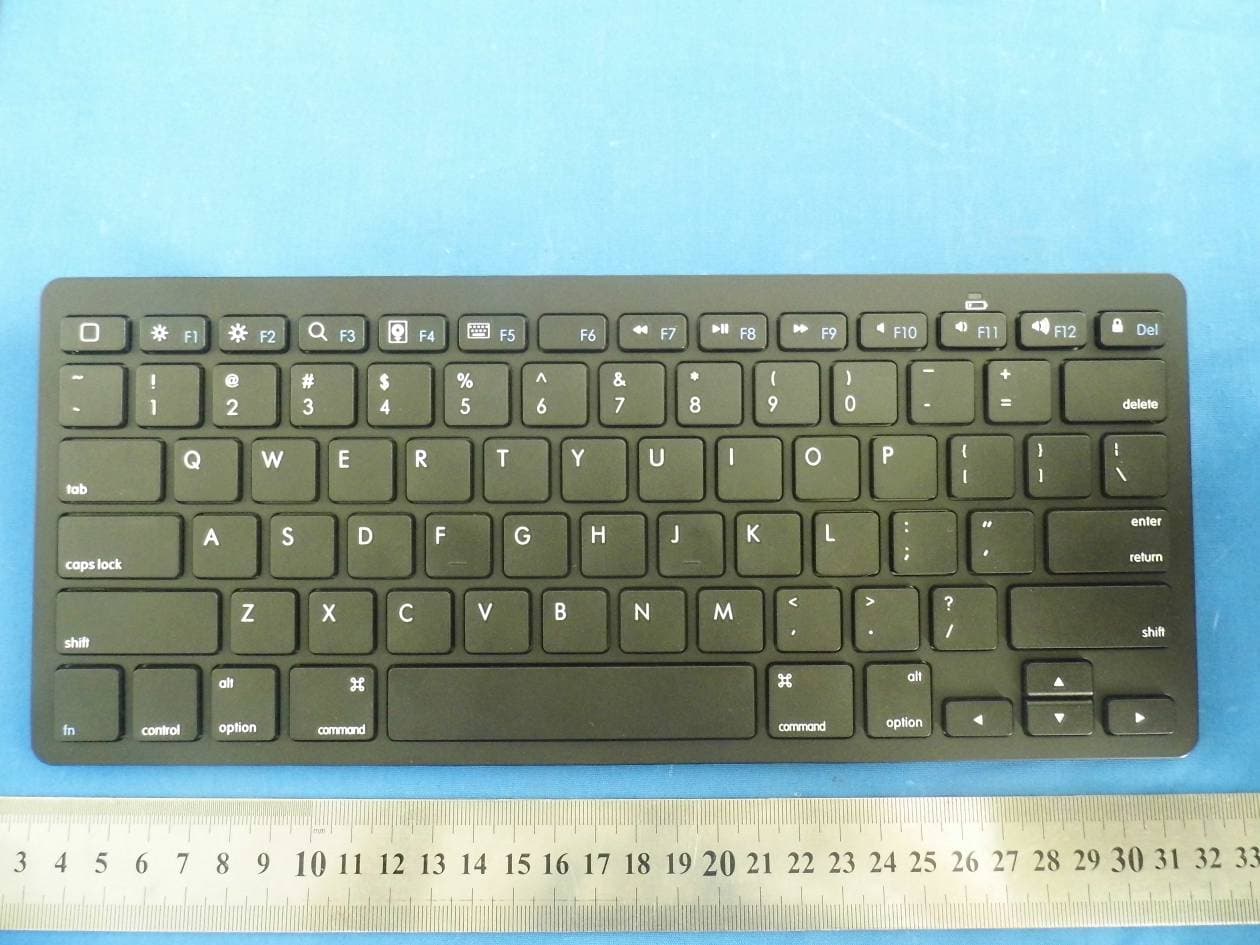
SJ6BKB018
Sep 23, 2014Bluetooth Keyboard
Equipment Class
DXX - Part 15 Low Power Communication Device TransmitterSJ6-W6112RF
Nov 24, 2012Keyboard
Equipment Class
DXX - Part 15 Low Power Communication Device Transmitter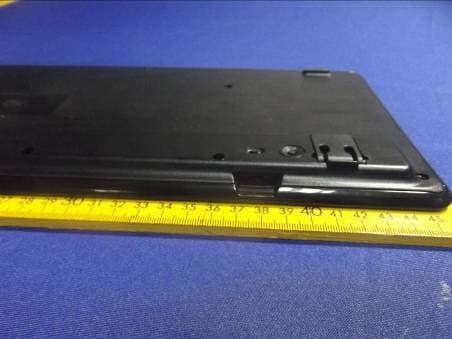
SJ6-W6055
Aug 26, 2012Wireless Solar Keyboard
Equipment Class
DXX - Part 15 Low Power Communication Device Transmitter