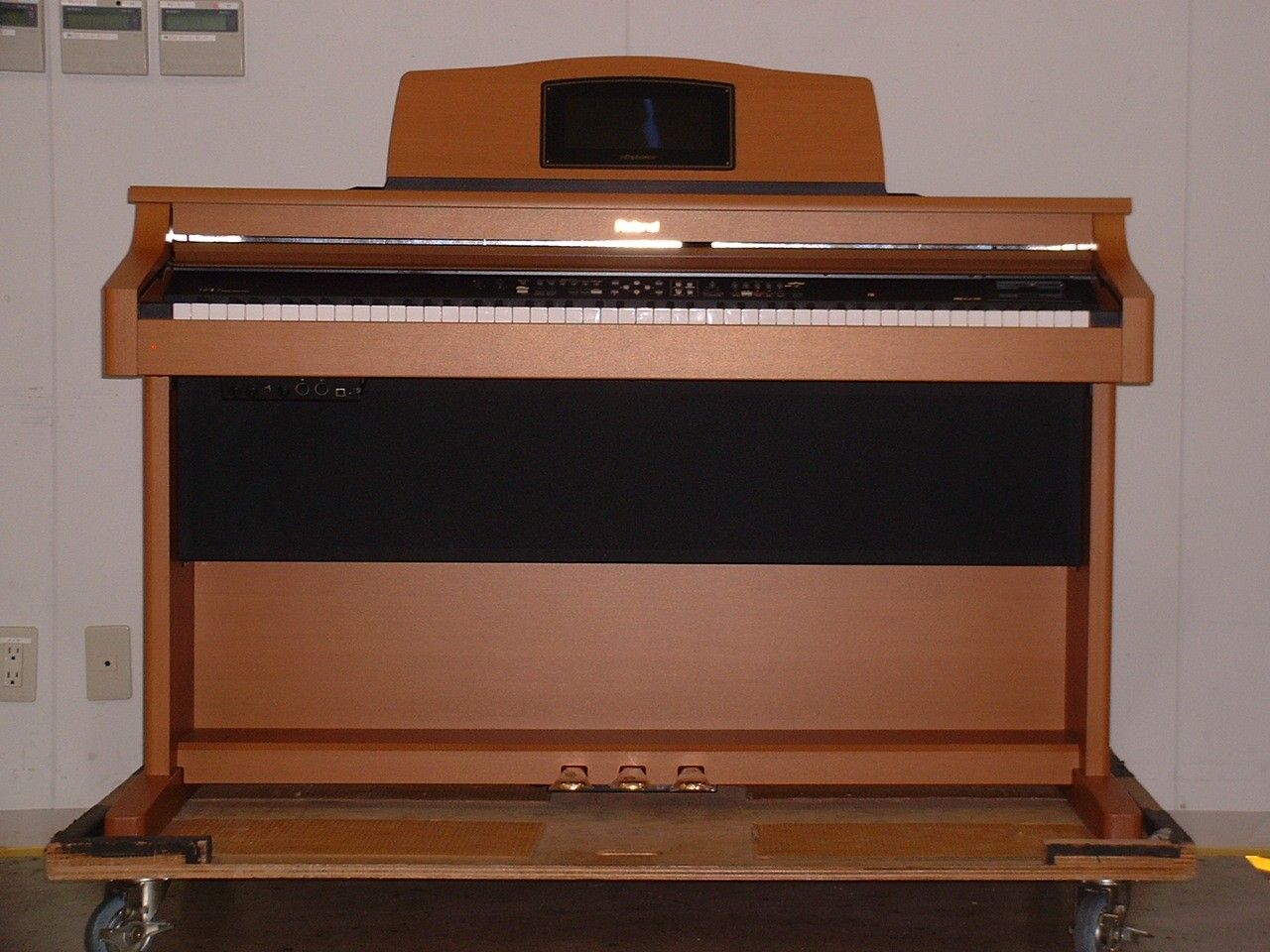
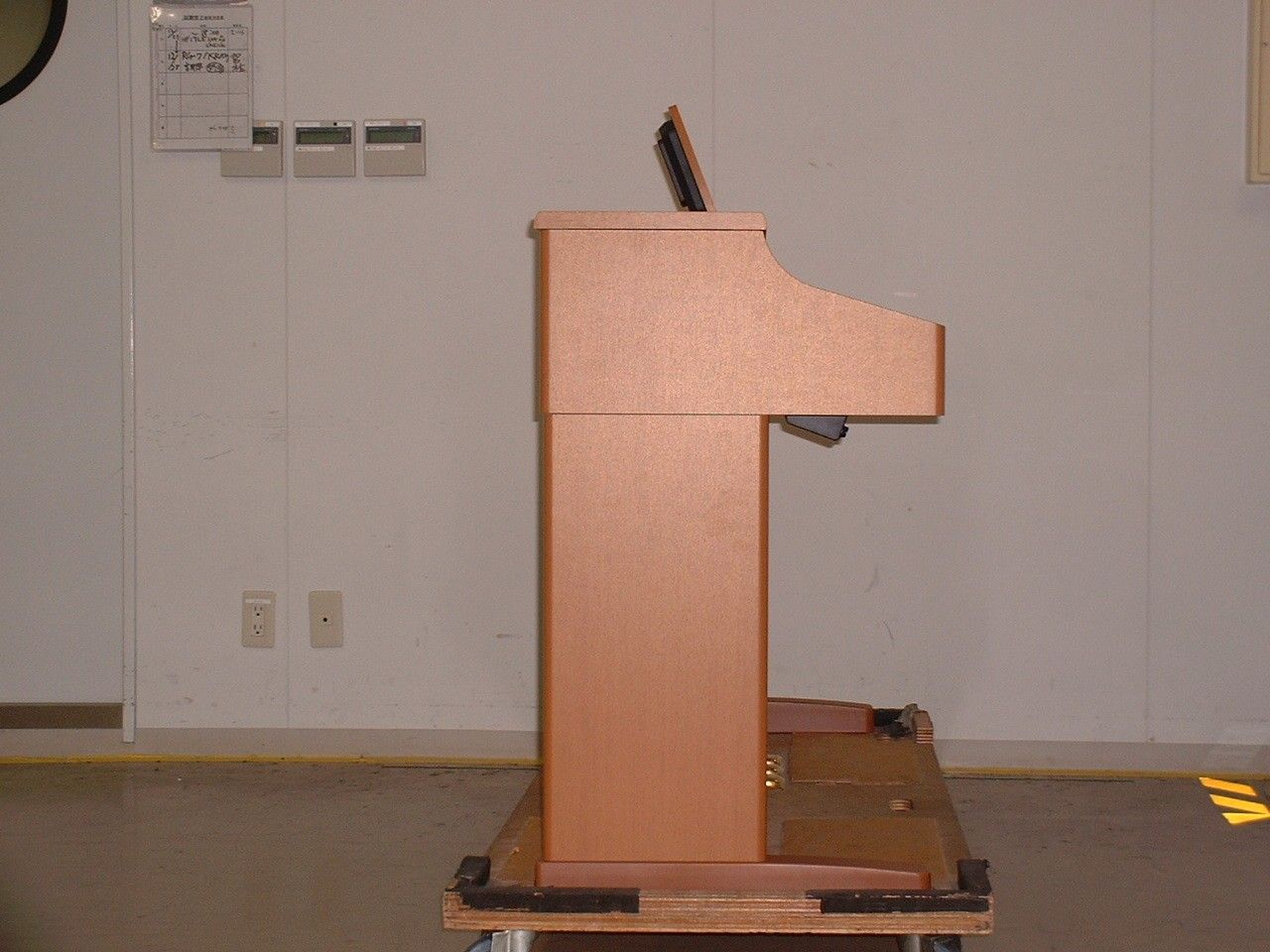
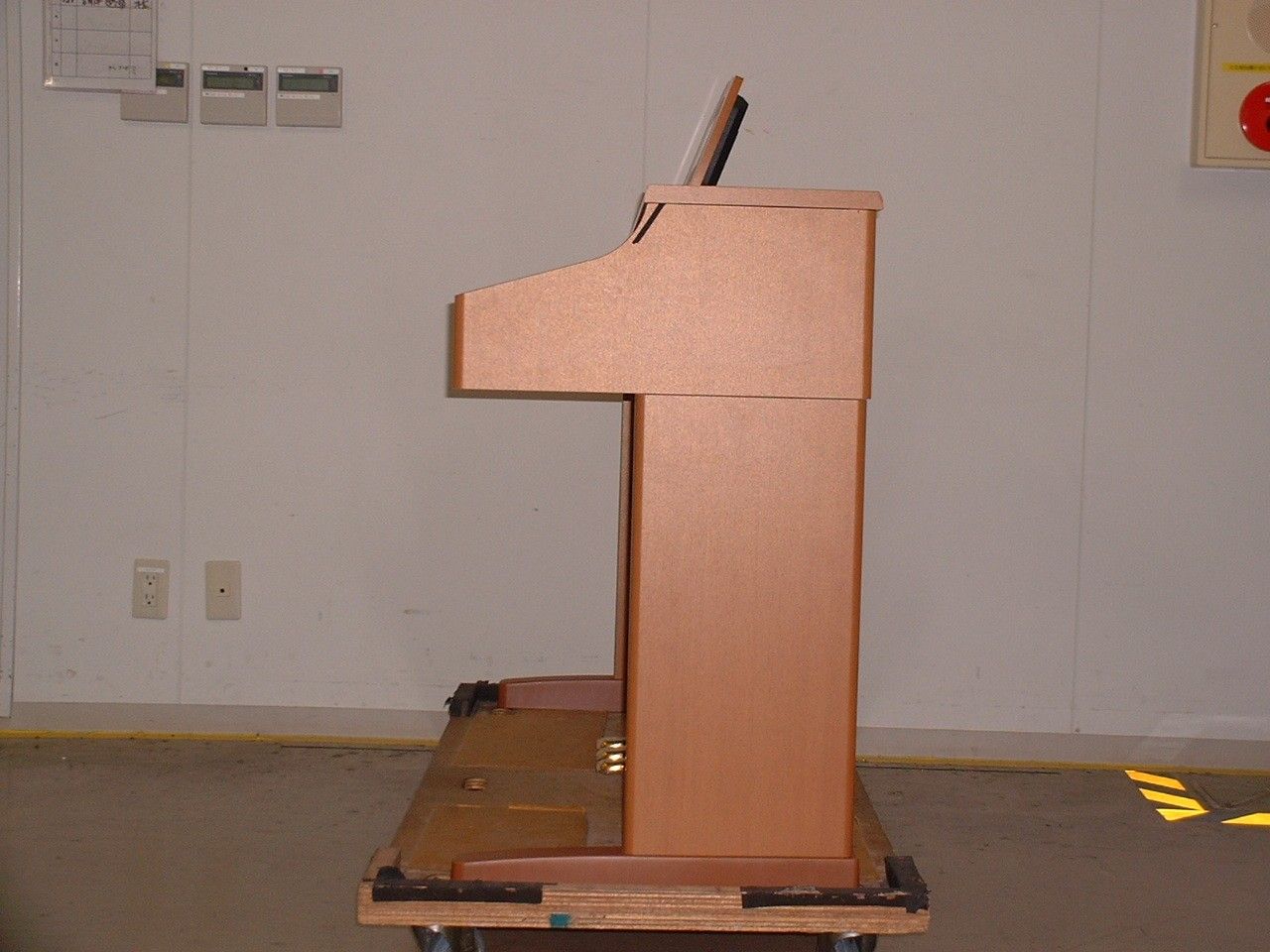
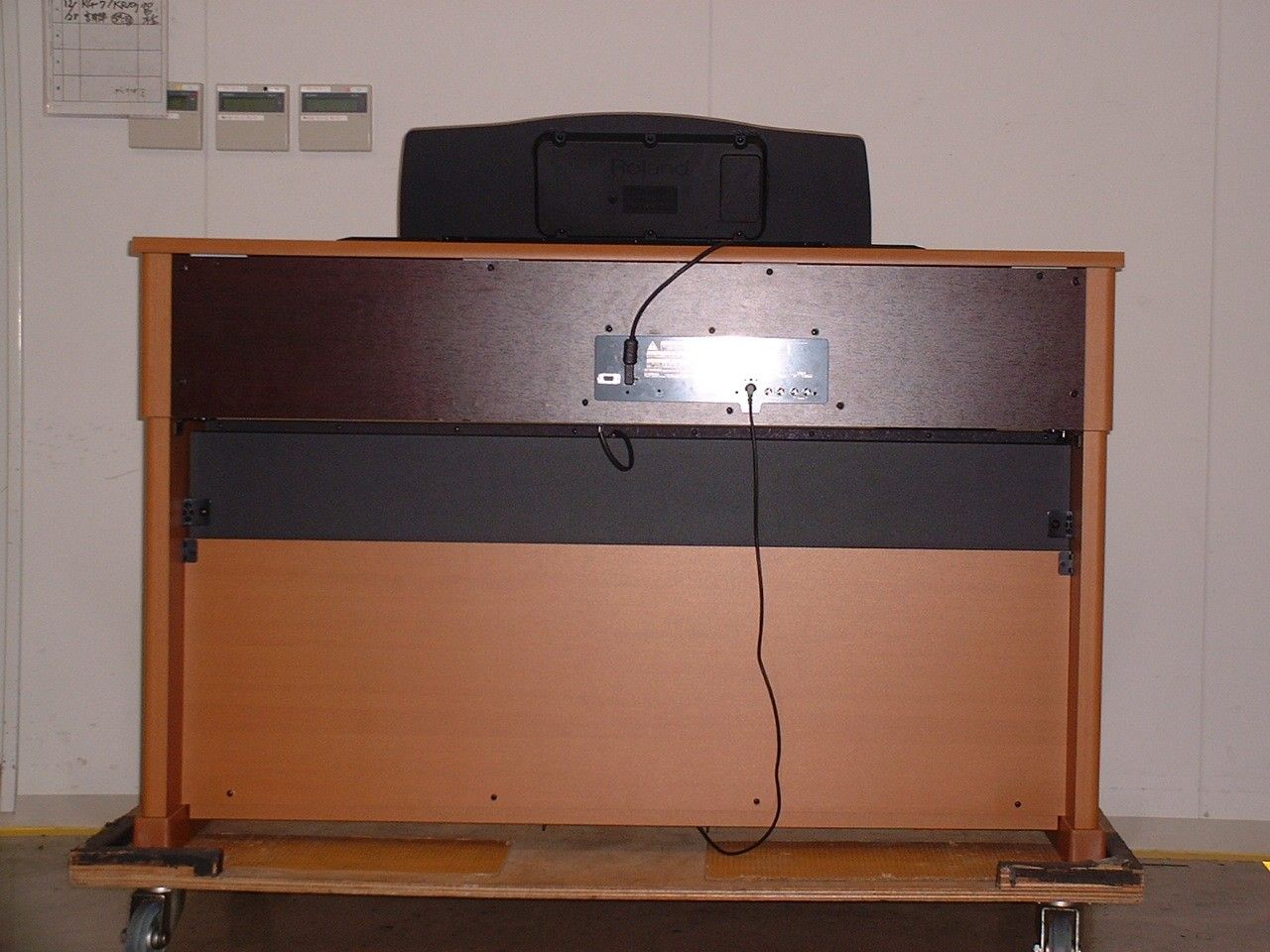
SOPHPI-7LEELECTRONIC PIANO WITH USB PORT
Roland Corporation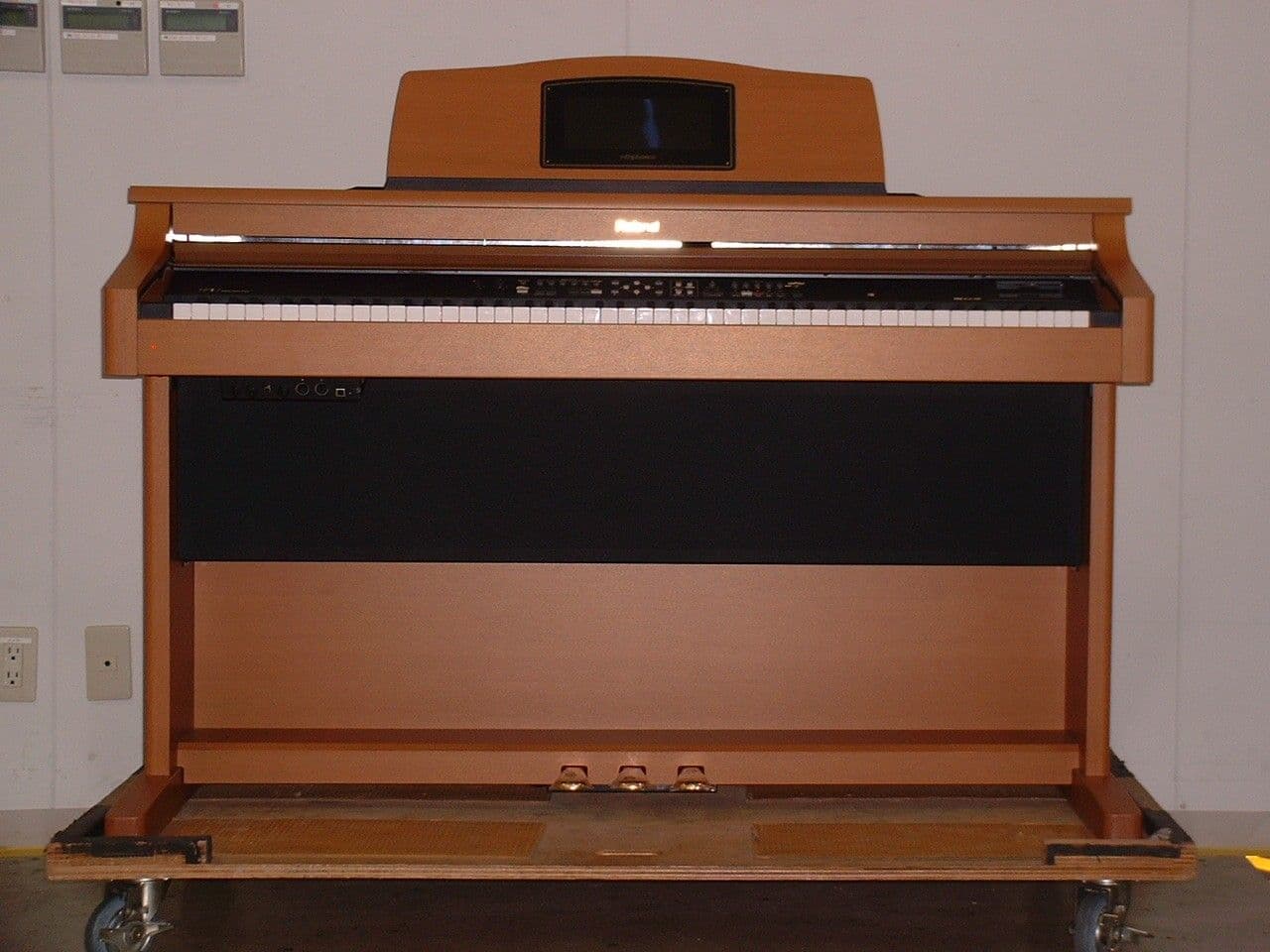
Click to zoom
Application Details
- Equipment Class
- JBP - Part 15 Class B Computing Device Peripheral
- Date of Grant
- Dec 27, 2004
- Application Purpose
- Original Equipment
- Date of Application
- Dec 27, 2004
- Equipment Note
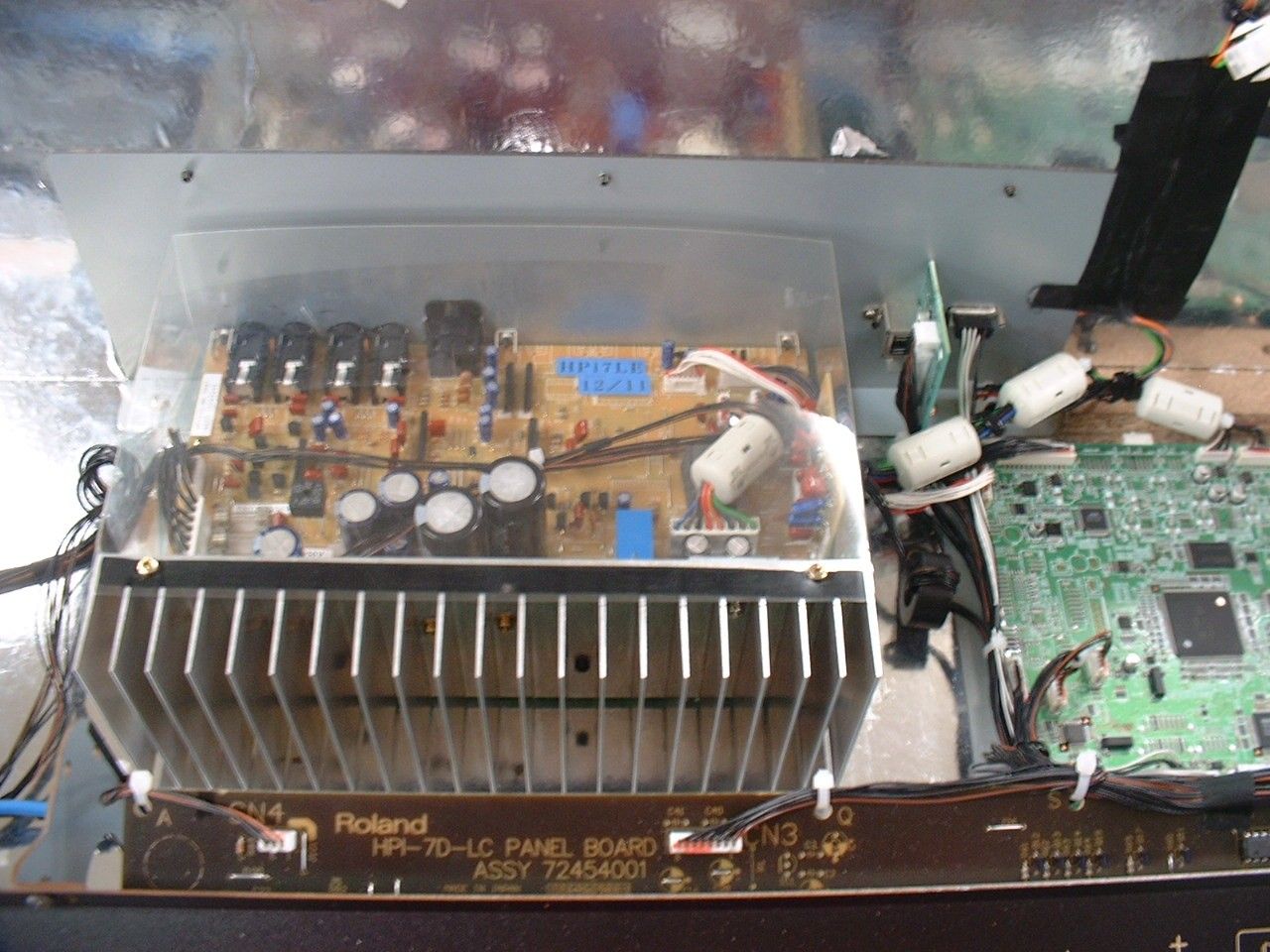
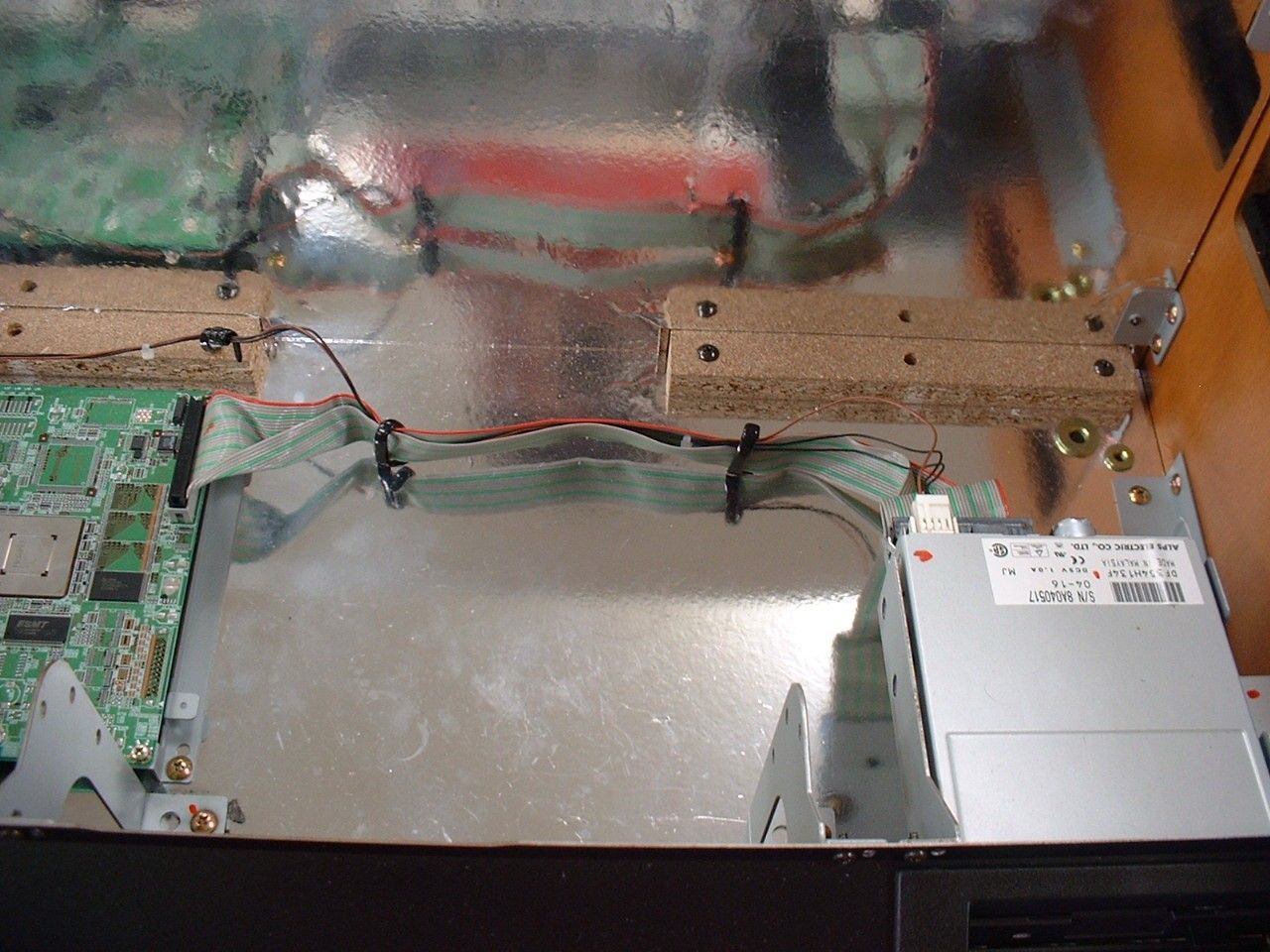
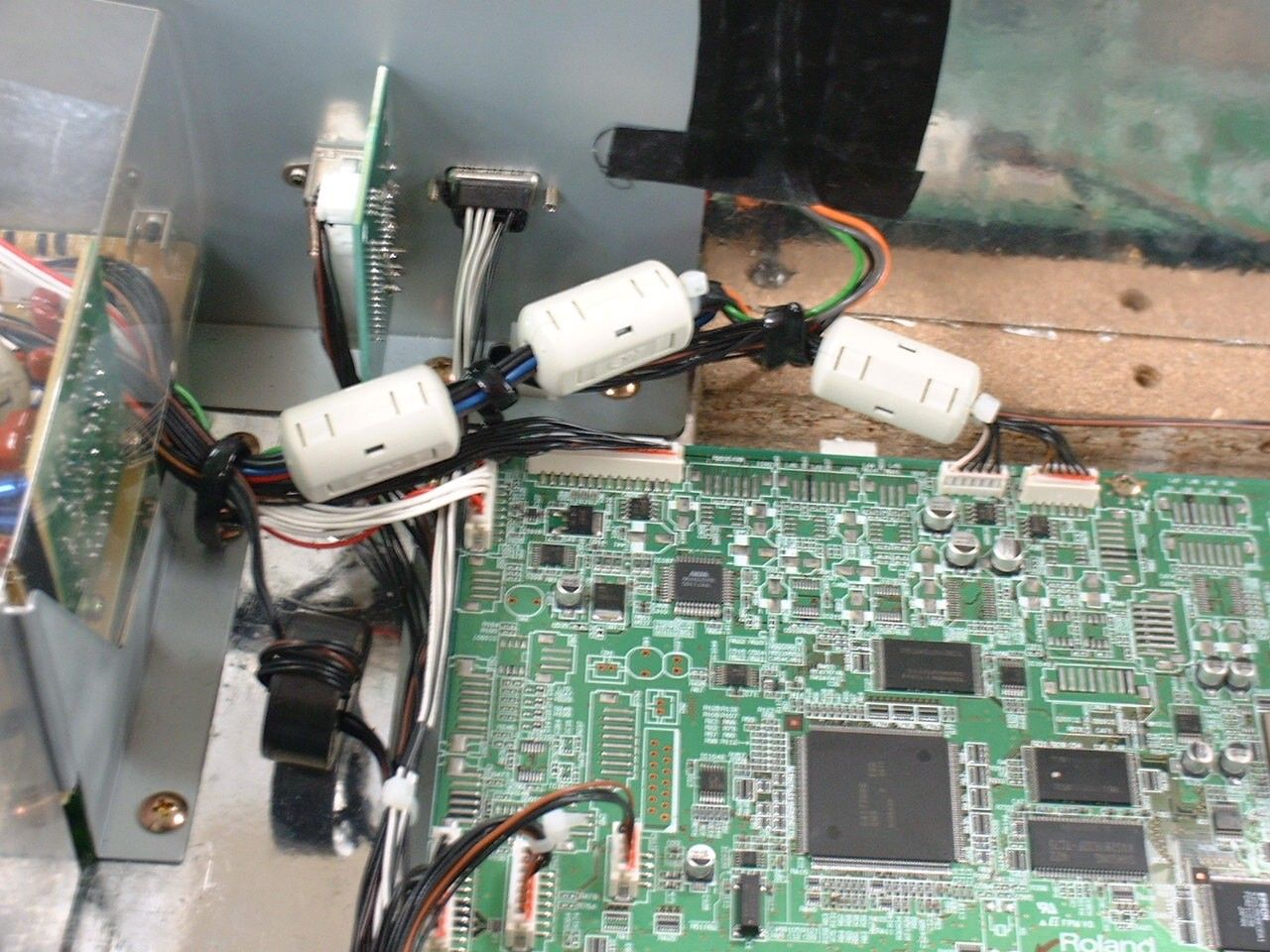
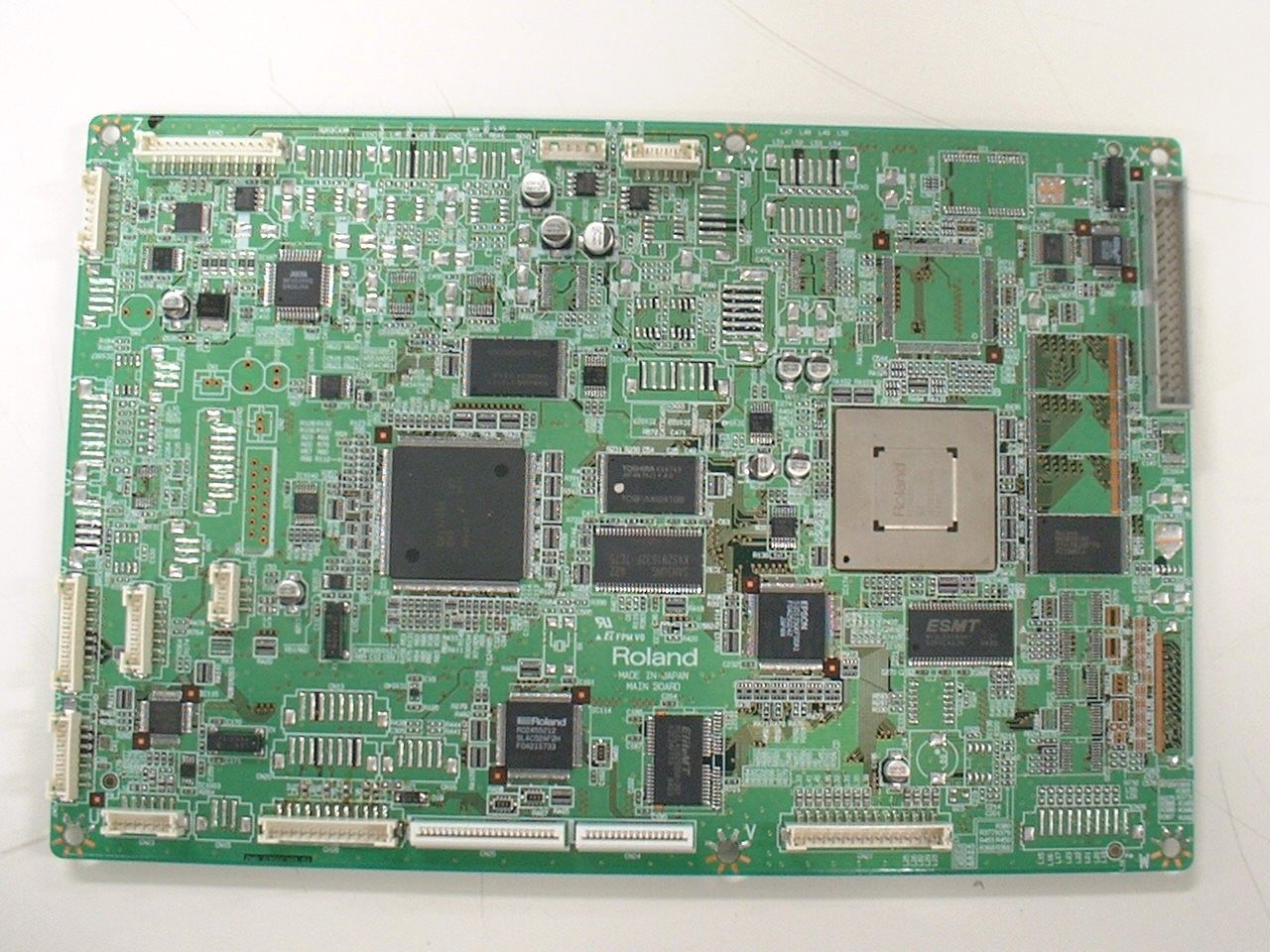
- ELECTRONIC PIANO WITH USB PORT
- Company
- Roland Corporation
- Country
- Japan
Documents & Files
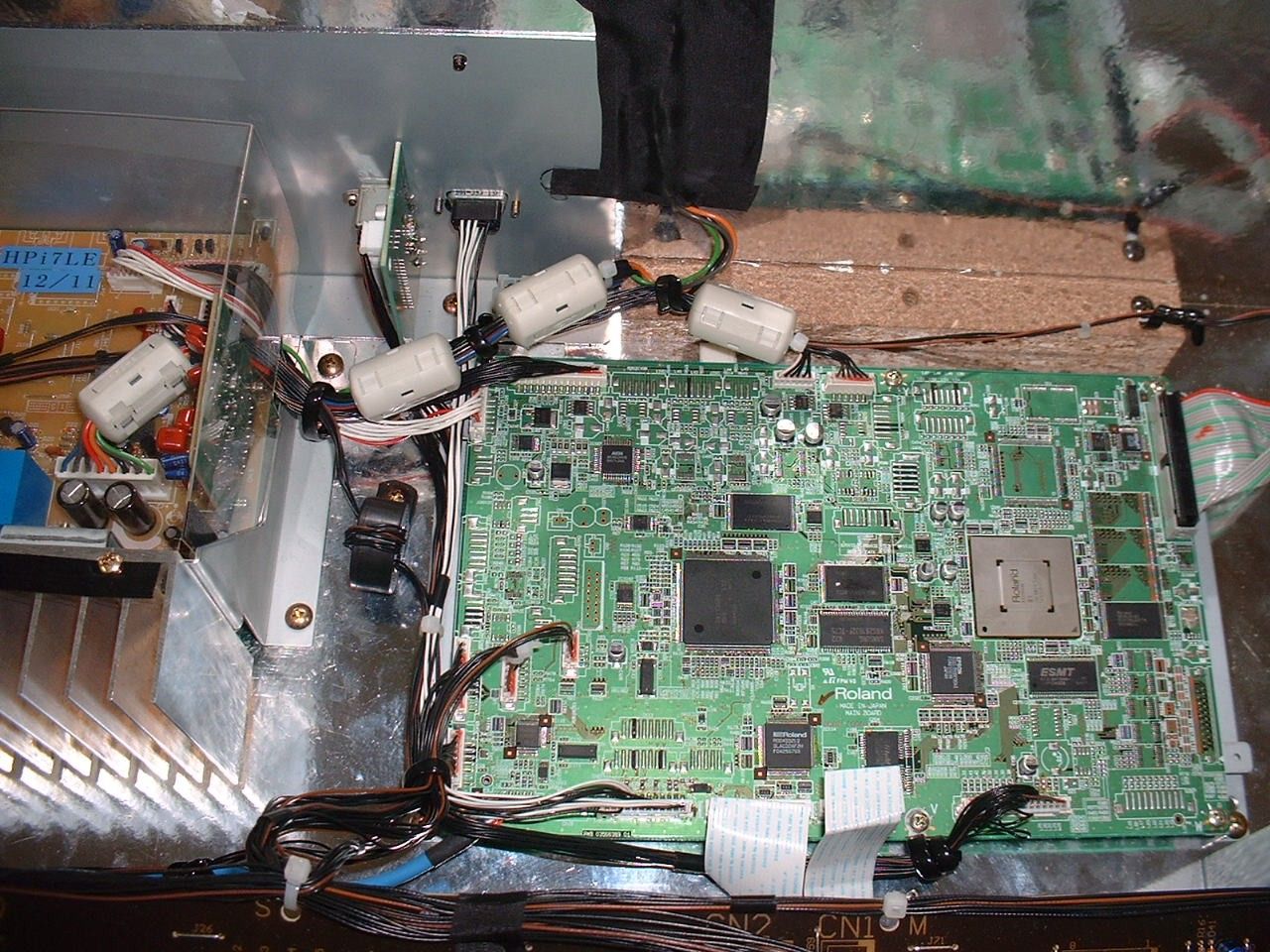
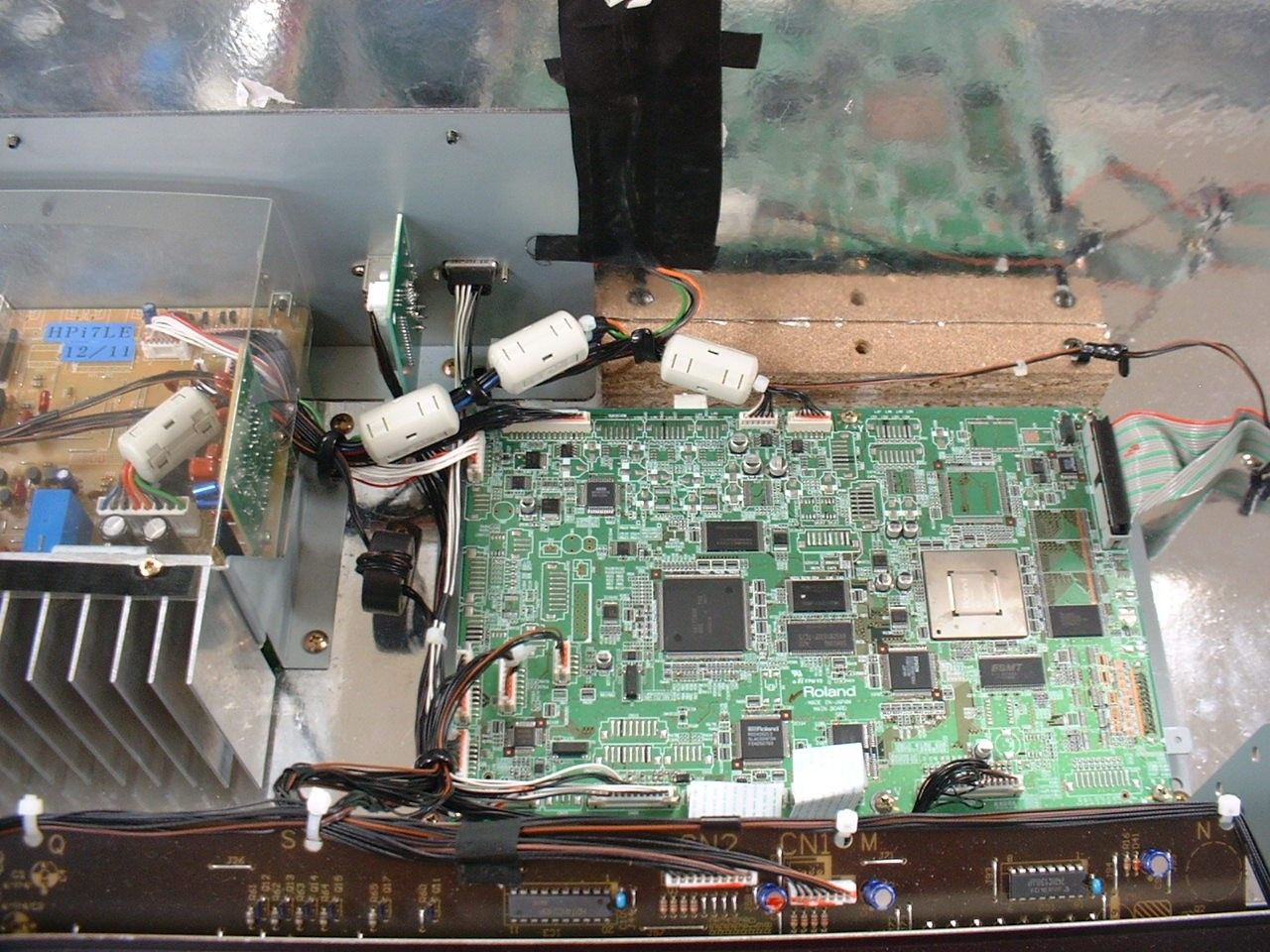
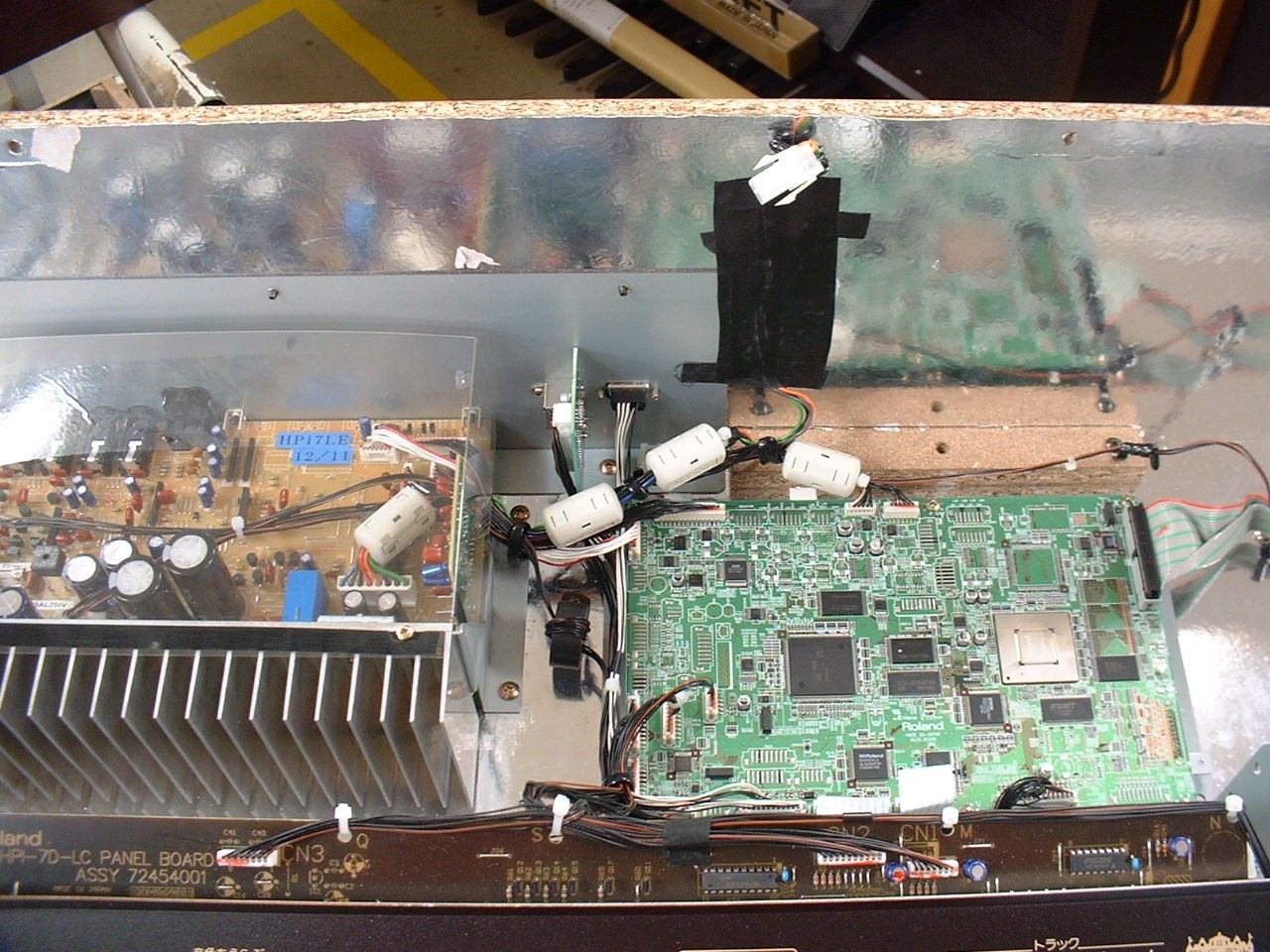
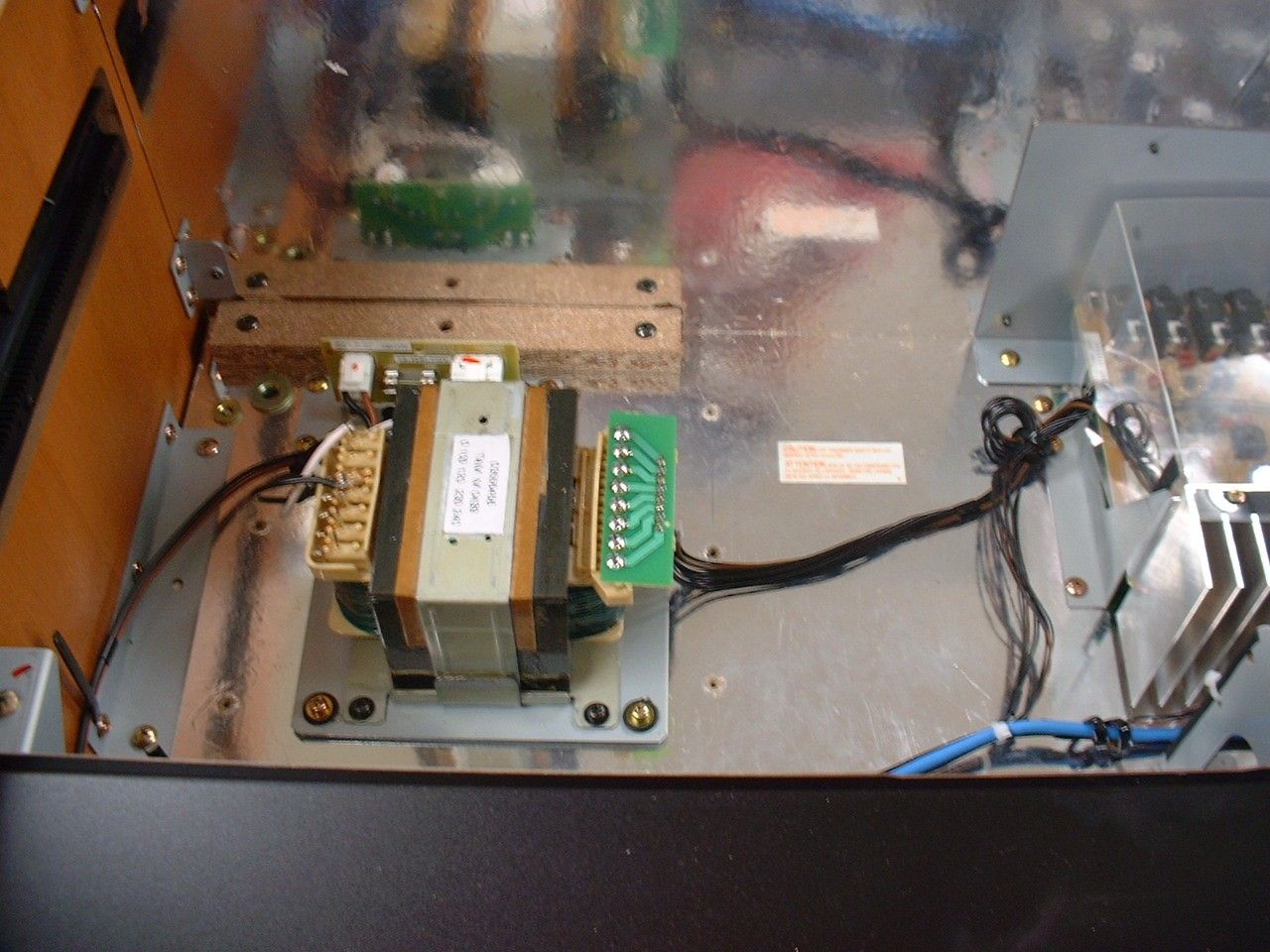
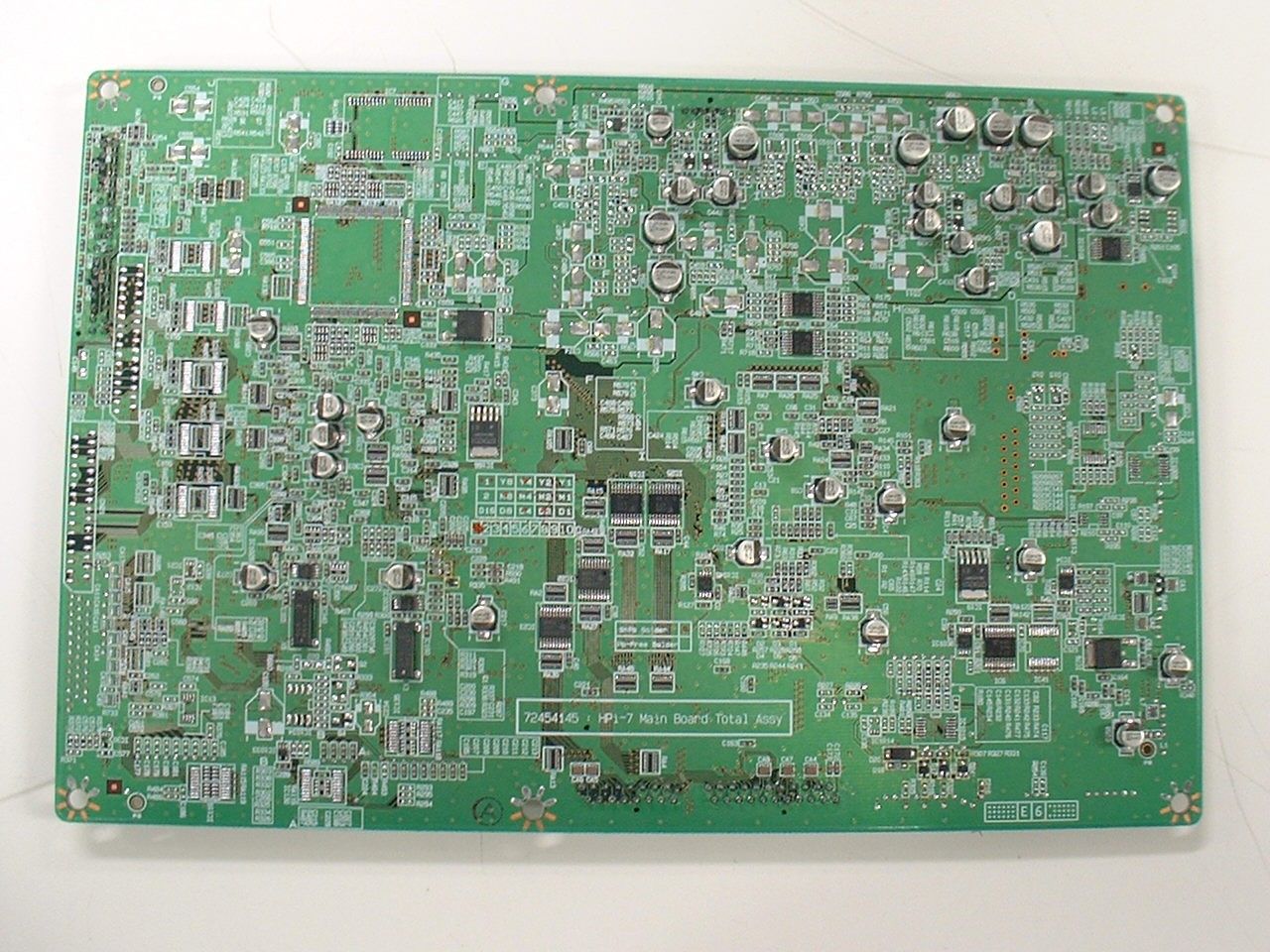
Document Text
Text extracted from the exhibit documents filed with the FCC. Open a document above to read the original.
Users Manual
03454423 ’04-07-2N Owner’s Manual To resize thickness, move all items on the front cover and center registration marks to left or right This owner’s manual is printed on recycled paper. Congratulations on your choice of the Roland Digital Piano HPi-7. 201b Before using this unit, carefully read the sections entitled: “IMPORTANT SAFETY INSTRUCTIONS” (p. 2), “USING THE UNIT SAFELY” (p. 3), and “IMPORTANT NOTES” (p. 5). These sections provide important information concerning the proper operation of the unit. Additionally, in order to feel assured that you have gained a good grasp of every feature provided by your new unit, owner’s manual should be read in its entirety. The manual should be saved and kept on hand as a convenient reference. 202 Copyright © 2004 ROLAND CORPORATION All rights reserved. No part of this publication may be reproduced in any form without the written permission of ROLAND CORPORATION. Musical Notation Shown In A Large LCD ScreenThe musical notation can be displayed not only for the internal songs, but also for commercially available song files.Y ou can split the screen and change the settings as you view the Notation screen.L yrics and fingering numbers can also be displayed.* The fingering numbers are displayed only for some of the internal songs. Authentic Piano PerformanceHigh-quality grand piano tones and true piano feel from the keyboard and pedals let you enjoy authentic -piano performance. A “Wonderland” Sure To Please Children “Wonderland” is a world of sound which children can enjoy, with a “Piano,” a “SFX” of sounds, and more. A note-guessing game is also included. A Wealth Of Onboard SongsThe instrument comes with 170 songs, all carefully selected so almost every genre is r epresented— whether it be piano etudes, or popular tunes. A “Visual Lesson” Convenient Functions For PracticingEnjoy practicing along with song data.Y ou can also check the results of what you play right in the screen. Easy Game-like OperationAfter pressing the button for the desired function, operation consists basically of pressing the cursor buttons, [ ] [ ] buttons and [+] [-] located in the center of the panel. Y ou can enjoy versatile performance with easy operation. 2 To resize thickness, move all items on the front cover CAUTION RISK OF ELECTRIC SHOCK DO NOT OPEN ATTENTION : RISQUE DE CHOC ELECTRIQUE NE PAS OUVRIR CAUTION : TO REDUCE THE RISK OF ELECTRIC SHOCK, DO NOT REMOVE COVER (OR BACK). NO USER-SERVICEABLE PARTS INSIDE. REFER SERVICING TO QUALIFIED SERVICE PERSONNEL. The lightning flash with arrowhead symbol, within an equilateral triangle, is intended to alert the user to the presence of uninsulated “dangerous voltage” within the product’s enclosure that may be of sufficient magnitude to constitute a risk of electric shock to persons.The exclamation point within an equilateral triangle is intended to alert the user to the presence of important operating and maintenance (servicing) instructions in the literature accompanying the product. INSTRUCTIONS PERTAINING TO A RISK OF FIRE, ELECTRIC SHOCK, OR INJURY TO PERSONS. IMPORTANT SAFETY INSTRUCTIONS SAVE THESE INSTRUCTIONS WARNING - When using electric products, basic precautions should always be followed, including the following: 1. Read these instructions.2. Keep these instructions.3. Heed all warnings.4. Follow all instructions.5. Do not use this apparatus near water.6. Clean only with a dry cloth.7. Do not block any of the ventilation openings. Install in accordance with the manufacturers instructions. 8. Do not install near any heat sources such as radiators, heat registers, stoves, or other apparatus (including amplifiers) that produce heat. 9. Do not defeat the safety purpose of the polarized or grounding-type plug. A polarized plug has two blades with one wider than the other. A grounding type plug has two blades and a third grounding prong. The wide blade or the third prong are provided for your safety. If the provided plug does not fit into your outlet, consult an electrician for replacement of the obsolete outlet. 10. Protect the power cord from being walked on or pinched particularly at plugs, convenience receptacles, and the point where they exit from the apparatus. 11. Only use attachments/accessories specified by the manufacturer. 12. Use only with the cart, stand, tripod, bracket, or table specified by the manufacturer, or sold with the apparatus. When a cart is used, use caution when moving the cart/apparatus combination to avoid injury from tip-over. 13. Unplug this apparatus during lightning storms or when unused for long periods of time. 14. Refer all servicing to qualified service personnel. Servicing is required when the apparatus has been damaged in any way, such as power-supply cord or plug is damaged, liquid has been spilled or objects have fallen into the apparatus, the apparatus has been exposed to rain or moisture, does not operate normally, or has been dropped. IMPORTANT: THE WIRES IN THIS MAINS LEAD ARE COLOURED IN ACCORDANCE WITH THE FOLLOWING CODE. BLUE: BROWN: As the colours of the wires in the mains lead of this apparatus may not correspond with the coloured markings identifying the terminals in your plug, proceed as follows:The wire which is coloured BLUE must be connected to the terminal which is marked with the letter N or coloured BLACK.The wire which is coloured BROWN must be connected to the terminal which is marked with the letter L or coloured RED.Under no circumstances must either of the above wires be connected to the earth terminal of a three pin plug. NEUTRALLIVE For the U.K. WARNING: To reduce the risk of fire or electric shock, do not expose this apparatus to rain or moisture. and center registration marks to left or right. This product complies with the requirements of European Directives EMC 89/336/EEC and LVD 73/23/EEC. For EU Countries For Canada This Class B digital apparatus meets all requirements of the Canadian Interference-Causing Equipment Regulations.Cet appareil numér…
Text truncated - open the document above for the full version.
Block Diagram
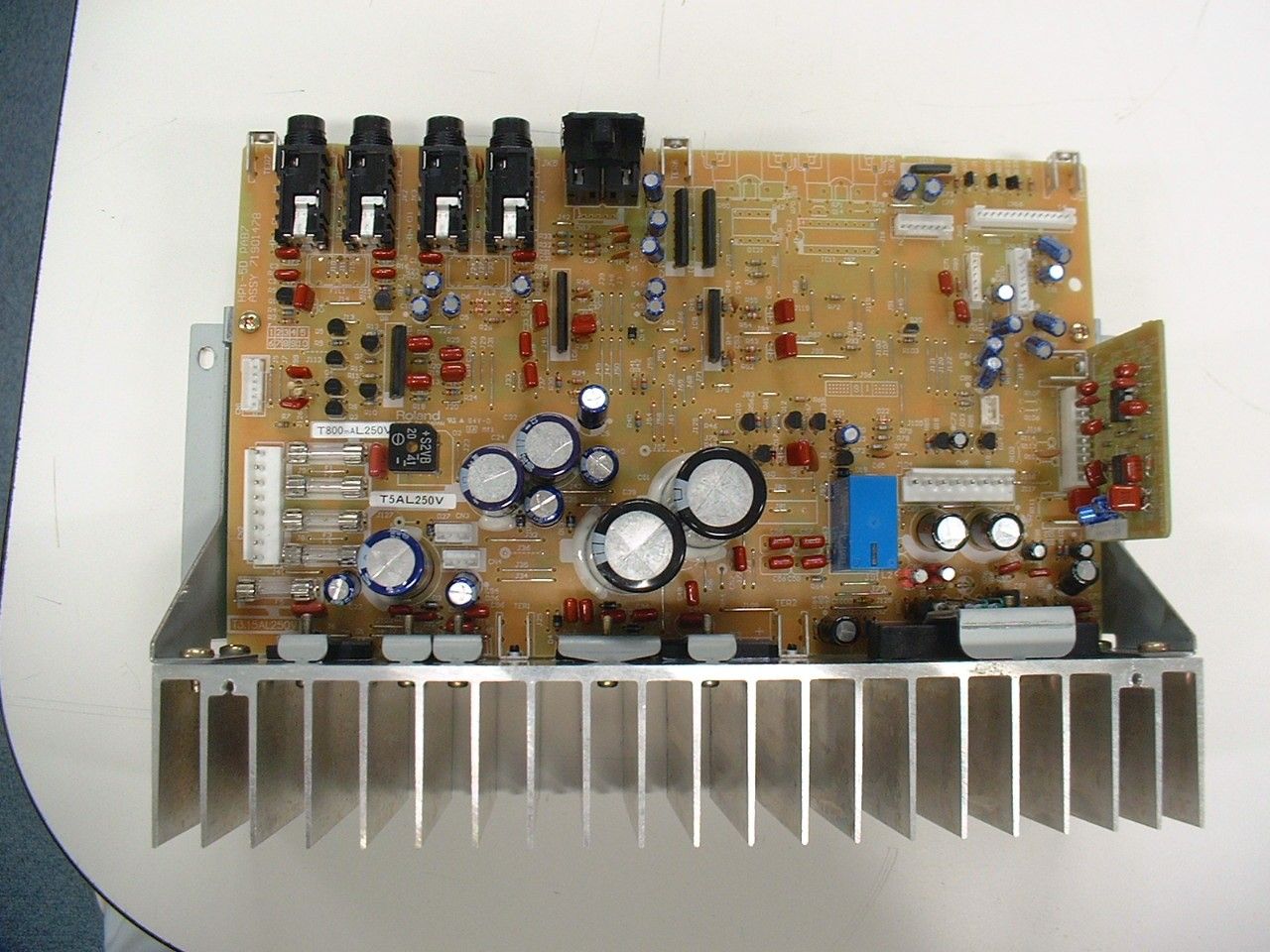
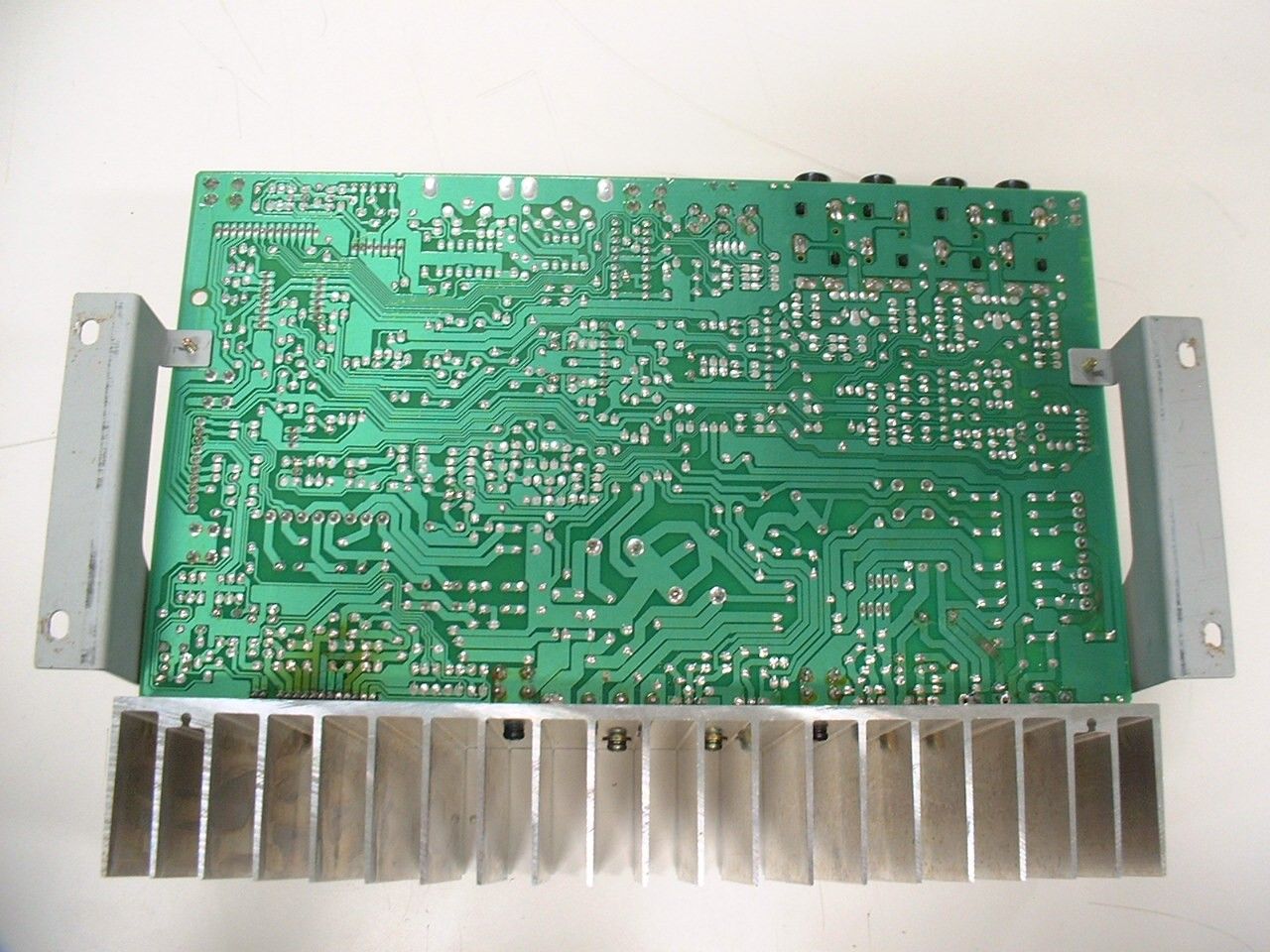
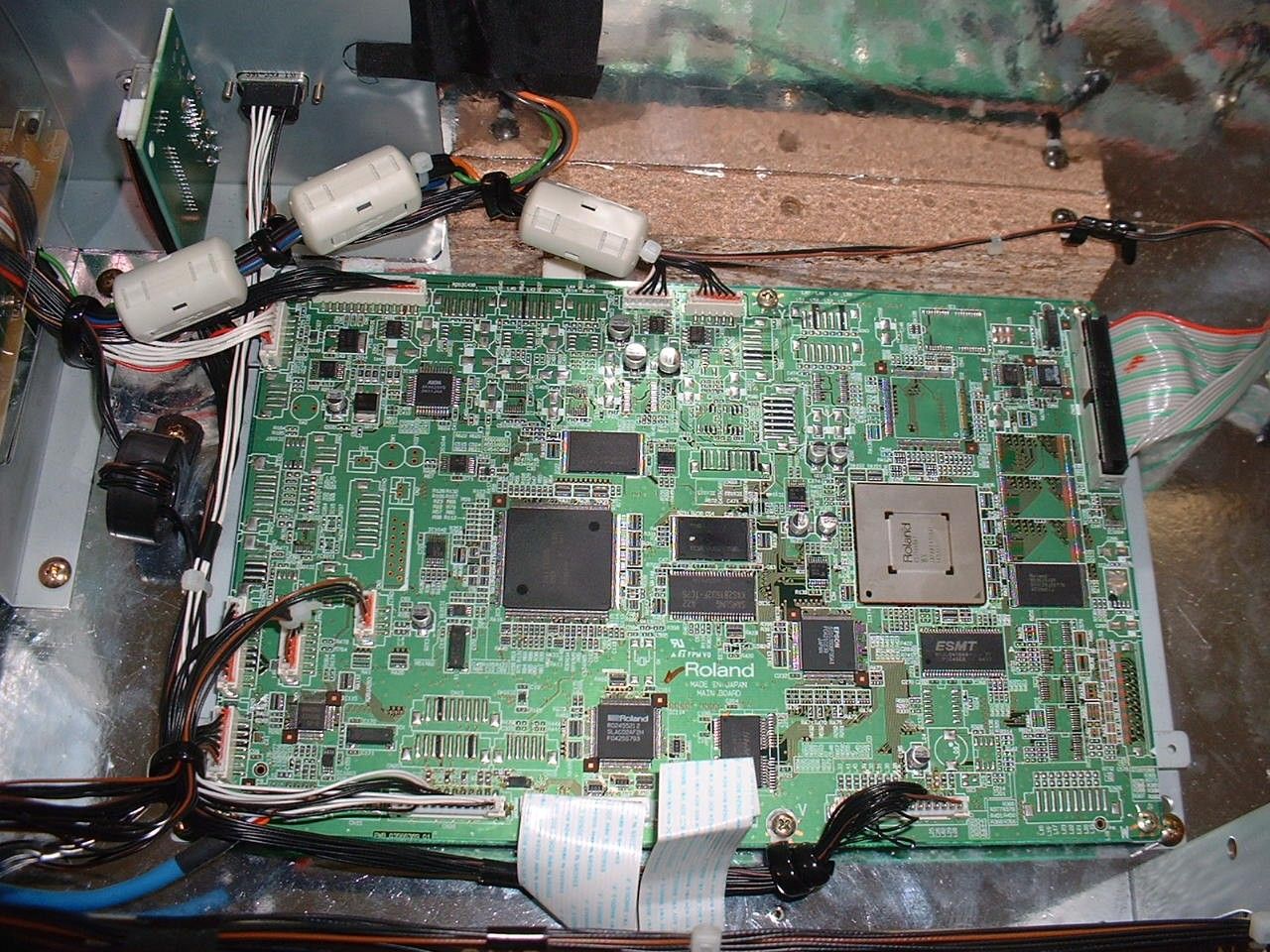
MAIN BOARD CPU IC 28 BUSBUFFERS Address IC 15,25 Data IC22,23 PHONES 1 FRONT JACK BOARD INLET BOARD IC 6 574IC MUTECONTROL PAB7 ANALOG BOARD IC 1, Q2, 3, 4, 5 LINE OUTPHONESAMP IC 201, 202EQ MUTE MUTE MIX IC 9 LINE IN PANEL BOARD Q 6, 7 Q 1, 8 JK 3, 4 JK 1, 2 JK 1, 3 HPi7LE BLOCKDIAGRAM PHOTOCOUPLER IC 2 BUFFER IC 1 JK 2 MIC PHONES 2 (16.5 MHz) WAVEROMD RAM IC 160IC 175 LCD JACKBOARD LCDUNIT LCDBOARD VGA OUT IC 28 NORFLASH IC 32 SDRAM KSM IC 114IC 115 USB Chip IC 145 FDC (16.5 MHz) FDD IC 27 NANDFLASH LPF CODEC IC 187 WX Chip IC 174 (16.93 44MHz) LEDS &SWITCHES SCAN LINEDATA LINE SH7709S (25.175 MHz) IC 139 LCDC IC 117 V RAM BUFFERS IC 1018,1019 IC 1028 LPF IC 1026 RL 1 RELAY POWERAMP IC 12 PAB7 EQ BOARD Brilliance VR 2 Volume VR 1 DAMPER/SOFT/SOST Power SupplyDC +12VDC -12VDC +5V IC 3IC 5IC 2 TRANS BUFFER IC 6 JK 5 BUFFER IC 7, 8 DC +5V (for LCD and FDD) IC 14 JK 5 JK 4 AC INLET POWER SW MIDI INOUT Keyboard USB PEDAL TWEETERSSP-BOX
Contact Information
Applicant
Hisashi Ninomiya(Assistant Manager)
Test Firm
Miyazaki Prefecture Industrial Technology CenterYuzo Kawano
Technical Specifications
| # | Rule Parts | Frequency Range | Power Output |
|---|---|---|---|
| 1 | 15B | - | - |
Other Applications from Roland Corporation
SOP426571A
Sep 22, 2024GUITAR AMPLIFIER
Equipment Class
DSS - Part 15 Spread Spectrum Transmitter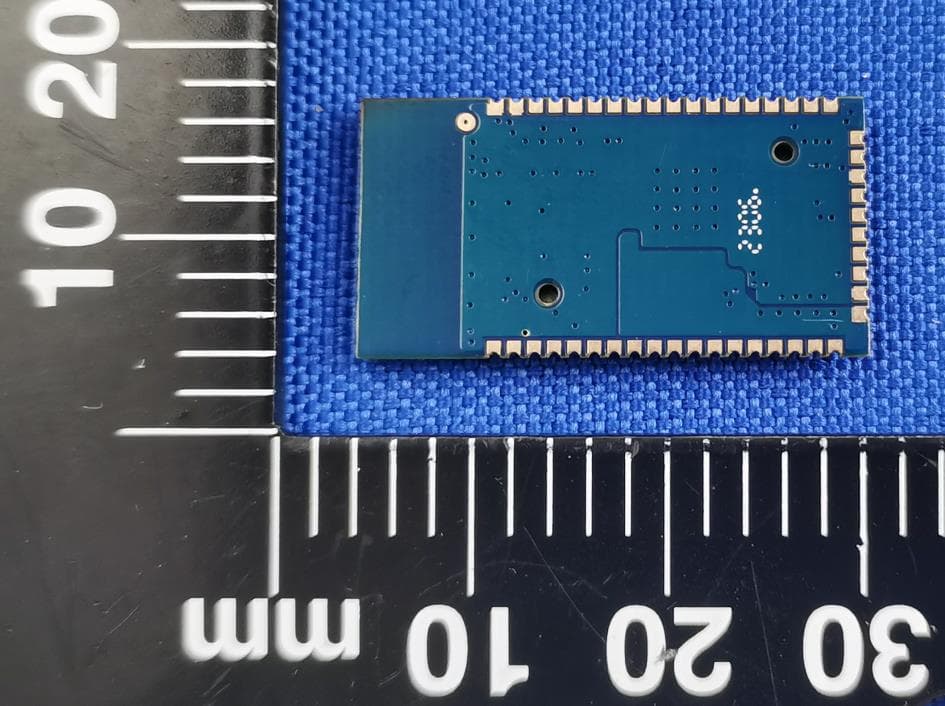
SOP426421A
Aug 30, 2023KSD2853_Antenna module
Equipment Class
DSS - Part 15 Spread Spectrum Transmitter
SOP422261A
Jun 19, 2022Wireless headphones
Equipment Class
DSS - Part 15 Spread Spectrum Transmitter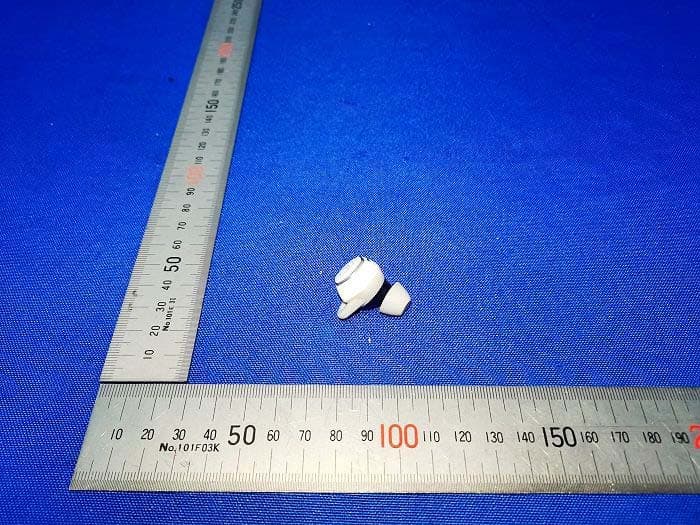
SOP422201A
Jul 15, 2021TRUE WIRELESS EARBUDS
Equipment Class
DXX - Part 15 Low Power Communication Device Transmitter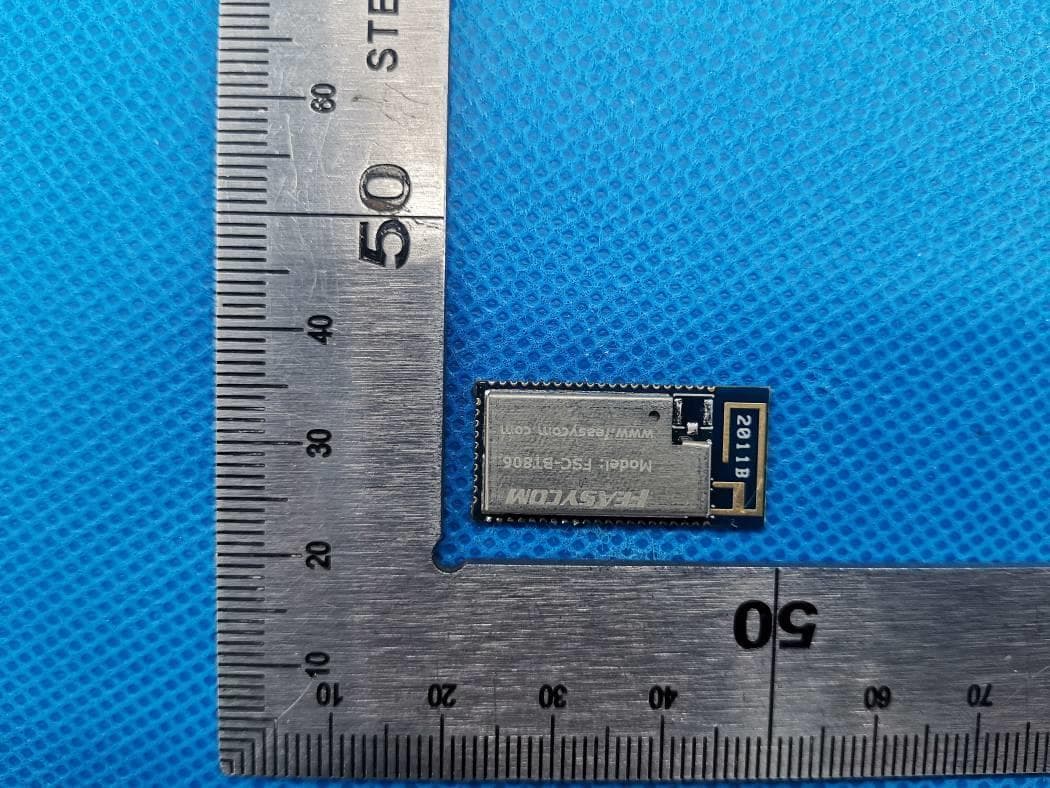
SOPFSC-BT806B
Jul 06, 2020Bluetooth Module
Equipment Class
DSS - Part 15 Spread Spectrum Transmitter