SXS-BT210Bluetooth Speaker
GSOU Technology(Shenzhen) Co., LTD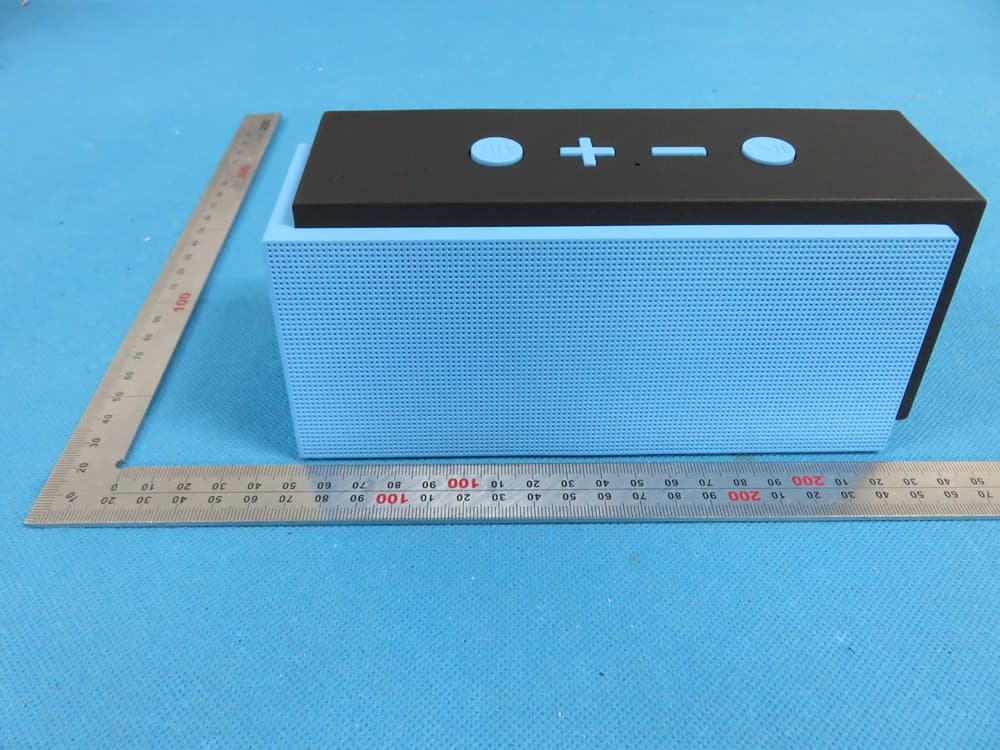
Click to zoom
Application Details
- Equipment Class
- DXX - Part 15 Low Power Communication Device Transmitter
- Date of Grant
- Jul 26, 2015
- Application Purpose
- Original Equipment
- Date of Application
- Jul 26, 2015
- Equipment Note
- Bluetooth Speaker
- Frequency Range
- 2402.00000000 - 2480.00000000
- Country
- China
Documents & Files
Document Text
Text extracted from the exhibit documents filed with the FCC. Open a document above to read the original.
Users Manual
7. The safety temperature of Lithium Battery should not exceed 50 Connect the U210 with your MP3/mp4 player, Mobile and Using a USB cable to connect to a computer or buy USB charger separately non-Bluetooth audio devices,eg mobile phones,mp3/mp4 players and etc. U210 User Manual Thank you for purchasing the Gsou U210 Bluetooth® speaker. Please take the time to follow the instructions in this user manual carefully. If you have any questions , please call our national service hotline: 400-0985-400 1. Preface5. Structure Introduction 4. Structure Introduction 3. Standard Accessories 2. Warnings and Cautions 1. To reduce the risk of fire or electric shock, be sure the electrical circuits are not overloaded. 2. To reduce the risk of electronic shock, be sure not plug the adapter with wet hands. 3.Unplug the power cable if your device is smoking or abnormal and seek professional help from your nearest service center, be sure not detach the device yourself. 4.To reduce the risk of fire or electric shock, do not expose this product to rain or moisture. Liquids can cause a failure and/or a fire hazard. 5. In order to prevent a short circuit , the power cable and audio cable should not be twisted or dragged in case of short circuit. 6.Do not place the speaker near any open flame sources, such as lighted candles. °C 1How to connect your U210 with Bluetooth-enabled playback devices? Be sure your speaker battery has sufficient power. Turn on your speaker and it will be in Bluetooth mode automatically and ready for connecting. The blue indicator flashes Open the Bluetooth® on your mobile, search the “Gsou U210” device and connect to it. No password is needed for most of Bluetooth playback devices, but due to varying Bluetooth versions, sometimes, you need to input the default password “0000”(four zero) if required. Power on / Off Play / Pause button Mode / Bluetooth status indicator , Answer/reject call 1.Blue indicator flashes : Indicates that device is waiting for a connection 2.blue indicator remains steadily on : Indicates that device is connected to an Aux in devices 3.Short press the hand free key to answer an incoming call and short press it again to hang up Previous / Next track : short press is for next track , long press is for increasing volume Previous / next track , Volume Up / down : short press is for previous track , long press is for decreasing volume Mic 5V DC In : Red light flashes means your speaker needs to be charged , Red indicator is on when charging , and off when fully charged . AUX in Jack other playback devices with 3.5mm jack by audio cable and U210 will disconnect the Bluetooth® automatically Blue indicator flashes : status of waiting for connecting Blue indicator remains steadily on : connected to Bluetooth® source or connected to aux in devices ROST Button : If the speaker is unresponsive, use 1.0mm pin or probe to press reset button . *** TF Card : Insert a MP3/ WMA format audio file of the TF card, you can play songs . (optional) *** FM ( optional ) Blue light remains steadily on to indicate successfully connected. Run the music player of your mobile, and enjoy the loud but clear sound from your U210. You need to disconnect the previous pairing Bluetooth® device , then other mobiles can be available 2. How to connect the U210 with your notebook PC by Bluetooth®? (1) Using your speaker with a Bluetooth® notebook. Start your notebook, and search for the Bluetooth® device by “Start—Setting—Control Panel”. Start the Bluetooth® searching function of your notebook, blue light flashes when searching the Audio-in devices. Blue indicator light remains steadily on after connecting successfully. (2) Connecting to a notebook without Bluetooth® function. Please buy a Bluetooth® adaptor separately . We suggest an adaptor with Bluetooth version 4.0 for the high quality audio experience. After installing please start the Bluetooth® from the “Control Panel” or the shortcut on your pc desktop, please search for connecting, and the instruction steps are the same as the first case. 3. How to play music via AUX-in? Make sure your speaker power on Your U210 comes with a standard 3.5mm Aux in jack for connecting with other Your speaker will disconnect the Bluetooth®, switches to the external source play, as the external source of AUX-in mode is prior Have connected the AUX model before you use the speaker , needs switch to other play mode . Please short press M key , turn the present mode to the other you wanted . Long press the Volume Up / Down to operate your speaker 4Hands-free Function The speaker have voice prompt when the call incoming Short press the hand free key to answer an incoming call and short press it again to hang up Long press reject the call 6. Operation steps 7. How to charge Size Net Weight Loudspeaker Frequency response Sensitivity S/N ratio Distortion Battery Working current Working voltage Charging voltage Charging current L185*W72.5*H78 mm 710g ø52mm 4Ω / 5Wx2 100HZ - 20KHZ 80db ≥ -80db ≤1% Built-in 2200mAH rechargeable lithium battery ≤600mA (stereo ) 7.4V-8.4V DC 5V 800-1500mA 8. Specifications 1. Bluetooth Pairing and Connecting • Pairing occurs when two Bluetooth® devices communicate with each other and establish a Connection . • Connecting occurs when two Bluetooth ®devices are matched and ready to share data . • The two devices can be shared under the connecting status , pairing speaker can not work . 2. Your mobile search the Gsou U210 , but the speaker it’s not playing • Make sure your speaker is in the Bluetooth mode • Remove the speaker from the other pairing device then pair the mobile and the speaker again • Make sure you have connected the two devices 3. After Installing the USB Bluetooth adapter on the PC , the PC still can not connect with the speaker • Make sure your Bluetooth adapter is functioning properly . • On the PC , right-click on the Bluetooth icon and select the option to add a new connection or device , which will make the computer search f…
Text truncated - open the document above for the full version.
External Photos
External Photos TOTAL VIEW OF EUT TOP VIEW OF EUT BOTTOM VIEW OF EUT FRONT VIEW OF EUT BACK VIEW OF EUT LEFT VIEW OF EUT RIGHT VIEW OF EUT VIEW OF EUT(Port)
ID Label/Location Info
FCC ID Label Location Model: U210 FCC ID: SXS-BT210 Label size: 2cm*3cm
Internal Photos
Internal Photos OPEN VIEW OF EUT INTERNAL VIEW OF EUT-1 INTERNAL VIEW OF EUT-2 INTERNAL VIEW OF EUT-3 BT Antenna FM Antenna INTERNAL VIEW OF EUT-4 INTERNAL VIEW OF EUT-5
RF Exposure Info
RF Exposure evaluation Product Description:Bluetooth Speaker Model Number: U210 FCC ID: SXS-BT210 According to 447498 D01 General RF Exposure Guidance v05 The 1-g and 10-g SAR test exclusion thresholds for 100 MHz to 6 GHz at test separation distances ≤ 50 mm are determined by: [(max. power of channel, including tune-up tolerance, mW)/(min. test separation distance, mm)] ·[√f(GHz)] ≤ 3.0 for 1-g SAR and ≤ 7.5 for 10-g extremity SAR, where f(GHz) is the RF channel transmit frequency in GHz Power and distance are rounded to the nearest mW and mm before calculation According to the follow transmitter output power(P t )formula: P t =(E x d) 2 /(30 x g t ) P t =transmitter output power in watts g t =numeric gain of the transmitting antenna (unitess) E=electric field strength in V/m d=measurement distance in meters (m) According to the above test data, Emax=99.35dBuv/m=0.093V/m,d=3m,g t =0.93 P t =(E x d) 2 /(30 x g t )=(0.093x3) 2 /(30x0.93)=0.00279W=2.79mW The result is rounded to one decimal place for comparison Worse case is as below: [2480MHz -2.79mW output power] (2.79mW /5mm) .[√2.480(GHz)]= 0.879<3.0 for 1-g SAR Then SAR evaluation is not required NOTE: For the maximum power, you can refer FCC test report.
Test Report
Page 1 of 73 FCC Test Report Report No.: AGC03311150603FE03 FCC ID : SXS-BT210 APPLICATION PURPOSE : Original Equipment PRODUCT DESIGNATION : Bluetooth Speaker BRAND NAME : GSOU MODEL NAME : U210 CLIENT : GSOU Technology(Shen Zhen)Co.,LTD DATE OF ISSUE : July 20,2015 STANDARD(S) TEST PROCEDURE(S) : FCC Part 15 Rules REPORT VERSION : V1.0 Attestation of Global Compliance (Shenzhen) Co., Ltd CAUTION: This report shall not be reproduced except in full without the written permission of the test laboratory and shall not be quoted out of context. Report No.: AGC03311150603FE03 Page 2 of 73 Report Revise Record Report Version Revise Time Issued Date Valid Version Notes V1.0 / July 20,2015 Valid Original Report Report No.: AGC03311150603FE03 Page 3 of 73 TABLE OF CONTENTS 1. VERIFICATION OF CONFORMITY ...................................................................................... 4 2. GENERAL INFORMATION .................................................................................................. 5 2.1. PRODUCT DESCRIPTION ........................................................................................................... 5 2.2. TABLE OF CARRIER FREQUENCYS .......................................................................................... 5 3. MEASUREMENT UNCERTAINTY........................................................................................ 7 4. DESCRIPTION OF TEST MODES ........................................................................................ 7 5. SYSTEM TEST CONFIGURATION ...................................................................................... 8 5.1. CONFIGURATION OF EUT SYSTEM .......................................................................................... 8 5.2. EQUIPMENT USED IN EUT SYSTEM ......................................................................................... 8 5.3. SUMMARY OF TEST RESULTS .................................................................................................. 8 6. TEST FACILITY .................................................................................................................... 9 7 ALL TEST EQUIPMENT LIST ............................................................................................... 9 8. RADIATED EMISSION ....................................................................................................... 10 8.1TEST LIMIT ................................................................................................................................... 10 8.2. MEASUREMENT PROCEDURE ................................................................................................ 11 8.3. TEST SETUP .............................................................................................................................. 13 8.4. TEST RESULT(Worst modulation:GFSK) ................................................................................... 15 9. BAND EDGE EMISSION .................................................................................................... 41 9.1. MEASUREMENT PROCEDURE ................................................................................................ 41 9.2 TEST SETUP ............................................................................................................................... 41 9.3 RADIATED TEST RESULT(Worst modulation:GFSK) ................................................................. 42 10. 20DB BANDWIDTH .......................................................................................................... 50 10.1. MEASUREMENT PROCEDURE .............................................................................................. 50 10.2. TEST SET-UP (BLOCK DIAGRAM OF CONFIGURATION) ..................................................... 50 10.3. LIMITS AND MEASUREMENT RESULTS ................................................................................ 50 11. FCC LINE CONDUCTED EMISSION TEST ..................................................................... 59 11.1. LIMITS OF LINE CONDUCTED EMISSION TEST ................................................................... 59 11.2. BLOCK DIAGRAM OF LINE CONDUCTED EMISSION TEST ................................................. 59 11.3. PRELIMINARY PROCEDURE OF LINE CONDUCTED EMISSION TEST .............................. 60 11.4. FINAL PROCEDURE OF LINE CONDUCTED EMISSION TEST ............................................. 60 11.5. TEST RESULT OF LINE CONDUCTED EMISSION TEST ....................................................... 61 APPENDIX A: PHOTOGRAPHS OF TEST SETUP ............................................................... 65 APPENDIX B: PHOTOGRAPHS OF EUT .............................................................................. 67 Report No.: AGC03311150603FE03 Page 4 of 73 1. VERIFICATION OF CONFORMITY Applicant GSOU Technology(Shen Zhen)Co.,LTD Address 14C, Block A, First World Plaza, No.7002 West Hongli Road, Futian District Shenzhen, China Manufacturer GSOU Technology(Shen Zhen)Co.,LTD Address 14C, Block A, First World Plaza, No.7002 West Hongli Road, Futian District Shenzhen, China Product Designation Bluetooth Speaker Brand Name GSOU Test Model U210 Date of test July 14,2015 to July 16,2015 Deviation None Condition of Test Sample Normal Report Template AGCRT-US-BR/RF We hereby certify that: The above equipment was tested by Compliance Certification Service(Shenzhen) Inc. The test data, data evaluation, test procedures, and equipment configurations shown in this report were made in accordance with the procedures given in ANSI C63.4 (2009) and the energy emitted by the sample EUT tested as described in this report is in compliance with radiated emission limits of FCC Rules Part 15.249. Prepared By Time Huang July 20,2015 Checked By Forrest Lei July 20,2015 Authorized By Solger Zhang July 20,2015 Report No.: AGC03311150603FE03 Page 5 of 73 2. GENERAL INFORMATION 2.1. PRODUCT DESCRIPTION A major te…
Text truncated - open the document above for the full version.
Test Setup Photos
Test Setup Photos FCC LINE CONDUCTED EMISSION TEST SETUP FCC RADIATED EMISSION TEST SETUP
Contact Information
Applicant
Soldlin Li(R&D Manager)
Test Firm
Compliance Certification Services (Shenzhen) Inc.Harry Li
Technical Specifications
| # | Rule Parts | Frequency Range | Power Output |
|---|---|---|---|
| 1 | 15C | 2.40 GHz - 2.48 GHz | - |
Other Applications from GSOU Technology(Shenzhen) Co., LTD
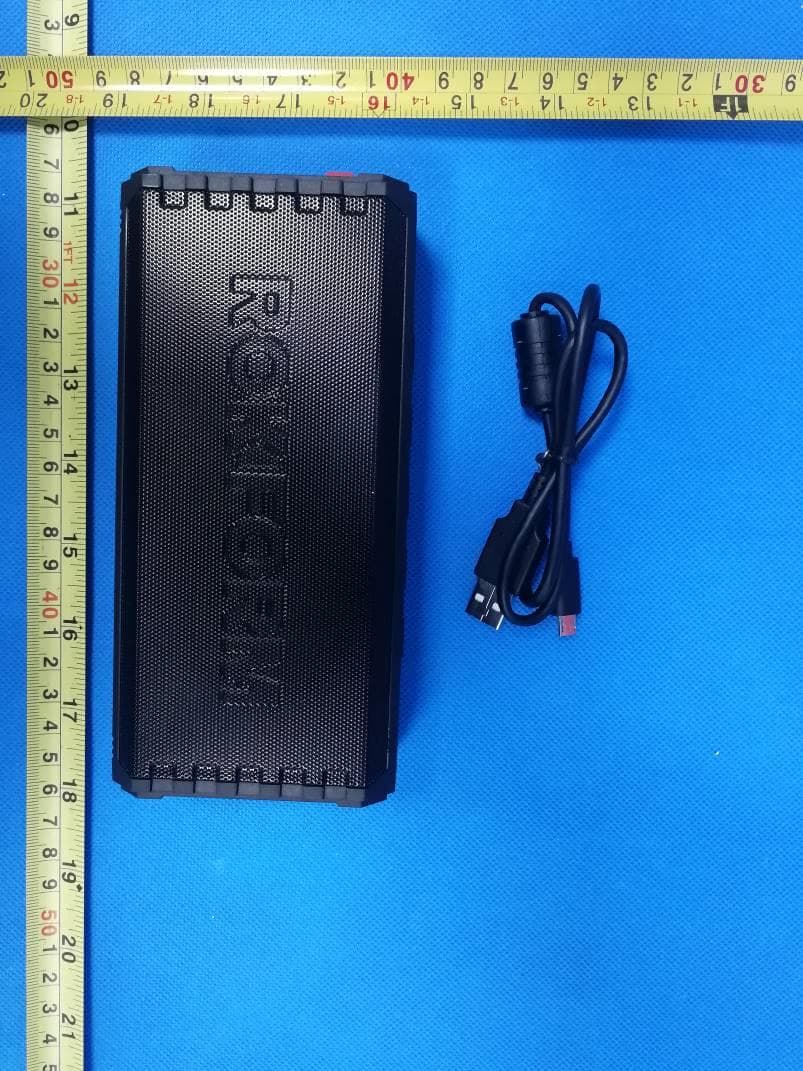
SXS336501
Jan 13, 2020Bluetooth Speaker
Equipment Class
DSS - Part 15 Spread Spectrum Transmitter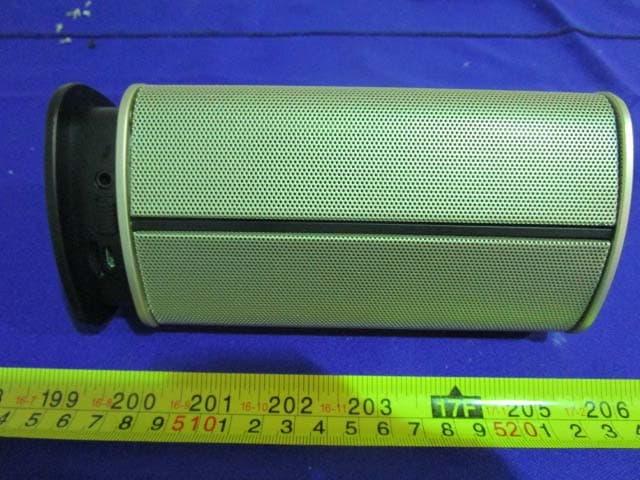
SXS-BT200
Jan 22, 2015Bluetooth Speaker
Equipment Class
DTS - Digital Transmission System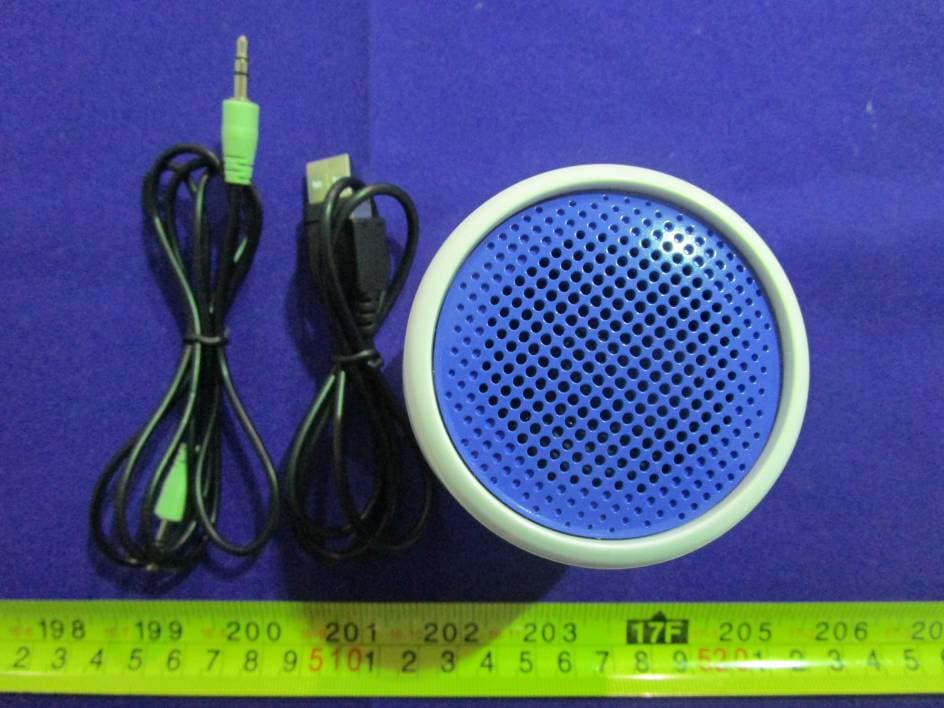
SXS-BT130
Dec 27, 2014Bluetooth speaker
Equipment Class
DSS - Part 15 Spread Spectrum Transmitter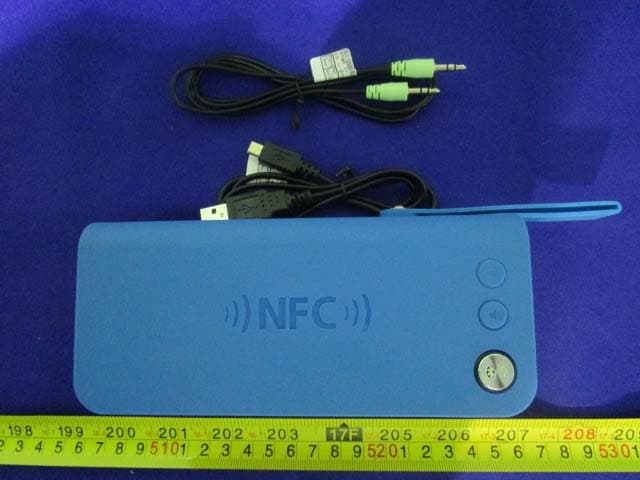
SXS-BT910
Oct 15, 2014Bluetooth Speaker
Equipment Class
DTS - Digital Transmission System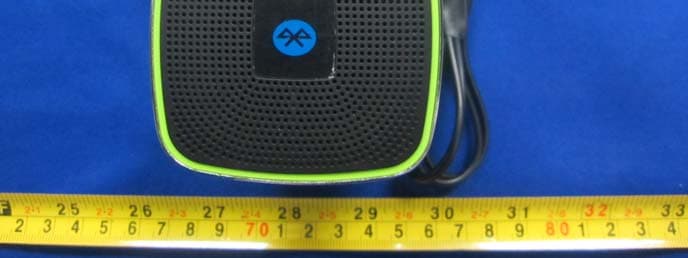
SXS-BT150
Jul 01, 2014Bluetooth speaker
Equipment Class
DSS - Part 15 Spread Spectrum Transmitter