T38C8666GPGSM/GPRS/WCDMA/BT/WIFI/GPS Mobile Phone
Cellon Communications Technology (Shenzhen) Co.,Ltd.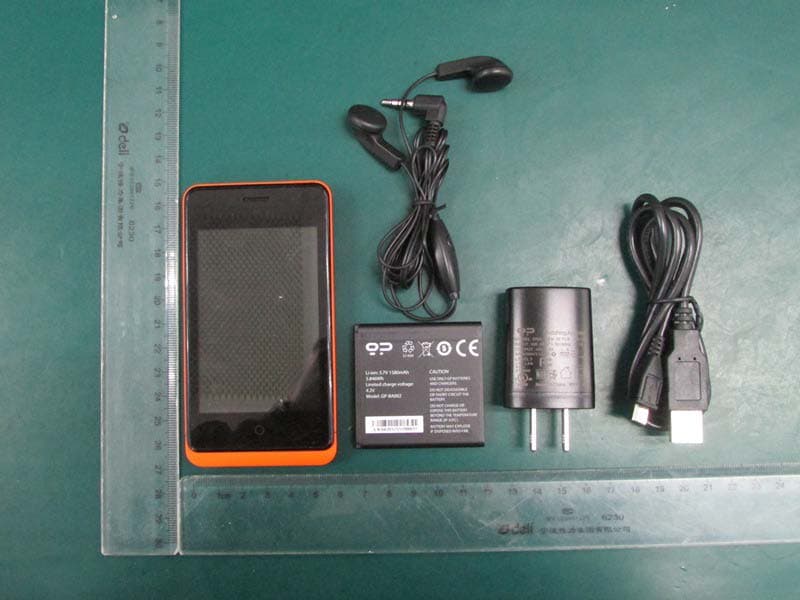
Click to zoom
Application Details
- Equipment Class
- JBP - Part 15 Class B Computing Device Peripheral
- Date of Grant
- Apr 18, 2013
- Application Purpose
- Original Equipment
- Date of Application
- Apr 18, 2013
- Equipment Note
- GSM/GPRS/WCDMA/BT/WIFI/GPS Mobile Phone
- Country
- China
Documents & Files
Document Text
Text extracted from the exhibit documents filed with the FCC. Open a document above to read the original.
Users Manual
Page 1 M8666GP User Manual Page 2 Phone display & key basics To turn on your phone, long press Power Key. Press and hold Power Key till Phone options menu appears.You can access the following feature:Turn on airplane mode,Silence incoming calls,Restart and Power off. To put your phone in sleep mode, press the Power key once. This turn off the screen but still allows your phone to receive calls. To adjust the volume,Press Volume Keys. To return to the home screen, press Home Key. Page 3 Installing the battery and SD Card (1) Remove the back cover (2) Remove the battery (3) Install the SIM card Page 4 (4) Install the battery (5) Install the back cover (6) Insert T-flash card Page 5 Home screen Wherever you are, whatever you’re doing on your phone, simply press HOME Key to return to Home screen. The home screen is your starting point for using applications on your phone. You can customize your Home screen as you like. Touch and hold any icon until it starts to jiggle,drag one icon to different position and different screens, when you are finished, just press the Home button. From the lock screen, press the power key once and slide up the slider then touch unlock icon to unlock screen. Page 6 Onscreen Keyboard When you start a program or select a field that requires text or numbers, the onscreen keyboard becomes available. When you do not need the keyboard, you can close it by pressing Back Key. To adjust onscreen keyboard settings, you can go to Settings > keyboard. Page 7 Phone calls To make a call, touch a phone number in Contacts, an Email, a text message or anywhere on your phone. You can also enter the phone number manually by virtual keypad and dial directly. To answer a call, touch the icon . To reject a call, touch the icon . To end a call, touch the End Call icon . Page 8 Gallery Gallery lets you to access photos and videos you have taken. For photos, you can do basic editing tasks, set them as wallpaper or contact picture and share them to your friends. Load your favorite photos onto your phone from your computer or use the built in camera to take pictures. Tap photos to see your pictures. Flick right or left to move between images.In the picture review screen double tap or pinch to zoom. Page 9 Camera Your phone lets you take pictures and record videos with the built- in camera. Before using the camera, please insert an SD card. All the pictures and videos you captured are stored on SD card. To open camera, press Home Key, slide the screen left or right until the camera icon appears and then tap Camera. In picture mode, touch icon to take a picture. In video mode, touch icon to record a video. Touch icon to view the picture. Page 10 Music Music only plays audio files saved on SD card. Please insert SD card correctly before playing music. At any level in your music library, touch and hold a list (song, artist, album or playlist) to open the context menu. Select a song to play and go to the playback screen. While listening to music,the following actions are available : Shuffle songs:Shuffle songs in random order. Touch to toggle shuffle on or off. When the icon is gray, shuffle is off. Go to any point in song: Slide fingertip in progress bar to desired point in a song. Pause/resume play:Touch to pause;touch to resume play. Repeat mode:Touch to switch the repeat modes. Page 11 Video To record a video, tap Camera,then touch icon and switch to video mode. Tap the Record button to start recording. Tap it again to stop recording. You can record in landscape or portrait. To play video files, press icon, and then select a video you want to watch in the video list to play. Page 12 Browser Browser supports you to browse web pages when your phone is connected to available network. To connect to WLAN or enable mobile network, you can go to Settings > Wi-Fi. Open the Browser screen and tap the web address tab to enter the address you’d like to visit. Double tap or pinch to zoom. Tap muti-page button to open a new web page or toggle between multiple web pages. You can also save your favorite web. Page 13 Search To search your phone or Web, go to the Home screen and press the Home Key or swipe the screen from left or right. Tap in what you would like to find--a name,app,song,movie or any keyword. Your phone offers suggestions as you type to make searching even faster. To search within an app like Mail,Contacts, Messages, tap the search bar. Page 14 Safety Information and Notices Failure to comply with the following precautions may be dangerous or illegal. Please carefully read and observe the terms below: Safe power on Do not use your mobile phone where it is forbidden to use or you might cause a disturbance or danger. Safe transportation first Please observe all related local laws and regulations. Please drive with both hands. Transportation security should be considered when driving. Disturbance All mobile phone performances might be disturbed Turn off when in hospital Please follow related limitations. Please turn off your mobile phone when near a medical instrument. Turn off on an airplane Please follow related limitations. Do not use your phone on an airplane. Turn off when at a gasoline station Do not use your mobile phone at a filling station or around fuels or chemicals. Turn off around exposure Area Please observe related limitations and do not use your mobile phone around an area where explosions can occur. Proper use As described in this manual, your mobile phone can be used only in right location. If possible, please do not touch the antenna area on your phone. Use qualified after sale service Only a qualified maintainer can install or repair your mobile phone. Page 15 Accessories and batteries Only use the authorized accessories and batteries and do not connect to unmatched manufacturers or products. Waterproof Your mobile phone is not waterproof. Please keep it away from water. Backup Do remember to make a backup or keep a written record of all important information saved in your m…
Text truncated - open the document above for the full version.
External Photos
IAC Report No. : 20130210EP1 Page : 1 of 8 Version:1.0 Annex external Photographs IAC Report No. : 20130210EP1 Page : 2 of 8 Version:1.0 IAC Report No. : 20130210EP1 Page : 3 of 8 Version:1.0 IAC Report No. : 20130210EP1 Page : 4 of 8 Version:1.0 IAC Report No. : 20130210EP1 Page : 5 of 8 Version:1.0 IAC Report No. : 20130210EP1 Page : 6 of 8 Version:1.0 IAC Report No. : 20130210EP1 Page : 7 of 8 Version:1.0 IAC Report No. : 20130210EP1 Page : 8 of 8 Version:1.0
ID Label/Location Info
IAC Report No. : 20130210EP3 Page : 1 of 2 Version:1.0 Annex Label exhibit IAC Report No. : 20130210EP3 Page : 2 of 2 Version:1.0
Internal Photos
IAC Report No. : 20130210EP2 Page : 1 of 14 Version:1.0 Annex internal Photographs IAC Report No. : 20130210EP2 Page : 2 of 14 Version:1.0 IAC Report No. : 20130210EP2 Page : 3 of 14 Version:1.0 IAC Report No. : 20130210EP2 Page : 4 of 14 Version:1.0 IAC Report No. : 20130210EP2 Page : 5 of 14 Version:1.0 IAC Report No. : 20130210EP2 Page : 6 of 14 Version:1.0 IAC Report No. : 20130210EP2 Page : 7 of 14 Version:1.0 IAC Report No. : 20130210EP2 Page : 8 of 14 Version:1.0 IAC Report No. : 20130210EP2 Page : 9 of 14 Version:1.0 IAC Report No. : 20130210EP2 Page : 10 of 14 Version:1.0 IAC Report No. : 20130210EP2 Page : 11 of 14 Version:1.0 IAC Report No. : 20130210EP2 Page : 12 of 14 Version:1.0 IAC Report No. : 20130210EP2 Page : 13 of 14 Version:1.0 IAC Report No. : 20130210EP2 Page : 14 of 14 Version:1.0
Test Report
IAC Report No.:20130210FCC-A Page 1 of 19 Version:1.0 FCC Test Report FCC 47 CFR FCC Part 15 Subpart B Product Name : WCDMA mobile phone Model No. : C8666GP、Keon、GP-002(fx) FCC ID : T38C8666GP Prepared By: : Inventec Appliances(Pudong) Corporation Address: : No.789 Pu Xing Road,Shanghai,PRC Date of Receipt : 2013.02.10 Date of Test : 2013.02.10-2013.02.25 Report No. : 20130210FCC-A IAC Report No.:20130210FCC-A Page 2 of 19 Version:1.0 Test Report Certification Date of Issue : Feb.28.2013 Report No. : 20130210FCC-A Product Name : WCDMA mobile phone Model No. : C8666GP、Keon、GP-002(fx) Trade Name : Cellon、geeksphone Applicant : Cellon Communications Technology(Shenzhen)Co., Ltd. Address : 13/F, Skyworth Building C Gaoxin S. Ave. 1st, High-Tech industrial Park NanShan, ShenZhen Standard : FCC 47 CFR FCC Part 15 Subpart B Classification : JBP Test Result : Complied The Test Results relate only to the samples tested. The test report shall not be reproduced except in full without the written approval of IAC regulatory Laboratory Documented By : , Feb.28.2013 Judy Ge/Engineer Tested By : , Feb.28.2013 Alice Lee/Engineer Approved By : , Feb.28.2013 Jeff Huang/Director of Operations IAC Report No.:20130210FCC-A Page 3 of 19 Version:1.0 TABLE OF CONTENTS Description Page 1. GENERAL INFORMATION ................................................................................................ 5 1.1 Applicant ................................................................................................................................ 5 1.2 Manufacture r ......................................................................................................................... 5 1.3 Feature of Equipment Under Test ......................................................................................... 5 1.4 Applied Standards ................................................................................................................. 5 2. Test Configuration of Equipment Under Test ....................................................................... 6 2.1 Test Modes .............................................................................................................................. 6 2.2 Testing Environme nt .............................................................................................................. 6 3. Test Result .............................................................................................................................. 7 3.1 Test of AC Conducted Emission Measure me nt ..................................................................... 7 3.2 Test of Radiated Emission Measurement ............................................................................. 11 4. List of Measuring Equipme nt .............................................................................................. 17 5 Ancillary Equipment List .................................................................................................... 17 6 Unce rtainty Evaluation ........................................................................................................ 17 IAC Report No.:20130210FCC-A Page 4 of 19 Version:1.0 SUMMARY OF TEST RESULT Report Section FCC Rule IC Rule Description Limi t Result Remark 3.1 15.107 7.2.2 AC Conducted Emission < 15.107 limits < RSS-Gen table 2 limits PASS Under limit 6 dB 3.2 15.109 7.2.3.2 Radiated Emission < 15.109 limits or < RSS-Gen table 1 limits (Section 6) PASS Under limit 6dB IAC Report No.:20130210FCC-A Page 5 of 19 Version:1.0 1. GENERAL INFORMATION 1.1 Applicant Company Name: Cellon Communications Technology(Shenzhen)Co., Ltd. Address: 13/F, Skyworth Building C Gaoxin S. Ave. 1st, High-Tech industrial Park NanShan, ShenZhen 1.2 Manufacturer Company Name: Cellon Communications Technology(Shenzhen)Co., Ltd. Address: 13/F, Skyworth Building C Gaoxin S. Ave. 1st, High-Tech industrial Park NanShan, ShenZhen 1.3 Feature of Equipment Under Test Product Feature & Specification Equipment WCDMA mobile phone Brand Name Cellon、geeksphone Model Name C8666GP、Keon、GP-002(fx) FCC ID T38C8666GP HW Version P2 SW Version MSM7627a-eng 4.0.4 IMM761 eng. Remark: 1. For other wireless features of this EUT, test report will be issued separately. 2. This test report recorded only product characteristics and test results of JBP. 3. The above EUT's information was declared by manufacturer. Please refer to the specifications or user's manual for more detailed description. 1.4 Applied Standards According to the specifications of the manufacturer, the EUT must comply with the requirements of thefollowing standards: • FCC 47 CFR FCC Part 15 Subpart B • ANSI C63.4-2003 Remark: All test items were verified and recorded according to the standards and without any deviation during the test. IAC Report No.:20130210FCC-A Page 6 of 19 Version:1.0 2. Test Configuration of Equipment Under Test 2.1 Test Modes The EUT has been associated with peripherals pursuant to ANSI C63.4-2003 and configuration operated in a manner tended to maximize its emission characteristics in a typical application. Frequency range investigated: conduction (150 kHz to 30 MHz), radiation (30MHz to the 5th harmonic of the highest fundamental frequency or to 40 GHz, whichever is lower). Abbreviations: EMI AC: AC conducted emissions EMI RE ≥ 1G: EUT radiated emissions ≥ 1GHz EMI RE < 1G: EUT radiated emissions < 1GHz Test Item Function Type AC Conducted Emission Mode 1: GSM 850 Idle + Bluetooth Idle + WiFi Idle + GPS Rx + Battery + Earphone + LCD monitor+ Notebook Test Item Function Type RadiatedEmissions < 1GHz Mode 1: GSM 850 Idle + Bluetooth Idle + WiFi Idle + GPS Rx + Battery + Earphone + LCD monitor+ Notebook Test Item Function Type RadiatedEmissions > 1GHz Mode 1: GSM 850 Idle + Bluetooth Idle + WiFi Idle + GPS Rx + Battery + Earphone + LCD monitor+ Notebook 2.2 Testing Environment Items Ambient Temperature Relative Humidity Test Distance Normal Condition 22~24°C 35~60% 3m IAC Report …
Text truncated - open the document above for the full version.
Test Setup Photos
IAC Report No.:20130210EP4 Page 1 of 3 Version:1.0 APPENDIX A. SETUP PHOTOGRAPHS FCC Part15B Radiated Emission below 1GHz Setup 1- EUT+ Battery + Earphone + LCD monitor+ Notebook+ Adapter -Front -Rear IAC Report No.:20130210EP4 Page 2 of 3 Version:1.0 FCC Part15B Radiated Emission above 1GHz Setup 1- EUT+ Battery + Earphone + LCD monitor+ Notebook+ Adapter -F ro nt -Rear IAC Report No.:20130210EP4 Page 3 of 3 Version:1.0 AC Conducted Emission Test Setup Setup 1- EUT+ Battery + Earphone + LCD monitor+ Notebook+ Adapter
Contact Information
Applicant
maggie xu(TA manager)
Test Firm
Inventec Appliances (Pudong) Co.,Ltd.Jeff Huang
Technical Specifications
| # | Rule Parts | Frequency Range | Power Output |
|---|---|---|---|
| 1 | 15B | - | - |
Other Applications from Cellon Communications Technology (Shenzhen) Co.,Ltd.
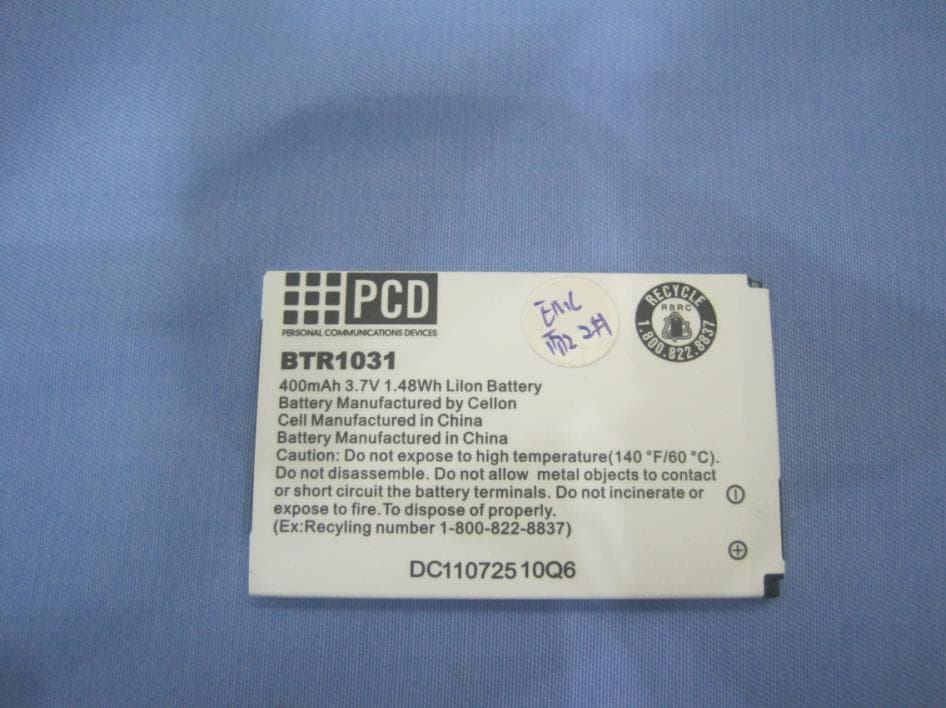
T38C1037
Aug 22, 2013GSM quad band mobile phone
Equipment Class
PCE - PCS Licensed Transmitter held to ear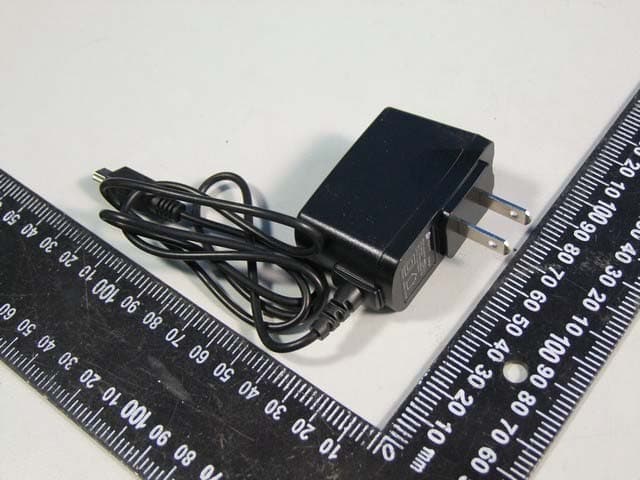
T38C1021ECL
Jul 28, 2013GSM850/1900 Moblie Phone
Equipment Class
PCE - PCS Licensed Transmitter held to ear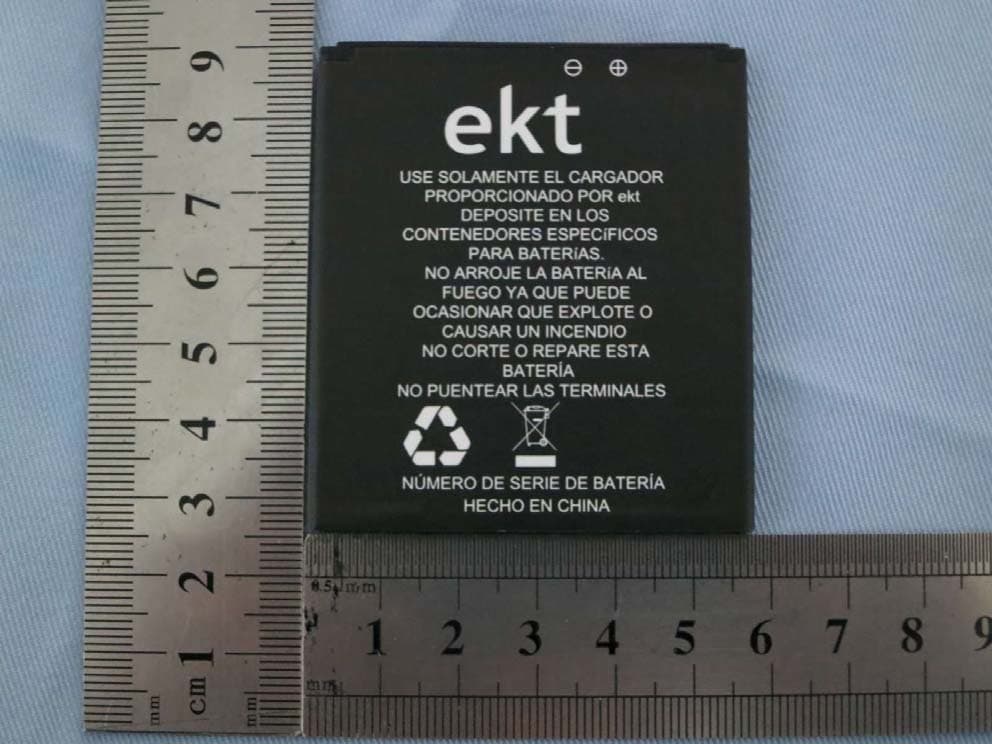
T38C8680EK
Mar 26, 2013WCDMA mobile phone
Equipment Class
DSS - Part 15 Spread Spectrum Transmitter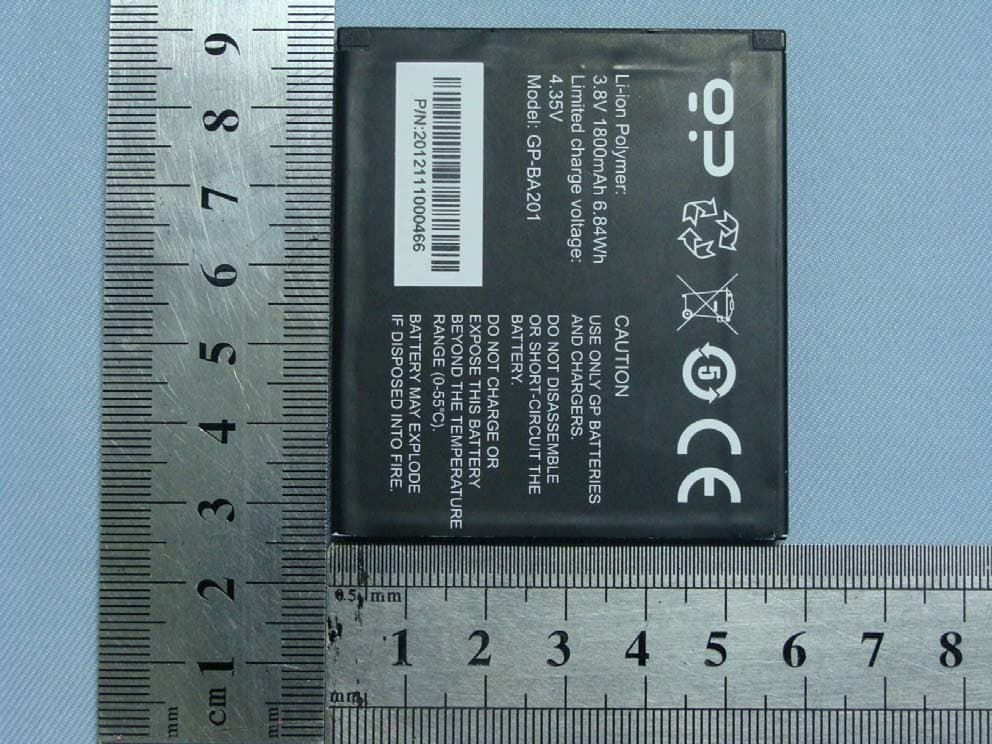
T38C8680GP
Jan 27, 2013WCDMA mobile phone
Equipment Class
JBP - Part 15 Class B Computing Device Peripheral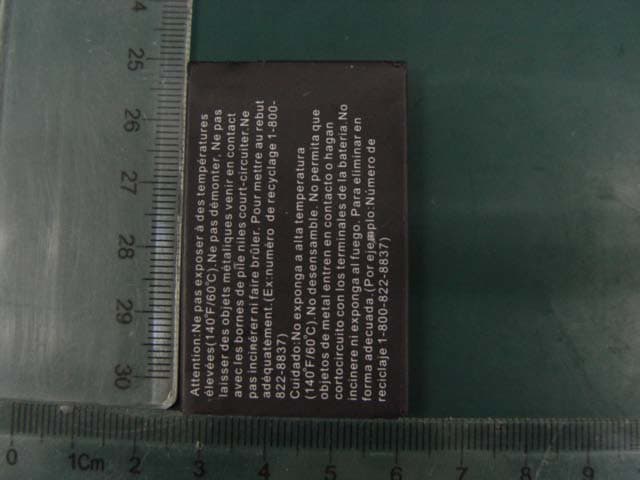
T38C1038
Nov 21, 2012GSM/GPRS + Bluetooth Mobile Phone
Equipment Class
PCE - PCS Licensed Transmitter held to ear