T8G9091Infotainment System with Fondunit (with BT, Kleer technology)
Harman Becker Automotive Systems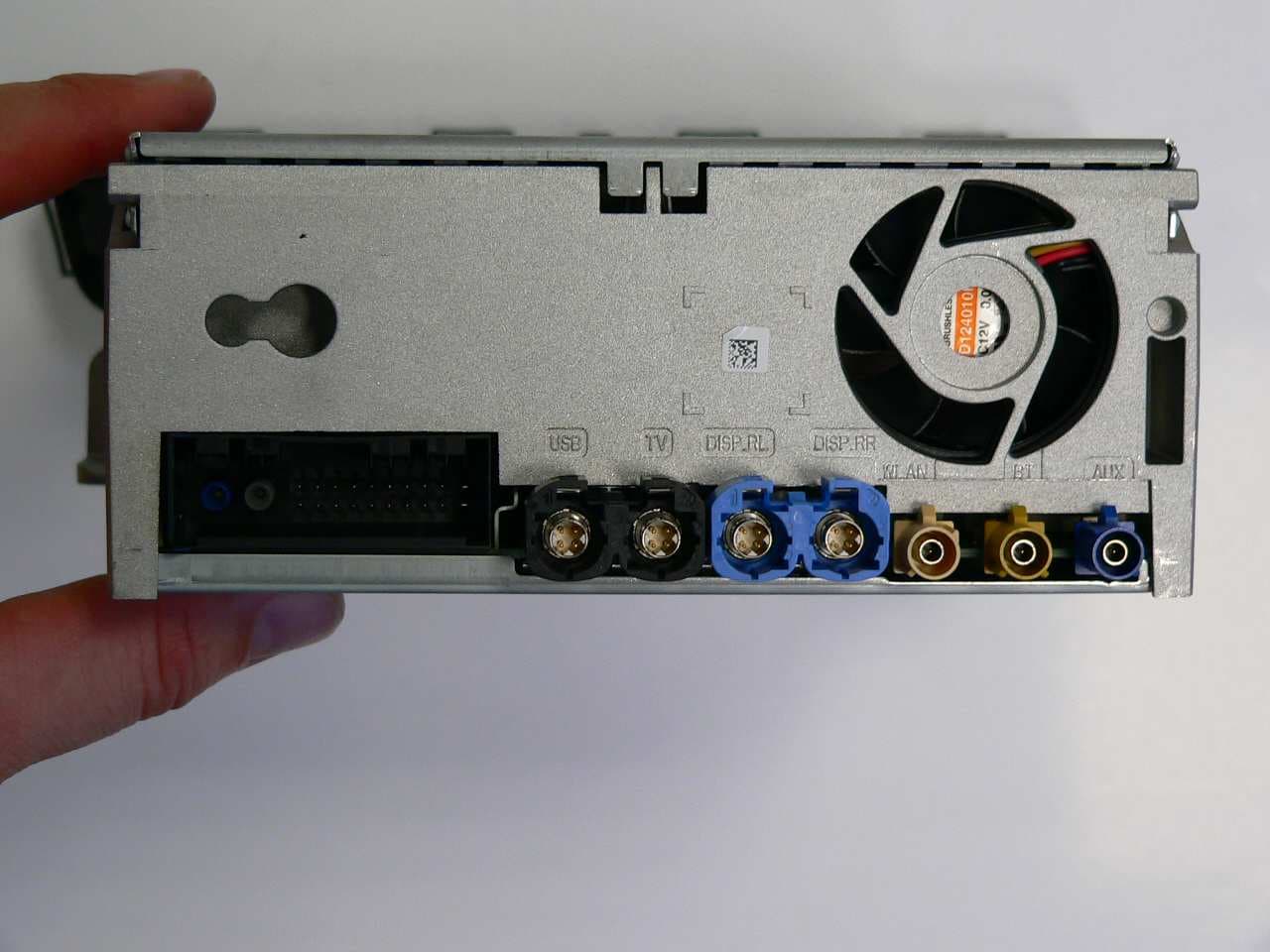
Click to zoom
Application Details
- Equipment Class
- DSS - Part 15 Spread Spectrum Transmitter
- Date of Grant
- Apr 16, 2013
- Application Purpose
- Original Equipment
- Date of Application
- Apr 16, 2013
- Equipment Note
- Infotainment System with Fondunit (with BT, Kleer technology)
- Frequency Range
- 2402.00000000 - 2480.00000000
- Country
- Germany
Documents & Files
Document Text
Text extracted from the exhibit documents filed with the FCC. Open a document above to read the original.
Users Manual
Owner's Manual NT G5_UserManual-SV_130307-english.docx User Instruction Manual NTG5 Infotainment System NTG5 HU - head unit NT G5 FU - fond unit NTG5 P104 - wireless headphone Commercial name: COMAND Online Ve rsion: 1.0 - english Date: 2013-03-07 Symbols In this manual, you will find the following sym- bols: G WARNING Warning notices draw your attention to haz- ards that may endanger your health or life, or the health or life of others. H Environmental note Environmental notes provide you with infor- mation on environmentally aware actions or disposal. ! Notes on material damage alert you to dangers that could lead to damage to your vehicle. i These symbols indicate useful instruc- tions or further information that could be helpful to you. X This symbol designates an instruc- tion you must follow. X Several consecutive symbols indi- cate an instruction with several steps. (Y page) This symbol tells you where you can find further information on a topic. YY This symbol indicates a warning or an instruction that is continued on the next page. Display This text indicates a message on the multifunction/COMAND dis- play. Parts of the software in the vehicle are pro- tected by copyright © 2005 The FreeType Project http://www.freetype.org. All rights reserved. Thank you for buying Mercedes-Benz Before you first drive off, read this Owner's Manual carefully and familiarise yourself with your vehicle. For your own safety and a longer vehicle life, follow the instructions and warn- ing notices in this manual. Disregarding them may lead to damage to the vehicle or personal injury. The equipment or model designation of your vehicle may vary according to: R Model R Order R Country variant R Availability The illustrations in this manual show a left- hand-drive vehicle. On right-hand-drive vehi- cles, the layout of components and controls differs accordingly. Mercedes-Benz is constantly updating its vehicles to the state of the art. Mercedes-Benz therefore reserves the right to introduce changes in the following areas: R Design R Equipment R Technical features The equipment in your vehicle may therefore differ from that shown in the descriptions and illustrations. The following are integral components of the vehicle: R Owner's Manual R Service Booklet R Equipment-dependent supplements Keep printed copies of the documents in the vehicle at all times. If you sell the vehicle, always pass the documents on to the new owner. i You can get to know the important fea- tures of your vehicle in the interactive Own- er's Manual on the Internet at: http://www.mercedes-benz.de/ betriebsanleitung The technical documentation team at Daimler AG wishes you safe and pleasant motoring. xxxxxxxxxx ÉxxxxxxxxxxÌËÍ Index .......................................................4 Introduction .........................................31 At a glance ...........................................37 Safety ...................................................49 Opening and closing ...........................93 Seats, steering wheel and mirrors ..119 Lights and windscreen wipers .........143 Climate control .................................157 Driving and parking ..........................185 On-board computer and displays ....293 COMAND Online ................................357 Stowing and features .......................565 Maintenance and care ......................595 Breakdown assistance .....................611 Wheels and tyres ..............................635 Technical data ...................................661 Contents 3 Operating safety ...............................358 At a glance .........................................361 System settings ................................373 Vehicle functions ..............................381 Navigation .........................................395 Telephone ..........................................423 Online and Internet ...........................463 Radio ..................................................484 Media .................................................491 Sound .................................................533 Rear Seat Entertainment System ....536 357 COMAND Online Operating safety Important safety notes G WARNING Your attention must always be focused on the traffic conditions. Only use COMAND Online or the telephone when the road and traffic conditions permit. Bear in mind that, at a speed of only 50 km/h , your vehicle covers a distance of nearly 14 m per second. The navigation sys- tem does not provide you with information about stop signs, give way signs, traffic regu- lations or road safety features. It is up to you to pay attention to these while driving the vehicle. Only enter a new destination when the vehicle is stationary. Declarations of conformity Wireless vehicle components The following information applies to all com- ponents of the vehicle and the COMAND Online system which receive and/or transmit radio waves: The components of this vehicle which receive and/or transmit radio waves are compliant with the basic requirements and other rele- vant provisions of Directive 1999/5/EC. You can obtain further information from a Mercedes-Benz Service Centre. Electromagnetic compatibility The electromagnetic compatibility of the vehi- cle components has been checked and certi- fied according to the currently valid version of Directive ECE-R 10. Correct use Observe the following information when using COMAND Online: R the safety notes in this manual R traffic rules and regulations R laws and safety standards pertaining to motor vehicles i Improper work on electronic components or other systems (e.g. radio, DVD changer) and their software may result in malfunc- tion or failure. Even systems that have not been modified could be affected because the electronic systems are connected. Electronic malfunctions can seriously jeop- ardise the operational safety of your vehi- cle. i The functionality of a roof aerial (tele- phone, GPS) may be impaired if roof carrier systems are…
Text truncated - open the document above for the full version.
Users Manual
is displayed as soon as the message memory is full. The symbol disappears once you delete at least one message. Switching on and changing telephony operating modes Overview COMAND Online starts the telephony mode depending on whether: R a telephone module with Bluetooth ® (SAP profile) is inserted into the fittings or not R a mobile phone bracket is inserted or not Depending on which mobile phone bracket is inserted, COMAND Online starts telephony via the Bluetooth ® interface. If neither a telephone module with Blue- tooth ® (SAP profile) nor a mobile phone bracket is inserted, COMAND Online imme- diately starts the telephony over the Blue- tooth ® interface. Activating with inserted telephone module with Bluetooth ® (SAP profile) If a telephone module with Bluetooth ® (SAP profile) is inserted, COMAND Online starts the SAP telephony. i If no telephone module with Bluetooth ® (SAP profile) is inserted, COMAND Online checks whether a mobile phone bracket is inserted and, if so, which type. i Before using your telephone module with Bluetooth ® (SAP profile) for the first time, you need to set it up so that it will be rec- ognised by COMAND Online; see the sep- arate operating instructions of the data- enabled telephone module with Blue- tooth ® (SAP profile). If no mobile phone is connected to the data- enabled telephone module with Bluetooth ® (SAP profile), the Ready for Bluetooth telephony... message appears. Approx- imately two minutes after switching on COMAND Online, a prompt will appear asking whether you wish to switch to Bluetooth ® tel- ephony. If you confirm by selecting Yes, the Ready for Bluetooth telephony... message will appear. COMAND Online will search for the two mobile phones last connected via the Bluetooth ® interface. If one of the two mobile phones is found, the telephone basic menu for Bluetooth ® telephony appears (Y page 432). If neither of the mobile phones is found, the Ready for Bluetooth tel‐ ephony... message remains in the display. You can now connect your mobile phone (Y page 426). If you choose No, the Ready for SAP tel‐ ephony... message reappears. Activating without a telephone module with Bluetooth ® (SAP profile) Bluetooth ® telephony is started COMAND Online starts telephony via the Bluetooth ® interface and searches for the last two mobile phones to have been connected via the Bluetooth ® interface. If one of the two mobile phones is found, the telephone basic menu for Bluetooth ® telephony appears (Y page 432). If neither of the mobile phones is found, the Ready for Bluetooth tel‐ ephony... message remains in the display. You now have to connect your mobile phone (Y page 426). i If you do not connect another mobile phone via the phone list, the Bluetooth ® connection with the mobile phone remains active until the next time COMAND Online is switched off. While the Bluetooth ® con- nection is active, only the Bluetooth ® inter- face functions are available to you. Telephone 433 COMAND Online Z Switching between modes of telephony If your vehicle is equipped with an optional data-enabled telephone module with Blue- tooth ® (SAP profile), you can switch the tel- ephony mode. You can change the mode of telephony in the Bluetooth ® phone list by selecting either a Bluetooth ® telephone or an SAP telephone. X Call up the phone list (Y page 426). X To select the mobile phone with the con- troller: turn and press the controller. i SAP telephony: mobile phones which are connected to an optional data-enabled telephone module with Bluetooth ® (SAP profile) are shown in the telephone list under the title Telephones of the SAP module. By selecting an SAP telephone, you change to SAP telephony. Reception and transmission volume Once the mobile phone has been authorised, you can optimise the transmission and recep- tion volume settings. To find out about the best possible settings for your mobile phone, contact a Mercedes-Benz Service Centre or visit http://www.mercedes-benz.com/ connect. X To call up the telephone basic menu: press the % button one or more times. X To switch to the menu bar: slide VÆ the controller. X To select Connect device: turn the con- troller and press to confirm. The telephone list appears. X To select an authorised mobile phone from the list: turn the controller. X To select the list symbol to the right of the entry: slide VY the controller and press to confirm. X To select Reception volume or Trans‐ mission volume: turn the controller and press to confirm. X To select a volume setting: turn the con- troller. X To close the setting scale: press or slide XVY the controller. i Incorrect settings may have an impact on the quality of calls. Telephone operation Incoming calls Accepting a call X To select Accept: press the controller. or X Press the 6 button on COMAND Online or on the multifunction steering wheel. i You can also accept the call by voice com- mand using LINGUATRONIC (see the sep- arate operating instructions). Once you have accepted the call, you can use hands-free mode. The call volume can be adjusted (Y page 369). 434 Telephone COMAND Online Other functions during a call (Y page 436). If the phone number of the caller is transfer- red, it appears in the display. If there is an entry for the caller in the phone book, you will also see the name. If the phone number is not transferred, Unknown appears in the display. i You can also accept a call as described above when another main function is switched on in COMAND. Once you have accepted the call, the display switches to telephone mode. After the call is finished, you see the display of the previous main function again. The display does not switch to the tele- phone display if you: R press the % button beside it and then R accept the call using the 6 button on the multifunction steering wheel Rejecting a call X To select Reject: turn the controller and press to confirm. or X Press the ~ button on COMAND Online or on the multifunction steering wheel. Making a call Using the numbe…
Text truncated - open the document above for the full version.
External Photos
Bluetooth antenna connector
ID Label/Location Info
CERTIFICATION LABEL 9091 90912315191 9091/2315191.cdr 05.07.11 KEberhard look at delivery specification Raflacoat painted detention paper with adhesive RP051 (-20 to + 80 degrees C max.) FINISH: wound on role: one track lengthwise on carrier, external coil, minor diameter 76mm 1000-3000 pieces per role (max. diameter 200 mm) label format: 100 x110 mm printing: 4 colors text and border: Black ral 9005 missing dimensions, position of the diagrams and character font see cdr file all dimension in mm View not scaled! view scaled 1:1(100x110) 05.07.11 T.Kern 100 1 10 a KEbTK Index/ Rev. mal/ mul. Änderungs-Art/ type of change Änd.-Nr/ chg.-nr. Änd.-Datum/ date of chg. bearb./ auth. geprüft/ checked Format/drawing size Werkstoff/ material Name/name Datum/date geprüft/checked erstellt/created Untolerierte Maße nach/dim. without tol. accord. to Typ-Nr./mod.No. Ident-Nr. / P/N Blatt/sheetBlätter/of Oberfläche/ finish\} Benennung/description Maßstab/scale Ersatz für:/substi. forErsetzt durch:/subst. by Fertiggewicht in g/ weight in g The reproduction, distribution and utilization of this document as well as the communication of its contents to others without explicid authorization is prohibited.Offenders will be held liable for the payment of damages. All rights reservedin the event of the grant of a patent, utility model or design. Weitergabe sowie Vervielfältigung dieses Dokuments, Verwertung und Mitteilung seines Inhalts sind verboten, soweit nicht ausdrücklich gestattet.Zuwiderhandlungen verpflichten zu Schadenersatz. Alle Rechte für den Fallder Patent-, Gebrauchsmuster- oder Geschmacksmustereintragung vorbehalten. Copyright reserved CAD F E D C B A F E D C B A 87654321 87654321 Tolerierung/ tolerancing ISO 8015 05.07.11 new in BOM 9083MRT22 1:1 feed direction restricted area for internal barcode b KEbTK 01.03.13 new certification numbers XXXXXX DIN EN 60825-1:2008-05 "APPROVED" TA XXXX/YYY IMOC XX-YYYYY COFETEL: ABCDXXYYZZXXX Aprobado CNC XXXX/YY CMIIT ID: XXXXYYYYZZ TRC /XXX/YYYY/ZZ XXXX/YYYYZZAABBC CCXXYYXXXXXX N136 Numero d ́agrément: Date d ́agrément: AGREE PAR ́L ANRT MAROC XX/YY/XXXX MRXXXX/YYYYYX Manufactured by: NTG5 FU XXX-YYYYZZZZ XXXX - XX - XXXX (01) XXXX XXX XXX XXXX R 203-XXXXXXXXX OMAN - TRA X/NNNN/YY Dyynnnn 1024 Complies with IDA Standards DA103365 THIS PRODUCT COMPLIES WITH DHHS RULES 21 CFR SUBCHAPTER J APPLICABLE TO THE DATE OF MANUFACTURE. THIS DEVICE COMPLIES WITH PART 15 OF THE FCC RULES AND INDUSTRY CANADA LICENSE-EXEMPT RSS STANDARD(S). OPERATION IS SUBJECT TO THE FOLLOWING TWO CONDITIONS: (1) THIS DEVICE MAY NOT CAUSE HARMFUL INTERFERENCE, AND (2) THIS DEVICE MUST ACCEPT ANY INTERFERENCE RECEIVED, INCLUDING INTERFERENCE THAT MAY CAUSE UNDESIRED OPERATION. IC: 6434A-9091 FCC ID T8G9091 12V 2.2A TRA REGISTERED No: DEALER No: 3 Type Approved NTC No.:ESD-1306964C I C N A U T I MO M N S O C E L E T L A N O I T A N C O N M O M I I S S 011 13 DIN EN 60825-1:2008-05 "APPROVED" TA XXXX/YYY IMOC XX-YYYYY COFETEL: ABCDXXYYZZXXX Aprobado CNC XXXX/YY CMIIT ID: XXXXYYYYZZ TRC /XXX/YYYY/ZZ XXXX/YYYYZZAABBC CCXXYYXXXXXX N136 Numero d ́agrément: Date d ́agrément: AGREE PAR ́L ANRT MAROC XX/YY/XXXX MRXXXX/YYYYYX Manufactured by: NTG5 FU XXX-YYYYZZZZ XXXX - XX - XXXX (01) XXXX XXX XXX XXXX R 203-XXXXXXXXX OMAN - TRA X/NNNN/YY Dyynnnn 1024 Complies with IDA Standards DA103365 THIS PRODUCT COMPLIES WITH DHHS RULES 21 CFR SUBCHAPTER J APPLICABLE TO THE DATE OF MANUFACTURE. THIS DEVICE COMPLIES WITH PART 15 OF THE FCC RULES AND INDUSTRY CANADA LICENSE-EXEMPT RSS STANDARD(S). OPERATION IS SUBJECT TO THE FOLLOWING TWO CONDITIONS: (1) THIS DEVICE MAY NOT CAUSE HARMFUL INTERFERENCE, AND (2) THIS DEVICE MUST ACCEPT ANY INTERFERENCE RECEIVED, INCLUDING INTERFERENCE THAT MAY CAUSE UNDESIRED OPERATION. IC: 6434A-9091 FCC ID T8G9091 12V 2.2A TRA REGISTERED No: DEALER No: 3 Type Approved NTC No.:ESD-1306964C I C N A U T I MO M N S O C E L E T L A N O I T A N C O M N M O I I S S 011 13
Internal Photos
Kleer antennas
Test Report
Report No. 133230R-RFUSP29V01 Page: 1 of 74 FCC Test Report Product Name Infotainment System with Headunit (with BT, WLAN, Kleer technology) Model No. NTG5 HU FCC ID. T8G9099 Applicant Harman Becker Automotive Systems GmbH Address Becker-Göring-Str. 16, 76307 Karlsbad, Germany Date of Receipt Mar, 11, 2013 Issued Date Mar, 15, 2013 Report No. 133230R-RFUSP29V01 Report Version V1.0 The Test Results relate only to the samples tested. The test report shall not be reproduced except in full without the written approval of QuieTek Corporation. This report must not be used to claim product endorsement by NVLAP any agency of the U.S. Government Report No. 133230R-RFUSP29V01 Page: 2 of 74 Test Report Certification Issued Date: Mar, 15, 2013 Report No.: 133230R-RFUSP29V01 Product Name Infotainment System with Headunit (with BT, WLAN, Kleer technology) Applicant Harman Becker Automotive Systems GmbH Address Becker-Göring-Str. 16, 76307 Karlsbad, Germany Manufacturer Harman Becker Automotive Systems GmbH Model No. NTG5 HU FCC ID. T8G9099 EUT Rated Voltage DC 12V (Power by vehicle Battery) EUT Test Voltage DC 12V (Power by vehicle Battery) Trade Name Daimler Applicable Standard FCC CFR Title 47 Part 15 Subpart C: 2012 ANSI C63.4: 2003, ANSI C63.10: 2009 Test Result Complied The Test Results relate only to the samples tested. The test report shall not be reproduced except in full without the written approval of QuieTek Corporation. This report must not be used to claim product endorsement by NVLAP any agency of the U.S. Government Documented By : (Senior Adm. Specialist / Leven Huang ) Tested By : ( Engineer / Jack Hsu ) Approved By : (Manager / Vincent Lin ) Report No. 133230R-RFUSP29V01 Page: 3 of 74 TABLE OF CONTENTS Description Page 1. GENERAL INFORMATION ...............................................................................................................5 1.1. EUT Description............................................................................................................................5 1.2. Operational Description ................................................................................................................7 1.3. Tested System Details....................................................................................................................8 1.4. Configuration of Tested System ....................................................................................................8 1.5. EUT Exercise Software .................................................................................................................8 1.6. Test Facility .................................................................................................................................10 2. CONDUCTED EMISSION ................................................................................................................ 11 2.1. Test Equipment............................................................................................................................11 2.2. Test Setup ....................................................................................................................................11 2.3. Limits ..........................................................................................................................................12 2.4. Test Procedure .............................................................................................................................12 2.5. Uncertainty ..................................................................................................................................12 2.6. Test Result of Conducted Emission.............................................................................................13 3. PEAK POWER OUTPUT ..................................................................................................................14 3.1. Test Equipment............................................................................................................................14 3.2. Test Setup ....................................................................................................................................14 3.3. Limit ............................................................................................................................................14 3.4. Test Procedure .............................................................................................................................14 3.5. Uncertainty ..................................................................................................................................14 3.6. Test Result of Peak Power Output...............................................................................................15 4. RADIATED EMISSION .....................................................................................................................17 4.1. Test Equipment............................................................................................................................17 4.2. Test Setup ....................................................................................................................................17 4.3. Limits ..........................................................................................................................................18 4.4. Test Procedure .............................................................................................................................19 4.5. Uncertainty ..................................................................................................................................19 4.6. Test Result of Radiated Emission................................................................................................20 5. RF ANTENNA CONDUCTED TEST................................................................................................28 5.1. Test Equipment..................................…
Text truncated - open the document above for the full version.
Test Setup Photos
Page : 1 of 2 Attachment 1: EUT Test Setup Photographs Front View of Radiated Test Back View of Radiated Test Page : 2 of 2 Front View of Radiated Test (Horn) Back View of Radiated Test (Horn)
Contact Information
Applicant
Simon David Voegele
Test Firm
DEKRA TESTING AND CERTIFICATION CO., LTD.Warren Lin
Technical Specifications
| # | Rule Parts | Frequency Range | Power Output | Emission |
|---|---|---|---|---|
| 2 | 15C | 2.40 GHz - 2.48 GHz | 400.00 µW | 1M22GXD |
Other Applications from Harman Becker Automotive Systems
T8GIDCEVOEES25
Feb 24, 2026Automotive infotainment System IDC
Equipment Class
NII - Unlicensed National Information Infrastructure TX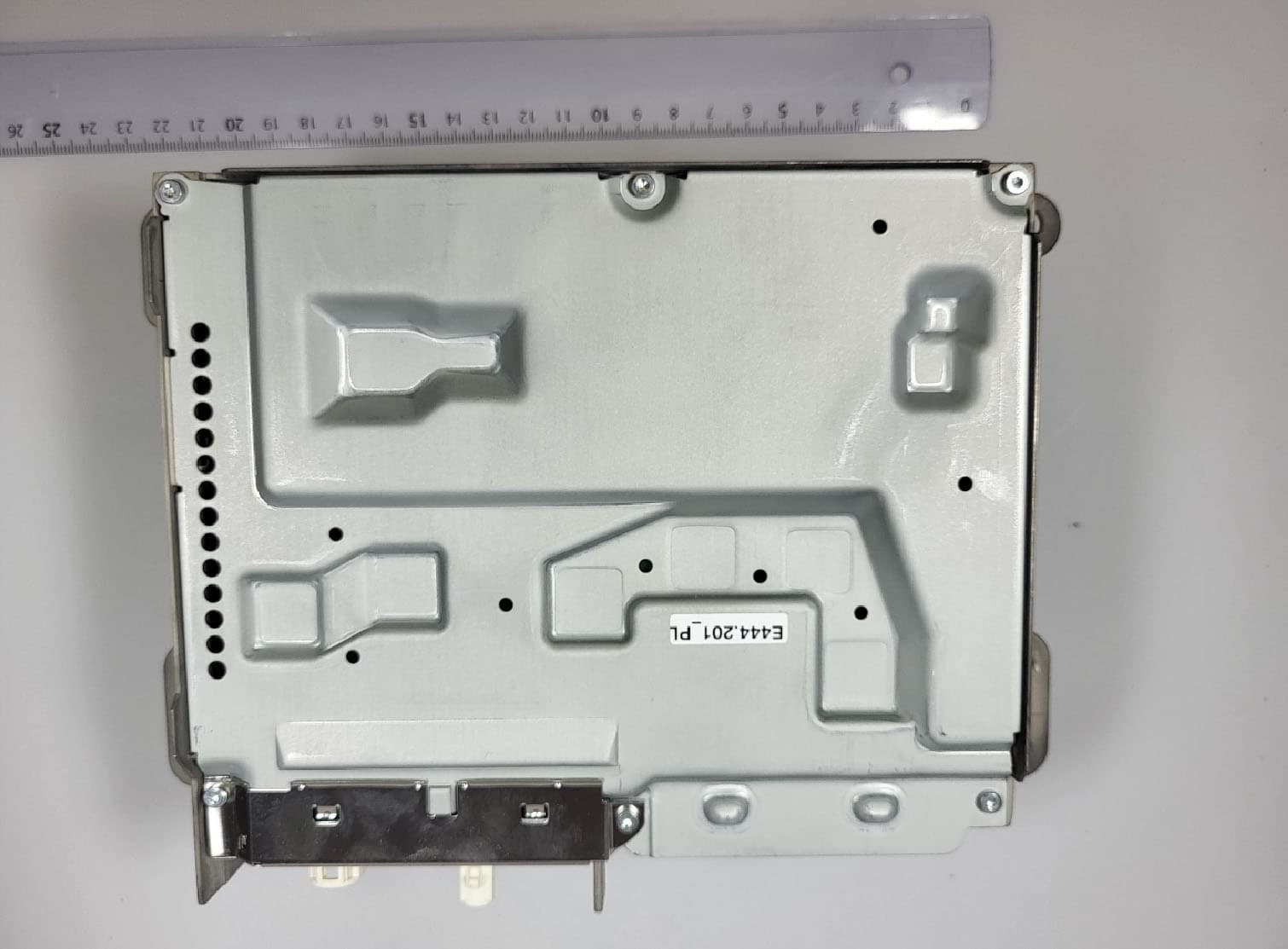
T8GNTG7QPREPLU
Jul 20, 2023Automotive head unit to be installed in cars with the following features FM, AM, DAB, DVB, USB, Bluetooth, WLAN and GNSS
Equipment Class
DTS - Digital Transmission System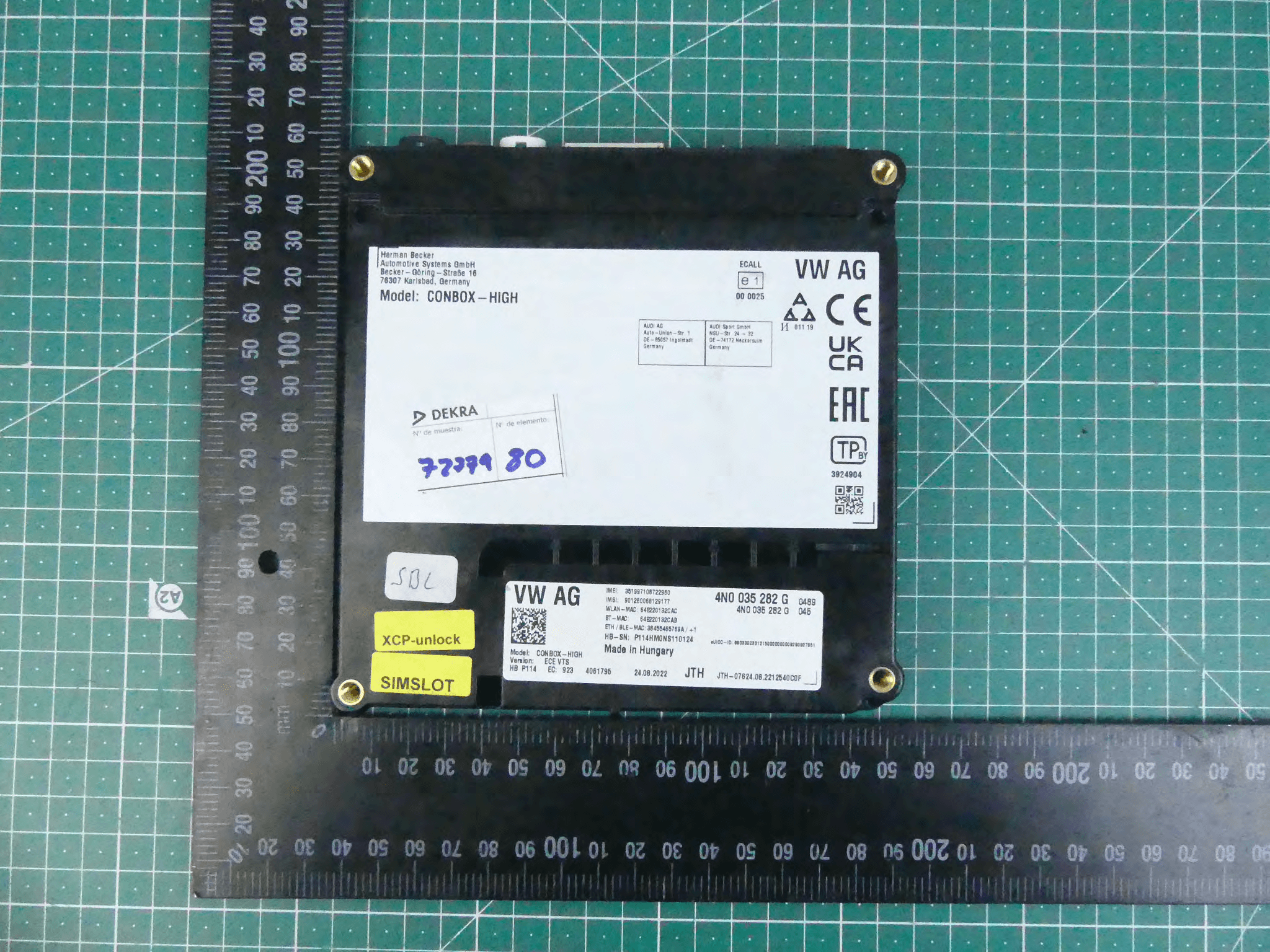
T8GCONBOXRD
May 04, 2023Telematic control unit with wireless technologies, used in automotive industry.
Equipment Class
DSS - Part 15 Spread Spectrum Transmitter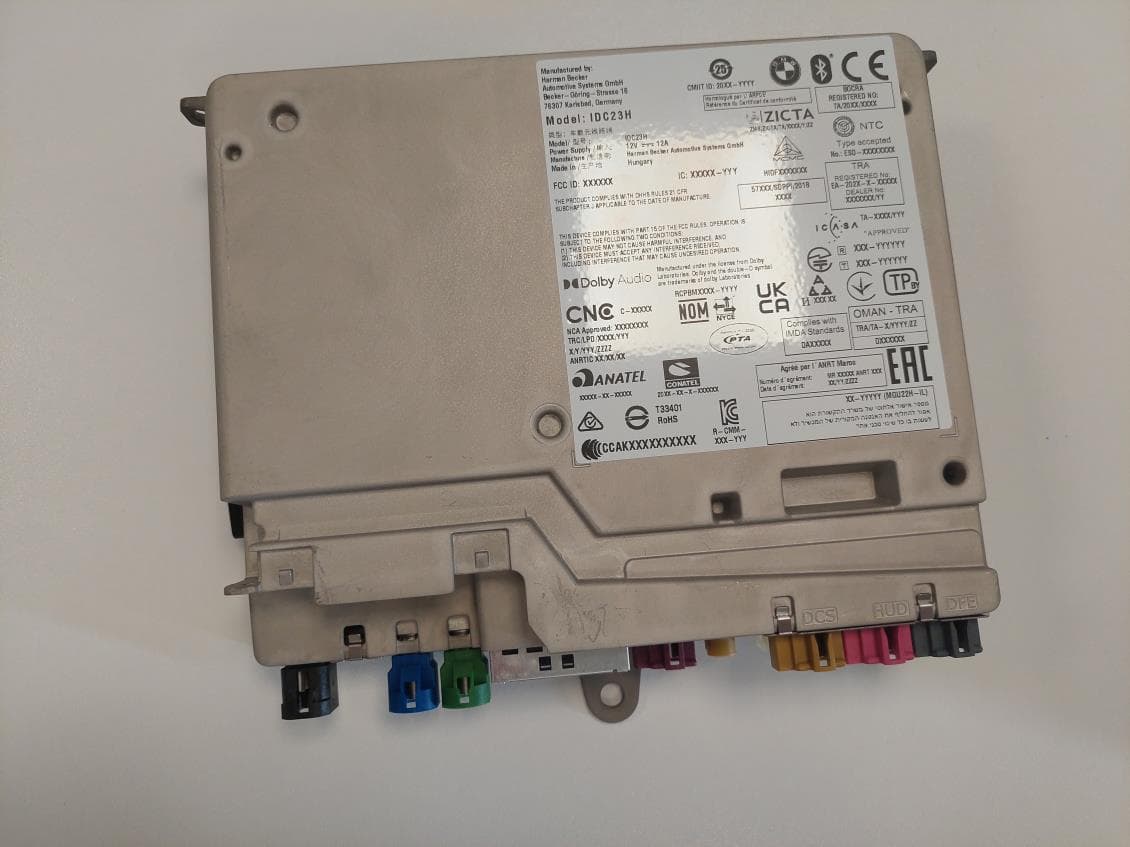
T8GIDC23H
Mar 29, 2023Automotive head unit to be installed in cars with the following features Bluetooth EDR LE WLAN and GNSS
Equipment Class
DSS - Part 15 Spread Spectrum Transmitter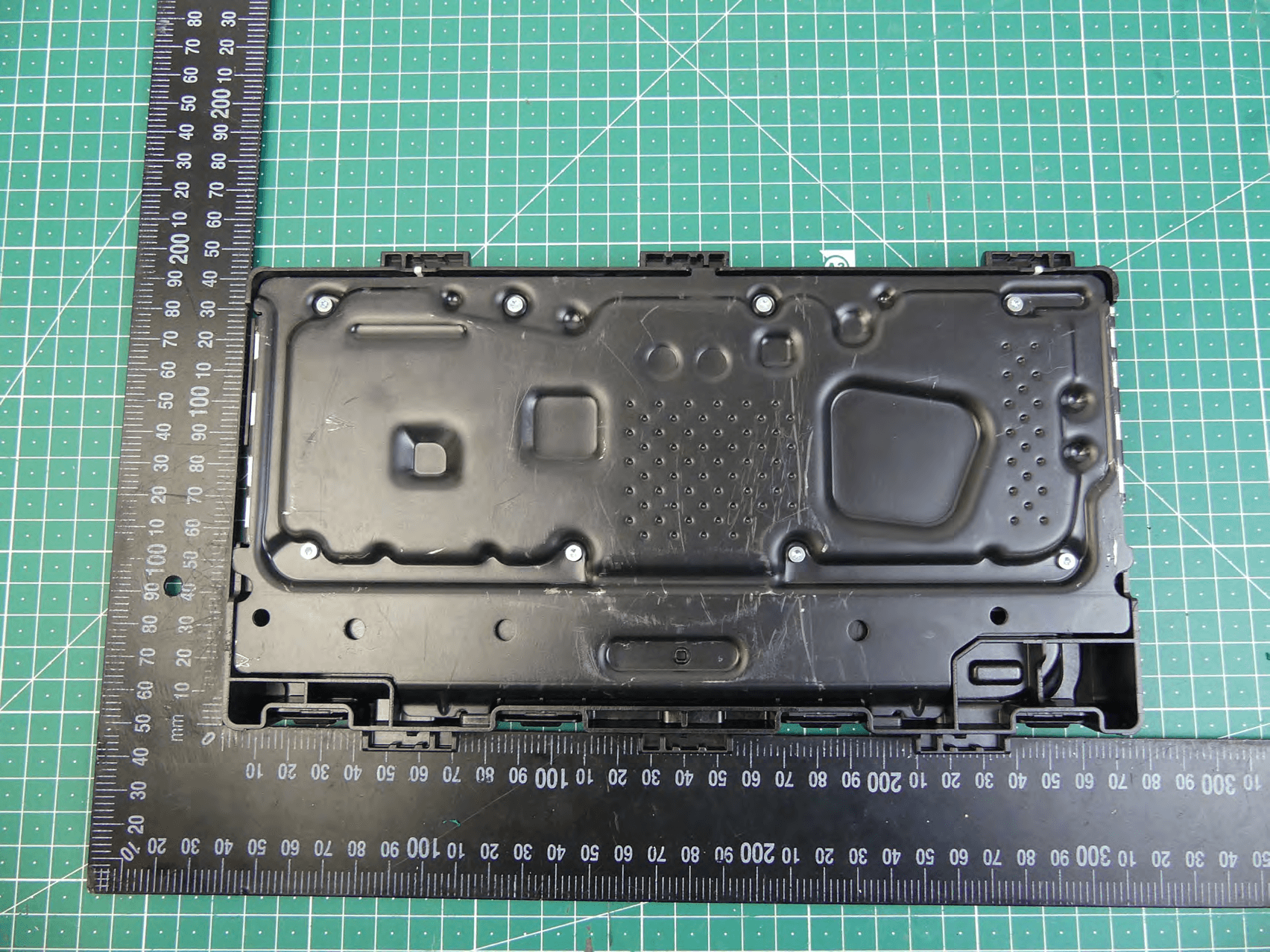
T8GCONMOD
Jan 19, 2023Telematic control unit with wireless technologies, used in automotive industry.
Equipment Class
DTS - Digital Transmission System