T8GP102Audi BT Headphone P102
Harman Becker Automotive Systems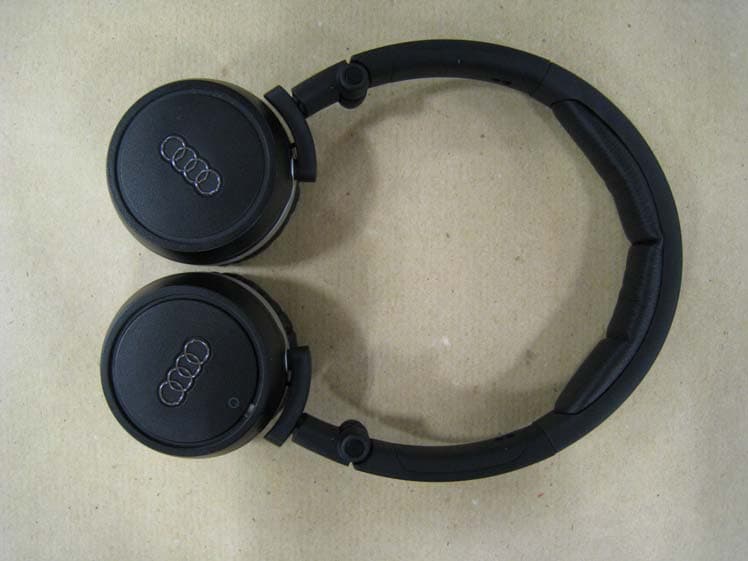
Click to zoom
Application Details
- Equipment Class
- DSS - Part 15 Spread Spectrum Transmitter
- Date of Grant
- Jul 25, 2011
- Application Purpose
- Original Equipment
- Date of Application
- Jul 25, 2011
- Equipment Note
- Audi BT Headphone P102
- Frequency Range
- 2402.00000000 - 2480.00000000
- Country
- Germany
Documents & Files
Document Text
Text extracted from the exhibit documents filed with the FCC. Open a document above to read the original.
Users Manual
Excerpt from: User Manual MMI3G with Headphone P102 ENGLISH – DRAFT/correction copy/for internal use statements FCC part 15.19 and 15.21: "This device complies with part 15 of the FCC Rules. Operation is subject to the following two conditions: (1) This device may not cause harmful interference, and (2) this device must accept any interference received, including interference that may cause undesired operation." "Changes or modifications not expressly approved by the party responsible for compliance could void the user's authority to operate the equipment." This Class B digital apparatus complies with Canadian ICES-003. Cet appareil numérique de la classe B est conforme à la norme NMB-003 du Canada. Headphones Switch wireless headphones on/off (Applies only to vehicles with Rear Seat Entertainment) Figure 105 wireless headphones on and off Wireless headphones on ► To switch on the wireless headset, press the power button (1) Figure 105 on the right earpiece (R) for about 3 seconds until the diode (2) starts to flash. The connection between Rear Seat Entertainment and the wireless headset is established after short time. When the connection is established, the diode (2) flashes slowly. Wireless headphones off ► To turn off the wireless headset, press the power button (1) until the diode (2) is off. CAUTION - Use the headphones as a driver for security reasons only when the vehicle is standing – accident! - Place the headphones while driving, so that in case of breaking or accident nobody can be injured. Note - In case of connection was not successful, turn off the wireless headphone off and repeat the coupling process. Other problem solutions are described below. - At too high and too low volume level, the wireless headset will be automatically set to a fixed value while coupling the process. - After turning the RSE off the wireless headset will switch after about five minutes automatically off. Teach and mark the wireless headphone The wireless headphones have to be unique trained and identified to the RSE. The programming procedure must be run separately for the left / right wireless headphones. Depending on which side of the RSE control unit to start the learning process, the wireless headset to the left / right RSE display is assigned. The assignment of the headphones to the left / right RSE display is marked with a sticker. Figure 106 Wireless Headphones feature teach wireless Headphones Prerequisite: The protective film of the battery cover is removed - see Figure 107 - and the wireless headset is off. ► Keep the Power Button (1) pressed - see Figure 105 (R) for at least 5 seconds until the LED (2) starts to flash and then flashes fast. The wireless headphones are prepared for the learning process. ► Press the MENU button. ► Press the Control key setup RSE. ► Turn the control knob on the headphones and press the control button. ► Turn the control knob to look for wireless headphones and press the control button. ► Click OK to confirm that the wireless headset is switched on and in the search mode. The available wireless headphones appear after short time in RSE display. ► Turn the control knob to the desired headset and press the control button. The wireless headphones are taught for the RSE. Once the wireless headset is trained successfully, a message appears on the RSE display. ► Repeat process for the second wireless headset. mark Wireless Headphone Requirement: The wireless headphones are taught - see above - ► Attach the sticker (1) or (2) on the inside of the left / right wireless headphones. Note - After switching the RSE on, the connection is stored to the once taught and switched on wireless headset automatically. - The RSE only works with wireless headsets provided by the Audi dealership. - During the programming procedure, the audio / video playback via wireless headphones is stopped. Wireless Headphones delete If a headphone will be exchanged or the assignment should be changed, you can delete the connection between the wireless headset and the RSE. Prerequisite: A wireless headset is taught for the RSE ► Press the MENU button. ► Press the Control key to setup the RSE. ► Turn the control knob on the headphones and press the control button. ► Turn the control knob to delete wireless headset and press the control button. The connection between the wireless headset and the RSE will be deleted. Battery charge / replace batteries Once the diode on the wireless headset turns to red, the Akku’s / batteries are weak and should be changed or in case of installed Akku’s reloaded. Figure 107 connector for the charger / battery Charging Akkus ► Connect the charger cable to the connector (1) - Figure 107, which is located on the underside of the left earpiece (L). ► Then connect the charger to the cigarette lighter 12-volt power supply in the center console in the rear. The batteries of the headphones are loaded. Change batteries ► Turn the cover (2) on the left earpiece (L) right to left. The battery compartment is opened. ► Replace the batteries. The correct position is indicated in the battery compartment. ► Place the cover on the left earpiece (L) and rotate the cover to the right / left until it clicks into place. The batteries of the wireless headphones can also be charged with mini USB adapter cable over the Audi music interface. For further information about connecting the USB adapter cable to the Audi music interface see below. CAUTION - Do not use damaged batteries - explosion! - Attention - when charging batteries they can heat up the headphones - Standard batteries are not rechargeable with the charging cable - explosion! - Be careful when using the cigarette lighter! By the careless or uncontrolled use of the cigarette lighter can cause burns. - The cigarette lighter / power socket and thus all connected electrical accessories only work with the ignition. Improper use of the cigarette lighter / power outlet or the electrical accessories can cause serious injury or cause …
Text truncated - open the document above for the full version.
External Photos
Test Report No.: G0M21010-3770-P-15 Eurofins Product Service GmbH Storkower Str. 38c, D-15526 Reichenwalde, Germany Annex A Photos EUT Front EUT Back Page 37 of 136
ID Label/Location Info
page 1 ProjNo.: G0M21010-3770 06 Label Sample Model No.:P102 FCC ID: T8GP102 07 Label Location Model No.:P102 FCC ID: T8GP102
Internal Photos
Test Report No.: G0M21010-3770-P-15 Eurofins Product Service GmbH Storkower Str. 38c, D-15526 Reichenwalde, Germany EUT PCB Front EUT PCB Back Page 38 of 136
Test Report
Eurofins Product Service GmbH Storkower Str. 38c, 15526 Reichenwalde, Phone +49-33631-888 0 Germany Fax +49-33631-888 660 EUROFINS PRODUCT SERVICE GMBH Testing Cert #1983.01 TEST- REPORT Compliance Test Report FCC PART 15 SUBPART C IC RSS 210 ISSUE 8 FCC ID: T8GP102 IC: 6434A-P102 Bluetooth Headphone for Audi P102 Bluetooth Radio Part T EST REPORT NUMBER: G0M21010-3770-P-15 Test Report No.: G0M21010-3770-P-15 Eurofins Product Service GmbH Storkower Str. 38c, D-15526 Reichenwalde, Germany TABLE OF CONTENTS 1 General Information 4 1.1 Notes 4 1.2 Testing laboratory 5 1.3 Details of approval holder 6 1.4 Application details 6 1.5 Test item 6 1.6 Test standards 7 1.7 Acronyms and abbreviations 7 2 Technical test 8 2.1 Summary of test results 8 2.2 Test environment 8 2.3 Test equipment utilized 9 2.4 Sample emission level calculation 10 2.5 Test results 11 3 Informational Transmitter parameters 12 3.1 Transmitter Modes for conformance testing 12 3.2 Occupied Bandwidth 13 4 Transmitter parameters 15 4.1 20dB Bandwidth 15 4.2 Frequency hopping channel number 17 4.3 Frequency hopping channel spacing 19 4.4 Time of occupancy (Dwell time) 21 4.5 Maximum peak conducted output power 23 4.6 Maximum e.i.r.p. output power 25 4.7 Transmitter band-edge compliance 27 4.8 Transmitter conducted spurious emissions 29 4.9 Transmitter radiated spurious emissions 31 5 Receiver parameters 34 5.1 Receiver spurious emissions 34 6 Power Line parameters 36 6.1 AC power line conducted emissions 36 Page 2 of 136 Test Report No.: G0M21010-3770-P-15 Eurofins Product Service GmbH Storkower Str. 38c, D-15526 Reichenwalde, Germany Annex A Photos 37 Annex B Transmitter occupied bandwidth 40 Annex C Transmitter 20dB bandwidth 46 Annex D Hopping channels 55 Annex E Hopping channel separation 59 Annex F Time of occupancy 60 Annex G AC Powerline Conducted Emissions 62 Annex H Transmitter conducted spurious emissions 64 Annex I Band edge compliance 82 Annex J Transmitter radiated spurious emissions 95 Annex K Receiver radiated spurious emissions 128 Page 3 of 136 Page 4 of 136 Test Report No.: G0M21010-3770-P-15 Eurofins Product Service GmbH Storkower Str. 38c, D-15526 Reichenwalde, Germany 1.2 Testing laboratory EUROFINS PRODUCT SERVICE GMBH Storkower Strasse 38c D-15526 Reichenwalde b. Berlin Germany Telefon : +49 33631 888 00 Telefax : +49 33631 888 660 DAR ACCREDITED TESTING LABORATORY DAR-R EGISTRATION NUMBER: DAT-P-268/08 R ECOGNIZED NOTIFIED BODY EMC R EGISTRATION NUMBER: BNetzA-bS EMV-07/61 R ECOGNIZED NOTIFIED BODY R&TTE R EGISTRATION NUMBER: BNetzA-bS-02/51-53 FCC FILED TEST LABORATORY R EG.-NO. 96970 A2LA ACCREDITED TESTING LABORATORY C ERTIFICATE NO. 1983.01 B LUETOOTH QUALIFICATION TEST FACILITY (BQTF) A CCREDITED BY BLUETOOTH QUALIFICATION REVIEW BOARD I NDUSTRY CANADA FILED TEST LABORATORY R EG. NO. IC 3470 Test location, where different: Name : ./. Street : ./. Town : ./. Country : ./. Telephone : ./. Fax : ./. Page 5 of 136 Test Report No.: G0M21010-3770-P-15 Eurofins Product Service GmbH Storkower Str. 38c, D-15526 Reichenwalde, Germany 1.3 Details of approval holder Name : HARMAN AUTOMOTIVE Street : Becker-Göring-Str. 16 Town : 76307 Karlsbad Country : Germany Telephone : +49 7248 71 3319 Fax : +49 7248 71 3303 Contact : Herr Frank Weikelmann E-mail : [email protected] 1.4 Application details Date of receipt of application : 07.10.2010 Date of receipt of test item : 07.10.2010 Date of test : 12. – 13.07.2010 1.5 Test item Description of test item : Bluetooth Headphone for Audi Type identification : P102 Brand Name : Audi Serial number : without Hardware version : Rev 3.1 Software version : 0912 Equipment type : End Product Technical data Frequency range : 2400 - 2483.5MHz Tested frequencies : F 1 2402MHz Tested frequencies : F 2 2441MHz Tested frequencies : F 3 2480MHz Antenna type : internal Antenna model : Antenova (formely "Gigaant") Rufa 2.4GHz SMD Antenna Number of antennas : 1 Antenna gain : 4.4dBi (Declared by approval holder) Power supply : 2.7VDC Duty cycle : 46% Operating mode : semi duplex Spreading technique : FHSS Modulations : GFSK, PI/4-DQPSK, 8-PSK Page 6 of 136 Test Report No.: G0M21010-3770-P-15 Eurofins Product Service GmbH Storkower Str. 38c, D-15526 Reichenwalde, Germany Device classification : Portable Device (Human Body distance < 20 cm) Additional information : none Manufacturer: (if applicable) Name : goertek Street : 5F, No.3 Building, Fortune Center No.18, Qinling Road, Laoshan Distr Town : Qingdao, 266061 Country : China Contact : Mr. Derek Wang E-mail : [email protected] Telephone : +86 532 88973271 1.6 Test standards Technical standard : FCC PART 15 SUBPART C IC RSS 210 ISSUE 8 1.7 Acronyms and abbreviations EUT : Equipment under Test TX : Transmission RX : Reception RBW : Measurement Resolution Bandwidth Pol : Measurement Polarization e.i.r.p. : Equivalent isotropic radiated power FHSS : Frequency hopping spread spectrum DSSS : Direct Sequence Spread Spectrum OFDM : Orthogonal frequency division multiplexing CCK : Complementary code keying GFSK : Gaussian frequency shift keying DQPSK : Differential quadrature phase shift keying PSK : Phase shift keying T nom : Nominal Temperature T min : Minimum Temperature T max : Maximum Temperature V nom : Nominal Supply Voltage V min : Minimum Supply Voltage V max : Maximum Supply Voltage VDC : DC voltage N/A : Not applicable IC : Industry Canada Page 7 of 136 Test Report No.: G0M21010-3770-P-15 Eurofins Product Service GmbH Storkower Str. 38c, D-15526 Reichenwalde, Germany 2 Technical test 2.1 Summary of test results No deviations from the technical specification(s) were ascertained in the course : of the tests performed. or The deviations as specified in 2.4 were ascertained in the course of the tests performed. 2.2 Test environment Temperature : 22 ... 26°C Relative humidity content : 20 ... 75% Air pressure : 86 ... 103kPa Extreme conditions parameters: V nom : 2.7VDC V min (V nom -15%) : - V max (V nom +15%) : - T nom : …
Text truncated - open the document above for the full version.
Test Setup Photos
Test Report No.: G0M21010-3770-P-15 Eurofins Product Service GmbH Storkower Str. 38c, D-15526 Reichenwalde, Germany Test setup radiated measurements Test setup conducted measurements Page 39 of 136
Contact Information
Applicant
Simon David Voegele
Technical Contact
Harman Automotive DivisionStefan Blaschek
[email protected]+49 72487133
Becker-G�ring-Stra�e 16 · Karlsbad · Germany
Test Firm
Eurofins Product Service GmbHMichael Howard
Technical Specifications
| # | Rule Parts | Frequency Range | Power Output |
|---|---|---|---|
| 1 | 15C | 2.40 GHz - 2.48 GHz | 1.00 mW |
Other Applications from Harman Becker Automotive Systems
T8GIDCEVOEES25
Feb 24, 2026Automotive infotainment System IDC
Equipment Class
NII - Unlicensed National Information Infrastructure TX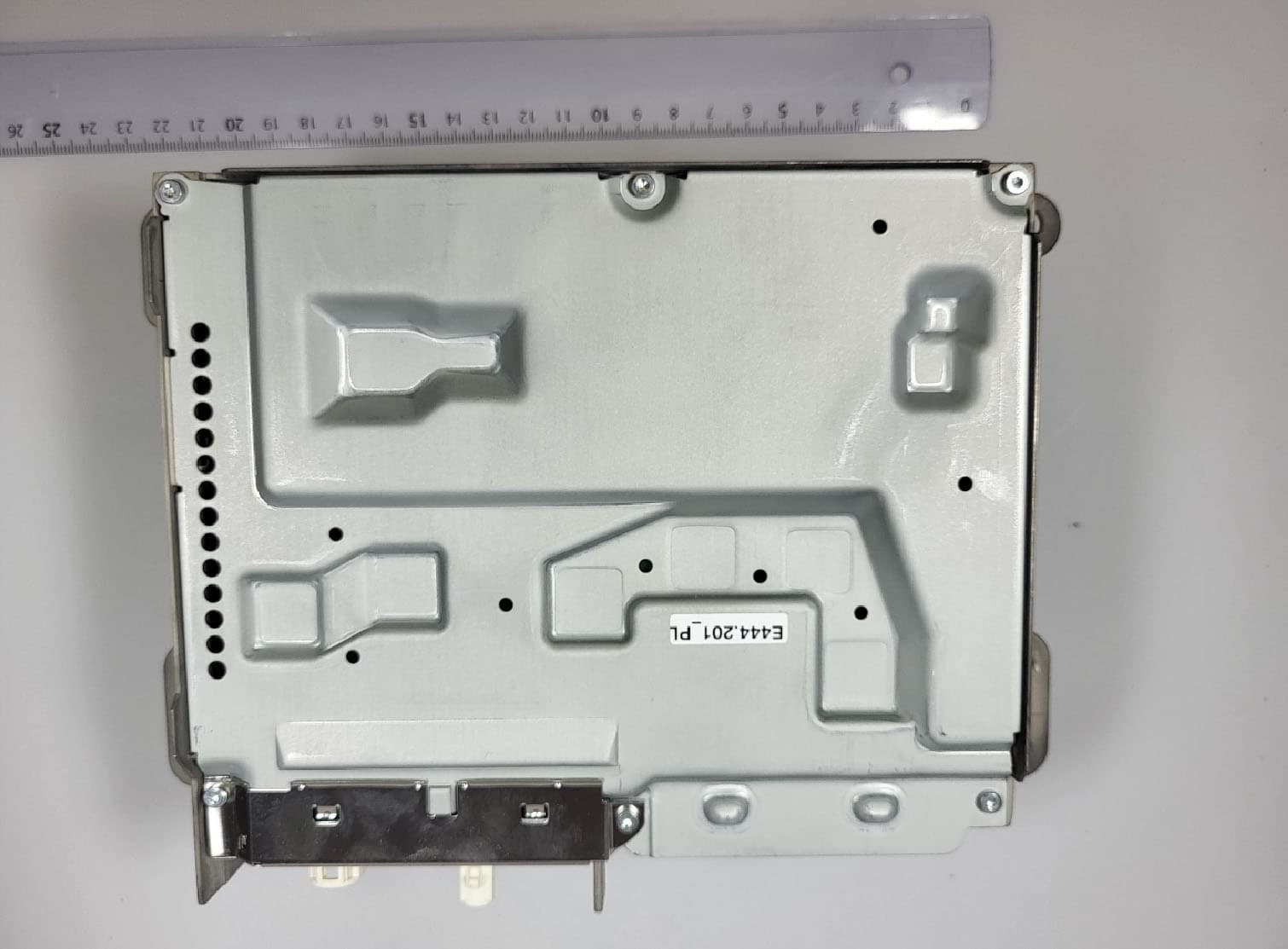
T8GNTG7QPREPLU
Jul 20, 2023Automotive head unit to be installed in cars with the following features FM, AM, DAB, DVB, USB, Bluetooth, WLAN and GNSS
Equipment Class
DTS - Digital Transmission System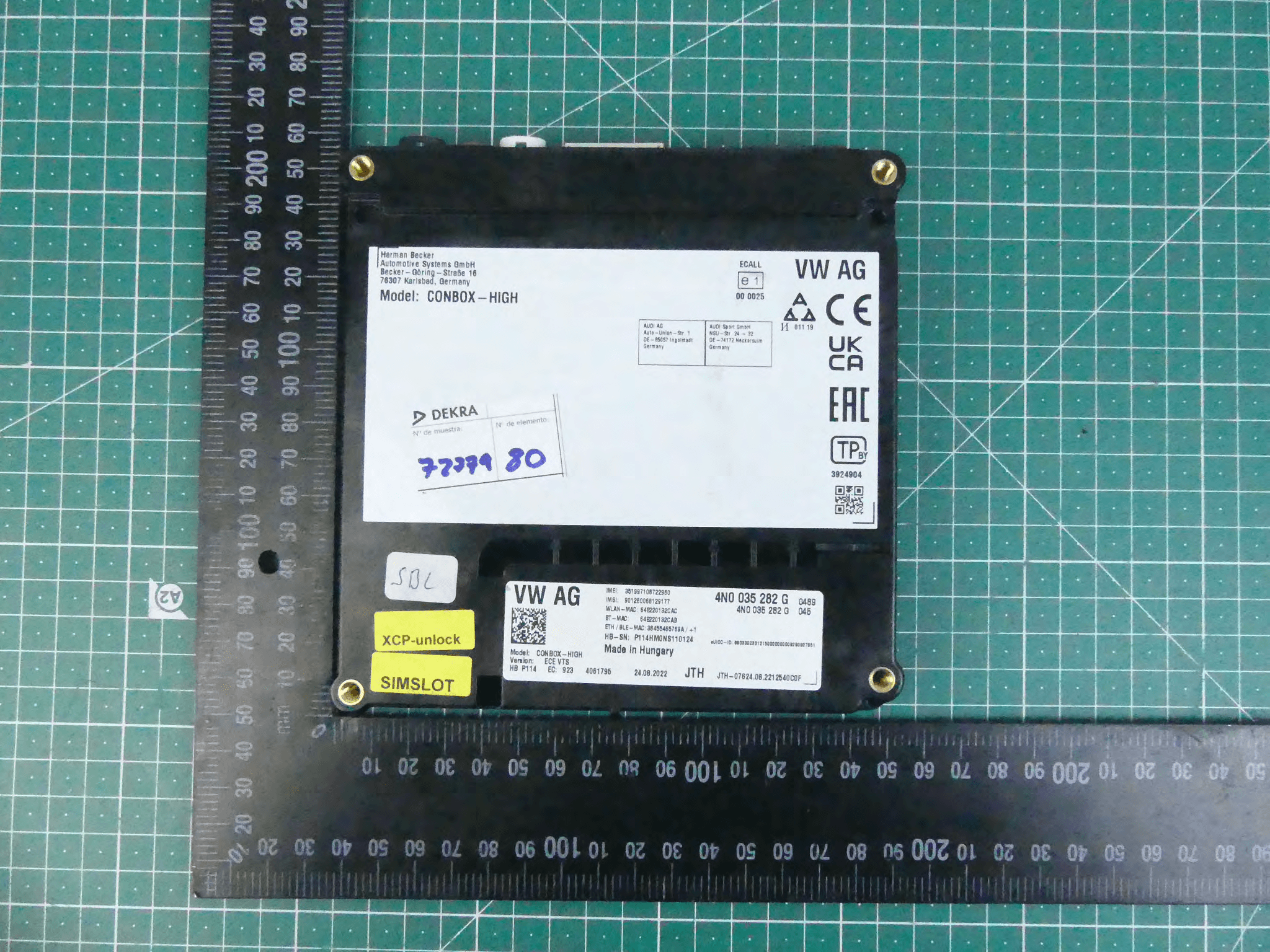
T8GCONBOXRD
May 04, 2023Telematic control unit with wireless technologies, used in automotive industry.
Equipment Class
DSS - Part 15 Spread Spectrum Transmitter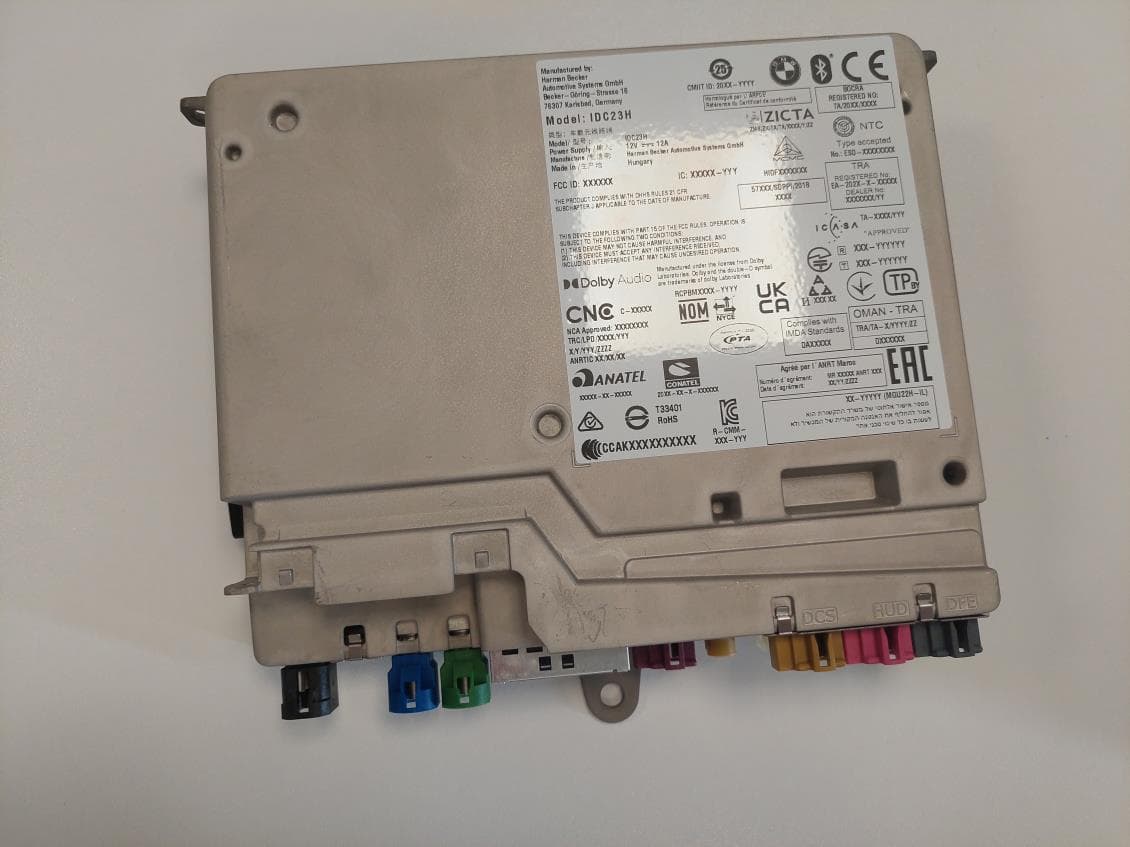
T8GIDC23H
Mar 29, 2023Automotive head unit to be installed in cars with the following features Bluetooth EDR LE WLAN and GNSS
Equipment Class
DSS - Part 15 Spread Spectrum Transmitter
T8GCONMOD
Jan 19, 2023Telematic control unit with wireless technologies, used in automotive industry.
Equipment Class
DTS - Digital Transmission System