TBYHPTPS-BT01Bluetooth USB Dongle
Hong Puu Technology Co., Ltd.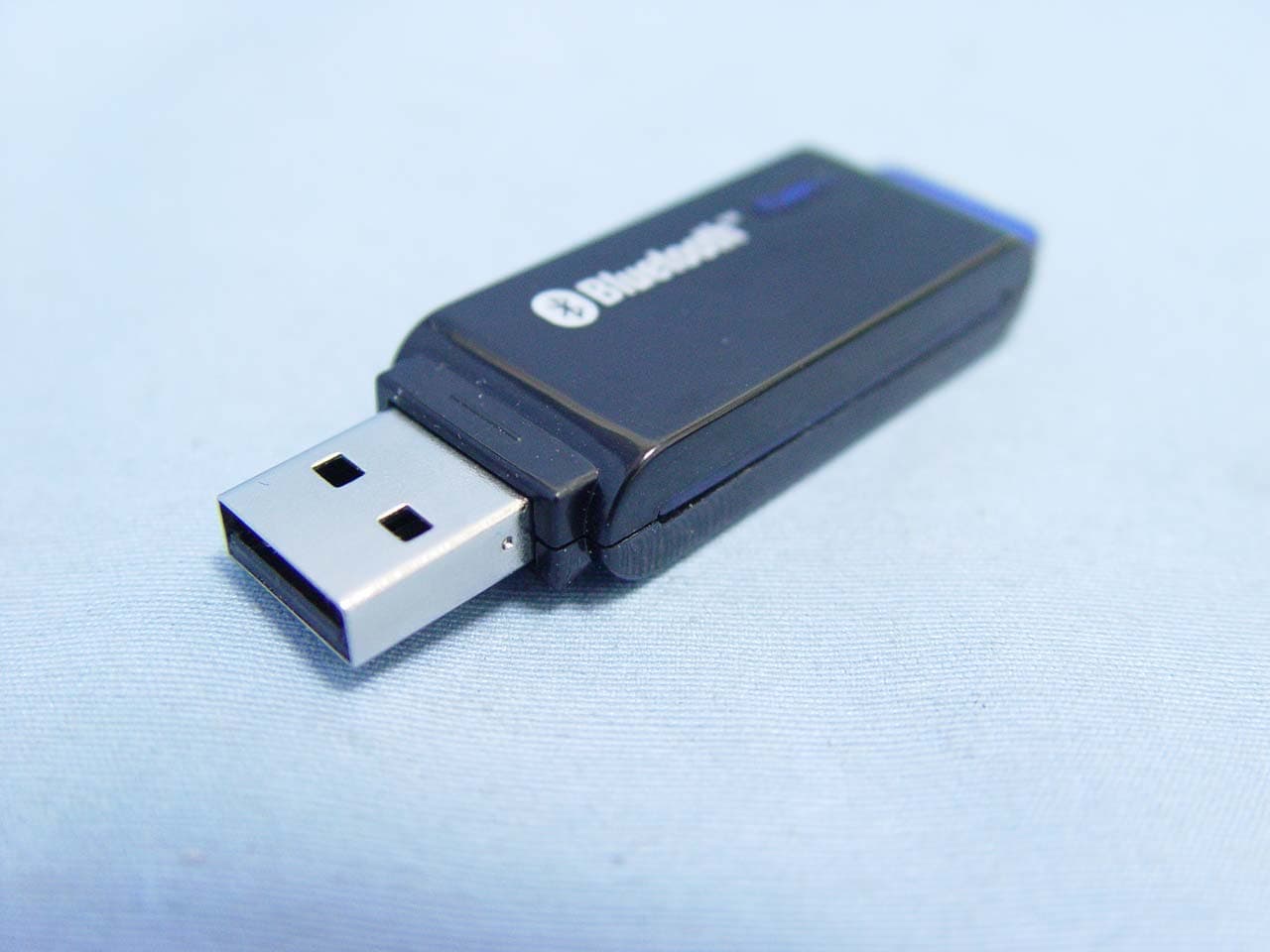
Click to zoom
Application Details
- Equipment Class
- DSS - Part 15 Spread Spectrum Transmitter
- Date of Grant
- Jan 29, 2006
- Application Purpose
- Original Equipment
- Date of Application
- Jan 29, 2006
- Equipment Note
- Bluetooth USB Dongle
- Frequency Range
- 2402.00000000 - 2480.00000000
- Country
- Taiwan
Documents & Files
Document Text
Text extracted from the exhibit documents filed with the FCC. Open a document above to read the original.
Users Manual
Confidential Version1.0 Released Date: 2004.10.01 1 BT Dongle-IS1002N Horus Module USB Bluetooth Adapte r Bluetooth USB Dongle (TPS-BT01) USER’S GUIDE Version: Rev 1.2 Copyright Copyright © 2004, Integrated System Solution Corp., All rights reserved. Confidential Version1.0 Released Date: 2004.10.01 2 BT Dongle-IS1002N Horus Module USB Bluetooth Adapte r Table of Contents INTRODUCTION .................................................................................................................................. 4 CHAPTER 1: INSTALLATION ........................................................................................................... 5 1.1 SYSTEM REQUIRE................................................................................................................... 5 1.2 INSTALL BLUETOOTH SOFTWARE WINDOWS 98/2000............................................................. 6 1.3 INSTALL BLUETOOTH SOFTWARE ON WINDOWS XP ............................................................. 10 1.4 HARDWARE INSTALLATION................................................................................................... 16 1.5 START THE BLUETOOTH DEVICE........................................................................................... 17 1.6 STOP THE BLUETOOTH DEVICE............................................................................................ 18 CHAPTER 2: BLUESOLEIL.............................................................................................................. 19 2.1 ABOUT BLUESOLEIL: ........................................................................................................... 19 2.2 EXPLORER BLUESOLEIL....................................................................................................... 24 2.3 FILE...................................................................................................................................... 24 2.4 VIEW.................................................................................................................................... 25 2.4.1 Local Service Status........................................................................................................ 27 2.4.2 Local Service List ........................................................................................................... 28 2.5 MY BLUETOOTH................................................................................................................... 29 2.6 MY SERVICES MENU............................................................................................................ 30 2.7 TOOLS MENU....................................................................................................................... 31 2.8 HELP MENU.......................................................................................................................... 35 CHAPTER 3: BLUETOOTH OPERATION ..................................................................................... 36 3.1 STA RT BLUETOOTH.............................................................................................................. 36 3.1.1 Establish Bluetooth Connection...................................................................................... 36 3.1.2 Terminate Bluetooth Connection .................................................................................... 37 3.2 BLUETOOTH SECURITY........................................................................................................ 37 3.3 PERSONAL AREA NETWORKING........................................................................................... 38 3.4 SERIAL PORT........................................................................................................................ 42 3.5 OBJECT PUSH....................................................................................................................... 43 3.6 FILE TRANSFER.................................................................................................................... 47 3.7 BLUETOOTH SYNCHRONIZATION.......................................................................................... 49 3.8 LAN ACCESS....................................................................................................................... 51 3.9 AV HEADPHONE................................................................................................................... 55 3.10 BASIC IMAGING.................................................................................................................... 55 3.11 HEADSET.............................................................................................................................. 57 Confidential Version1.0 Released Date: 2004.10.01 3 BT Dongle-IS1002N Horus Module USB Bluetooth Adapte r CHAPTER 4: BLUETOOTH CONNECTION MANAGEMENT................................................... 58 4.1 FIND REMOTE DEVICES................................................................................................................ 58 4.2 CONNECT AND DISCONNECT......................................................................................................... 59 4.2.1 Connect........................................................................................................................... 59 4.2.2 Disconnect ......................................................................................................................59 4.3 CONNECT VIA SHORTCUTS............................................................................................................ 60 4.4 REMOTE DEVICE STAT U S.............................................................................................................. 60 4.5 REMOTE DEVICE PROPERTIES....................................................................................................... 62 4.6 HARDWARE DEVICE CONFIGURATION...............................................................…
Text truncated - open the document above for the full version.
Users Manual
Confidential Version1.0 Released Date: 2004.10.01 36 BT Dongle-IS1002N Horus Module USB Bluetooth Adapte r Chapter 3: BlueTooth Operation 3.1 Start BlueTooth 1. Insert the USB Adapter to your computer. 2. Start BlueSoleil. 3. The plug in and pull out of the USB Adapter can be detected by BlueSoleil. You can start BlueSoleil first and then plug in a USB Adapter. 3.1.1 Establish Bluetooth Connection A connection is normally initiated from the client. z On the server side, start the service. z On the client side, initiate the connection. Start Service on Server If BlueSoleil provides service, please start the service: 1. Change to Service Window. 2. Right-click the service icon, select Start Service on the pop-up menu. Initiate Connection on Client In Main Window: 1. Single click my device, the center ball, to search the Bluetooth devices in range. 2. Search the selected Bluetooth device service by double-clicking the device icon. Service button on the top of the BlueSoleil Main Window will be highlighted if the service is supported by the device. Enter the same Bluetooth passkey on both devices if necessary to pair the two devices. 3. Connect. 4. Single-click the highlighted service button to establish the connection. Confidential Version1.0 Released Date: 2004.10.01 37 BT Dongle-IS1002N Horus Module USB Bluetooth Adapte r 3.1.2 Terminate Bluetooth Connection After a connection is established between a client and a server, users can terminate it whenever he/she wants to. However, if the connection is terminated by force while data are being transmitted, some useful data may be lost. Please pay attention to this case. Terminate Connection on the Server The way of terminating the connection on the server is to stop the service. This may lead to losing data if there is data transmission going on. Accordingly, it is recommended to terminate the connection on the client. There are two ways to stop the service: 1. Select a started service and right click the service icon on the Service Window. On the popup menu, select Stop Service. The service icon turns white, and the service is stopped. 2. Select a started service. Select menu My Services | Stop Service. The service icon turns white, and the service is stopped. Note: The status of the active service can also be obtained by selecting the menu item Status... from the context menu of the service icon. Terminate Connection on the Client On the Main Window, select the remote device first and right click the service icon. On the popup menu, select Disconnect. Note: For more details on how to disconnect a connection on the client, please refer to Connect/Disconnect . 3.2 Bluetooth Security To modify your connection’s security settings, click My Bluetooth | Security. BlueSoleil offers three security levels: Confidential Version1.0 Released Date: 2004.10.01 38 BT Dongle-IS1002N Horus Module USB Bluetooth Adapte r z Low (Security Mode 1, No security) No security procedure is needed for connections. z Medium (Security Mode 2, Service level enforced security) Authentication or Authorization is requested when a specific service is accessed by other Bluetooth enabled devices. If two devices are connecting for the first time, or if two devices do not have a trusted relationship, then the same passkey must be provided on both sides to complete the Authentication. This mode allows you to assign different access rights for each service supported by the server. z High (Security Mode 3, Link level enforced security) If either of two devices is in Security Mode 3, Authentication is requested whenever a connection is initiated between two Bluetooth enabled devices. The passkey must be provided on both sides to complete Authentication. Note: In Security Mode 2, the user can add each authenticated device into a trusted device list to expedite future connections. 3.3 Personal Area Networking The Bluetooth Personal Area Networking (PAN) Profile enables PCs, laptops, PDAs, and other Bluetooth enabled devices to form either of two kinds of PAN networks. In a Group ad-hoc Network (GN), which functions as an isolated network, multiple PAN Users (PANUs) are linked together via a GN controller. Alternatively, a PAN can consist of multiple PANUs linked to a Network Access Point (NAP), which provides access to external Local Area Network (LAN) infrastructure. BlueSoleil supports all three of these device roles — GN (controller), PANU, and NAP. Typical Usage z Group Ad-hoc Network (Peer-to- peer networking) One device acts as the GN, and others function as PANU devices. These computers can visit each other or use an application based on TCP/IP. Confidential Version1.0 Released Date: 2004.10.01 39 BT Dongle-IS1002N Horus Module USB Bluetooth Adapte r Figure 3-1: Group Ad-hoc Network z Access a LAN via a Network Access Point (or a Computer Acting as a NAP) After the computers connect to the NAP, they become members of the LAN and can directly communicate with other computers in the LAN. Figure 3-2: Access LAN via PAN-NAP Connecting the PAN User (PANU) 1. Connect to the server's Personal Area Network service. 2. Wait for a few seconds for BlueSoleil to obtain and display your computer's IP address. Configuring the NAP/GN Click Bluetooth Service | Properties and click on the Personal Area Network tab. z Scenario 1: Group Ad-hoc Network Select Set up Bluetooth Personal Area Network and Enable DHCP Server (Figure 3-3). A DHCP server will be started on the GN. The PANU can obtain an IP address Confidential Version1.0 Released Date: 2004.10.01 40 BT Dongle-IS1002N Horus Module USB Bluetooth Adapte r automatically from this DHCP server if the PANU does not set static IP address for the BT Network Adapter. Figure 3-3: Set up Bluetooth Personal Area Network z Scenario 2 : Access LAN via PAN-NAP Select Access LAN Network and select a physical network adapter, through which the NAP connects to a LAN, as the LAN Adapter (Figure 3-4). Confidential Version1.0 Released Date: 2004.10.01 41 BT D…
Text truncated - open the document above for the full version.
Block Diagram
BLUETOOTH USB CLASS 1 DONGLE BLOCK DIAGRAM Bluetooth Chipset EEPROM LEDCrystal Power Amplifier USB Connector SwitchSwitch ANT-PIFA
Cover Letter(s)
Date:January 11, 2006 Compliance Certification Services Certification Division 561F Monterey Road Morgan Hill, CA 95037 To whom it may concern: We, the undersigned, hereby authorize the Testing Division of Compliance Engineering Services, Inc., d.b.a. Compliance Certification Services and hereafter referred to as CCS, to act on our behalf in all manners relating to application for equipment authorization, including signing of all documents relating to these matters. Any and all acts carried out by CCS on our behalf shall have the same effect as acts of our own. We, the undersigned, hereby certify that we are not subject to a denial of federal benefits, that includes FCC benefits, pursuant to Section 5301 of the Anti-Drug Abuse Act of 1988, 21 U.S.C. 853(a). In authorizing CCS Testing Division as our agent, we still recognize that we are responsible to: a) comply with the relevant provisions of the certification program; b) make all necessary arrangements for the conduct of the evaluation, including provision for examining documentation and access to all areas, records (including internal audit reports) and personnel for the purposes of evaluation (e.g. testing, inspection, assessment, surveillance, reassessment) and resolution of complaints; c) make claims regarding certification only in respect of the scope for which certification has been granted; d) do not use our product certification in such a manner as to bring the Certification Division into disrepute and not make any statement regarding our product certification which the Certification Division may consider misleading or unauthorized; e) upon suspension or cancellation of certification, discontinue use of all advertising matter that contains any reference thereto and return any certification documents as required by the Certification Division; f) use certification only to indicate the products are certified as being in conformity with specified standards; g) endeavor to ensure that no certificate or report nor any part thereof is used in a misleading manner; h) ensure that any reference to our product certification in communication media such as documents, brochures or advertising, complies with the requirements of the Certification Division; i) keep a record of all complaints made known to the us relating to the product’s compliance with requirements of the relevant standard and to make these records available to the Certification Division when requested; j) take appropriate action with respect to such complaints and any deficiencies found in products or services that affect compliance with the requirements for certification; k) document the actions taken. This authorization is valid until further written notice from the applicant. REMARK : 1. This authorization letter will be sent along with your application when filing with the Certification Division. 2. Please follow the format and type it on company letterhead and send original to us.
External Photos
Compliance Certification Services Inc. Report No: 51209205 Date of Issue: January 16, 2006 Page 1 Total Page: 2 Rev. 00 EXTERNAL PHOTOGRAPHS OF EUT
ID Label/Location Info
14.00 mm 14.00 mm C 1.00mm R0.5mm 100 % , ELECTRONICS CO., LTD. PAGE : : : AQ-51 : WIT : : #150 : 14x14 mm () : ::: 2005 06 01 FCC ID: TBYHPTPS-BT0 MADE IN TAIWAN 0984 Rating: 5V 80mA
Internal Photos
Compliance Certification Services Inc. Report No: 51209205 Date of Issue: January 16, 2006 Page 2 Rev.00 INTERNAL PHOTOGRAPHS OF EUT
Parts List/Tune Up Info
Operation description The Bluetooth USB Device is plugged in PC. When the IVT software program is installed, the bluetooth function is enabled. IVT will control the USB Dongle. The USB Dongle contain the Bluetooth baseband and 2.4GHz radio chip set. The PC software will provide the necessary profile for all bluetooth connection.
Test Report
Compliance Certification Services Inc. Report No.: 51209205-RP1 FCC ID: TBYHPTPS-BT01 Date of Issue: January 16, 2006 Note: This report shall not be reproduced except in full, without the written approval of Compliance Certification Services Inc. This document may be altered or revised by Compliance Certification Services Inc. personnel only, and shall be noted in the revision section of the document. Page 1 Total Page: 47 Rev. 00 FCC 47 CFR PART 15 SUBPART C TEST REPORT For Bluetooth USB Dongle Model: TPS-BT01 Trade Name: N/A Issued to Hong Puu Technology Co., Ltd. 2FL.NO.49.LU HSIN ST., LU CHU SHIANG, TAOYUAN SHIEN, 338. TAIWAN.R.O.C. Issued by Compliance Certification Services Inc. No. 81-1, Lane 210, Bade Rd. 2, Luchu Hsiang, Taoyuan Hsien, (338) Taiwan, R.O.C. http://www.ccsemc.com.tw [email protected] Compliance Certification Services Inc. Report No.: 51209205-RP1 FCC ID: TBYHPTPS-BT01 Date of Issue: January 16, 2006 Page 2 Rev. 00 TABLE OF CONTENTS 1. TEST RESULT CERTIFICATION.................................................................................................3 2. EUT DESCRIPTION ........................................................................................................................4 3. TEST METHODOLOGY .................................................................................................................5 3.1 EUT CONFIGURATION.....................................................................................................................5 3.2 EUT EXERCISE.................................................................................................................................5 3.3 GENERAL TEST PROCEDURES..........................................................................................................5 3.4 FCC PART 15.205 RESTRICTED BANDS OF OPERATIONS.....................................................6 3.5 DESCRIPTION OF TEST MODES........................................................................................................6 4. INSTRUMENT CALIBRATION.....................................................................................................7 4.1 MEASURING INSTRUMENT CALIBRATION...................................................................................7 4.2 MEASUREMENT EQUIPMENT USED......................................................................................7 5. FACILITIES AND ACCREDITATIONS .......................................................................................8 5.1 FACILITIES ......................................................................................................................................8 5.2 EQUIPMENT.....................................................................................................................................8 5.3 LABORATORY ACCREDITATIONS AND LISTING...............................................................................8 5.4 TABLE OF ACCREDITATIONS AND LISTINGS....................................................................................9 6. SETUP OF EQUIPMENT UNDER TEST ....................................................................................10 6.1 SETUP CONFIGURATION OF EUT....................................................................................................10 6.2 SUPPORT EQUIPMENT ............................................................................................................10 7. FCC PART 15.247 REQUIREMENTS..........................................................................................11 7.1 PEAK POWER.................................................................................................................................11 7.2 BAND EDGES MEASUREMENT .............................................................................................12 7.3 PEAK POWER SPECTRAL DENSITY.................................................................................................17 7.4 FREQUENCY SEPARATION....................................................................................................20 7.5 NUMBER OF HOPPING FREQUENCY ...................................................................................22 7.6 TIME OF OCCUPANCY (DWELL TIME)................................................................................24 7.7 SPURIOUS EMISSIONS .............................................................................................................31 7.8 POWERLINE CONDUCTED EMISSIONS............................................................................................41 APPENDIX I RADIO FREQUENCY EXPOSURE ............................................................................44 APPENDIX II PHOTOGRAPHS OF TEST SETUP ..........................................................................45 Compliance Certification Services Inc. Report No.: 51209205-RP1 FCC ID: TBYHPTPS-BT01 Date of Issue: January 16, 2006 Page 4 Rev. 00 2. EUT DESCRIPTION Product Bluetooth USB Dongle Trade Name N/A Model Number TPS-BT01 Model Discrepancy N/A Power Supply Powered from host device Frequency Range 2402 ~ 2480 MHz Transmit Power 3.82 dBm Modulation Technique FHSS (GFSK) Transmit Data Rate 1Mbps Number of Channels 79 Channels Antenna Specification ISSC PIFA Print Antenna / Gain: 2.82 dBi Remark: 1. The sample selected for test was engineering sample that approximated to production product and was provided by manufacturer. 2. This submittal(s) (test report) is intended for FCC ID: TBYHPTPS-BT01filing to comply with Section 15.207, 15.209 and 15.247 of the FCC Part 15, Subpart C Rules. Compliance Certification Services Inc. Report No.: 51209205-RP1 FCC ID: TBYHPTPS-BT01 Date of Issue: January 16, 2006 Page 5 Rev. 00 3. TEST METHODOLOGY The tests documented in this report were performed in accordance with ANSI C63.4 and FCC CFR 47 2.1046, 2.1047, 2.1049, 2.1051, 2.1053, 2.1055, 2.1057, 15.207, 15.209 and 15.247. 3.1 EUT CONFIGURATION The EUT configurat…
Text truncated - open the document above for the full version.
Test Setup Photos
Compliance Certification Services Inc. Report No.: 51209205-RP1 FCC ID: TBYHPTPS-BT01 Date of Issue: January 16, 2006 Page 45 Rev. 00 APPENDIX II PHOTOGRAPHS OF TEST SETUP Conducted Emission Setup Photo Compliance Certification Services Inc. Report No.: 51209205-RP1 FCC ID: TBYHPTPS-BT01 Date of Issue: January 16, 2006 Page 46 Rev. 00 Radiated Emission Setup Photos Compliance Certification Services Inc. Report No.: 51209205-RP1 FCC ID: TBYHPTPS-BT01 Date of Issue: January 16, 2006 Page 47 Rev. 00 Powerline Conducted Emissions Setup Photos
Contact Information
Applicant
Davis Liang
Test Firm
Compliance Certification Services Inc.Harris Lai
Technical Specifications
| # | Rule Parts | Frequency Range | Power Output |
|---|---|---|---|
| 1 | 15C | 2.40 GHz - 2.48 GHz | 2.41 mW |
Other Applications from Hong Puu Technology Co., Ltd.
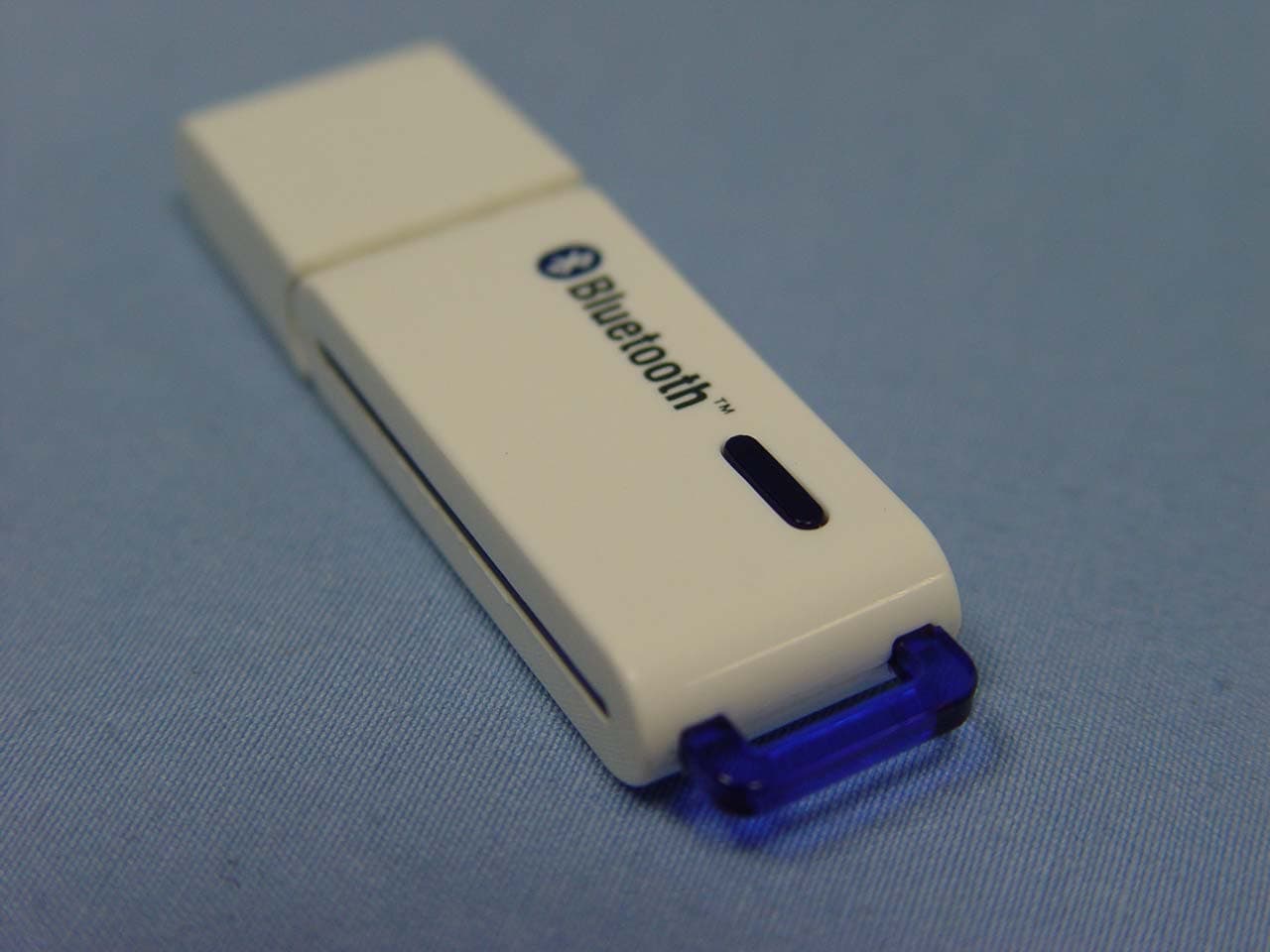
TBYHPTPS-BT02C
Jul 05, 2005Bluetooth Adapter
Equipment Class
DSS - Part 15 Spread Spectrum Transmitter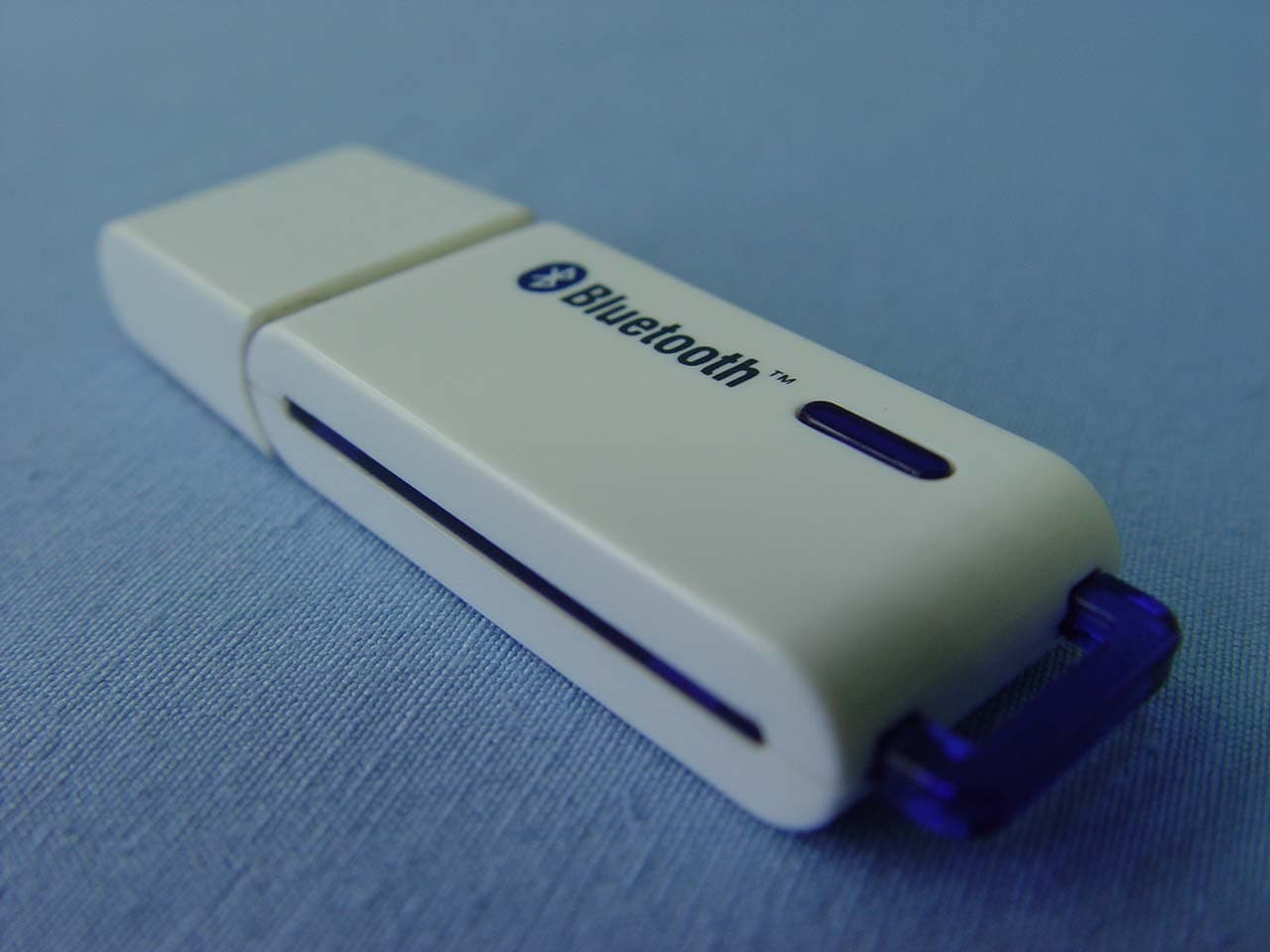
TBYHPTPS-BT02
Jun 20, 2005Bluetooth USB Dongle
Equipment Class
DSS - Part 15 Spread Spectrum Transmitter