TGN-C00240Remote Control, Qwerty keyboard with Bluetooth
TiVo Solutions Inc. d/b/a TiVo Inc.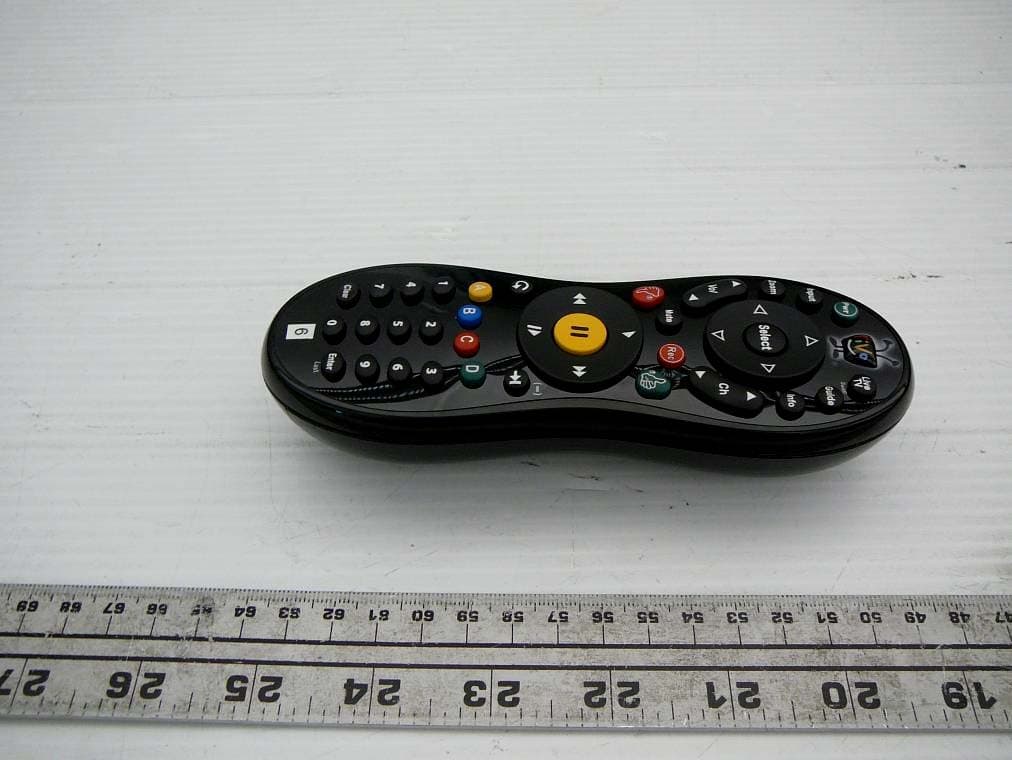
Click to zoom
Application Details
- Equipment Class
- DSS - Part 15 Spread Spectrum Transmitter
- Date of Grant
- Jun 09, 2010
- Application Purpose
- Original Equipment
- Date of Application
- Jun 09, 2010
- Equipment Note
- Remote Control, Qwerty keyboard with Bluetooth
- Frequency Range
- 2402.00000000 - 2480.00000000
- Country
- United States
Documents & Files
Document Text
Text extracted from the exhibit documents filed with the FCC. Open a document above to read the original.
Users Manual
TiVo, TiVo Central, and the TiVo logo are registered trademarks of TiVo Inc. or its subsidiaries worldwide. U.S. Patent D424,577. © 2010 TiVo Inc. All rights reserved. SDOC-00121-000 Rev A1 Slide Remote C M Y CM MY CY CMY K Qbert_rectangle_Outside-Final.pdf 1 5/24/2010 11:18:55 AM Bluetooth ® -ready Your TiVo Slide remote is Bluetooth- enabled. Just plug the supplied USB receiver into the USB port on the back of your TiVo box, and your remote is ready to control your TiVo box via Bluetooth. In Bluetooth mode, the activity indicator light on the remote control flashes blue with each button press. When your remote is not in Bluetooth mode (e.g., if the USB receiver is not plugged into your TiVo box), it will still function as a typical TiVo remote using only infrared signals; however, you will not be able to use the slide-out keyboard. In infrared-only mode, the remote’s activity indicator light flashes amber with each button press. Get to know your TiVo ® Slide remote Programmable remote You can control your TV’s power, input, volume, and mute functions with the TiVo Slide remote. Press the TiVo button on your remote control to go to the TiVo Central ® screen. Select ‘Messages & Settings,’ then ‘Settings,’ then ‘Remote, CableCARD, & Devices,’ then ‘Remote Control Settings’ and follow the on-screen instructions. The TiVo Slide remote is also a “learning remote.” It can learn certain functions from other remotes. If you are unable to find a code that works using the on-screen programming procedure, try this method: 1. Press the TiVo button and the SELECT button simultaneously, and hold them for three seconds, until the amber activity indicator light remains lit. The remote is now in “learning mode.” 2. On the TiVo remote, press and release the button you want it to learn (for example, TV PWR). The activity indicator light will flash once to acknowledge the button press, then remain lit. 3. Point the remotes directly at each other, no more than 4 inches apart. 4. Press the corresponding button on the TV or A/V receiver remote (e.g., Power). 5. If learning is successful, the activity indicator light will flash 4 times. If it is not successful, the light will blink 10 times very quickly. TV or A/V receiver remoteTiVo Slide remote 4” max. 6. Repeat steps 2-5 for any additional buttons. NOTE: In learning mode, VOL UP and VOL DOWN are separate buttons. 7. When done, press the TiVo button to exit learning mode and return the remote to normal operation. Tips and tricks • To use the integrated QWERTY keyboard, you must be in Bluetooth mode. • To enter symbols on the keyboard (like *, &, or \), press the SYM key and then the desired symbol. • You can tell if your remote is in Bluetooth or infrared mode by looking at the color of activity indicator light at the top of the remote. When you press a button, this light flashes blue in Bluetooth mode or amber in infrared-only mode. • In rare instances, you may find your remote in infrared-only mode even though the USB receiver is plugged into the TiVo box. In this case, you will need to enable Bluetooth manually. Simply press and hold the TiVo button and the button simultaneously until the remote’s activity indicator light starts blinking blue. Then press and hold the button on the USB receiver until its LED starts blinking. When pairing is successful, the remote’s activity indicator light will blink rapidly five times and then go off. • The TiVo Slide remote lights up in darkened rooms. To turn this feature off, press and hold the TiVo and THUMBS DOWN buttons until the activity light blinks three times. To turn the feature on again, press and hold the TiVo and THUMBS UP buttons until the activity indicator light blinks three times. • If you use a wireless adapter to connect to the TiVo service, leave at least 12” of space between the adapter and the TiVo Slide remote’s USB receiver for optimal performance. For more remote control tips, go to www.tivo.com/support. Activity indicator light C M Y CM MY CY CMY K Qbert_rectangle_Inside-Final.pdf 1 5/24/2010 11:19:26 AM ® WHO IS COVERED? You must have proof of purchase to receive warranty service. A sales receipt or other document showing that you purchased the product is considered proof of purchase. WHAT IS COVERED? TiVo warrants that the remote (including the dongle or USB thumb stick, if any, provided with the remote) will be free from defects in materials and workmanship during the limited warranty period described herein. The limited warranty coverage begins the day you purchase the product. For 90 days from the purchase date, the remote will be replaced with a repaired, renewed or comparable product (at TiVo’s discretion) if it becomes defective or inoperable. This exchange is done without charge to you for parts and labor (except applicable taxes, if any). You will be responsible for the cost of shipping. Contact Customer Support at 1-877-367-8486 for exchange. All products, including replacement products, are covered only for the original warranty period. When the warranty on the original product expires, the warranty on the replacement product also expires. WHAT IS EXCLUDED? Your warranty does not cover: • Any taxes imposed on TiVo for units replaced or repaired under this warranty. • Product replacement because of misuse, accident, unauthorized repair, or other cause not within TiVo’s control. • Incidental or consequential damages resulting from the use of the product. (Some states do not allow the exclusion of incidental or consequential damages, so the above exclusion may not apply to you.) • A product that has been modified or adapted to enable it to operate in any country other than the country for which it was designed. • A product used for commercial or institutional purposes. MAKE SURE YOU KEEP... Please keep your sales receipt or other document showing proof of purchase. Also keep the original box and packing material in case you need to return your product. TO GET WARRANTY SERVICE... If you …
Text truncated - open the document above for the full version.
Cover Letter(s)
June 11, 2010 FEDERAL COMMUNICATIONS COMMISSIONS Aut horization and Eva luation Division 7435 Oakland Mills Road Columbia, MD 21046 Subject: Confide ntiality Request rega rdi ng application for certification of FCC ID: TGN-C00240 In accorda nce with Sections 0. 457 and 0. 459 of the Commission’ s Rules, TiVo Inc. hereby requests conf ide ntial treatment of inf ormation accompa nying thi s application as outline d be low: Short-Term Conf ide ntiality: • EUT Internal Pictur es • EUT External Pictur es • Test Setup ph ot os • User manua l The above materials contain pr opr ietary and conf ide ntial inf ormation not cus tomarily released to the public. The public disclosur e of these materials pr ovi des unj ustified benefits to its compe titor s in the marke t
External Photos
Tivo, Inc FCC ID: TGN-C00240 , IC: 4672A-C00240 Report Number: R1005061-247 Page 43 of 46 FCC Part15.247 & IC RSS-210 Test Report 16 EXHIBIT C - EUT Photographs 16.1 EUT – Top View 16.2 EUT - Bottom View Tivo, Inc FCC ID: TGN-C00240 , IC: 4672A-C00240 Report Number: R1005061-247 Page 44 of 46 FCC Part15.247 & IC RSS-210 Test Report 16.3 EUT – Side View 16.4 EUT – Keyboard Open Top View
Internal Photos
Tivo, Inc FCC ID: TGN-C00240 , IC: 4672A-C00240 Report Number: R1005061-247 Page 45 of 46 FCC Part15.247 & IC RSS-210 Test Report 16.5 EUT – PCB Assembly Control Board Top View 16.6 EUT – PCB Assembly Control Board Top View Tivo, Inc FCC ID: TGN-C00240 , IC: 4672A-C00240 Report Number: R1005061-247 Page 46 of 46 FCC Part15.247 & IC RSS-210 Test Report 16.7 EUT – PCB Assembly Bluetooth Board Top View 16.8 EUT – PCB Assembly Bluetooth Board Bottom View ***** END OF REPORT *****
Test Report
Note: This test report is prepared for the customer shown above and for the device described herein. It may not be duplicated or used in part without prior written consent from Bay Area Compliance Laboratories Corp. This report must not be used by the customer to claim product certification, approval, or endorsement by NVLAP*, NIST, or any agency of the Federal Government. * This report may contain data that are not covered by the NVLAP accreditation and are marked with an asterisk “*” (Rev.2) FCC PART 15.247 IC RSS-210, ISSUE 7, JUNE 2007 TEST AND MEASUREMENT REPORT For Tivo, Inc. 2160 Gold Street, PO Box 2160, Alviso, CA 95002, USA FCC ID: TGN-C00240 IC: 4672A-C00240 Report Type: Original Report Product Type: Bluetooth Remote Control Test Engineer: Dennis Huang Report Number: R1005061-247 Report Date: 2010-06-07 Reviewed By: Victor Zhang Test Engineer Prepared By: (84) Bay Area Compliance Laboratories Corp. 1274 Anvilwood Avenue, Sunnyvale, CA 94089, USA Tel: (408) 732-9162 Fax: (408) 732 9164 Tivo, Inc FCC ID: TGN-C00240 , IC: 4672A-C00240 Report Number: R1005061-247 Page 2 of 46 FCC Part15.247 & IC RSS-210 Test Report TABLE OF CONTENTS 1 GENERAL INFORMATION.............................................................................................................................. 5 1.1 PRODUCT DESCRIPTION FOR EQUIPMENT UNDER TEST (EUT)........................................................................ 5 1.2 MECHANICAL DESCRIPTION OF EUT .............................................................................................................. 5 1.3 EUT PHOTOGRAPH......................................................................................................................................... 5 1.4 OBJECTIVE...................................................................................................................................................... 5 1.5 RELATED SUBMITTAL(S)/GRANT(S) ............................................................................................................... 5 1.6 TEST METHODOLOGY..................................................................................................................................... 6 1.7 MEASUREMENT UNCERTAINTY...................................................................................................................... 6 1.8 TEST FACILITY............................................................................................................................................... 6 2 SYSTEM TEST CONFIGURATION ................................................................................................................. 7 2.1 JUSTIFICATION................................................................................................................................................ 7 2.2 EUT EXERCISE SOFTWARE............................................................................................................................. 7 2.3 SPECIAL ACCESSORIES................................................................................................................................... 7 2.4 EQUIPMENT MODIFICATIONS.......................................................................................................................... 7 2.5 POWER SUPPLY INFORMATION....................................................................................................................... 7 2.6 LOCAL SUPPORT EQUIPMENT......................................................................................................................... 7 2.7 EUT INTERNAL CONFIGURATION................................................................................................................... 7 3 SUMMARY OF TEST RESULTS ...................................................................................................................... 8 4 FCC §15.203 & IC RSS-GEN §7.1.4 - ANTENNA REQUIREMENT............................................................. 9 4.1 APPLICABLE STANDARD................................................................................................................................. 9 4.2 ANTENNA CONNECTED CONSTRUCTION......................................................................................................... 9 5 FCC §15.205, §15.209 & §15.247(D) & IC RSS-210 §2.2, §A8.5 – RESTRICT BAND AND UNWANTED EMISSIONS................................................................................................................................................................. 10 5.1 APPLICABLE STANDARD:..............................................................................................................................10 5.2 TEST SETUP DIAGRAM.................................................................................................................................. 11 5.3 TEST PROCEDURE......................................................................................................................................... 11 5.4 CORRECTED AMPLITUDE & MARGIN CALCULATION.................................................................................... 12 5.5 TEST EQUIPMENT LIST AND DETAILS........................................................................................................... 12 5.5 TEST ENVIRONMENTAL CONDITIONS............................................................................................................ 12 5.6 SUMMARY OF TEST RESULTS........................................................................................................................ 13 5.7 RADIATED EMISSIONS TEST RESULT DATA AND PLOTS............................................................................... 14 6 FCC §15.247(A)(1) & IC RSS-210 §A8.1(D) – 20 DB CHANNEL BANDWIDTH...................................... 20 6.1 APPLICABLE STANDARD.............................................................................................................................…
Text truncated - open the document above for the full version.
Test Setup Photos
Tivo, Inc FCC ID: TGN-C00240 , IC: 4672A-C00240 Report Number: R1005061-247 Page 41 of 46 FCC Part15.247 & IC RSS-210 Test Report 15 EXHIBIT B – Test Setup Photographs 15.1 Radiated Emissions – Front View (below 1 GHz) 15.2 Radiated Emissions – Rear View (below 1 GHz) Tivo, Inc FCC ID: TGN-C00240 , IC: 4672A-C00240 Report Number: R1005061-247 Page 42 of 46 FCC Part15.247 & IC RSS-210 Test Report 15.3 Radiated Emissions – Front View (Above 1 GHz) 15.4 Radiated Emissions – Rear View (Above 1 GHz)
Contact Information
Applicant
Joseph Lopez
Test Firm
Bay Area Compliance Laboratories, Corp.John Chan
Technical Specifications
| # | Rule Parts | Frequency Range | Power Output |
|---|---|---|---|
| 1 | 15C | 2.40 GHz - 2.48 GHz | 1.00 mW |
Other Applications from TiVo Solutions Inc. d/b/a TiVo Inc.
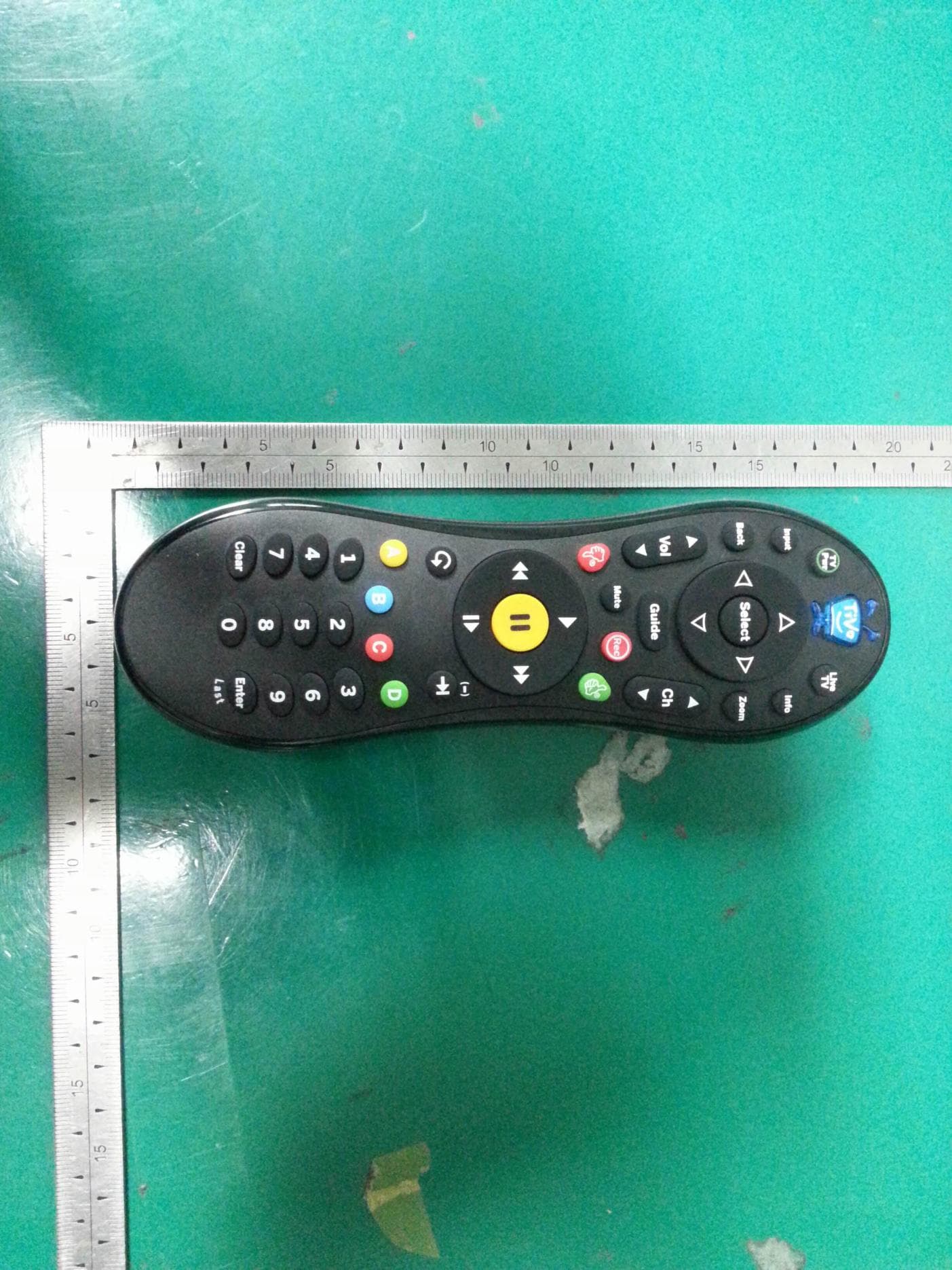
TGN-C00260
Oct 16, 2013IR & RF Remote Control
Equipment Class
DXX - Part 15 Low Power Communication Device Transmitter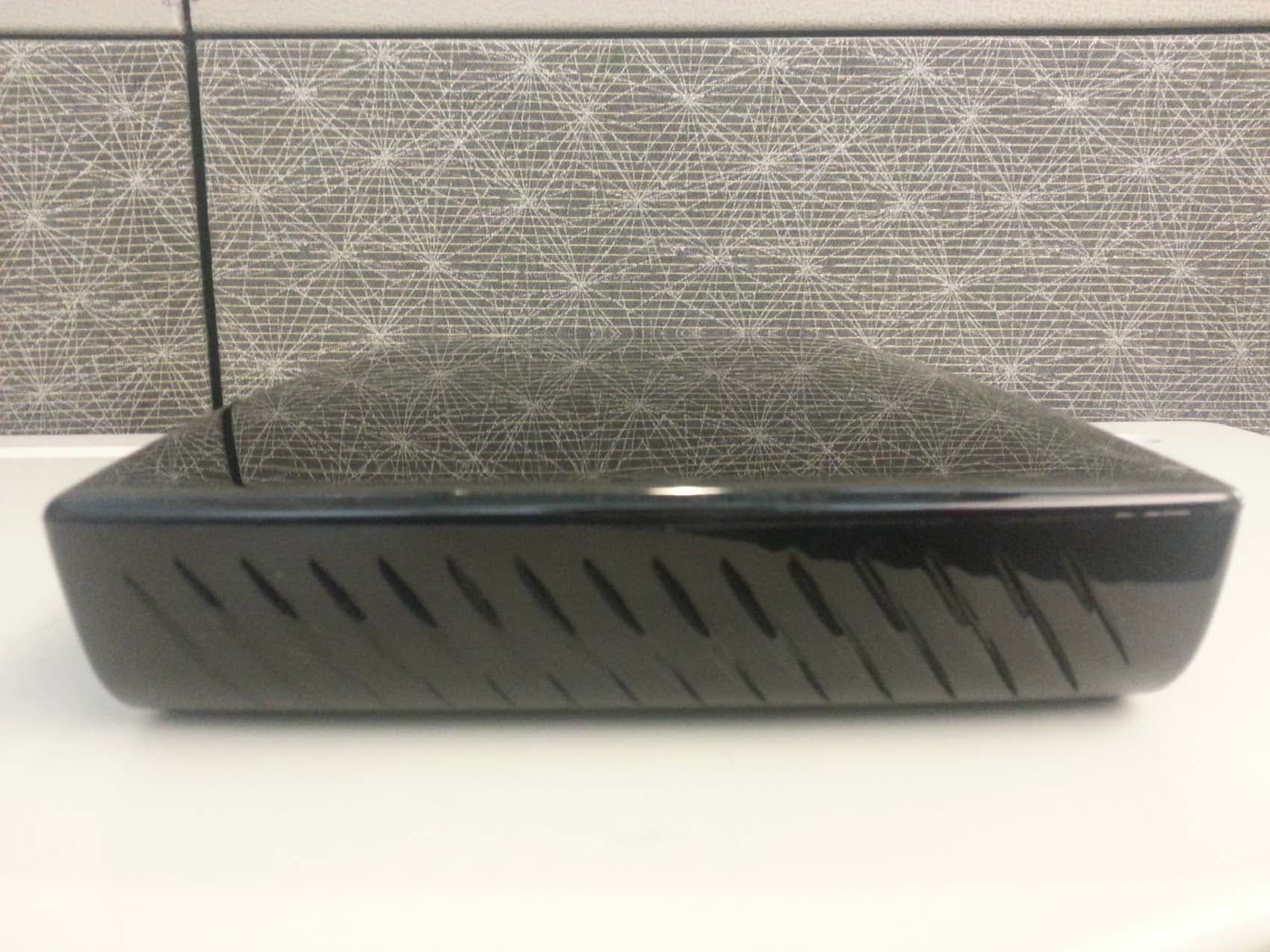
TGN-TCD8465
Aug 06, 2013Multimedia Hub
Equipment Class
DTS - Digital Transmission System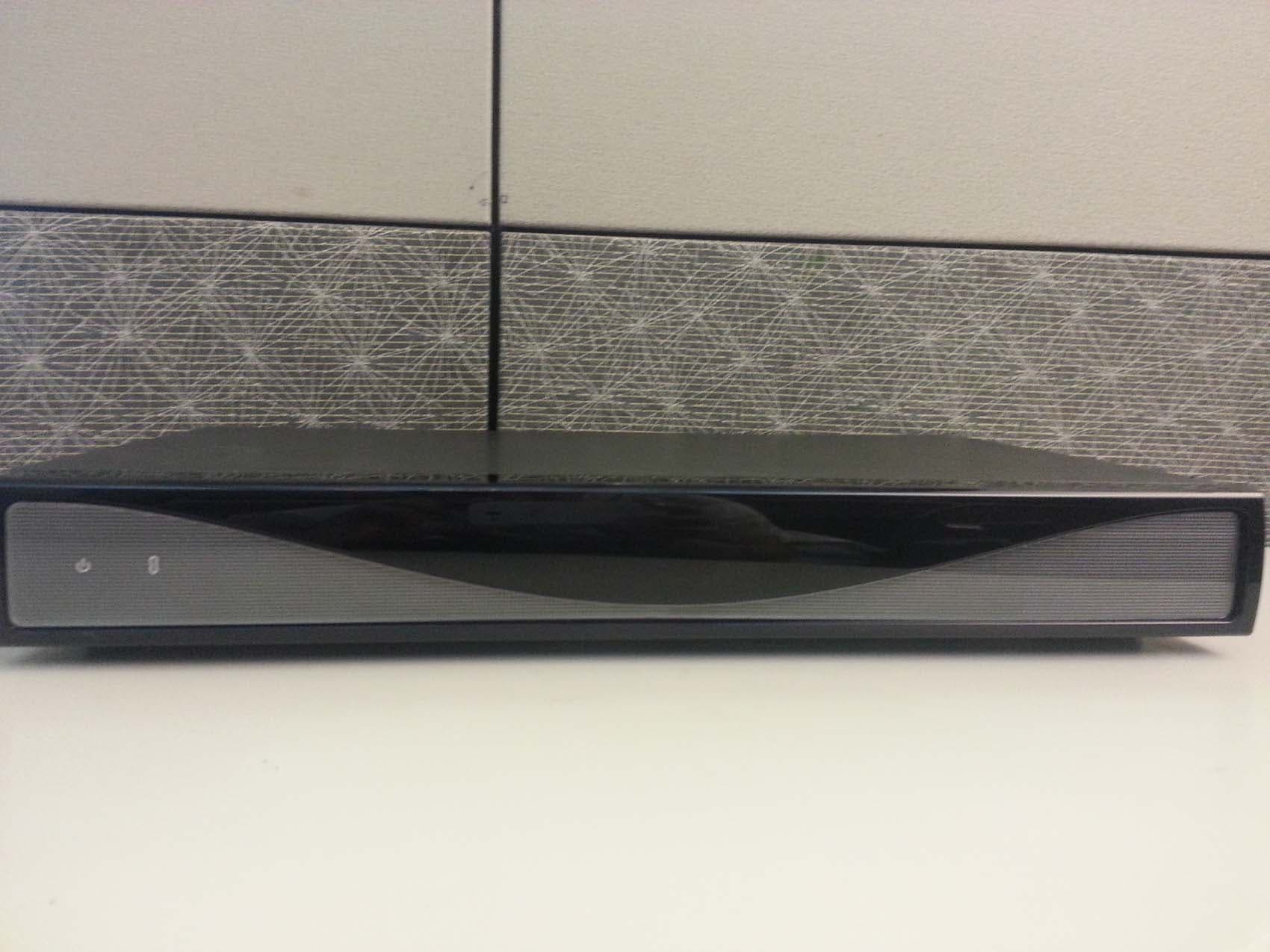
TGN-TCD8400
Aug 06, 2013Multimedia Hub
Equipment Class
DTS - Digital Transmission System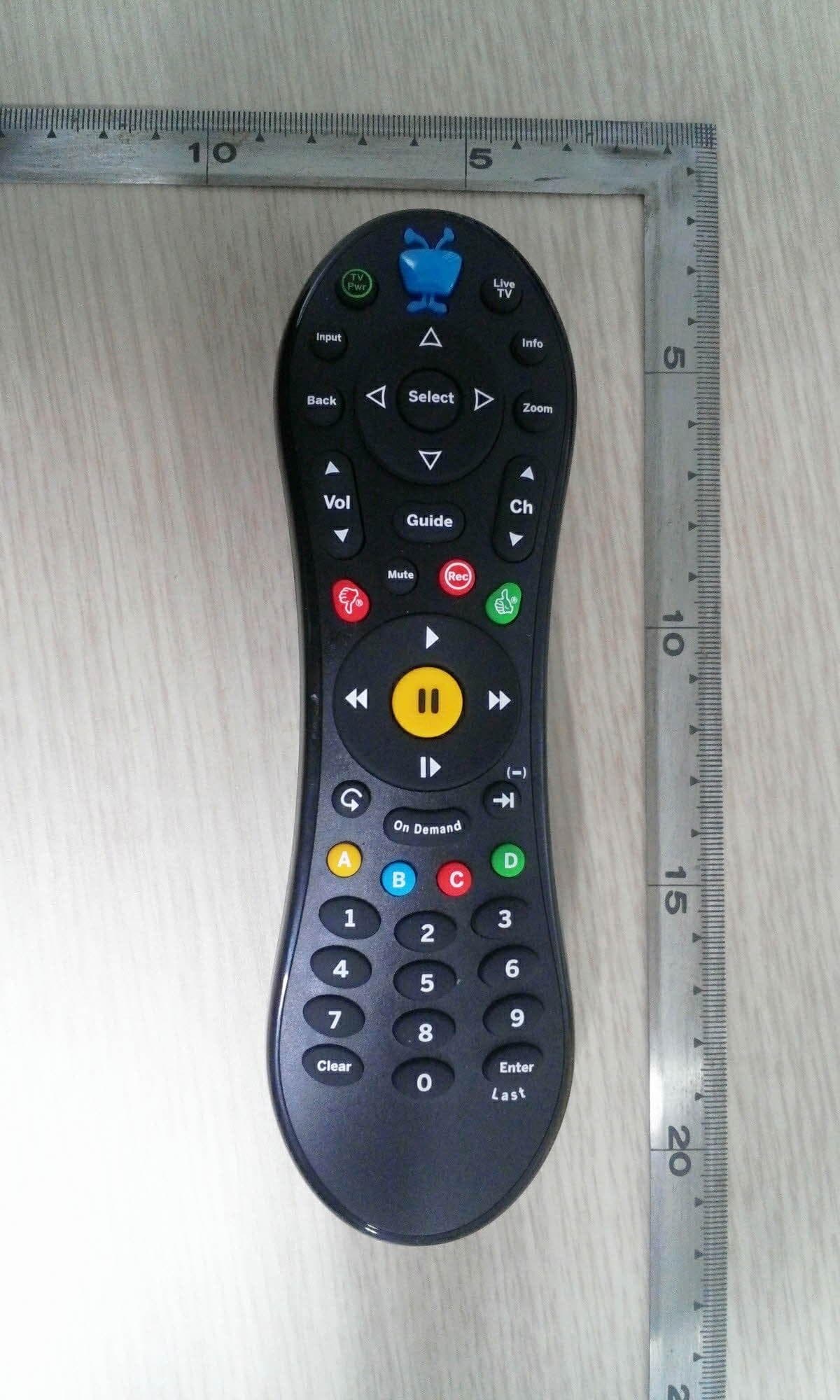
TGN-RC30
Jun 11, 2013IR&RF Remote Control
Equipment Class
DXX - Part 15 Low Power Communication Device Transmitter
TGN-C00240A
Jun 21, 2010TiVoSlide
Equipment Class
DSS - Part 15 Spread Spectrum Transmitter