TJ7-BTK28Bluetooth Headphone
Shenzhen SHI KISB Electronic Co., Ltd.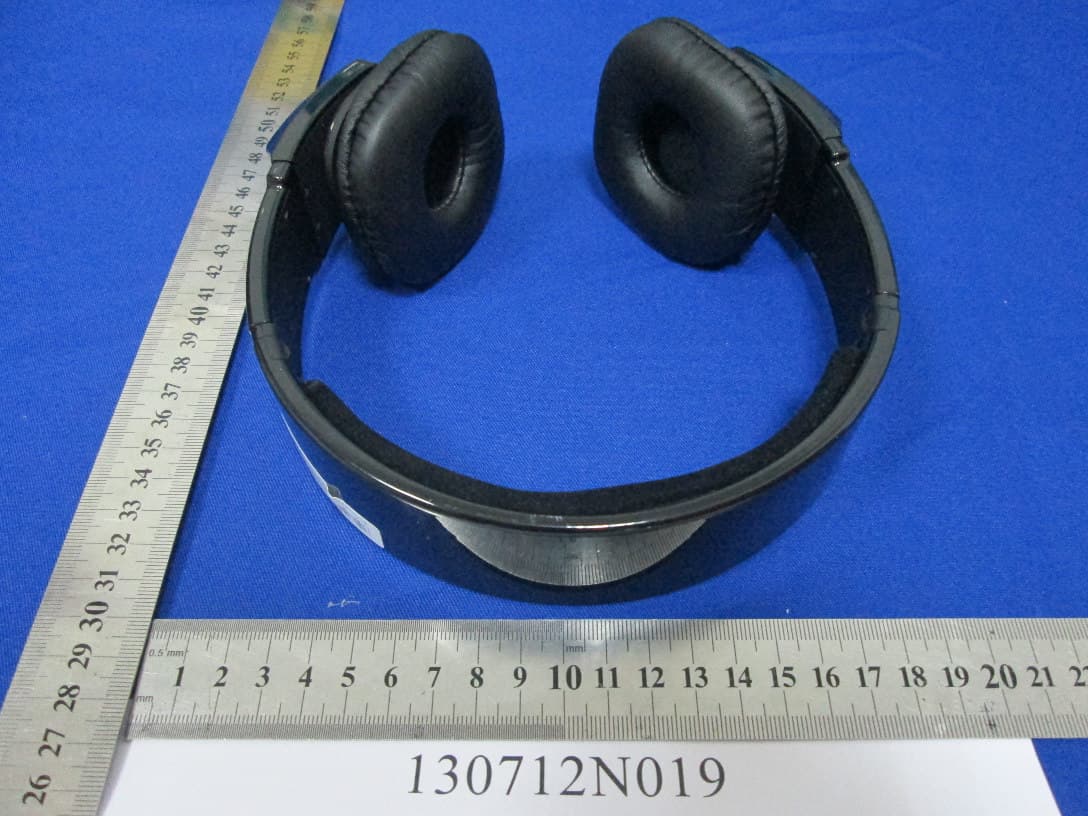
Click to zoom
Application Details
- Equipment Class
- DXX - Part 15 Low Power Communication Device Transmitter
- Date of Grant
- Aug 04, 2013
- Application Purpose
- Original Equipment
- Date of Application
- Aug 04, 2013
- Equipment Note
- Bluetooth Headphone
- Frequency Range
- 2402.00000000 - 2480.00000000
- Country
- China
Documents & Files
Document Text
Text extracted from the exhibit documents filed with the FCC. Open a document above to read the original.
Users Manual
1 Stereo Bluetooth Headphone with Mic (Model No: BTK-28) User Manual Charging the headphone Your headphone uses a rechargeable battery. You must charge the battery fully before using the headphone for the first time. 1. Plug the USB Cable into PC socket. 2. Connect the USB Cable with headphone as it shown on the picture. The red indicator of headset will turn on when charging. 3. When the battery is fully charged, the red indicator will turn blue. Note: 1) When the headphone is in low battery, the indicator will flash red and you will hear a voice “Battery Low”. 2) The headphone will be fully charged in approximately 3-4 hours. 3) Remove the USB cable from the PC socket IMPORTANT: The headphone can be used while charging. BASIC OPERATIONS Turning the headphone on/off 1. To turn the headphone on Press and hold K1 Button for about 3 seconds, the indicator will flash blue for 1 second and you will hear a voice “Power on”. The headphone is now turned on. 2. To turn the headphone off 2 Press and hold K1 Button for about 2 seconds, the indicator will flash red for 1 second and you will hear a voice “Power off”. The headphone is now turned off. Pairing Before using your headphone for the first time, you must pair it with your Bluetooth devices. 1. Ensure that the headphone is turned off (see “To turn the headphone off” section). And the Bluetooth devices setting are activated. 2. Press and hold K1 Button for about 5 seconds until the indicator light alternately flashes blue and red, and you will hear a voice “Pairing”, now the headphone is under pairing mode. 3. Set your Bluetooth devices to discover the speaker by following your devices' guide. Typically, the steps involve going to a ‘Setup’, 'Connect', or ‘Bluetooth’ menu on your devices and then selecting the option to discover Bluetooth devices. 4. Your devices will find the headphone “iFlavor BTK-28” and ask if you want to pair with it. Confirm this by pressing the “Yes” or “OK” key. 5. Enter a passkey or PIN code “0000” (4 zeros), then press the “Yes” or “OK” key. Note: If the Bluetooth version of your Bluetooth devices is up Bluetooth V2.1, you do not need to enter a Passkey (Pin code) during above pairing process. 6. You will hear a voice “connected”, it means your devices have been connected with the headphone. IMPORTANT: If the pairing can’t be completed within 90 seconds while the pairing mode is activated, which means the pairing is unsuccessful, please repeat Step 1 to Step 6 to pair the speaker with the Bluetooth devices again. Pairing Your Headphone with Two Bluetooth Devices (Multipoint connecting) BTK-28 supports a Multipoint function to allow simultaneous pairing of the speaker with two Bluetooth devices. 1. Follow the pairing procedure as instructed in “Pairing” section to pair the headphone with the first Bluetooth device. 2. Repeat the same pairing procedure on the second Bluetooth device. 3. On the first Bluetooth device’s menu, activate its Bluetooth connection with the headphone. Play/Pause 1. Make sure that your devices connected with the headphone. 2. Find music in your devices and play, the song will play through the headphone. 3. Press K1 Button once when play, the song will stop. Press K1 Button again, the song will play again. Previous Song Press “PREV” Button to back to the previous song. Next Song Press “NEXT” Button to the next song. Adjusting the volume 1. Press “VOL-” to decrease the volume and you will hear a beep when it is minimum 2. Press “VOL+” to increase the volume and you will hear a beep when it is maximum. Making a call 1. Dial number on the keypad or select the contact name from the contact list of your mobile phone. 2. Press phone’s “send/call” key. 3 Voice Dialing Please ensure your mobile phone supports voice dialing function and the voice tag assigned for this feature. 1. Press “VOL-” or “VOL+” Button for 2 seconds. 2. You’ll then hear a voice “Voice Dial”, say the name of the person you wish to call. 3. Press “VOL-” or “VOL+” Button for 2 seconds to stop the voice dialing. Ending a call Shortly press K1 Button once to end a call Answering a call Connected with one mobile phone: Shortly press K1 Button once to answer a call. Connected with two mobile phones: 1. Press K1 Button once to answer the second call but end the first call. 2. Press K1 Button twice to answer the second call and keep the first call. 3. Press K1 Button for 2 seconds to reject the second call but go on the first call. 4. Press K1 Button twice to transfer the two calls if the first mobile phone keep a call and the second mobile phone answer a call. Last number redialing Connected with one mobile phone: Press K1 Button twice to make the last number redial, and you will hear a voice “Last Number Redial”. Connected with two mobile phones: Press K1 Button twice to make the last number redial, and you will hear a voice “Last Number Redial”. This feature will be available on only one mobile phone which is firstly connected with mobile phone. Rejecting an incoming call Press and hold K1 Button for 2 seconds to reject a call. Transferring a call Speaker to phone: Press and hold K1 Button for 2 seconds during a call, then release it. Phone to speaker: Press and hold K1 Button for 2 seconds during a call, then release it. Note: For different mobile phone setting, you could only transfer a call by press the mobile phone’s keypad. Depend on your phone type, the actual operation may vary. Muting the Microphone You can put a call on hold by muting the microphone. To turn on/turn off the Muting Microphone function: Press the “VOL+” Button and “VOL-” Button at the same time. Delete the pairing records When the headphone is on standby mode, press “VOL+” Button and “VOL-” Button for 5 seconds. Storage of the headphone 1. Always store the headphone with the power off and make sure it is safely protected. 2. Avoid storage at high temperatures (above 60 ) such as in a ho°Ct vehicle or in direct sunlight. (Storage at high temperatures can damage p…
Text truncated - open the document above for the full version.
External Photos
Bureau Veritas Shenzhen Co., Ltd. Dongguan Branch No. 34, Chenwulu Section, Guantai Rd., Houjie Town, Dongguan City, Guangdong 523942, China Tel.: +86 769 8593 5656 Fax: +86 769 8593 1080 Email: [email protected] Page 1 of 3 Report Version 1 Test Report No.: RF130712N019 PHOTOGRAPHS OF THE EUT Bureau Veritas Shenzhen Co., Ltd. Dongguan Branch No. 34, Chenwulu Section, Guantai Rd., Houjie Town, Dongguan City, Guangdong 523942, China Tel.: +86 769 8593 5656 Fax: +86 769 8593 1080 Email: [email protected] Page 2 of 3 Report Version 1 Test Report No.: RF130712N019 Bureau Veritas Shenzhen Co., Ltd. Dongguan Branch No. 34, Chenwulu Section, Guantai Rd., Houjie Town, Dongguan City, Guangdong 523942, China Tel.: +86 769 8593 5656 Fax: +86 769 8593 1080 Email: [email protected] Page 3 of 3 Report Version 1 Test Report No.: RF130712N019
ID Label/Location Info
居中 5mm 27*32mm 27*32mm
Internal Photos
Bureau Veritas Shenzhen Co., Ltd. Dongguan Branch No. 34, Chenwulu Section, Guantai Rd., Houjie Town, Dongguan City, Guangdong 523942, China Tel.: +86 769 8593 5656 Fax: +86 769 8593 1080 Email: [email protected] Page 1 of 2 Report Version 1 Test Report No.:RF130712N019 PHOTOGRAPHS OF THE EUT Bureau Veritas Shenzhen Co., Ltd. Dongguan Branch No. 34, Chenwulu Section, Guantai Rd., Houjie Town, Dongguan City, Guangdong 523942, China Tel.: +86 769 8593 5656 Fax: +86 769 8593 1080 Email: [email protected] Page 2 of 2 Report Version 1 Test Report No.:RF130712N019 ANT
Test Report
Bureau Veritas Shenzhen Co., Ltd. Dongguan Branch No. 34, Chenwulu Section, Guantai Rd., Houjie Town, Dongguan City, Guangdong 523942, China Tel: +86 769 8593 5656 Fax: +86 769 8593 1080 Email: [email protected] Page 1 of 41 Report Version 1 Test Report No.: RF130712N019 TEST REPORT Applicant SHENZHEN SHI KISB ELECTRONIC CO., LTD Address 3-5/F, A Building, Shanghe Industrial Park, Nanchang Road, Xixiang Town, Bao’an District, Shenzhen, Guangdong, 518103 P.R. China Manufacturer or Supplier SHENZHEN SHI KISB ELECTRONIC CO., LTD Address 3-5/F, A Building, Shanghe Industrial Park, Nanchang Road, Xixiang Town, Bao’an District, Shenzhen, Guangdong, 518103 P.R. China Product Bluetooth Stereo Headphone Brand Name KISS/BTK/Lindero/iFlavor Model BTK-28 Additional Models & Model Difference BTK-30, BTK-31, BTK-32, BTK-33, BTK-35; see section 2.1 Date of tests Jul. 12, 2013 ~ Jul. 22, 2013 the tests have been carried out according to the requirements of the following standard: FCC Part 15, Subpart C (Section 15.249) CONCLUSION: The submitted sample was found to COMPLY with the test requirement Tested by Glyn He Project Engineer / EMC Department Approved by Sam Tung Manager / EMC Department This report is for your exclusive use. Any copying or replication of this report to or for any other person or entity, or use of our name or trademark, is permitted only with our prior written permission. This report sets forth our findings solely with respect to the test samples identified herein. The results set forth in this report are not indicative or representative of the quality or characteristics of the lot from which a test sample was taken or any similar or identical product unless specifically and expressly noted. Our report includes all of the tests requested by you and the results thereof based upon the information that you provided to us. You have 60 days from date of issuance of this report to notify us of any material error or omission caused by our negligence, provided, however, that such notice shall be in writing and shall specifically address the issue you wish to raise. A failure to raise such issue within the prescribed time shall constitute your unqualified acceptance of the completeness of this report, the tests conducted and the correctness of the report contents. Unless specific mention, the uncertainty of measurement has been explicitly taken into account to declare the compliance or non-compliance to the specification Bureau Veritas Shenzhen Co., Ltd. Dongguan Branch No. 34, Chenwulu Section, Guantai Rd., Houjie Town, Dongguan City, Guangdong 523942, China Tel: +86 769 8593 5656 Fax: +86 769 8593 1080 Email: [email protected] Page 2 of 41 Report Version 1 Test Report No.: RF130712N019 TABLE OF CONTENTS RELEASE CONTROL RECORD ............................................................................................................ 4 1 SUMMARY OF TEST RESULTS.................................................................................................... 5 2 MEASUREMENT UNCERTAINTY ................................................................................................. 5 3 GENERAL INFORMATION ............................................................................................................6 3.1 GENERAL DESCRIPTION OF EUT........................................................................................... 6 3.2 DESCRIPTION OF TEST MODES............................................................................................. 7 3.3 GENERAL DESCRIPTION OF APPLIED STANDARDS............................................................ 8 3.4 DESCRIPTION OF SUPPORT UNITS....................................................................................... 9 4 TEST TYPES AND RESULTS...................................................................................................... 10 4.1 CONDUCTED EMISSION MEASUREMENT........................................................................... 10 4.3.1 LIMITS OF CONDUCTED EMISSION MEASUREMENT............................................... 10 4.3.2 TEST INSTRUMENTS..................................................................................................... 10 4.3.3 TEST PROCEDURES ......................................................................................................11 4.3.4 DEVIATION FROM TEST STANDARD ............................................................................11 4.3.5 TEST SETUP................................................................................................................... 12 4.3.6 EUT OPERATING CONDITIONS .................................................................................... 12 4.3.7 TEST RESULTS .............................................................................................................. 13 4.2 RADIATED EMISSION MEASUREMENT ................................................................................ 15 4.2.1 LIMITS OF RADIATED EMISSION MEASUREMENT.................................................... 15 4.2.2 TEST INSTRUMENTS..................................................................................................... 16 4.2.3 TEST PROCEDURES ..................................................................................................... 17 4.2.4 DEVIATION FROM TEST STANDARD ........................................................................... 17 4.2.5 TEST SETUP................................................................................................................... 18 4.2.6 EUT OPERATING CONDITIONS .................................................................................... 18 4.2.7 TEST RESULTS .............................................................................................................. 19 4.3 20dB BANDWIDTH MEASUREMENT ..................................................................................... 32 4.3.1 LIMITS OF 2…
Text truncated - open the document above for the full version.
Test Setup Photos
Bureau Veritas Shenzhen Co., Ltd. Dongguan Branch No. 34, Chenwulu Section, Guantai Rd., Houjie Town, Dongguan City, Guangdong 523942, China Tel.: +86 769 8593 5656 Fax: +86 769 8593 1080 Email: [email protected] Page 1 of 3 Report Version 1 Test Report No.: RF130712N019 SET-UP FOR CONDUCTED EMISSION TEST Bureau Veritas Shenzhen Co., Ltd. Dongguan Branch No. 34, Chenwulu Section, Guantai Rd., Houjie Town, Dongguan City, Guangdong 523942, China Tel.: +86 769 8593 5656 Fax: +86 769 8593 1080 Email: [email protected] Page 2 of 3 Report Version 1 Test Report No.: RF130712N019 SET-UP FOR RADIATED EMISSION TEST Frequency Range< 30MHz ~1GHz > Bureau Veritas Shenzhen Co., Ltd. Dongguan Branch No. 34, Chenwulu Section, Guantai Rd., Houjie Town, Dongguan City, Guangdong 523942, China Tel.: +86 769 8593 5656 Fax: +86 769 8593 1080 Email: [email protected] Page 3 of 3 Report Version 1 Test Report No.: RF130712N019 Frequency Range< Above 1GHz >
Contact Information
Applicant
KK Lee(General Manager)
Test Firm
Bureau Veritas Shenzhen Co., Ltd. Dongguan BranchAlec Hu
Technical Specifications
| # | Rule Parts | Frequency Range | Power Output |
|---|---|---|---|
| 1 | 15C | 2.40 GHz - 2.48 GHz | - |
Other Applications from Shenzhen SHI KISB Electronic Co., Ltd.
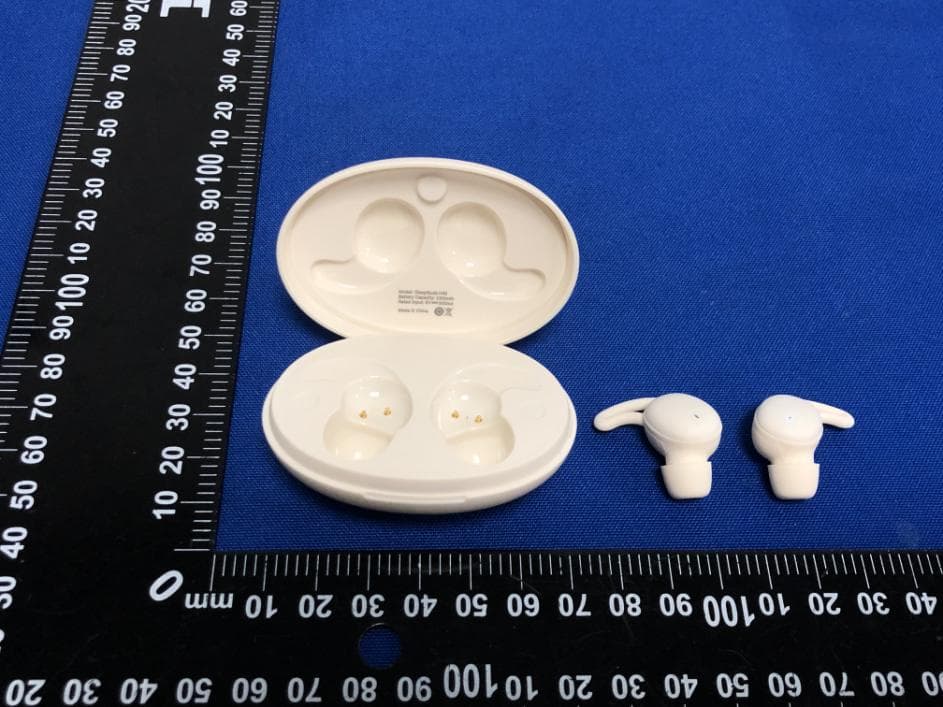
TJ7-H40
Jul 26, 2023TRUE WIRELESS EARBUDS
Equipment Class
DSS - Part 15 Spread Spectrum Transmitter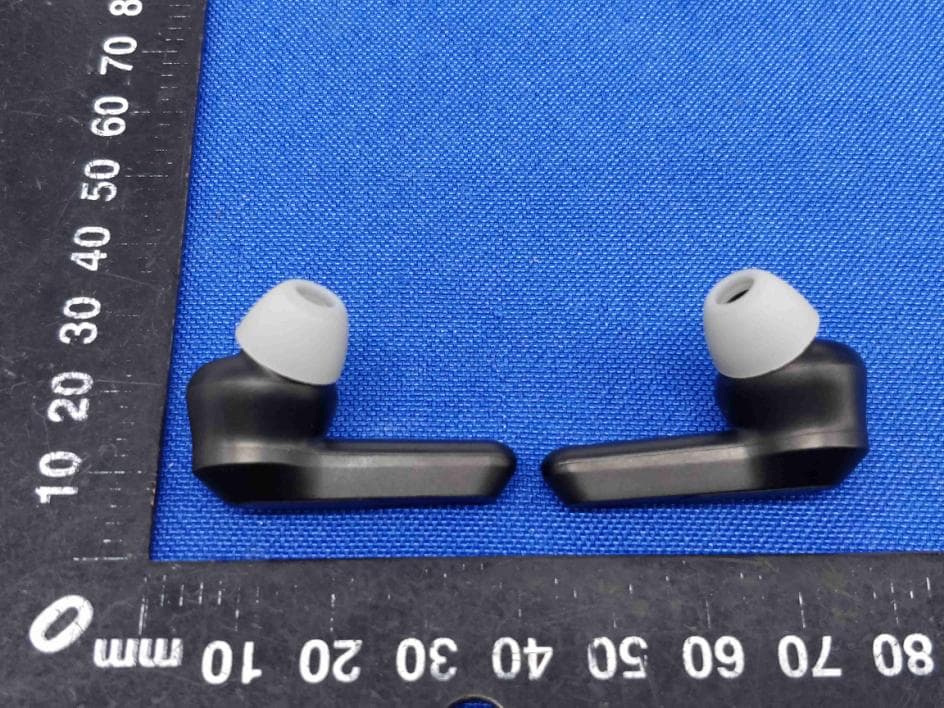
TJ7-H21B
Aug 02, 2021TRUE WIRELESS EARBUDS
Equipment Class
DSS - Part 15 Spread Spectrum Transmitter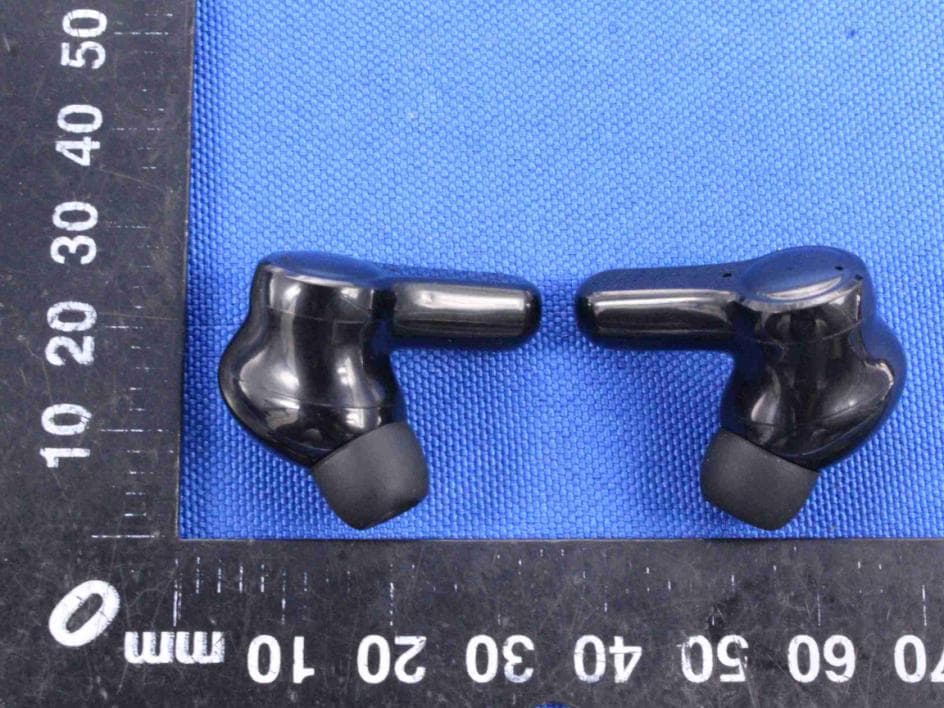
TJ7-H29
Jun 01, 2021TRUE WIRELESS EARBUDS
Equipment Class
DSS - Part 15 Spread Spectrum Transmitter
TJ7-H26
May 18, 2021TRUE WIRELESS EARBUDS
Equipment Class
DSS - Part 15 Spread Spectrum Transmitter
TJ7VALOREBTK-C5
Jul 14, 2015Bluetooth Headset
Equipment Class
DXX - Part 15 Low Power Communication Device Transmitter