TLDMOBILEIDENTIICogent Multifunction Fingerprint Scanner
Cogent Systems Inc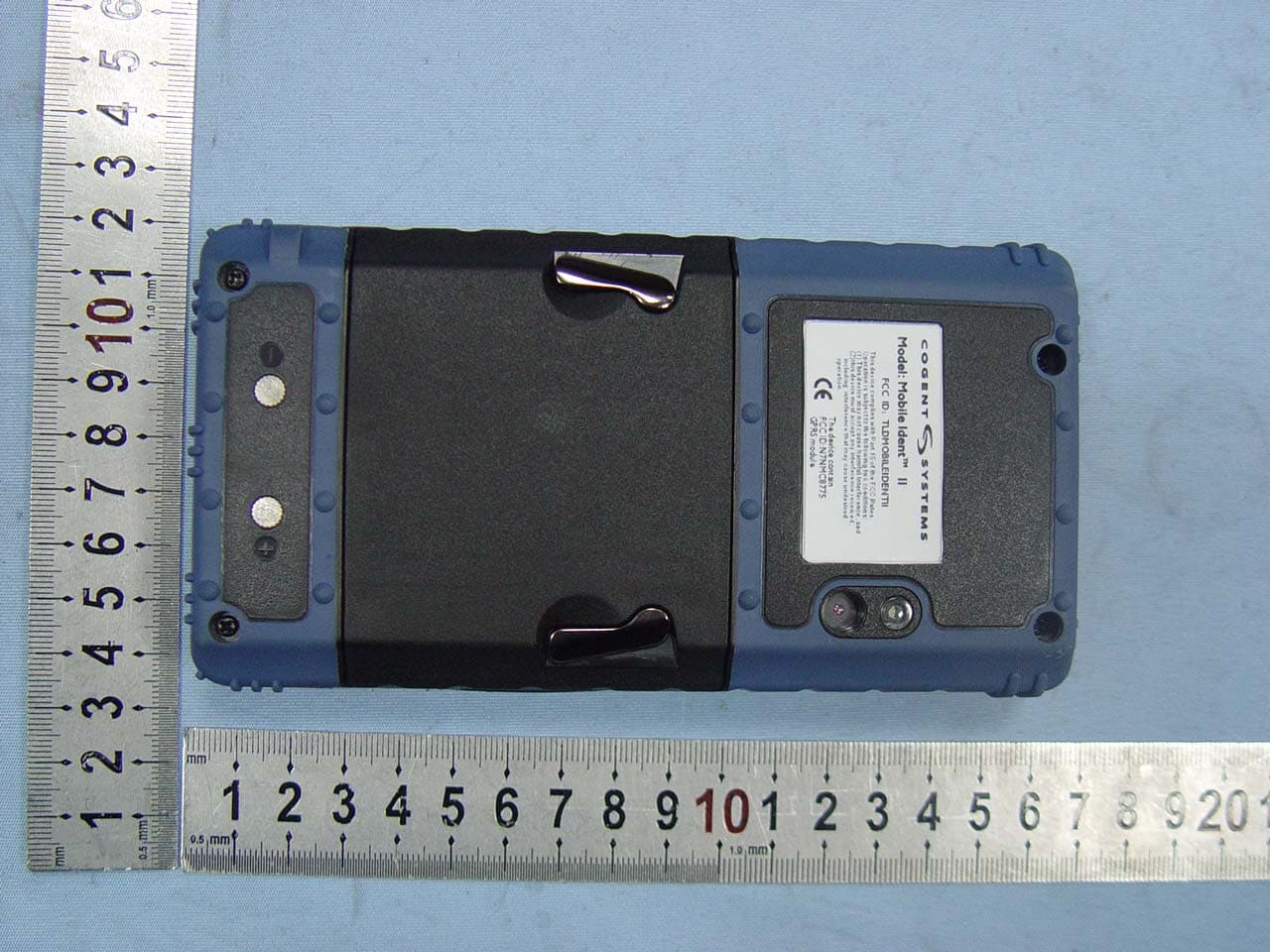
Click to zoom
Application Details
- Equipment Class
- DTS - Digital Transmission System
- Date of Grant
- Dec 08, 2008
- Application Purpose
- Original Equipment
- Date of Application
- Dec 08, 2008
- Equipment Note
- Cogent Multifunction Fingerprint Scanner
- Frequency Range
- 2412.00000000 - 2462.00000000
- Company
- Cogent Systems Inc
- Country
- United States
Documents & Files
Document Text
Text extracted from the exhibit documents filed with the FCC. Open a document above to read the original.
Users Manual
Mobile Ident TM II 2008 Cogent Systems Instruction of Mobile Ident TM II 1 Mobile Ident TM II 2008 Table of Content 1. Power On..................................................................................................3 2. Login the Mobile Ident II (MI2)......................................................................3 3. Home Page...............................................................................................4 4. Settings.....................................................................................................4 4.1. Volume...............................................................................................5 4.2. Date....................................................................................................5 4.3. Users...................................................................................................6 5. Wireless.....................................................................................................6 6. Identify.....................................................................................................7 6.1. Search.................................................................................................7 6.2. Enroll...................................................................................................8 6.2.1. Demographics.............................................................................8 6.2.2. Fingerprints...................................................................................8 6.2.3. Photo...........................................................................................9 6.2.4. Database.....................................................................................9 2 Mobile Ident TM II 2008 1. Power On To turn on and shut down the device, press power button for 2-3 seconds (Figure 1). Power button Figure 1 2. Login the Mobile Ident TM II In order to access the systems, you have to get a valid user name and password. Enter your user name and password and then tap ‘Login’, as Figure 2 shown below. Administrators create user accounts using ‘Users’. For details, please refer to 4 ‘Users’. Figure 2 Caps Lock 3 Mobile Ident TM II 2008 3. Home Page After login, you will get into the main page of MI2 as Figure 3 shown below. All function of Mobile Ident TM II will display in this page. Tap the icon (function) you wish to operate. Figure 3 4. Settings Select and enter ‘Settings’, you can set the data be yourself (Figure 4). Figure 4 4 Mobile Ident TM II 2008 4.1. Volume Tap ‘Save’ to save your setting (Figure 5). Figure 5 4.2. Date Set the time, date and time zone, then tap save (Figure 6). Figure 6 5 Mobile Ident TM II 2008 4.3. Users Tap ‘New’ to add user. Enter the information in the page, then tap save to save your setting (Figure 7). Figure7 5. Wireless Select ‘Wireless’ and get into the power control. Tap the On-Off button to control the wireless function (Figure 8). Please note that GPRS, WIFI and BLUETHOOTH cannot work together. It is impossible to send data with all systems at the same time and it cannot send data during the scan process. Figure 8 6 Mobile Ident TM II 2008 6. Identify ‘Identify’ is the main function of MI2. It is use to enroll fingerprint, edit and search the demographics (Figure 9). Figure 9 6.1. Search ‘Search’ is for searching the data in the database. You can search by finger and facial (Figure 10). If it finds a match in the database, the information will be displayed. Figure 10 7 Mobile Ident TM II 2008 6.2. Enroll 6.2.1. Demographics Tap ‘Enroll’ and get into the demographics. Tap the information you wish to enter and edit it. After editing demographics, tap ‘OK’ go to the nest step (Figure 11). Figure 11 6.2.2. Fingerprints Tenprints is required. Follow the instruction to enroll tenprints (from R Thumb to L Little) (Figure 12). Select the finger you wish to enroll. If the quality of fingerprint is poor, the system will ask for capture again. If the quality of the image is good, then it will go to capture the next finger. Figure 12 8 Mobile Ident TM II 2008 6.2.3. Photo After capturing the fingerprint, it will go to the next step ‘Photo’ automatically. It will take 5 photos for 5 different face angles. One photo captured at front, two captured at 90 degree (left and right), two captured at 45 degree (left and right) (Figure 13). Figure 13 6.3. Database Check the data you entered (Figure 14). You can edit the information you entered previously. Figure 14 9 Mobile Ident TM II 2008 FCC INFORMATION This device complies with Part 15 of the FCC Rules. Operation is subject to the following two conditions: (1) this device may not cause harmful interference, and (2) this device must accept any interference received, including interference that may cause undesired operation. Changes or modifications not expressly approved by the party responsible for compliance could void the user's authority to operate the equipment. This equipment complies with FCC radiation exposure limits set forth for an uncontrolled environment. End users must follow the specific operating instructions for satisfying RF exposure compliance. This transmitter must not be co-located or operating in conjunction with any other antenna or transmitter. NOTE: This equipment has been tested and found to comply with the limits for a Class B digital device, pursuant to Part 15 of the FCC Rules. These limits are designed to provide reasonable protection against harmful interference in a residential installation. This equipment generates, uses and can radiate radio frequency energy and, if not installed and used in accordance with the instructions, may cause harmful interference to radio communications. However, there is no guarantee that interference will not occur in a particular installation. If this equipment does cause harmful interference to radio or television reception, which can be determined by turning the equipment off and on, the user is encouraged to …
Text truncated - open the document above for the full version.
Cover Letter(s)
Federal Communications Commission 7435 Okland Mills Road Columbia, MD 21046 Gentlemen: This letter is to comply with section 0.457(d)(2)(i) pertaining to confidential material. COGENT SYSTEMS, INC. would like the following documents regarding this submission for FCC ID: TLDMOBILEIDENTII to be kept confidential. 1. Schematics 2. Block diagram 3. Operation description The above documents contain trade secrets or technical data, which would customarily be guarded from competitors. We do not want the documents to be accessible to general public. Sincerely yours, Name: Ankuo Wang Title: General Manager Cogent Systems, Inc., 639 North Rosemead Blvd, Pasadena CA 91107 ,U.S.A Tel: (626) 325-9600 Fax: (626) 325-9700 E-mail:[email protected] Http://www.cogentsystems.com 深圳市南山区高新技术园南区高新南一道飞亚达大厦1706 1706 Fiyta Hi-tech Building, 17th Floor,Gaoxinnanyi Avenue, Southern District of Hi-tech Park,Nanshan District, Shenzhen, 518057 China TEL:086-0755-86013579 FAX:086-0755-86013553 E-mail:[email protected]
ID Label/Location Info
ID label & location info. ID label location
RF Exposure Info
1. RF EXPOSURE 1.1. The Requirement System operating under the provisions of this section shall be operated in a manner that ensures that the public is not exposed to radio frequency energy levels in excess of the Commission’s guidelines. See Section 15.247(b)(4) and Section 1.1307(b)(1) 1.2. Limit For Maximum Permissible Exposure(MPE) Limits for General Population/ Uncontrolled Exposure Frequency Range Electric Field Strength (E) (V/m) Magnetic Field Strength (H) (A/m) (MHz) Power Density (S) () 2 mW/cm Averaging Time 2 E, 2 H or S (minutes) 0.3-1.34 614 1.63 (100)* 30 1.34-30 824/f 2.19/f (180/f)* 30 30-300 27.5 0.073 0.2 30 300-1500 f/1500 30 1500-100,000 1.0 30 F = frequency in MHz, * Plane-wave equivalent power density 1.3. MPE Calculations E(V/m) = 30 P G d ×× , Power Density: S() = 2 mW/cm 2 377 E Where E = Electric Field (V/m) P = Peak Output Power (mW) G = Antenna Numeric Gain (numeric) = 10 x , x = Antenna Gain(dBi) /10 d = Separation Distance (cm) We can change the formula to: S = 2 30 377 PG d ×× × or, d = 30 377 PG S ×× × Because the EUT is belong to general population/uncontrolled exposure. So 1.3.1. We considering the limit of minimum separation distance (d) is 20cm, Maximum Output Power = 25.58mW Antenna Gain = 0.85(dBi) = 1.216(numeric) S = 2 30 377 PG d ×× × = 0.0062 < 1.0(limit) 2 mW/cm 2 mW/cm Calculated RF Exposure power density is 0.0062, less than the limit. 2 mW/cm 1.3.2. We considering the limit of power density (S) is 1.0, 2 mW/cm Maximum Output Power = 25.58mW Antenna Gain = 0.85(dBi) = 1.216(numeric) d = 30 377 PG S ×× × = 1.57 cm < 20 cm Calculated RF Exposure separation distance is 1.57cm, less than the minimum separation distance 1.3.3.FCC Radiation Exposure Statement This equipment complies with FCC radiation exposure limits set forth for an uncontrolled environment. In order to avoid the possibility of exceeding the FCC radio frequency exposure limits, Human proximity to the antenna shall not be less than 20cm(8 inches) during normal operation. Proposed RF exposure safety information to include in User’s Manual.
Test Report
Page 1 of 126 FCC ID: TLDMOBILEIDENTII ACCURATE TECHNOLOGY CO. LTD REPORT NO. ATE20082130 APPLICATION CERTIFICATION On Behalf of COGENT SYSTEMS, INC. Cogent Multifunction Fingerprint Scanner Model No.: Mobile Ident™ II FCC ID: TLDMOBILEIDENTII Prepared for : COGENT SYSTEMS, INC. Address : Fiyta Hi-tech Building, Gaoxinnanyi Avenue, Southern District of Hi-tech Park, Nanshan District, Shenzhen China Prepared by : ACCURATE TECHNOLOGY CO. LTD Address : F1, Bldg. A, Changyuan New Material Port, Keyuan Rd. Science & Industry Park, Nanshan, Shenzhen, Guangdong P.R. China Tel: (0755) 26503290 Fax: (0755) 26503396 Report Number : ATE20082130 Date of Test : November 1-15, 2008 Date of Report : November 17, 2008 Page 2 of 126 FCC ID: TLDMOBILEIDENTII ACCURATE TECHNOLOGY CO. LTD REPORT NO. ATE20082130 TABLE OF CONTENTS Description Page Test Report Certification 1. GENERAL INFORMATION ....................................................................................................6 1.1. Description of Device (EUT).............................................................................................................6 1.2. Description of Test Facility ...............................................................................................................7 1.3. Measurement Uncertainty..................................................................................................................7 2. MEASURING DEVICE AND TEST EQUIPMENT ...............................................................8 3. OPERATION OF EUT DURING TESTING ...........................................................................9 3.1. Operating Mode .................................................................................................................................9 3.2. Configuration and peripherals ...........................................................................................................9 4. TEST PROCEDURES AND RESULTS .................................................................................10 5. CONDUCTED EMISSION FOR FCC PART 15 SECTION 15.107(A) ..............................11 5.1. Block Diagram of Test Setup...........................................................................................................11 5.2. The Emission Limit .........................................................................................................................12 5.3. Configuration of EUT on Measurement ..........................................................................................12 5.4. Operating Condition of EUT ...........................................................................................................12 5.5. Test Procedure .................................................................................................................................12 5.6. Power Line Conducted Emission Measurement Results .................................................................13 6. RADIATED EMISSION FOR FCC PART 15 SECTION 15.109 (A)..................................16 6.1. Block Diagram of Test Setup...........................................................................................................16 6.2. The Emission Limit For Section 15.109 (a) ....................................................................................17 6.3. EUT Configuration on Measurement ..............................................................................................17 6.4. Operating Condition of EUT ...........................................................................................................17 6.5. Test Procedure .................................................................................................................................18 6.6. The Emission Measurement Result .................................................................................................19 7. 20DB BANDWIDTH TEST (BLUETOOTH) ........................................................................25 7.1. Block Diagram of Test Setup...........................................................................................................25 7.2. The Requirement For Section 15.247(a)(1) .....................................................................................25 7.3. EUT Configuration on Measurement ..............................................................................................25 7.4. Operating Condition of EUT ...........................................................................................................25 7.5. Test Procedure .................................................................................................................................26 7.6. Test Result .......................................................................................................................................26 8. CARRIER FREQUENCY SEPARATION TEST (BLUETOOTH) ....................................30 8.1. Block Diagram of Test Setup...........................................................................................................30 8.2. The Requirement For Section 15.247(a)(1) .....................................................................................30 8.3. EUT Configuration on Measurement ..............................................................................................30 8.4. Operating Condition of EUT ...........................................................................................................30 8.5. Test Procedure .................................................................................................................................31 8.6. Test Result .......................................................................................................................................31 9. NUMBER OF HOPPING FREQUENCY TEST (BLUETOOTH) ......................................35 9.1. Block Diagram of Test Setup.................................................…
Text truncated - open the document above for the full version.
Contact Information
Applicant
Ankuo Wang(Asia General Manager)
Test Firm
Accurate Technology Co., Ltd.Sean Liu
Technical Specifications
| # | Rule Parts | Frequency Range | Power Output |
|---|---|---|---|
| 1 | 15C | 2.41 GHz - 2.46 GHz | 28.00 mW |
Other Applications from Cogent Systems Inc
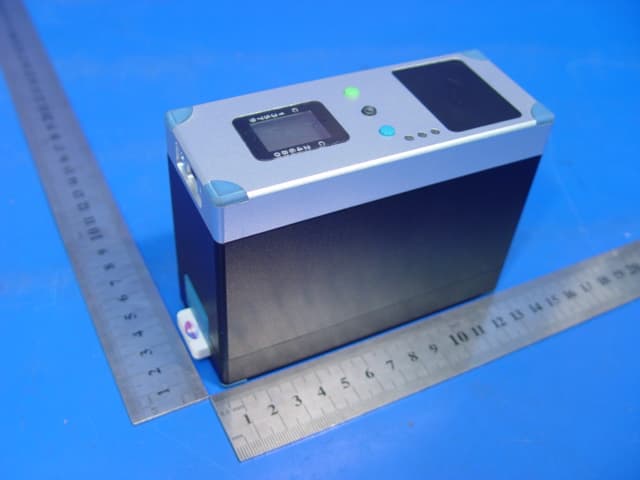
TLDSARII
Nov 18, 2007STAND ALONE READER II
Equipment Class
DSS - Part 15 Spread Spectrum Transmitter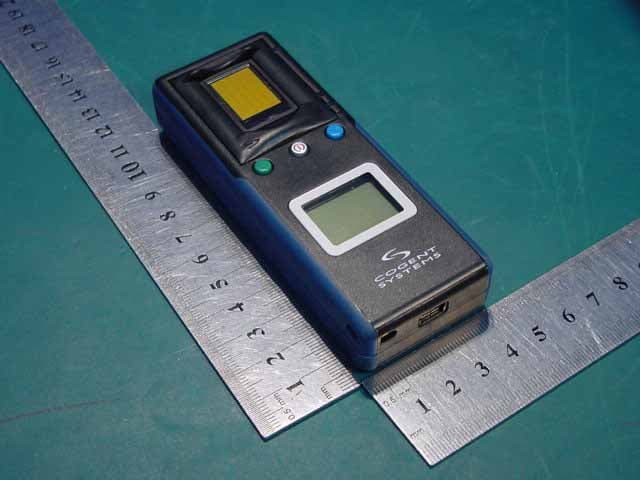
TLDBLUECHECK
Oct 16, 2006Fingerprint capture/identification device w/BT
Equipment Class
DSS - Part 15 Spread Spectrum Transmitter
TLDSPS-TS
Mar 20, 2006FINGERPRINT ACCESS CONTROL READER
Equipment Class
DXX - Part 15 Low Power Communication Device Transmitter