TTQEZAV-T2Digital Audio Player
EZAV Co., Ltd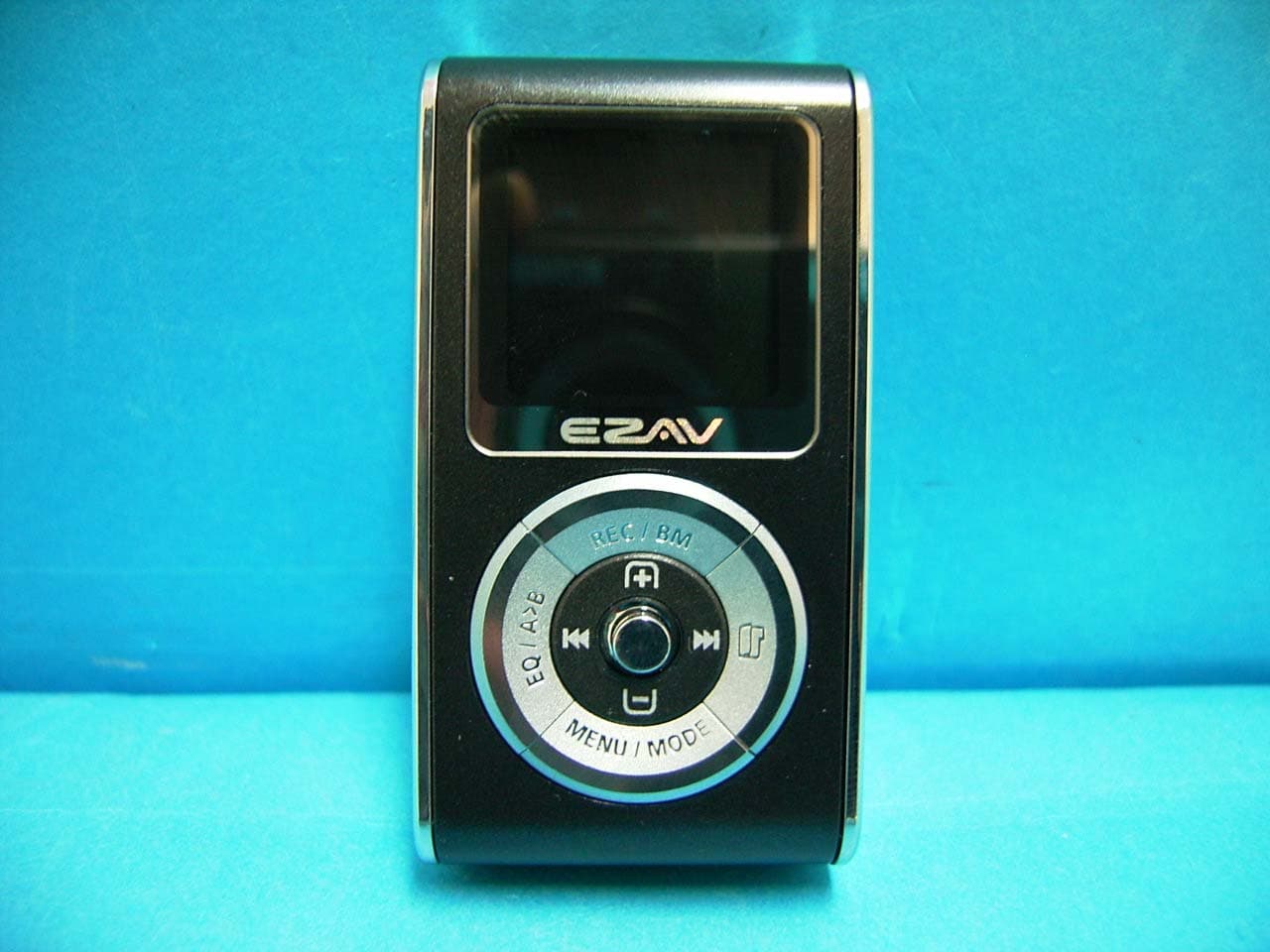
Click to zoom
Application Details
- Equipment Class
- JBP - Part 15 Class B Computing Device Peripheral
- Date of Grant
- Dec 07, 2005
- Application Purpose
- Original Equipment
- Date of Application
- Dec 07, 2005
- Equipment Note
- Digital Audio Player
- Company
- EZAV Co., Ltd
- Country
- South Korea
Documents & Files
Document Text
Text extracted from the exhibit documents filed with the FCC. Open a document above to read the original.
Users Manual
1 Content | Preparation | 1. Basic Component List1 2. Product Features 2 3. Name of each part 3 4. Menu Structure 4 | Using Fundation | 1. Connecting to the computer5 2. Playing music file, deleting file 7 3. Listening to FM Radio/Recording FM Radio8 4. Recording Voice 9 5. Recording from external device 9 6. Playlist Function 9 7. Book Mark Function 10 8. Resume Function in seconds 10 9. Time Step Function 10 10. SLEEP Function 11 11. Play Speed Control Function 11 12. Temporary Pause Function for Recording11 13. Message INTRO Function 11 | Using Menu | 1. PLAY12 2. DISPLAY 12 3. RECORD 13 4. SET 14 5. FORMAT 14 6. STOP-WATCH 15 7. INFORM 15 8. Selecting EQ(equalizer) 15 9. Upgrade 15 | Using Music Friend | 1. Installing MusicFriend16 2. Text editing Function(Possible only in pc)18 3. Image Edit Function 19 4. Using the Multimedia 20 5. Using Media 24 | Customer Service | 1. Specifications31 2. Warranty 32 3. Notice 33 Basic Component List Main Frame, User Manual, Music Friend CD, USB Cable, LINE-IN Cable, Earphone, Necklace, Arm Band, Carrying Case 3 Name of each part 2 Product Features Various Files Generating Function (MPEG1/ 2 /2.5/3 LAYER3, WMA, ASF, OGG) - WMA : 32~192Kbps - ASF : 32~192Kbps - OGG : Q1~Q10 96 96 dot, 65Kcolor(Full Color) OLED Use USB 2.0 Supported Generating Multimedia Function NORMAL, ROCK, JAZZ, CLASSIC, POP, 3D, DBB, USER1,USER2 EQ Supported FM Radio and Recording Function FM Radio Preset Recording Function Recording Voice and External Device Function Visual Display Function Message INTRO Function Section Repeating Play Function Repeating (File, Folder, Shuffle, All) Play Function Media Sync Function Firmware Upgrade Function Portable Storage Device OGG Vorbis File Supported Infinite Folder Function TIME STEP Function JPG image display function PLAY LIST Function Logo Editing Function Text Editing Function Sleeping Function Resume Function in seconds Play Speed Control Function Book Mark Function Temporary Pause Function for Recording STOP WATCH Function 54 Menu Structure M E N U REPEAT RESUME TIME STP PLAY SPD EQALIZE PLAY -NORMAL -REP_ONE -REP_FOL -REP_ALL -SHU_FOL -SHU_ALL -INTRO -ON -OFF 3DUSER EQ -USER1 -USER1 1. Turn on the JOG Switch. 2. Press Menu/Mode button. 3. Select the wanted item by pushing JOG switch to the left/right. 4. Enter to the sub-item by pressing JOG switch. (Pressing Menu/Mode goes to the previous menu, Long pressing escapes the menu mode) 5. Finish the setting by pushing JOG switch to the left/right. Basic Control Manu 1. Turn on the power of player. 1) Connect the player to the USB terminal of the computer. 2) “Removable Disk” will be appeared in My Computer. WINDOWS 2000/XP will generate it without installing additional driver for the user, WINDOWS 98/ME users should install the additional driver for generating “Removable Disk”(Refer to 16p in Installing) 3) Copy the wanted file and store it in the Removable Disk. 4) Folders can be created in Removable Disk same as PC. 2. Disconnecting from computer 1) Disconnecting the player during file transfering will might cause fatal error. 2) After transferring data, disconnect the player by clicking the icon of “safely remove hardware” on the right bottom of the monitor and stopping the device in case of using Windows2000 /ME/XP. Connecting to the computer CONTRAST OLED_OFF SCROLL LR LEVEL M-SYNC LANGUAGE DISPLAY -SLOW -NORMAL -FAST MIC LINE RADIO RECORD -BITRATE -VOR -AGC -BITRAT -SYNC -S-TIME POWER SLEEP BOOKMARK FADE DATE RESERVE LANGUAGE SET -RSV SET -RSV TIME -CHANNEL -REC TIME FORMAT On OFF S-WATCH On OFF INFORM VERSION MEMORY DATE 7 Playing music file, deleting file 6 3.Copy a file to the Removable Disk 1) When “Removable Disk” is generated in My Computer, select the file for copying. 2) There are three copying methods as following. 1. Press the right button of mouse and select [Copy]. 2. Press the right button of mouse and [Paste] in the folder of “Removable Disk”. 3. Drag the mouse then drop the dragged file to the folder of “Removable Disk” for copying. 4. Select the file for copying and press [Ctrl]+[C] of Keyboard. 5. Press [Ctrl]+[V] of Keyboard on the folder of “Removable Disk” for copying. 4.Deleting File/Folder in Removable Disk 1) After “Removable Disk” is generated in My Computer, select the file/folder for deleting. 2) There are three deleting methods as following. 1. Press the right button of mouse and select [Delete] for deleting file/folder. 2. Drag the mouse then drop the dragged file/folder to of “Recycle Bin”. 3. Select the file for deleting then press [Delete] on keyboard deleting file/folder. 5.Creating Folder in Removable Disk 1) “Removable Disk” is generated in My Computer. 2) Creating folder is as following. 1. Press the right button of mouse and select [New Folder], then create the folder. 6.Change name of file/folder in Removable Disk 1) “Removable Disk” is generated in My Computer. 2) Renaming the file/folder is as following. 1. Press the right button of mouse and select [Rename], then change the name by keyboard. Connecting to Computer(Continued) 1. Power On 1) Pressing JOG button will turn on the power. 2. Play/Stop 1) Pressing Jog button will play the music. (Repressing Jog button will stop the player) 2) Power will automatically be off with no use. (Reference to the setting P14. Power Off time) 3. Deleting file 1) Press FOLDER button with power on. - Select the file which user wants to delete. - Press the MENU/MODE button. - Select DELETE. 4. Power Off 1) Pressing JOG button will power off. (Automatically power off after setting time is passed) 5. Selecting song and searching 1) Move JOG button() to left/right, then shift to the previous song/next song. - Moving the button to before 5 seconds after play will shift to the presious song, moving it after 5 seconds will shift to the begining of the present song. 6. Adjusting the Volume 1) Adjust the volume by moving the JOG button to up and down. 7. Section Repetition 1) During the Play, pressing E/Q button wi…
Text truncated - open the document above for the full version.
Block Diagram
LCD (OM10CAMOD 02M006) KEYS U7 MICOM (TCC-767) CLOCK : 32.768MHz U5 CODEC (WM8750L) EAR-PHONE MIC U1 FLASH MEMORY (K9K2G08UOM) U6 FM MODULE (GNT-502) DATA BUS BLOCK DIAGRAM BLOCK DIAGRAM EZAV-T2 EZAV-T2 U14 SDRAM (K4S641632H)
ID Label/Location Info
ID Label Sample & Location Information
Test Report
IST Co., Ltd EMC LABORATORY TEST REPORT NO. : 05-IST-0364 1 of 24 Certification of Compliance CFR 47 Part 15 Subpart B Test Report File No. : 05-IST-0364 Date of Issue : November 24, 2005 FCC ID : TTQEZAV-T2 Model(s) : EZAV-T2 ■ Basic □ Alternate Kind of Product : Digital Audio Player Applicant : EZAV Co., Ltd. Address : KyungBin Bldg 2F, #517-18, Dogok-dong, Kangnam-ku, Seoul, Korea Manufacturer : EZAV Co., Ltd. Address : KyungBin Bldg 2F, #517-18, Dogok-dong, Kangnam-ku, Seoul, Korea Test Result ■ Positive □ Negative Reviewed By Approved By Comment(s) - Investigations requested : Measurement to the relevant clauses of FCC rules and regulations Part 15 Subpart B – Unintentional Radiators, Class B. - The test report with appendix consists of 24 pages. - The test result only responds to the tested sample. - It is not allowed to copy this report even partly without the allowance of IST EMC Laboratory. - This equipment as for has been shown to be capable of continued compliance with the applicable technical standards as indicated in the measurement report and was tested in accordance with the measurement procedures specified in ANSI C63.4 2003. S.J.Cho / EMC Group Manager J.H.Lee / Chief IST Co., Ltd EMC LABORATORY TEST REPORT NO. : 05-IST-0364 2 of 24 TABLE OF CONTENTS Table of contents 2 Information of test laboratory, Environmental conditions, Power supply system used, Product information 3 Descriptions of test Conducted Emission 4 Radiated Emission 5 Measurement Uncertainty Calculations 6 Equipment Under Test 7 Test Set-Up (Figure) 8 Summary 9 ■ Test Conditions and Data – Emissions ◆ Conducted Emissions 0.15MHz- 30MHz Applicable Test Conditions / Data and Plots 10-12 ◆ Radiated Emissions 30MHz - 1GHz Applicable Test Conditions / Data and Plots 13-18 Appendix A. The Photos of Test Setup 19-22 B. The Photos of Equipment Under Test 23-24 Note: IST Co., Ltd EMC LABORATORY TEST REPORT NO. : 05-IST-0364 3 of 24 INFORMATIONS OF TEST LABORATORY EMC LABORATORY of IST Co., Ltd. (FCC Filing Lab.) San 21-8, Goan-Ri, Baekam-Myun, Yongin-City Kyonggi-Do, 449-860, Korea TEL : +82 31 333 4093 FAX : +82 31 333 4094 ENVIRONMENTAL CONDITIONS Temperature 19.5 °C Humidity 38 % Atmospheric pressure 1014 mbar POWER SUPPLY SYSTEM USED Power supply system Li-polymer battery (Refer to the product information) PRODUCT INFORMATION File Support MPEG 1/2/2.5/3 Layer3, WMA, ASF, OGC Channel Stereo Frequency Range 20Hz~20KHz Earphone Output 20mW(L)+20mW:16Ω, Maximum Volume AUDIO S/N Ratio Over 90dB(With 20KHz LPF) Frequency Range 87.5MHz~108MHz(Korea/USA/Europe) 76MHz~108MHz(Japan) Earphone Output 20mW(L)+20mW:16Ω, Maximum Volume S/N Ratio Over 55dB(With 20KHz LPF) FM Radio Receiver Type Earphone Cord Antenna 256MB(Up to 36hours(16kbps)) Record Voice recording time 512MB(Up to 72hours(16kbps) Decode Format MP3, WMA, ASF, OGC Format Encode Format MP3 PC Interface System OS Windows98/ME/2000/XP/MAC OS(Over 9.0) Power Supply Rechargeable Li-polymer Battery Dimension 35 x 68 x 16(mm) Weights about 42g(battery excluded) - EMC suppression device is not used during the test . - Please refer to user’s manual. IST Co., Ltd EMC LABORATORY TEST REPORT NO. : 05-IST-0364 4 of 24 < Concept Drawing > 215 >150 >40 80 Receiver EUT LISN 80 ≥ 80 80 40 ≥ 80 Measuring apparatus Mains Filter Mains Rear side Equipment under test Coaxial cable Artificial mains networ k Screened room Non-metallic support 80 DESCRIPTIONS OF TEST Conducted Emissions: The measurement were performed over the frequency range of 0.15MHz to 30MHz using a 50 Ω /50uH LISN as the input transducer to a Spectrum Analyzer or a Field Intensity Meter. The measurements were made with the detector set for "Peak" amplitude within a bandwidth of 10KHz or for "quasi-peak" & “Average” within a bandwidth of 9KHz. - Procedure of Test The line-conducted facility is located inside a shielded room No.1. A 1m X 1.5m wooden table 80cm height is placed 40cm away from the vertical wall and 1.5m away from the other wall of the shielded room. The R/S 3725/2 and Hyup-Rip KNW-407 LISN are bonded to bottom of the shielded room. The EUT is located on the wooden table with distance more than 80cm from the LISN and powered from the LISN .The peripheral equipment is powered from the other LISN. Power to the LISNs are filtered by a noise cut power line filters. All electrical cables are shielded by braided tinned steel tubing with inner φ 1.2cm. If the EUT is a DC-powered device, power will be derived from the source power supply it normally will be powered from and this supply lines will be connected to the EMCO LISN. All interconnecting cables more than 1m were shortened by non-inductive bundling to a 1m length. Sufficient time for the EUT, support equipment, and test equipment was allowed in order for them to warm up to their normal operating conditions. The RF output of the LISN was connected to the R/S receiver to determine the frequency producing the maximum emission from the EUT. The frequency producing the maximum level was reexamined using Quasi-Peak mode by manual measurement, after scanned by automatic Peak mode for frequency range from 0.15 to 30MHz. The bandwidth of the receiver was set to 10kHz. The EUT, peripheral equipment, and interconnecting cables were arranged and manipulated to maximize each EME emission. < Side View > IST Co., Ltd EMC LABORATORY TEST REPORT NO. : 05-IST-0364 5 of 24 DESCRIPTION OF TEST Radiated Emissions: The measurement was performed over the frequency range of 30MHz to 1GHz using antenna as the input transducer to a Spectrum analyzer or a Field Intensity Meter. The measurement was made with the detector set for "quasi-peak" within a bandwidth of 120KHz. - Procedure of Test Preliminary measurements were made at 3 meter using bi-conical and log-periodic antennas, and spectrum analyzer to determine the frequency producing the max. emission in anechoic chamber. Appropriate precaution was taken to ensure that all emission from the EUT were maximized and investiga…
Text truncated - open the document above for the full version.
Contact Information
Applicant
Cho Byeong Sung(General Manager)
Test Firm
IST Co., LtdBong Kyoon Bae
Technical Specifications
| # | Rule Parts | Frequency Range | Power Output |
|---|---|---|---|
| 1 | 15B | - | - |
Other Applications from EZAV Co., Ltd
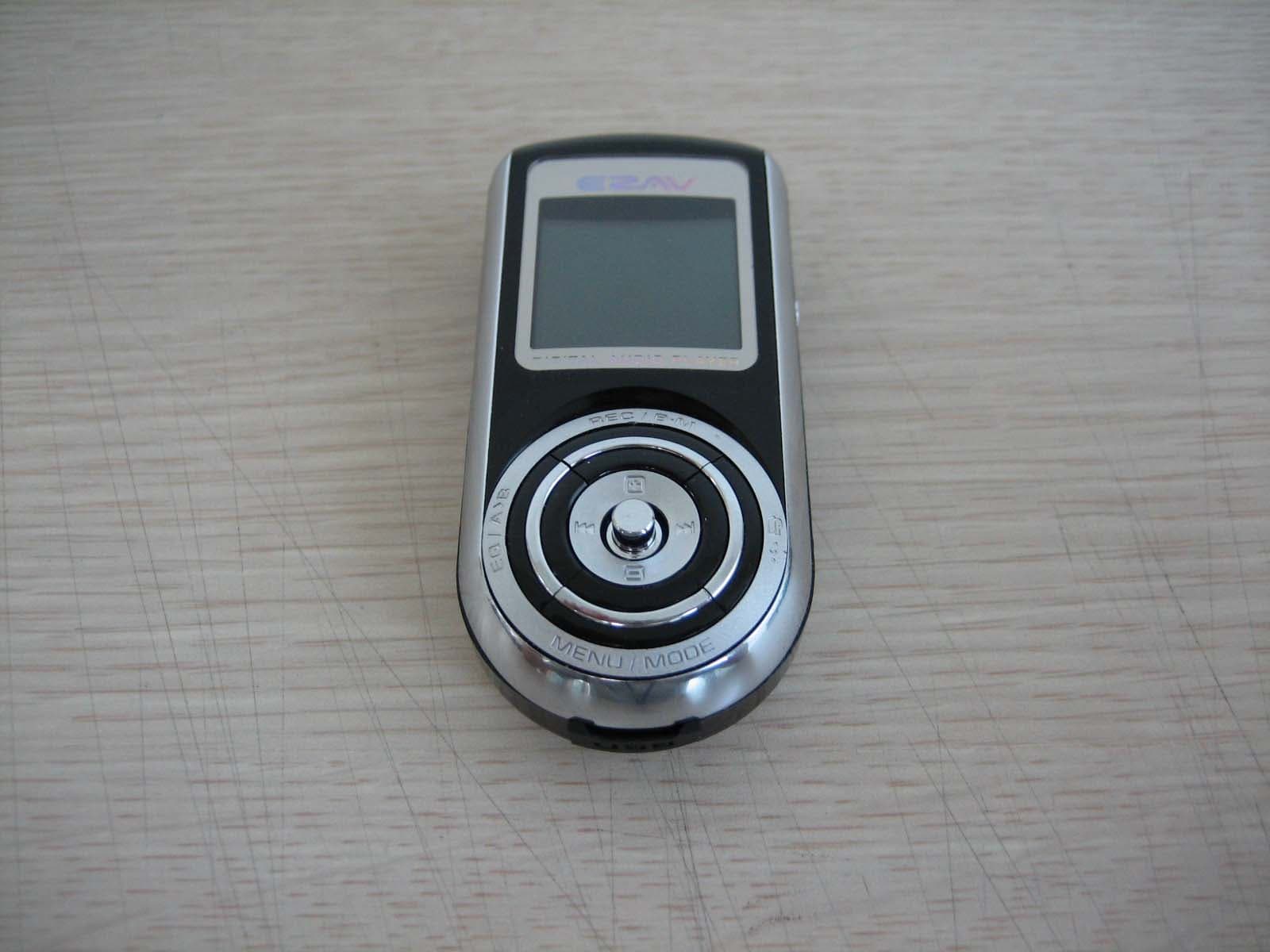
TTQEZAV-T4
Jun 20, 2006Digital Audio Player
Equipment Class
JBP - Part 15 Class B Computing Device Peripheral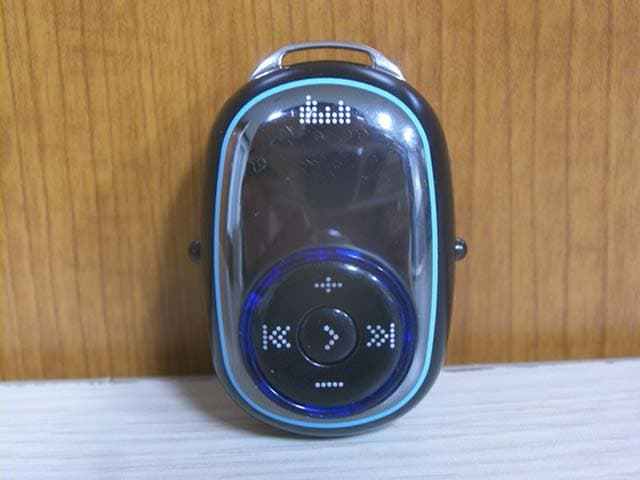
TTQEZAV-P1
Apr 23, 2006Digital Audio Player
Equipment Class
JBP - Part 15 Class B Computing Device Peripheral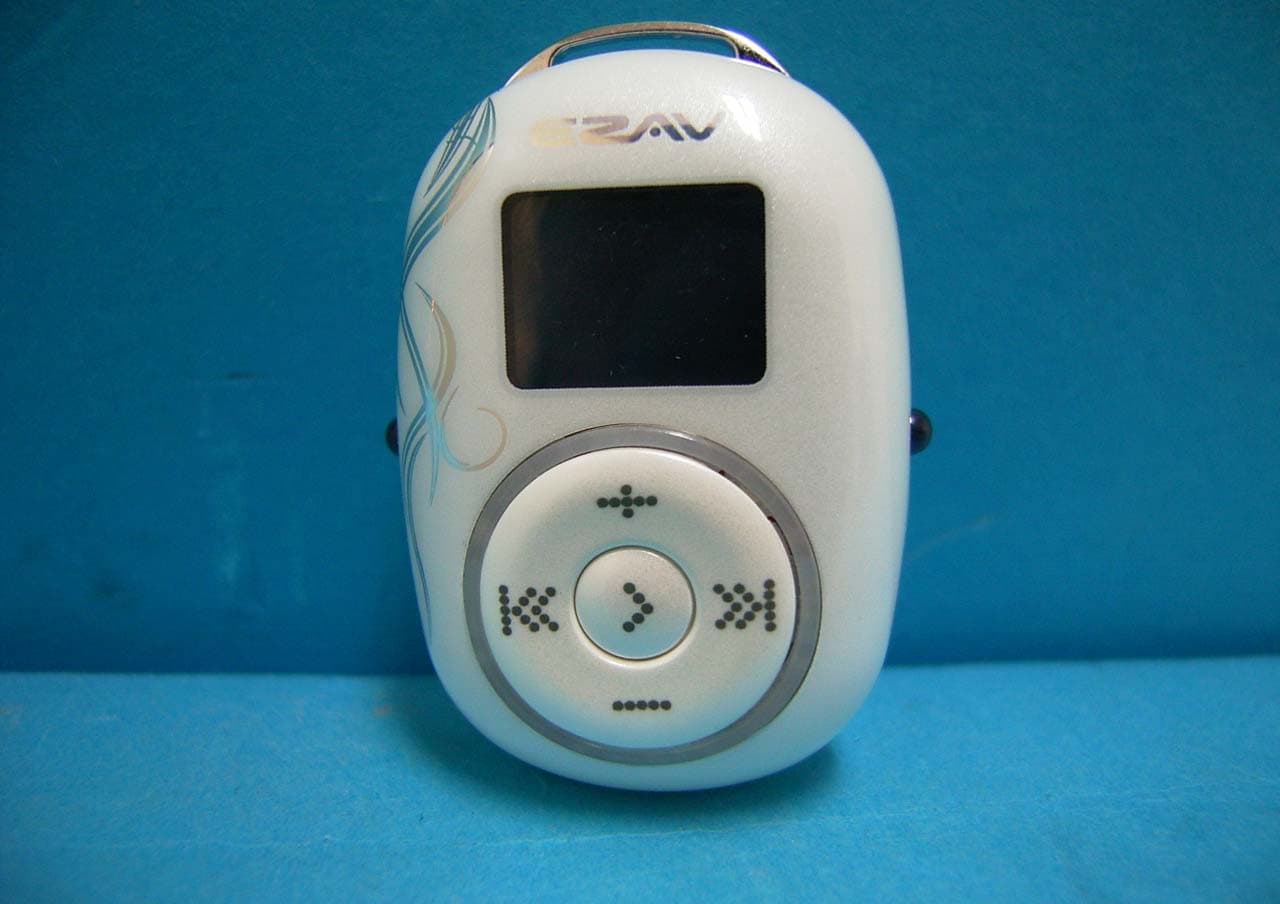
TTQEZAV-PEBBLE
Jan 02, 2006Digital Audio Player
Equipment Class
JBP - Part 15 Class B Computing Device Peripheral