UHN-7648136510TATA X18 High
Blaupunkt GmbH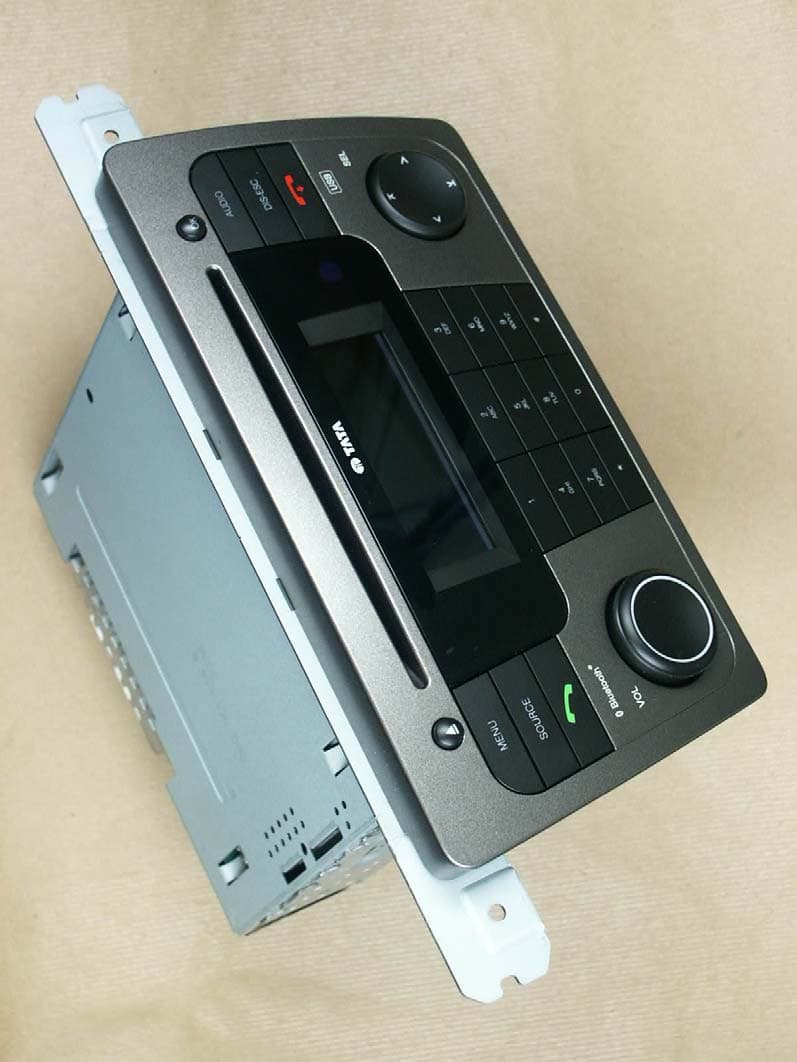
Click to zoom
Application Details
- Equipment Class
- DSS - Part 15 Spread Spectrum Transmitter
- Date of Grant
- Mar 03, 2009
- Application Purpose
- Original Equipment
- Date of Application
- Mar 03, 2009
- Equipment Note
- TATA X18 High
- Frequency Range
- 2402.00000000 - 2480.00000000
- Company
- Blaupunkt GmbH
- Country
- Germany
Documents & Files
Document Text
Text extracted from the exhibit documents filed with the FCC. Open a document above to read the original.
Users Manual
2 Overview of Radio Controls (1) button Removes the CD from the radio. (2) CD tray (3)Display (4)OK button In radio/CD/MP3/USB/iPod mode: Starts/cancels Scan function. In menus: Selects menu item. (5)AUDIO button Calls up audio menu for sound settings. (6)DIS-ESC button Exits the menu and changes to the display of the audio source, selects display modes (e.g. MP3 browse mode in MP3 display). (7) button (hang-up button) Rejects an incoming call/ends a call. (8)Arrow keys In menus and radio mode: Selects submenus and menu items/functions. In other operating modes (e.g. CD or MP3 mode): Selects track, CD and directory. (9)Alphanumeric keys Radio mode (0 – 9): Selecting stored stations (press short), storing stations (press for longer than 2 seconds). In menus: Entering, for example, PIN codes, phone numbers and names In Bluetooth ® mode: Enters, saves and calls up phone numbers. (10)On/Off button / Volume control Short press: Switches the device on. In operation: Mutes the device (Mute). Long press: In operation: Switches the device off. (11) button (answer button) Makes or answers a call. (12)SOURCE button Selects the audio source. (13)MENU button Calls up a menu. 3 Contents Overview of Radio Controls2 Important notes6 Observe the following!6 Use as directed6 Road safety6 Laser product!6 Danger for the CD drive!6 Cleaning7 Disposal of old units7 Notes about handling CDs7 Startup8 Switching the device on/off8 Adjusting the volume8 Muting the device9 Overview of the menu operation9 Resetting the device (NORMSET)10 USB port11 Connecting the USB medium11 What characteristics do USB media have to have?11 Selecting the USB as audio source12 CD formats and inserting and removing CDs12 What features do MP3 or WMA CDs have to have?12 Inserting and removing a CD13 Selecting the CD as audio source13 Tuner mode14 Set the device to the region Europe, USA or Thailand14 Starting tuner mode for the FM or AM waveband14 The tuner display15 The function menus in tuner mode15 Setting the memory bank/waveband16 Tuning into a station17 Station seek tuning17 Tuning into stations manually17 Selecting stored stations17 Storing stations18 Storing stations manually18 Searching and storing stations automatically18 Changing the seek tuning sensitivity (SENS)19 Scanning all receivable stations (BANDSCAN)19 Displaying radio text19 Receiving traffic announcements20 Switching the priority of traffic reports on/off20 Skipping a traffic announcement21 Receiving an alternative frequency of a station21 Allowing/preventing alternative frequencies (RDS)21 Allow/prevent changing to other regional programmes (REGIONAL)22 Receiving the programme type22 Selecting a programme type or switching off PTY (PTY TYPE)22 Selecting the programme type language (PTY LANG)23 4 CD mode (audio)24 Starting the audio CD mode24 The audio CD display24 Functions in the CD mode (audio)25 The CD menu25 CD/USB mode (MP3/WMA)27 Starting the CD/USB mode27 The MP3 display27 Functions in the CD/USB mode (MP3/WMA)28 The MP3 menu28 The Browse mode29 The browse display29 Selecting tracks in Browse mode30 The Playlist mode30 The Playlist display30 Selecting tracks in Playlist mode31 iPod mode32 Starting iPod mode32 The iPod display32 Functions in the iPod mode32 The iPod menu33 Bluetooth ® streaming mode34 Registering and connecting Bluetooth ® players34 Automatic connection of the Bluetooth ® player35 Starting the Bluetooth ® streaming mode35 The Bluetooth ® streaming display36 Functions in the Bluetooth ® streaming mode36 AUX mode37 Selecting the external audio source and switching it on/off37 Naming external audio sources (AUXEDIT)37 Mixing an external audio source with another audio source (MIX AUX)38 Bluetooth ® phone call40 Bluetooth ® preparation40 How is a Bluetooth ® connection established?40 Opening the Bluetooth ® menu40 Registering the cell phone41 Automatic connection of the cell phone41 Determining the master telephone42 Managing registered Bluetooth ® devices43 Unregister all registered Bluetooth ® devices43 Managing registered Bluetooth ® devices in the device list43 Answering/rejecting a phone call44 Making a call (DIAL NEW)45 Ending a call46 Redirecting an ongoing phone call to the cell phone46 Storing and calling a phone number in the phone book of the device46 Storing phone numbers46 Calling a phone number47 Editing an entry47 Deleting entries48 5 The phone book of the cell phone48 Downloading a phone book48 Calling an entry in the phone book49 Calling a phone number from the history50 Speed dial50 Changing the PIN (PIN NUM)51 Changing the Bluetooth ® name of the device (RAD NAME)52 Remote controls53 Functions of the steering wheel remote control53 General53 FM/AM mode53 CD mode53 MP3 mode53 Functions of the IR remote control54 General54 FM/AM mode54 CD mode54 MP3 mode54 iPod mode (if iPod box is properly connected)54 Sound settings55 Opening the Audio menu55 Adjusting bass, treble and volume distribution55 Selecting a sound preset (PRESETS)55 Equalizer settings56 Which equaliser setting is the correct one?56 Sound impression56 Changing equalizer settings (EBASS, ETREBLE, EMIDDLE, EXBASS)57 User settings58 Opening the System menu58 Changing the welcome text (ON MSG)58 Changing volume presettings58 Adjusting power-on volume (ON VOL/LAST VOL)59 Changing volume presettings for TA, TEL and MUTE59 Activating/deactivating the signal tone (BEEP ON)60 Changing display settings60 Changing the day/night brightness (D-DAY/D-NIGHT)60 Changing the background lighting of the display (DIS ILUM)61 Changing the brightness of the button illumination (KEY ILUM)61 Adjusting the display viewing angle (ANGLE)61 Changing the scan time (SCANTIME)61 Displaying version numbers63 Technical data64 USB port64 Appendix65 Supported USB devices65 Supported Bluetooth ® mobile phones66 FCC Information67 Warranty68 Instructions for the customer68 Terms and condition68 Authorised Service Centers:71 6 Important notes The device was manufactured according to the state of the art…
Text truncated - open the document above for the full version.
External Photos
Test Report No.: G0M20810-2048-P-15 Eurofins Product Service GmbH Storkower Str. 38c, D-15526 Reichenwalde, Germany Page 1 of 8 Annex A Pictures Test Report No.: G0M20810-2048-P-15 Eurofins Product Service GmbH Storkower Str. 38c, D-15526 Reichenwalde, Germany Page 2 of 8 Test Report No.: G0M20810-2048-P-15 Eurofins Product Service GmbH Storkower Str. 38c, D-15526 Reichenwalde, Germany Page 3 of 8
ID Label/Location Info
Label Location FCC ID: UHN-7648136510
Internal Photos
Test Report No.: G0M20810-2048-P-15 Eurofins Product Service GmbH Storkower Str. 38c, D-15526 Reichenwalde, Germany Page 4 of 8 Test Report No.: G0M20810-2048-P-15 Eurofins Product Service GmbH Storkower Str. 38c, D-15526 Reichenwalde, Germany Page 5 of 8 Test Report No.: G0M20810-2048-P-15 Eurofins Product Service GmbH Storkower Str. 38c, D-15526 Reichenwalde, Germany Page 6 of 8
Contact Information
Applicant
Hans-Ulrich Aust(Dr.)
Test Firm
Eurofins Product Service GmbHMichael Howard
Technical Specifications
| # | Rule Parts | Frequency Range | Power Output |
|---|---|---|---|
| 1 | 15C | 2.40 GHz - 2.48 GHz | 1.75 mW |
Other Applications from Blaupunkt GmbH
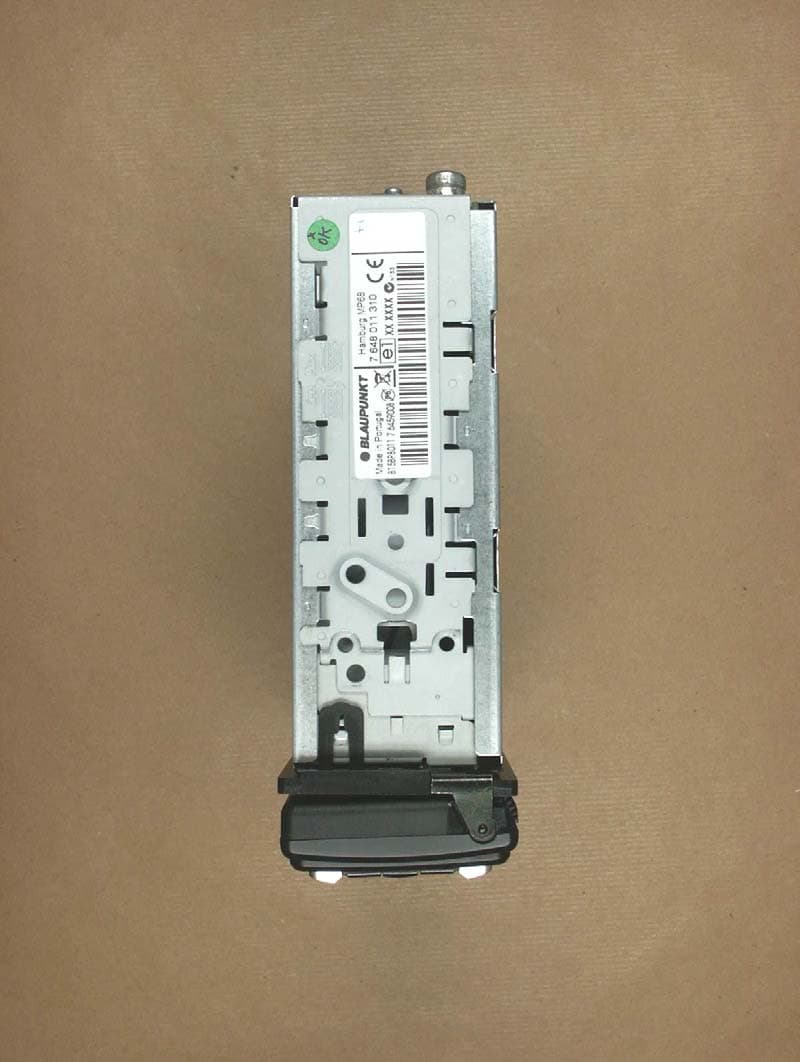
UHN7648011310
Apr 07, 2008Car Radio 3T Hamburg MP68
Equipment Class
DSS - Part 15 Spread Spectrum Transmitter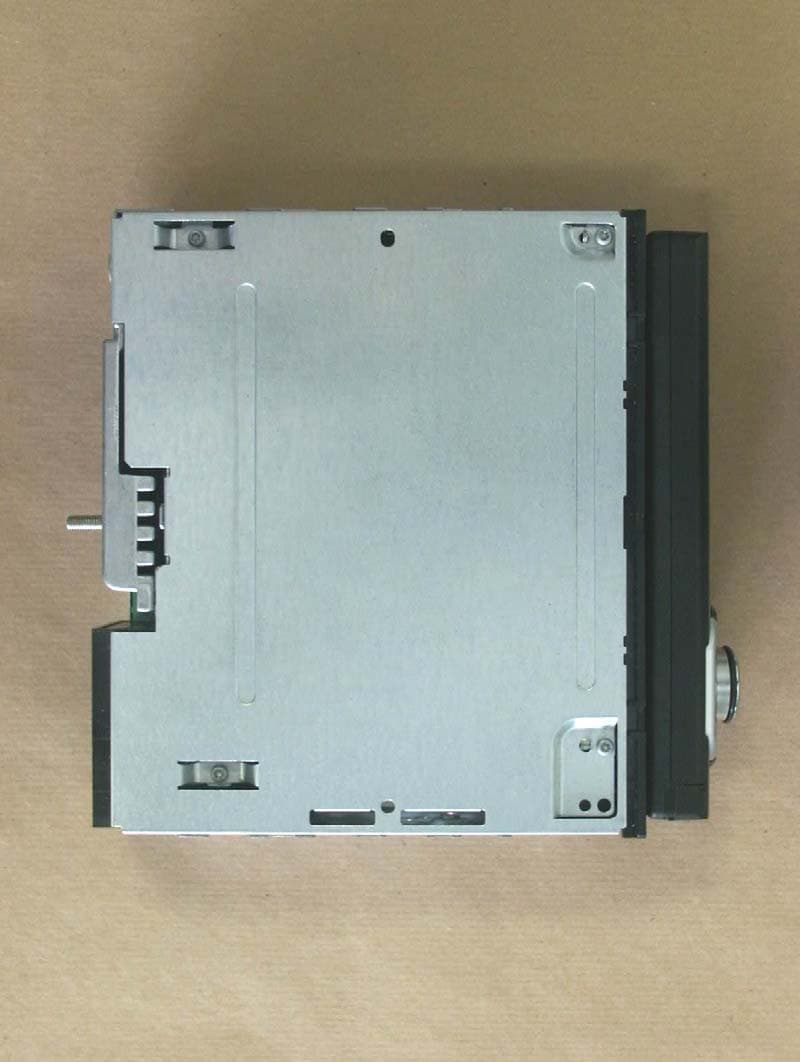
UHN-7647633310
Mar 12, 2007Blaupunkt Car Radio Hamburg MP57
Equipment Class
DSS - Part 15 Spread Spectrum Transmitter