UKWMANOVA-UM-208USB Calculator /U-Drive Mouse
MANOVA International Ltd.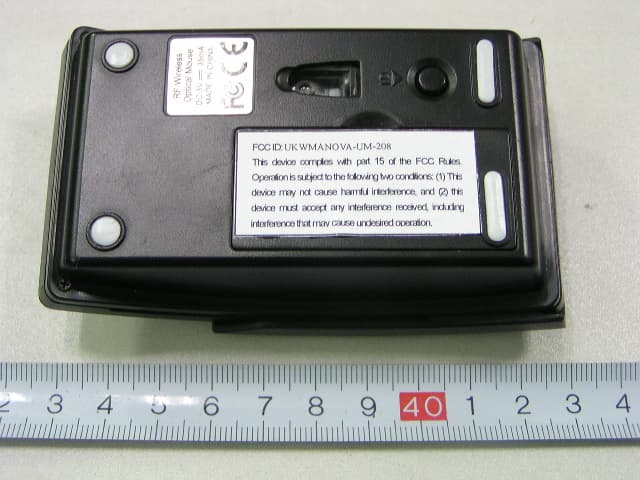
Click to zoom
Application Details
- Equipment Class
- DXX - Part 15 Low Power Communication Device Transmitter
- Date of Grant
- Jan 25, 2007
- Application Purpose
- Original Equipment
- Date of Application
- Jan 25, 2007
- Equipment Note
- USB Calculator /U-Drive Mouse
- Frequency Range
- 27.04500000 - 27.04500000
- Company
- MANOVA International Ltd.
- Country
- China
Documents & Files
Document Text
Text extracted from the exhibit documents filed with the FCC. Open a document above to read the original.
Users Manual
Instruction manual ( Mouse ) System requirements IBM compatible system Win98/Me/2000/XP No need for driver USB port Mac OS 8.6 or above Install the battery (fig. 1) You need two batteries AAA Press and release the battery door Put the batteries into the mouse Close the battery cover Install the receiver You can connect the receiver directly on the USB port of your notebook If you connect on the PS2 port, you have to use a PS2 to USB adapter ( Not provided ) You can use an USB cable in order to have the receiver on your desk ID Setup (fig. 2) Put the receiver into the USB port of your computer Push the ID button of the receiver, the light will blink. Push the ID button underneath the mouse (within 10 seconds), the light of the receiver will blink quickly, and the connection between mouse and receiver is established. The light of the receiver will blink each time you move the mouse ( ID set up distance : 0.60 m to 1.00 m ). After having changed the batteries, you have to reconnect the mouse with the receiver In case of interference between equipment, change the signal codes. The interference between equipment only happens when several mice are used at the same time. Working distance : 0.60 m to 1.00 m Attention Reduce the distance between the mouse and the receiver if the mouse does not work If the mouse will not be used for a long time, please remove the batteries The mouse has a “sleep” function. Push any button to wake him up. If you want to activate the “power cut”, push 3 seconds on the ID button of the mouse. This will save the batteries. In order to activate the mouse, push again 3 seconds on the ID button. The mouse does not function on metallic or glass surface, nor on 3D mouse pad Open the slide cover, the mouse’s optical sensor will be automatically turned off, and can be used as a normal calculator (fig. 3); re-cap the slide cover, the mouse will be back to normal operation. If Mouse signal is not good enough, try either one of two antenna position (fig. 5) Trouble Shooting If your wireless Mouse receipt is not satisfactory, it may be due to interference from your computer depending on environment or various computer devices. Use an USB extension cable or Hub for the receiver, to try a different placement. In most cases reception will be much improved. Remark : All trademarks and trade names are the property of their respective owners FCC Warning This equipment has been tested and found to comply with the limits for a Class B digital device, pursuant to part 15 of the FCC Rules. These limits are designed to provide reasonable protection against harmful interference in a residential installation. This equipment generates, uses, and can radiate radio frequency energy and, if not installed and used in accordance with the instructions, may cause harmful interference to radio communication. However, there is no guarantee that interference will not occur in a particular installation. If this equipment does cause harmful interference to radio or television reception, which can be determined by turning the equipment off and on, the user is encouraged to try to correct the interference by one or more of the following measures: · Reorient or relocate the receiving antenna. · Increase the separation between the equipment and receiver. · Connect the equipment into an outlet on a circuit different from that to which the receiver is connected. · Consult the dealer or an experienced radio/TV technician for help. Changes or modification made to this equipment not expressly approved by the manufacturer. May void the FCC authorization to operate this equipment.
External Photos
External Photos EUT- Front View EUT- Back View
ID Label/Location Info
ID Label Label FCC ID: UKWMANOVA-UM-208 This device complies with Part 15 of the FCC Rules. Operation is subject to the following two conditions: (1) This device may not cause harmful interference, and (2) This device must accept any interference received, including interference that may cause undesired operation.
ID Label/Location Info
ID Label/Location Label Location Information Specifications: Text is Black or white in color and is left justified. Labels are printed in indelible ink on permanent adhesive backing or silk-screened onto the EUT or shall be affixed at a conspicuous location on the EUT. Refer to the below arrow.
Internal Photos
Internal Photos EUT-Inside View EUT-PCB 1 Front View EUT-PCB 1 Back View EUT-PCB 2 Front View Antenna EUT-PCB 2 Back View
Operational Description
Circuitry Description Transmitter 1) Mouse : When the Mouse moves, the operation signal which the photo electricity IC PAN301 detected is processed by the controller IC MA6221, they are converted to RF signal with 27MHZ, again transmitted to the space through the antenna; after these RF radio waves lastly are received and processed by the Receiver, they are entered into the computer, hereby, the PC’s control and operation is completed. 2) Calculator : The various operations which is imputed from the keyboard is processed by the controller IC RJ765-RD-8W, the controller IC also drives the LCD to show the final result out.
Schematics
1 1 2 2 3 3 4 4 D 27.5MHD CC BB AA Title Nu mberRevisionSize A4 Da te:2006 -1 2-11Sheet of File:E:\ PCB \. .\6221 PA N301. SCH DOCDr awn By : PCB ANT SW-W SW ENCODER R1 4.7M L1 1.8u H L2 0.82 uH C1 22P C2 22P C3 104 SW_ID C6 33P C7 75P C11 24P X1 76.8 K C12 12p C4 39P C8 1P X2 27.0 42MHz PD C9 15P SW_R SW_M SW_L LBUT 7 MBUT 6 RBUT 5 VDD 4 OSC 2 3 VSS 2 OSC 1 1 RFOUT 8 ORF IN0 9 ORF O 10 TXD 11 PD 12 WA 13 WB 14 Z1IN 15 Z2IN 16 X2I N 17 X1I N 18 BATL 19 Y1I N 20 Y2I N 21 TXC B 22 BBUT 23 FBUT 24 SVDIN 25 DCVR 26 VL 27 VL_ NM 28 U1 MA6221_Q17 K XB XA YA YB VDD - + BAT UM -4( X2 ) L3 270u H D1 RB421 + C14 470U C15 104 VBAT + C17 220U C16104 R3 *100K R4 220K R5 680K R6 1.2M VBAT DCVR SVDIN R2 560 LED 2 BTL LED C13 104 XA XB YB YA MA6221-Q1 7K_PAN301 C29 104P X3 18.4 32MHz LED 1 XY_ LED R7 10R C27 104P + C26 100UF VDD PD VDD 8 VS S 7 VS S 6 NC 5 OS CI N 4 OS COUT 3 LED 2 VS S_L ED 1 VREFA 9 VREFB 10 YA 11 YB 12 XA 13 XB 14 NC 15 NC 16 NC 17 SCLK 18 SDIO 19 PD 20 U2 PAN30 1ASI-2 04 EEP_ I O EEP_CS EEP_SK VDD VC C DCVR SVDIN + C28 104P C2410P C2510P VDD Q1 2N3 906 R10 220K R8 10K R9 10K R15 10K R14 10K R13 10K R12 10K R11 10K C10 0R K1 K2 3V VBAT 1 2 3 4 CON1 GND UM208(无线光电鼠标)原理图 12
Test Report
Note: This test report is for the customer shown above and their specific product only. It may not be duplicated or used in part without prior written consent from Bay Area Compliance Laboratory Corp. (Shenzhen). This report must not be used by the customer to claim product certification, approval, or endorsement by NVLAP, NIST, or any agency of the Federal Government FCC PART 15.227 EMI MEASUREMENT AND TEST REPORT For MANOVA International Ltd. Flat A, 13 th Floor, Century Industrial Centre, 33-35 Au Pui Wan Street, Fo Tan, N.T., Hong Kong FCC ID: UKWMANOVA-UM-208 This Report Concerns: Original Report Equipment Type: USB CALCULATOR / U-DRIVE MOUSE Test Engineer: Hansen Hu Report No.: RSZ06122902 Test Date: 2007-01-11 to 2007-01-18 Report Date: 2007-01-19 Reviewed By: EMC Manager: Boni Baniqued Prepared By: Bay Area Compliance Laboratory Corp. (Shenzhen) 6/F, the 3rd Phase of WanLi Industrial Building, ShiHua Road, FuTian Free Trade Zone Shenzhen, Guangdong, China. Tel: +86-755-33320018 Fax: +86-755-33320008 MANOVA International Ltd. FCC ID: UKWMANOVA-UM-208 Report # RSZ06122902 Page 2 of 13 FCC PART 15.227 Report TABLE OF CONTENTS GENERAL INFORMATION.......................................................................................................................................3 PRODUCT DESCRIPTION FOR EQUIPMENT UNDER TEST (EUT) ....................................................................................3 OBJECTIVE...................................................................................................................................................................3 RELATED SUBMITTAL(S)/GRANT(S).............................................................................................................................3 TEST METHODOLOGY..................................................................................................................................................3 TEST FACILITY.............................................................................................................................................................3 SYSTEM TEST CONFIGURATION ..........................................................................................................................4 JUSTIFICATION.............................................................................................................................................................4 EUT EXERCISE SOFTWARE..........................................................................................................................................4 SPECIAL ACCESSORIES.................................................................................................................................................4 SCHEMATICS AND BLOCK DIAGRAM............................................................................................................................4 EQUIPMENT MODIFICATIONS.......................................................................................................................................4 CONFIGURATION OF TEST SETUP.................................................................................................................................5 BLOCK DIAGRAM OF TEST SETUP................................................................................................................................5 SUMMARY OF TEST RESULTS ...............................................................................................................................6 §15.203 - ANTENNA REQUIREMENT......................................................................................................................7 STANDARD APPLICABLE..............................................................................................................................................7 §15.205, §15.209, §15.227(A) - RADIATED EMISSIONS TEST ..............................................................................8 MEASUREMENT UNCERTAINTY....................................................................................................................................8 EUT SETUP..................................................................................................................................................................8 EMI TEST RECEIVER SETUP.........................................................................................................................................8 TEST EQUIPMENT LIST AND DETAILS...........................................................................................................................9 CORRECTED AMPLITUDE & MARGIN CALCULATION...................................................................................................9 TEST RESULTS SUMMARY............................................................................................................................................9 TEST DATA..................................................................................................................................................................9 §15.227(B) - OUT OF BAND EMISSION .................................................................................................................11 STANDARD APPLICABLE............................................................................................................................................11 TEST EQUIPMENT LIST AND DETAILS.........................................................................................................................11 TEST DATA................................................................................................................................................................11 MANOVA International Ltd. FCC ID: UKWMANOVA-UM-208 Report # RSZ06122902 Page 3 of 13 FCC PART 15.227 Report GENERAL INFORMATION Product Description for Equipment under Test (EUT) The MANOVA International Ltd.’s product, model number: UM-208 / 200-RD s…
Text truncated - open the document above for the full version.
Test Setup Photos
Test Setup Photos Radiated Emission - Front View Radiated Emission - Rear View Radiated Emission - Front View (30 MHz-1000 MHz) Radiated Emission - Rear View (30 MHz-1000 MHz)
Contact Information
Applicant
Wayne Man
Test Firm
Bay Area Compliance LaboratoryJohn Chan
Technical Specifications
| # | Rule Parts | Frequency Range | Power Output |
|---|---|---|---|
| 1 | 15C | 27.045 MHz - 27.045 MHz | - |
Other Applications from MANOVA International Ltd.
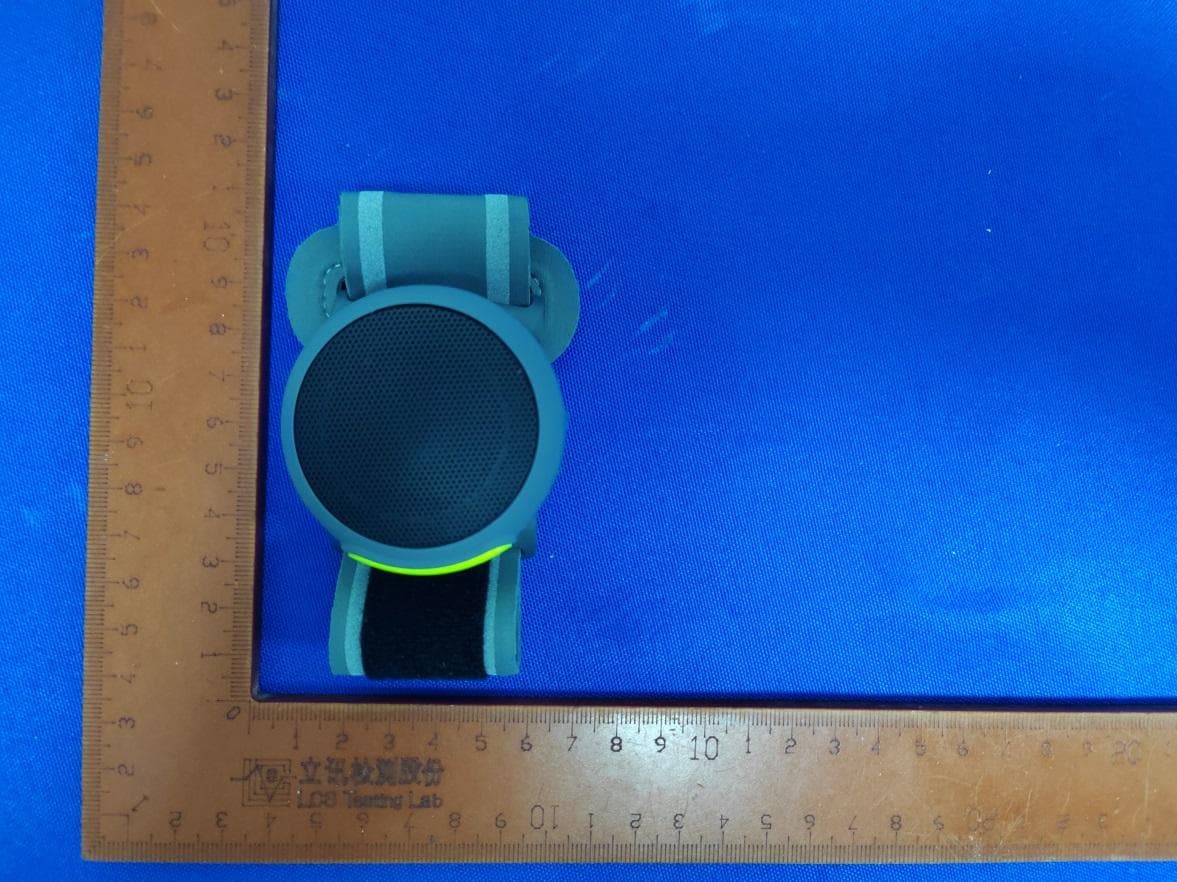
UKWMANOVABT208
Jul 17, 2024Wireless Speaker
Equipment Class
DSS - Part 15 Spread Spectrum Transmitter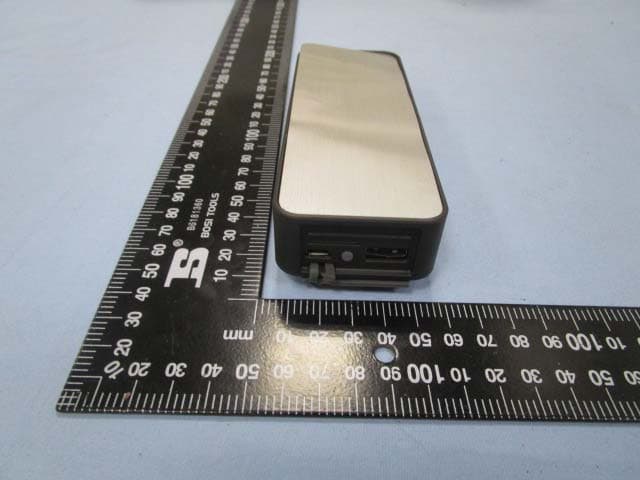
UKWMANOVAPB448
Jan 11, 2015HANDi - Bluetooth Speaker with Power Bank
Equipment Class
DSS - Part 15 Spread Spectrum Transmitter
UKWMANOVA-BT-78N
Sep 21, 2014SWiNG Bluetooth Speaker
Equipment Class
DSS - Part 15 Spread Spectrum Transmitter
UKWMANOVA-BT-68N
Dec 11, 2013Portable Stereo Bluetooth Speaker
Equipment Class
DSS - Part 15 Spread Spectrum Transmitter
UKWMANOVA-BT-18N
Dec 11, 2013Portable Bluetooth Speaker
Equipment Class
DSS - Part 15 Spread Spectrum Transmitter