UL9-WDAPC7200AC1200Mbps 802.11ac Dual Band Ceiling Mount Wireless Access Point
Planet Technology Corporation
Click to zoom
Application Details
- Equipment Class
- DTS - Digital Transmission System
- Date of Grant
- Dec 17, 2014
- Application Purpose
- Original Equipment
- Date of Application
- Dec 17, 2014
- Equipment Note
- 1200Mbps 802.11ac Dual Band Ceiling Mount Wireless Access Point
- Frequency Range
- 2422.00000000 - 2452.00000000
- Country
- Taiwan
Documents & Files
Document Text
Text extracted from the exhibit documents filed with the FCC. Open a document above to read the original.
Users Manual
Copyright Copyright 2014 by PLANET Technology Corp. All rights reserved. No part of this publication may be reproduced, transmitted, transcribed, stored in a retrieval system, or translated into any language or computer language, in any form or by any means, electronic, mechanical, magnetic, optical, chemical, manual or otherwise, without the prior written permission of PLANET. PLANET makes no representations or warranties, either expressed or implied, with respect to the contents hereof and specifically disclaims any warranties, merchantability or fitness for any particular purpose. Any software described in this manual is sold or licensed "as is". Should the programs prove defective following their purchase, the buyer (and not PLANET, its distributor, or its dealer) assumes the entire cost of all necessary servicing, repair, and any incidental or consequential damages resulting from any defect in the software. Further, PLANET reserves the right to revise this publication and to make changes from time to time in the contents hereof without obligation to notify any person of such revision or changes. All brand and product names mentioned in this manual are trademarks and/or registered trademarks of their respective holders. Federal Communication Commission Interference Statement This equipment has been tested and found to comply with the limits for a Class B digital device, pursuant to Part 15 of FCC Rules. These limits are designed to provide reasonable protection against harmful interference in a residential installation. This equipment generates, uses, and can radiate radio frequency energy and, if not installed and used in accordance with the instructions, may cause harmful interference to radio communications. However, there is no guarantee that interference will not occur in a particular installation. If this equipment does cause harmful interference to radio or television reception, which can be determined by turning the equipment off and on, the user is encouraged to try to correct the interference by one or more of the following measures: 1. Reorient or relocate the receiving antenna. 2. Increase the separation between the equipment and receiver. 3. Connect the equipment into an outlet on a circuit different from that to which the receiver is connected. 4. Consult the dealer or an experienced radio technician for help. FCC Caution To assure continued compliance, use only shielded interface cables when connecting to computer or peripheral devices. Any changes or modifications not expressly approved by the party responsible for compliance could void the user¶s authority to operate the equipment. This device complies with Part 15 of the FCC Rules. Operation is subject to the following two conditions: (1) This device may not cause harmful interference (2) This Device must accept any interference received, including interference that may cause undesired operation. Any changes or modifications not expressly approved by the party responsible for compliance could void the user¶s authority to operate the equipment. I Federal Communication Commission (FCC) Radiation Exposure Statement This equipment complies with FCC radiation exposure set forth for an uncontrolled environment. In order to avoid the possibility of exceeding the FCC radio frequency exposure limits, human proximity to the antenna shall not be less than 20 cm (8 inches) during normal operation. R&TTE Compliance Statement This equipment complies with all the requirements of DIRECTIVE 1999/5/CE OF THE EUROPEAN PARLIAMENT AND THE COUNCIL OF 9 March 1999 on radio equipment and telecommunication terminal Equipment and the mutual recognition of their conformity (R&TTE). The R&TTE Directive repeals and replaces in the directive 98/13/EEC (Telecommunications Terminal Equipment and Satellite Earth Station Equipment) as of April 8, 2000. Safety This equipment is designed with the utmost care for the safety of those who install and use it. However, special attention must be paid to the dangers of electric shock and static electricity when working with electrical equipment. All guidelines of this and of the computer manufacture must therefore be allowed at all times to ensure the safe use of the equipment. National Restrictions This device is intended for home and office use in all EU countries (and other countries following the EU directive 1999/5/EC) without any limitation except for the countries mentioned below: CountryRestrictionReasons/remarks BulgariaNone General authorization required for outdoor use and public service France Outdoor use; limited to 10 mW e.i.r.p. within the band 2454-2483.5 MHz Military Radiolocation use. Refarming of the 2.4 GHz band has been ongoing in recent years to allow current relaxed regulation. Full implementation planned 2012 ItalyNone If used outside of own premises, general authorization is required LuxembourgNone General authorization required for network and service supply(not for spectrum) NorwayImplemented This subsection does not apply for the geographical area within a radius of 20 km from the centre of Ny-Ålesund Russian Federation NoneOnly for indoor applications Note: Please don¶t use the product outdoors in France. WEEE regulation To avoid the potential effects on the environment and human health as a result of the presence of hazardous substances in electrical and electronic equipment, end users of electrical and electronic equipment should understand the meaning of the crossed-out wheeled bin symbol. Do not dispose of WEEE as unsorted municipal waste and have to collect such WEEE separately. II Revision User Manual for PLANET 1200Mbps 11ac Dual Band Ceiling Mount Wireless Access Point Model: WDAP-C7200AC Rev: 1.0 (May, 2014) Part No. EM-WDAP-C7200AC_v1.0 (2080-E11010-000) III CONTENTS Chapter 1.Product Introduction........................................................................................................... 1 1.1Package Contents ..............................................…
Text truncated - open the document above for the full version.
Users Manual
User Manual of WDAP-C7200AC -62- BandSelect the desired mode. Default is ³2.4GHz (B+G+N) ́. It is strongly recommended that you set the Band to ³2.4GHz (B+G+N) ́, and all of 802.11b, 802.11g, and 802.11n wireless stations can connect to the WDAP-C7200AC. 2.4 GHz (B): 802.11b mode, rate is up to 11Mbps 2.4 GHz (G): 802.11g mode, rate is up to 54Mbps 2.4 GHz (N): 802.11n mode, rate is up to 300Mbps(2T2R) 2.4 GHz (B+G): 802.11b/g mode, rate is up to 11Mbps or 54Mbps 2.4 GHz (G+N): 802.11g/n mode, rate is up to 54Mbps or 300Mbps 2.4 GHz (B+G+N): 802.11b/g/n mode, rate is up to 11Mbps, 54Mbps, or 300Mbps Mode There are four kinds of wireless mode selections: AP Client WDS AP+WDS If you select WDS or AP+WDS, please click ³WDS Settings ́ submenu for the related configuration. Furthermore, click the ³Multiple AP ́ button to enable multiple SSID function. SSIDThe ID of the wireless network. User can access the wireless network via the ID only. However, if you switch to Client Mode, this field becomes the SSID of the AP you want to connect with. Default:Planet AP 2.4G Channel WidthYou can select20MHz, or40MHz. Channel NumberYou can select the operating frequency of wireless network. Default:11 Broadcast SSID If you enable ³Broadcast SSID ́, every wireless station located within the coverage of the AP can discover its signal easily. If you are building a public wireless network, enabling this feature is recommended. In private network, disabling ³Broadcast SSID ́ can provide better wireless network security. Default is ³Enabled ́. Data Rate Set the wireless data transfer rate to a certain value. Since most of wireless devices will negotiate with each other and pick a proper data transfer rate automatically, it¶s not necessary to change this value unless you know what will happen after modification. Default is ³Auto ́. Associated Clients Click the ³Show Active Clients ́ button to show the status table of active wireless clients. User Manual of WDAP-C7200AC -63- Enable Universal Repeater Mode (Acting as AP and client simultaneously) Universal Repeater is a technology used to extend wireless coverage. To enable Universal Repeater mode, check the box and enter the SSID you want to broadcast in the field below. Then please click “Security” submenu for the related settings of the AP you want to connect with. Multiple-SSID Enable multiple-SSID can broadcast multiple WLAN SSID's using virtual interfaces. You can have different encryption settings for each WLAN and you can restrict what they have access to. Choose menu “WLAN1 (2.4GHz) Basic Settings Multiple AP” to configure the device as a general wireless access point with multiple SSIDs. Figure 5-50 2.4GHz Wireless Basic Settings – Multiple AP The device supports up to four multiple Service Set Identifiers. You can back to theBasic Settings page to set the Primary SSID. The SSID’s factory default setting isPlanet 2.4G VAP1~4 (Multiple-SSID 1~4). The SSID can be easily changed to connect to an existing wireless network or to establish a new wireless network. When the information for the new SSID is finished, click theApply Changesbutton to let your changes take effect. AP(Multi-SSID) Mode Clients Clients SSID-1(5G) SSID-2(2.4G) Internet WDAP-C7200AC AP Mode User Manual of WDAP-C7200AC -64- Figure 5-51 2.4GHz Multiple-SSID Once you have applied and saved those settings, you can then go to the “WLAN1 (2.4GHz) Security” page on the AP to set up security settings for each of the SSIDs. Universal Repeater This mode allows the AP with its own BSS to relay data to a root AP to which it is associated with WDS disabled. The wireless repeater relays signal between its stations and the root AP for greater wireless range. 2. Example of how to configureUniversal Repeater Mode. Please take the following steps: To configure each wireless parameter, please go to the “WLAN2 (2.4GHz) Basic Settings” page. Step 1.Configure wireless mode to “AP” and then check “Enable Universal Repeater Mode (Acting as AP and client simultaneously)”. Click “Apply Changes” to take effect. 2.4G 5G Clients Smart Phone Switch WDAP-C7200AC AP Universal Repeater Mode Internet g/n g/n a/n/ac a/n/ac User Manual of WDAP-C7200AC -65- Figure 5-52 2.4GHz Universal Repeater-1 Step 2.Go to2.4GHz Site Survey page to find the root AP. Select the root AP that you want to repeat the signal, and then click ³Next ́. Figure 5-53 2.4GHz Universal Repeater-2 User Manual of WDAP-C7200AC -66- Step 3.Select the correct encryption method and enter the security key. Then, click ³Connect ́. Figure 5-54 2.4GHz Universal Repeater-3 Step 4.Check ³Add to Wireless Profile ́ and click ³Reboot Now ́. Figure 5-55 2.4GHz Universal Repeater-4 Step 5.Go to ³Management-> Status ́ page to check whether the state of Repeater interface should be ³Connected ́. Figure 5-56 2.4GHz Universal Repeater-5 User Manual of WDAP-C7200AC -67- Client (Infrastructure) Combine the Wireless Router to the Ethernet devices such as TV, Game player, or HDD and DVD, to make them be wireless stations. User Manual of WDAP-C7200AC -68- Figure 5-57 2.4GHz Wireless Basic Settings ± Client The page includes the following fields: ObjectDescription Disable Wireless LAN Interface Check the box to disable the wireless function. BandSelect the desired mode. Default is ³2.4GHz (B+G+N) ́. It is strongly recommended that you set the Band to ³2.4GHz (B+G+N) ́, and all of 802.11b, 802.11g, and 802.11n wireless stations can connect to the WDAP-C7200AC. 2.4 GHz (B): 802.11b mode, rate is up to 11Mbps 2.4 GHz (G): 802.11g mode, rate is up to 54Mbps 2.4 GHz (N): 802.11n mode, rate is up to 300Mbps(2T2R) User Manual of WDAP-C7200AC -69- 2.4 GHz (B+G): 802.11b/g mode, rate is up to 11Mbps or 54Mbps 2.4 GHz (G+N): 802.11g/n mode, rate is up to 54Mbps or 300Mbps 2.4 GHz (B+G+N): 802.11b/g/n mode, rate is up to 11Mbps, 54Mbps, or 300Mbps Mode There are four kinds of wireless mode selections: AP Client WDS AP+WDS If you select WDS or AP+WDS, please click ³WDS Settings ́ submenu fo…
Text truncated - open the document above for the full version.
External Photos
Compliance Certification Services Inc. Report No.: T140703W02 Date of Issue: November 3, 2014 A1 - 1 Rev. 00 APPENDIX 1 - PHOTOGRAPHS OF EUT EXTERNAL PHOTOGRAPHS OF EUT Compliance Certification Services Inc. Report No.: T140703W02 Date of Issue: November 3, 2014 A1 - 2 / 9 Rev. 00
Internal Photos
Compliance Certification Services Inc. Report No.: T140703W02 Date of Issue: November 3, 2014 A1 - 3 Rev. 00 INTERNAL PHOTOGRAPHS OF EUT Compliance Certification Services Inc. Report No.: T140703W02 Date of Issue: November 3, 2014 A1 - 4 Rev. 00 Compliance Certification Services Inc. Report No.: T140703W02 Date of Issue: November 3, 2014 A1 - 5 Rev. 00 Compliance Certification Services Inc. Report No.: T140703W02 Date of Issue: November 3, 2014 A1 - 6 Rev. 00 Compliance Certification Services Inc. Report No.: T140703W02 Date of Issue: November 3, 2014 A1 - 7 Rev. 00 Module Compliance Certification Services Inc. Report No.: T140703W02 Date of Issue: November 3, 2014 A1 - 8 Rev. 00 Antenna Compliance Certification Services Inc. Report No.: T140703W02 Date of Issue: November 3, 2014 A1 - 9 Rev. 00
RF Exposure Info
Compliance Certification Services Inc. Report No.: T140703W02-MF Date of Issue: November 4, 2014 Page 1 Rev.00 This report shall not be reproduced except in full, without the written approval of Compliance Certification Services. APPENDIX I RADIO FREQUENCY EXPOSURE LIMIT According to §15.247(i), systems operating under the provisions of this section shall be operated in a manner that ensures that the public is not exposed to radio frequency energy levels in excess of the Commission's guidelines. See § 1.1307(b)(1) of this chapter. EUT Specification EUT 1200Mbps 802.11ac Dual Band Ceiling Mount Wireless Access Point Model WDAP-C7200AC RF Module Realtek Model: 2.4GHz:RTL8192ER 5GHz:RTL8812AR Frequency band (Operating) 802.11b/g/n HT20: 2.412GHz ~ 2.462GHz 802.11n HT40: 2.422GHz ~ 2.452GHz 802.11a: 5150 ~ 5250MHz / 5725 ~ 5850MHz 802.11 HT20: 5150 ~ 5250MHz / 5725 ~ 5850MHz 802.11 HT40: 5150 ~ 5250MHz / 5725 ~ 5850MHz 802.11AC HT80: 5170 ~ 5330 MHZ / 5490 ~ 5815 MHZ Others Device category Portable (<20cm separation) Mobile (>20cm separation) Others Exposure classification Occupational/Controlled exposure (S = 5mW/cm 2 ) General Population/Uncontrolled exposure (S=1mW/cm 2 ) Antenna Specification 5GHz: Antenna Gain :4.00 dBi (Numeric gain 2.51) 2.4GHz: Antenna Gain :2.50 dBi (Numeric gain 1.78) Maximum Average output power IEEE 802.11b Mode: 17.86 dBm (61.094 mW) IEEE 802.11g Mode: 12.70 dBm (18.621 mW) IEEE 802.11n HT 20 Mod e 13.00 dBm (19.953 mW) IEEE 802.11n HT 40 Mod e 13.16 dBm (20.701 mW) IEEE 802.11a Mode: 11.62 dBm (14.521 mW) IEEE 802.11n HT20 Mode 15.35 dBm (34.277 mW) IEEE 802.11n HT40 Mode 15.26 dBm (33.574 mW) IEEE 802.11ac HT80 Mod e 15.18 dBm (32.961 mW) Compliance Certification Services Inc. Report No.: T140703W02-MF Date of Issue: November 4, 2014 Page 2 Rev.00 This report shall not be reproduced except in full, without the written approval of Compliance Certification Services. Maximum Tune up Power IEEE 802.11b Mode: 19.50 dBm (89.125 mW) IEEE 802.11g Mode: 14.50 dBm (28.184 mW) IEEE 802.11n HT 20 Mod e 14.50 dBm (28.184 mW) IEEE 802.11n HT 40 Mode 15.00 dBm (31.623 mW) IEEE 802.11a Mode: 13.50 dBm (22.387 mW) IEEE 802.11n HT20 Mode : 17.00 dBm (50.119 mW) IEEE 802.11n HT40 Mode: 17.00 dBm (50.119 mW) IEEE 802.11ac HT80 Mode 17.00 dBm (50.119 mW) Evaluation applied MPE Evaluation* SAR Evaluation N/A Compliance Certification Services Inc. Report No.: T140703W02-MF Date of Issue: November 4, 2014 Page 3 Rev.00 This report shall not be reproduced except in full, without the written approval of Compliance Certification Services. Revision History Rev. Issue Date Revisions Effect Page Revised By 00 2014/11/4 Initial Issue ALL Kelly Cheng Compliance Certification Services Inc. Report No.: T140703W02-MF Date of Issue: November 4, 2014 Page 4 Rev.00 This report shall not be reproduced except in full, without the written approval of Compliance Certification Services. TEST RESULTS No non-compliance noted. Calculation Given d GP E ×× = 30 & 377 2 E S= Where E = Field strength in Volts / meter P = Power in Watts G = Numeric antenna gain d = Distance in meters S = Power density in milliwatts / square centimeter Combining equations and re-arranging the terms to express the distance as a function of the remaining variables yields: 2 377 30 d GP S ×× = Changing to units of mW and cm, using: P (mW) = P (W) / 1000 and d (cm) = d(m) / 100 Yields () () 22 0796.0 100/377 1000/30 d GP d GP S × ×= × ×× = Equation 1 Where d = Distance in cm P = Power in mW G = Numeric antenna gain S = Power density in mW / cm 2 Compliance Certification Services Inc. Report No.: T140703W02-MF Date of Issue: November 4, 2014 Page 5 Rev.00 This report shall not be reproduced except in full, without the written approval of Compliance Certification Services. Maximum Permissible Exposure Substituting the MPE safe distance using d = 20 cm into Equation 1: GPS××=000199.0 Where P = Power in mW G = Numeric antenna gain S = Power density in mW / cm 2 IEEE 802.11b mode: Ch.Frq.(MHz)P (mW) Gain (num.) D (cm) Power densit y in mW / cm 2 Limit (mW/cm2) 11246217.862.5200.00891 IEEE 802.11g mode: Ch.Frq.(MHz)P (mW) Gain (num.) D (cm) Power densit y in mW / cm 2 Limit (mW/cm2) 1241212.72.5200.00631 IEEE 802.11n HT20 mode: Ch.Frq.(MHz)P (mW) Gain (num.) D (cm) Power densit y in mW / cm 2 Limit (mW/cm2) 12412132.5200.00651 IEEE 802.11n HT40 mode: Ch.Frq.(MHz)P (mW) Gain (num.) D (cm) Power densit y in mW / cm 2 Limit (mW/cm2) 3242213.162.5200.00651 IEEE 802.11a mode: Ch.Frq.(MHz)P (mW) Gain (num.) D (cm) Power densit y in mW / cm 2 Limit (mW/cm2) 149574511.624200.00921 IEEE 802.11a HT20 mode: Ch.Frq.(MHz)P (mW) Gain (num.) D (cm) Power densit y in mW / cm 2 Limit (mW/cm2) 48524015.354200.01221 IEEE 802.11a HT40 mode: Ch.Frq.(MHz)P (mW) Gain (num.) D (cm) Power densit y in mW / cm 2 Limit (mW/cm2) 46523015.264200.01211 IEEE 802.11ac HT80 Mode: Ch.Frq.(MHz)P (mW) Gain (num.) D (cm) Power densit y in mW / cm 2 Limit (mW/cm2) 155575515.184200.01211
Test Report
Compliance Certification Services Inc. FCC ID: UL9-WDAPC7200AC Report No.: T140703W02-RP1 Note: This report shall not be reproduced except in full, without the written approval of Compliance Certification Services Inc. This document may be altered or revised by Compliance Certification Services Inc. personnel only, and shall be noted in the revision section of the document. Page 1 / 129 Rev. 00 FCC 47 CFR PART 15 SUBPART C TEST REPORT For 1200Mbps 802.11ac Dual Band Ceiling Mount Wireless Access Point Model: WDAP-C7200AC Trade Name: PLANET Issued to Planet Technology Corporation 10F.,No.96, Minquan Rd., Xindian Dist., New Taipei City 231, Taiwan (R.O.C.) Issued by Compliance Certification Services Inc. No.11, Wugong 6th Rd., Wugu Dist., New Taipei City 24891, Taiwan. (R.O.C.) http://www.ccsrf.com [email protected] Issued Date: October 31, 2014 Compliance Certification Services Inc. FCC ID: UL9-WDAPC7200AC Report No.: T140703W02-RP1 Page 2 Rev. 00 Revision History Rev. Issue Date Revisions Effect Page Revised By 00 October 31, 2014 Initial Issue ALL Kelly Cheng Compliance Certification Services Inc. FCC ID: UL9-WDAPC7200AC Report No.: T140703W02-RP1 Page 3 Rev. 00 TABLE OF CONTENTS 1. TEST RESULT CERTIFICATION .................................................................................................... 4 2. EUT DESCRIPTION ........................................................................................................................... 5 3. TEST METHODOLOGY .................................................................................................................... 6 3.1 EUT CONFIGURATION ............................................................................................................................... 6 3.2 EUT EXERCISE ............................................................................................................................................. 6 3.3 GENERAL TEST PROCEDURES ................................................................................................................. 6 3.4 FCC PART 15.205 RESTRICTED BANDS OF OPERATIONS ................................................................... 7 3.5 DESCRIPTION OF TEST MODES ................................................................................................................ 8 4. INSTRUMENT CALIBRATION ........................................................................................................ 9 4.1 MEASURING INSTRUMENT CALIBRATION ........................................................................................... 9 4.2 MEASUREMENT EQUIPMENT USED ....................................................................................................... 9 4.3 MEASUREMENT UNCERTAINTY ........................................................................................................... 10 5. FACILITIES AND ACCREDITATIONS ........................................................................................ 11 5.1 FACILITIES .................................................................................................................................................. 11 5.2 EQUIPMENT ................................................................................................................................................ 11 5.3 TABLE OF ACCREDITATIONS AND LISTINGS .................................................................................... 12 6. SETUP OF EQUIPMENT UNDER TEST ....................................................................................... 13 6.1 SETUP CONFIGURATION OF EUT .......................................................................................................... 13 6.2 SUPPORT EQUIPMENT ............................................................................................................................. 13 7. FCC PART 15.247 REQUIREMENTS ............................................................................................. 14 7.1 6DB BANDWIDTH ...................................................................................................................................... 14 7.2 PEAK POWER.............................................................................................................................................. 34 7.3 AVERAGE POWER ..................................................................................................................................... 36 7.4 BAND EDGES MEASUREMENT ............................................................................................................... 38 7.5 PEAK POWER SPECTRAL DENSITY ....................................................................................................... 68 7.6 SPURIOUS EMISSIONS .............................................................................................................................. 88 7.7 RADIATED EMISSIONS ........................................................................................................................... 107 7.8 POWERLINE CONDUCTED EMISSIONS .............................................................................................. 124 APPENDIX I PHOTOGRAPHS OF TEST SETUP ............................................................................. 127 Compliance Certification Services Inc. FCC ID: UL9-WDAPC7200AC Report No.: T140703W02-RP1 Page 4 Rev. 00 1. TEST RESULT CERTIFICATION Applicant: Planet Technology Corporation 10F.,No.96, Minquan Rd., Xindian Dist., New Taipei City 231, Taiwan (R.O.C.) Equipment Under Test: 1200Mbps 802.11ac Dual Band Ceiling Mount Wireless Access Point Trade Name: PLANET Model Number: WDAP-C7200AC Date of Test: April 21 ~ June 7, 2013 APPLICABLE STANDARDS STANDARD TEST RESULT FCC 47 CFR Part 15 Subpart C No non-compliance noted We hereby certify that: The above equipment was tested by Compliance Certification Services Inc. The test data, data evaluation, test procedures, and equipment configurat…
Text truncated - open the document above for the full version.
Test Setup Photos
Compliance Certification Services Inc. FCC ID: UL9-WDAPC7200AC Report No.: T140703W02-RP1 Page 127 Rev. 00 APPENDIX I PHOTOGRAPHS OF TEST SETUP Conducted Emissions Setup Photos Compliance Certification Services Inc. FCC ID: UL9-WDAPC7200AC Report No.: T140703W02-RP1 Page 128 Rev. 00 Radiated Emissions Setup Photos Compliance Certification Services Inc. FCC ID: UL9-WDAPC7200AC Report No.: T140703W02-RP1 Page 129 Rev. 00 Powerline Conducted Emissions Setup Photos
Contact Information
Applicant
Tom Shih(Product Manager)
Test Firm
Compliance Certification Services Inc.Rick Yeo
Technical Specifications
| # | Rule Parts | Frequency Range | Power Output |
|---|---|---|---|
| 4 | 15C | 2.42 GHz - 2.45 GHz | 171.80 mW |
Other Applications from Planet Technology Corporation
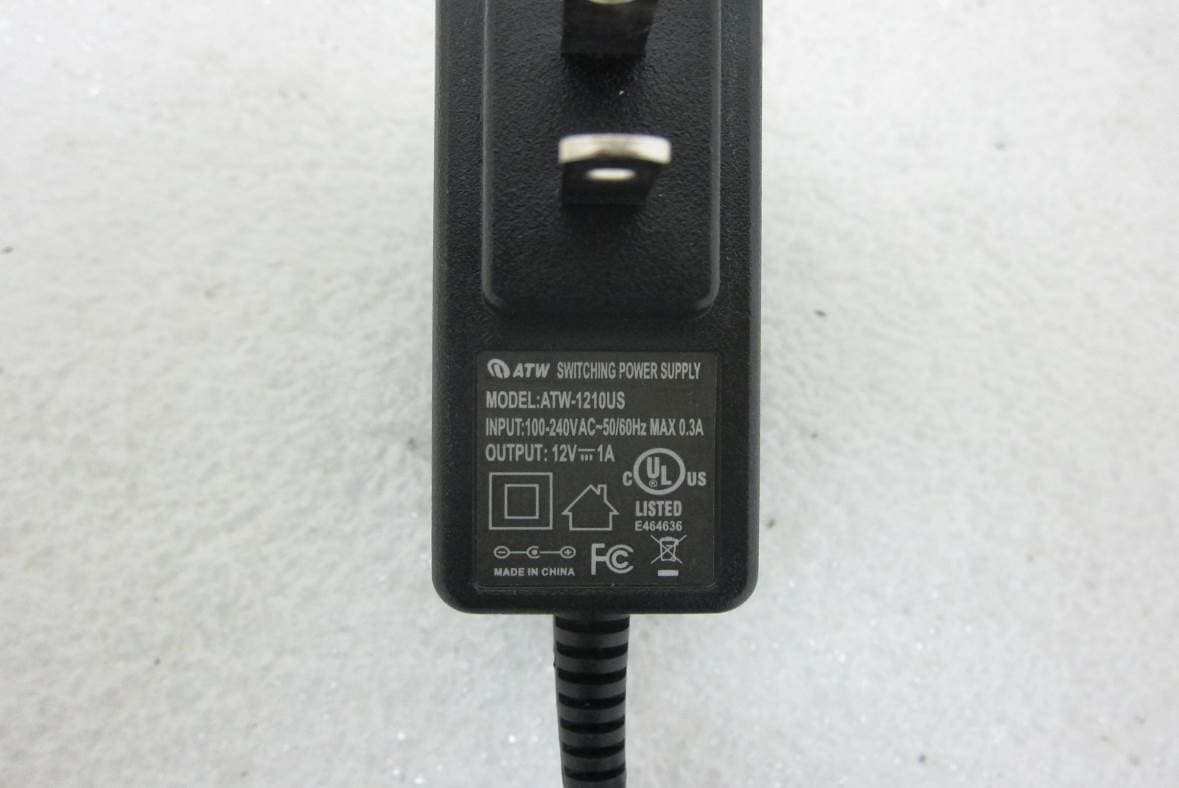
UL9WNAP6315
Aug 03, 2015802.11n Wireless Outdoor CPE
Equipment Class
DTS - Digital Transmission System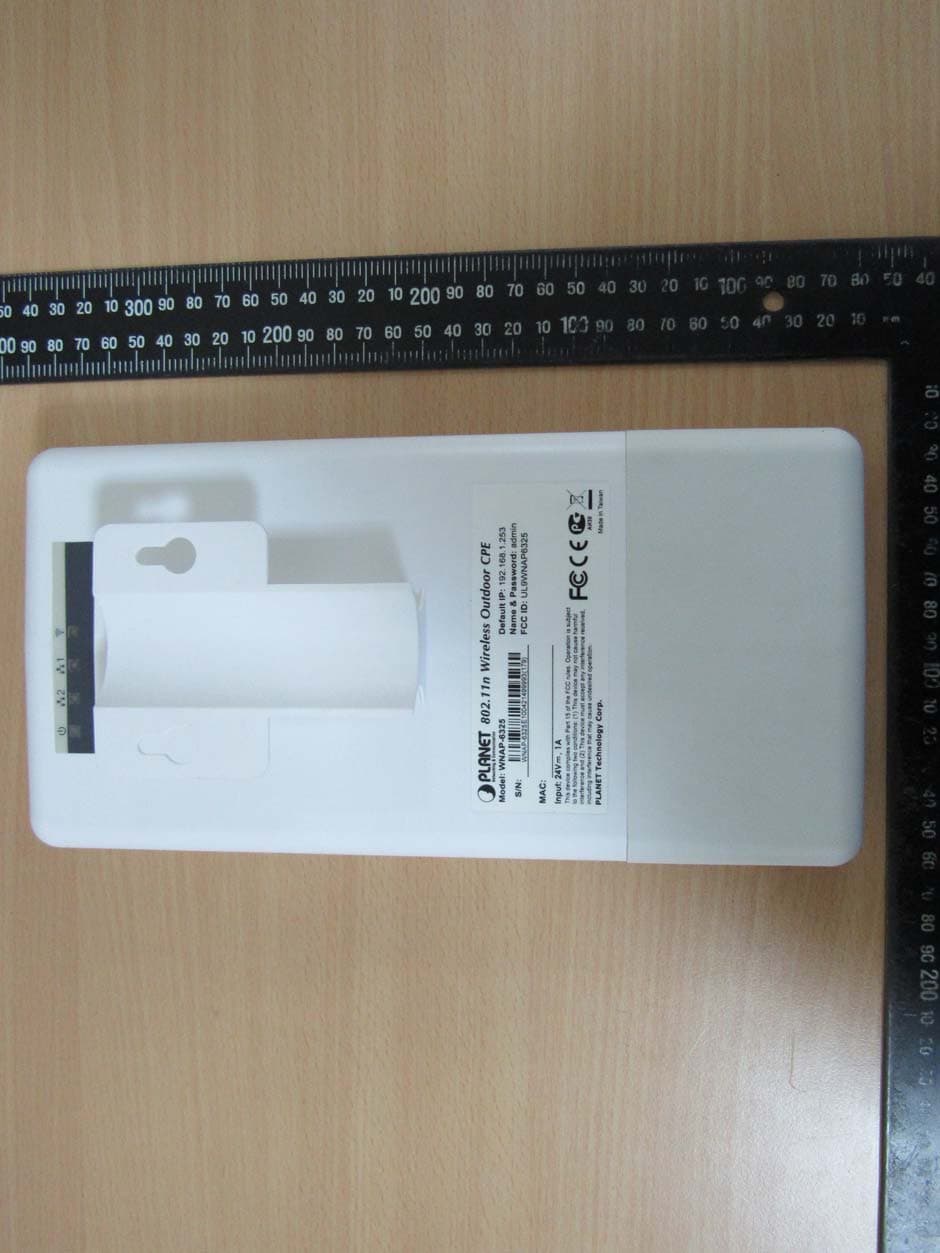
UL9WNAP6325
Jul 12, 2015802.11n Wireless Outdoor CPE
Equipment Class
DTS - Digital Transmission System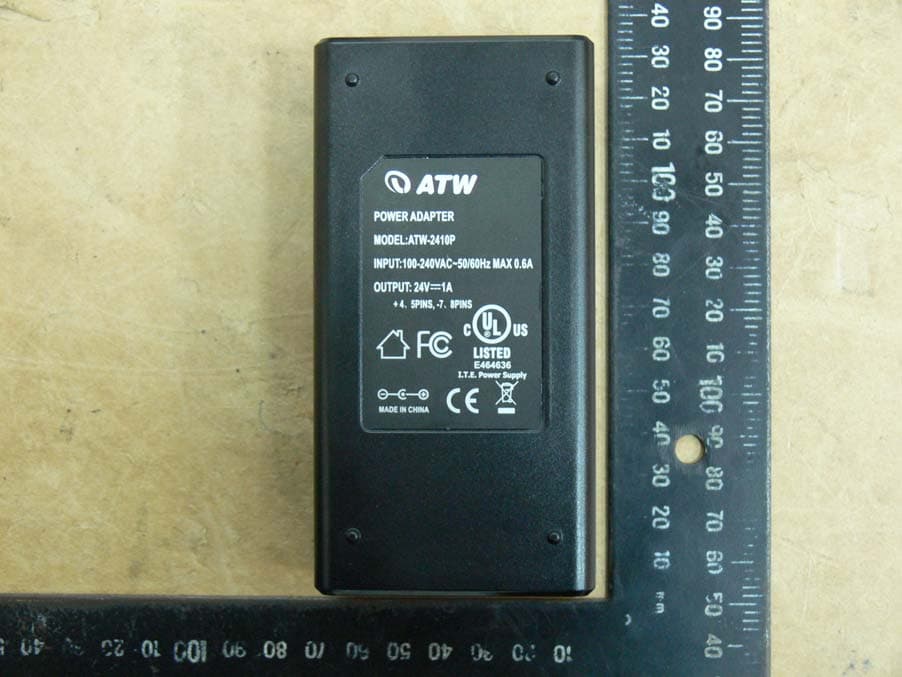
UL9WNAP7325
Jul 12, 2015802.11 a/n Wireless Outdoor CPE
Equipment Class
NII - Unlicensed National Information Infrastructure TX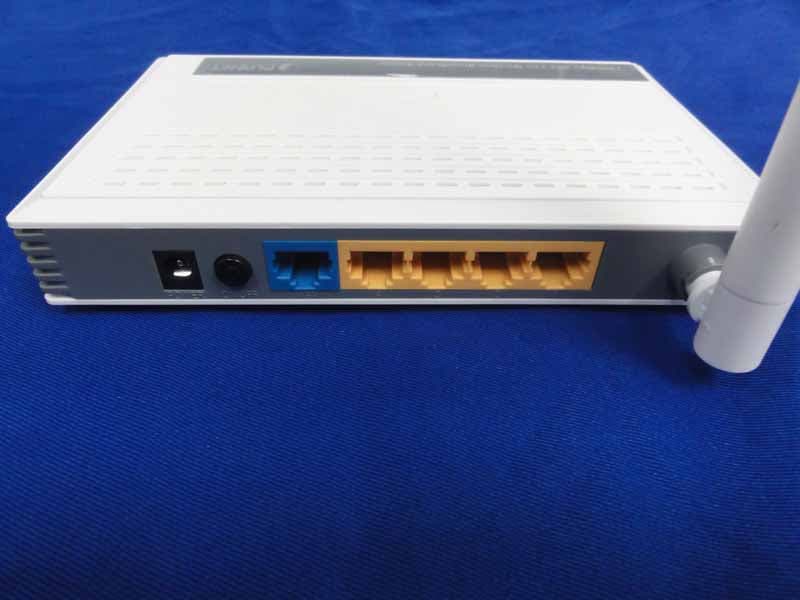
UL9WNRT617V2
Jul 21, 2013150Mbps 802.11n Wireless Broadband Router
Equipment Class
DTS - Digital Transmission System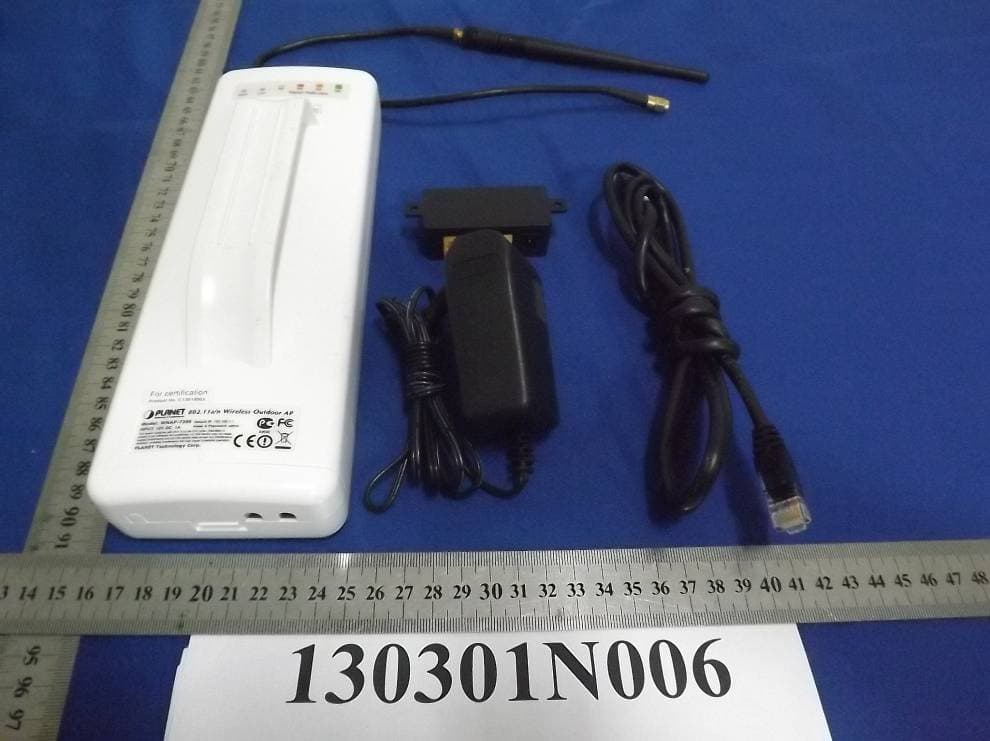
UL9WNAP7206
Jun 09, 2013802.11a/n Wireless Outdoor AP
Equipment Class
DTS - Digital Transmission System