UTWP20NJANAM XP20
Janam Technologies LLC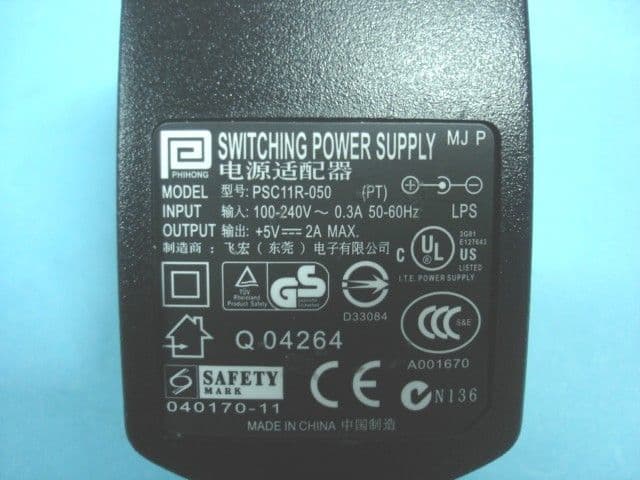
Click to zoom
Application Details
- Equipment Class
- JBP - Part 15 Class B Computing Device Peripheral
- Date of Grant
- Jan 04, 2007
- Application Purpose
- Original Equipment
- Date of Application
- Jan 03, 2007
- Equipment Note
- JANAM XP20
- Company
- Janam Technologies LLC
- Country
- United States
Documents & Files
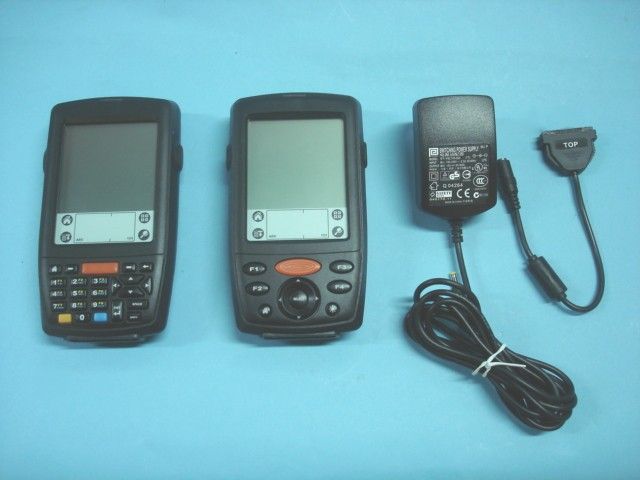
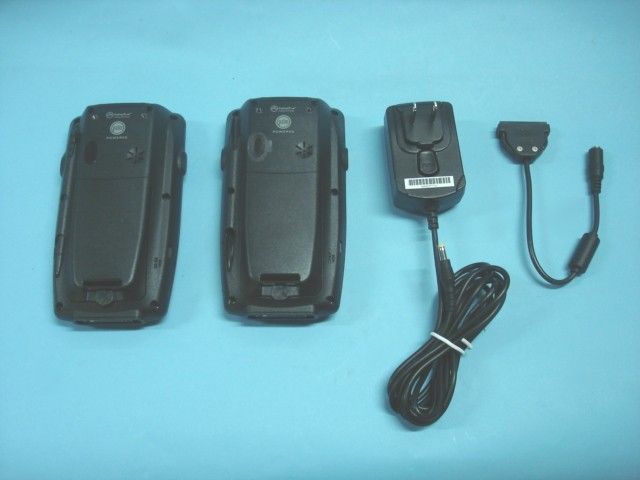
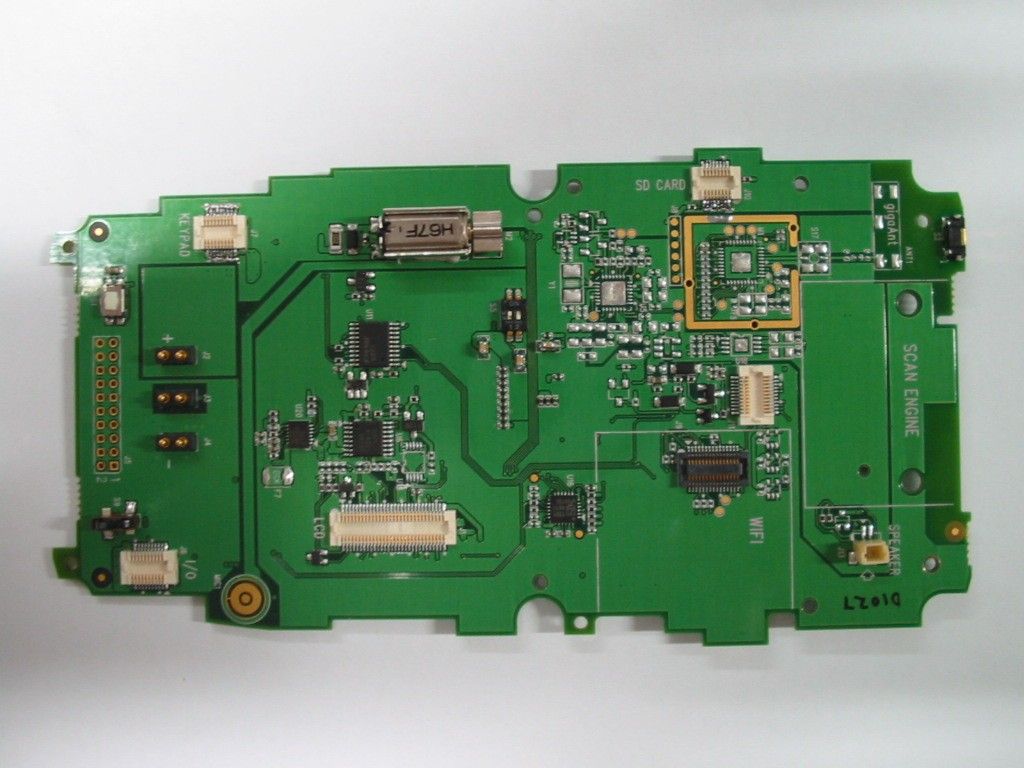
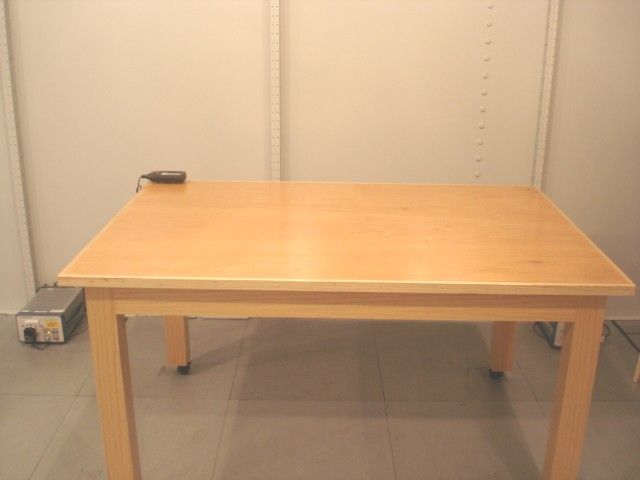
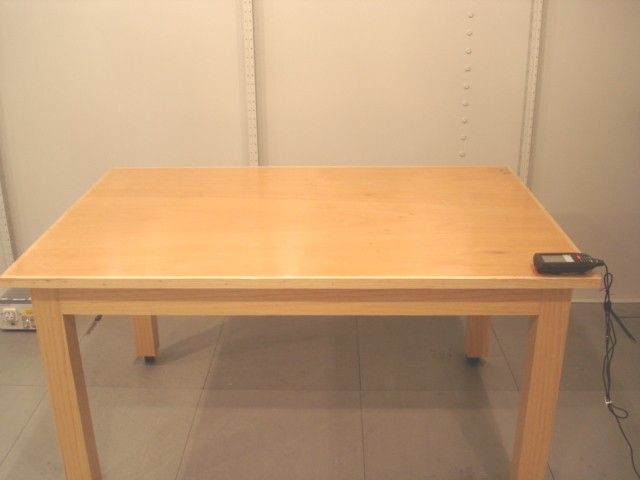
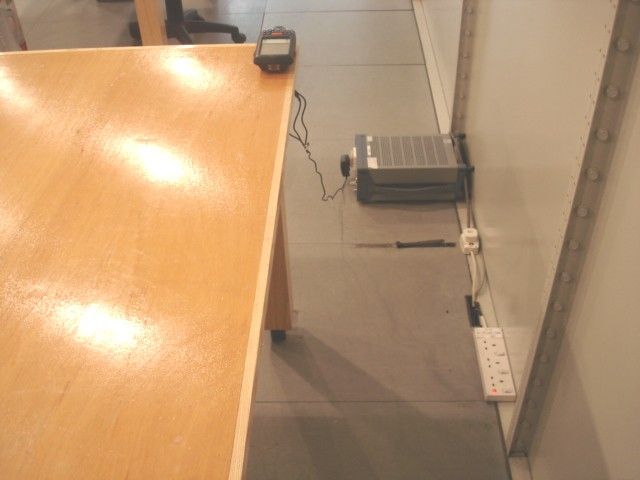
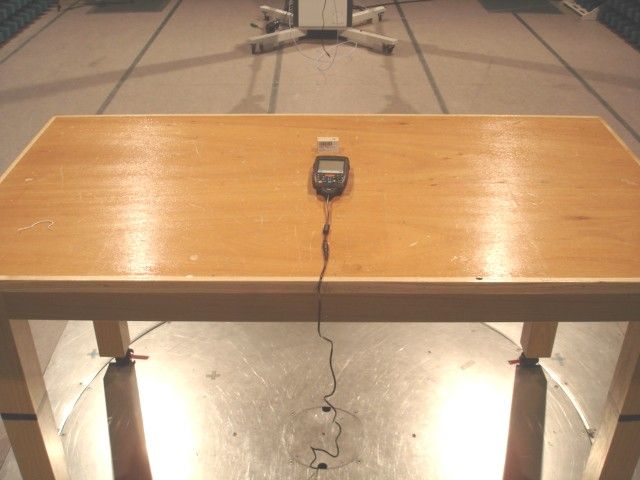
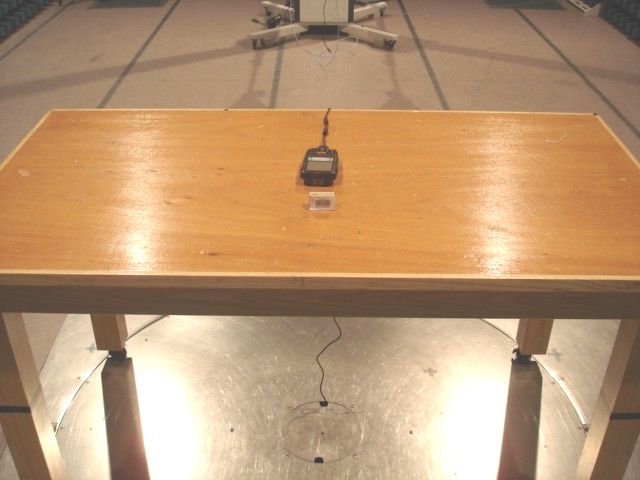
Document Text
Text extracted from the exhibit documents filed with the FCC. Open a document above to read the original.
Users Manual
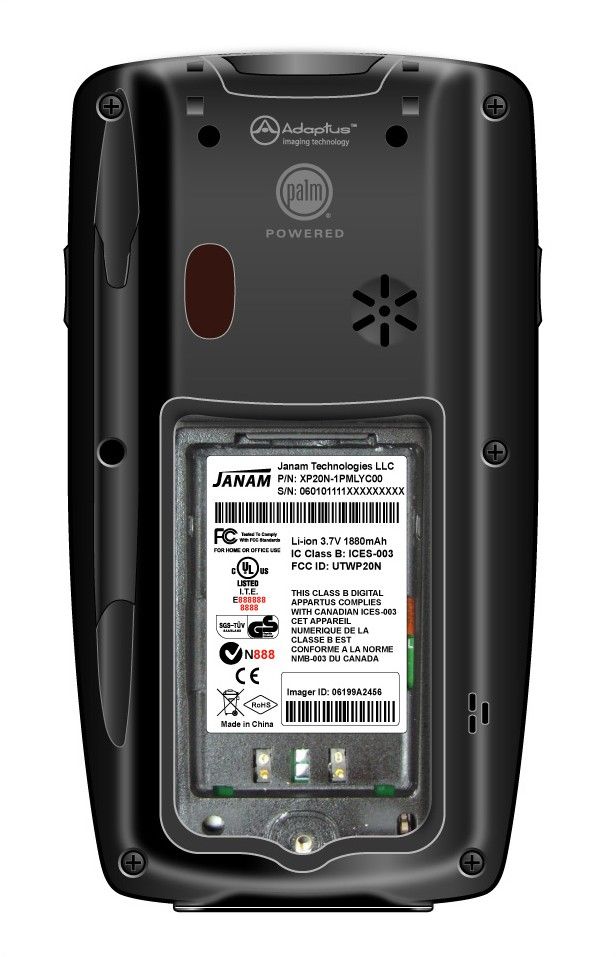
XP Series Quick Start Guide ™ Janam Technologies The contents of this guide are confi dential. Copyright 2006 Janam Technologies LLC. All rights reserved. XP Series Quick Start Guide Janam Technologies LLC assumes no responsibility for any damage or loss resulting from the use of this guide. Janam Technologies LLC assumes no responsibility for any loss or claims by third parties which may arise through the use of this product. Janam Technologies LLC assumes no responsibility for any damage or loss caused by deletion of data as a result of malfunction, dead battery or repairs. Be sure to make backup copies of all important data on other media to protect against data loss.Important: Please read the End User Software License Agreement with this product before using the accompanying software program(s). Using any part of the software indicates that you accept the terms of the End User Software License Agreement.XP Series, XP20, XP30, Janam and the Janam logo are trademarks of Janam Technologies LLC. Other product and brand names may be trademarks or registered trademarks of their respective owners. XP Series Quick Start Guide To help you get started with your XP Series mobile computer, this guide features: - Hardware Overview - Installing the Battery - Getting Started For additional product details visit www.janam.comFor Palm OS ® software updates and information visit www.palmsource.com Content and Additional Resources Janam Technologies Hardware Overview 1. Power2. Indicator LED3. LCD4. Connector5. Scan Trigger6. Right Trigger7. Left Trigger8. Navigation9. Home10. Enter11. Brightness/Contrast12. Programmable13. Function14. Backspace15. Alpha/Numeric Shift16. Space17. Shift 2 3 4 5 6 7 8 9 8 9 10 6 4 7 10 11 12 11 2 3 PDA Keypad Numeric Keypad 13 12 14 16 17 15 12 XP Series Quick Start Guide Hardware Overview 1. Battery Door2. Battery Screw3. Reset4. Microphone (XP30 Series)5a. Speaker (XP30 Series)5b. Buzzer (XP20 Series)6. IrDA Window7. Stylus8. Stylus Slot9. Lanyard Connector 7 4 2 3 5a/5b 6 8 9 1 Battery Compartment Janam Technologies Installing the Battery INSTALLING THE BATTERY 1. To access the battery compartment, turn the battery-screw counterclockwise to open the latch and remove battery cover.2. Position the battery-lift strap, place the Lithium-ion battery and snap into place.3. Replace the battery cover by positioning the top prongs fi rst and sliding cover into place. Tighten battery-screw by turning clockwise. XP Series Quick Start Guide Getting Started CALIBRATING THE SCREEN The fi rst time the device is turned on, the Welcome Utility appears. To set up the device, follow the on-screen instructions using the stylus to tap the exact center of each target Note - If your XP Series device came pre-loaded with a custom software application, the Welcome Utility may not appear. BRIGHTNESS/CONTRAST/BACKLIGHT ADJUSTMENT Control PDA Keypad Numeric Keypad Brightness(XP30 Series) Press the brightness/contrast control on the keypad. Use stylus to adjust brightness by sliding the on-screen control left/right. Press and hold the yellow function key and press left/right navigation keys. Use stylus to adjust brightness by sliding the on-screen control left/right. Contrast(XP20 Series) Press the brightness/contrast control on the keypad. Use stylus to adjust contrast by sliding the on-screen control left/right. Press and hold the yellow function key and press left/right navigation keys. Use stylus to adjust contrast by sliding the on-screen control left/right. Backlight On/Off Press and hold the power button to toggle backlight on/off. Press and hold the power button to toggle backlight on/off. Janam Technologies The CE Mark on the product indicates that the system has been tested to and conforms with the provisions noted within the 89/336/EEC Electromagnetic Compatibility Directive and the 73/23/EEC Low Voltage Directive.For further information, please contact: Janam Technologies40 Goosehill RoadCold Spring Harbor, NY 11724 Janam Technologies shall not be liable for use of our product with equipment (i.e., power supplies, personal computers, etc.) that is not CE marked and does not comply with the Low Voltage Directive.FCC and Canadian ComplianceXP Series mobile computers meet or exceed all applicable standards and have been manufactured to the highest level of quality. To see the specifi c labels associated with RF terminals confi gurations, visit www.janam.com. Warning: Changes or modifi cations to this unit not expressly approved by the party responsible for compliance could void the user authority to operate the equipment.XP Series Batch TerminalRegulatory and Safety ApprovalsParameter Specifi cation U.S.A. FCC Part 15, Class B Canada ICES-003European Community EN55022:1998 (CISPR 22) Class B EN55024:1998 EN60950 This device complies with Part 15 of the FCC Rules. Operation is subject to the following two conditions: (1) this device may not cause harmful interference, and (2) this device must accept any interference received, including interference that may cause undesired operation. XP Series Quick Start Guide This Class B digital apparatus complies with the Canadian ICES-003.Cet appareil numerique de la Class B est conforme a la norm NMB-003 du Canada.Operation is subject to the following two conditions: (1) this device may not cause interference, and (2) this device must accept any interference, including interference that may cause undesired operation of the device.L’utilisation de ce dispositif est autorisée seulement aux deux conditions suivantes : (1) il ne doit pas produire de brouil-lage, et (2) l’utilisateur du dispositif doit être prêt à accepter tout brouillage radioélectrique reçu, même si ce brouillage est susceptible de compromettre le fonctionnement du dispositif.XP Series RF Terminals with 802.11b and/or BluetoothRF, Regulatory and Safety ApprovalsParameter Specifi cation RF Approvals U.S.A. FCC Part 15.247Canada RSS 210This device complies with Part 15 of the FCC Rules. …
Text truncated - open the document above for the full version.
Cover Letter(s)
KDB Inquiry Tracking Number - 906207
Cover Letter(s)
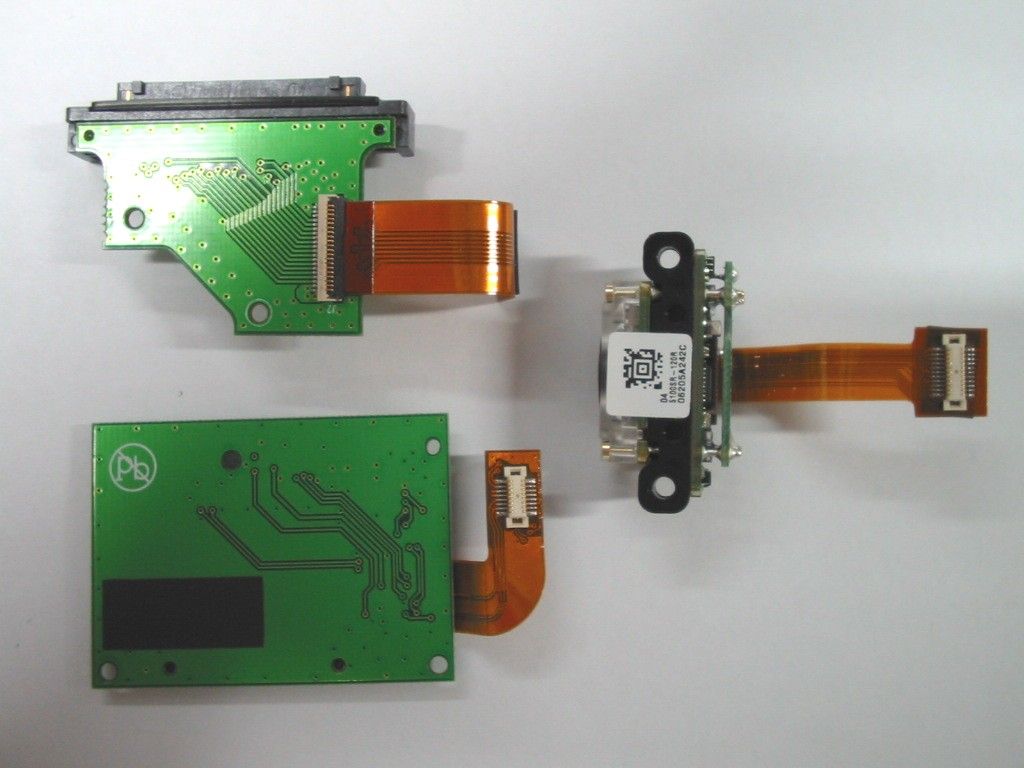
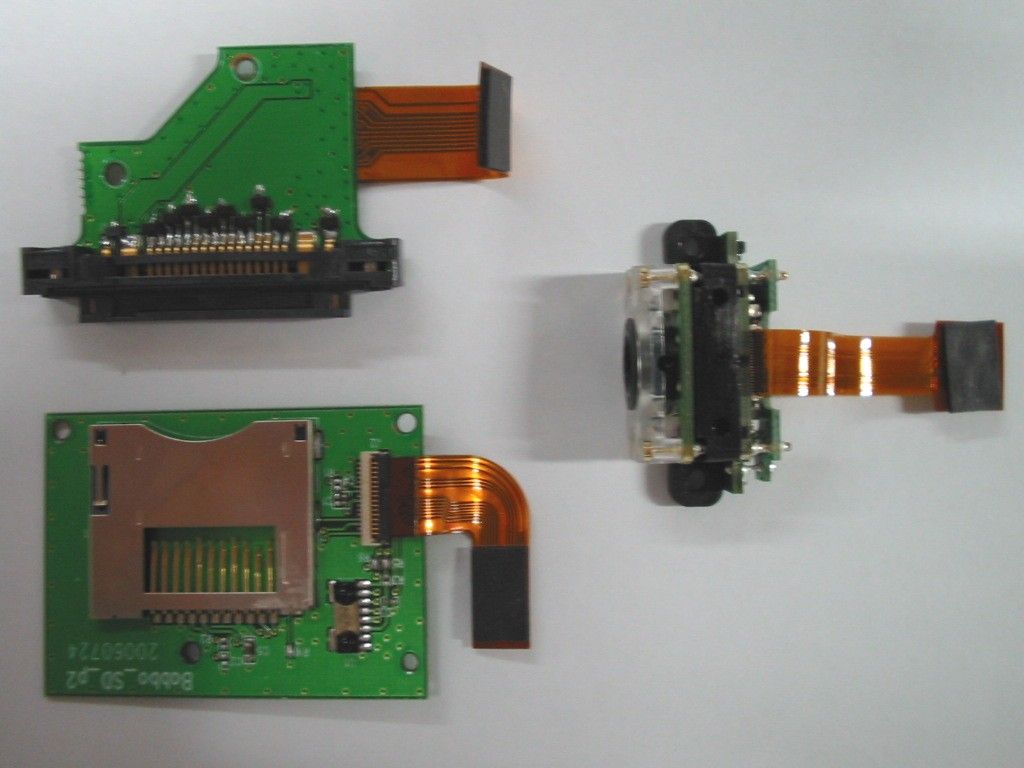
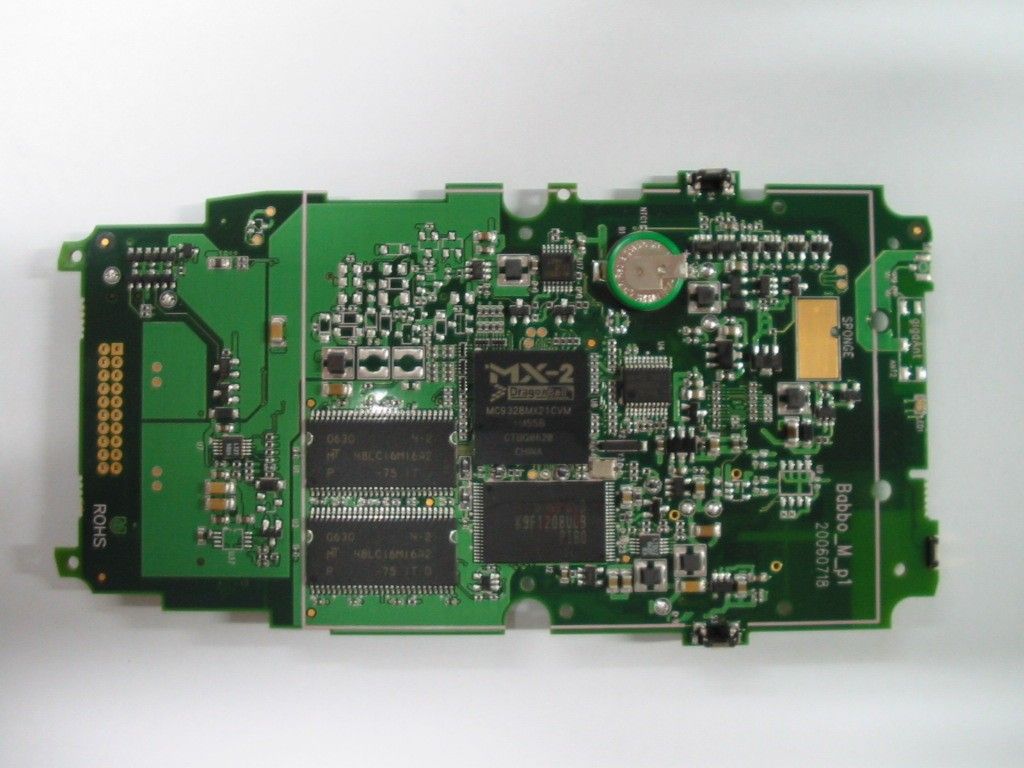
January 22, 2007 Federal Communications Commission Authorization and Evaluation Division Confidentiality Request regarding application for certification of FCC ID: UTWP20N. Pursuant to Sections 0.457 and 0.459 of the Commission’s Rules, we hereby request confidential treatment of information accompanying this application as outlined below: Exhibit Type File Name Block Diagram B1K Function Block Diagram.pdf Operational Description B1K Operation Description ver01.pdf Schematics SD-Flex-schematic.pdf, schematic.pdf, Sch_babbo_pda_key_p1.pdf, Sch_babbo_numeric_key_p1.pdf, Sch_babbo_mini_sd_card_p2.pdf, Sch_babbo_io_connector_p2.pdf, IO-Flex-schematic.pdf, B1K_main_p1.pdb User manual Eng QSG 4regplus.pdf Internal Photos INTERNAL PHOTOS 1, 2, 3, 4 The above materials contain trade secrets and proprietary information not customarily released to the public. The public disclosure of these materials may be harmful to the applicant and provide unjustified benefits to its competitors. The applicant understands that pursuant to Section 0.457 of the Rules, disclosure of this application and all accompanying documentation will not be made before the date of the Grant for this application. Sincerely, Harry Lerner Co-CEO Janam Technologies LLC
Test Report
TEST REPORT Report No. : AG032238-001 Date : 2006 December 27 Page 1 of 11 FCC ID: UTWP20N This document shall not be reproduced except in full or with written approval by the laboratory. CMA Industrial Development Foundation Limited Room 1302, Yan Hing Centre, 9-13 Wong Chuk Yeung St.., Fo Tan, Shatin, Hong Kong. Tel: (852) 2698 8198 Fax: (852) 2695 4177 E-mail: [email protected] Web Site: http://www.cmatcl.com Application No. : LG223518(0) Client : Janam Technologies LLC 40 Goose Hill Road, Cold Spring Harbor, NY 11724 Sample Description : One(1) submitted sample(s) stated to be Janam XP20 of Model No. XP-20N-1P and XP-20N-1N Radio Frequency : N/A Rating : 1 x 3.7V rechargeable battery AC100~240V to DC 5V adaptor No. of submitted sample : Three (3) piece(s) *** Date Received : 2006 December 04 Test Period : 2006 December 05 ñ 2006 December 06 Test Requested : FCC Part 15 Certification. Test Method : 47 CFR Part 15 (10-1-05 Edition) ANSI C63.4 ñ 2003 Test Result : See attached sheet(s) from page 2 to 11. Conclusion : The submitted sample was found to comply with requirement of FCC Part 15 Subpart B. For and on behalf of CMA Industrial Development Foundation Limited Authorized Signature : ____________________________________________________ Danny Chui Deputy Manager - EL. Division TEST REPORT Report No. : AG032238-001 Date : 2006 December 27 Page 2 of 11 FCC ID: UTWP20N This document shall not be reproduced except in full or with written approval by the laboratory. CMA Industrial Development Foundation Limited Room 1302, Yan Hing Centre, 9-13 Wong Chuk Yeung St.., Fo Tan, Shatin, Hong Kong. Tel: (852) 2698 8198 Fax: (852) 2695 4177 E-mail: [email protected] Web Site: http://www.cmatcl.com Table of Contents 1 General Information .............................................................................................................................3 1.1 General Description .....................................................................................................................3 1.2 Location of the test site ................................................................................................................4 1.3 List of measuring equipment........................................................................................................5 2 Description of the radiated emission test .............................................................................................6 2.1 Test Procedure..............................................................................................................................6 2.2 Test Result....................................................................................................................................6 2.3 Radiated Emission Measurement Data ........................................................................................7 3 Description of the Line-conducted Test...............................................................................................8 3.1 Test Procedure..............................................................................................................................8 3.2 Test Result....................................................................................................................................8 3.3 Graph and Table of Conducted Emission Measurement Data .....................................................8 4 Photograph ...........................................................................................................................................9 4.1 Photographs of the Test Setup for Radiated Emission and Conduction Emission ......................9 4.2 Photographs of the External and Internal Configurations of the EUT.........................................9 5 Supplementary document ...................................................................................................................10 5.1 Bandwidth ..................................................................................................................................10 5.2 Duty cycle ..................................................................................................................................10 5.3 Transmission time ......................................................................................................................10 6 Appendices .........................................................................................................................................11 TEST REPORT Report No. : AG032238-001 Date : 2006 December 27 Page 3 of 11 FCC ID: UTWP20N This document shall not be reproduced except in full or with written approval by the laboratory. CMA Industrial Development Foundation Limited Room 1302, Yan Hing Centre, 9-13 Wong Chuk Yeung St.., Fo Tan, Shatin, Hong Kong. Tel: (852) 2698 8198 Fax: (852) 2695 4177 E-mail: [email protected] Web Site: http://www.cmatcl.com 1 General Information 1.1 General Description The equipment under test (EUT) is a multi-function product and is powered by a 3.7V rechargeable battery with built-in 320MB memory. It is controlled by a CPU and it has two features(s): - PDA and barcode scanning. The brief circuit description is saved with filename: OpDes.pdf TEST REPORT Report No. : AG032238-001 Date : 2006 December 27 Page 4 of 11 FCC ID: UTWP20N This document shall not be reproduced except in full or with written approval by the laboratory. CMA Industrial Development Foundation Limited Room 1302, Yan Hing Centre, 9-13 Wong Chuk Yeung St.., Fo Tan, Shatin, Hong Kong. Tel: (852) 2698 8198 Fax: (852) 2695 4177 E-mail: [email protected] Web Site: http://www.cmatcl.com 1.2 Location of the test site Radiated emissions measurements are investigated and taken pursuant to the procedures of ANSI C63.4 ñ 2003. A Semi-Anechoic Chamber Testing Site is set up for investigation and located at: Ground Floor, Yan Hing Centre, 9 ñ 13 Wong Chuk Yeung Street, Fo Tan, Shatin, New Territories, Hong Kong. Con…
Text truncated - open the document above for the full version.
Contact Information
Applicant
Harry Lerner(Co-CEO)
Test Firm
CMA Industrial Development Foundations LimitedStephen Lam
Technical Specifications
| # | Rule Parts | Frequency Range | Power Output |
|---|---|---|---|
| 1 | 15B | - | - |
Other Applications from Janam Technologies LLC

UTWXM20-R
Jun 07, 2015MOBILE BARCODE TERMINAL
Equipment Class
DSS - Part 15 Spread Spectrum Transmitter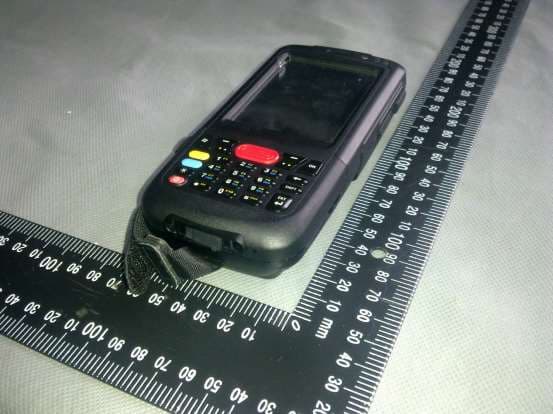
UTWXM20
Sep 02, 2013MOBILE BARCODE TERMINAL
Equipment Class
DSS - Part 15 Spread Spectrum Transmitter
UTW-XG100A
Mar 28, 2010RUGGED MOBILE COMPUTER
Equipment Class
DTS - Digital Transmission SystemUTWM60M65W
Aug 25, 2008Janam Barcode Scanning Mobile Computer
Equipment Class
JBP - Part 15 Class B Computing Device Peripheral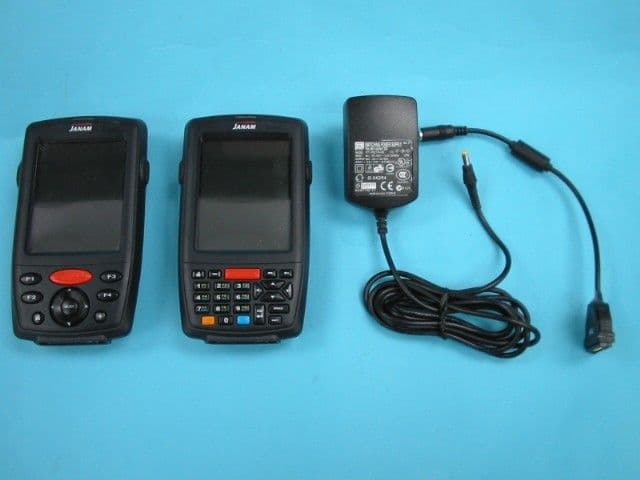
UTWP30M60W
Jun 04, 2007JANAM XP30W
Equipment Class
JBP - Part 15 Class B Computing Device Peripheral