UU8-MFC01Tablet
Lexibook America
Click to zoom
Application Details
- Equipment Class
- JBP - Part 15 Class B Computing Device Peripheral
- Date of Grant
- Aug 01, 2012
- Application Purpose
- Original Equipment
- Date of Application
- Aug 01, 2012
- Equipment Note
- Tablet
- Company
- Lexibook America
- Country
- United States
Documents & Files
Document Text
Text extracted from the exhibit documents filed with the FCC. Open a document above to read the original.
Users Manual
ODYS One – QUICK START GUIDE Introduction ODYS One is a MID with full color screen. It supports e‐books encrypted with Adobe DRM. Although this product is safe, please observe the information and warnings from the user manual. The user manual is installed at the devices internal memory and can be accessed over the main menu. Please refer to the user manual for detailed instructions and support information’s. ‐ To open the users manual please tap on the manual icon you can see at the home screen . Turning On/Off To turn on the device, press and hold the Power button on the unit until you see the boot‐up screen then release. It may take a few minutes to start up the system, please wait before you proceed. To turn off the device, press and hold the Power button until you see the option “Power Off”, tap on “Power Off” and then tap on “OK”. Tip: This device will sleep with the screen off if it stays inactive for a few seconds. You can briefly press the Power button to turn on the screen and wake it up. Power On and Off the Display ‐ Shortly press the [Power] button to turn off the display. ‐ Press the [Power] button again shortly turn the display on again. Language Setting ‐ Press [Menu] button to call out the Option Menu. ‐ Tap on [Settings] and select [Language & Keyboard] ‐ Tap on [Select Language] and select your desired language. Getting Started 1. Speaker 2. Panel LCD Multi‐Touch Screen 3. Camera Front‐facing camera for taking avatar pictures 4. Microphone 5. Power Button Press and hold the power switch to turn on or off the device; Briefly press the switch to turn the screen on or off. 6. Micro SD Card Slot Accommodates any micro SD/SDHC memory card. 7. USB 2.0 Hi‐speed / USB Host Connect to a computer to transfer data (e.g., music, videos, photos, files). Support USB stick, Surf stick, KeyBoard and Mouse. 8. Headphone jack Audio output connection for head‐phones Note: Speaker output is automatically disabled when headphones are connected to the player. 9. Mini HDMI Connect to a TV or other display. Note: Sound over HDMI must be enabled separately using the system settings. 10. Reset pin hole Press to reset the tablet if it freezes or otherwise behaves abnormal. (Use a paperclip or other small object to gently press this key.) Charging Battery The device has a built‐in rechargeable battery. No extra battery installation is required. Just charge the device when it indicates low battery. To charge the battery, connect the device to any standard wall outlet via the DC‐IN port using the power adaptor. It takes about 5 hours to fully charge the battery. Status LED: Red while charging. Turns green when battery is fully charged. Note: a. You can operate the device even when it is being charged. But for extended battery life, it is suggested NOT to use the device when it is charging. b. It is recommended to charge the battery before you use the device for the first time. c. For maximum performance, lithium‐ion batteries need to be used often. If you don’t use the device often, be sure to recharge the battery at least once per month. d. Should the rechargeable battery of the device discharge completely, connect the device (using the adapter) to the main power source for approximately 5‐10 minutes before attempting normal operation. e. In some cases, devices which have been charged for longer periods of time may not be able to be switched back on. Should this occur, press the RESET switch. Touchscreen The touchscreen is a capacitive display and designed for precision and responds best when touched with the smallest point possible. Use the flat pad of your finger to touch the screen. Installing Memory Card This device can read files directly from memory card and USB memory. To use a memory card, find the card slot at the side of the device and then insert the memory card into the slot in the correct orientation or Connect USB Memory using the provided USB adaptor cable. To access the files stored in the memory card, enter the Explorer mode by tapping the Explorer icon and select the “SD Card” directory. ‐ Check that the micro SD card is in the correct position with the contact pin facing upwards as illustrated. You may damage the card and the reader if SD card is not inserted in correct position. ‐ Push the SD card into the card slot until it clicks. ‐ To remove SD card, push the micro SD card once again until it clicks. Note: We recommend using only micro SD or SDHC cards up to 32GB capacity. ‐ When a micro SD card is inserted in or ejected from the device, it may take few seconds for the device to update the content. ‐ Please avoid inserting or ejecting micro SD card when other operation is running as this may cause the system hang. ‐ Do Not remove the card if the content inside the card is being played. This will halt the operation of the device and might cause a system hang. ‐ Only use the provided USB adaptor cable to attach USB memory devices. ‐ Please use your fingernails to properly insert or remove the SD card. Transferring Files Before reading or playing files, you need to transfer media files from a computer to the device. (1) Connect the device to a computer with the supplied USB cable and tap on “Turn on USB storage”. (2) Once connected, two removable disk drives will show on your computer. One represents the internal memory of the device, and the other represents the memory card inserted into the device. Now you can copy files from or to these disk drives just as you would on your hard drive. (3) Choose “Turn off USB Storage” and then tap “Turn Off” to disconnect the device from computer. (4) Disconnect the device from the PC safely. a) Left‐click the icon at the right bottom corner of the computer desktop. b) Click the pop‐up mini‐window message of “Stop the USB Mass Storage Device – Drive (X).” c) Disconnect the device from the computer. Note: The pre‐installed applications and Android OS occupy a considerable part of capacity – nearly more than 1GB, it is normal that you see huge…
Text truncated - open the document above for the full version.
ID Label/Location Info
11.8mm 15.3mm 11.2mm 73.6mm 101mm 67mm 16.4mm
ID Label/Location Info
Label Location
Test Report
Shenzhen EBO Technology Co., Ltd . North 710, Yihua Building, Shennan Road, Futian District, Shenzhen, P. R. China Telephone:+86-755-29451282, Fax: +86-755-22639141 Report No.: FCC12-RTE062502 Page 1 of 18 Authorized Signature: Kavin Yu Laboratory Manager This report details the results of the testing carried out on one sample. The results contained in this test report do not relate to other samples of the same product and does not permit the use of the EBO product certification mark. The manufacturer should ensure that all products in series production are in conformity with the product sample detailed in this report. This report may only be reproduced and distributed in full. If the product in this report is used in any configuration other than that detailed in the report, the manufacturer must ensure the new system complies with all relevant standards. Any mention of EBO International Electrical Approvals or testing done by EBO International Electrical Approvals in connection with, distribution or use of the product described in this report must be approved by EBO International Electrical Approvals in writing. This document cannot be reproduced except in full, without prior written approval of the Company. Any unauthorized alteration, forgery or falsification of the content or appearance of this document is unlawful and offenders may be prosecuted to the fullest extent of the law. Unless otherwise stated the results shown in this test report refer only to the sample(s) tested and such sample(s) are retained for 90 days only.” 1 Cover Page TEST REPORT Applicant: Lexibook America Address of Applicant: C/O NATXIS PRAMEX INTERNATIONAL – NORTH AMERICA 1251 avenue of the Americas 34th floor Equipment Under Test (EUT) Product Name: Tablet Model No.: MFC155EN Trade mark: Lexibook FCC ID: UU8-MFC01 Applicable standards: FCC CFR Title 47 Part 15 Subpart B:2010 Date of sample receipt: June 19, 2012 Date of Test: June 19-23, 2012 Date of report issued: June 25, 2012 Test Result : PASS * * In the configuration tested, the EUT complied with the standards specified above. Shenzhen EBO Technology Co., Ltd . Report No.: FCC12-RTE062502 Page 2 of 18 “This document is issued by the Company subject to its General Conditions of Service printed overleaf, available on request or accessible at http://www.ebotek.cn and, for electronic format documents, subject to Terms and Conditions for Electronic Documents at http://www.ebotek.cn . Attention is drawn to the limitation of liability, indemnification and jurisdiction issues defined therein. Any holder of this document is advised that information contained hereon reflects the Company’s findings at the time of its intervention only and within the limits of Client’s instructions, if any. The Company’s sole responsibility is to its Client and this document does not exonerate parties to a transaction from exercising all their rights and obligations under the transaction documents. This document cannot be reproduced except in full, without prior written approval of the Company. Any unauthorized alteration, forgery or falsification of the content or appearance of this document is unlawful and offenders may be prosecuted to the fullest extent of the law. Unless otherwise stated the results shown in this test report refer only to the sample(s) tested and such sample(s) are retained for 90 days only.” 2 Version Version No. Date Description 00 June 25, 2012 Original Prepared by: Date: June 25, 2012 Project Engineer Reviewed by: Date: June 25, 2012 Reviewer Shenzhen EBO Technology Co., Ltd . Report No.: FCC12-RTE062502 Page 3 of 18 “This document is issued by the Company subject to its General Conditions of Service printed overleaf, available on request or accessible at http://www.ebotek.cn and, for electronic format documents, subject to Terms and Conditions for Electronic Documents at http://www.ebotek.cn . Attention is drawn to the limitation of liability, indemnification and jurisdiction issues defined therein. Any holder of this document is advised that information contained hereon reflects the Company’s findings at the time of its intervention only and within the limits of Client’s instructions, if any. The Company’s sole responsibility is to its Client and this document does not exonerate parties to a transaction from exercising all their rights and obligations under the transaction documents. This document cannot be reproduced except in full, without prior written approval of the Company. Any unauthorized alteration, forgery or falsification of the content or appearance of this document is unlawful and offenders may be prosecuted to the fullest extent of the law. Unless otherwise stated the results shown in this test report refer only to the sample(s) tested and such sample(s) are retained for 90 days only.” 3 Contents Page 1 COVER PAGE......................................................................................................................................................... 1 2 VERSION.................................................................................................................................................................. 2 3 CONTENTS.............................................................................................................................................................. 3 4 TEST SUMMARY.................................................................................................................................................... 4 5 GENERAL INFORMATION................................................................................................................................... 5 5.1 CLIENT INFORMATION....................................................................................................................................... 5 5.2 GENERAL DESCRIPTION OF E.U.T................................................................................................................... 5 5.3 TEST MODE AND V…
Text truncated - open the document above for the full version.
Test Setup Photos
Radiated Emission Conducted Emission
Contact Information
Applicant
Terry Tang(Managing Director)
Technical Contact
Global United Technology Services Co., Ltd.Hans Hu
[email protected]+86-0755-2779 8480
2nd Floor, Block No.2, Laodong Industrial Zone · Shenzhen · China
Non-Technical Contact
Global United Technology Services Co., Ltd.Crystal Zhang
[email protected]+86-0755-2779 8480
Test Firm
Global United Technology Service Co., LtdRobinson Lo
Technical Specifications
| # | Rule Parts | Frequency Range | Power Output |
|---|---|---|---|
| 1 | 15B | - | - |
Other Applications from Lexibook America
UU8-JCAI601
Sep 09, 2026ELO POWER KID A.I. LAPTOP
Equipment Class
DTS - Digital Transmission System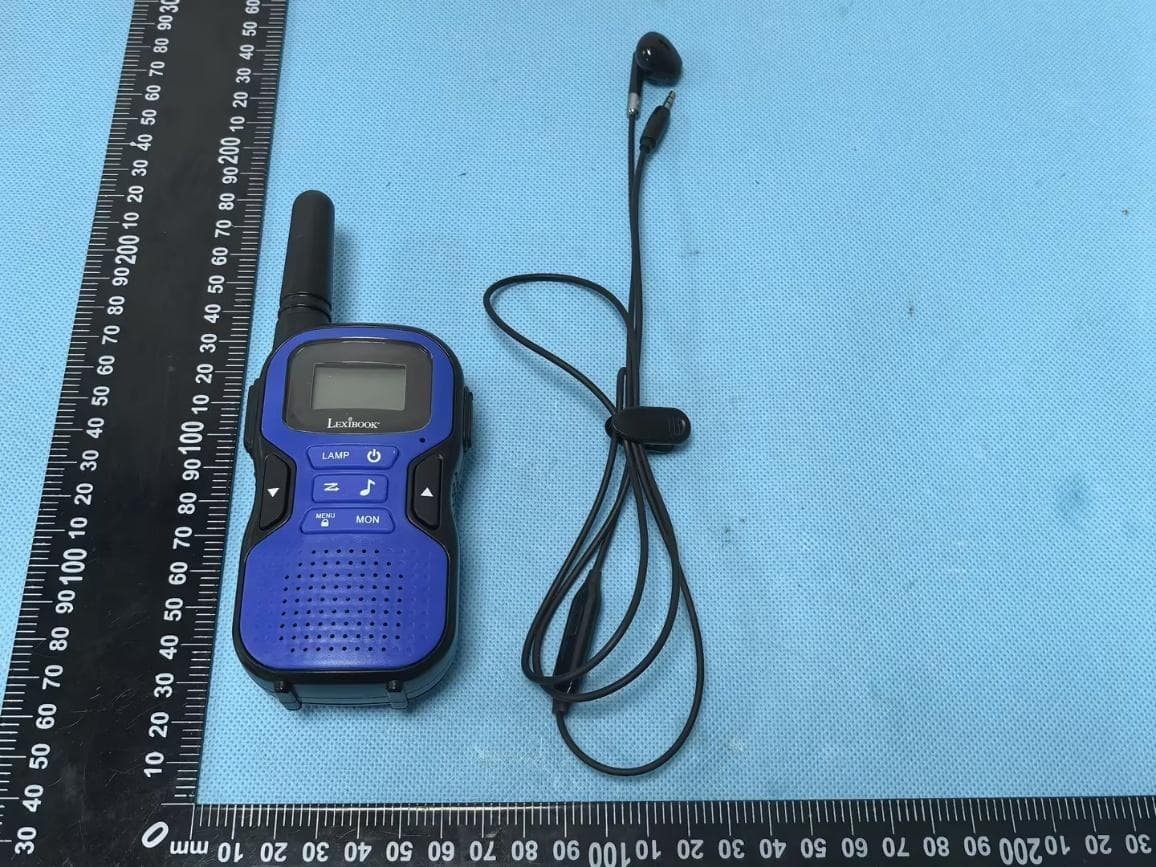
UU8-TW60
Sep 02, 2026walkie-talkie
Equipment Class
FRF - Part 95 Family Radio Face Held TransmitterUU8-ROBAI28
Sep 02, 2026The equipment is a ELO POWERMAN ADVANCE A.I. with Bluetooth Low Energy, 2.4GHz WIFI functions.
Equipment Class
DTS - Digital Transmission System
UU8-TWV10
Jul 30, 2026Rechargeable Video Walkie Talkie
Equipment Class
DTS - Digital Transmission System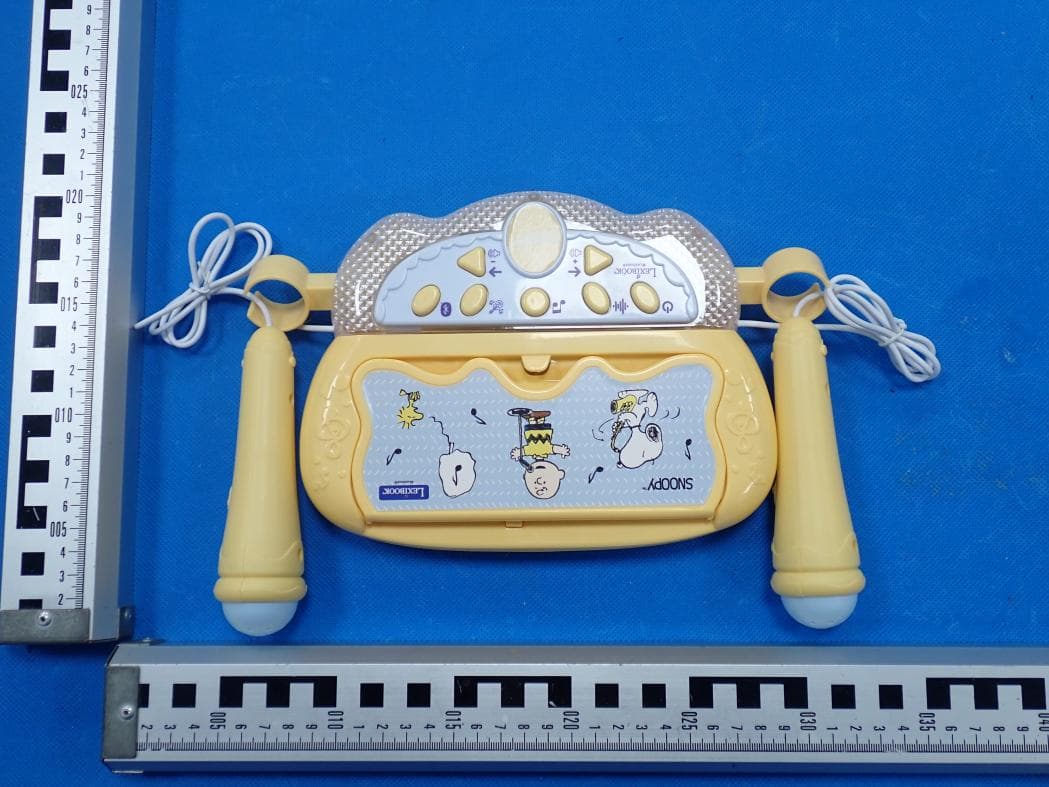
UU8-S160
May 29, 2026Lighting Speaker with stand PEANUTS
Equipment Class
DSS - Part 15 Spread Spectrum Transmitter