UZZK401Kinoma Create
Beautiful Enterprise Co., Ltd.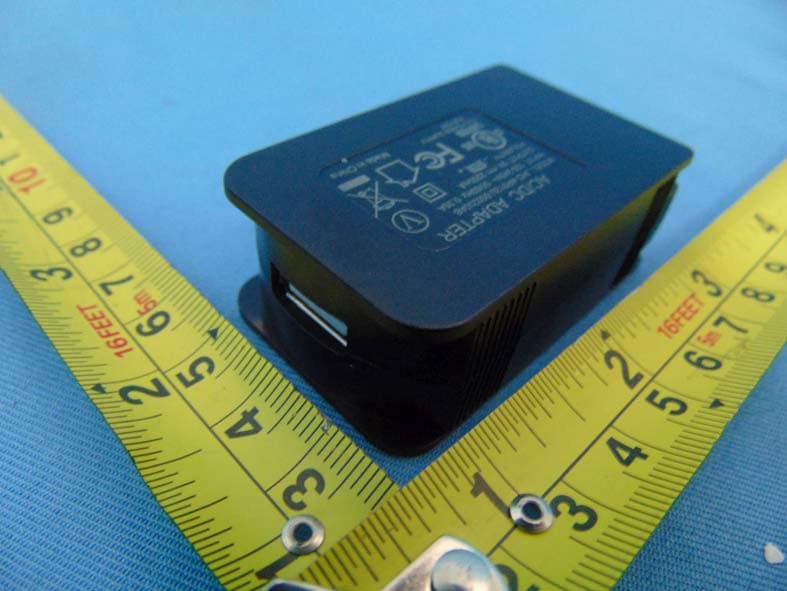
Click to zoom
Application Details
- Equipment Class
- DTS - Digital Transmission System
- Date of Grant
- Nov 04, 2014
- Application Purpose
- Original Equipment
- Date of Application
- Nov 04, 2014
- Equipment Note
- Kinoma Create
- Frequency Range
- 2412.00000000 - 2462.00000000
- Country
- Hong Kong
Documents & Files
Document Text
Text extracted from the exhibit documents filed with the FCC. Open a document above to read the original.
Users Manual
User Manual Model K4-01 Table of Contents 1. Important Information 2. Kinoma Create hardware 4. First Run 7. Powering on/o 8. Charging internal battery 9. Network Connection: Wi-Fi 10. Settings 14. On-board applications 17. Setting up a bootable SD card 18. Connecting to PC 19. Using Hardware Pins (Front Pins) 20. Using Hardware Pins (Rear Pins) 21. Kinoma Create Stand 22. FCC Statement Important Information about Kinoma Create The most important thing to know is that Kinoma Create is primarily a 3.3-volt system. If you’re new to 3.3v systems or to hardware in general, this means that (unlike with an Arduino or some other boards), you can only send up to 3.3 volts into any input pin on the device without doing damage to the pin. Download Kinoma Studio. You can try out your own applications in our desktop simulator, build apps for iOS and Android, or run any of our samples (included with Kinoma Studio) on your Kinoma Create. Our team is ready to support you as you work with your Kinoma Create. The best way to get answers to your questions is to post on the Kinoma Forum (http://forum.kinoma.com/). We will post there, and email a second time, once the hardware documentation is available. We want you all to successfully bring your product concepts to life, and we’ll be here to help you along the way. Enjoy your Kinoma Create! 1 Cable port for routing cables out from rear pins 16 pins configurable for: • 5V or 3.3V power • Ground • Digital input/output • Analog input • I2C • PWM • Serial Removable sensor cover Speaker microSD slot USB 2.0 including USB On-The-Go Microphone Mini USB serial console port Color screen Capacitive touch screen Kinoma Create Front 2 Removable access panel 50 pins for: • 3.3V power • Ground • Digital input/output • Analog input • I2C • PWM • Serial Stand Dowels Stand Holes Reset Kinoma Create Back 3 Kinoma Create First Run 4 1 2 Begin charging device with supplied charger. (Note: Kinoma Create uses special charging circuitry and requires a sensing charger to correctly charge the battery. Only use the provided charger, since other chargers may not charge the battery). Remove back cover and pull out battery contact shield. 3 4 Press the power button on the back of Kinoma Create. Kinoma Create typically takes 35 seconds to boot up. Use the Wi-Fi app to add your Kinoma Create to your network.. Kinoma Create First Run 5 5 Set the time zone for your device. Kinoma Create First Run 6 Power On/O Press to start If powered up, long press shuts down If powered up, and a short press, device enters hibernate mode. If powered up, and in hibernate mode, a short press wakes up Reset device button. Use paper clip or similar to reach reset button and perform a hard reset. This screen shows during boot up. Kinoma Create typically takes 35 seconds to start. 7 Charging internal battery Kinoma Create uses special charging circuitry and requires a sensing charger to correctly charge the battery. Only use the provided charger, since other char- gers may not charge the battery 8 Network Connection: Wi-Fi Clicking the “Select network” button displays a list of available networks. Select a network and enter password if necessary. Kinoma Create remem- bers the last configured Wi-Fi network. A er connecting to a network the device IP address is shown on the Wi-Fi tile. 9 Settings The Settings app on Kinoma Create allows for setting attributes, updating device and viewing device information. If updates are available an UPDATE notification will appear. Tap to update. 10 Settings 11 Name: Set Device name if needed. This is the name that this Kinoma Create will use for network connections, including debugging in the Kinoma Studio IDE. Time zone: It is important to set the local timezone for apps that use time and date based APIs. The optional day light savings check box needs to be manually update to match local conditions. Startup App: For testing Kinoma Create can be set to launch into a specific app. The default is the Kinoma Create Launcher app. 12 Settings Quit Gesture: Allows selection of quit gesture Delete Apps: Allows removal of apps that have been installed on Kinoma Create. Note: Built-in apps, such as Wi-Fi and Settings cannot be deleted. Debugging: Kinoma Create can be set to allow debugging over Wi-Fi and require a password to debug. Kinoma So ware: Shows the current version number and Updates if available. 13 Settings Firmware (OS): Shows the current firmware version number and Updates if available. Setup SD card: Format and partition an SD to become a bootable file system Clear Caches: Allows clearing of Kinoma Studio App, Cookie and HTTP caches MAC Address: Shows the MAC address of this Kinoma Create. The MAC address is the unique id of the device. On Board Apps 14 Battery: Shows current charge status on the tile and chargingand usage history in the app view. File Sharing App: Allows mouning your Kinoma Create on your PC (Windows and Mac). File Sharing implements the WebDAV protocol 15 On Board Apps Front Pins: The 16 front facing pins can be targeted by the Front Pins app to support Digital, Analog In, and I2C connections. Power can be supplied at 3.3 or 5 volts. Input pins will handle up to 3.3v. Files: Files app provides simple view and management functionality for files on Kinoma Create. It can display PNG and JPEG images, MPEG-4 files, and the first 8KB of text based files. Individual files can be deleted. 16 On Board Apps Logs: Presents information about the operation of Kinoma Create. Kinoma Create logs PinMux settings, Settings, system events and Wi-Fi configurations. Developers can add new logs or data to existing logs. Samples: Shows current contents from the Kinoma GitHub Samples repository. Select samples to download and view on the device. Select View Source to view the JavaScript source and other project assets. Setting up a bootable SD card 17 Install an SD card and you can set it up as a bootable volume. As part of the setup process, the latest Kinoma Create setup …
Text truncated - open the document above for the full version.
Cover Letter(s)
Beautiful Enterprise Co., Ltd. 27 th Floor, Beautiful Group Tower, Tel: +852 2327 0195 77 Connaught Road Central, Hong Kong Fax: +852 2352 3380 Federal Communications Commission 7435 Oakland Mills Road Columbia, MD 21046 Gentlemen: This letter is to comply with Sections 0.457 and 0.459 pertaining to confidential material. Beautiful Enterprise Co., Ltd. would like the following documents regarding this submission for FCC ID: UZZK401 to be kept confidential. 1. Schematics. 2. Block diagram, 3. Operation description The above material contains trade secrets or technical data, which would customarily be guarded from competitors. We do not want these documents to be accessible to the general public. Sincerely, Contact person: John Liao ,Product Approbation Manager Date: 2014-10-07
Cover Letter(s)
Beautiful Enterprise Co., Ltd. 27 th Floor, Beautiful Group Tower, Tel: +852 2327 0195 77 Connaught Road Central, Hong Kong Fax: +852 2352 3380 October 7, 2014 To whom it may concern: We the undersigned, hereby authorize EMCCert DR. RAŠEK GmbH and BTL Inc. to act on our behalf in all manners relating to application for equipment authorization, including signing of all documents relating to these matters. Any and all acts carried out by EMCCert DR. RAŠEK GmbH and BTL Inc. on our behalf shall have the same affect as acts of our own. This authorization is valid until further written notice from Beautiful Enterprise Co., Ltd. Sincerely, (Name and Title) John Liao , Product Approbation Manager
Cover Letter(s)
CERTIFICATE OF COMPLIANCE Authorized under Declaration of Conformity according to 47 CFR, Part 2 and Part 15 of the FCC Rules. The product listed in follows was (were) tested in the BTL EMC Laboratory to comply with the criteria limits Class B of conducted and radiated emissions of the Technical Standards FCC Part 15, Subpart B, established by the FCC, USA. Equipment Kinoma Create Model Name K4-01 Brand Name Kinoma Applicant Beautiful Enterprise Co., Ltd. Address 27th Floor, Beautiful Group Tower, 77 Connaught Road Central, Hong Kong Standard(s) FCC Part 15, Subpart B: 2013 ANSI C63.4-2009 Report(s) BTL-FCCE&ICA-1-1408C226 The test data, data evaluation, and equipment configuration contained in our test report(s) above was(were) obtained utilizing the test procedures, test instruments, test sites that has been accredited by the Authority of TAF according to the ISO-17025 quality assessment standard and technical standard(s). The test data contained in the referenced test report relate only to the EUT sample and item(s) tested. Andy Chiu Authorized Signatory BTL INC. B1, No. 37, Lane 365, Yang-Guang St., Nei-Hu District, Taipei City 114, Taiwan. TEL:+886-2-2657-3299 FAX:+886-2-2657-3331
External Photos
Project No.: 1408C226 Page 2 of 12 Project No.: 1408C226 Page 3 of 12 Project No.: 1408C226 Page 4 of 12 Project No.: 1408C226 Page 5 of 12
Internal Photos
Project No.: 1408C226 Page 6 of 12 Project No.: 1408C226 Page 7 of 12 Project No.: 1408C226 Page 8 of 12 Project No.: 1408C226 Page 9 of 12 Project No.: 1408C226 Page 9 of 13 Project No.: 1408C226 Page 10 of 12 Project No.: 1408C226 Page 11 of 12 Project No.: 1408C226 Page 12 of 12
RF Exposure Info
FCC RF EXPOSURE REPORT FCC ID: UZZK401 Project No. : 1408C226 Equipment : Kinoma Create Model : K4-01 Applicant : Beautiful Enterprise Co., Ltd. Address : 27th Floor, Beautiful Group Tower, 77 Connaught Road Central, Hong Kong According: : FCC Guidelines for Human Exposure IEEE C95.1 BTL INC. No.3, Jinshagang 1st Road, Shixia, Dalang Town, Dongguan, China. TEL: +86-769-8318-3000 FAX: +86-769-8319-6000 MPE CALCULATION METHOD: Calculation Method of RF Safety Distance: where: S = power density P = power input to the antenna G = power gain of the antenna in the direction of interest relative to an isotropic radiator R = distance to the center of radiation of the antenna Table for Filed Antenna Ant. Brand Model NameAntenna Type Connector Gain(dBi) 1 A10192 SMD N/A 0.80 TEST RESULTS EUT: Kinoma Create Model Name : K4-01 Temperature: 25 °C Relative Humidity: 55 % Test Voltage : AC 120V/60Hz Test Mode : TX B MODE /CH01, CH06, CH11 Antenna Gain (dBi) Antenna Gain (numeric) Peak Output Power (dBm) Peak Output Power (mW) Power Density (S) (mW/cm 2 ) Limit of Power Density (S) (mW/cm 2 ) Te s t Result 0.8 1.2023 15.78 37.8443 0.009056291 Complies 0.8 1.2023 16.12 40.9261 0.009793781 Complies 0.8 1.2023 16.3 42.6580 0.010208231 Complies EUT: Kinoma Create Model Name : K4-01 Temperature: 25 °C Relative Humidity: 55 % Test Voltage : AC 120V/60Hz Test Mode : TX G MODE /CH01, CH06, CH11 Antenna Gain (dBi) Antenna Gain (numeric) Peak Output Power (dBm) Peak Output Power (mW) Power Density (S) (mW/cm 2 ) Limit of Power Density (S) (mW/cm 2 ) Te s t Result 0.8 1.2023 20.25 105.9254 0.025348391 Complies 0.8 1.2023 21.1 128.8250 0.030828361 Complies 0.8 1.2023 21.32 135.5189 0.032430261 Complies EUT: Kinoma Create Model Name : K4-01 Temperature: 25 °C Relative Humidity: 55 % Test Voltage : AC 120V/60Hz Test Mode : TX N-20M MODE_ Total /CH01, CH06, CH11 Antenna Gain (dBi) Antenna Gain (numeric) Peak Output Power (dBm) Peak Output Power (mW) Power Density (S) (mW/cm 2 ) Limit of Power Density (S) (mW/cm 2 ) Te s t Result 0.8 1.2023 20.21 104.9542 0.025115991 Complies 0.8 1.2023 21.08 128.2331 0.030686711 Complies 0.8 1.2023 21.22 132.4342 0.031692051 Complies EUT: Kinoma Create Model Name : K4-01 Temperature: 25 °C Relative Humidity: 55 % Test Voltage : AC 120V/60Hz Test Mode : TX N-40M MODE_Total /CH03, CH06, CH09 Antenna Gain (dBi) Antenna Gain (numeric) Peak Output Power (dBm) Peak Output Power (mW) Power Density (S) (mW/cm 2 ) Limit of Power Density (S) (mW/cm 2 ) Te s t Result 0.8 1.2023 21.25 133.3521 0.031911731 Complies 0.8 1.2023 20.91 123.3105 0.029508721 Complies 0.8 1.2023 21.16 130.6171 0.031257221 Complies Note: the calculated distance is 20 cm.
Test Report
Report No.: BTL-FICP-1-1408C226 Page 1 of 128 FCC&IC Radio Test Report FCC ID: UZZK401 IC: 7633A-K401 This report concerns (check one): Original Grant Class II Change Project No. : 1408C226 Equipment : Kinoma Create Model Name : K4-01 Applicant : Beautiful Enterprise Co., Ltd. Address : 27th Floor, Beautiful Group Tower, 77 Connaught Road Central, Hong Kong Date of Receipt : Aug. 30, 2014 Date of Test : Aug. 30, 2014~Oct. 21, 2014 Issued Date : Oct. 22, 2014 Tested by : BTL Inc. Testing Engineer : (David Mao) Technical Manager : (Leo Hung) Authorized Signatory : (Steven Lu) BTL INC. No.3, Jinshagang 1st Road, Shixia, Dalang Town, Dongguan, Guangdong, China. TEL: +86-769-8318-3000 FAX: +86-769-8319-6000 Report No.: BTL-FICP-1-1408C226 Page 2 of 128 Declaration BTL represents to the client that testing i s done in accordance with standard procedures as applicable and that test instruments used has been calibrated with the standards traceable to National Measurement Laboratory (NML) of R.O.C, or National Institute of Standards and Technology (NIST) of U.S.A. BTL's reports apply only to the specific samples tested under conditions. It is manufacture’s responsibility to ensure that additional production units of this model are manufactured with the identical electrical and mechanical components. BTL shall have no liability for any declarations, inferences or generalizations drawn by the client or others from BTL issued reports. BTL’s reports must not be used by the client to claim product endorsement by the authorities or any agency of the Government. Thi s report is the confidential property of the client. As a mutual protection to the clients, the public and BTL-self, extracts from the test report shall not be reproduced except in full with BTL’s authorized written approval. BTL’s laboratory quality assurance procedures are in compliance with the ISO Guide 17025 requirements, and accredited by the conformity assessment authorities listed in this test report. Limitation For the use of the authority's logo is limited unless the Test Standard(s)/Scope(s )/Item(s) mentioned in this test report is (are) included in the conformity assessment authorities acceptance respective. Report No.: BTL-FICP-1-1408C226 Page 3 of 128 Table of Contents Page 1 . CERTIFICATION 6 2 . SUMMARY OF TEST RESULTS 7 2.1 TEST FACILITY 8 2.2 MEASUREMENT UNCERTAINTY 8 3 . GENERAL INFORMATION 9 3.1 GENERAL DESCRIPTION OF EUT 9 3.2 DESCRIPTION OF TEST MODES 11 3.3 TABLE OF PARAMETERS OF TEXT SOFTWARE SETTING 12 3.4 BLOCK DIAGRAM SHOWING THE CONFIGURATION OF SYSTEM TESTED 13 3.5 DESCRIPTION OF SUPPORT UNITS 14 4 . EMC EMISSION TEST 15 4.1 CONDUCTED EMISSION MEASUREMENT 15 4.1.1 POWER LINE CONDUCTED EMISSION LIMITS 15 4.1.2 TEST PROCEDURE 15 4.1.3 DEVIATION FROM TEST STANDARD 15 4.1.4 TEST SETUP 16 4.1.5 EUT OPERATING CONDITIONS 16 4.1.6 EUT TEST CONDITIONS 16 4.1.7 TEST RESULTS 16 4.2 RADIATED EMISSION MEASUREMENT 17 4.2.1 RADIATED EMISSION LIMITS 17 4.2.2 TEST PROCEDURE 18 4.2.3 DEVIATION FROM TEST STANDARD 18 4.2.4 TEST SETUP 18 4.2.5 EUT OPERATING CONDITIONS 19 4.2.6 EUT TEST CONDITIONS 19 4.2.7 TEST RESULTS (9KHZ TO 30MHZ) 20 4.2.8 TEST RESULTS (BETWEEN 30MHZ TO 1000 MHZ) 20 4.2.9 TEST RESULTS (ABOVE 1000 MHZ) 20 5 . BANDWIDTH TEST 21 5.1 APPLIED PROCEDURES 21 5.1.1 TEST PROCEDURE 21 5.1.2 DEVIATION FROM STANDARD 21 5.1.3 TEST SETUP 21 5.1.4 EUT OPERATION CONDITIONS 21 5.1.5 EUT TEST CONDITIONS 21 5.1.6 TEST RESULTS 21 Report No.: BTL-FICP-1-1408C226 Page 4 of 128 Table of Contents Page 6 . MAXIMUM PEAK CONDUCTED OUTPUT POWER TEST 22 6.1 APPLIED PROCEDURES / LIMIT 22 6.1.1 TEST PROCEDURE 22 6.1.2 DEVIATION FROM STANDARD 22 6.1.3 TEST SETUP 22 6.1.4 EUT OPERATION CONDITIONS 22 6.1.5 EUT TEST CONDITIONS 22 6.1.6 TEST RESULTS 22 7 . ANTENNA CONDUCTED SPURIOUS EMISSION 23 7.1 APPLIED PROCEDURES / LIMIT 23 7.1.1 TEST PROCEDURE 23 7.1.2 DEVIATION FROM STANDARD 23 7.1.3 TEST SETUP 23 7.1.4 EUT OPERATION CONDITIONS 23 7.1.5 EUT TEST CONDITIONS 23 7.1.6 TEST RESULTS 23 8 . POWER SPECTRAL DENSITY TEST 24 8.1 APPLIED PROCEDURES / LIMIT 24 8.1.1 TEST PROCEDURE 24 8.1.2 DEVIATION FROM STANDARD 24 8.1.3 TEST SETUP 24 8.1.4 EUT OPERATION CONDITIONS 24 8.1.5 EUT TEST CONDITIONS 24 8.1.6 TEST RESULTS 24 9 . MEASUREMENT INSTRUMENTS LIST 25 10 . EUT TEST PHOTO 27 ATTACHMENT A - CONDUCTED EMISSION 31 ATTACHMENT B - RADIATED EMISSION (9KHZ TO 30MHZ) 34 ATTACHMENT C - RADIATED EMISSION (30MHZ TO 1000MHZ) 36 ATTACHMENT D - RADIATED EMISSION (ABOVE 1000MHZ) 43 ATTACHMENT E - BANDWIDTH 92 ATTACHMENT F – MAXIMUM PEAK CONDUCTED OUTPUT POWER 101 ATTACHMENT G - ANTENNA CONDUCTED SPURIOUS EMISSION 103 ATTACHMENT H - POWER SPECTRAL DENSITY 120 Report No.: BTL-FICP-1-1408C226 Page 5 of 128 REPORT ISSUED HISTORY Issued No. Description Issued Date BTL-FICP-1-1408C226 Original Issue. Oct. 22, 2014 Report No.: BTL-FICP-1-1408C226 Page 6 of 128 1. CERTIFICATION Equipment : Kinoma Create Brand Name : Kinoma Model Name : K4-01 Applicant : Beautiful Enterprise Co., Ltd. Manufacturer : Beautiful Enterprise Co., Ltd. Address : 27th Floor, Beautiful Group Tower, 77 Connaught Road Central, Hong Kong Factory : Shenzhen Synchron Electronics Co., Ltd. Address : No. 9 Mei Li Road, Xia Mei Lin, Fu Tian Area, Shenzhen, Guangdong, China Date of Test : Aug. 30, 2014~Oct. 21, 2014 Test Sample : ENGINEERING SAMPLE Standard(s) : FCC Part15, Subpart C: 2013 (15.247) / ANSI C63.4-2009 Canada RSS-210: 2010 RSS-GEN Issue 3, Dec 2010 The above equipment has been tested and found compliance with the requirement of the relative standards by BTL Inc. The test data, data evaluation, and equipment configuration contained in our test report (Ref No. BTL-FICP-1-1408C226) were obtained utilizing the test procedures, test instruments, test sites that has been accredited by the Authority of TAF according to the ISO-17025 quality assessment standard and technical standard(s). Report No.: BTL-FICP-1-1408C226 Page 7 of 128 2. SUMMARY OF TEST RESULTS Test procedures according to the technical s…
Text truncated - open the document above for the full version.
Test Setup Photos
Report No.: BTL-FICP-1-1408C226 Page 27 of 128 10. EUT TEST PHOTO Conducted Measurement Photos Report No.: BTL-FICP-1-1408C226 Page 28 of 128 Radiated Measurement Photos 9KHz to 30MHz Report No.: BTL-FICP-1-1408C226 Page 29 of 128 Radiated Measurement Photos 30MHz to 1000MHz Report No.: BTL-FICP-1-1408C226 Page 30 of 128 Radiated Measurement Photos Above 1000MHz
Contact Information
Applicant
John Liao(Product Approbation Manager)
Test Firm
BTL Inc.Daisy Dai
Technical Specifications
| # | Rule Parts | Frequency Range | Power Output |
|---|---|---|---|
| 1 | 15C | 2.41 GHz - 2.46 GHz | 140.00 mW |
Other Applications from Beautiful Enterprise Co., Ltd.
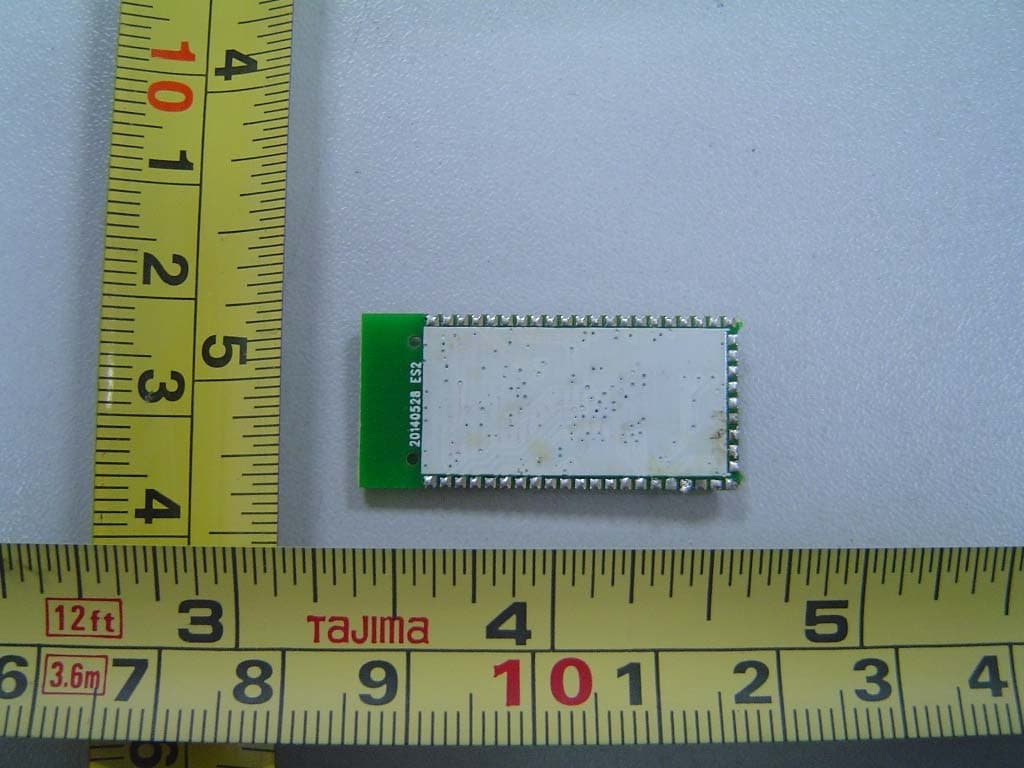
UZZWB9805B1
Aug 03, 2015Bluetooth Module
Equipment Class
DSS - Part 15 Spread Spectrum Transmitter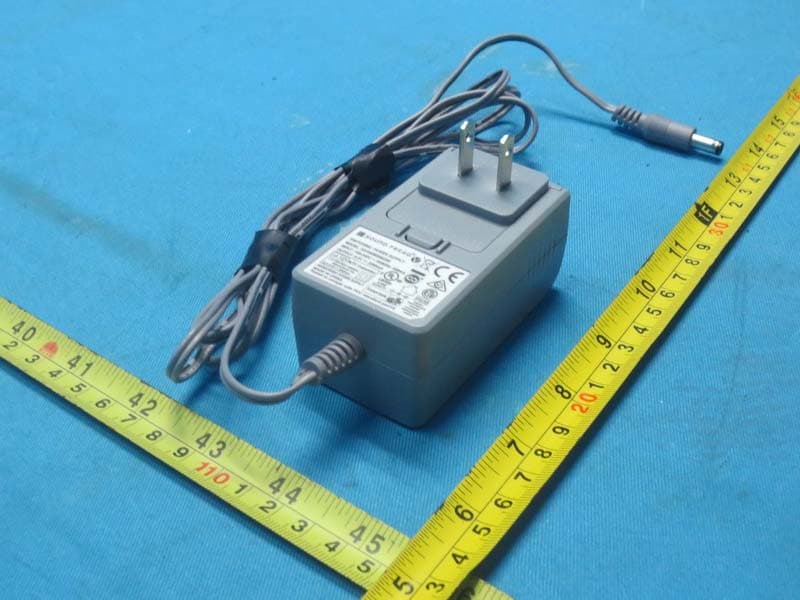
UZZSFQ11
Feb 12, 2015Sound Kick 2
Equipment Class
DSS - Part 15 Spread Spectrum Transmitter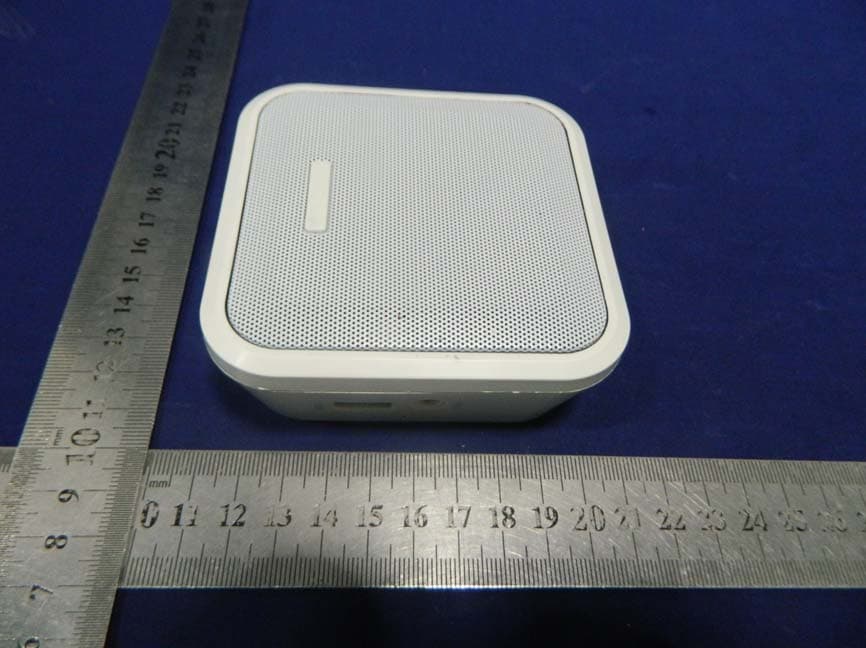
UZZNSSPBTP1W
Sep 17, 2014Bluetooth Plug-In Wall Speaker
Equipment Class
DSS - Part 15 Spread Spectrum Transmitter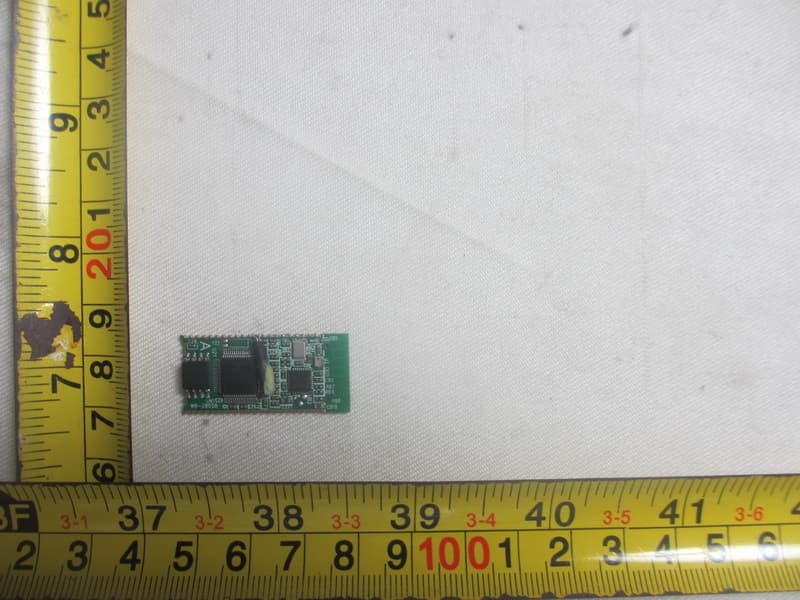
UZZATS2805BA
Jul 22, 2014Bluetooth Module
Equipment Class
DSS - Part 15 Spread Spectrum Transmitter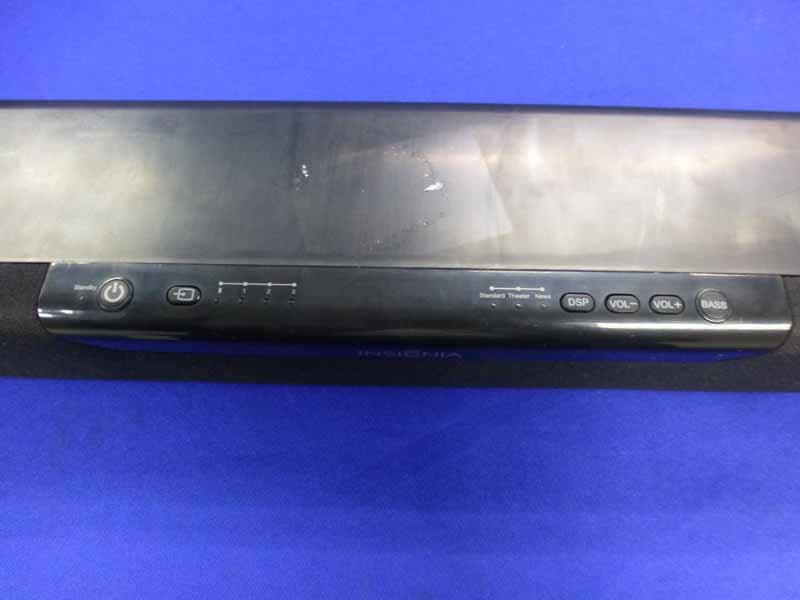
UZZNSSB314
Mar 17, 2014Soundbar Home Theater Speaker
Equipment Class
DSS - Part 15 Spread Spectrum Transmitter