VOZ-FR85BTSilicone Flexible Bluetooth Keyboard
Jinghong Industrial (Hong Kong) Co., Limited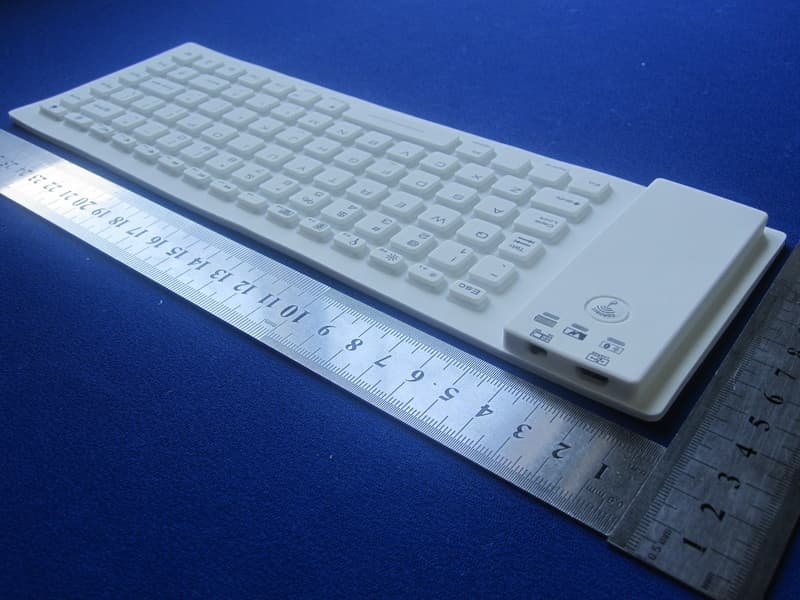
Click to zoom
Application Details
- Equipment Class
- DSS - Part 15 Spread Spectrum Transmitter
- Date of Grant
- Jul 06, 2012
- Application Purpose
- Original Equipment
- Date of Application
- Jul 06, 2012
- Equipment Note
- Silicone Flexible Bluetooth Keyboard
- Frequency Range
- 2402.00000000 - 2480.00000000
- Country
- China
Documents & Files
Document Text
Text extracted from the exhibit documents filed with the FCC. Open a document above to read the original.
Users Manual
User Manual for Flexible Bluetooth ® Keyboard Welcome Thanks for purchasing the Flexible Bluetooth ® Keyboard. This creative and easy-to-use product will bring you the novel experience, flexible and slim design let you carry in a small size, waterproof and washable keypad let you clean with water or most of the cleaners, sensitive key responsiveness and rubberized surface let you type with the most comfort, etc. Contents of the package • One silicone Flexible Bluetooth ® Keyboard • One USB to Micro USB charging cable • One smart phone stand • This user manual Features • Wireless keyboard fully compatible with iPhone ® and iPad ® 2, MIDs and computers with Windows ® /Mac ® /Linux OS and with built-in Bluetooth ® version 2.0 and above, MIDs and smart phones with Android OS version 2.2 and above • Bluetooth ® 2.0 wireless keyboard made of silicone rubber • Build-in rechargeable Lithium-ion battery on the keyboard • Charging by USB power or USB power adapter (DC 5V 300~500 mA) • One hour quickly charges the battery • Up to 120 hours use time • Automatic sleep for saving energy • Wireless operating distance up to 10 meters Product Photo Controls and Indicators Bluetooth ® Connection Button Power & Bluetooth Indicator Charging Status Indicator Fully Charged Indicator Power Switch (ON/OFF) Charging Port (Micro USB Port) Pair the Flexible Bluetooth ® Keyboard with your iPhone ® or iPad ® To use the Flexible Bluetooth ® Keyboard with your iPhone ® or iPad ® , follow the steps below to pair the Flexible Bluetooth ® Keyboard with your iPhone ® and iPad ® . The pair settings will be saved even if your iPhone ® or iPad ® is turned off. 1. Turn on the power of the Flexible Bluetooth ® Keyboard. 2. Press the Bluetooth ® Connection Button on the Keyboard until the Power & Bluetooth ® Indicator flashes. 3. Turn on your iPhone ® or iPad ® . 4. On Home menu of your iPhone ® or iPad ® , go to Settings and choose General on the screen. 5. Choose Bluetooth ® on the screen and turn on the Bluetooth ® , your iPhone ® or iPad ® will start to search Bluetooth ® devices. 6. Tap the keyboard’s entry name “Bluetooth Wireless Keyboard” on your iPhone ® or iPad ® searched device list, your iPhone ® or iPad ® will pop up a message with a PIN code. 7. Type the PIN code and press Return or Enter key correctly and quickly on the Flexible Bluetooth ® Keyboard. If the pairing succeeded, the Power & Bluetooth Indicator goes off and your iPhone ® or iPad ® screen shows the “Bluetooth Wireless Keyboard” is “Connected” and the Bluetooth ® icon appears on the upper-right corner of your iPhone ® or iPad ® screen, next to the battery meter. 8. The keyboard is now ready for use. If the “Bluetooth Wireless Keyboard” stays “Not Connected” (pairing failed) on your iPhone ® or iPad ® screen and the Power & Bluetooth Indicator remains flashing, turn off the power of the keyboard and repeat steps from 1 to 7. You do not need to pair the Flexible Bluetooth ® Keyboard with your iPhone ® or iPad ® again when you turn on the power of the Keyboard from power off, the Keyboard will be automatically connected to your iPhone ® or iPad ® if the Bluetooth ® on your iPhone ® or iPad ® is activated. Charge the Keyboard When the battery power of the Flexible Bluetooth ® Keyboard is low, the Power & Bluetooth Indicator on the Keyboard will blink slowly while the Keyboard is in use. You need to recharge the battery. Connect the Micro USB connector of the charging cable to the Charging Port (Micro USB port) on the Keyboard and the USB (type A) Connector to an USB port on a PC or an USB power adaptor with DC 5V 300 ~500 mA output. Micro USB Connector USB (type A) Connector When the Charging Status Indicator blinks slowly, the battery is being charged. When the Fully Charged Indicator turns on in Green color, the battery has been fully charged. Remove the charging cable from the Flexible Bluetooth ® Keyboard and the USB power source. Sleep (Power Saving) Mode If the Flexible Bluetooth ® Keyboard has not been used for 10 minutes, it will automatically enter into Sleep mode to save the power of the battery. To wake up the Keyboard from Sleep mode, press any key on the Keyboard. Troubleshooting If the Flexible Bluetooth ® Keyboard does not work with your iPhone ® or iPad ® , check the follows before seeking assistance. • Make sure the power of your iPhone ® or iPad ® and the Flexible Bluetooth ® Keyboard are both turned on. • Make sure the Bluetooth ® of your iPhone ® or iPad ® is activated. • Make sure the Flexible Bluetooth ® Keyboard is within the operating range. • Make sure the battery of the Flexible Bluetooth ® Keyboard is charged. • Make sure the Flexible Bluetooth ® Keyboard has been paired with your iPhone ® or iPad ® . • Make sure the Flexible Bluetooth ® Keyboard is connected with iPhone ® or iPad ® If the Flexible Bluetooth ® Keyboard still does not work or does not work correctly after verifying the steps above, try the follows: a. Turn off the power of your iPhone ® or iPad ® and wait for a few seconds and then turn on the power again. b. Turn off the power of the Flexible Bluetooth ® Keyboard and wait for a few seconds and then turn on the power again. c. Re-pair the Flexible Bluetooth ® Keyboard with your iPhone ® or iPad ® . NOTES If the Bluetooth ® Connection Button is pressed while the Flexible Bluetooth ® Keyboard is in use, the connection between the Keyboard and your iPhone ® or iPad ® will be broken. In the event, you just need to turn off the power of the Keyboard and turn on again. The Bluetooth ® connection will be resumed. This device complies with part 15 of the FCC Rules. Operation is subject to the following two conditions: (1) May not cause harmful interference; (2) Must accept any interference received, including interference that may cause undesired operation. Disclaimer iPhone ® and iPad ® are registered trademarks of Apple Inc. This item is not manufactured, sponsored, endorsed or distributed by Apple Inc. It is made for u…
Text truncated - open the document above for the full version.
Cover Letter(s)
Jinghong Industrial (Hong Kong) Co., Limited FCC Authorization Letter Number: CF304 Version: V03 Date: 01-08-2011 We, (the approval holder) Company name Jinghong Industrial (Hong Kong) Co., Limited Address La 2, Block B, Hengmingzhu, Bao Tian Industry, Qianjin 2 Rd., Baoan District City Hong Kong Country China declare that the following representative (agent): Name (person) Justin Zhang Company name Shenzhen Toby Technology Co., Ltd. Address 10/F., A Block, Jiada R & D Bldg., No.5 Songpingshan Road, Science & Technology Park City Shenzhen Country China is hereby authorized to apply the following equipment for certification on our behalf: Product Description Silicone Flexible Bluetooth Keyboard Type or Model(s) JH-FR85BT Tradename or Brand(s) We also authorize Teleconformity (Mr. M. Koop, Manager Certification, Address: Rietven 31, 7534NH Enschede, the Netherlands) to apply and sign this application for certification, registration or filing on our behalf (as representative agent or certifier). Attestation: City and Country: Date: Name: (this must be a person) Function:Signature: (or official company stamp) Hong Kong, China 07/04/2012 Alan Zhu General Manager
Cover Letter(s)
Jinghong Industrial (Hong Kong) Co., Limited FCC Confidentiality Request Number: CF303 Version: V02 Date:17-06-2011 To: Federal Communications Commission Equipment Authorization Branch 7435 Oakland Mills Road Columbia, MD 21046 Pursuant to 47 CFR Section 0.459(a) & (b), we, (the applicant / grantee) Company name Jinghong Industrial (Hong Kong) Co., Limited Address La 2, Block B, Hengmingzhu, Bao Tian Industry, Qianjin 2 Rd., Baoan District City Hong Kong Country China request for this certification filing under: Grantee Code Product Number FCC ID: VOZ -FR85BT to maintain permanent confidentiality for the following documents submitted within this application: (please cross what is applicable, or add other documents, provide the file name and description) Exhibit File Name Description Operational Description Circuit Description Block Diagrams Block Diagram Schematics Diagrams Schematic Diagram Bill of Materials Above materials contain secrets, proprietary and technical information, which would customarily be guarded from competitors under 47 CFR, section 0.457(d)(2). Disclosure or publication or any portion of this company confidential material to other parties could cause substantial competitive harm and provide unjustified benefits for competitors. We understand that pursuant to 47 CFR section 0.457(d)(1)(ii) disclosure of the applicant and all accompanying documentation will not be made before the date of the grant. The documents indicated as confidential above, are not publicly available elsewhere. Attestation: City and Country: Date: Name: (this must be a person) Function:Signature: (or official company stamp) Hong Kong, China 07/04/2012 Alan Zhu General Manager
External Photos
Report No.: TB-FCC124280 Page: 3 of 8 TB-RF-075-1.0 Appendix III EUT External Photographs Photo 1 Appearance of EUT Photo 2 Appearance of EUT Report No.: TB-FCC124280 Page: 4 of 8 TB-RF-075-1.0 Photo 3 Appearance of EUT Photo 4 Appearance of EUT
ID Label/Location Info
Report No.: TB-FCC124280 Page: 1 of 8 TB-RF-074-1.0 Appendix IID Label FCC ID: VOZ-FR85BT This device complies with part 15 of the FCC Rules. Operation is subject to the following two conditions: (1) This device may not cause harmful interference, and (2) this device must accept any interference received, including interference that may cause undesired operation.
ID Label/Location Info
Report No.: TB-FCC124280 Page: 2 of 8 TB-RF-075-1.0 Appendix II ID Label Location FCC ID LOCATION
Internal Photos
Report No.: TB-FCC124280 Page: 5 of 8 TB-RF-075-1.0 Appendix IV EUT Internal Photographs Photo 5 Inside of EUT Photo 6 Appearance of PCB Report No.: TB-FCC124280 Page: 6 of 8 TB-RF-075-1.0 Photo 7 Appearance of PCB Photo 8 Appearance of PCB Antenna
Operational Description
Example of Hopping Sequence in Data Mode Example of a 79 pseudorandom hopping frequency list: 01, 41, 05, 43, 33, 52, 35, 50, 78, 63, 55, 48, 40, 21, 62, 71, 64, 25, 68, 27, 44, 23, 42, 53, 02, 70, 06, 09, 45, 13, 65, 54, 67, 15, 00, 64, 49, 66, 53, 68, 03, 73, 07, 75, 56, 37, 60, 39, 58, 69, 46, 01, 51, 03, 55, 05, 04, 11, 77, 47, 66, 57, 70, 59, 72, 29, 76, 31, 74, 61 Signature Alan Zhu/ General Manager Jinghong Industrial (Hong Kong) Co., Limited
Test Report
Shenzhen Toby Technology Co., Ltd. Report No.: TB-FCC124280 Page: 1 of 48 TB-RF-074-1.0 10/F., A Block, Jiada R & D Bldg., No.5 Songpingshan Road, Science & Technology Park, Nanshan District, Shenzhen, China Tel: +86 75526509301 Fax: +86 75526509195 FCC Radio Test Report FCC ID: VOZ-FR85BT Report No. : TB-FCC124280 Applicant : Jinghong Industrial (Hong Kong) Co., Limited Equipment Under Test (EUT) EUT Name : Silicone Flexible Bluetooth Keyboard Model No. : JH-FR85BT Serial No. : N/A Brand Name : No supplied by applicant. Receipt Date : 2012-06-16 Test Date : 2012-06-17 to 2012-06-29 Issue Date : 2012-07-04 Standards : FCC Part 15, Subpart C Test Method : ANSI C63.4:2003 Conclusions : PASS In the configuration tested, the EUT complied with the standards specified above, The EUT technically complies with the FCC requirements Test/Witness Engineer : Approved& Authorized : This report details the results of the testing carried out on one sample. The results contained in this test report do not relate to other samples of the same product. The manufacturer should ensure that all products in series production are in conformity with the product sample detailed in the report. Report No.: TB-FCC124280 Page: 2 of 48 TB-RF-074-1.0 Contents CONTENTS.............................................................................................................................................2 1. GENERAL INFORMATION ABOUT EUT.............................................................................4 1.1 Client Information.................................................................................................................4 1.2 General Description of EUT (Equipment Under Test)...................................................4 1.3 Block Diagram Showing the Configuration of System Tested......................................6 1.4 Description of Support Units..............................................................................................6 1.5 Description of Test Mode....................................................................................................7 1.6 Description of Test Software Setting................................................................................7 1.7 Test Facility...........................................................................................................................8 2. TEST SUMMARY.......................................................................................................................9 3. CONDUCTED EMISSION TEST...........................................................................................10 3.1 Test Standard and Limit....................................................................................................10 3.2 Test Setup...........................................................................................................................10 3.3 Test Procedure...................................................................................................................10 3.4 Test Equipment Used........................................................................................................11 3.5 EUT Operating Mode........................................................................................................11 3.6 Test Data.............................................................................................................................11 4. RADIATED EMISSION TEST................................................................................................14 4.1 Test Standard and Limit....................................................................................................14 4.2 Test Setup...........................................................................................................................15 4.3 Test Procedure...................................................................................................................16 4.4 EUT Operating Condition.................................................................................................16 4.5 Test Equipment..................................................................................................................17 4.6 Test Data.............................................................................................................................17 5. RESTRICTED BANDS REQUIREMENT.............................................................................22 5.1 Test Standard and Limit....................................................................................................22 5.2 Test Setup...........................................................................................................................22 5.3 Test Procedure...................................................................................................................22 5.4 EUT Operating Condition.................................................................................................23 5.5 Test Equipment..................................................................................................................23 5.6 Test Data.............................................................................................................................24 6. NUMBER OF HOPPING CHANNEL....................................................................................26 6.1 Test Standard and Limit....................................................................................................26 6.2 Test Setup...........................................................................................................................26 6.3 Test Procedure...................................................................................................................26 6.4 EUT Operating Condition.................................................................................................26 6.5 Test Equipment............................................…
Text truncated - open the document above for the full version.
Test Setup Photos
Report No.: TB-FCC124280 Page: 7 of 8 TB-RF-075-1.0 Appendix V EUT Test Photographs Photo of Setup for Radiated Emission (Bellow 1 GHz) Photo of Setup for Radiated Emission (Above 1 GHz) Report No.: TB-FCC124280 Page: 8 of 8 TB-RF-075-1.0 Photo of Setup for Conducted Emission
Contact Information
Applicant
Alan Zhu(General Manager)
Test Firm
Bontek Compliance Testing Laboratory LtdTony Wu
Technical Specifications
| # | Rule Parts | Frequency Range | Power Output |
|---|---|---|---|
| 1 | 15C | 2.40 GHz - 2.48 GHz | 1.90 mW |
Other Applications from Jinghong Industrial (Hong Kong) Co., Limited
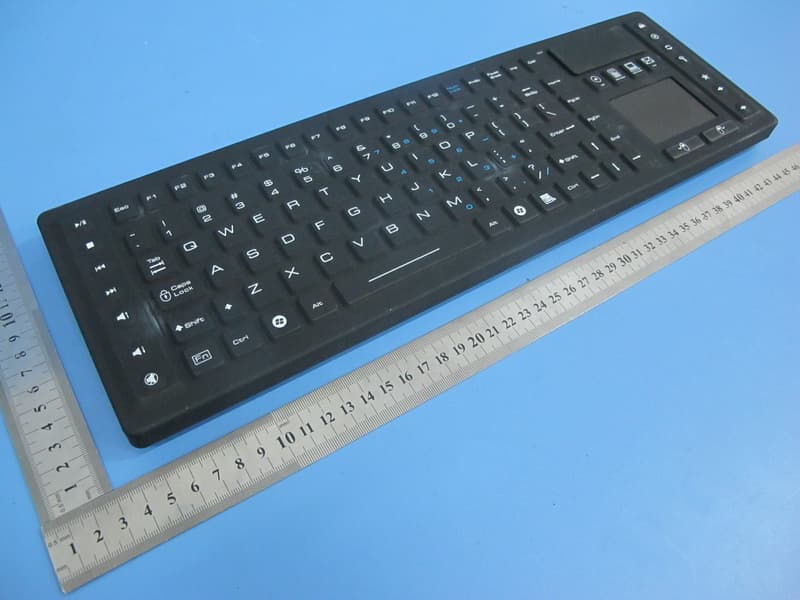
VOZ-TBK104
May 07, 2015Industrial Wireless Keyboard
Equipment Class
DXX - Part 15 Low Power Communication Device Transmitter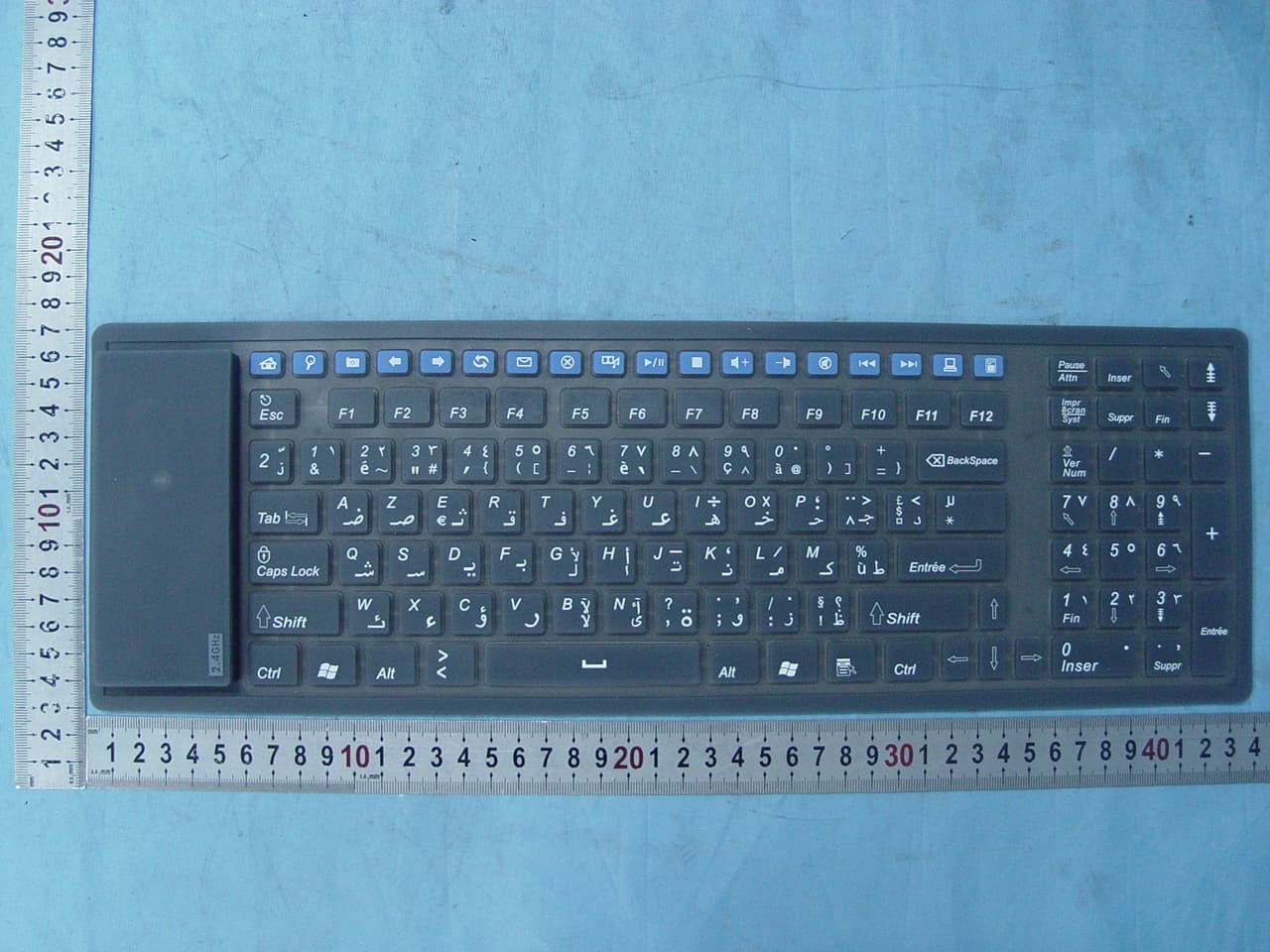
VOZFK126MW
Sep 27, 2007Wireless Silicone Keyboard
Equipment Class
DXX - Part 15 Low Power Communication Device Transmitter