WF7-MG03ASmart TV Box
MeLE Technologies (ShenZhen) Co.,LTD.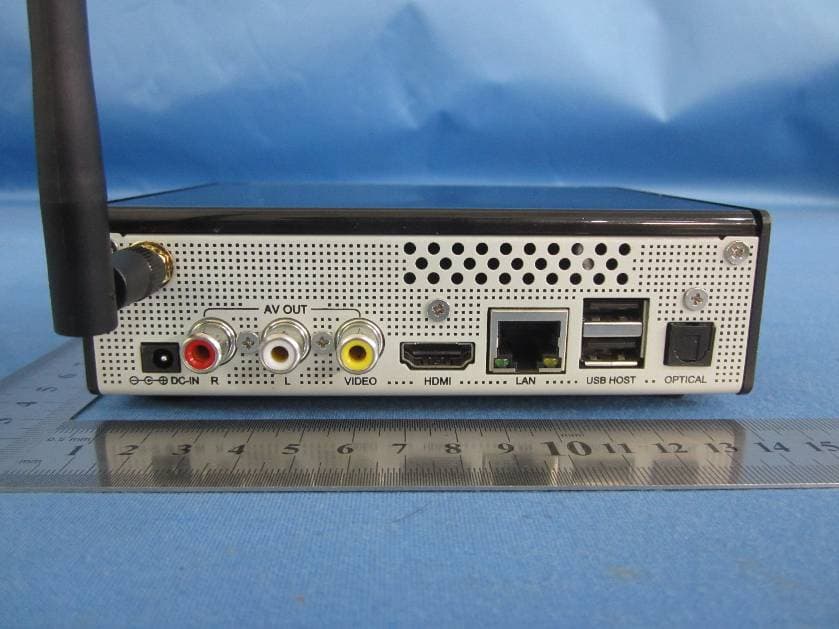
Click to zoom
Application Details
- Equipment Class
- DTS - Digital Transmission System
- Date of Grant
- Jan 14, 2013
- Application Purpose
- Original Equipment
- Date of Application
- Jan 13, 2013
- Equipment Note
- Smart TV Box
- Frequency Range
- 2412.00000000 - 2462.00000000
- Country
- China
Documents & Files
Document Text
Text extracted from the exhibit documents filed with the FCC. Open a document above to read the original.
Users Manual
QUICK START GUIDE <Product Overview> Remote Controller 1. Power Wakeup/standby. To power on/off the box, please press the power button in the front panel. 2. Setting Enter setup menu. 3. Help View guide information. 4. Search Start search engine. 5. Track Switch audio track of current program. 6. Home Return to Home screen. 7. Caption Switch caption of current program. 8. Menu Show/hide application menu. 9.Navigation buttons Press arrow buttons to select options, and press OK button to confirm. 10. Play/Pause Play/pause current playback. 11. Stop Stop current playback. 12. Prev Previous chapter/page up. 13/14/23/24. F1/F2/F3/F4 Reserved for application. 15. Numeric buttons Input numerical digitals. 16. Mute Mute on/off audio output. 17. Switch Enable/disable mouse mode. In mouse mode, you can move the cursor by arrow buttons. 18/19. VOL+/VOL- Turn up/down audio volume. 20. Info Show/hide program information. 21. Back Return to previous page. 22. Next Next chapter/page down. 1. Getting started 1.1 Connections Step 1: Connect to TV set Connect the output of the box to an input of your TV set. HDMI connection (High Definition, up to 1080p) is preferred; however you can choose AV connection (Standard Definition, NTSC) if your TV set does not have an HDMI port. Picture quality will be better if using an HDMI connection. Make sure the input selection in your TV set matches the connection with your box. This box can detect HDMI connection automatically. If HDMI is connected, the output is on HDMI and AV output is suppressed. Disconnecting HDMI connection, the output would change to AV automatically. Step 2: Connect to home router Connect the box to your home route with the Ethernet cable provided in the packing. You can ignore this step you would like to use a Wi-Fi network. However we do suggest you connect a wired network, which is usually more stable and reliable than a Wi-Fi network. Step 3: Connect to power Connect the box to a power outlet with the power adaptor provided in the packing. The box would boot automatically and the LED indicator in the front panel would turn blue. 1.2 Power on/off,Standby Power on The box will boot automatically after power is connection, the power indicator in the front panel will turn blue and keep blue while power on; Standby Press Power button on the remote controller, the box will enter standby mode and the power indicator turns red; press the Power button again to wake up the box. Power off Press Power button in the front panel to power off the box. The power indicator will turn off after power down. 1.3 Home Screen Buttons on the top of home screen Google Search Click to search input online. Application Click to view all installed applications. Buttons on the bottom of screen Return Return to previous page. Home Return to Home screen. Running App View running apps. Menu Show menu bar Taskbar Show time, network connection, USB device status and notifications. 2. Settings 2.1 Set language & input The system language is set to English by default. You can change it to your favorite. Go to Settings > Personal > Language & Input > Language, choose your favorite language. The setting can take effect immediately. 2.2 Set date & time Go to Settings > System > Date & Time, set the date, time and date format. You can set date & time through internet (check automatic date & time) or manually. It is recommended to use network provided date & time. Note that the box can get correct date & time only when internet is connected if using network provided date & time. <Picture> 2.3 Set time zone Go to Settings > System > Date & Time > Select time zone, please select the right time zone of your area. <Picture> 2.4 Set screen size and output mode The default resolution of HDMI output is 720p. You can go to Settings to make an adjustment. Go to Settings > Display > Screen trimming, adjust the video output size to match the TV screen. Go to Settings > Display > Display output mode, select the video output mode to best match your TV set. 2.5 Join a network Join a wired network: Connect your box to the router with Ethernet cable. Go to Settings > Wi-Fi, turn Wi-Fi off. Go to Settings, select Ethernet and check “Use Ethernet”. Join a Wi-Fi network: Go to Settings > Wi-Fi, turn Wi-Fi on. You can see a list of available access points, please click the proper one and input correct phrase to access a protected network. Once you join a Wi-Fi network, it would remember and automatically set up a Wi-Fi connection whenever the network is in range. Network connection icon <icon> (Ethernet) or <icon> (Wi-Fi) can be viewed at the right bottom of the home screen. 3. Applications Click the app icon at the upper right corner of the Home screen to view all applications. <Picture> Open and close an app You can open an app by click its icon. Force an app to close: Click ‘Running App’ on home screen, press and hold an app for a moment, then select ‘Remove from the list’. Install app from local memory: open FileManager, find your apk file in USB disk or SD card, click the apk file to start installation. Install app from online market: you may search and install apps from Google PlayStore, however you would need a registered Google account. Manage apps In Settings > Device > Apps, you can check apps installed, force an app to stop, uninstall an app, or move an app to SD card etc. 4. Web browsing Start Browser to view web pages as in a personal computer. You can connect a (wired/wireless) USB keyboard and/or mouse to facilitate the web surfing. Set text size: Click the ‘Settings’ button on the upper-right corner of the browser, select Accessibility, then set the text size for webpage. 5. File manager and local media playback Open File manager to view files in local memory or USB disk or SD card. To play high definition media files, please choose “TvdVideo” as the default video/picture player. 6. User information In an electrostatic discharge or a strong electromagnetic field, the product will malfun…
Text truncated - open the document above for the full version.
ID Label/Location Info
This device complies with part 15 of the FCC Rules. Operation is subject to the following two conditions: (1) This device may not cause harmful interference, and (2) this device must accept any interference received, including interference that may cause undesired operation.
ID Label/Location Info
Label location
RF Exposure Info
RF Exposure Evaluation Limits The criteria listed in the following table shall be used to evaluate the environment impact of human exposure to radio frequency (RF) radiation as specified in 1.1307(b) Limits for Maximum Permissible Exposure (MPE) Frequency range (MHz) Electric field strength (V/m) Magnetic field strength (A/m) Power density (mW/cm 2 ) Averaging time (minutes) (A) Limits for Occupational/Controlled Exposures 0.3–3.0 614 1.63 *(100) 6 3.0–30 1842/f 4.89/f *(900/f 2 ) 6 30–300 61.4 0.163 1.0 6 300–1500 f/300 6 1500–100,000 5 6 (B) Limits for General Population/Uncontrolled Exposure 0.3–1.34 614 1.63 *(100) 30 1.34–30 824/f 2.19/f *(180/f 2 ) 30 30–300 27.5 0.073 0.2 30 300–1500 f/1500 30 1500–100,000 1.0 30 f = frequency in MHz Friis transmission formula: Pd = (Pout*G)/(4*pi*r 2 ) Where Pd = power density in mW/cm 2 , Pout = output power to antenna in mW; G = gain of antenna in linear scale, Pi = 3.1416; R = distance between observation point and center of the radiator in cm Pd id the limit of MPE, 1 mW/cm 2 . If we know the maximum gain of the antenna and the total power input to the antenna, through the calculation, we will know the distance r where the MPE limit is reached. Test Procedure Software provided by client enabled the EUT to transmit and receive data at lowest, middle and highest channel individually. Test Result of RF Exposure Evaluation 802.11b mode Channel Output power to antenna (mW) Power Density at R=20cm (mW/cm 2 ) Limit (mW/cm 2 ) Result Lowest (2412MHz) 52.240 0.01647 1.0 PASS Middle (2437MHz) 55.590 0.01753 1.0 PASS Highest (2462MHz) 54.954 0.01733 1.0 PASS 802.11g mode Channel Output power to antenna (mW) Power Density at R=20cm (mW/cm 2 ) Limit (mW/cm 2 ) Result Lowest (2412MHz) 20.893 0.00659 1.0 PASS Middle (2437MHz) 24.378 0.00769 1.0 PASS Highest (2462MHz) 22.387 0.00706 1.0 PASS 802.11n(H20) mode Channel Output power to antenna (mW) Power Density at R=20cm (mW/cm 2 ) Limit (mW/cm 2 ) Result Lowest (2412MHz) 17.660 0.00557 1.0 PASS Middle (2437MHz) 20.045 0.00632 1.0 PASS Highest (2462MHz) 20.230 0.00638 1.0 PASS 802.11n(H40) mode Channel Output power to antenna (mW) Power Density at R=20cm (mW/cm 2 ) Limit (mW/cm 2 ) Result Lowest (2422MHz) 17.022 0.00537 1.0 PASS Middle (2437MHz) 18.621 0.00587 1.0 PASS Highest (2452MHz) 17.742 0.00559 1.0 PASS Remark: antenna gain=2.0 dBi
Test Report
Global United Technology Services Co., Ltd. Report No.: GTSE12120154301 Authorized Signature: Robinson Lo Laboratory Manager This report details the results of the testing carried out on one sample. The results contained in this test report do not relate to other samples of the same product and does not permit the use of the GTS product certification mark. The manufacturer should ensure that all products in series production are in conformity with the product sample detailed in this report. This report may only be reproduced and distributed in full. If the product in this report is used in any configuration other than that detailed in the report, the manufacturer must ensure the new system complies with all relevant standards. Any mention of GTS International Electrical Approvals or testing done by GTS International Electrical Approvals in connection with, distribution or use of the product described in this report must be approved by GTS International Electrical Approvals in writing. This document cannot be reproduced except in full, without prior written approval of the Company. Any unauthorized alteration, forgery or falsification of the content or appearance of this document is unlawful and offenders may be prosecuted to the fullest extent of the law. Unless otherwise stated the results shown in this test report refer only to the sample(s) tested and such sample(s) are retained for 90 days only.” FCC REPORT Applicant: ShenZhen Mele Digital Technology Ltd Address of Applicant: 6/F, Union Friend Industrial Center, Langshan Road Industry Park, Shenzhen, (518051) China Equipment Under Test (EUT) Product Name: Smart TV Box Model No.: MC100 FCC ID: WF7-MG03A Applicable standards: FCC CFR Title 47 Part 15 Subpart C Section 15.247:2011 Date of sample receipt: December 25, 2012 Date of Test: December 25-31, 2012 Date of report issued: January 04, 2013 Test Result : PASS * * In the configuration tested, the EUT complied with the standards specified above. Report No.: GTSE12120154301 Global United Technology Services Co., Ltd. Project No.: GTSE121201543RF 2nd Floor, Block No.2, Laodong Industrial Zone, Xixiang Road Baoan District, Shenzhen, China 518102 Telephone: +86 (0) 755 2779 8480 Fax: +86 (0) 755 2779 8960 Page 2 of 62 2 Version Version No. Date Description 00 January 04, 2013 Original Prepared By: Date: January 04, 2013 Project Engineer Check By: Date: January 04, 2013 Reviewer Report No.: GTSE12120154301 Global United Technology Services Co., Ltd. Project No.: GTSE121201543RF 2nd Floor, Block No.2, Laodong Industrial Zone, Xixiang Road Baoan District, Shenzhen, China 518102 Telephone: +86 (0) 755 2779 8480 Fax: +86 (0) 755 2779 8960 Page 3 of 62 3 Contents Page 1 COVER PAGE ...........................................................................................................................................1 2 VERSION .................................................................................................................................................. 2 3 CONTENTS .............................................................................................................................................. 3 4 TEST SUMMARY ..................................................................................................................................... 4 5 GENERAL INFORMATION ...................................................................................................................... 5 5.1 CLIENT INFORMATION......................................................................................................................... 5 5.2 GENERAL DESCRIPTION OF EUT ......................................................................................................... 5 5.3 TEST MODE........................................................................................................................................ 6 5.4 DESCRIPTION OF SUPPORT UNITS....................................................................................................... 6 5.5 TEST FACILITY.................................................................................................................................... 7 5.6 TEST LOCATION................................................................................................................................. 7 6 TEST INSTRUMENTS LIST ..................................................................................................................... 8 7 TEST RESULTS AND MEASUREMENT DATA...................................................................................... 9 7.1 ANTENNA REQUIREMENT:.................................................................................................................... 9 7.2 CONDUCTED EMISSIONS................................................................................................................... 10 7.3 CONDUCTED PEAK OUTPUT POWER.................................................................................................. 13 7.4 CHANNEL BANDWIDTH...................................................................................................................... 18 7.5 POWER SPECTRAL DENSITY............................................................................................................. 23 7.6 BAND EDGES.................................................................................................................................... 28 7.6.1 Conducted Emission Method ..................................................................................................... 28 7.6.2 Radiated Emission Method ........................................................................................................31 7.7 SPURIOUS EMISSION......................................................................................................................... 36 7.7.1 Conducted Emission Method ...............................................................................…
Text truncated - open the document above for the full version.
Test Setup Photos
Radiated Emission Conducted Emission
Contact Information
Applicant
Ji Wang
Technical Contact
Global United Technology Services Co., Ltd.Hans Hu
[email protected]+86-0755-27798480
2nd Floor, Block No.2, Laodong Industrial Zone · Shenzhen · China
Test Firm
Global United Technology Service Co., LtdRobinson Lo
Technical Specifications
| # | Rule Parts | Frequency Range | Power Output |
|---|---|---|---|
| 1 | 15C | 2.41 GHz - 2.46 GHz | 55.60 mW |
Other Applications from MeLE Technologies (ShenZhen) Co.,LTD.
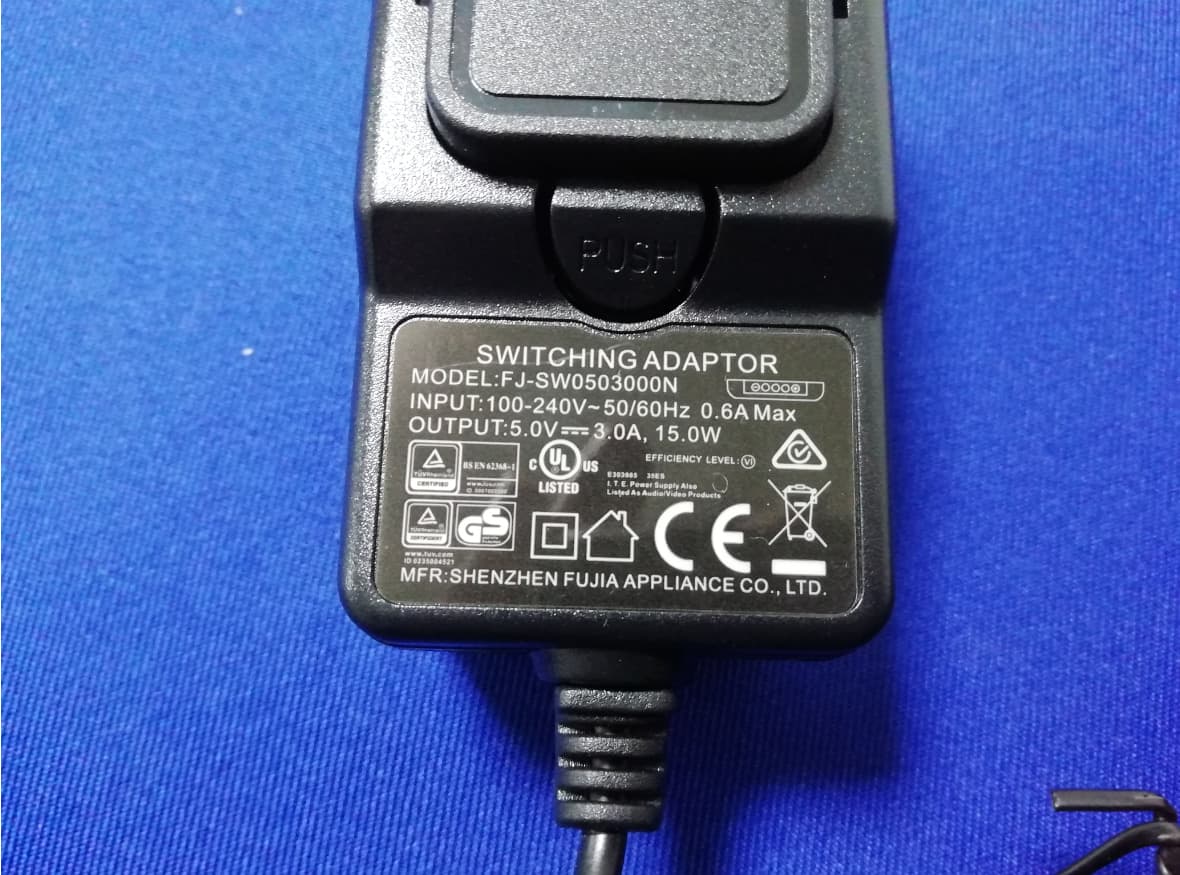
WF7PCG02202001
Jan 14, 2021Fanless Mini PC
Equipment Class
DTS - Digital Transmission System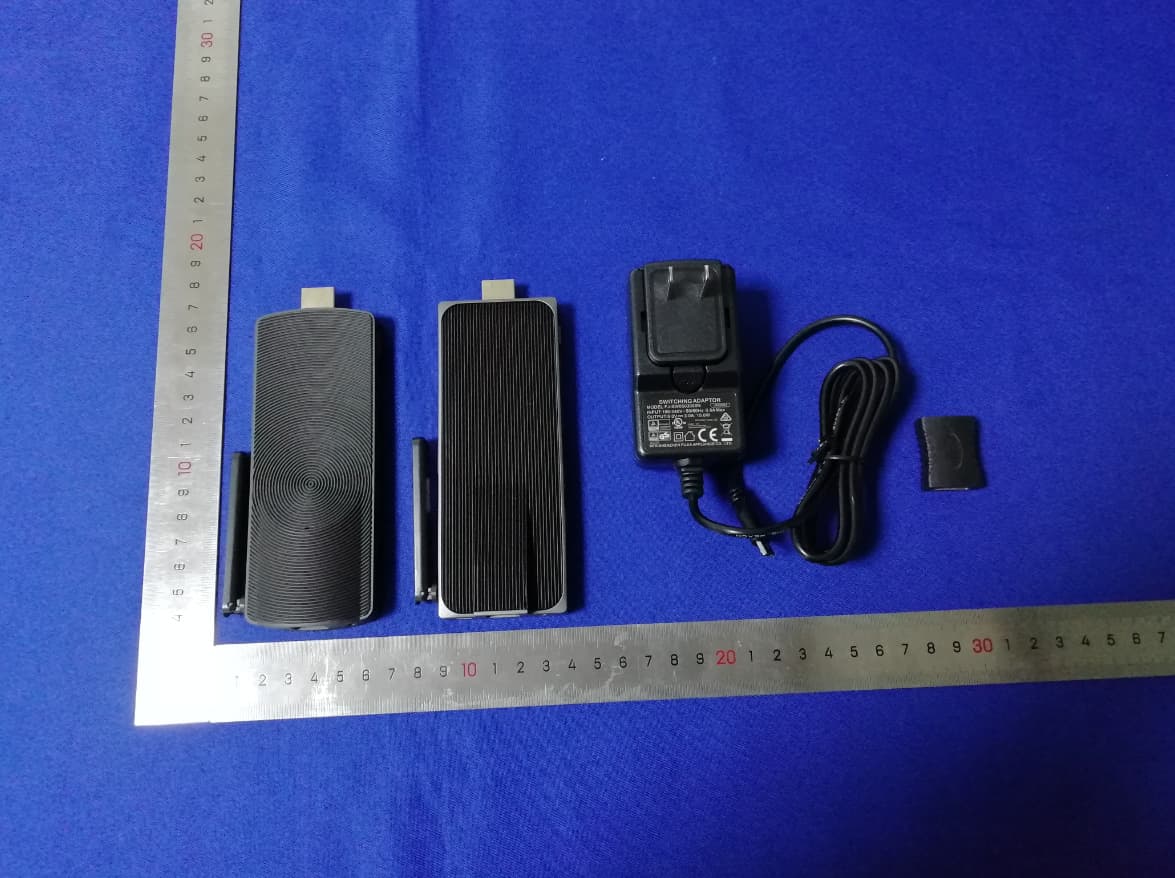
WF7PCG02202002
Jan 13, 2021Fanless Mini PC
Equipment Class
DTS - Digital Transmission System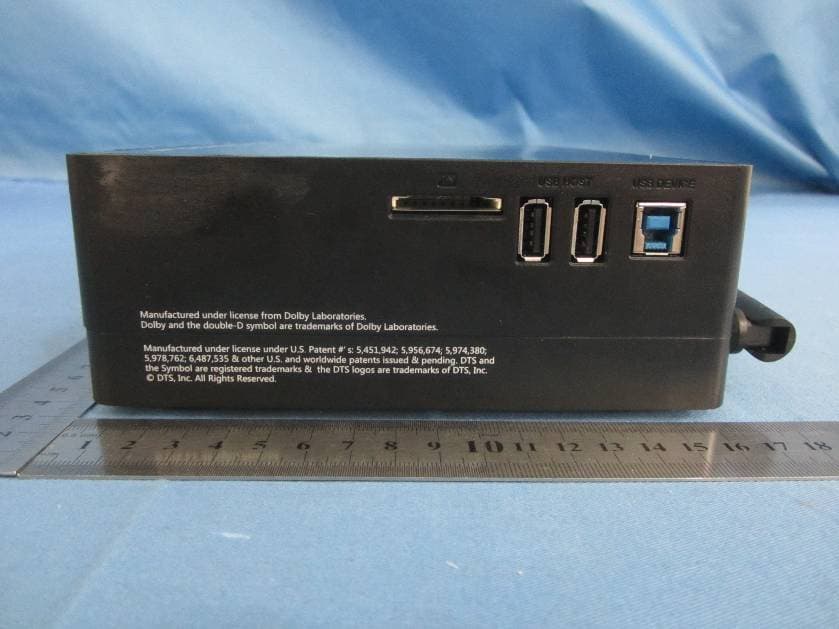
WF7-HD720
Jan 05, 2014Multimedia player
Equipment Class
DTS - Digital Transmission System