WIWTLR401Fingerprint keypad
e-DATA GmbH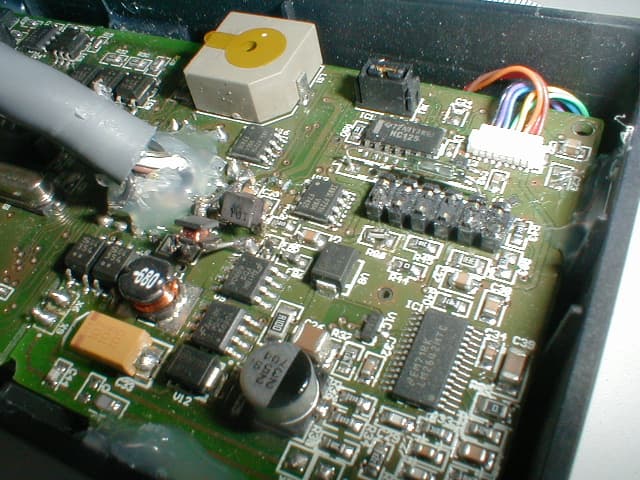
Click to zoom
Application Details
- Equipment Class
- DXT - Part 15 Low Power Transceiver, Rx Verified
- Date of Grant
- Dec 14, 2008
- Application Purpose
- Original Equipment
- Date of Application
- Jul 30, 2008
- Equipment Note
- Fingerprint keypad
- Frequency Range
- 13.56000000 - 13.56000000
- Company
- e-DATA GmbH
- Country
- Germany
Documents & Files
Document Text
Text extracted from the exhibit documents filed with the FCC. Open a document above to read the original.
Users Manual
TLR401 FP Administration and Enrollment 1 TLR401 FINGERPRINT KEY Manual Version 1.2 TIMELINK International GmbH TLR401 FP Administration and Enrollment 2 TIMELINK International GmbH Mollenbachstrasse 19 D-71229 Leonberg Telefon (0 71 52) 93979-0 Telefax (0 71 52) 93979-50 [email protected] TLR401 FP Enrollment Manual Version 1.2 Copyright 2008 TIMELINK International GmbH This Manual is protected by copyright. The user manual may only be copied within the framework of the intended usage. Any reproduction or translations of the manual beyond this or its transmission onto electronic media, even in extract form, is only allowed with the express permission ofTimeLink International. TimeLink International reserves the right to make changes to the user manual and to the devices without special notice. TimeLink Internationaldoes not accept any liability whatsoever for direct or indirect damage, especially loss of data, that results from the usage of the TLR401 terminal, or from the information in this Manual TLR401 FP Administration and Enrollment 3 Content 1General Comments6 1.1Symbols....................................................................................6 1.2Device name.............................................................................7 1.3Intended Usage ........................................................................7 1.4Protection Class........................................................................7 1.5Safety Measures.......................................................................7 1.6Before Commissioning ..............................................................7 1.7Operation ..................................................................................7 1.8Installation and Service .............................................................8 1.9CE Conformance ......................................................................8 2Technical Data9 2.1Mechanical Structure ................................................................9 2.2Hardware Features ...................................................................9 2.3Biometric Sensor.......................................................................9 2.4Display......................................................................................9 2.5Connection................................................................................9 2.6Interface....................................................................................9 2.7Power Supply..........................................................................10 2.8Environment Conditions..........................................................10 2.9Dimensions and Weight ..........................................................10 2.10Cable Specifications ...............................................................10 3Installation11 3.1Installation Requirements........................................................11 3.2Condition ................................................................................11 3.3Wiring .....................................................................................11 4Configuration Settings12 4.1Before Power ON....................................................................12 5Wiring and Jumpers12 6General Introduction13 TLR401 FP Administration and Enrollment 4 6.1View of the control elements ...................................................13 6.2Basics .....................................................................................14 6.3Basic operating principles .......................................................14 6.4Operating modes ....................................................................15 6.4.1User Operation (without iCLASS):...........................................16 6.4.2User Operation with iCLASS:..................................................16 7Administrator Functions17 7.1Enrollment...............................................................................17 7.2Delete Single User ..................................................................18 7.3Delete Database .....................................................................19 7.4Change to Operation Mode Identify (Default) ..........................19 7.5Change to Operation Mode Verify...........................................20 7.6Change to Operation Mode User ID from iCLASS Card ..........20 7.6.1Operation Mode User ID from iCLASS Card ...........................20 7.6.2Verify with iCLASS Card .........................................................21 7.6.3Enroll with iCLASS..................................................................21 7.7Adjust Admin Code .................................................................21 7.8Define the number of digits for the User ID .............................22 7.9Enable PIN mode and defining its number of digits .................22 7.10Enable Re-Entry of PIN and User ID .......................................23 7.11Enable iCLASS Mode .............................................................23 7.12Learn iCLASS admin card.......................................................24 7.13Define door opening time ........................................................24 7.14Adjust Standalone output mode (e.g. Wiegand 37 bit , 26 bit or RS485 security mode)_...........................................................25 7.15Adjust HID Wiegand facility code ............................................25 7.16Setting the display in Standalone mode ..................................26 7.17Loading firmware (for authorized service personal only) .........26 7.18Reset to defaults.....................................................................27 7.19Hardware reset .......................................................................27 8Online Operation with Host28 8.1Connecting the TLR401 to the door unit (BDC).......................29 9Maintenance31 TLR401 FP Administration and Enrollment 5 9.1Customer Service .......…
Text truncated - open the document above for the full version.
Operational Description
TLR401 FP Administration and Enrollment 1 TLR401 FINGERPRINT KEY Manual Version 1.2 TIMELINK International GmbH TLR401 FP Administration and Enrollment 2 TIMELINK International GmbH Mollenbachstrasse 19 D-71229 Leonberg Telefon (0 71 52) 93979-0 Telefax (0 71 52) 93979-50 [email protected] TLR401 FP Enrollment Manual Version 1.2 Copyright 2008 TIMELINK International GmbH This Manual is protected by copyright. The user manual may only be copied within the framework of the intended usage. Any reproduction or translations of the manual beyond this or its transmission onto electronic media, even in extract form, is only allowed with the express permission ofTimeLink International. TimeLink International reserves the right to make changes to the user manual and to the devices without special notice. TimeLink Internationaldoes not accept any liability whatsoever for direct or indirect damage, especially loss of data, that results from the usage of the TLR401 terminal, or from the information in this Manual TLR401 FP Administration and Enrollment 3 Content 1General Comments6 1.1Symbols....................................................................................6 1.2Device name.............................................................................7 1.3Intended Usage ........................................................................7 1.4Protection Class........................................................................7 1.5Safety Measures.......................................................................7 1.6Before Commissioning ..............................................................7 1.7Operation ..................................................................................7 1.8Installation and Service .............................................................8 1.9CE Conformance ......................................................................8 2Technical Data9 2.1Mechanical Structure ................................................................9 2.2Hardware Features ...................................................................9 2.3Biometric Sensor.......................................................................9 2.4Display......................................................................................9 2.5Connection................................................................................9 2.6Interface....................................................................................9 2.7Power Supply..........................................................................10 2.8Environment Conditions..........................................................10 2.9Dimensions and Weight ..........................................................10 2.10Cable Specifications ...............................................................10 3Installation11 3.1Installation Requirements........................................................11 3.2Condition ................................................................................11 3.3Wiring .....................................................................................11 4Configuration Settings12 4.1Before Power ON....................................................................12 5Wiring and Jumpers12 6General Introduction13 TLR401 FP Administration and Enrollment 4 6.1View of the control elements ...................................................13 6.2Basics .....................................................................................14 6.3Basic operating principles .......................................................14 6.4Operating modes ....................................................................15 6.4.1User Operation (without iCLASS):...........................................16 6.4.2User Operation with iCLASS:..................................................16 7Administrator Functions17 7.1Enrollment...............................................................................17 7.2Delete Single User ..................................................................18 7.3Delete Database .....................................................................19 7.4Change to Operation Mode Identify (Default) ..........................19 7.5Change to Operation Mode Verify...........................................20 7.6Change to Operation Mode User ID from iCLASS Card ..........20 7.6.1Operation Mode User ID from iCLASS Card ...........................20 7.6.2Verify with iCLASS Card .........................................................21 7.6.3Enroll with iCLASS..................................................................21 7.7Adjust Admin Code .................................................................21 7.8Define the number of digits for the User ID .............................22 7.9Enable PIN mode and defining its number of digits .................22 7.10Enable Re-Entry of PIN and User ID .......................................23 7.11Enable iCLASS Mode .............................................................23 7.12Learn iCLASS admin card.......................................................24 7.13Define door opening time ........................................................24 7.14Adjust Standalone output mode (e.g. Wiegand 37 bit , 26 bit or RS485 security mode)_...........................................................25 7.15Adjust HID Wiegand facility code ............................................25 7.16Setting the display in Standalone mode ..................................26 7.17Loading firmware (for authorized service personal only) .........26 7.18Reset to defaults.....................................................................27 7.19Hardware reset .......................................................................27 8Online Operation with Host28 8.1Connecting the TLR401 to the door unit (BDC).......................29 9Maintenance31 TLR401 FP Administration and Enrollment 5 9.1Customer Service .......…
Text truncated - open the document above for the full version.
Test Setup Photos
Test report TLE27_01 EUT: RFID Reader / Short range device Trade name: TLR 401 Tested type: TLR 401 FCC Identifier: Pending Production level: 06/2008 S/N: xx Responsible party: TimeLink International GmbH Mollenbachstr. 19 71229 Leonberg / Germany Test remit: FCC Rules 47 CFR Part 15 – Subpart C Section 15.209 The standards were: kept* not kept* *Remark: Validation covered by the accredited scope Validation not covered by the accredited scope according:__________ Applicant: TimeLink International GmbH Mollenbachstr. 19 71229 Leonberg / Germany EUT- Date of arrival: 06/27/2008 Test ID: PRE26_08 Date(s) of test: 06/30/2008 Burgrieden, 07/14/2008 Released by: _______________________________________________ Principal engineer - Christian Vogelmann Remark: The test results effects only to the relate items tested. The test report shall not be reproduced except in full without the written approval of the testing laboratory. Test report TLE27_01 2008-07-01 Page 2 of 31 Test laboratory: EMCE GmbH Ingenieurbüro für EMV-Prüfungen und Schaltungsentwicklung Untere Wiesen 1 / 88483 Burgrieden DAR-Registration No.: DAT-P-153/98-01 CAB-Registration No.: BnetzA-CAB-02/21-01/1 FCC-Registration No.: 90568 Hochschule Ulm Eberhard-Finckh-Str. 11 / 89075 Ulm The susceptibility test according EN 61000-4-3 carried out in the EMC-testing laboratory of the Hochschule Ulm Responsible inspector: Mr. Hauser EMCE GmbH Ingenieurbüro für EMV-Prüfungen und Schaltungsentwicklung Contact person: Mr. Titze EUT- Description: RFID Card Reader Voltage supply: 115V / 60Hz Frequency list: RFID frequency 13.56 MHz Crystal frequency: 10.0 MHz Temperature range: xx Size: Approximately115x65x50 mm (LxWxH) Test report TLE27_01 2008-07-01 Page 3 of 31 Supplied / used equipment: Designation S/N FCC-ID Manufacturer Power Supply G071108021370 xx Sunny Door unit xx xx TimeLink International Configuration: As-delivered condition Modified* *_________ Cable designation Type Length Remarks RS 485 and DC Power lead unshielded 20m xx Remarks: xx State of revision: Source document New Document Date / Reviser Modifications Test report TLE27_01 2008-07-01 Page 4 of 31 Test equipment list of EMCE GmbH: Inv.- No. Designation Type Manufacturer S/N Calibration: interval / valid until: 001 Test receiver ESS 5Hz - 1000 MHz Rohde & Schwarz 833776/008 1 year / 08/2008 002 Probe ESH2-Z3 Rohde & Schwarz - 1 year / 08/2007 003 LISN 1 ESH3-Z5 Rohde & Schwarz 835268/007 1 year / 08/2007 004 LISN 2 ESH3-Z5 Rohde & Schwarz 835268/003 1 year / 08/2007 005 LISN 3 NNB 4/32T Rolf Heine HF- Technik 4/32T-96015 1 year / 07/2007 007 Absorbing clamp MDS 21 Schwarzbeck 942436 1 year / 08/2007 008 Antenna 9kHz - 30MHz HFH2-Z2 Rohde & Schwarz 835776/0002 3 years / 05/2010 009 Antenna 30 - 300MHz VHBA9123 / BBA9106 Schwarzbeck 435 1 year / 08/2007 010 Antenna 250 -1200MHz UHALP 9108A Schwarzbeck 108 1 year / 08/2007 011 Antenna 30 - 300MHz VHBA9123 / BBA9106 Schwarzbeck 0408/94 1 year / 08/2007 012 Antenna 250 -1200MHz UHALP 9108A Schwarzbeck 166 1 year / 08/2007 013 Antenna 9kHz - 30 MHz Loop antenna 1.5m ∅ EMCE GmbH - 1 year / 08/2007 014 OATS 3m EMCE GmbH - 3 years / 09/2007 015 OATS 10m EMCE GmbH - 1 year / 08/2007 020 Coupling clamp IP4A Haefely 082672-13 1 year / 08/2007 022 ESD-Gun NSG 435 Schaffner 577 1 year / 08/2007 024 HF-Generator SMY01 Rohde & Schwarz 844146/046 1 year / 08/2007 025 Current clamp BCI F-120-2 FCC 47 1 year / 08/2007 026 Coupling device network CDN 801-M3-25 FCC 92 1 year / 08/2007 Test report TLE27_01 2008-07-01 Page 5 of 31 Inv.- No. Designation Type Manufacturer S/N Calibration: interval / valid until: 030 Coupling device network CDN-S9 EMCE GmbH - 1 year / 08/2007 031 Coupling device network CDN-S9 EMCE GmbH - 1 year / 08/2007 032 HF Amplifier 75A250 Amplifier Research 22789 1 year / 08/2007 033 Coupling device network CDN-AF2 EMCE GmbH 1 year / 08/2007 034 Coupling device network CDN-AF2 EMCE GmbH 1 year / 08/2007 035 3-φ- Coupling network CDN-1000 EMC-Partner AG CDN-1000-45 1 year / 08/2007 036 Coupling device network CDN-M5-25 EMCE GmbH 1 year / 08/2007 037 Coupling device network CDN-S1 EMCE GmbH 1 year / 08/2007 038 Helmholtz coil Rectangular 1x1m EMCE GmbH 1 year / 08/2007 039 Helmholtz coil Rectangular 1x1m EMCE GmbH 1 year / 08/2007 040 Current transformer EMCE GmbH 1 year / 08/2007 041 HZ-10 Shielded coil Rohde & Schwarz 849788/020 3 years / 05/2010 042 AC-Source / Analyser / Norm impedance EMV D5000/PAS Spitzenberger + Spies A274700/ 0 0501 2 years / 09/2007 xx Test equipment according DIN EN 61000-4-3 Full anechoic chamber 3m Test site Siemens xx 1 year / 06/2008 043 Receiver 3DH/E Field meter ESM-100 Maschek 971521 3 years / 12/2007 044 CDN CN-U EMC-Partner AG 86 3 years / 09/2008 045 CDN DN-HF EMC-Partner AG 86 3 years / 09/2008 046 CDN DN-LF2 EMC-Partner AG 86 3 years / 09/2008 047 CDN DN-LF1 EMC-Partner AG 86 3 years / 09/2008 048 ESD-/Burst-/Surge- Generator Transient 2000 EMC-Partner AG 561 1 year / 08/2007 Test report TLE27_01 2008-07-01 Page 6 of 31 Inv.- No. Designation Type Manufacturer S/N Calibration: interval / valid until: 050 Data Acquisition/Switch Unit Agilent 34970A Agilent Technologies Inc. MY41019453 3 years / 11/2009 051 20 Channel Multiplexer Agilent 34901A Agilent Technologies Inc. MY41013531 3 years / 11/2009 052 Function / Arbitrary Waveform Generator Agilent 33220A Agilent Technologies Inc. MY43002650 3 years / 11/2009 054 Helmholtz coil Rectangular 1.25x1.25m EMCE GmbH 1 year / 08/2007 055 Helmholtz coil Rectangular 1.25x1.25m EMCE GmbH 1 year / 08/2007 057 Field probe HI-6005 Holaday 34274 1 year / 04/2008 058 Receiver ESIB 40 Rohde & Schwarz 100200 3 years / 08/2007 060 HF Coupling clamp KEMA 801 Schaffner 20808 3 years / 11/2007 Test report TLE27_01 2008-07-01 Page 7 of 31 Scope: 1 EMC-Test(s) ................................................................................................ 8 1.1 EMI Report FCC Rules 47 CFR Part 15 – Subpart C – Technical standards .....................................…
Text truncated - open the document above for the full version.
Contact Information
Applicant
Ulrich Titze
Technical Contact
Test Firm
EMCE GmbHChristian Vogelmann
Technical Specifications
| # | Rule Parts | Frequency Range | Power Output | Tolerance |
|---|---|---|---|---|
| 1 | 15C | 13.56 MHz - 13.56 MHz | - | Hz |
Other Applications from e-DATA GmbH
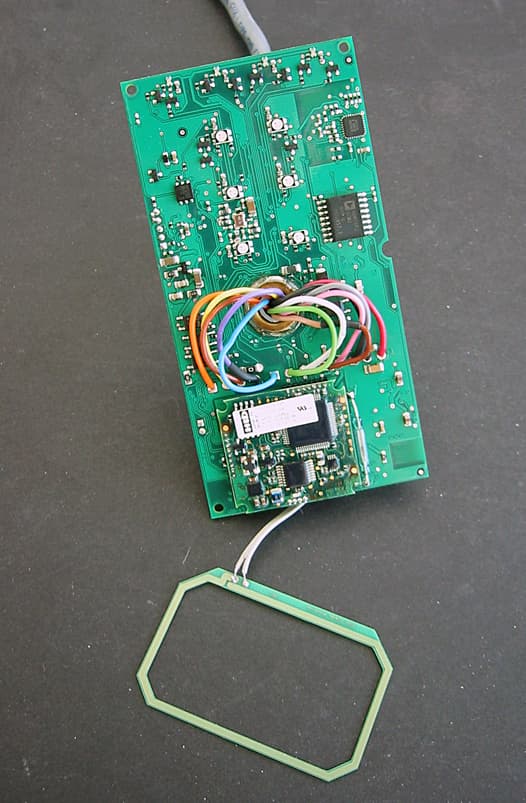
WIWAR402
Jan 23, 2012RFID Reader
Equipment Class
DXX - Part 15 Low Power Communication Device Transmitter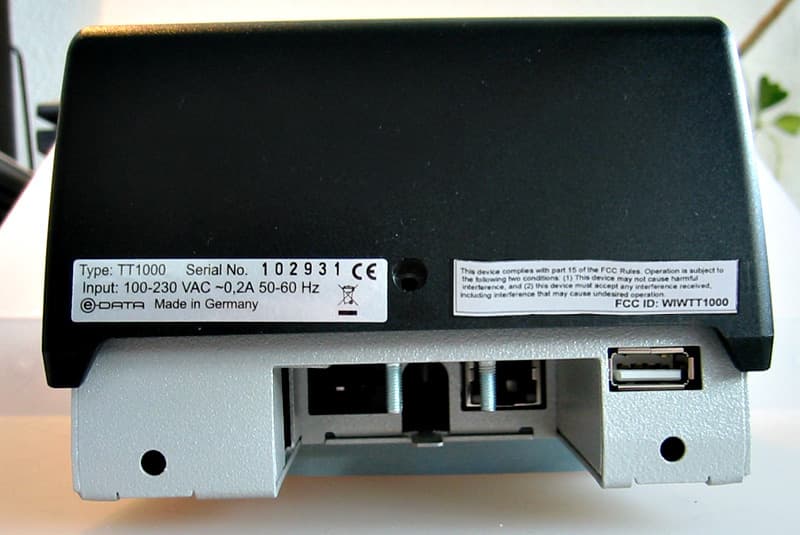
WIWTT1000
Mar 01, 2010Badge Reader
Equipment Class
DXX - Part 15 Low Power Communication Device Transmitter