WM4796BLE Analog Watch
Latitude Limited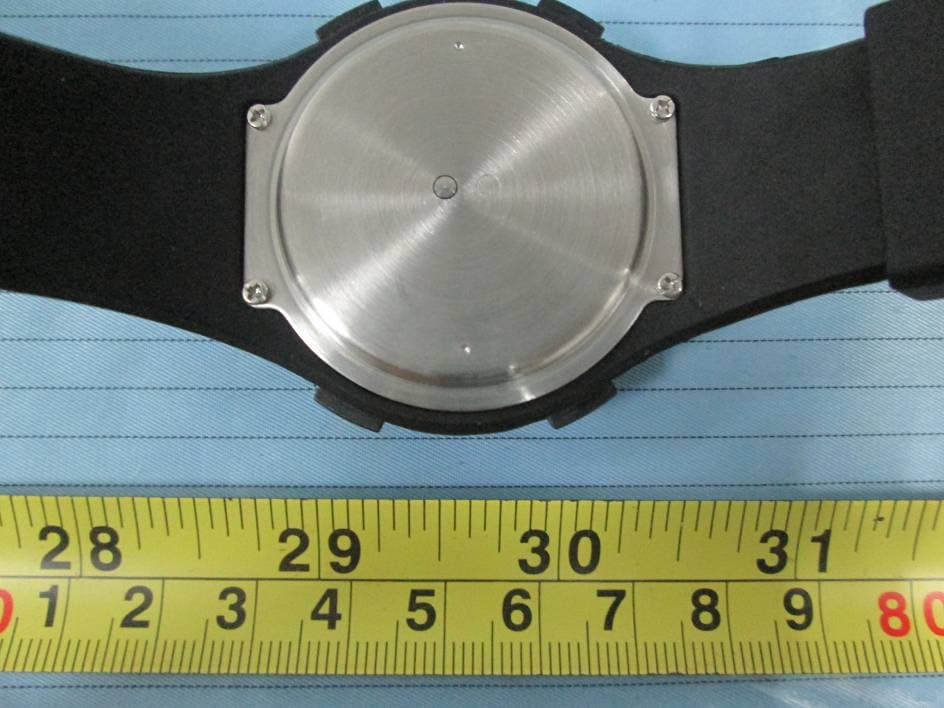
Click to zoom
Application Details
- Equipment Class
- DTS - Digital Transmission System
- Date of Grant
- May 04, 2015
- Application Purpose
- Original Equipment
- Date of Application
- May 04, 2015
- Equipment Note
- BLE Analog Watch
- Frequency Range
- 2402.00000000 - 2480.00000000
- Company
- Latitude Limited
- Country
- Hong Kong
Documents & Files
Document Text
Text extracted from the exhibit documents filed with the FCC. Open a document above to read the original.
Users Manual
Ana-Digit Smart Watch Instruction Manual FCC Statement FCC Caution: Any Changes or modifications not expressly approved by the party responsible for compliance could void the user’s authority to operate the equipment. This device complies with part 15 of the FCC Rules. Operation is subject to the following two conditions: (1) This device may not cause harmful interference, and (2) this device must accept any interference received, including interference that may cause undesired operation. IMPORTANT NOTE: FCC Radiation Exposure Statement: This equipment complies with FCC radiation exposure limits set forth for an uncontrolled environment. Note: This equipment has been tested and found to comply with the limits for a Class B digital device, pursuant to part 15 of the FCC Rules. These limits are designed to provide reasonable protection against harmful interference in a residential installation. This equipment generates, uses and can radiate radio frequency energy and, if not installed and used in accordance with the instructions, may cause harmful interference to radio communications. However, there is no guarantee that interference will not occur in a particular installation. If this equipment does cause harmful interference to radio or television reception, which can be determined by turning the equipment off and on, the user is encouraged to try to correct the interference by one or more of the following measures: — Reorient or relocate the receiving antenna. — Increase the separation between the equipment and receiver. — Connect the equipment into an outlet on a circuit different from that to which the receiver is connected. — Consult the dealer or an experienced radio/TV technician for help. 1.0 Introduction Thank you for your purchase of the Ana-Digit Smart Watch. With this watch, you can monitor your daily activities, incoming / missed call, email and message ! Simply put the watch on your wrist and this watch will record the number of steps taken, the distance travelled and the calorie burnt in your daily activity for your review. This product has to be used in line with an iOS devices that support Bluetooth 4.0 technology to review your daily activities. Your Ana-Digit Smart Watch is carefully designed and produced. In order to fully utilize the features of the Ana-Digit Smart Watch, it is advisable to use it in conformity with the notes mentioned below: Read this user’s manual carefully before using the Ana-Digit Smart Watch and keep this manual in a safe place for future reference. Avoid exposing the Ana-Digit Smart Watch to extreme conditions for an unreasonable time. Avoid rough use or severe impacts on the Ana-Digit Smart Watch. Keep the Ana-Digit Smart Watch away from magnets or appliances which contain magnetic components such as speakers or motors as these items may ruin the sensors. Clean the Ana-Digit Smart Watch occasionally with a soft cloth. DO NOT expose the Ana-Digit Smart Watch to strong chemicals such as gasoline and alcohol as they will damage the Ana- Digit Smart Watch. DO NOT dispose of the Ana-Digit Smart Watch into fire as the battery inside the main unit may explode. WARNING! Make sure that you fully understand the functions and limitations of the Ana-Digit Smart Watch and it is NOT a professional medical device. Should you have any further questions regarding your daily life condition, please consult your doctor. 2.0 Specifi cations Features: — BLE smartphones connectivity — LED indicators — Buzzer and vibration alerts — Activity Monitor — Personal Data Setting/Watch Confi guration fully set from smartphones — Automatic Time Sync — Paging / Remote Shutter [P]: PAGING [ST]: STATUS [C]: CROWN [G]: GOAL [S]: SHUTTER 1. Download the app ( Name: BLE Analog) from the App store in your deivce before use. After installing the APP, go to Setting in your iOS device and activate Bluetooth. Setting Bluetooth Turn on SettingBluetoothTurn on 3.0 Device pairing The following procedures guide you through the device pairing process: 3.0 Device pairing and unpair MenuSettingPairID number 2. Go to the device pairing screen in the APP : Menu Settings Device Pairing. Click the PAIR button. The APP starts scanning for matching an available device. To unpair the Ana-Digit smart watch, press the forget button in the App. Also forget the Bluetooth device in the iOS 3.0 Device pairing [G]: GOAL Press and hold [G] button for 2 seconds.Pairing success BEEP BEEP BEEP 3. Press and hold [G] button for 2 seconds to start pairing, beep beep sound will be generated. When pairing are successful, beep beep beep sound will be generated. Otherwise, It will terminate the search function after 20 seconds 4.1 Time setting with crown — Pull the crown out to adjust the hour and minute hands. Recommend to pull the crown when the Second hand comes to 12:00 position. — Adjust the hands to a few seconds ahead of the real time — Push the crown back to its normal position at the moment when the hands sync with the real time. Pull the crown out to adjustPush the crown back to running position 4.0 Time setting Analog movement Time setting can be done manually with crown or via smartphones. Note: Time setting is necessary whenever battery is changed. 4.2 Time setting through Apps MenuUpdate Smart Watch Time — Menu Update Clock — The analog time is frozen by the APP. — Input the current TIME (HH:MM:SS) in the APP — Press “Sync Now” button and Beep-Beep is generated. The watch hands will be advanced in fast pace to the current time automatically. — Beep-Beep-Beep is generated at the end of adjustment. Go to smart watch time setting screen in the APP: Note: If the time is only a few minutes ahead of the real time, it will just stay in the current position and wait for time elapse until real time is synced. Automatic time sync: when the watch is connected to the phone, the time will automatically sync. 5.0 Notifi cation mode [P]: PAGING Press to fi nd the smartphone [ST]: STATUS Press once to show all kinds of n…
Text truncated - open the document above for the full version.
Cover Letter(s)
La titude Limited Latitude Limited 7后, Southeast lndustrial Building , 611-619 Cas tI e P臼k Road , Tsuen Wan , N.T. , Hong Kong Tel: -852-2410-0338 Fax: 852-2494-0993 FCC Authorization 4 /1 7 /2 015 FEDERAL COMMUNICA TIONS COMMISSIONS Authorization and Evaluation Division 7435 Oa k1 and M i1l s Road Columbia , MD 21046 Subjec t: Agent Authorization To whom it may concem: We ,.L atitude Limite Q , the undersigned , hereby authorize Bay Area Compliance Laboratories Corporation to act on its behalf in all matters relating to application for Equipment authorization , in c1 uding the signing of all documents re1ating to these matters. All acts carried out by Bay Area Compliance Laboratory Corporation on our behalf shall have the same effect as our own action. We , the undersigned , hereby certify that we are not subject to a denial offederal benefits , that in c1 udes FCC benefits , pursuant to Section 5301 ofthe An ti-Drug Abuse Act of 1988 , 21 U. S.C. 862. This authorization is valid until further written notice from the applican t. Sincerely Y ours , :1:k队(ω Senior Electronic Engineer
Cover Letter(s)
Latitude Limited Latitude Li mited 7 1F, Southeast Industrial Building , 611-619 Cas tI e Peak Road , Tsuen Wan , N.T. , Hong Kong Tel: -852-2410-0338 F缸: 852-2494-0993 QA-FR-170-B FCC Confidential Authorization 4 /1 7/2015 FEDERAL COMMUNICA TIONS COMMISSIONS Authorization and Evaluation Division 7435 Oa k1 and M i11 s Road Columbia , MD 21046 Confidentiality Request regarding application for certification of FCC ID: WM4796 Pursuant to Sections 0 .4 57 and 0 .4 59 ofthe Commission's Rules , we hereby request confidential treatment of information accompanying this application as outlined below: • Block Diagram---(Long term) • Circuit Description---(Long term) • Detailed Circuit Schematics ofEUT---(Long term) The above materials contain trade secrets and proprietary information not customarily released to the public. The public disclosure of these materials may be harmful to the applicant and provide unjustified benefits to its competitor s. The applicant understands that pursuant to Section 0 .4 57 of the Rules, disclosure of this application and all accompanying documentation will not be made before the date of the grant for this application. 03 rA U O YK Vde 叭 ''且 VAmn 四川 E mmrm 剖缸瓦 (但从(今-仁 Senior Electronic Engineer
External Photos
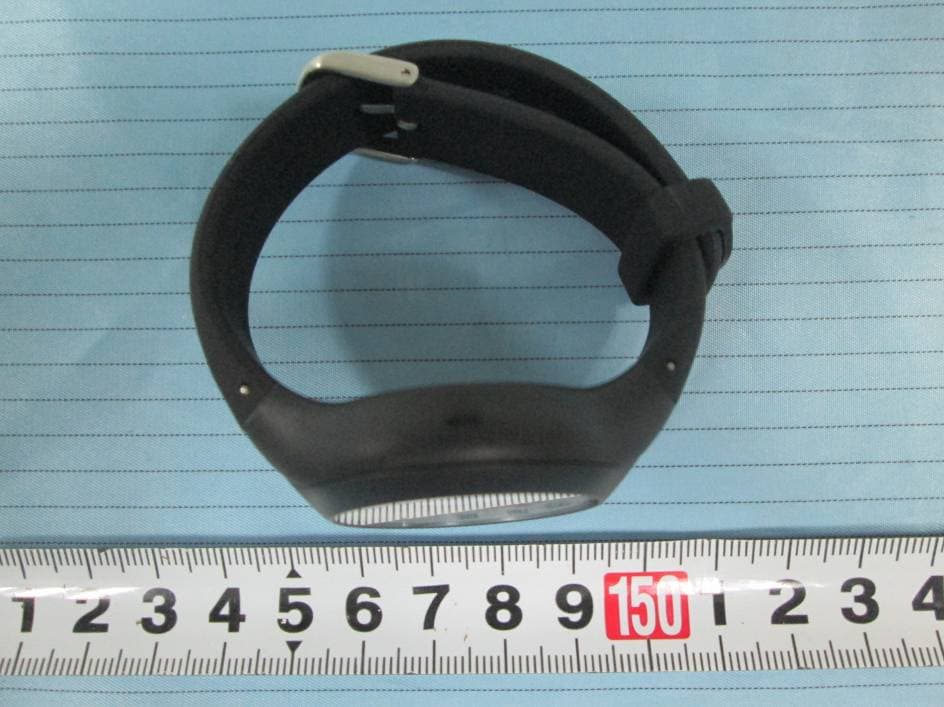
EXHIBIT B - EUT EXTERNAL PHOTOGRAPHS EUT – All View EUT – Front View EUT – Rear View EUT – Left View EUT – Right View EUT – Charge pin View EUT – Charger Front View EUT – Charger Rear View
ID Label/Location Info
EXHIBIT A - FCC ID LABEL AND LOCATION FCC ID Label FCC ID Label Location Information The label shown shall be permanently affixed at a conspicuous location on the device and be readily visible to the user at the time purchase (Labeling requirements per 2.925)
Internal Photos
EXHIBIT C - EUT INTERNAL PHOTOGRAPHS EUT – Cover off View 1 EUT – Cover off View 2 EUT – Cover off View 3 EUT – Cover off View 4 EUT – Main Board Top View EUT – Main Board Bottom View EUT – Charger Cover off View 1 EUT – Charger Cover off View 2 EUT – Charger PCB Board Top View EUT – Charger PCB Board Bottom View EUT – Antenna View Antenna
Test Report
Note: This test report is prepared for the customer shown above and for the equipment described herein. It may not be duplicated or used in part without prior written consent from Bay Area Compliance Laboratories Corp. FCC PART 15.247 TEST REPORT For Latitude Limited 7/F, Southeast Industrial Building, 611-619 Castle Peak Road, N.T., HK FCC ID: WM4796 Report Type: Original Report Product Type: BLE Analog Watch Test Engineer: Xiangguang.kong Report Number: RSZ150402005-00 Report Date: 2015-04-14 Reviewed By: Jimmy Xiao RF En gineer Prepared By: Bay Area Compliance Laboratories Corp. (Shenzhen) 6/F, the 3rd Phase of WanLi Industrial Building ShiHua Road, FuTian Free Trade Zone Shenzhen, Guangdong, China Tel: +86-755-33320018 Fax: +86-755-33320008 www.baclcorp.com.cn Bay Area Compliance Laboratories Corp. (Shenzhen) Report No.: RSZ150402005-00 FCC Part 15.247 Page 2 of 31 TABLE OF CONTENTS GENERAL INFORMATION ....................................................................................................................................... 4 PRODUCT DESCRIPTION FOR EQUIPMENT UNDER TEST (EUT) ..................................................................................... 4 OBJECTIVE ................................................................................................................................................................... 4 RELATED SUBMITTAL(S)/GRANT(S) ............................................................................................................................. 4 TEST METHODOLOGY .................................................................................................................................................. 4 TEST FACILITY ............................................................................................................................................................. 4 SYSTEM TEST CONFIGURATION .......................................................................................................................... 5 DESCRIPTION OF TEST CONFIGURATION ...................................................................................................................... 5 EUT EXERCISE SOFTWARE .......................................................................................................................................... 5 SPECIAL ACCESSORIES ................................................................................................................................................. 5 EQUIPMENT MODIFICATIONS ....................................................................................................................................... 5 SUPPORT EQUIPMENT LIST AND DETAILS .................................................................................................................... 5 EXTERNAL I/O CABLE .................................................................................................................................................. 5 BLOCK DIAGRAM OF TEST SETUP ................................................................................................................................ 6 SUMMARY OF TEST RESULTS ............................................................................................................................... 7 FCC§15.247 (i), §1.1307 (b) (1) &§2.1093 – RF EXPOSURE ........................................................................................ 8 APPLICABLE STANDARD .............................................................................................................................................. 8 FCC §15.203 – ANTENNA REQUIREMENT ............................................................................................................ 9 APPLICABLE STANDARD .............................................................................................................................................. 9 ANTENNA CONNECTOR CONSTRUCTION ...................................................................................................................... 9 FCC §15.207 (a) – AC LINE CONDUCTED EMISSIONS ..................................................................................... 10 APPLICABLE STANDARD ............................................................................................................................................ 10 MEASUREMENT UNCERTAINTY .................................................................................................................................. 10 EUT SETUP ................................................................................................................................................................ 10 EMI TEST RECEIVER SETUP ....................................................................................................................................... 11 TEST PROCEDURE ...................................................................................................................................................... 11 TEST EQUIPMENT LIST AND DETAILS ......................................................................................................................... 11 CORRECTED FACTOR & MARGIN CALCULATION ....................................................................................................... 11 TEST RESULTS SUMMARY .......................................................................................................................................... 12 TEST DATA ................................................................................................................................................................ 12 FCC §15.209, §15.205 & §15.247(d) - SPURIOUS EMISSIONS ............................................................................. 15 APPLICABLE STANDARD ............................................................................................................................................ 15 MEASUREMENT UNCERTAI…
Text truncated - open the document above for the full version.
Test Setup Photos
EXHIBIT D - TEST SETUP PHOTOGRAPHS Conducted Emissions - Front View Conducted Emissions - Side View Radiated Emissions – Front View (30-1000 MHz) Radiated Emissions – Rear View (30-1000 MHz) Radiated Emissions – Front View (1-25 GHz) Radiated Emissions – Rear View (1-25 GHz)
Contact Information
Applicant
Kam Kwok(Senior Electronic Engineer)
Test Firm
Bay Area Compliance Laboratory Corp. (Shenzhen)John Chan
Technical Specifications
| # | Rule Parts | Frequency Range | Power Output |
|---|---|---|---|
| 1 | 15C | 2.40 GHz - 2.48 GHz | 350.00 µW |
Other Applications from Latitude Limited
WM4804
Sep 10, 2015BLE Analog Watch
Equipment Class
DTS - Digital Transmission System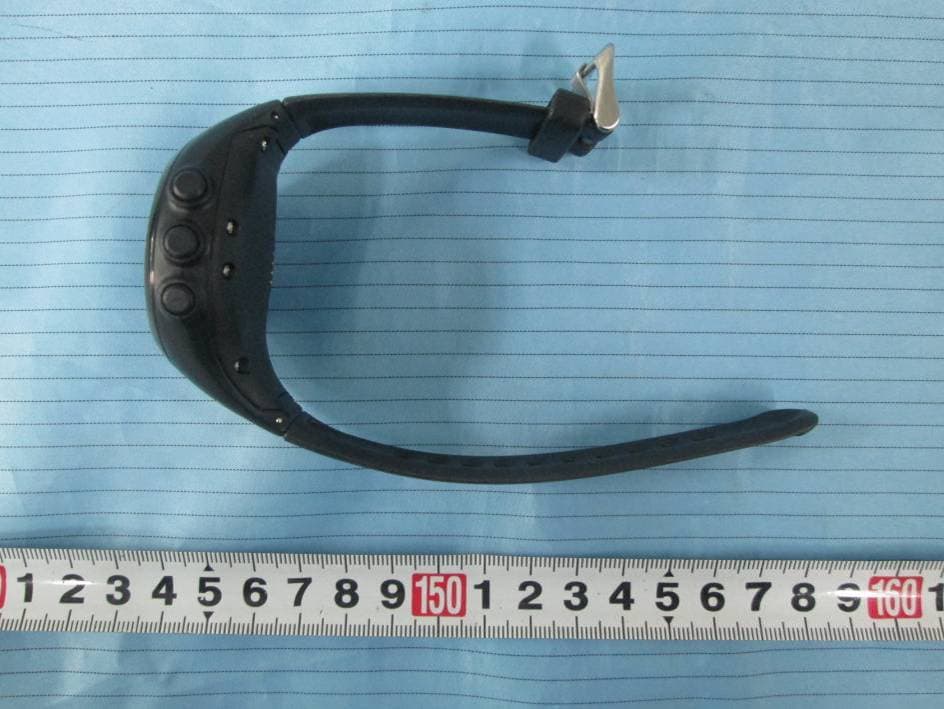
WM4745
Mar 18, 2015Bluetooth GPS Watch
Equipment Class
DTS - Digital Transmission System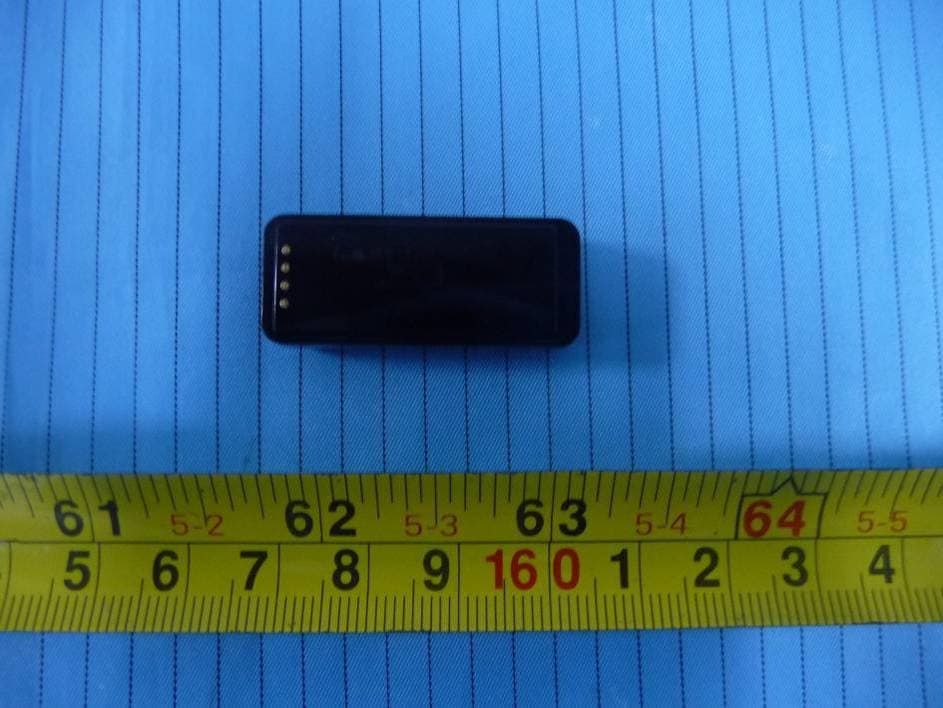
WM4760
Jun 01, 2014LED Wrist Band
Equipment Class
DTS - Digital Transmission System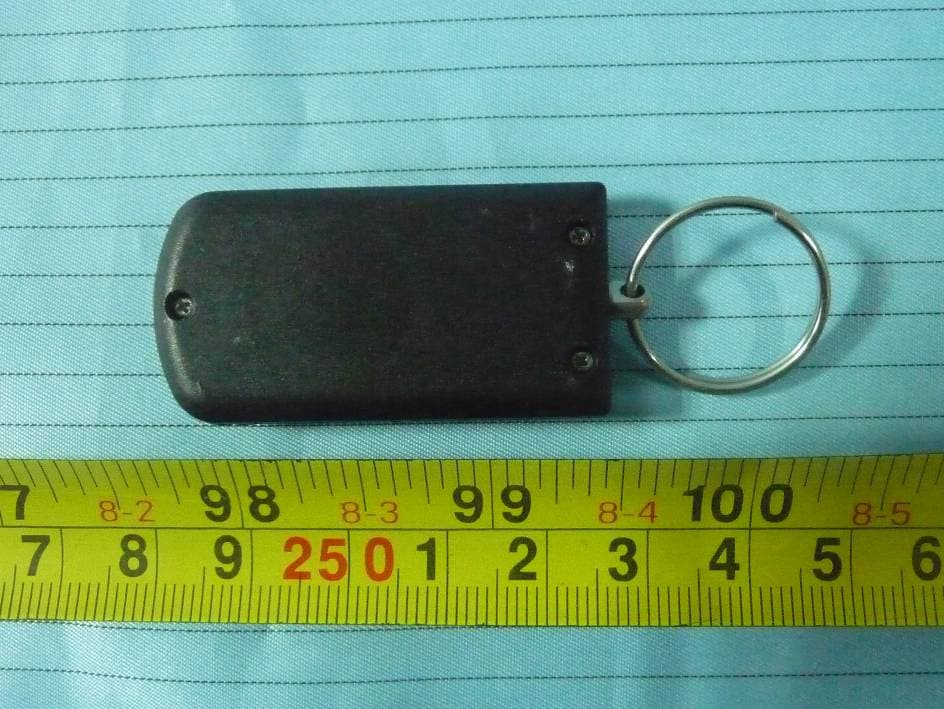
WM4719
Jan 21, 2014Keyfob
Equipment Class
DTS - Digital Transmission System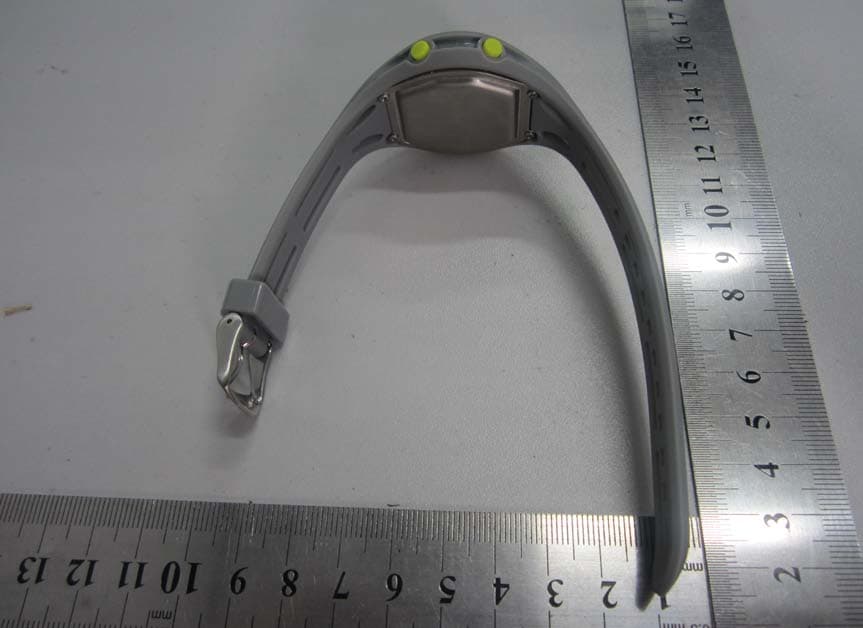
WM4743
Jul 30, 2013Bluetooth Low Energy Watch
Equipment Class
DTS - Digital Transmission System