WM4804BLE Analog Watch
Latitude Limited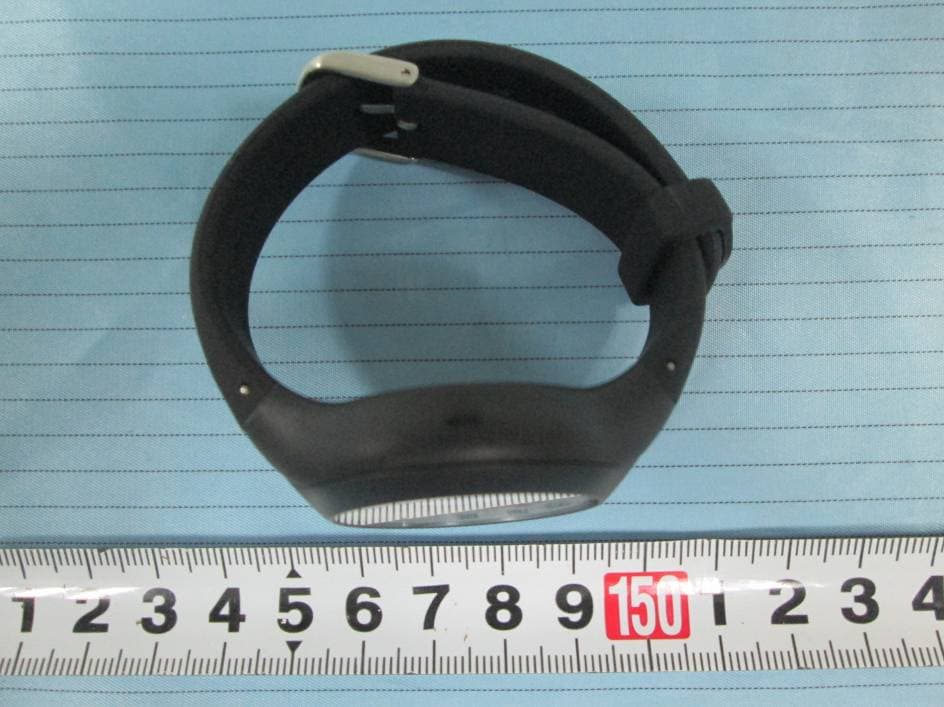
Click to zoom
Application Details
- Equipment Class
- DTS - Digital Transmission System
- Date of Grant
- Sep 10, 2015
- Application Purpose
- Original Equipment
- Date of Application
- Sep 10, 2015
- Equipment Note
- BLE Analog Watch
- Frequency Range
- 2402.00000000 - 2480.00000000
- Company
- Latitude Limited
- Country
- Hong Kong
Documents & Files
Document Text
Text extracted from the exhibit documents filed with the FCC. Open a document above to read the original.
Users Manual
Dok./Rev.-Nr. 93154_20150805 ANALOGUE SMARTWATCH User Manual Contents Overview ...............................................................4 Use ..........................................................................5 Product contents/device parts ............................6 QR code ..................................................................7 General information .............................................9 Reading and storing the instruction manual .................................................9 Explanation of symbols .......................................10 Safety ...................................................................13 Proper use ..............................................................13 Safety notes ...........................................................14 Checking the Smartwatch and product contents .........................................24 Start-up ...............................................................25 Charging the rechargeable battery of the Smartwatch ..................................25 The Crane Connect app .......................................29 Compatibility ........................................................30 Downloading and installing the app ................31 Connecting the Smartwatch with the smartphone/tablet .............................................33 Setting the time ..................................................35 Messages .............................................................36 Confi guring notifi cations ...................................36 Receiving notifi cations .......................................38 Locating the Smartwatch ...................................42 Confi guring alarms ..............................................43 Daily goals ..........................................................44 Setting daily goals ...............................................46 Viewing your daily progress ...............................47 Sleep mode ...........................................................51 Remote trigger ....................................................54 Locating a smartphone or tablet .......................55 Disconnecting the Smartwatch from the smartphone/tablet ......................................56 Symbol table ......................................................58 Watertightness ...................................................60 Cleaning ...............................................................62 Storage ................................................................63 Troubleshooting ................................................64 Declaration of conformity ..................................67 Technical data ....................................................68 Disposal ..............................................................69 Disposing of the packaging ...............................69 Disposing of the Smartwatch ............................70 Warranty Card ........................................................73 Warranty conditions .............................................75 Warranty card ......................................................73 Warranty conditions ...........................................75 Customer service .................................................78 C B A 1 2 5 4 3 Overview GB IRE 6 5 4 Product contents/device parts 1 Smartwatch 2 Charger 3 Button for the status indicator 4 Button for triggering the camera (for locating the smartphone/tablet) 5 Button for the goal indicator GBIRE GBIRE GBIRE 7 AFTER SALES SUPPORT [email protected] GB IRE GB IRE 00800/52323000 QR code QR codes get you results fast and without the hassle Regardless whether you need product information, spare parts or accessories, are looking for information about manufacturer warranties or service points or would like to watch a convenient instructional video, our QR codes will help you to easily get the information you are looking for. What are QR codes? QR codes (QR= Quick Response) are graphical codes that can be read with a smartphone camera and, for example, contain a link to a website or contact data. Your benefit: No need to type in bothersome web addresses or contact data! Product contents/device parts 1 Smartwatch 2 Charger 3 Button for the status indicator 4 Button for triggering the camera (for locating the smartphone/tablet) 5 Button for the goal indicator AFTER SALES SUPPORT 8 [email protected] GB IRE GB IRE 00800/52323000 QR code How it works: To scan the QR code, all you need is a smartphone with a QR code reader installed on it and an Internet connection.* Generally, you can find a free QR code reader in the App store for your smartphone. Try now Just scan the QR code below with your smartphone to learn more about the Hofer product you purchased.* * When running the QR code reader, costs for the Internet connection may be incurred depending on your rate. General information 9 AFTER SALES SUPPORT [email protected] GB IRE GB IRE 00800/52323000 General information Reading and storing the instruction manual This instruction manual accompanies this analogue Smartwatch. It contains important information about operation and care. For improved readability, the “analogue Smartwatch” will be referred to only as the “Smartwatch” below. Before using the Smartwatch, read the instruction manual carefully. This particularly applies to the safety notes. Failure to comply with the instruc- tion manual may result in damage to the Smartwatch. General information AFTER SALES SUPPORT 10 [email protected] GB IRE GB IRE 00800/52323000 The instruction manual is based on the standards and rules in force in the European Union. When abroad, you must also observe country-specific guidelines and laws. Store the instruction manual for future use. If you pass the Smartwatch on to third parties, please be absolutely sure to include this instruction manual. Explanation of symbols The following symbo…
Text truncated - open the document above for the full version.
External Photos
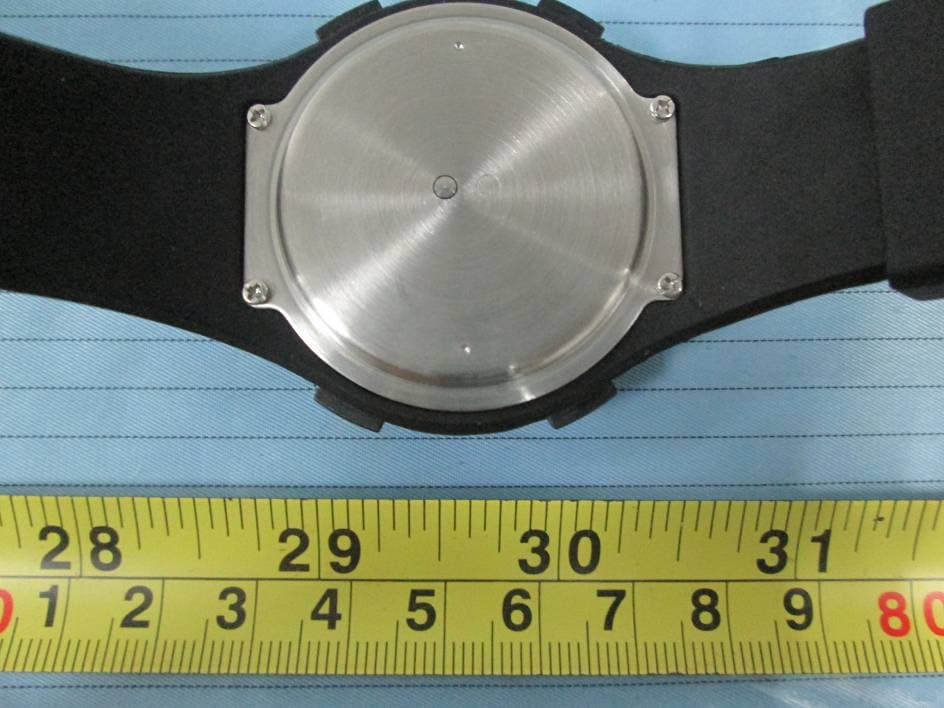
EXHIBIT B - EUT EXTERNAL PHOTOGRAPHS EUT – All View EUT – Front View EUT – Rear View EUT – Left View EUT – Right View EUT – Top View EUT – Bottom View EUT – USB Cable View
ID Label/Location Info
EXHIBIT A - FCC ID LABEL AND LOCATION FCC ID Label FCC ID Label Location Information The label shown shall be permanently affixed at a conspicuous location on the device and be readily visible to the user at the time purchase (Labeling requirements per 2.925)
Internal Photos
EXHIBIT C - EUT INTERNAL PHOTOGRAPHS EUT – Cover off View 1 EUT – Cover off View 2 EUT – Cover off View 3 EUT – Cover off View 4 EUT – Cover off View 5 EUT – Cover off View 6 EUT – Cover off View 7 EUT – Main Board Top View Antenna EUT – Main Board Bottom View
Test Report
Note: This test report is prepared for the customer shown above and for the equipment described herein. It may not be duplicated or used in part without prior written consent from Bay Area Compliance Laboratories Corp. FCC PART 15.247 TEST REPORT For Latitude Limited 7/F, Southeast Industrial Building, 611-619 Castle Peak Road, N.T., HK FCC ID: WM4804 Report Type: Original Report Product Type: BLE Analog Watch Test Engineer: Scott Lee Report Number: RSZ150826004-00 Report Date: 2015-09-07 Reviewed By: Jimmy Xiao RF En gineer Prepared By: Bay Area Compliance Laboratories Corp. (Shenzhen) 6/F, the 3rd Phase of WanLi Industrial Building ShiHua Road, FuTian Free Trade Zone Shenzhen, Guangdong, China Tel: +86-755-33320018 Fax: +86-755-33320008 www.baclcorp.com.cn Bay Area Compliance Laboratories Corp. (Shenzhen) Report No.: RSZ150826004-00 FCC Part 15.247 Page 2 of 30 TABLE OF CONTENTS GENERAL INFORMATION ....................................................................................................................................... 4 PRODUCT DESCRIPTION FOR EQUIPMENT UNDER TEST (EUT) ..................................................................................... 4 OBJECTIVE ................................................................................................................................................................... 4 RELATED SUBMITTAL(S)/GRANT(S) ............................................................................................................................. 4 TEST METHODOLOGY .................................................................................................................................................. 4 TEST FACILITY ............................................................................................................................................................. 4 SYSTEM TEST CONFIGURATION .......................................................................................................................... 5 DESCRIPTION OF TEST CONFIGURATION ...................................................................................................................... 5 EUT EXERCISE SOFTWARE .......................................................................................................................................... 5 SPECIAL ACCESSORIES ................................................................................................................................................. 5 EQUIPMENT MODIFICATIONS ....................................................................................................................................... 5 SUPPORT EQUIPMENT LIST AND DETAILS .................................................................................................................... 5 EXTERNAL I/O CABLE .................................................................................................................................................. 5 BLOCK DIAGRAM OF TEST SETUP ................................................................................................................................ 6 SUMMARY OF TEST RESULTS ............................................................................................................................... 7 FCC§15.247 (i), §1.1307 (b) (1) &§2.1093 – RF EXPOSURE ........................................................................................ 8 APPLICABLE STANDARD .............................................................................................................................................. 8 FCC §15.203 – ANTENNA REQUIREMENT ............................................................................................................ 9 APPLICABLE STANDARD .............................................................................................................................................. 9 ANTENNA CONNECTOR CONSTRUCTION ...................................................................................................................... 9 FCC §15.207 (a) – AC LINE CONDUCTED EMISSIONS ..................................................................................... 10 APPLICABLE STANDARD ............................................................................................................................................ 10 MEASUREMENT UNCERTAINTY .................................................................................................................................. 10 EUT SETUP ................................................................................................................................................................ 10 EMI TEST RECEIVER SETUP ....................................................................................................................................... 11 TEST PROCEDURE ...................................................................................................................................................... 11 TEST EQUIPMENT LIST AND DETAILS ......................................................................................................................... 11 CORRECTED FACTOR & MARGIN CALCULATION ....................................................................................................... 11 TEST RESULTS SUMMARY .......................................................................................................................................... 12 TEST DATA ................................................................................................................................................................ 12 FCC §15.209, §15.205 & §15.247(d) - SPURIOUS EMISSIONS ............................................................................. 15 APPLICABLE STANDARD ............................................................................................................................................ 15 MEASUREMENT UNCERTAINTY ..…
Text truncated - open the document above for the full version.
Test Setup Photos
EXHIBIT D - TEST SETUP PHOTOGRAPHS Conducted Emissions - Front View Conducted Emissions - Side View Radiated Emissions – Front View (30-1000 MHz) Radiated Emissions – Rear View (30-1000 MHz) Radiated Emissions – Front View (1-25 GHz) Radiated Emissions – Rear View (1-25 GHz)
Contact Information
Applicant
Kam Kwok(Senior Electronic Engineer)
Test Firm
Bay Area Compliance Laboratory Corp. (Shenzhen)John Chan
Technical Specifications
| # | Rule Parts | Frequency Range | Power Output |
|---|---|---|---|
| 1 | 15C | 2.40 GHz - 2.48 GHz | 500.00 µW |
Other Applications from Latitude Limited
WM4796
May 04, 2015BLE Analog Watch
Equipment Class
DTS - Digital Transmission System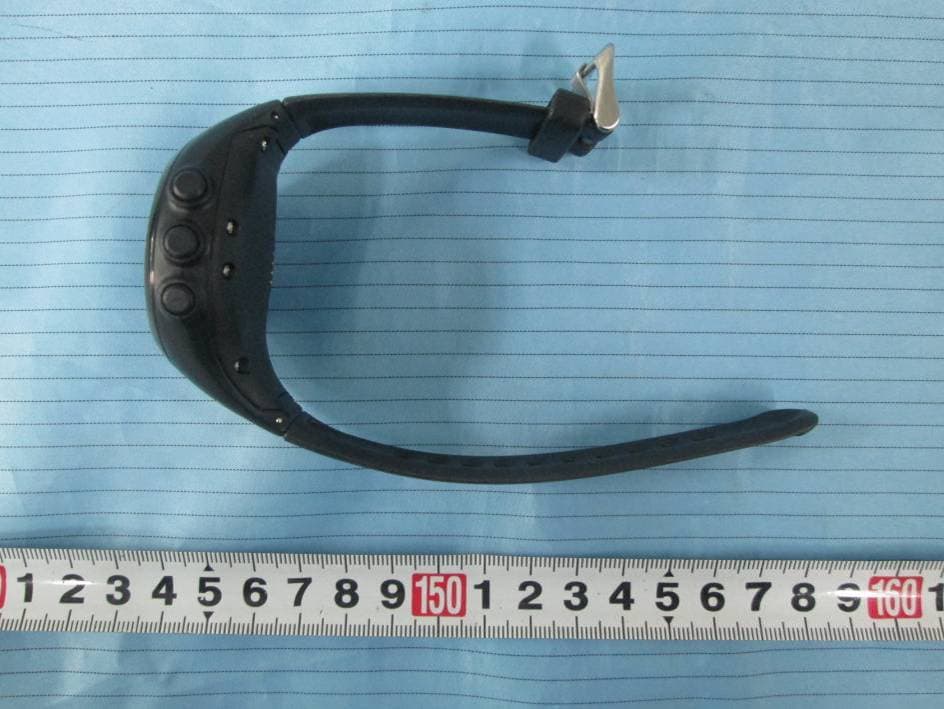
WM4745
Mar 18, 2015Bluetooth GPS Watch
Equipment Class
DTS - Digital Transmission System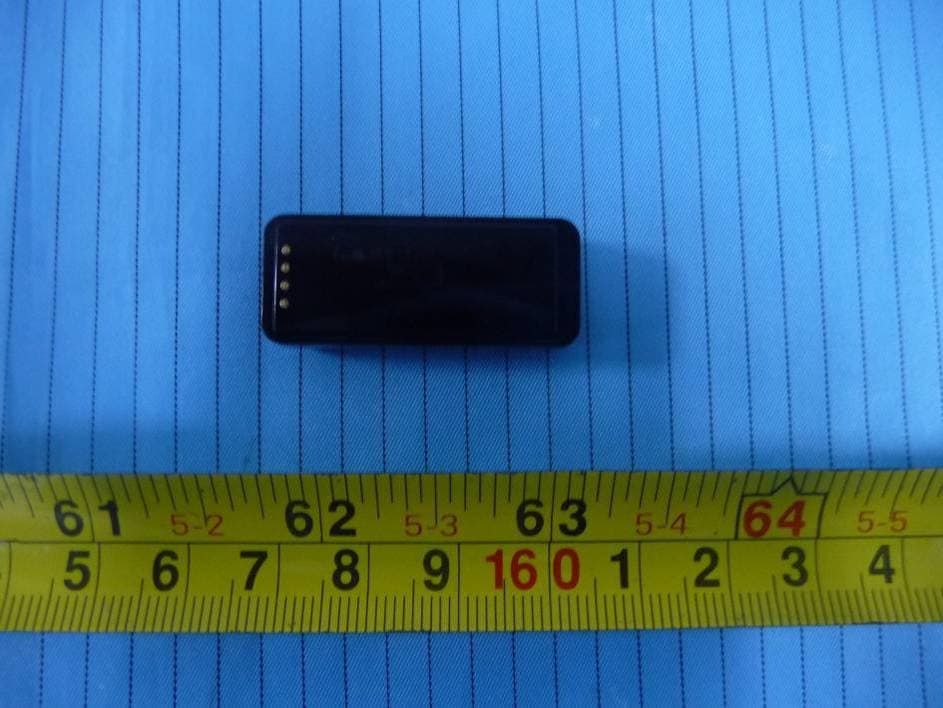
WM4760
Jun 01, 2014LED Wrist Band
Equipment Class
DTS - Digital Transmission System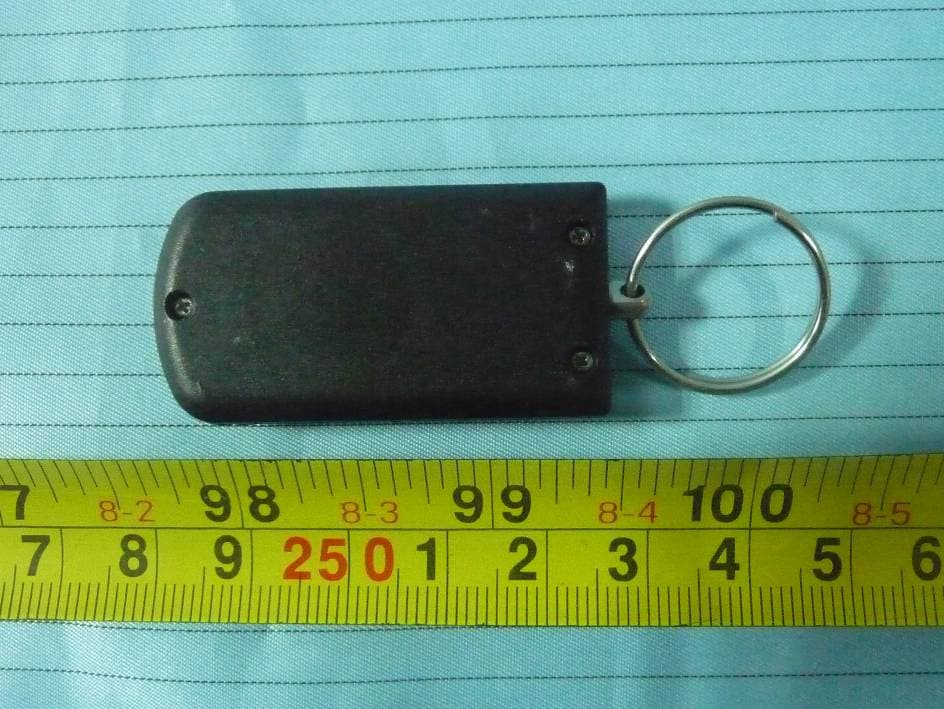
WM4719
Jan 21, 2014Keyfob
Equipment Class
DTS - Digital Transmission System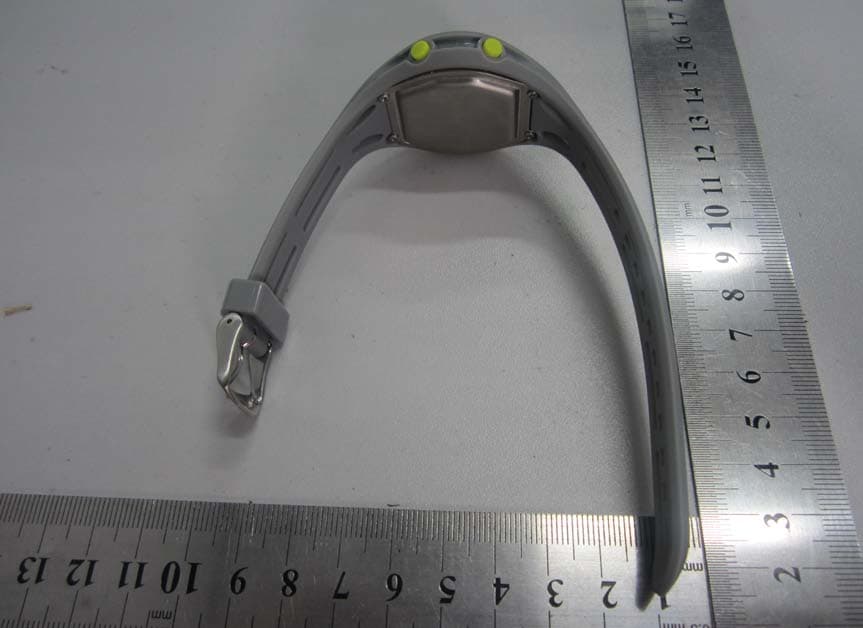
WM4743
Jul 30, 2013Bluetooth Low Energy Watch
Equipment Class
DTS - Digital Transmission System