Y4PBONDID102.4Ghz wireless optical mouse
Shenzhen Bondidea Technology Co., LTD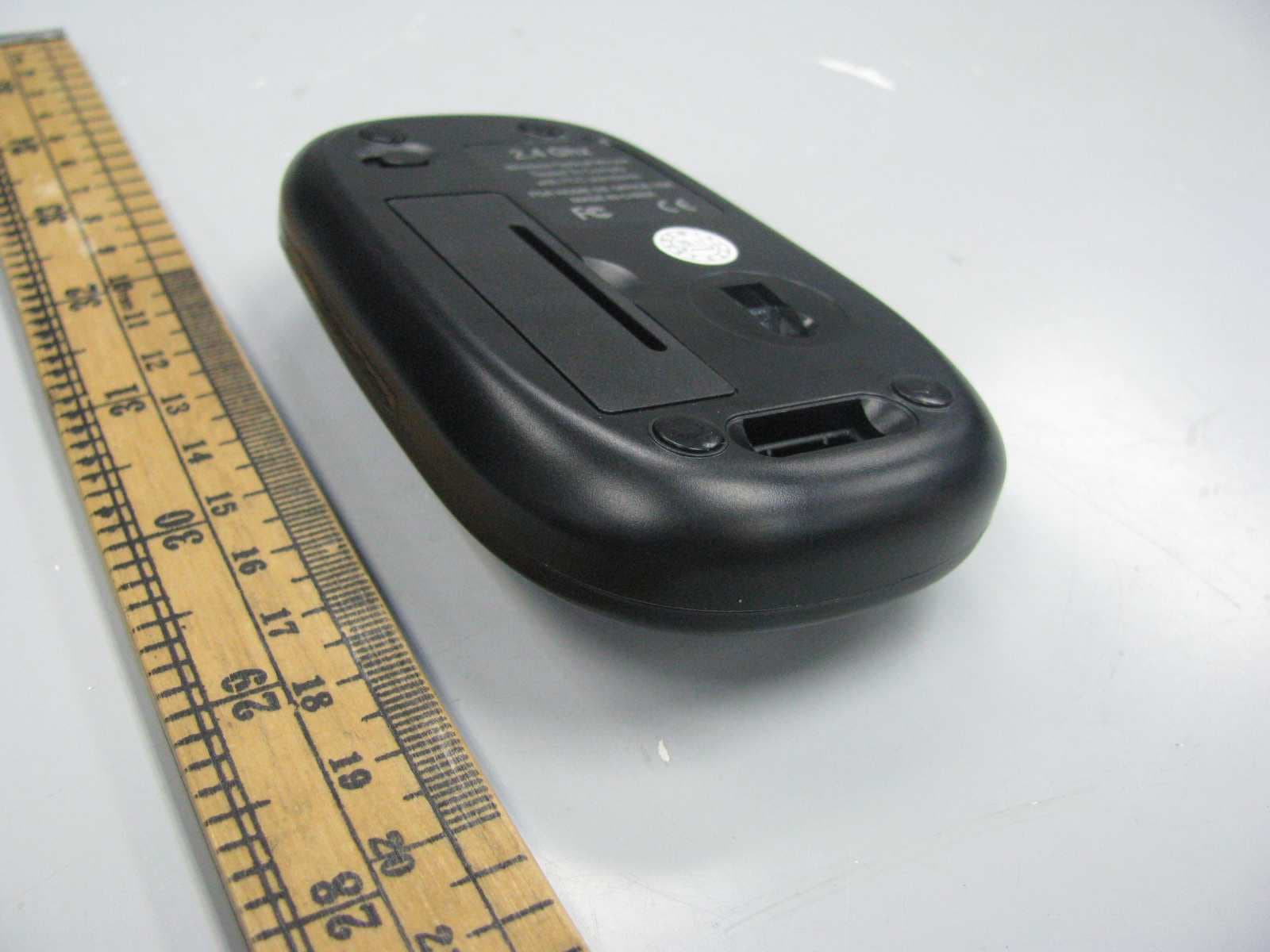
Click to zoom
Application Details
- Equipment Class
- DXX - Part 15 Low Power Communication Device Transmitter
- Date of Grant
- Jan 17, 2011
- Application Purpose
- Original Equipment
- Date of Application
- Jan 17, 2011
- Equipment Note
- 2.4Ghz wireless optical mouse
- Frequency Range
- 2405.00000000 - 2472.00000000
- Country
- China
Documents & Files
Document Text
Text extracted from the exhibit documents filed with the FCC. Open a document above to read the original.
Users Manual
REV:A0 BD-8408G User manual Page 1 /4 Shenzhen Bondidea Technology CO., Ltd Model No.: BD-8408G Resolution: USB 1000-1600DPI Description: 2.4G Optical Mouse Approve: Check: Prepare: USE MANUAL REV:A0 BD-8408G User manual Page 2 /4 Shenzhen Bondidea Technology CO., Ltd Product Feature 1.Adopt 2.4G dual frequency hopping technology,16pcs channels,65536pcs ID,Super anti-interference function; 2.With 1000-1600 DPI high resolution; 3.Working current is 25mA,mouse will going to sleeping mode if 15 minites no action, the current consumption is below 100uA, you can activate it by press any key; 4.Working 360 degrees freely; 5.Nano reciever, can store in mouse, very convenient 6. Power on-off design, you can power it off when no using to save the battery and prolong the batteries life 7. Working voltage: 1.5V; 8. Mouse size: 86.7 *52.5*17.7mm System Compatibility 1.Computer Mode: IBM PC/AT Compatible, Power Macintosh 2.Operating System: Windows 98/ME/ 2000/XP/Vista 3.Interface: USB 1.1/2.0 Technology Parameters: Mouse 1.Rating Voltage 1.5V 2.Rating Current 25mA 3.Max moving speed 8G 4.Resolution 1000-1600DPI 5.channels 16pcs,Hopping automatically 6.Wireless frenquency 2.405-2.472GHz 7.Wo rk i n g d is ta n c e w it h in 8 M Receiver: 1.Rating Voltage 5V 2.Rating Current 20mA Batteries Installation Steps 1.Take out the AA alkaline battery from mouse package 2.Open the battery cover of mouse, please put the battery correctly according to polarity marks of the battery grooves. (Don’t put the battery in reverse, otherwise the mouse will be damaged) 3.Put the cover back to mouse, when you hear a “Crack” sound that means the battery cover were locked successfully. Power on-off Receiver location REV:A0 BD-8408G User manual Page 3 /4 Shenzhen Bondidea Technology CO., Ltd Switch DPI Function 1. Default DPI: 1600 DPI 2. Press DPI Switch to change DPI from 1000-1600 or 1600-1000 circularly Reciever Installation and Data Connection 1.Take the receiver out of mouse 2.Insert the receiver into USB interface 3.Put battery in mouse groove, then power it on, the computer will audit the new hardware automatically, then you can use the mouse. 1. When you put the receiver into computer USB interface,you’ll see 2. System installed the new hardware automatically , Nano reciever DPI KEY REV:A0 BD-8408G User manual Page 4 /4 Shenzhen Bondidea Technology CO., Ltd 3. Then it will come out the picture as attached, you can use the mouse after that. Attention 1.To reach the optimal distance, please insert the receiver 20cm beyond screen and other external device 2. It can prolong the batteries life if you use the mouse on the white surface. 3. Auto-sleeping and power-saving function, it will be auto-sleeping without operation within a long time, press any key or scroll wheel to activate it. 4. Optical mouse might not work smoothly on some special surface. Such as smooth, glass, dark black, reflecting and 3D mouse pads surface. 5. Please turn off the power if you ‘re in travelling or you’ll not use it for a long time. 6. When mouse work on metallic surface, the best way is to place a mouse pad under mouse or lay the receiver horizontally to achive the optimal receiveing effect. Note: This device complies with Part 15 of the FCC Rules. Operation is subject to the following two conditions: (1) this device may not cause harmful interference, and (2) this device must accept any interference received, including interference that may cause undesired operation. This equipment has been tested and found to comply with the limits for a Class B digital device, pursuant to Part 15 of the FCC Rules. These limits are designed to provide reasonable protection against harmful interference in a residential installation. This equipment generates, uses and can radiate radio frequency energy and, if not installed and used in accordance with the instructions, may cause harmful interference to radio communications. However, there is no guarantee that interference will not occur in a particular installation. If this equipment does cause harmful interference to radio or television reception, which can be determined by turning the equipment off and on, the user is encouraged to try to correct the interference by one or more of the following measures: Reorient or relocate the receiving antenna. Increase the separation between the equipment and receiver. REV:A0 BD-8408G User manual Page 5 /4 Shenzhen Bondidea Technology CO., Ltd Connect the equipment into an outlet on a circuit different from that to which the receiver is connected. Consult the dealer or an experienced radio/TV technician for help. Warning: Changes or modifications to this unit not expressly approved by the party responsible for compliance could void the user’s authority to operate the equipment. Technology Description Adopt 2.4G Hz wireless high frequency technology, satisfying Europe R&TTE Directive1999/5/EC requirement, its radiation will not harmful for men’s body (much less than mobile radiation), wireless emission will occur electromagnetic signal, please be caution to use when in the using heart pacemaker or related to body assisstant instrument surroundings Disclaimer We made every effort to ensure that the information and procedure in this guide is accurate and complete, no liability can be accepted for any errors or omissions and reserves the right to make any changes without further notices to any products herein.
Internal Photos
Mode Included (U2/EM78P451S, U3/EM198850AW&)
Test Report
A 3DB RBW 3 MHz AC * VBW 3 MHz Att 0 dB * Ref 97 dBμV SGL Center 2.472 GHz4 ms/ SWT 40 ms *1 PK CLRWR 0 10 20 30 40 50 60 70 80 90 1 Marker 1 [T1 ] 62.98 dBμV 4.080000 ms 2 Delta 2 [T1 ] -0.03 dB 7.760000 ms A 3DB RBW 3 MHz AC * VBW 3 MHz Att 0 dB * Ref 97 dBμV SGL Center 2.472GHz3.5ms/ SWT 35 ms *1 PK CLRWR 0 10 20 30 40 50 60 70 80 90 1 Marker 1 [T1 ] 62.54 dBμV 6.180000 ms 2 Delta 2 [T1 ] 0.05 dB 7.760000 ms
Test Report
Intertek Testing Services Shenzhen Ltd. Kejiyuan Branch 6F, D Block, Huahan Building, Langshan Road, Nanshan District, Shenzhen, P. R. China Tel: (86 755) 8601 6288 Fax: (86 755) 8601 6751 Website: www.china.intertek-etlsemko.com December 31, 2010 Shenzhen Bondidea Technology Co., LTD 10th building, Honghualing Industrial Park, Qingshui Rd, Longgang Shenzhen, Guangdong Province, China Dear Binny Zhu : Enclosed you will find your file copy of a Part 15 Certification (FCC ID: Y4PBONDID10). For your reference, TCB will normally take another 5 days for reviewing the report. Approval will then be granted when no query is sorted. Please contact me if you have any questions regarding the enclosed material. Sincerely, Shawn Xing Assistant Manager Enclosure • The test results reported in this test report shall refer only to the sample actually tested and shall not refer or be deemed to refer to bulk from which such a sample may be said to have been obtained. • This report is for the exclusive use of Intertek's Client and is provided pursuant to the agreement between Intertek and its Client. Intertek's responsibility and liability are limited to the terms and conditions of the agreement. Intertek assumes no liability to any party, other than to the Client in accordance with the agreement, for any loss, expense or damage occasioned by the use of this report. Only the Client is authorized to copy or distribute this report. Any use of the Intertek name or one of its marks for the sale or advertisement of the tested material, product or service must first be approved in writing by Intertek. The observations and test results referenced from this report are relevant only to the sample tested. This report by itself does not imply that the material, product, or service is or has ever been under an Intertek certification program. • For Terms And Conditions of the services, it can be provided upon request. • The evaluation data of the report will be kept for 3 years from the date of issuance. TRF No.: FCC 15C_Txa FCC ID: Y4PBONDID10 Intertek Testing Services Shenzhen Ltd. Kejiyuan Branch 6F, D Block, Huahan Building, Langshan Road, Nanshan District, Shenzhen, P. R. China Tel: (86 755) 8601 6288 Fax: (86 755) 8601 6751 Website: www.china.intertek-etlsemko.com Shenzhen Bondidea Technology Co., LTD Application For Certification (FCC ID: Y4PBONDID10) 2.4Ghz wireless optical mouse Model: BD-8408G Additional Model: BD-9588G, BD-9458G, BD-9578G, BD-9528G 2.4GHz Transceiver We hereby certify that the sample of the above item is considered to comply with the requirements of FCC Part 15, Subpart C for Intentional Radiator, Mention 47 CFR [ 10-1-09] SZ10120189-1 Billy Li December 31, 2010 INTERTEK TESTING SERVICES TRF No.: FCC 15C_TXa FCC ID: Y4PBONDID10 i LIST OF EXHIBITS INTRODUCTION EXHIBIT 1: General Description EXHIBIT 2: System Test Configuration EXHIBIT 3: Emission Results EXHIBIT 4: Equipment Photographs EXHIBIT 5: Product Labelling EXHIBIT 6: Technical Specifications EXHIBIT 7: Instruction Manual EXHIBIT 8: Miscellaneous Information EXHIBIT 9: Confidentiality Request EXHIBIT 10: Test Equipment List INTERTEK TESTING SERVICES TRF No.: FCC 15C_TXa FCC ID: Y4PBONDID10 ii MEASUREMENT/TECHNICAL REPORT Shenzhen Bondidea Technology Co., LTD - Model: BD-8408G FCC ID: Y4PBONDID10 December 31, 2010 This report concerns (check one:) Original Grant X Class II Change Equipment Type: DXX - Part 15 Low Power Communication Device Transmitter Deferred grant requested per 47 CFR 0.457(d)(1)(ii)? Yes No X If yes, defer until: date Company Name agrees to notify the Commission by: date of the intended date of announcement of the product so that the grant can be issued on that date. Transition Rules Request per 15.37? Yes No X If no, assumed Part 15, Subpart C for intentional radiator − the new 47 CFR [10-1-09 Edition] provision. Report prepared by: Shawn Xing Intertek Testing Services Shenzhen Ltd. Kejiyuan Branch 6F, Block D, Huahan Building, Langshan Road, Nanshan District, Shenzhen, P. R. China Phone: (86 755) 8601 6288 Fax: (86 755) 8601 6751 INTERTEK TESTING SERVICES TRF No.: FCC 15C_TXa FCC ID: Y4PBONDID10 iii Table of Contents 1.0 General Description .................................................................................................2 1.1 Product Description..................................................................................................2 1.2 Related Submittal(s) Grants ....................................................................................2 1.3 Test Methodology ....................................................................................................3 1.4 Test Facility ..............................................................................................................3 2.0 System Test Configuration ......................................................................................5 2.1 Justification...............................................................................................................5 2.2 EUT Exercising Software.........................................................................................5 2.3 Special Accessories.................................................................................................5 2.4 Equipment Modification ...........................................................................................5 2.5 Measurement Uncertainty........................................................................................5 2.6 Support Equipment List and Description .................................................................6 3.0 Emission Results .....................................................................................................8 3.1Radiated Test Results..................................................................... ...... 9 3.1.1 Field Strength Calculation.....................................................................................9 3.1.2 Radiated Emission Configurat…
Text truncated - open the document above for the full version.
Contact Information
Applicant
Binny Zhu
Technical Contact
Intertek Testing Services Shenzhen Ltd KejiyuanShawn Xing
[email protected]8675586140603
6F, D Block, Huahan Building, · Shenzhen · China
Non-Technical Contact
Intertek Testing Services Shenzhen Ltd KejiyuanShawn Xing
[email protected]8675586140603
Test Firm
Intertek Testing Services Shenzhen Ltd.Shawn Xing
Technical Specifications
| # | Rule Parts | Frequency Range | Power Output |
|---|---|---|---|
| 1 | 15C | 2.40 GHz - 2.47 GHz | - |
Other Applications from Shenzhen Bondidea Technology Co., LTD
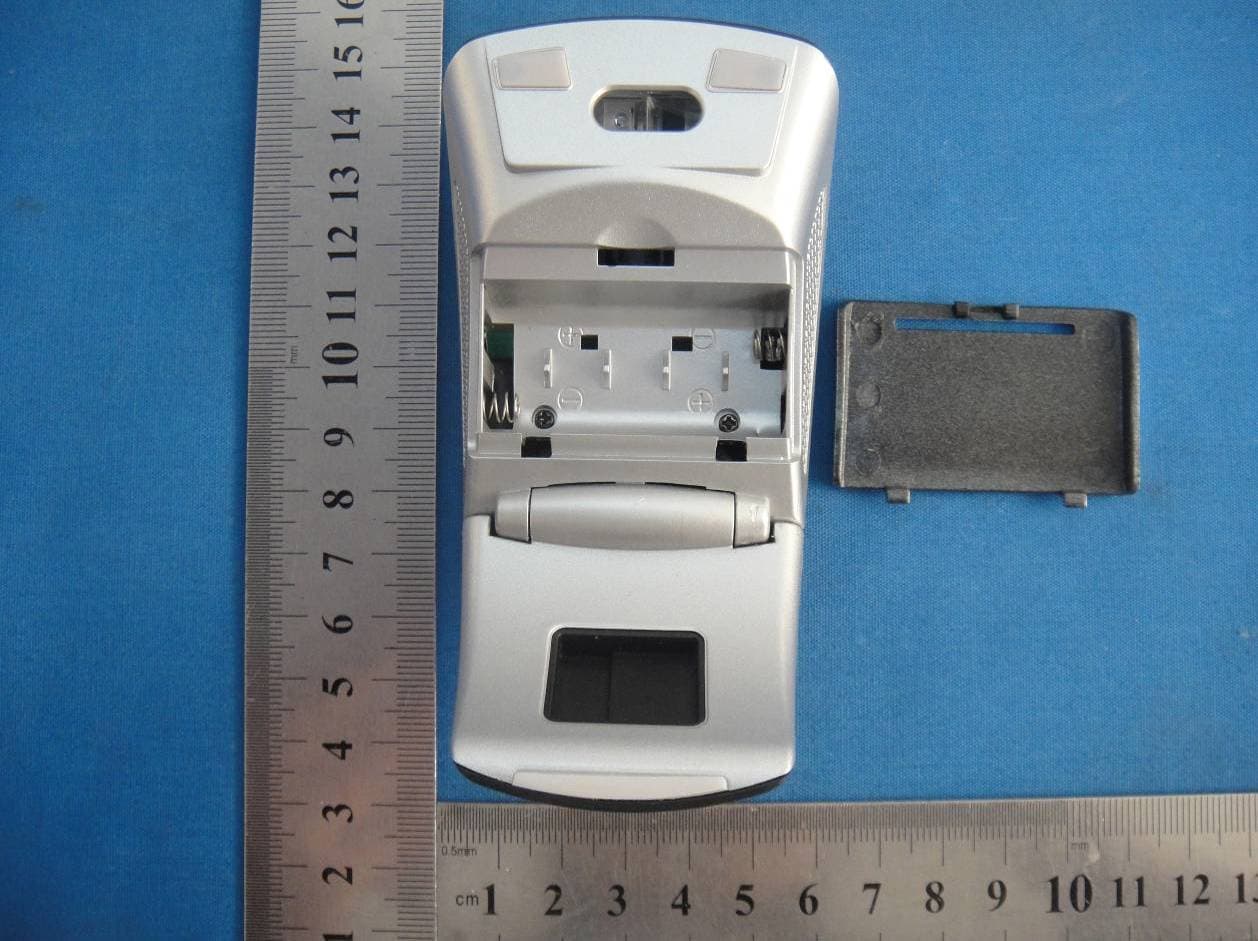
Y4PBD-8608
Jan 07, 20152.4G WIRELESS MOUSE
Equipment Class
DXX - Part 15 Low Power Communication Device Transmitter
Y4P-N86BD-9618
Aug 22, 2014Wireless mouse
Equipment Class
DXX - Part 15 Low Power Communication Device Transmitter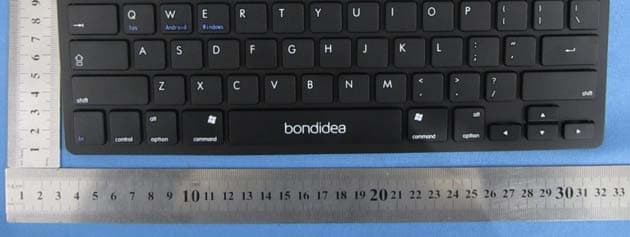
Y4PK009
Mar 25, 2014Bluetooth keyboard
Equipment Class
DSS - Part 15 Spread Spectrum Transmitter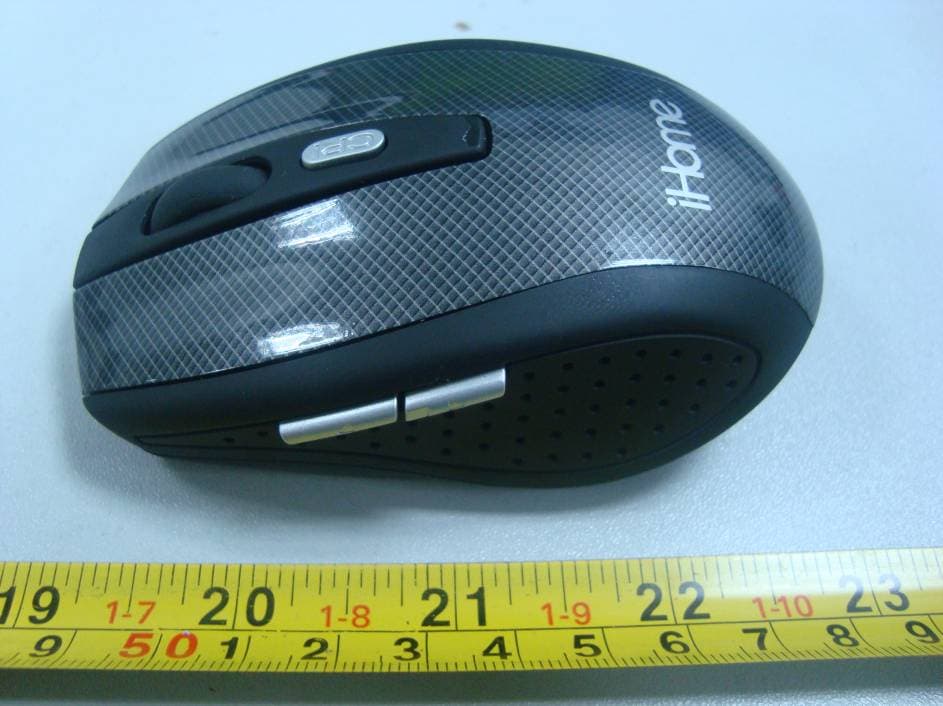
Y4PBONDID11
Jun 02, 20112.4G Wireless Mouse
Equipment Class
DXX - Part 15 Low Power Communication Device Transmitter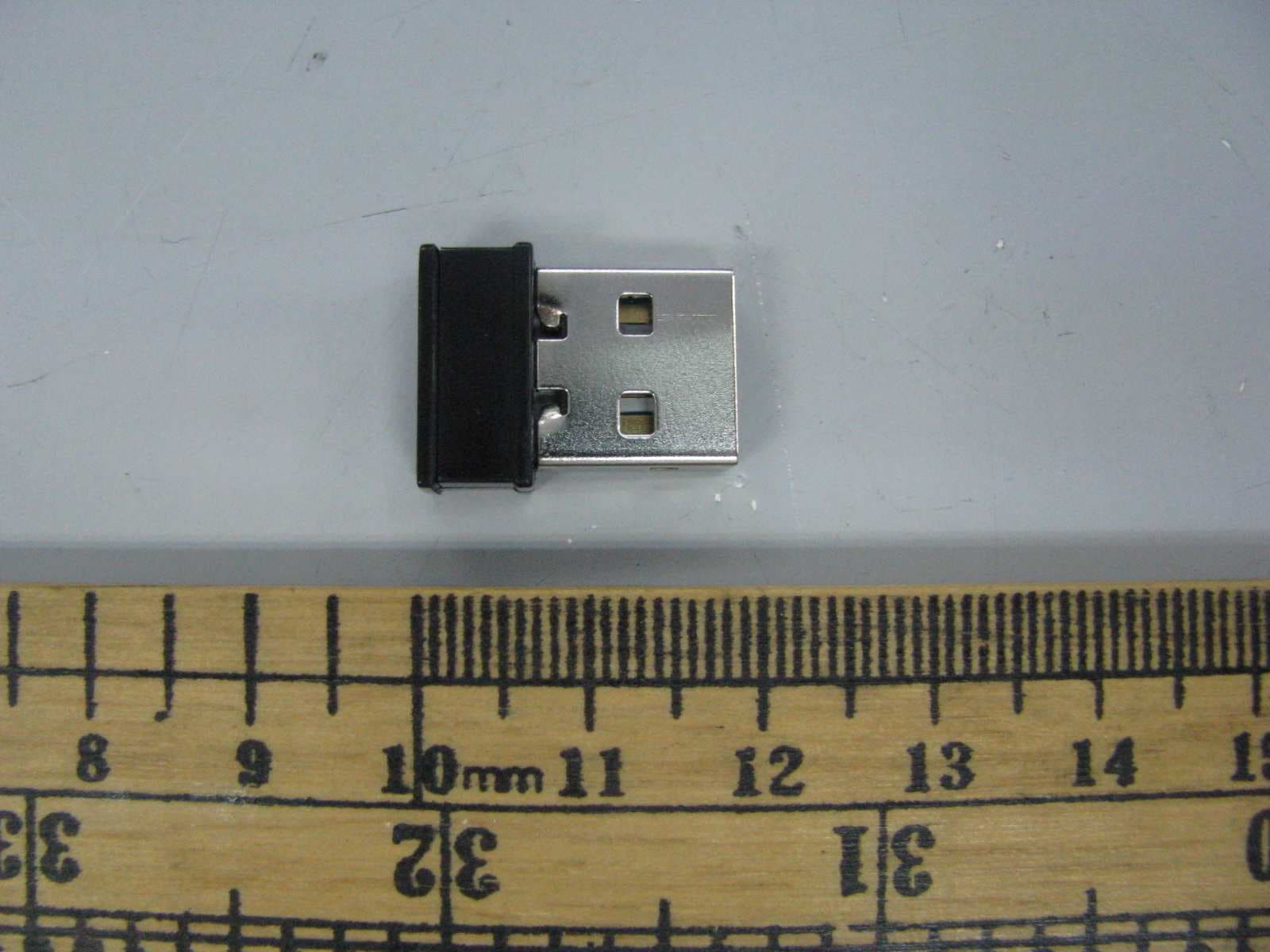
Y4PBONDID8
Jan 15, 20112.4Ghz wireless optical mouse
Equipment Class
JBP - Part 15 Class B Computing Device Peripheral