Y8YSCIOANTWireless cycle computer
ECHOWELL ELECTRONIC CO., LTD.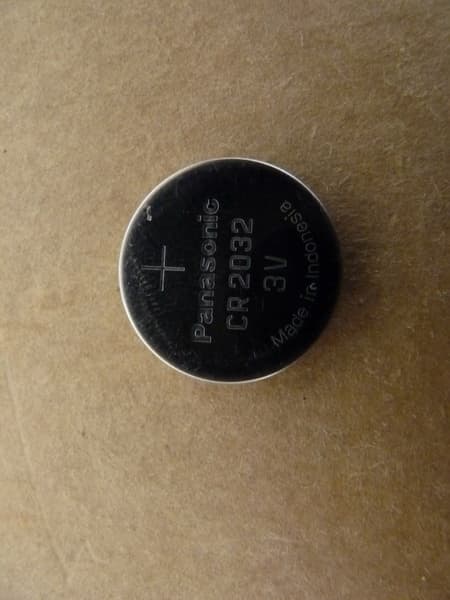
Click to zoom
Application Details
- Equipment Class
- DXX - Part 15 Low Power Communication Device Transmitter
- Date of Grant
- Apr 01, 2014
- Application Purpose
- Original Equipment
- Date of Application
- Apr 01, 2014
- Equipment Note
- Wireless cycle computer
- Frequency Range
- 2457.00000000 - 2457.00000000
- Country
- Taiwan
Documents & Files
Document Text
Text extracted from the exhibit documents filed with the FCC. Open a document above to read the original.
Users Manual
Release the 3 keys MTB 26 (2080mm) RD 700C (2110mm) MTB 29 (2260mm) MTB 650B (2170mm) Setting of second is to zero Odo setting Pairing OK Pairing Error : means Setting button : means L button : means R button Trip Mode Group Cadence Mode Group Heart rate Mode Group Power Mode Group Altitude Mode Group Temperature Mode Group L Backlight turn On Turn on backlight function backlight ON After 4 sec backlight OFF Backlight turn OFF Release L key L L LL L R R R R R 2 R R L R 2 R L 2 For waking up Press any key Sleep mode (All display will be into sleep mode after 15 min) Demount and no signals Must be Mount on bracket 12H mode After 15 min Without signals After 2 sec Get signals After getting all sensor Blinking till getting all sensor sata Power On/off Data Reset Backlight Speed sensor signals Casence sensor signals Heart Rate sensor signals Power sensor signals Di2 gear sensor signals Signals detecting EX: show Di2 information It is paired, no got the signals even the sensor timeout After 2 sec It is not Di2 paired, no got the signals Signals Got the sensor signals It is Di2 paired, no got the signals S S Data setting Data setting Sensor Pairing Di2 Low Battery mount bracket mount bracket Altitude Calibration 2 R L R When Di2 low battery Or Once Battery < 25% (Less than 25% for battery of Di2) Pressing L or R key, go back before status L R L L L L 1. BIKE1/BIKE2 SETTING Update Old value (No Power sensor or No offset function power sensor, no show the setting) Update Old value If no press R button, will not be update L L R R R R L 1. BIKE1/BIKE2 SETTING S L General mode LL RR R R R R R R R R R General mode_Un-mounted bracket Riding mode R L R All clear Bike1/Bike2 Setting R L R or Unit setting R Cmm setting R R General Mode OK! Clock setting LLLL L L R L R R R L Battery Change HR target zone setting R R L Sensor Pairing 3 + 3 + L R 3 S Power meter calibration Sensor Pairing L R R L S N m : means Hold N button for m sec WIRELESS C Y C L E C O M P U T E R 1st 2nd Popular Tires Circumference Reference Table Wheel Circumference R L 2 + each press of the button R or L will turn on the back light for 4 seconds. “0” 038 Quick calibration 2 R L 2 + R L + Wheel size Circumference 18 Inch 1436 mm 20 Inch 1596 22 Inch 1759 ATB 24x1.75 1888 24 Inch 1916 ATB 26x2.0(650B) 2099 700x38C 2174 mm 27.5 Inch 2193 28 Inch(700B) 2234 28.6 Inch 2281 700C Tubular 2117 700x20C 2092 700x23C 2112 700x25C 2124 700x28C 2136 Wheel size Circumference Wheel sizeCircumference Coin 3V battery CR2032 All clear 1. Hold down the R+L button and S button simultaneously for more than 3 seconds to initiate the computer and clear all data. IMPORTANT: Be sure to initiate the computer before it is be used, otherwise the computer may run errors. 2.The LCD segments will be tested automatically after the unit is initiated. 3.Press button to stop LCD test, then the flickering " BIKE 1 ". 1-1. Bike Selection Press R button to choose Bike 1 or Bike 2 . Hold down the L button for more than 2 second to change to the unit setting screen. 1-2. Unit Selection Press R button to choose Km/H or M/H. 1-3.Circumference data setting Bike1/ Bike2 1. It provides 3 sets of default tire circumference value for quick setting (RD 700C, MTB 26 and MTB 29, for Bike1 and Bike2). 2. You may change the value by yourself, too (2155 for Bike1, and 2055 for Bike2). WHEEL CIRCUMFERENCE Precise Measurement (Fig a.) Roll the wheel until the valve stem is at its lowest point close to the ground, then mark this first point on the ground. Get on the bicycle and have a helper push you until the valve stem returns to its lowest point. Mark the second point on the ground. Measure the distance between the marks. Enter this value to set the wheel circumference. Quick Table (Fig b.): Get a suitable circumference value from the table. 1-4. Clock setting Press the R button to select 12H or 24H. Press L button to for change to next setting mode. 1-5. ODO data setting The function is designed to re-key in former data of ODO when battery is replaced. A new user does not need to set this data. 1-6. Heart rate target zone setting 1. Press R button to turn ON target zone or OFF target zone Press L button to set range of target zone (UP limit/LOW limit) 2. Press L button to select UP limit or LOW limit under setting range of target zone Press R button to adjust value for UP limit or LOW limit 1-7. Sensor Pairing 1.Sensor pairing Compatible with Di2/ Speed/ Cadence/ Heart Rate/ Power/ Combo 2. If icon show up, the transmitters are paired; if not, you need to do the pairing again. 3. If you have problem with sensor pairing, it might be battery low power; check battery in the transmitter. 1-8. Power meter calibration 1. Power sensor is paired and Power sensor owns calibration (offset) feature 2. Finished calibrating, Press S button to exit 1-1. 1-2. 1-3. 1-4.1-5. 1-6. Fig.1 Fig.2 Fig.3 1-7. 1-8. Fig.6 Fig.5 Fig.7 Fig.8 FUNCTION SCREEN (Fig.2) 1. Quickly press this button to move in a loop sequence from one function screen to another. 2. Press R button for change function mode forward, Press L button for change function mode backward 3. Only showing paired sensor data BIKE 1/ BIKE 2 SELECTION Press the S button to enter/exit the Data setting mode. Press the R button the change Bike 1/Bike 2. GENERAL SENSOR PAIRING(Fig.3) Mount computer onto bracket or wake up computer from sleep mode, computer detects paired sensor, one sensor was not detected by computer, at the moment KEEP/UNPAIR will be out in the display, to choose KEEP that keeps the paired sensor ID, next time using the sensor we don't go to setting mode for paring the sensor, computer re-search the sensor in hold L and R button 2sec. to choose UNPAIR that cancels the paired sensor ID and removes stored data, Disappears the symbol of paired sensor in the display, next time you have to use the sensor, you need to go to setting mode for pairing the sensor. Suitable Fork Size: 12mm to 50mm (0.5" to 2.0") Forks. Wireless Sensing Dist…
Text truncated - open the document above for the full version.
External Photos
Registration number: W6M21403-13990-FCC FCC ID: Y8YSCIOANT Worldwide Testing Services(Taiwan) Co., Ltd. Appendix Page 2 of 30 External Photos Registration number: W6M21403-13990-FCC FCC ID: Y8YSCIOANT Worldwide Testing Services(Taiwan) Co., Ltd. Appendix Page 3 of 30 Registration number: W6M21403-13990-FCC FCC ID: Y8YSCIOANT Worldwide Testing Services(Taiwan) Co., Ltd. Appendix Page 4 of 30 Registration number: W6M21403-13990-FCC FCC ID: Y8YSCIOANT Worldwide Testing Services(Taiwan) Co., Ltd. Appendix Page 5 of 30 Registration number: W6M21403-13990-FCC FCC ID: Y8YSCIOANT Worldwide Testing Services(Taiwan) Co., Ltd. Appendix Page 6 of 30 Registration number: W6M21403-13990-FCC FCC ID: Y8YSCIOANT Worldwide Testing Services(Taiwan) Co., Ltd. Appendix Page 7 of 30 Registration number: W6M21403-13990-FCC FCC ID: Y8YSCIOANT Worldwide Testing Services(Taiwan) Co., Ltd. Appendix Page 8 of 30 Registration number: W6M21403-13990-FCC FCC ID: Y8YSCIOANT Worldwide Testing Services(Taiwan) Co., Ltd. Appendix Page 9 of 30 Registration number: W6M21403-13990-FCC FCC ID: Y8YSCIOANT Worldwide Testing Services(Taiwan) Co., Ltd. Appendix Page 10 of 30 Registration number: W6M21403-13990-FCC FCC ID: Y8YSCIOANT Worldwide Testing Services(Taiwan) Co., Ltd. Appendix Page 11 of 30
Internal Photos
Registration number: W6M21403-13990-FCC FCC ID: Y8YSCIOANT Worldwide Testing Services(Taiwan) Co., Ltd. Appendix Page 12 of 30 Internal Photos Registration number: W6M21403-13990-FCC FCC ID: Y8YSCIOANT Worldwide Testing Services(Taiwan) Co., Ltd. Appendix Page 13 of 30 Registration number: W6M21403-13990-FCC FCC ID: Y8YSCIOANT Worldwide Testing Services(Taiwan) Co., Ltd. Appendix Page 14 of 30 Registration number: W6M21403-13990-FCC FCC ID: Y8YSCIOANT Worldwide Testing Services(Taiwan) Co., Ltd. Appendix Page 15 of 30 Registration number: W6M21403-13990-FCC FCC ID: Y8YSCIOANT Worldwide Testing Services(Taiwan) Co., Ltd. Appendix Page 16 of 30
Test Report
of Applicant: ECHOWELL ELECTRONIC CO., LTD. Address: 7F-8, NO.8, SEC.1, JUNGSHING RD., WUGU DIST., NEW TAIPEI CITY 24872, TAIWAN, R.O.C Tested and Prepared by Worldwide Testing Services (Taiw an) Co., Ltd. FCC Registration No.: 930600 Industry Canada filed test laboratory Reg. No. IC 5679A-1 A2LA Accredited No.: 2732.01 Report No.: W6M21403-13990-P-15 6F, NO. 58, LANE 188, RUEY-KUANG RD., NEIHU TAIPEI 114, TAIWAN, R.O.C. TEL: 886-2-66068877 FAX: 886-2-66068879 E-mail: [email protected] FCC PART 15 SUBPART C TEST REPORT for Wireless cycle computer Model No.: SCIO ANT+ Alti Wireless FCC ID: Y8YSCIOANT Registration number: W6M21403-13990-P-15 FCC ID: Y8YSCIOANT Worldwide Testing Services(Taiwan) Co., Ltd. Page 1 of 18 TABLE OF CONTENTS 1 GENERAL INFORMATION..........................................................................................................2 1.1 NOTES..........................................................................................................................................2 1.2 TESTING LABORATORY................................................................................................................3 1.2.1 Location ..............................................................................................................................3 1.2.2 Details of accreditation status ............................................................................................3 1.3 DETAILS OF APPROVAL HOLDER...................................................................................................3 1.4 APPLICATION DETAILS.................................................................................................................4 1.5 GENERAL INFORMATION OF TEST ITEM........................................................................................4 1.6 T EST STANDARDS.........................................................................................................................4 2 TECHNICAL TEST .........................................................................................................................5 2.1 SUMMARY OF TEST RESULTS........................................................................................................5 2.2 T EST ENVIRONMENT....................................................................................................................5 2.3 TEST EQUIPMENT LIST.................................................................................................................6 2.4 GENERAL TEST PROCEDURE........................................................................................................8 3 TEST RESULTS (ENCLOSURE) ..................................................................................................9 3.1 P EAK OUTPUT POWER (TRANSMITTER) ......................................................................................10 3.2 EQUIVALENT ISOTROPIC RADIATED POWER................................................................................11 3.3 RF EXPOSURE COMPLIANCE REQUIREMENTS............................................................................11 3.4 O UT OF BAND RADIATED EMISSIONS.........................................................................................11 3.5 SPURIOUS EMISSION (TX) ...........................................................................................................12 3.6 R ADIATED EMISSIONS FROM DIGITAL PART..............................................................................14 3.7 RADIATED EMISSION ON THE BAND EDGE..................................................................................15 3.8 P OWER LINE CONDUCTED EMISSION.........................................................................................17 A PPENDIX..................................................................................................................................................18 Registration number: W6M21403-13990-P-15 FCC ID: Y8YSCIOANT Worldwide Testing Services(Taiwan) Co., Ltd. Page 2 of 18 1 General Information 1.1 Notes The purpose of conformity testing is to increase the probability of adherence to the essential requirements or conformity specifications, as appropriate. The complexity of the technical specifications, however, means that full and thorough testing is impractical for both technical and economic reasons. Furthermore, there is no guarantee that a test sample which has passed all the relevant tests conforms to a specification. Neither is there any guarantee that such a test sample will interwork with other genuinely open systems. The existence of the tests nevertheless provides the confidence that the test sample possesses the qualities as maintained and that is performance generally conforms to representative cases of communications equipment. The test results of this test report relate exclusively to the item tested as specified in 1.5. The test report may only be reproduced or published in full. Reproduction or publication of extracts from the report requires the prior written approval of the Worldwide Testing Services(Taiwan) Co., Ltd. Tester: March 27, 2014 Rick Chen Date WTS-Lab. Name Signature Technical responsibility for area of testing: March 27, 2014 Kevin Wang Date WTS Name Signature Registration number: W6M21403-13990-P-15 FCC ID: Y8YSCIOANT Worldwide Testing Services(Taiwan) Co., Ltd. Page 3 of 18 1.2 Testing laboratory 1.2.1 Location OATS No.5-1, Lishui, Shuang Sing Village, Wanli Dist., New Taipei City 207, Taiwan (R.O.C.) 3 meter semi-anechoic chamber No.35, Aly. 21, Ln. 228, Ankang Rd., Neihu Dist., Taipei City 114, Taiwan (R.O.C.) TEL:886-2-6613-0228 FAX:886-2-2791-5046 Company Worldwide Testing Services(Taiwan) Co., Ltd. 6F, NO. 58, LANE 188, RUEY-KUANG RD. NEIHU, TAIPEI 114, TAIWAN R.O.C. Tel : 886-2-66068877 Fax : 886-2-66068879 1.2.2 Details of accreditation status Accredited testing laboratory A2LA accredited number: 2730.01 FCC filed test laboratory Reg. No. 9306…
Text truncated - open the document above for the full version.
Test Setup Photos
Registration number: W6M21403-13990-FCC FCC ID: Y8YSCIOANT Worldwide Testing Services(Taiwan) Co., Ltd. Appendix Page 28 of 30 Set Up Photo of Radiated Emission EMI Below 1GHz Registration number: W6M21403-13990-FCC FCC ID: Y8YSCIOANT Worldwide Testing Services(Taiwan) Co., Ltd. Appendix Page 29 of 30 Above 1GHz Registration number: W6M21403-13990-FCC FCC ID: Y8YSCIOANT Worldwide Testing Services(Taiwan) Co., Ltd. Appendix Page 30 of 30 RF
Contact Information
Applicant
Byron Hsu
Technical Contact
Worldwide Testing Services (Taiwan) Co., Ltd.Tse-Ming Chang
[email protected]+886-2-6606-8877
6F., No. 58, Lane 188, Ruey Kuand Rd. · Taipei · Taiwan
Test Firm
Worldwide Testing Services (Taiwan) Co., Ltd.Rex Kao
Technical Specifications
| # | Rule Parts | Frequency Range | Power Output |
|---|---|---|---|
| 1 | 15C | 2.46 GHz - 2.46 GHz | - |
Other Applications from ECHOWELL ELECTRONIC CO., LTD.

Y8Y-T2015
Oct 27, 2014Smart Speed & Cadence Sensor
Equipment Class
DTS - Digital Transmission System
Y8Y-T1994
Oct 27, 2014Smart Heart rate Monitor
Equipment Class
DTS - Digital Transmission System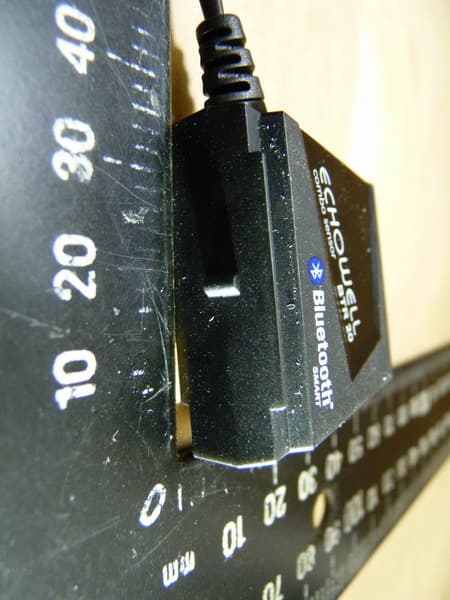
Y8YBTR20
Jul 31, 2013WIRELESS CYCLE COMPUTER TRANSMITTER
Equipment Class
DTS - Digital Transmission System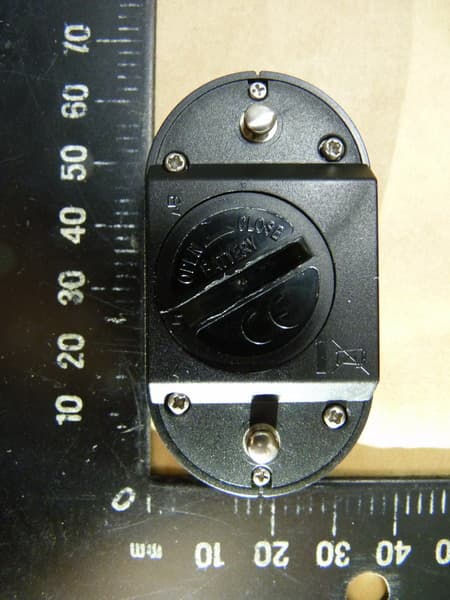
Y8YBH20
Jul 31, 2013WIRELESS CYCLE COMPUTER TRANSMITTER
Equipment Class
DTS - Digital Transmission System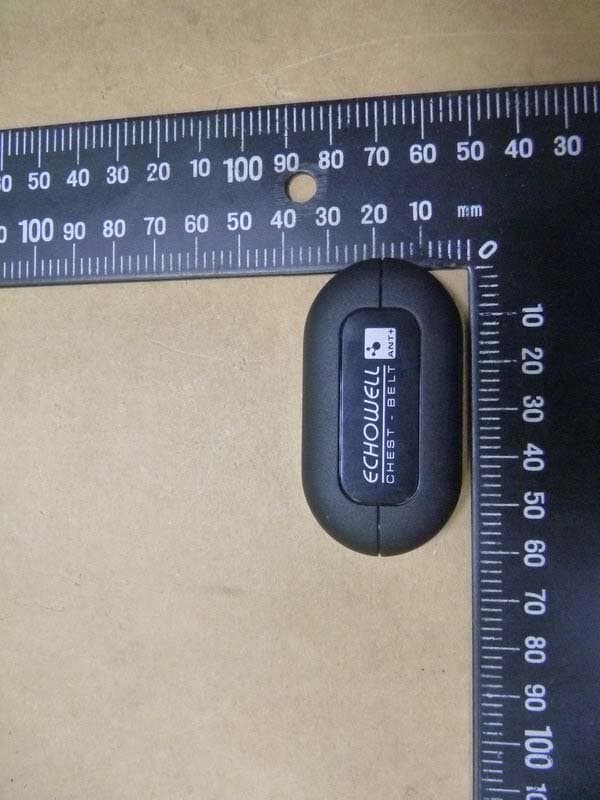
Y8YGH20
Sep 18, 2012WIRELESS CYCLE COMPUTER TRANSMITTER
Equipment Class
DXX - Part 15 Low Power Communication Device Transmitter