YGKR6290Bluetooth Headset
SHENZHEN ROMAN TECHNOLOGY CO.,LTD.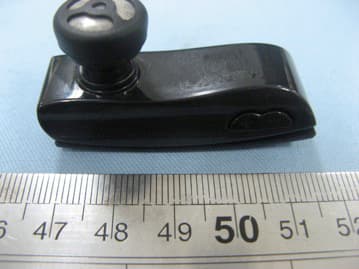
Click to zoom
Application Details
- Equipment Class
- DSS - Part 15 Spread Spectrum Transmitter
- Date of Grant
- Jun 09, 2011
- Application Purpose
- Original Equipment
- Date of Application
- Jun 09, 2011
- Equipment Note
- Bluetooth Headset
- Frequency Range
- 2402.00000000 - 2480.00000000
- Country
- China
Documents & Files
Document Text
Text extracted from the exhibit documents filed with the FCC. Open a document above to read the original.
Users Manual
The Bluetooth Headset allows you freedom to make and receive calls while on the move or in the office you can connect the headset to a compatible phone that supports Bluetooth wire -less technology. Read this user guide carefully before using the headset.Read also the user guide for your phone.which provides important sa -fety and maintenance information.Keep the headset and it’s a -ccessories out of reach of small children. Bluetooth wireless technology Bluetooth wireless technology allows you to connect compatible communication devices without cables.A bluetooth connection does not require the phone and the headset be in line of sight,but both devices should be within 10 meters(30 feet) of each other.Connections can be subject to interference from ob -structions,such as walls,or other electronic devices. The headset is compliant with the Bluetooth Specification 2.0+ EDR supporting the following profiles.Headset Profile1.1 and Hands -Free profile 1.5 Check with the manufacturers of other devices to determine ther compatibility with this device. There may be restrictions on using Bluetooth technology in some locations.Check with your local authorities or service provider. 1.Introuduction Before you can start using the headset.you must charge the battery and pair the headset with a compatible phone. Note:Pats of the headset are magnetic,Metallic mater -ials may be attracted to the headset,Do not place cr -edit cards or other magnetic storage media near the headset,because information stored on them may be erased. Overview Bluetooth Headset The headset contains the following parts: (1)Indicater light (2)ON/OFF/Answer/End key (3)Charger connector (4) Microphone (5) Earloop 2.Get started Chargers and batteries Check the model number of any charger before using it with this device. Warning:Use only batteries and chargers approved for use with this particular enhancement.The use of any other types may invalidate any approval or warranty and may be dangerous, For availability of approved please check with your dealer When you disconnect the power cord of any enhancement. grasp and pull the plug, not the cord. Charg the battery This device has an internal.nonremovable. rechargeable battery. Do not attempt to remove the battery from the device as you may damage the device. 1.Connect the charger cable to the headset. 2.Connect the charger to a wall outlet The red indicator light is on during charging If charging does not start,disconnect the charging If charging does not start,disconnect the charger,plug it in again ,and retry.Charging the battery fully may take up to 2 hours. Bluetooth Headset User’s Guide 123 3.When the battery is fully charged,the red indicator light turns off And the blue indicater light turn on Disconnect the charger from the wall outlet and the headset The fully charged battery has power for up to 3 hour-6 hours 30 minutes of talk-time or up to 100 hours-180 hours of stand -by time.However,the talk and standby times may vary with dif -ferent mobile phones,products that use a Bluetooth connection, usage settings,styles.and environments. Switch the headset on or off To MFB switch on,press and hold the power key,The headset beeps, and the red indicator light is displayed.When the headset is conne cted to a paired phone and is ready for use,the blue indicator lingt flashes slowly. To switch off,press and hold the power key.The headset beeps, And the blue indicator light is flashing twice. Pair the headset with a compatible phone 1.Swith on your phone and the headset. 2.Activate the Bluetooth feature on the phone,and set the phone to search for Bluetooth devices.See the user guide of your phone for instructions. 3.Select the headset from the list of found devices 4.Enter the passcode 0000 to pair and connect the headset to your phone.in some phones you may need to make the conn ection separately after pairing See the user guide of your phone for details. You only need to pair the headset.with your phone once. 5.if the pairing is successful.the headset beeps and appears in the phone menu where you can view the currently paired Blu -etooth devices. Disconnect the headset from the phone To disconnect the headset from your phone (for example.to conn -ect the phone to another Bluetooth device).do one of the follo -wing: Switch off the headset. Disconnect the headset in the Bluetooth menu of your phone. Move the headset more than 10 metters (30 feet)away from the phone. You do not need to delete the pairing with the headset to disco -nnect it Reconnect the paired headset to your phone To connect the headset to you phone.switch on the headset make the connection in the Bluetooth menu of you phone.or press and hold the answer end key You can set your phone to connect with the headset automatically when the headset is switched on change your paired device setting -s in the Bluetooth menu. Troubleshooting If you cannot connect the headset to your phone,do as follows: Ensure that the headset is charged,switched on,and paired with and connected to your phone. Ensure that the Bluetooth feature is activated on your phone. Check that the headset is within 10 metters (30 feet)of your phone and that there are no obstructions between the head -set and the phone.such as walls or other electronic devices. 5 press the MFB switch key till the blue light is displayed for a long time,and release MFB key,then continue to press it for about 3 seconds.Relaese the MFB key again, when the red and blue lights flash fast at the same time to realize the reset function. 6 4 FCC ID: YGKR6290 IMPORTANT REGULATORY INFORMATION This device complies with Part 15 of the FCC Rules: Operation is subject to the following two conditions: 1. This device may not cause harmful interference and 2. This device must accept any interference that is received, including any interference that may cause undesired operation. WARNING: Changes or modifications to this unit not expressly approved by the party responsible for compliance c…
Text truncated - open the document above for the full version.
Cover Letter(s)
Jun.07, 2011 Federal Communication Commission Authorization and Evaluation Division FCC ID: YGKR6290 Re: Confidentiality Request Pursuant to Sections 0.457 and 0.459 of the Commission’s Rules, the applicant hereby requests confidential treatment of information applied this application as outlined below: 1: Block Diagram 2: Circuit Diagram 3: Operational Description 4: Parts List The above materials contain trade secrets and proprietary information not customarily released to the public. The public disclosure of these matters might be harmful to the applicant and provide unjustified benefits to its competitors. The Applicant understands that pursuant to Rules 0.457, disclosure of this Application and all accompanying documentation will not be made before the date of the Grant for this application. Sincerely, SHENZHEN ROMAN TECHNOLOGY CO.,LTD. Contact person: Yanhui Cao Title: Chairman Tel: 86-755-89748116
External Photos
TOP VIEW OF SAMPLE BOTTOM VIEW OF SAMPLE LEFT VIEW OF SAMPLE RIGHT VIEW OF SAMPLE FRONT VIEW OF SAMPLE BACK VIEW OF SAMPLE
ID Label/Location Info
FCC ID Label Placement Bluetooth headset Model:R6290 FCC ID:YGKR6290 Made in China
Internal Photos
INTERNAL PHOTO OF SAMPLE – 1 INTERNAL PHOTO OF SAMPLE – 2
Test Report
FCC Test Report Report No.: AGC035110501F2 FCC ID : YGKR6290 PRODUCT DESIGNATION : Bluetooth headset BRAND NAME : ROMAN TEST MODEL : R6290 CLIENT : SHENZHEN ROMAN TECHNOLOGY CO., LTD. DATE OF ISSUE : June 1, 2011 STANDARD(S) : FCC Part 15 Rules Attestation of Global Compliance Co., Ltd. CAUTION: This report shall not be reproduced except in full without the written permission of the test laboratory and shall not be quoted out of context. Report No.: AGC035110501F2 Page 1 of 41 VERIFICATION OF COMPLIANCE Applicant SHENZHEN ROMAN TECHNOLOGY CO., LTD. Fengmenao Industrial Park, Gangtou, Bantian, Longgang District, Shenzhen, Guangdong, China Manufacturer SHENZHEN ROMAN TECHNOLOGY CO., LTD. Fengmenao Industrial Park, Gangtou, Bantian, Longgang District, Shenzhen, Guangdong, China Product Designation Bluetooth headset Brand Name ROMAN Model Name R6290, R6280, R6260, R208,BH320, R95, N95, R6230, R6250, R6310, R6320, R200, R200B, R6330, R6350, EM222 Difference Description: All the same except for the appearance and color, and the main test model is R6290. FCC ID YGKR6290 Report Number AGC035110501F2 Date of Test May 28, 2011 to June 1, 2011 WE HEREBY CERTIFY THAT: The above equipment was tested by Attestation of Global Compliance Co., Ltd. The test data, data evaluation, test procedures, and equipment configurations shown in this report were made in accordance with the procedures given in ANSI C63.4 (2003) and the energy emitted by the sample EUT tested as described in this report is in compliance with radiated emission limits of FCC Rules Part 15.247. Checked By: Curoky Chen June 1, 2011 Authorized By Forrest Lei June 1, 2011 Report No.: AGC035110501F2 Page 2 of 41 TABLE OF CONTENTS 1. GENERAL INFORMATION ........................................................................................................................................... 4 1.1 PRODUCT DESCRIPTION ...................................................................................................................................... 4 1.2 TABLE OF CARRIER FREQUENCYS ................................................................................................................... 4 1.3 RECEIVER INPUT BANDWIDTH ........................................................................................................................... 4 1.4 EXAMPLE OF A HOPPING SEQUENCY IN DATA MODE ................................................................................ 5 1.5 EQUALLY AVERAGE USE OF FREQUENCIES AND BEHAVIOUR ............................................................... 5 1.6 RELATED SUBMITTAL(S) / GRANT (S) ............................................................................................................... 5 1.7 TEST METHODOLOGY ........................................................................................................................................... 5 1.8 TEST FACILITY ......................................................................................................................................................... 6 1.9 SPECIAL ACCESSORIES ....................................................................................................................................... 6 1.10 EQUIPMENT MODIFICATIONS ........................................................................................................................... 6 2. SYSTEM TEST CONFIGURATION ............................................................................................................................. 7 2.1 CONFIGURATION OF TESTED SYSTEM ........................................................................................................... 7 2.2 EQUIPMENT USED IN TESTED SYSTEM .......................................................................................................... 7 3. SUMMARY OF TEST RESULTS ................................................................................................................................. 8 4. DESCRIPTION OF TEST MODES .............................................................................................................................. 8 5. PEAK OUTPUT POWER ............................................................................................................................................... 9 5.1 MEASUREMENT PROCEDURE ............................................................................................................................ 9 5.2 TEST SET-UP (BLOCK DIAGRAM OF CONFIGURATION) ............................................................................. 9 5.3 MEASUREMENT EQUIPMENT USED ............................................................................................................... 10 5.4 LIMITS AND MEASUREMENT RESULT ............................................................................................................ 10 6 20 DB BANDWIDTH ..................................................................................................................................................... 11 6.1 MEASUREMENT PROCEDURE .......................................................................................................................... 11 6.2 TEST SET-UP (BLOCK DIAGRAM OF CONFIGURATION) ........................................................................... 11 6.3 MEASUREMENT EQUIPMENT USED ............................................................................................................... 11 6.4 LIMITS AND MEASUREMENT RESULTS ......................................................................................................... 11 7 CONDUCTED SPURIOUS EMISSION ...................................................................................................................... 13 7.1 MEASUREMENT PROCEDURE .......................................................................................................................... 13 7.2 TEST SET-UP (BLOCK DIAGRAM OF CONFIGURATION) ...........…
Text truncated - open the document above for the full version.
Test Setup Photos
CONDUCTED EMISSION RADIATED EMISSION
Contact Information
Applicant
Yanhui Cao
Test Firm
Attestation of Global Compliance Shenzhen Co. Ltd.Forrest Lei
Technical Specifications
| # | Rule Parts | Frequency Range | Power Output |
|---|---|---|---|
| 1 | 15C | 2.40 GHz - 2.48 GHz | 2.00 mW |
Other Applications from SHENZHEN ROMAN TECHNOLOGY CO.,LTD.
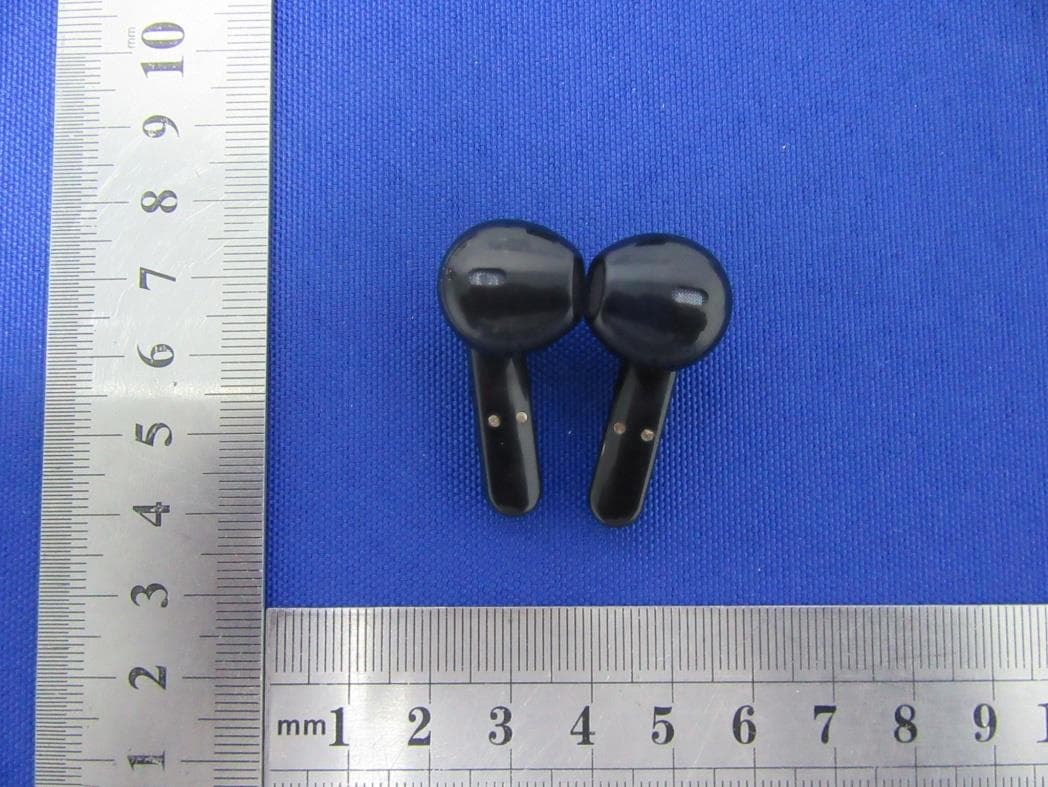
YGKTS16C
May 19, 2021Bluetooth Headset
Equipment Class
DSS - Part 15 Spread Spectrum Transmitter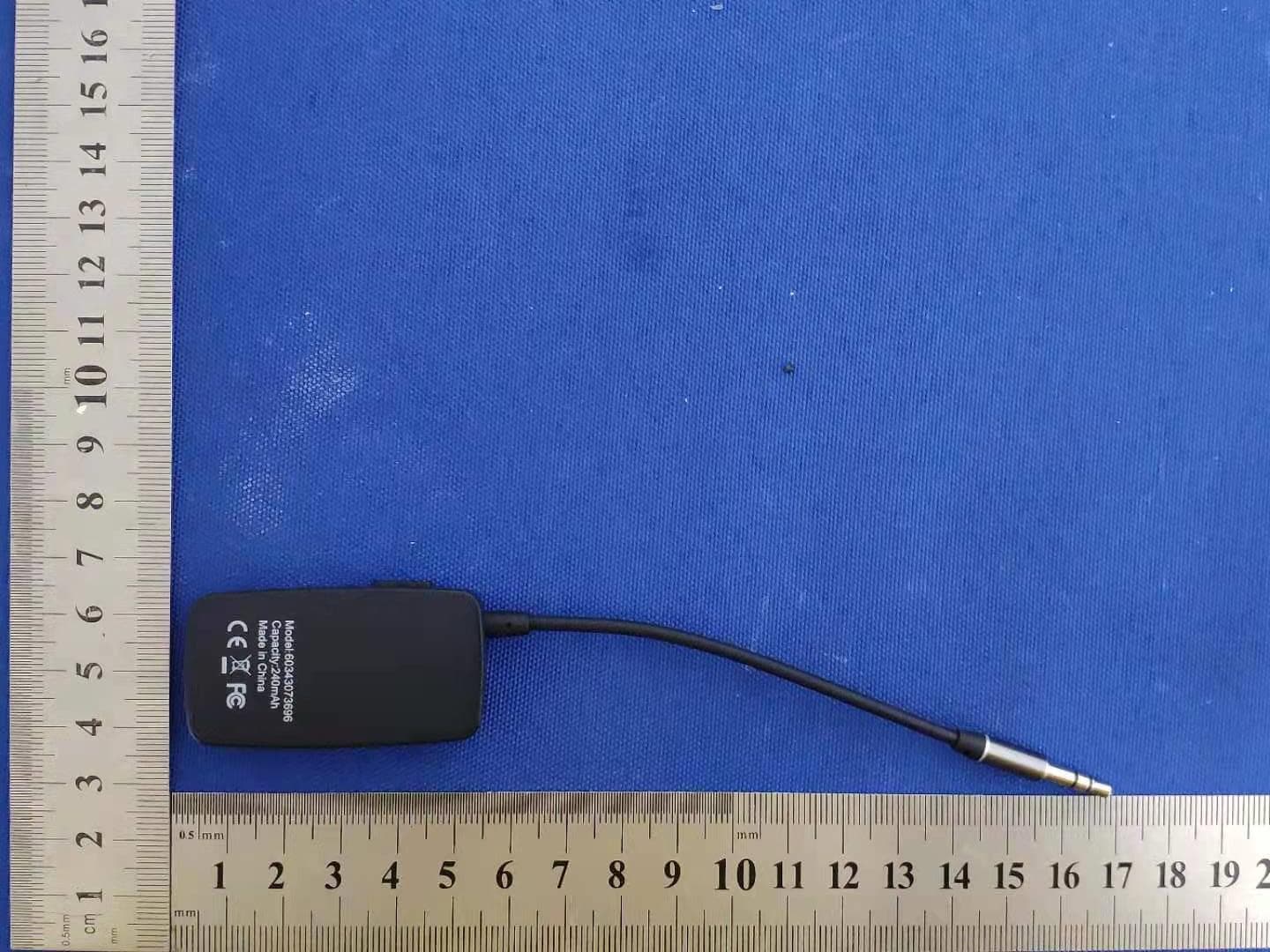
YGK-J205
Mar 06, 2021Bluetooth receiver
Equipment Class
DSS - Part 15 Spread Spectrum Transmitter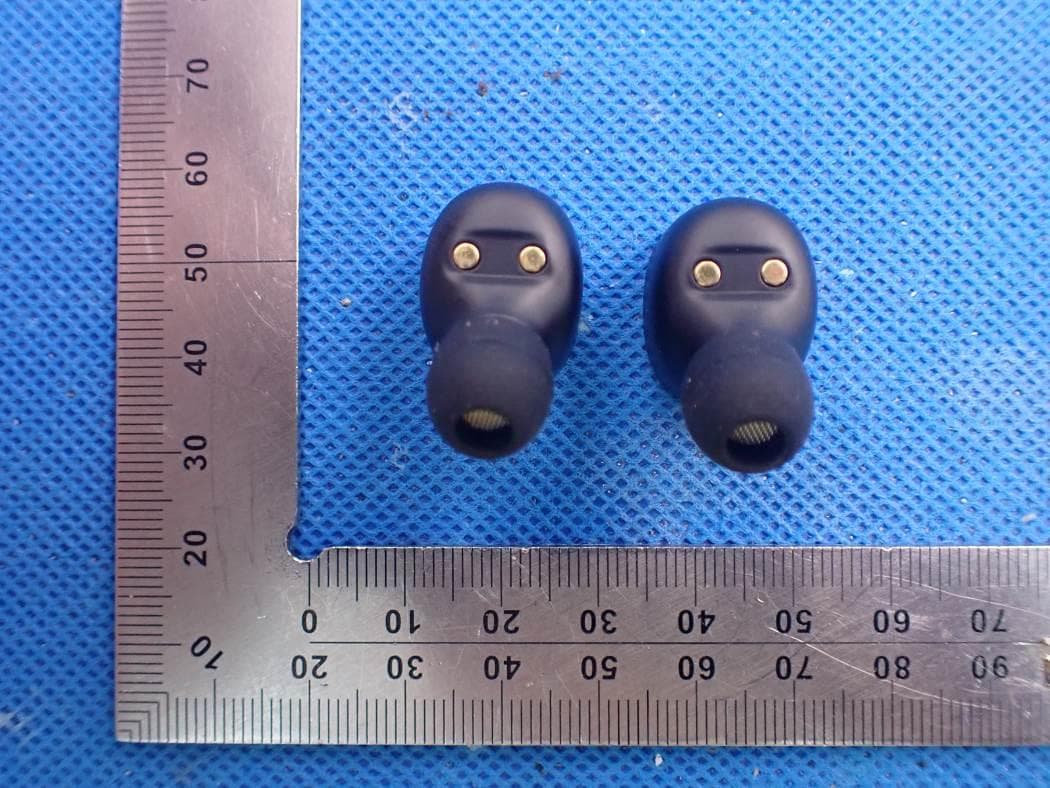
YGK-T302A
Sep 23, 2020Bluetooth Headset
Equipment Class
DSS - Part 15 Spread Spectrum TransmitterYGKR6100
Nov 16, 2015Bluetooth headset
Equipment Class
DXX - Part 15 Low Power Communication Device Transmitter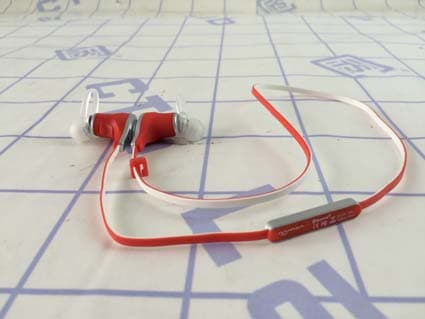
YGKS370
Mar 16, 2015Bluetooth Headset
Equipment Class
DXX - Part 15 Low Power Communication Device Transmitter