YVP-X7000Bluetooth Keyboard
SHENZHEN CTECH SCIENCE & TECHNOLOGY DEVELOPMENT CO., LTD.Application Details
- Equipment Class
- DSS - Part 15 Spread Spectrum Transmitter
- Date of Grant
- Mar 18, 2012
- Application Purpose
- Original Equipment
- Date of Application
- Mar 18, 2012
- Equipment Note
- Bluetooth Keyboard
- Frequency Range
- 2402.00000000 - 2480.00000000
- Country
- China
Documents & Files
Document Text
Text extracted from the exhibit documents filed with the FCC. Open a document above to read the original.
Users Manual
BLUETOOTH KEYBOARD User’ Manual X7000 FCC ID:YVP-X7000 BT Keyboard Case 2 BT Keyboard Case 3 Operation Instruction of the Smart type 13'' Bluetooth Keyboard Step I Place your Tablet on the case Put your tablet on the case Place the case to a comfortable position Step II Turn the keyboard on On the top right side of the case, there is the power switch and the Bluetooth button *The built-in lithium battery will support 120 hours continuously typing when charged. You should charge the keyboard with the USB cable coming in the kit. *Turn the power button on and you can start using the keyboard. BT Keyboard Case 4 About the lights A: Capital light * When the letters are locked in Capital mode, this white light will be on B: Power light * When the keyboard is battery low, the yellow light will blink. * When the keyboard is being charged, this light will light on in red color. * When the keyboard battery is fully charged, this light will light on in green color. C: Bluetooth light * When the Bluetooth button is activated and during pairing between the keyboard and your iphone, this light will blink until the keyboard and iphone is successfully paired. *If this is your first time using this keyboard, you also need to complete the following step. Step III Pair the keyboard to your Tablet (Take Ipad for example) Press the Bluetooth bottom of the keyboard to send Bluetooth signal BT Keyboard Case 5 Turn your Ipad on, and tap “Setting” Tap “General” BT Keyboard Case 6 Tap “Bluetooth” Slide the button to the“On” position and your ipad will start searching for Bluetooth devices Tap on “Bluetooth Keyboard” BT Keyboard Case 7 A blue window with a 4 digit code will appear on your screen Enter the passkey into the Bluetooth Keyboard and press the “enter” key The Bluetooth keyboard is now successfully connected to your Ipad BT Keyboard Case 8 Step III is only needed for the initial setup. After your first successful connection, the keyboard will connect automatically to your Ipad when you turn the power on. You may need to tap on the keys to wake it up from hibernate mode. About the Keyboard Command See chart I Tab Jump Line Key Fn Function key z Press this key one time then press the key with the blue symbols to use the functions of the blue symbols z Double press this key to lock keys in the number and blue symbol option for continuously typing numbers and blue symbols. Press it again to unlock. Home Blank screen Touch screen keyboard BT Keyboard Case 9 z Press this key to hide or activate the touch screen keyboard in the phone. 9 Technical Specification Of The Product: Bluetooth Specification:Version 2.0 Operation Current: <5mA Standby Current: 1.2mA Operation Voltage: 4.2V Charging Voltage: 110-240V Battery Type: Lithium Battery Charging period: 4hours (For the first time, please charge for 12 hours) Duration of Charged battery: 45 days + Language Switch + C Copy + V Paste + X Cut + Z Redo + To the top of the text + To the end of the text + Delete the whole line Shift + Select text rightward Shift + Select text leftward Shift + Select text upward Shift + Select text downward BT Keyboard Case 10 Trouble Shooting: If you are unable to connect the keyboard to your tablet, please try the following: z Check if the battery is low. When the battery is low, some keys will react slowly and even won’t work. Then, you should charge the battery. z Check the power switch, make sure it is on. When it is on, the power light on the right top of the keyboard will flash for two seconds z Restart the Bluetooth switch, make sure your tablet can find this device z Ensure the password for pairing is correct. WA R N I N G : Changes or modifications to this unit not expressly approved by the party responsible for compliance could void the user’s authority to operate the equipment.
Cover Letter(s)
March 15, 2012 Federal Communication Commission Authorization and Evaluation Division FCC ID: YVP-X7000 Re: Confidentiality Request Pursuant to Sections 0.457 and 0.459 of the Commission’s Rules, the applicant hereby requests confidential treatment of information applied this application as outlined below: 1: Block Diagram 2: Circuit Diagram 3: Operational Description 4: Parts List The above materials contain trade secrets and proprietary information not customarily released to the public. The public disclosure of these matters might be harmful to the applicant and provide unjustified benefits to its competitors. The Applicant understands that pursuant to Rules 0.457, disclosure of this Application and all accompanying documentation will not be made before the date of the Grant for this application. Sincerely, SHENZHEN CTECH SCIENCE & TECHNOLOGY DEVELOPMENT CO., LTD.
External Photos
TOP VIEW OF EUT BOTTOM VIEW OF EUT LEFT VIEW OF EUT RIGHT VIEW OF EUT FRONT VIEW OF EUT BACK VIEW OF EUT
ID Label/Location Info
Bluetooth Keyboard FCC ID: YVP-X7000 Model Name:X7000 IMPORTANT REGULATORY INFORMATION This device complies with Part 15 of the FCC Rules: Operation is subject to the following two conditions: 1. This device may not cause harmful interference and 2. This device must accept any interference that is received, including any interference that may cause undesired operation X7000/X7001/X7002/X7003/ X7004/X7005/X7006/X7007/ X7008/X7009
Internal Photos
OPEN VIEW-1 OF EUT FRONT VIEW OF PCB Bluetooth Antenna BACK VIEW OF PCB
Test Report
FCC Test Report Report No.: AGC020120201F2 FCC ID : YVPX7000 PRODUCT DESIGNATION : Bluetooth Keyboard BRAND NAME : N/A TEST MODEL : X7000 CLIENT : SHENZHEN CTECH SCIENCE & TECHNOLOGY DEVELOPMENT CO., LTD. DATE OF ISSUE : Mar.12, 2012 STANDARD(S) : FCC Part 15 Rules Attestation of Global Compliance Co., Ltd. CAUTION: This report shall not be reproduced except in full without the written permission of the test laboratory and shall not be quoted out of context. Report No.: AGC020120201F2 Page 1 of 41 VERIFICATION OF COMPLIANCE Applicant SHENZHEN CTECH SCIENCE & TECHNOLOGY DEVELOPMENT CO., LTD. A-303, Business Building, Shennan Garden Hi-Tech Park, Nanshan, Shenzhen, China Manufacturer FLAGSHIP INDUSTRIAL DESIGN CO., LTD A-302, Shennan Garden, Kexing Road, Nanshan District, Shenzhen, China Product Designation Bluetooth Keyboard Brand Name N/A Model Name X7000, X7001, X7002, X7003, X7004, X7005, X7006, X7007, X7008,X7009 Model Difference and Test Model All above models are the same except for model name and appearance. The test model is X7000. FCC ID YVP-X7000 Report Number AGC020120201F2 Date of Test Mar.07 to Mar.11, 2012 WE HEREBY CERTIFY THAT: The above equipment was tested by Attestation of Global Compliance Co., Ltd. The test data, data evaluation, test procedures, and equipment configurations shown in this report were made in accordance with the procedures given in ANSI C63.4 (2003) and the energy emitted by the sample EUT tested as described in this report is in compliance with radiated emission limits of FCC Rules Part 15.247. Tested By: Curoky Chen Mar.12, 2012 Reviewed By: Forrest Lei Mar.12, 2012 Approved By: Solger Zhang Mar.12, 2012 Report No.: AGC020120201F2 Page 2 of 41 TABLE OF CONTENTS 1. GENERAL INFORMATION ............................................................................................................................ 4 1.1 PRODUCT DESCRIPTION ....................................................................................................................... 4 1.2 TABLE OF CARRIER FREQUENCYS ...................................................................................................... 4 1.3 RECEIVER INPUT BANDWIDTH ............................................................................................................. 5 1.4 EXAMPLE OF A HOPPING SEQUENCY IN DATA MODE ....................................................................... 6 1.5 EQUALLY AVERAGE USE OF FREQUENCIES AND BEHAVIOUR ........................................................ 6 1.6 RELATED SUBMITTAL(S) / GRANT (S) ................................................................................................... 6 1.7 TEST METHODOLOGY ........................................................................................................................... 6 1.8 MEASUREMENT UNCERTAINTY ............................................................................................................ 6 1.9 TEST FACILITY ........................................................................................................................................ 7 1.10 SPECIAL ACCESSORIES ...................................................................................................................... 7 1.11 EQUIPMENT MODIFICATIONS .............................................................................................................. 7 2. SYSTEM TEST CONFIGURATION ............................................................................................................... 8 2.1 CONFIGURATION OF TESTED SYSTEM ............................................................................................... 8 2.2 EQUIPMENT USED IN EUT SYSTEM ..................................................................................................... 8 3. SUMMARY OF TEST RESULTS ................................................................................................................... 9 4. DESCRIPTION OF TEST MODES ................................................................................................................. 9 5. PEAK OUTPUT POWER ............................................................................................................................. 10 5.1 MEASUREMENT PROCEDURE ............................................................................................................ 10 5.2 TEST SET-UP (BLOCK DIAGRAM OF CONFIGURATION) ................................................................... 10 5.3 MEASUREMENT EQUIPMENT USED .................................................................................................... 11 5.4 LIMITS AND MEASUREMENT RESULT ................................................................................................. 11 6. 20 DB BANDWIDTH .................................................................................................................................... 12 6.1 MEASUREMENT PROCEDURE ............................................................................................................ 12 6.2 TEST SET-UP (BLOCK DIAGRAM OF CONFIGURATION) ................................................................... 12 6.3 MEASUREMENT EQUIPMENT USED ................................................................................................... 12 6.4 LIMITS AND MEASUREMENT RESULTS .............................................................................................. 12 7. CONDUCTED SPURIOUS EMISSION ........................................................................................................ 14 7.1 MEASUREMENT PROCEDURE ............................................................................................................ 14 7.2 TEST SET-UP (BLOCK DIAGRAM OF CONFIGURATION) ................................................................... 14 7.3 MEASUREMENT EQUIPMENT USED ................................................................................................... 14 7.…
Text truncated - open the document above for the full version.
Test Setup Photos
CONDUCTED EMISSION RADIATED SPURIOUS EMISSION
Contact Information
Applicant
Wen Hai(Project Manager)
Test Firm
Attestation of Global Compliance Shenzhen Co. Ltd.Forrest Lei
Technical Specifications
| # | Rule Parts | Frequency Range | Power Output |
|---|---|---|---|
| 1 | 15C | 2.40 GHz - 2.48 GHz | 2.27 mW |
Other Applications from SHENZHEN CTECH SCIENCE & TECHNOLOGY DEVELOPMENT CO., LTD.
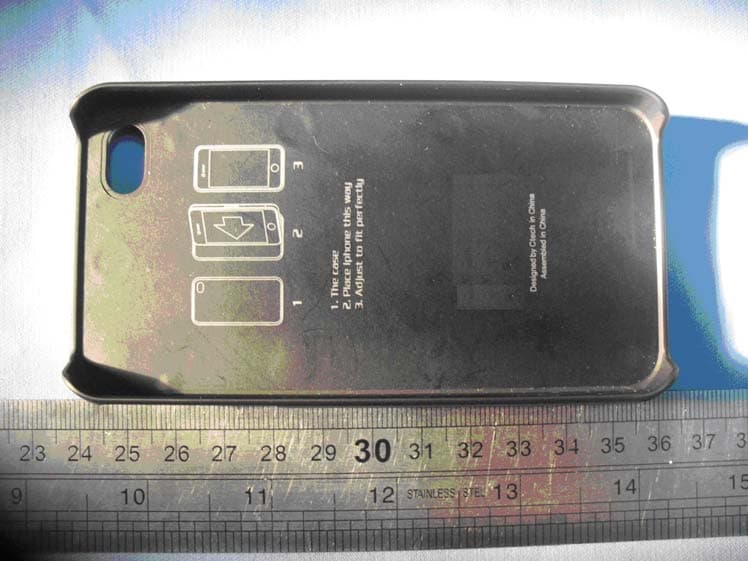
YVP-V1
Mar 06, 2011Bluetoooth Slide Keyboard Case
Equipment Class
DSS - Part 15 Spread Spectrum Transmitter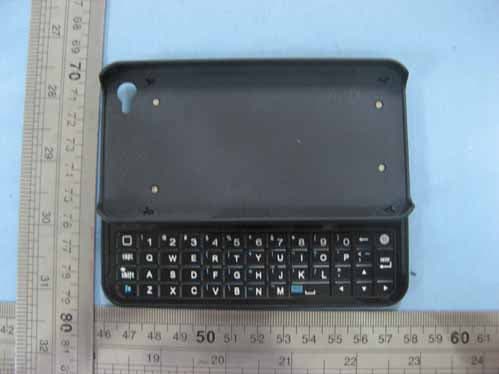
YVP-S1
Nov 18, 2010BT Slide Keyboard Case
Equipment Class
DSS - Part 15 Spread Spectrum Transmitter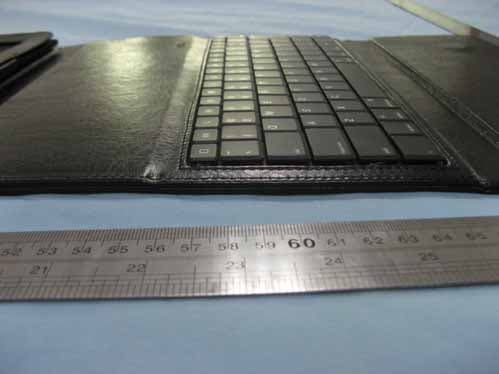
YVP-X3000
Oct 26, 2010IPAD KEYBOARD CASE with Bluetooth
Equipment Class
DSS - Part 15 Spread Spectrum Transmitter