Z5YHS-BT04Bluetooth Stereo Headset
Compupal Group Corporation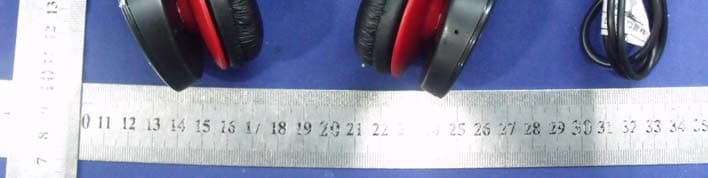
Click to zoom
Application Details
- Equipment Class
- DSS - Part 15 Spread Spectrum Transmitter
- Date of Grant
- Apr 23, 2012
- Application Purpose
- Original Equipment
- Date of Application
- Apr 23, 2012
- Equipment Note
- Bluetooth Stereo Headset
- Frequency Range
- 2402.00000000 - 2480.00000000
- Company
- Compupal Group Corporation
- Country
- China
Documents & Files
Document Text
Text extracted from the exhibit documents filed with the FCC. Open a document above to read the original.
Users Manual
Bluetooth Stereo Headset Quick Start Guide HS‐BT04 WELCOME Congratulations on your purchase of the HS‐BT04 Bluetooth Stereo Headset. Now you can enjoy superb quality music streamed wirelessly from your Bluetooth compatible music player and make and receive hands‐free calls using your mobile phone without having to switch devices. The music player can be the music player feature of your mobile phone or a separate compatible device that supports Bluetooth wireless technology. The Bluetooth Stereo Headset features DSP (Digital Signal Processing) technology with noise reduction and echo cancellation and has been designed for comfort, featuring soft ear cushions, adjustable headband, and lightweight design. Powered by a highly efficient lithium‐ion battery capable of providing up to 15 hours working time and 360 hours stand‐by time, the Bluetooth Stereo Headset is perfect for business and daily use. The headset is compliant with Bluetooth Specification 2.1 + EDR supporting the following profiles: Headset Profile (HFP), Advanced Audio Distribution Profile (A2DP), and Audio Video Remote Control Profile (AVRP) Check with the manufacturers of other devices to determine their compatibility with this device Before using your headset, it is recommended that you familiarize yourself with the features, functions, and operating procedures described in this manual. Due to slight modifications in production, the instructions, features, and/or descriptions found in this manual might be slightly different from your product. IN THE BOX 1. Bluetooth Stereo Headset 2. Micro USB cable for charging 3. Quick Start Guide 4. Carrying case LAYOUT AND CONTROLS A. Volume up button B. Volume down button C. Last track button D. Next track button E. Blue/Red LED F. Omni‐directional microphone G. Multifunction button (Answer call/End call/Reject call, Play/pause, Power on/off, Pairing) H. Micro USB jack for charging I. Adjustable headband J. Foldable design K. Micro USB cable (charging cable) L. Quick Start Guide M. Carrying case BASIC OPERATIONS Follow these tips and safety instructions to preserve the operational lifespan of your Bluetooth Stereo Headset: 1. Do not use this headset in extreme temperatures. Keep away from extreme hot, cold, dry, or damp areas. Also keep away from water, fire, and radiation. 2. It is recommended that you allow the battery to fully charge before using the device for the first time (approximately 3 to 4 hours. Do not recharge unattended for longer than 5 hours. 3. The effective range for this wireless device is 10 Meters. Performance may be affected by distance and interference from other devices or conditions within the operating environment. 4. Barriers and other wireless devices may affect the performance of headset. 5. Check the laws and regulations on the use of mobile phones and hands‐free equipment in areas you intend to use this product. Warning!! 1. Permanent hearing damage or hearing loss may occur if earphones are used at a high volume. Hearing experts suggest not continuously listening to music at a high volume. If you hear a “hissing” noise in your ears, or if you experience discomfort, lower the volume, or temporarily discontinue use of this product until discomfort subsides. 2. Do not disassemble your Bluetooth Stereo Headset. 3. Do not allow young children to use your player unsupervised. 4. Observe all signs and instructions that require an electrical device or radio product to be switched off in designated areas, such as petrol/refueling stations, hospitals, blasting areas, potentially explosive atmospheres or aircraft. 5. Do not use or connect adaptors and/or chargers to this product that are not approved of or specified in this quick start guide. CHARGING THE BATTERY The LED will continually flash when battery power is low. When the battery is completely drained, no indicator light will work. Before using, allow the battery to charge for at least 3 to 4 hours. 1. Connect the micro USB cable to the USB Jack on your headset. 2. Connect the larger end of the USB cable to a USB port on your PC or Laptop. 3. The LED will flash like breathing during charging. 4. When charging has finished, the Blue LED will stop lighting. POWER ON/OFF To switch the device on, press and hold the multifunction button for about 4 seconds and then release. Note: If the Bluetooth Stereo Headset has already been paired or connected to another Bluetooth device before, the Blue LED light will slowly flash as the headset automatically attempts to reconnect to the paired device. If the headset is unable to locate a formerly paired device within 30 minutes, it will shut down automatically. To turn the power off, press and hold the multifunction button for about 3 seconds and then release. All LED light will go off. When the headset is connected to a paired device and is ready for use, the blue indicator light slowly flashes. If the headset has not been paired with a device, it automatically enters the pairing mode. PAIRING HEADSET WITH BLUETOOTH‐ENABLED DEVICES Pair and connect the headset with a mobile phone that has a music player feature If your phone supports the A2DP Bluetooth profile and has a music player feature, you can use the phone to dial out or pick calls and to play music with the headset. 1. Ensure that your phone is switched on. 1. If the headset has not been previously paired with a device, press and hold the multifunction button for about 6 seconds until the blue LED light flashes quickly, indicating that the device is in ‘pairing’ mode. Note: If the headset has been previously paired with the device, you just need to press and hold the multifunction button for about 4 seconds until the blue indicator light is on and flashes slowly which indicates standby mode, and then headset could connect to the device (its Bluetooth function should be turned on) automatically (depends on the Bluetooth software of the cell phone or dongle of PC part too). 3. Activate the Bluetooth feature on the pho…
Text truncated - open the document above for the full version.
External Photos
External of EUT
ID Label/Location Info
FCC ID Label FCC ID: Z5YHS-BT04 Model Number: HS-BT04 Made in China 30mm x 8mm
ID Label/Location Info
Label Location Proposed Label Location on EUT
Internal Photos
Internal of EUT Bluetooth module Antenna
RF Exposure Info
FCC ID : Z5YHS-BT04 BT (Portable device) According to §15.247(e)(i) and §1.1307(b)(1), systems operating under the provisions of this section shall be operated in a manner that ensures that the public is not exposed to radio frequency energy level in excess of the Commission’s guidelines. According to KDB 447498 (2)(a)(i) Frequency Range Low Frequency (MHz) High Frequency(MHz) Center frequency (MHz) 60/f SAR Limitation (mw) 2402 2480 2441 25 Maximum measured transmitter power: Conducted Power (dB) Max Antenna Gain (dBi) EIRP (mw) 4.71 2.0 4.69 Threshold at which no SAR required is 25 mW. Maximum Tx power is 4.69mw EIRP Conclusion: No SAR is required. Sincerely, Signature Peter Pan / Project Specialist E-mail: : [email protected] Phone: +86-0573 84681198 Fax: +86-0573 84669785 Address : No.1555 JiaShan Avenue, JiaShan 314113, ZheJiang, China
Test Report
SHENZHEN EMTEK CO., LTD. REPORT NO: ES120316083F FCC ID: Z5YHS-BT04 DATE: 04/11/2012 Page 1 of 48 ELECTROMAGNETIC EMISSIONS COMPLIANCE REPORT INTENTIONAL RADIATOR CERTIFICATION TO FCC PART 15 SUBPARTC REQUIREMENT OF Bluetooth Stereo Headset MODEL No.: HS-BT04 BRAND NAME: N/A FCC ID: Z5YHS-BT04 REPORT NO: ES120316083F ISSUE DATE: April 11, 2012 Prepared for Compupal Group Corporation No.1555 Jiashan Avenue, Jiashan 314113, Zhejiang, China Prepared by SHENZHEN EMTEK CO., LTD Bldg 69, Majialong Industry Zone, Nanshan District, Shenzhen, Guangdong, China TEL : 86-755-26954280 FAX: 86-755-26954282 SHENZHEN EMTEK CO., LTD. REPORT NO: ES120316083F FCC ID: Z5YHS-BT04 DATE: 04/11/2012 Page 2 of 48 VERIFICATION OF COMPLIANCE Applicant: Compupal Group Corporation No.1555 Jiashan Avenue, Jiashan 314113, Zhejiang, China Manufacturer: Compupal Group Corporation No.1555 Jiashan Avenue, Jiashan 314113, Zhejiang, China Product Description: Bluetooth Stereo Headset Model Number: HS-BT04 Serial Number: N/A File Number: ES120316083F Date of Test: March 17, 2012 to April 09, 2012 We hereby certify that: The above equipment was tested by SHENZHEN EMTEK CO., LTD. The test data, data evaluation, test procedures, and equipment configurations shown in this report were made in accordance with the procedures given in ANSI C63.4 (2009) and the energy emitted by the sample EUT tested as described in this report is in compliance with conducted and radiated emission limits of FCC Rules Part 15.247. The test results of this report relate only to the tested sample identified in this report. Date of Test : March 17, 2012 to April 09, 2012 Prepared by : (Engineer, Moira) Reviewer : (Quality Manager, June) Approve & Authorized Signer : (Manager, Violet) SHENZHEN EMTEK CO., LTD. REPORT NO: ES120316083F FCC ID: Z5YHS-BT04 DATE: 04/11/2012 Page 3 of 48 Ta b l e o f C o n t e n t s 1. GENERAL INFORMATION ................................................................................................. 5 1.1 P RODUCT DESCRIPTION.............................................................................................................. 5 1.2 R ELATED SUBMITTAL(S) / GRANT (S) ......................................................................................... 5 1.3 T EST METHODOLOGY................................................................................................................. 5 1.4 S PECIAL ACCESSORIES................................................................................................................ 5 1.5 E QUIPMENT MODIFICATIONS...................................................................................................... 5 1.6 T EST FACILITY............................................................................................................................ 6 2. SYSTEM TEST CONFIGURATION .................................................................................... 7 2.1 EUT CONFIGURATION................................................................................................................ 7 2.2 EUT EXERCISE........................................................................................................................... 7 2.3 T EST PROCEDURE....................................................................................................................... 7 2.4 L IMITATION................................................................................................................................7 2.5 C ONFIGURATION OF TESTED SYSTEM....................................................................................... 11 2.6 EQUIPMENT USED IN TESTED SYSTEM........................................................................................ 11 2.7 DESCRIPTION OF TEST MODES..................................................................................................... 12 3. SUMMARY OF TEST RESULTS ....................................................................................... 13 4. CONDUCTED EMISSIONS TEST ..................................................................................... 14 4.1 M EASUREMENT PROCEDURE:.................................................................................................... 14 4.2 T EST SET-UP (BLOCK DIAGRAM OF CONFIGURATION)............................................................ 14 4.3 M EASUREMENT EQUIPMENT USED: .......................................................................................... 14 4.4 CONDUCTED EMISSION LIMIT..................................................................................................... 14 4.5 M EASUREMENT RESULT: .......................................................................................................... 15 4.6 CONDUCTED MEASUREMENT PHOTOS: ....................................................................................... 16 5. RADIATED EMISSION TEST ............................................................................................ 17 5.1 M EASUREMENT PROCEDURE..................................................................................................... 17 5.2 T EST SET-UP (BLOCK DIAGRAM OF CONFIGURATION)............................................................ 18 5.3 M EASUREMENT EQUIPMENT USED: .......................................................................................... 19 5.4 M EASUREMENT RESULT........................................................................................................... 20 5.5 RADIATED MEASUREMENT PHOTOS: .......................................................................................... 24 6. CHANNEL SEPARATION TEST ....................................................................................... 26 6.1 M EASUREMENT PROCEDURE..................................................................................................... 26 6.2 T EST SET-UP (BLOCK DIAGRAM OF CONFIGURATION)............................................................ 26 …
Text truncated - open the document above for the full version.
Test Setup Photos
RADIATED EMISSION TEST Conducted EMISSION TEST
Contact Information
Applicant
Peter Pan(Product Specilist)
Test Firm
EMTEK (Shenzhen) Co., Ltd.David Lee
Technical Specifications
| # | Rule Parts | Frequency Range | Power Output |
|---|---|---|---|
| 1 | 15C | 2.40 GHz - 2.48 GHz | 2.96 mW |
Other Applications from Compupal Group Corporation
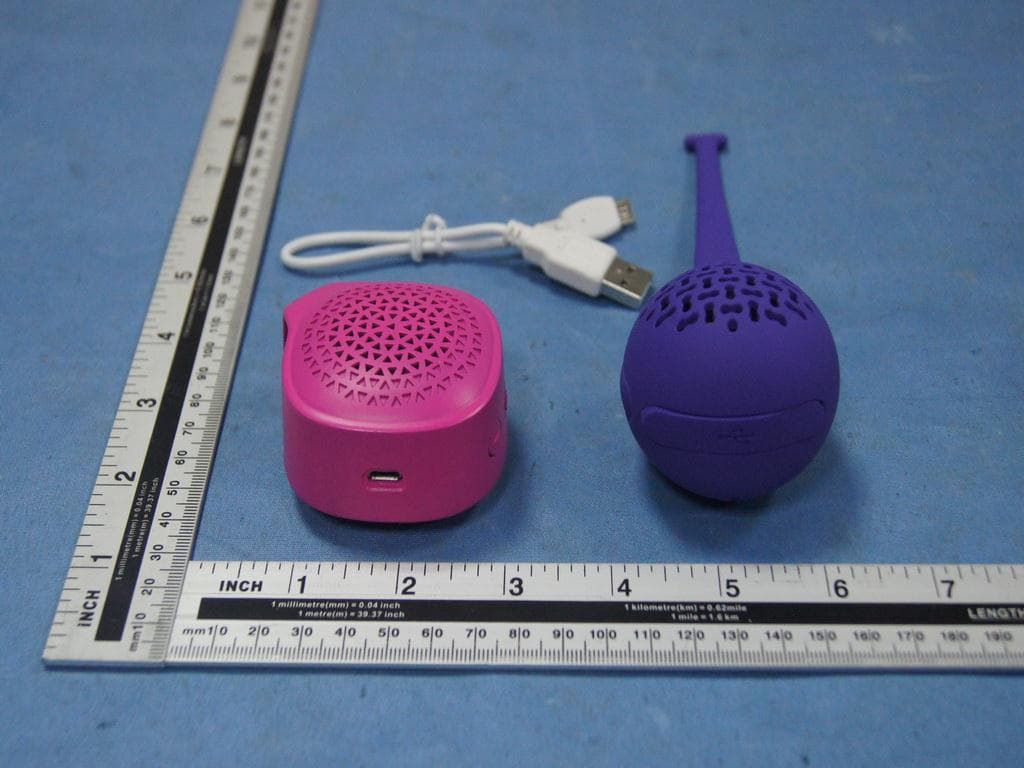
Z5YNS-CSPBT02
Apr 19, 2015Portable Bluetooth Speaker
Equipment Class
DSS - Part 15 Spread Spectrum Transmitter
Z5YMG-LBTS01IR
Jan 13, 2015Bluetooth Light Speaker
Equipment Class
DSS - Part 15 Spread Spectrum Transmitter
Z5YMG-LBTS01APP
Jan 13, 2015Bluetooth Light Speaker
Equipment Class
DSS - Part 15 Spread Spectrum Transmitter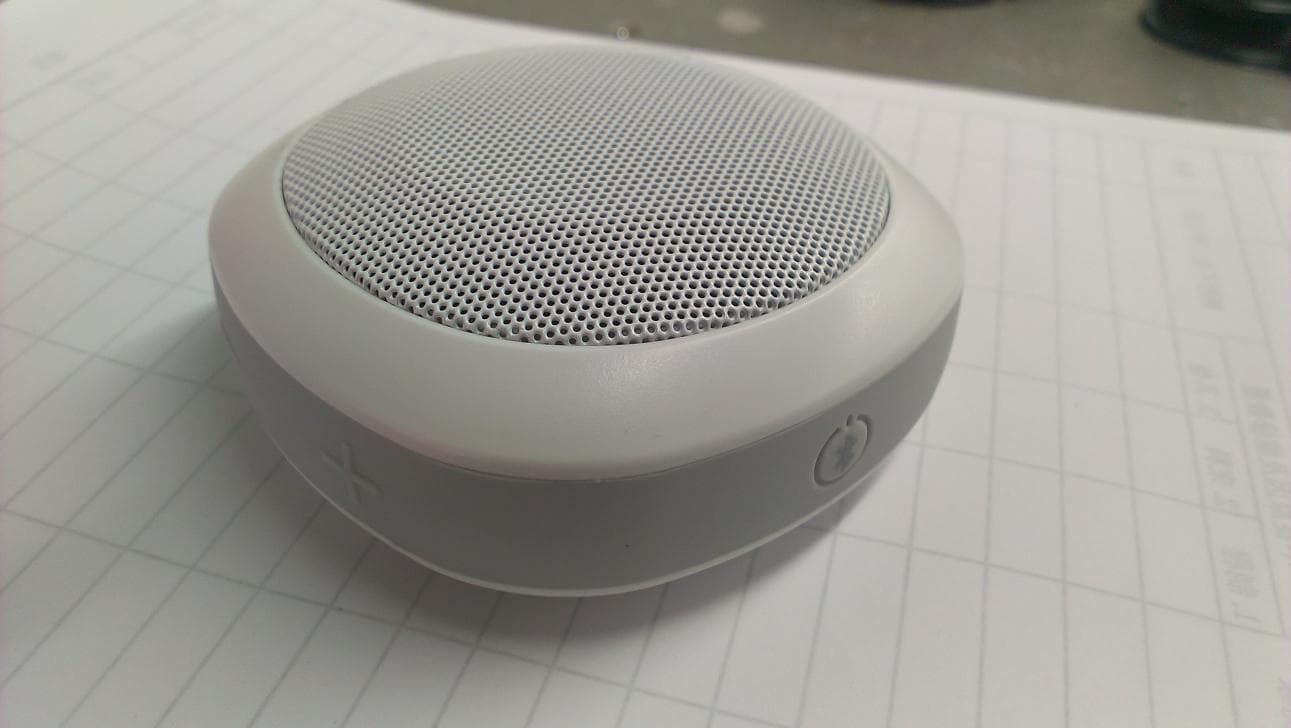
Z5YMG-BTS01
Dec 16, 2014BLUETOOTH SPEAKER
Equipment Class
DSS - Part 15 Spread Spectrum Transmitter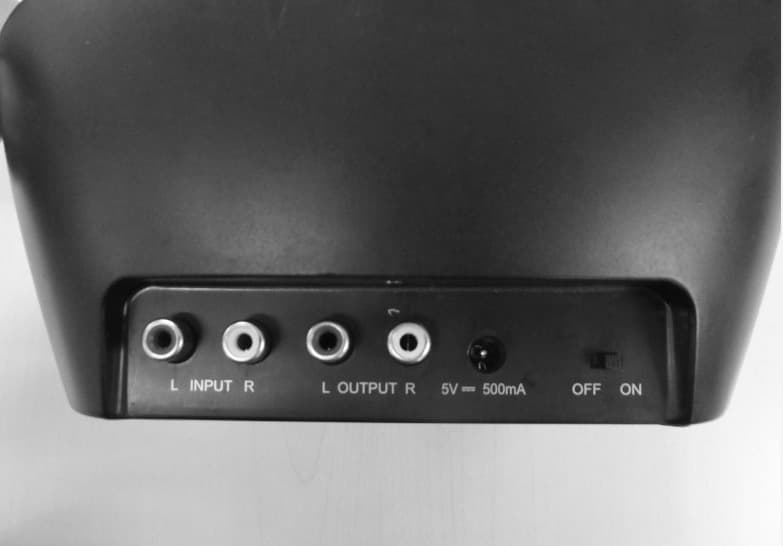
Z5YNS-WHP314
May 18, 20142.4GHz Digital Wireless Stereo Headphones
Equipment Class
DXX - Part 15 Low Power Communication Device Transmitter